

Any.do vs Sunsama: Features, Pricing and User Reviews 2026

Any.do
Simple Task Manager with Calendar and Reminders
Any.do
Simple Task Manager with Calendar and Reminders
What are Any.do and Sunsama?
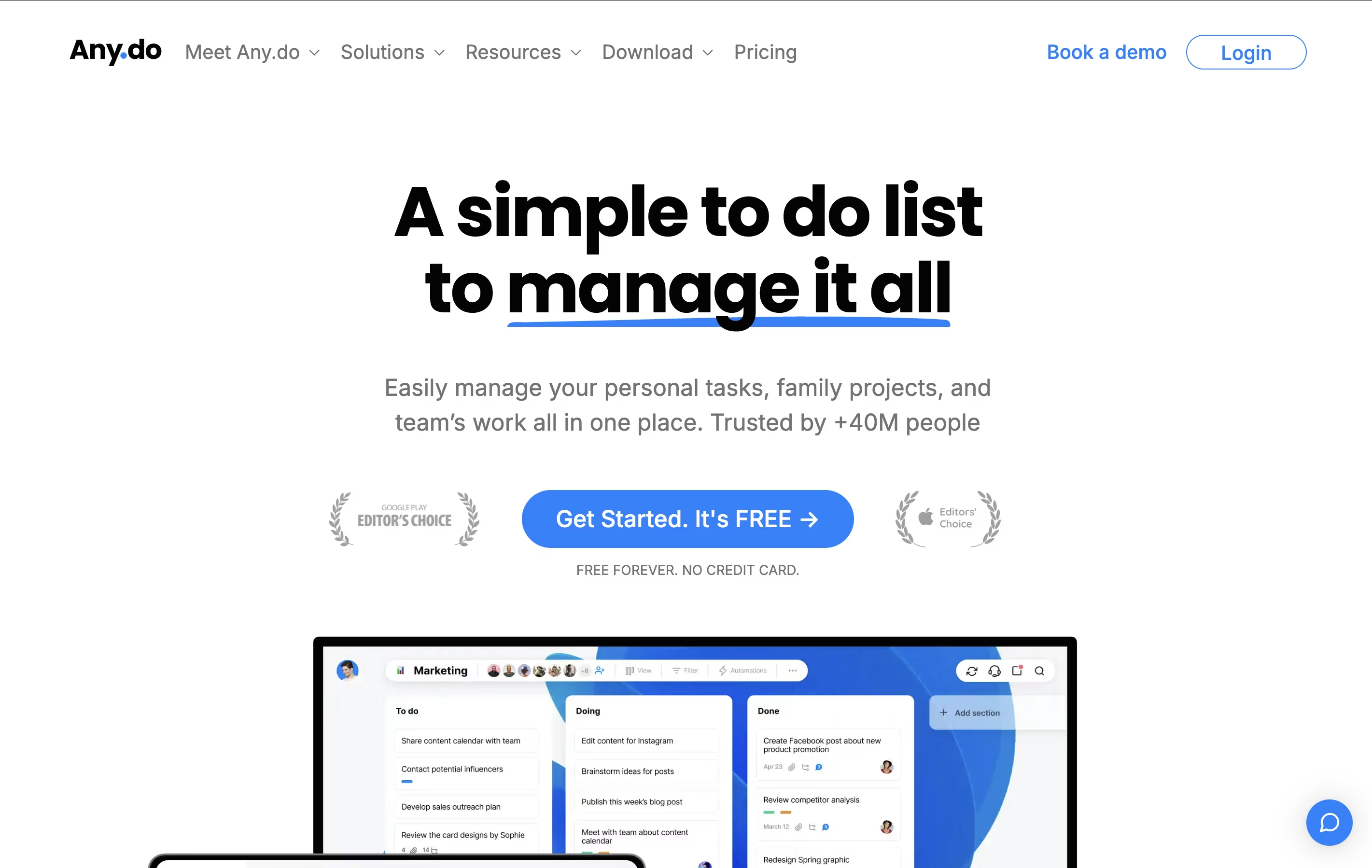
Any.do is a tool that helps you manage your tasks and organize your time effectively. You can create lists of things to do, set reminders so you don't forget important items, and see your schedule in a calendar view. Unlike complicated project tools, Any.do keeps things simple and easy to understand.
The app works on your phone, computer, and tablet, and everything stays in sync. This means you can add a task on your phone and see it on your computer later. It also lets you share lists with family members or team members, making it great for group projects or household planning.
Both free and paid versions are available, with the paid plans offering extra features like recurring tasks, color tags, and team collaboration tools.

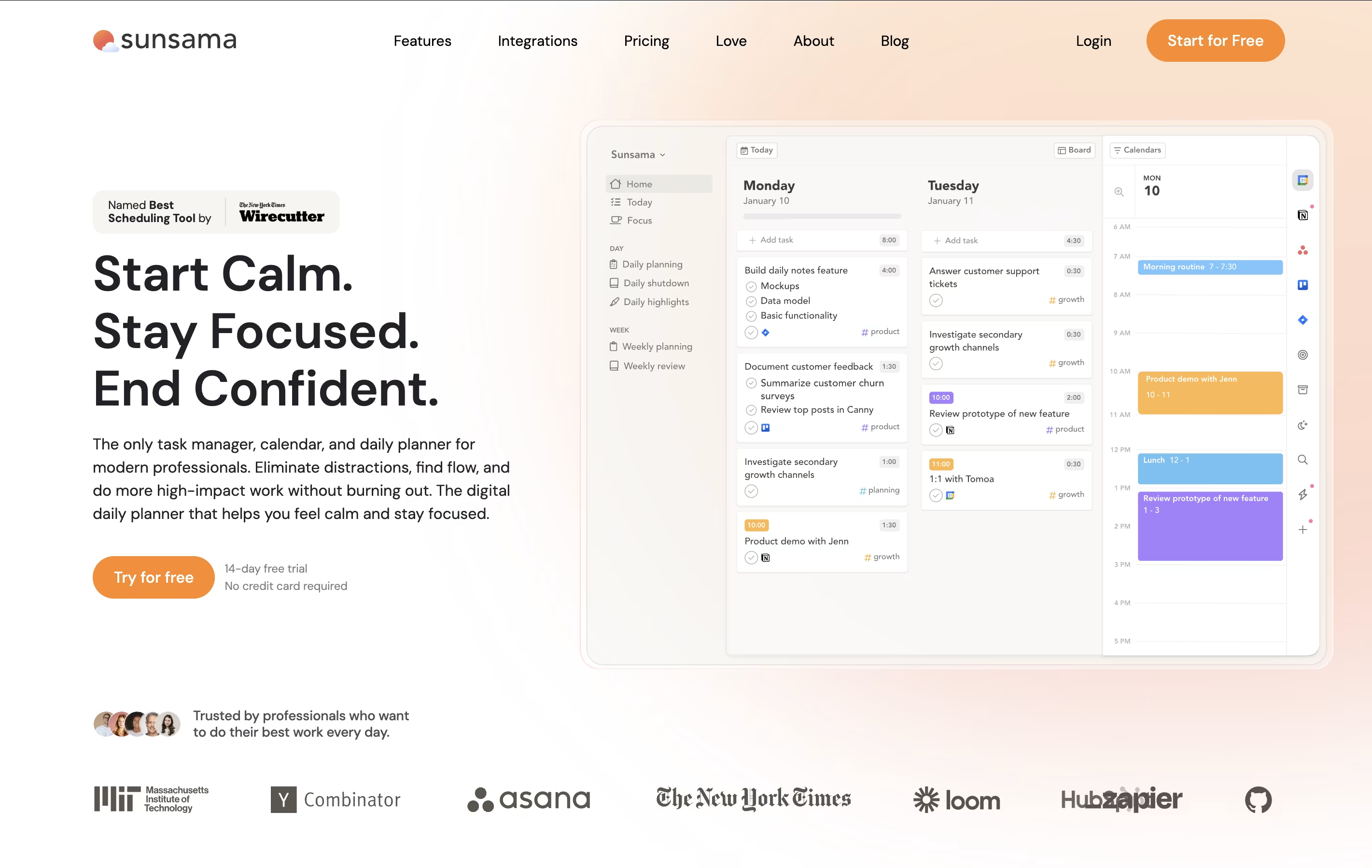
Sunsama is a digital daily planner that combines task management with calendar planning. You can pull tasks from tools like Asana, Trello, Notion, and GitHub into one focused view. Each morning, Sunsama guides you through planning your day by setting time estimates and blocking time on your calendar.
Unlike other task managers that just list everything you need to do, Sunsama helps you choose what to work on today. It syncs with your calendar so you can see meetings alongside tasks. The tool includes daily planning rituals, end-of-day reviews, and weekly reflection sessions to help you stay on track.
There is a 14-day free trial with no credit card required. After that, paid plans start at $16 per month when billed yearly, or $20 per month when billed monthly.
Features of Any.do and Sunsama
Task lists with unlimited tasks
Calendar integration with Google and Outlook
One-time and recurring reminders
Location-based alerts
Daily planning with My Day feature
Team collaboration and task sharing
WhatsApp integration for reminders
Voice input for hands-free task creation
Smart grocery lists with auto-sorting
Color tags and priority markers
Mobile, web, and desktop apps
Guided daily planning and reflection rituals
Calendar sync with Google and Outlook
Integrates with 15+ tools (Asana, Trello, Notion, GitHub)
Time blocking and scheduling on calendar
Focus mode with Pomodoro timer
Weekly objectives and time analytics
Email and Slack task conversion
Mobile and desktop apps available
Task time estimation and tracking
Team workspace collaboration
Use Cases of Any.do and Sunsama
Pricing of Any.do and Sunsama
Any.do offers flexible pricing plans to match different needs. The free plan includes unlimited basic tasks, calendar integration, and up to 5 reminders per day, making it perfect for personal use.
The Premium plan costs $7.99 per month and adds recurring tasks, WhatsApp reminders, AI-powered features, color tags, and location reminders. This plan is ideal for individuals who want more advanced organization tools.
For families, the Family plan is priced at $9.99 per month for up to 4 members. It includes everything in Premium plus shared family spaces, collaborative grocery lists, and up to 4 shared project boards.
Teams can use the Teams plan at $7.99 per member per month, which includes collaborative workspaces, unlimited project boards, unlimited team members, over 100 workflow templates, and admin tools.
Sunsama offers a simple pricing structure designed for professionals and teams.
The 14-Day Free Trial gives you complete access to all features without requiring a credit card. This lets you fully test the platform before committing.
After the trial, you can choose between two subscription options:
Monthly Plan ($20/month): Billed monthly with the flexibility to cancel anytime without going through support.
Yearly Plan ($16/month): Billed annually at $192, saving you 20% compared to the monthly option.
Both plans include all features, unlimited integrations, daily and weekly planning rituals, focus modes, calendar sync, and mobile apps. For teams, pricing is per person, so adding teammates increases the total cost accordingly. Sunsama does not offer a free forever plan, as the team believes in creating sustainable value through paid subscriptions.
FAQs: Any.do vs Sunsama
Reviews: Any.do vs Sunsama
Based on 0 reviews
Based on 0 reviews
Compare Any.do With Other Tools

Motion
AI-Powered Productivity & Task Management

Akiflow
AI-Powered Time-Blocking & Task Management

Morgen
AI-Powered Time Management for Busy Professionals

Todoist
Simple Task Manager & To-Do List App

TickTick
Smart Task Management with Calendar & Habits

Vikunja
Open-Source Task Management & To-Do App

OmniFocus
Professional Task Management for Apple

Focalboard
Free Open Source Project Management Tool
Atlassian
Team Collaboration & Project Management
Compare Sunsama With Other Tools
Akiflow
AI-Powered Time-Blocking & Task Management
Morgen
AI-Powered Time Management for Busy Professionals
TickTick
Smart Task Management with Calendar & Habits
Motion
AI-Powered Productivity & Task Management
Todoist
Simple Task Manager & To-Do List App

Remember The Milk
Smart To-Do List and Task Manager
OmniFocus
Professional Task Management for Apple
Vikunja
Open-Source Task Management & To-Do App
Atlassian
Team Collaboration & Project Management


