

Cap vs Kite: Features, Pricing and User Reviews 2026
What are Cap and Kite?

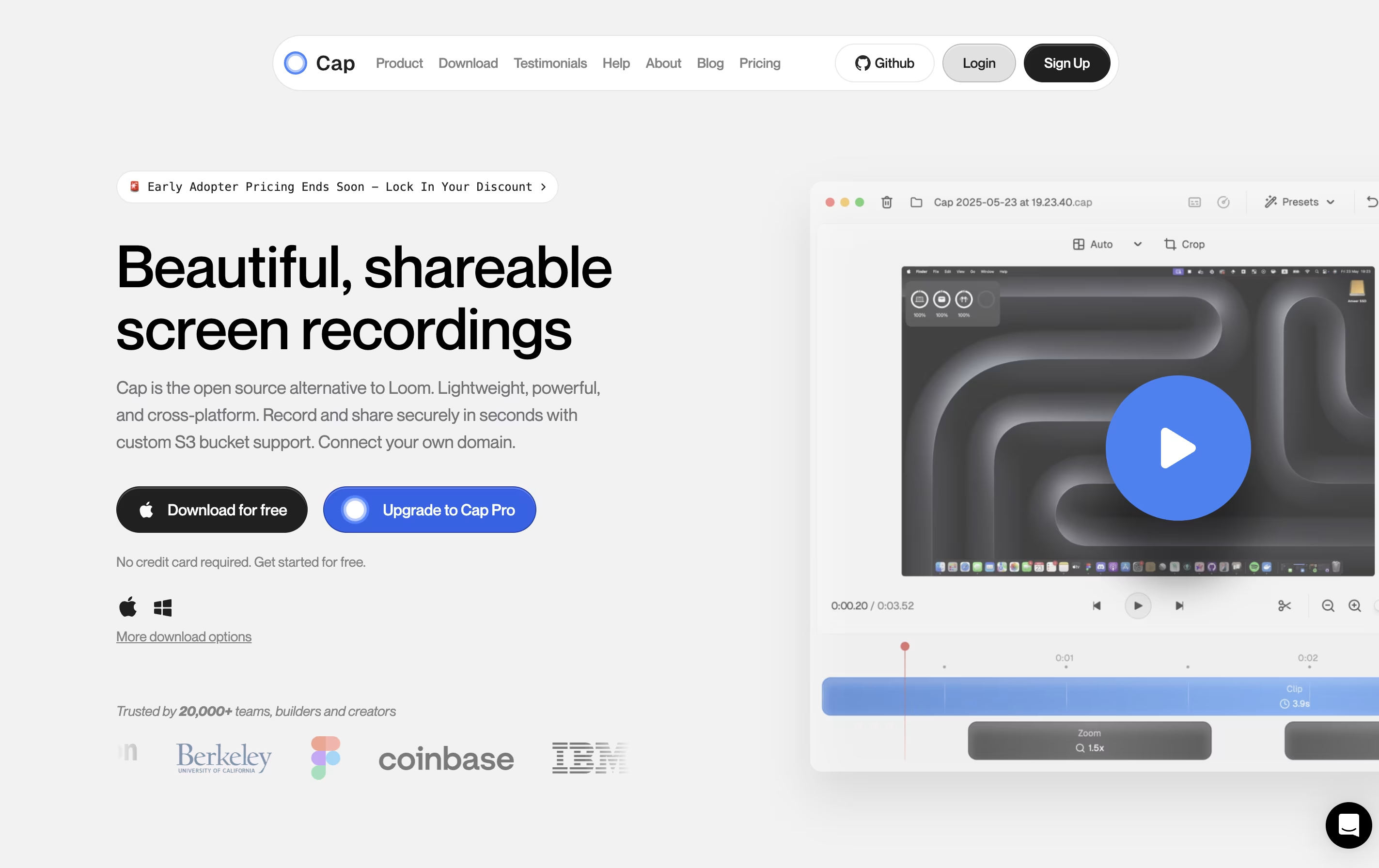
Cap is a screen recording application that offers two recording modes for different needs. Instant Mode lets you record and share immediately with automatic transcription and chapter generation. Studio Mode provides local recording with a full editing timeline for professional content creation.
The tool includes AI-powered features that automatically create titles, summaries, and chapters for each recording. You can record in up to 4K resolution at 60 frames per second, with separate tracks for screen, webcam, and audio.
Cap is completely open source, meaning you can see how it works and even host it yourself. It supports both quick team communication and high-quality content production in one application.

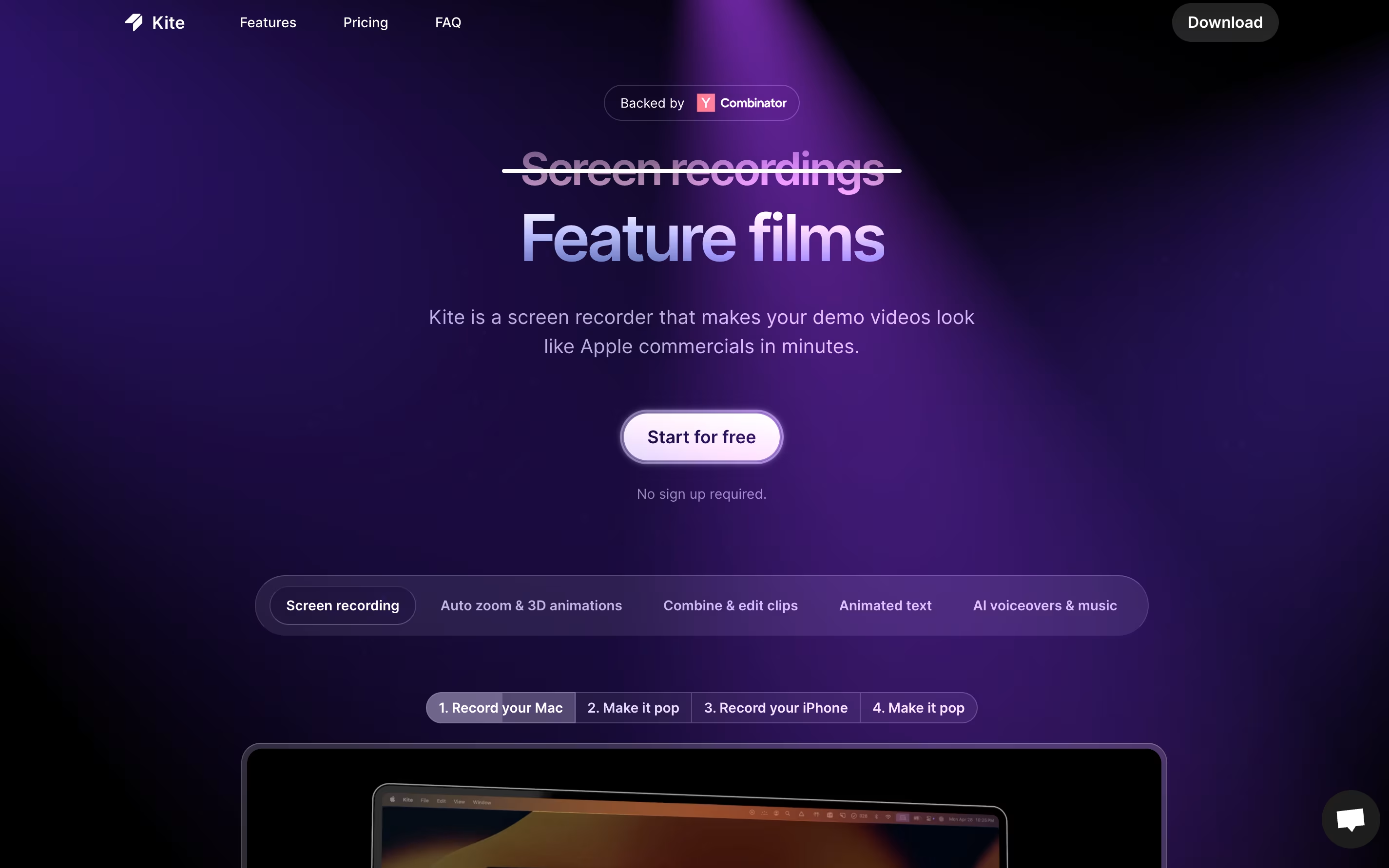
Kite is a screen recording tool that creates professional product videos automatically. You record your software or app, and Kite handles the rest. It watches where your cursor moves and automatically zooms in on important actions with smooth animations. Your recording appears on realistic 3D models of devices like laptops or phones.
The tool includes features for adding animated text, music tracks, and AI voiceovers. You can upload your brand colors, fonts, and logos to keep everything consistent. Kite also offers ready-made templates to help you start quickly.
The platform works entirely in your web browser, so there is no software to install. It offers a free version with most features available, though videos will have a watermark after your first project.
Features of Cap and Kite
Instant and Studio recording modes
4K 60fps screen capture
AI-generated titles, summaries, and chapters
Professional timeline editor
Custom S3 bucket support
Password-protected sharing
Viewer analytics and engagement tracking
Native Mac and Windows apps
Export to MP4 and GIF
Open source with self-hosting option
Automatic cursor follow and zoom tracking
3D device mockups for MacBook and iPhone
AI-powered voiceover generation
Animated text and kinetic typography
Free music library included
Brand kit for logos and colors
Professional template library
Combine multiple recordings
Video editing and trimming tools
High-quality video exports
No software installation needed
Cloud-based platform
Use Cases of Cap and Kite
Pricing of Cap and Kite
Cap offers flexible pricing to match different needs and budgets.
The free version lets you start recording immediately with basic features and shareable links up to 5 minutes long. This is perfect for trying out Cap and casual use.
Desktop License is designed for individual professionals who need unlimited local recording and editing. It costs $29 per year or $58 as a one-time payment. This includes Studio Mode, commercial usage rights, unlimited local recordings, and the ability to export to any format.
Cap Pro is the best value option for teams and power users. At $12 per month per user (billed monthly) or $8.20 per month per user (billed annually, saving 32%), it includes everything from Desktop License plus unlimited cloud storage, AI features, custom domains, and team workspaces.
For large organizations, Cap for Enterprise offers custom pricing with advanced security, priority support, SAML SSO, and bulk discounts.
Kite offers three pricing plans to fit different needs and team sizes.
The Free plan includes all features with unlimited exports and 1,000 sample AI voiceover characters. Your first project exports without a watermark, but subsequent projects will include a Kite watermark. No signup required to start exploring.
The Pro plan costs $29 per month and removes all watermarks from your videos. You get unlimited exports, 10,000 AI voiceover characters monthly, and access to all premium features with one authorized user account.
The Team plan costs $29 per seat monthly with a minimum of three seats, totaling $87 per month. This plan includes everything from Pro plus cloud project sharing for team collaboration, centralized billing management, and 10,000 AI voiceover characters per seat each month.
All paid plans are billed monthly with no annual commitment required.
FAQs: Cap vs Kite
Reviews: Cap vs Kite
Based on 0 reviews
Based on 0 reviews
Compare Cap With Other Tools

Loom
Easy Video Messaging for Teams

Tella
AI Screen Recorder with Smart Video Editing

Screen Charm
Mac Screen Recorder with Auto-Zoom

Screen Studio
Professional Mac Screen Recorder
CleanShot X
Professional Mac Screenshot Tool

Sendspark
AI Video Platform for Sales Teams

Camtasia
Professional Screen Recording Software

ScreenPal
Easy Screen Recorder & Video Editor

Screencastify
Simple Screen Recording Tool
Compare Kite With Other Tools
Loom
Easy Video Messaging for Teams
Tella
AI Screen Recorder with Smart Video Editing
Screen Charm
Mac Screen Recorder with Auto-Zoom
Screen Studio
Professional Mac Screen Recorder
Sendspark
AI Video Platform for Sales Teams
CleanShot X
Professional Mac Screenshot Tool
Camtasia
Professional Screen Recording Software
ScreenPal
Easy Screen Recorder & Video Editor
Screencastify
Simple Screen Recording Tool





