

Cap vs Loom: Features, Pricing and User Reviews 2026
What are Cap and Loom?

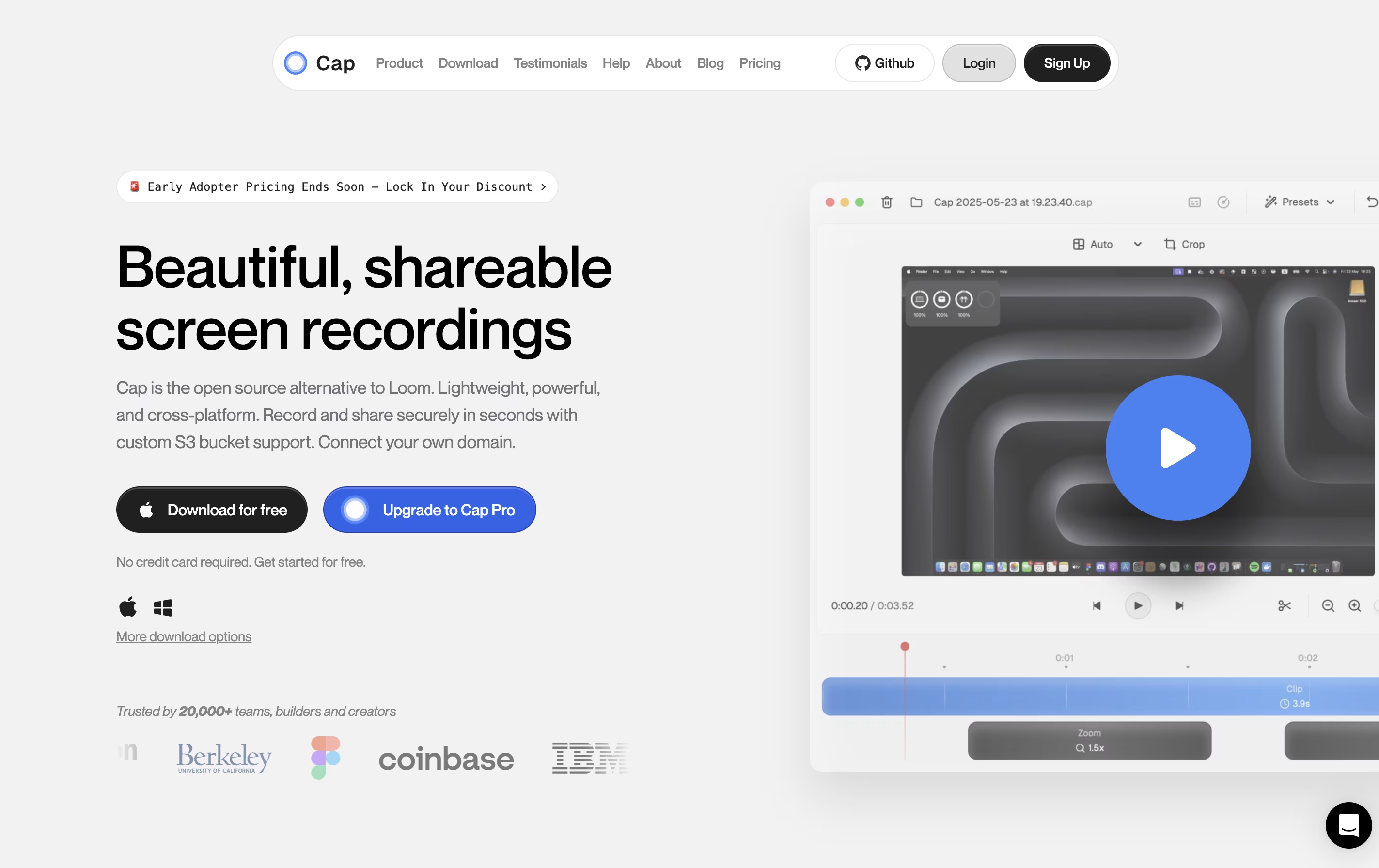
Cap is a screen recording application that offers two recording modes for different needs. Instant Mode lets you record and share immediately with automatic transcription and chapter generation. Studio Mode provides local recording with a full editing timeline for professional content creation.
The tool includes AI-powered features that automatically create titles, summaries, and chapters for each recording. You can record in up to 4K resolution at 60 frames per second, with separate tracks for screen, webcam, and audio.
Cap is completely open source, meaning you can see how it works and even host it yourself. It supports both quick team communication and high-quality content production in one application.

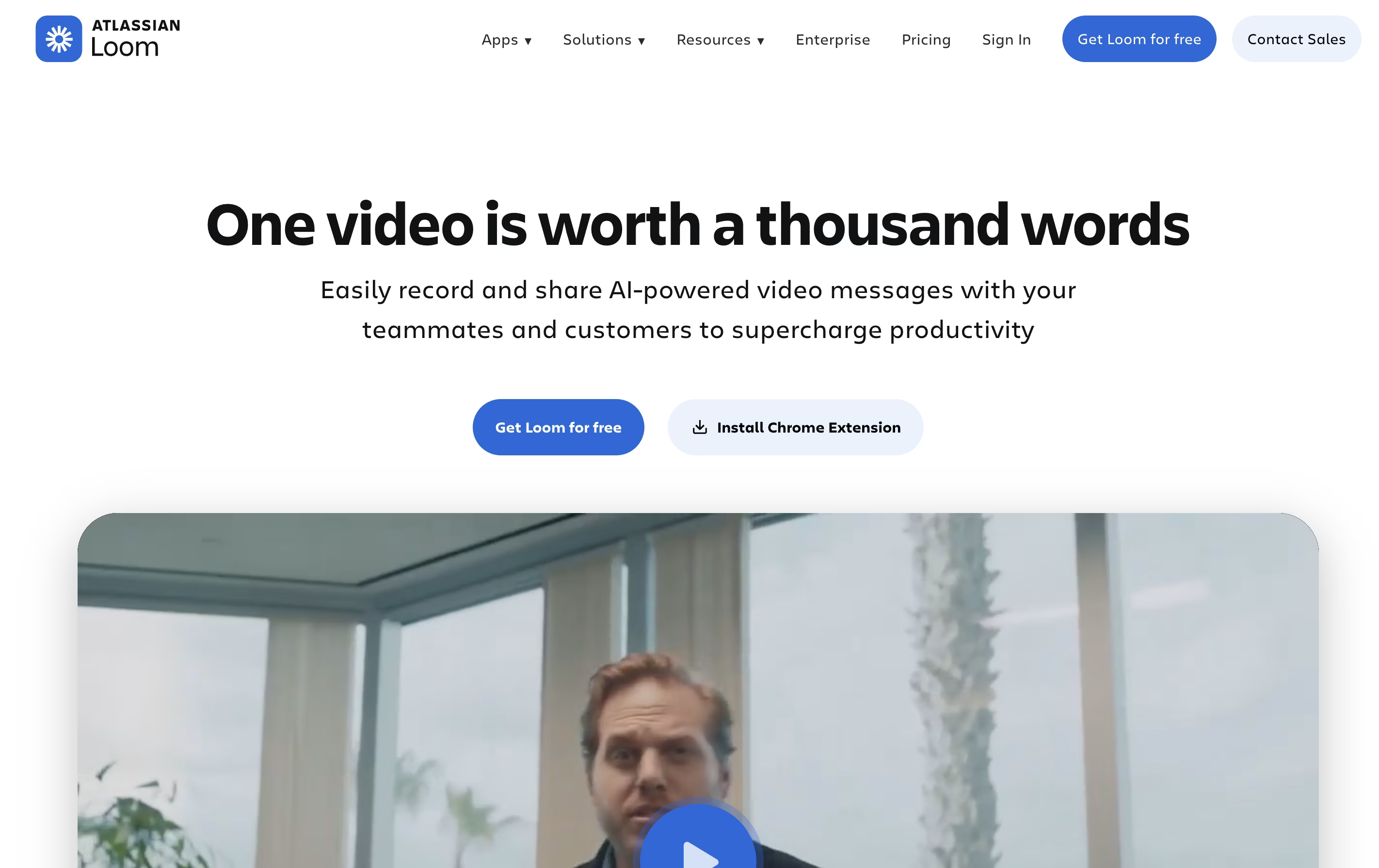
Loom is a tool that lets you create video messages by recording what's on your screen along with your voice and face. It's different from video calls because people can watch your message whenever it's convenient for them, without needing to schedule a meeting.
When you record with Loom, it saves the video to the cloud right away and creates a link you can share. The person watching can leave comments on specific parts of your video, making feedback easy and clear. Loom works through a Chrome extension, desktop app, or mobile app.
The platform includes smart AI features that automatically remove pauses and filler words from your videos, add titles and summaries, and create written versions of what you said. This makes your videos more professional without extra effort.
Features of Cap and Loom
Instant and Studio recording modes
4K 60fps screen capture
AI-generated titles, summaries, and chapters
Professional timeline editor
Custom S3 bucket support
Password-protected sharing
Viewer analytics and engagement tracking
Native Mac and Windows apps
Export to MP4 and GIF
Open source with self-hosting option
Record screen, camera, or both simultaneously
Instant cloud upload and shareable links
AI auto-enhancement removes filler words
Video editing with trim, text, and arrows
Timestamped comments and reactions
Automatic transcriptions in 50+ languages
Integration with Slack, Gmail, Jira, Notion
Chrome extension, desktop, and mobile apps
Team workspaces and privacy controls
View analytics and engagement tracking
Use Cases of Cap and Loom
Pricing of Cap and Loom
Cap offers flexible pricing to match different needs and budgets.
The free version lets you start recording immediately with basic features and shareable links up to 5 minutes long. This is perfect for trying out Cap and casual use.
Desktop License is designed for individual professionals who need unlimited local recording and editing. It costs $29 per year or $58 as a one-time payment. This includes Studio Mode, commercial usage rights, unlimited local recordings, and the ability to export to any format.
Cap Pro is the best value option for teams and power users. At $12 per month per user (billed monthly) or $8.20 per month per user (billed annually, saving 32%), it includes everything from Desktop License plus unlimited cloud storage, AI features, custom domains, and team workspaces.
For large organizations, Cap for Enterprise offers custom pricing with advanced security, priority support, SAML SSO, and bulk discounts.
Loom offers flexible pricing plans to fit different needs. The Starter plan is completely free and includes 25 videos with 5-minute recording limits, unlimited meeting length, transcriptions in over 50 languages, and basic collaboration features like comments.
The Business plan costs $15 per user monthly (billed annually) and removes all video limits, giving you unlimited videos and recording time. You also get basic editing tools, the ability to remove Loom branding, and download options.
The Business + AI plan is $20 per user monthly (billed annually) and includes everything in Business plus advanced AI features. You get auto-video enhancement, advanced editing, automatic meeting notes and recap emails, plus the ability to turn videos into text documents.
For larger companies, the Enterprise plan offers custom pricing with advanced security features including SSO, SCIM, custom data retention, Salesforce integration, and a 99.95% uptime guarantee.
FAQs: Cap vs Loom
Reviews: Cap vs Loom
Based on 0 reviews
Based on 0 reviews
Compare Cap With Other Tools
Tella
AI Screen Recorder with Smart Video Editing
Screen Charm
Mac Screen Recorder with Auto-Zoom

Screen Studio
Professional Mac Screen Recorder
CleanShot X
Professional Mac Screenshot Tool
Sendspark
AI Video Platform for Sales Teams

Camtasia
Professional Screen Recording Software

Kite
Create Apple-Style Product Demo Videos Fast

ScreenPal
Easy Screen Recorder & Video Editor

Screencastify
Simple Screen Recording Tool
Compare Loom With Other Tools
Tella
AI Screen Recorder with Smart Video Editing
Sendspark
AI Video Platform for Sales Teams
Screen Charm
Mac Screen Recorder with Auto-Zoom
Screen Studio
Professional Mac Screen Recorder
Camtasia
Professional Screen Recording Software
Kite
Create Apple-Style Product Demo Videos Fast
ScreenPal
Easy Screen Recorder & Video Editor
Screencastify
Simple Screen Recording Tool
CleanShot X
Professional Mac Screenshot Tool





