

Confluence vs Fern: Features, Pricing and User Reviews 2026
What are Confluence and Fern?

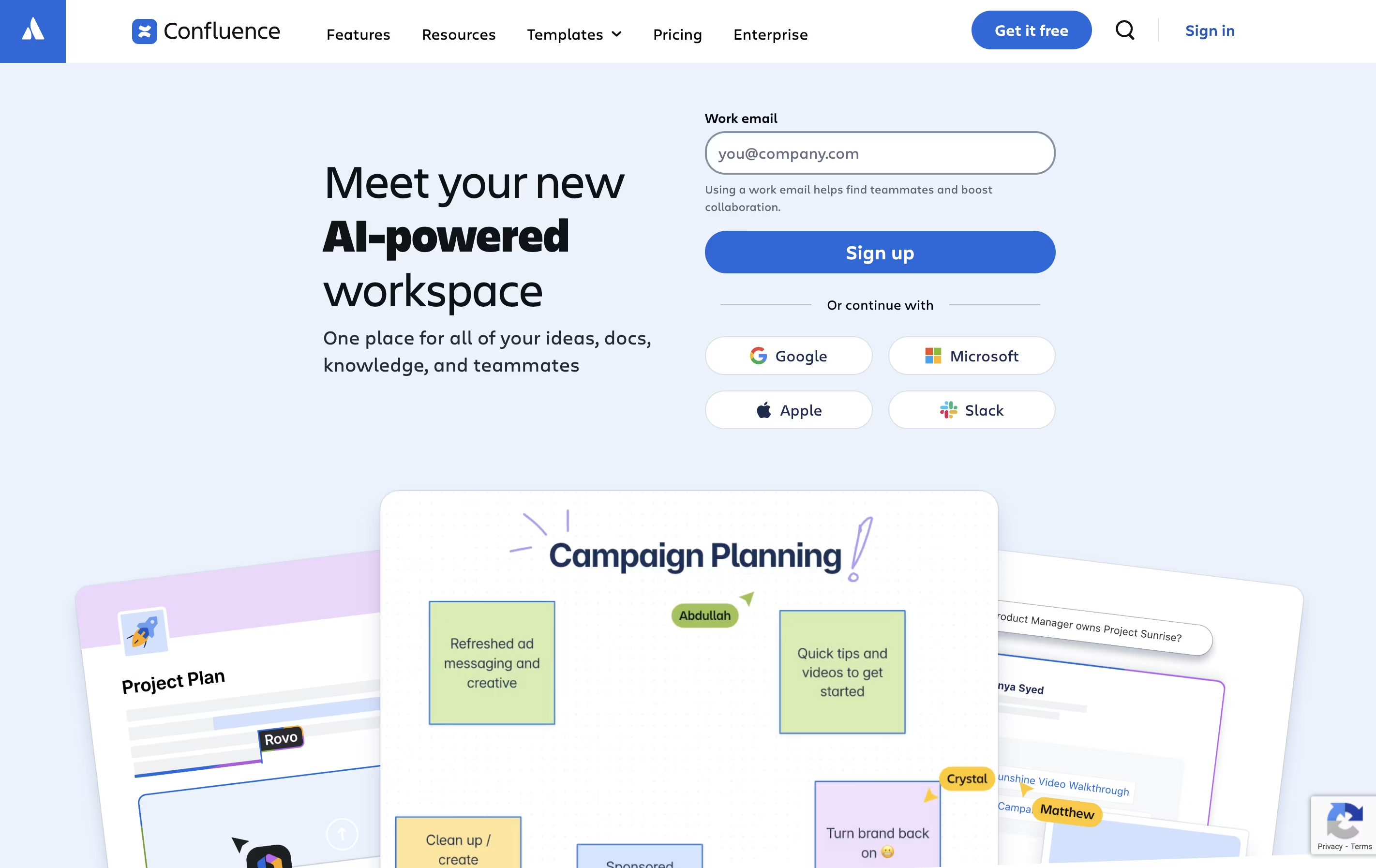
Confluence is an online workspace where teams create and share documents, project plans, and company knowledge. You can think of it as a shared notebook that your entire organization can access and update together.
It works in your web browser or through mobile apps. You build pages using a simple editor that looks similar to Microsoft Word or Google Docs. These pages can include text, images, videos, and links to other tools. You organize pages into spaces for different teams or projects.
The platform includes whiteboards for brainstorming, databases for organizing information, and templates for common documents. With AI features built in, Confluence can summarize long pages, help you write content, and quickly find information across all your team's documents.

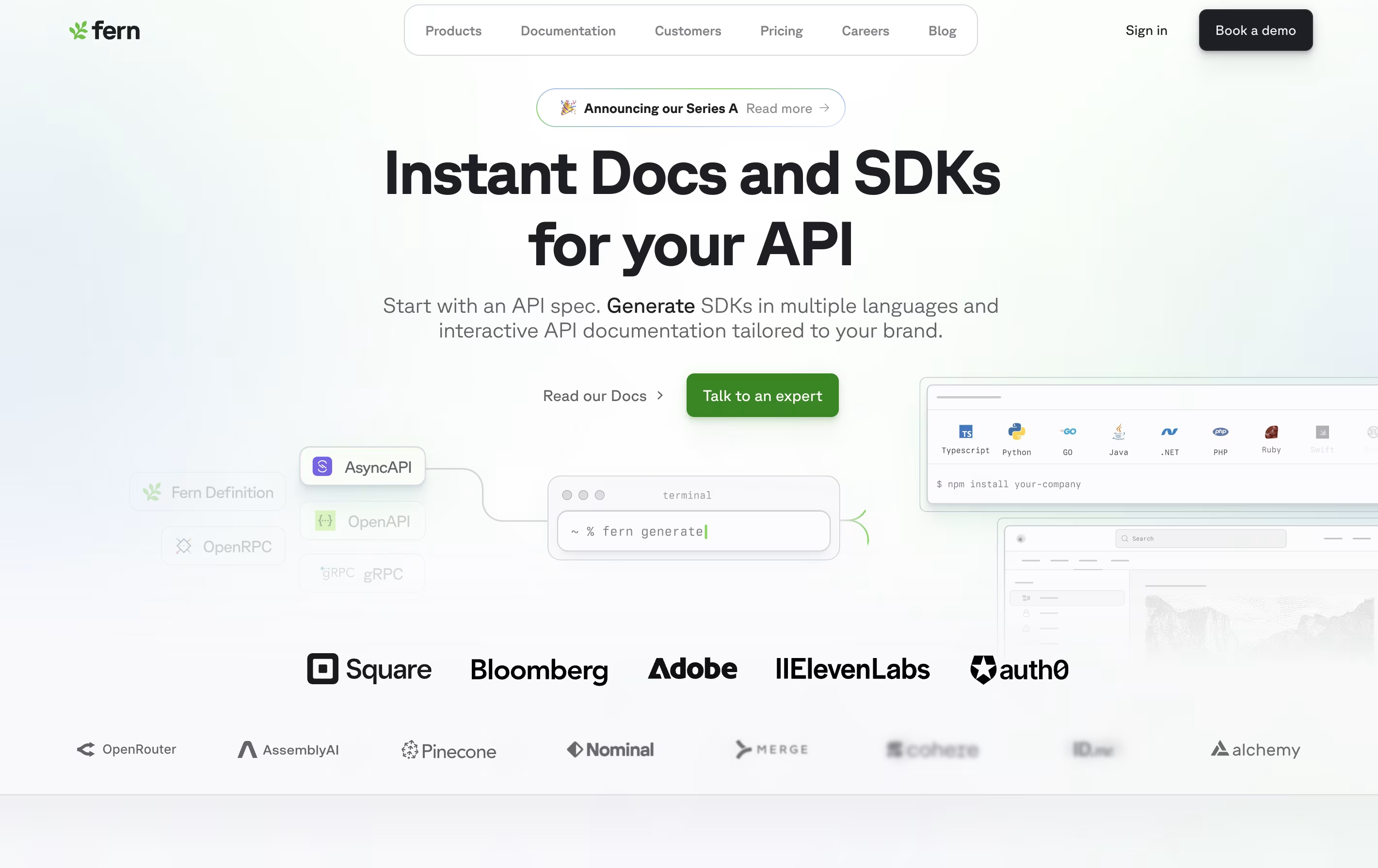
Fern is a platform that automatically generates SDKs and API documentation from your API definition. You provide your OpenAPI, AsyncAPI, or gRPC specification, and Fern creates ready-to-use client libraries in languages like TypeScript, Python, Go, Java, Ruby, C#, PHP, and Swift.
The platform also builds documentation websites that look professional and match your brand identity. These sites include interactive API references, code examples, and a playground where developers can test your API without leaving the documentation.
Fern is open source and available on GitHub. It integrates with your existing workflow by publishing SDKs directly to package registries like npm and PyPI. The tool is designed for companies that want to provide a great developer experience without dedicating engineering resources to manual SDK maintenance.
Features of Confluence and Fern
Unlimited pages and spaces for organizing content
Real-time collaboration with multiple editors
Whiteboards for visual brainstorming
Pre-built templates for faster document creation
AI-powered summaries and content generation
Database views with automatic updates
Integration with Jira, Slack, and 100+ apps
Comments, mentions, and task assignments
Mobile apps for iOS and Android
Advanced search and content discovery
Automatic SDK generation in 8+ programming languages
Stripe-style API documentation websites
Direct publishing to package registries
OpenAPI and AsyncAPI support
Interactive API playground with live testing
Custom branding and domain support
Built-in OAuth 2.0 and authentication
Automatic pagination and retry logic
WebSocket and SSE support
Version control with Git
AI-powered search assistant
Open source on GitHub
Use Cases of Confluence and Fern
Pricing of Confluence and Fern
Confluence offers four pricing tiers to match different team sizes and needs. The Free plan is perfect for small teams with up to 10 users, offering unlimited pages, basic whiteboards, and 2GB storage. There are no time limits or credit card requirements.
The Standard plan costs $5.42 per user monthly and adds AI features with Rovo Search and Chat, guest access, advanced permissions, and expands storage to 250GB. It supports up to 150,000 users.
The Premium plan at $10.44 per user monthly includes everything from Standard plus unlimited pages and spaces, unlimited whiteboards, unlimited storage, and 24/7 support with a 99.9% uptime guarantee.
For large organizations, the Enterprise plan provides custom pricing with advanced security, admin controls, cross-product insights, unlimited automation, and support for up to 150 sites with 99.95% uptime.
Fern offers separate pricing for SDKs and documentation to fit different team needs.
For SDK generation, there are three tiers available:
Basic Plan ($250/month per SDK): Supports up to 50 endpoints with REST API support, automated publishing, and schema validation. Billed annually.
Pro Plan ($600/month per SDK): Includes up to 150 endpoints, WebSockets, webhooks, dedicated Slack support, and advanced features like pagination and OAuth. Billed annually.
Enterprise Plan (Custom pricing): Offers unlimited endpoints, SDK migration services, enterprise support with SLAs, GitHub issue monitoring, and custom code maintenance.
For documentation, pricing includes:
Basic Plan ($400/month): Stripe-like API reference, API playground, custom domain, and built-in components. Billed annually.
Pro Plan ($1,000/month): Everything in Basic plus custom React components, authenticated docs, role-based access control, and AI search capabilities. Billed annually.
Enterprise Plan (Custom pricing): Includes white-glove content migration, custom integrations, SSO authentication, design services, and enterprise support.
FAQs: Confluence vs Fern
Reviews: Confluence vs Fern
Based on 0 reviews
Based on 0 reviews
Compare Confluence With Other Tools

Mintlify
AI-Powered Documentation Platform for Developers

GitBook
Create Beautiful Documentation with AI-Powered Features

Apidog

Redocly
Beautiful API Documentation and Developer Portals

Readme
Interactive API Documentation & Developer Hubs

Docusaurus
Build Beautiful Documentation Sites Free

Hashnode
Free Developer Blogging Platform

Document360
AI-Powered Knowledge Base for Teams

Theneo
AI-Powered API Documentation Generator for Beautiful Developer Docs
Compare Fern With Other Tools
Mintlify
AI-Powered Documentation Platform for Developers
Redocly
Beautiful API Documentation and Developer Portals
Apidog

Stoplight
Visual API Design and Documentation

API Hub
Complete Platform for API Design, Testing, and Documentation
Readme
Interactive API Documentation & Developer Hubs
Theneo
AI-Powered API Documentation Generator for Beautiful Developer Docs
GitBook
Create Beautiful Documentation with AI-Powered Features
Document360
AI-Powered Knowledge Base for Teams





