

Cursor vs OpenCode: Features, Pricing and User Reviews 2026
What are Cursor and OpenCode?

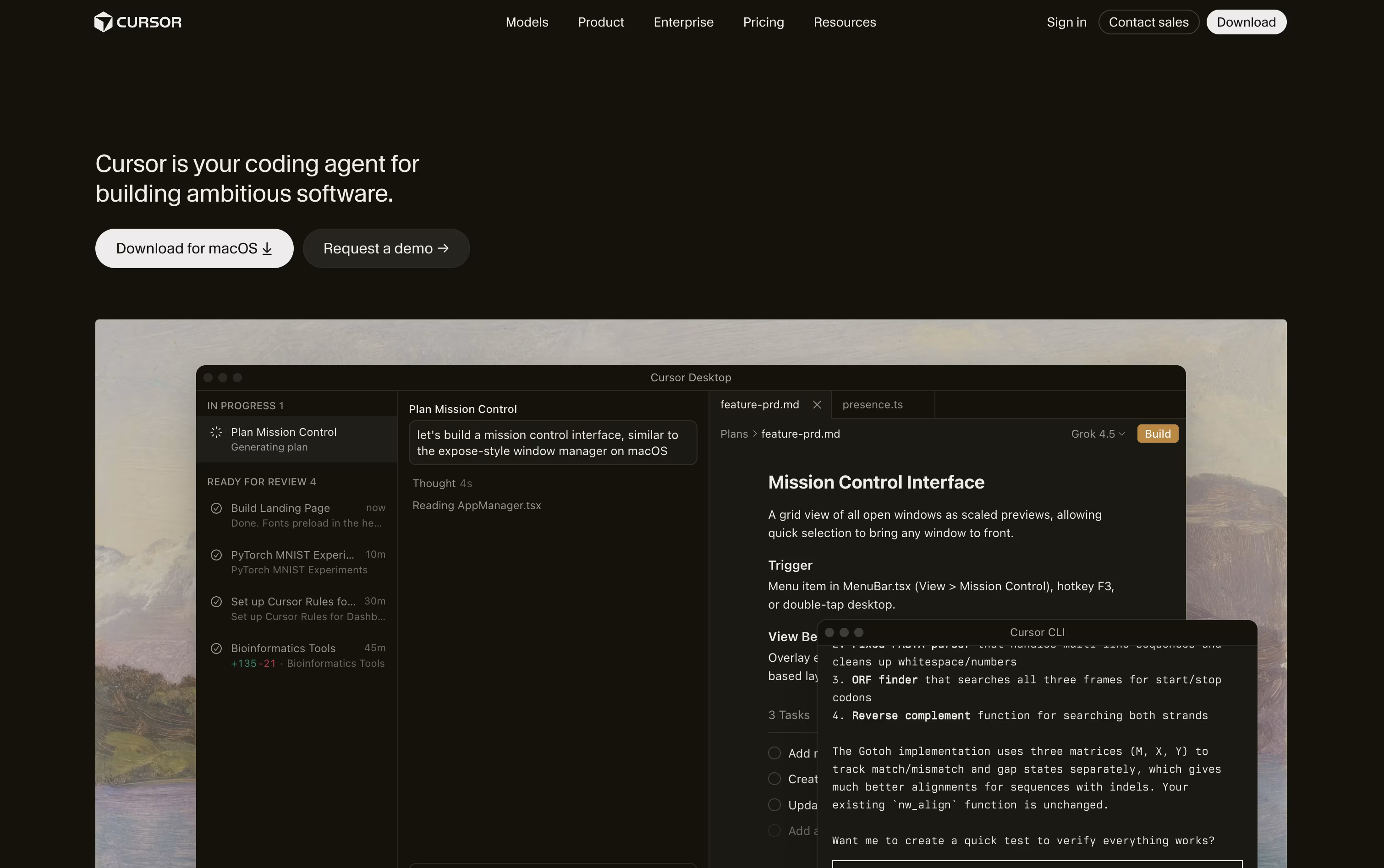
Cursor is a code editor built for working with AI agents. It looks and feels like a familiar editor, but instead of just suggesting a line of code, it can understand your whole project and make changes across many files at once.
You describe what you want in plain language, and the agent explores your code, writes a plan, edits files, runs commands, and checks its own work. It supports simple autocomplete for quick edits and full agent mode for bigger tasks like fixing bugs or building new features.
Cursor also works from the terminal, the web, and a mobile app, so you can start a task on one device and check on it from another. Individuals and teams use it every day.

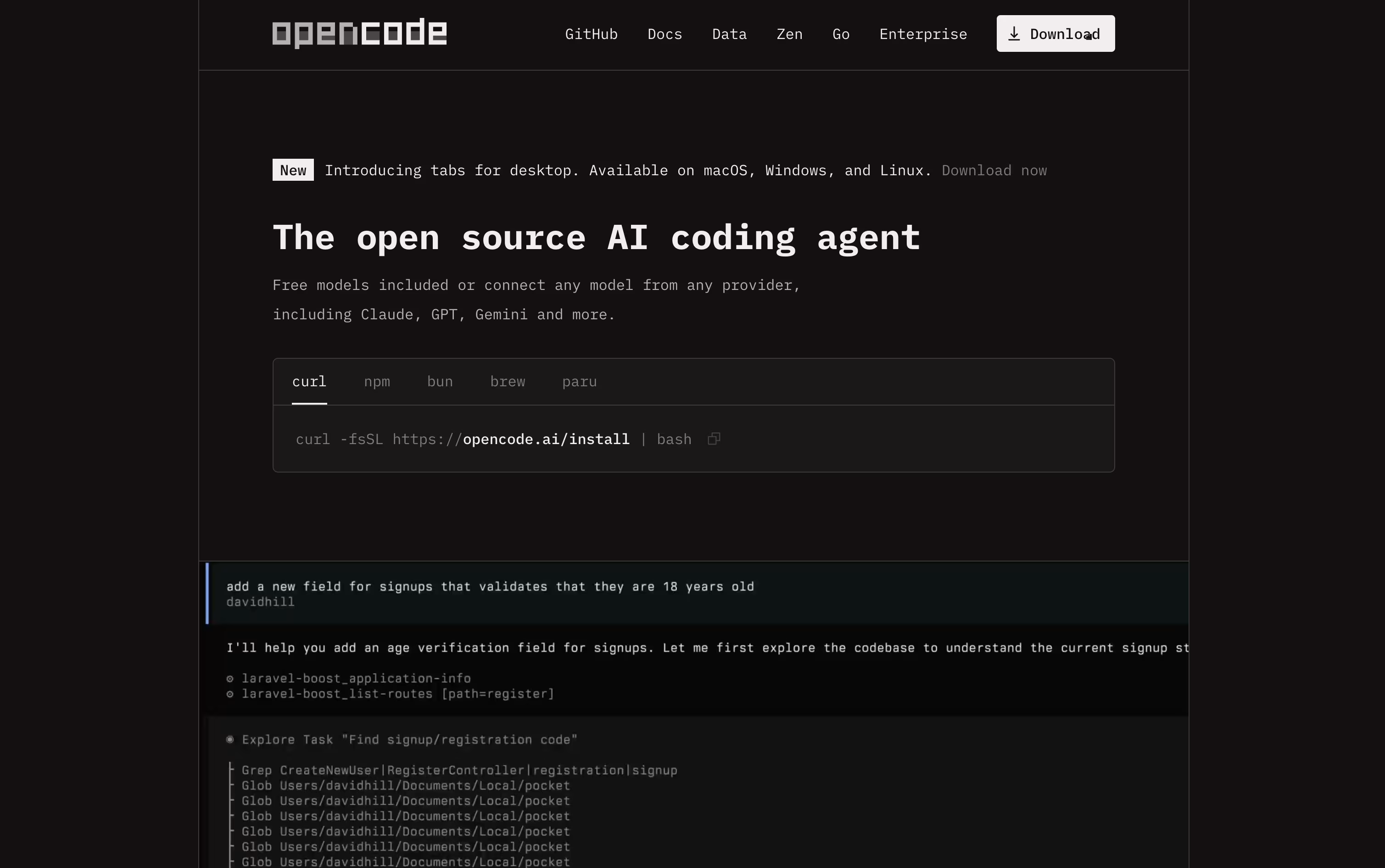
OpenCode is a free, open source AI coding agent made for developers. It works in your terminal, as a desktop app, inside popular code editors, and through a local web interface.
You can talk to it in plain language to write new code, fix bugs, refactor messy code, and make sense of large codebases. Rather than just guessing, it explores your project first, plans the needed changes, and then uses tools such as file editing, search, and shell commands to finish the task.
It supports over seventy five AI model providers, from big paid services to free local models, so you can choose what fits your budget. Since it does not store your code or data, it also works well for privacy focused teams.
Features of Cursor and OpenCode
AI agent mode for full project edits
Smart multi-line autocomplete (Tab)
Composer for multi-file planning
Cloud and background agents
Agent swarms for large tasks
Custom rules and reusable skills
MCP support for outside tools
Multiple AI model choices
Desktop, web, CLI, and mobile apps
Bugbot for automatic code review
Terminal, desktop, editor, and web interfaces
Build and Plan agents with subagents
Explores code and plans changes automatically
Works with 75+ AI model providers
File editing, shell, and search tools
Free local model support
Does not store your code or data
GitHub and GitLab integration
Custom agents, plugins, and themes
Open source under the MIT license
Use Cases of Cursor and OpenCode
Pricing of Cursor and OpenCode
Cursor has a free Hobby plan with limited agent requests and access to Composer, so you can try it before paying.
For individuals, the Pro plan costs $20 a month (or $16 a month billed yearly) and adds extended agent limits, frontier models, cloud agents, and MCP support. Pro+ costs $60 a month for three times the Pro limits, and Ultra costs $200 a month for twenty times the Pro limits plus priority access to new features.
Teams can choose Standard at $40 per user a month or Premium at $120 per user a month, both billed at a lower rate yearly. These plans add centralized billing, a team marketplace, shared cloud agents, usage analytics, and single sign-on.
Large organizations can contact Cursor for Enterprise pricing, which adds pooled usage, invoice billing, SCIM, and audit logs.
OpenCode itself is free and open source, so you can use it right away with your own local models or by connecting your own API keys from paid providers.
Free: Use OpenCode with local models or your own provider API keys at no extra cost.
OpenCode Go ($5 first month, then $10/month): Gives you generous usage limits across many open source coding models like Kimi K3, GLM-5.2, Qwen3.7 Max, and DeepSeek V4 Pro, refreshed every five hours.
The Go plan has no long term contract, can be cancelled anytime, and lets you buy extra top up credit if you go over your included usage. It also works with other coding agents, not just OpenCode.
FAQs: Cursor vs OpenCode
Reviews: Cursor vs OpenCode
Based on 2 reviews
Based on 0 reviews
Compare Cursor With Other Tools

Zed
Rust Code Editor with AI and Collaboration

Devin Desktop
AI Coding Agent Command Center IDE
Codex
OpenAI's AI Coding Agent for Developers

Claude Code
Anthropic's Agentic Coding Tool

Augment Code
AI Coding Agents for Dev Teams

GitHub Copilot
AI Pair Programmer for Coders

Cursor CLI
AI Coding Agent for Your Terminal

GitHub Copilot CLI
AI Coding Agent for Terminal

Kimi Code
Moonshot AI's Agentic Coding Assistant
Compare OpenCode With Other Tools
Codex
OpenAI's AI Coding Agent for Developers
Claude Code
Anthropic's Agentic Coding Tool

Qwen Code
Open Source Terminal Coding Agent
Devin Desktop
AI Coding Agent Command Center IDE
Cursor CLI
AI Coding Agent for Your Terminal
GitHub Copilot CLI
AI Coding Agent for Terminal
Kimi Code
Moonshot AI's Agentic Coding Assistant

Grok Build
xAI's AI Coding Agent for Terminal

Amp
Frontier AI Agent for Software Development





