

Cursor vs Claude Code: Features, Pricing and User Reviews 2026
What are Cursor and Claude Code?

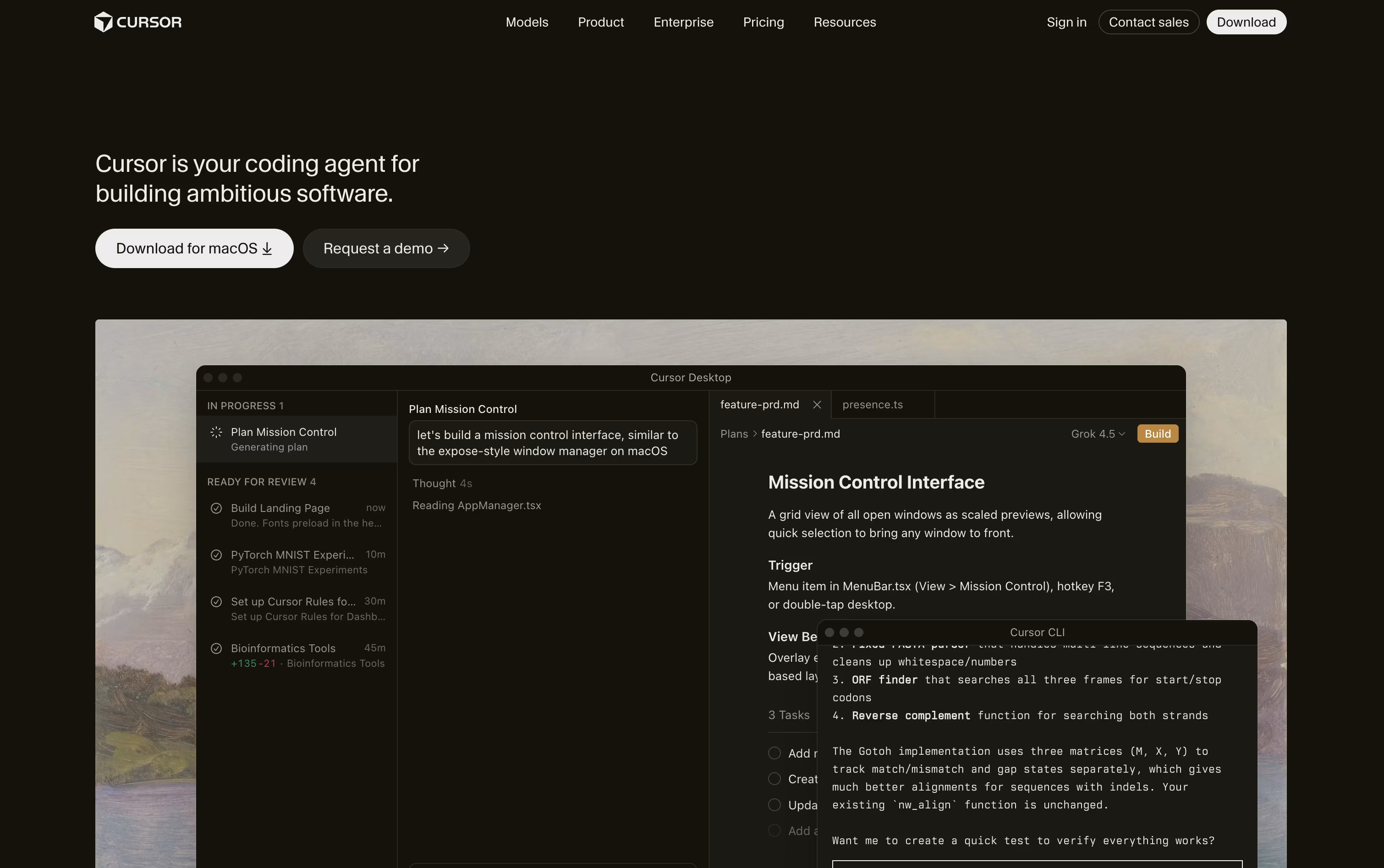
Cursor is a code editor built for working with AI agents. It looks and feels like a familiar editor, but instead of just suggesting a line of code, it can understand your whole project and make changes across many files at once.
You describe what you want in plain language, and the agent explores your code, writes a plan, edits files, runs commands, and checks its own work. It supports simple autocomplete for quick edits and full agent mode for bigger tasks like fixing bugs or building new features.
Cursor also works from the terminal, the web, and a mobile app, so you can start a task on one device and check on it from another. Individuals and teams use it every day.

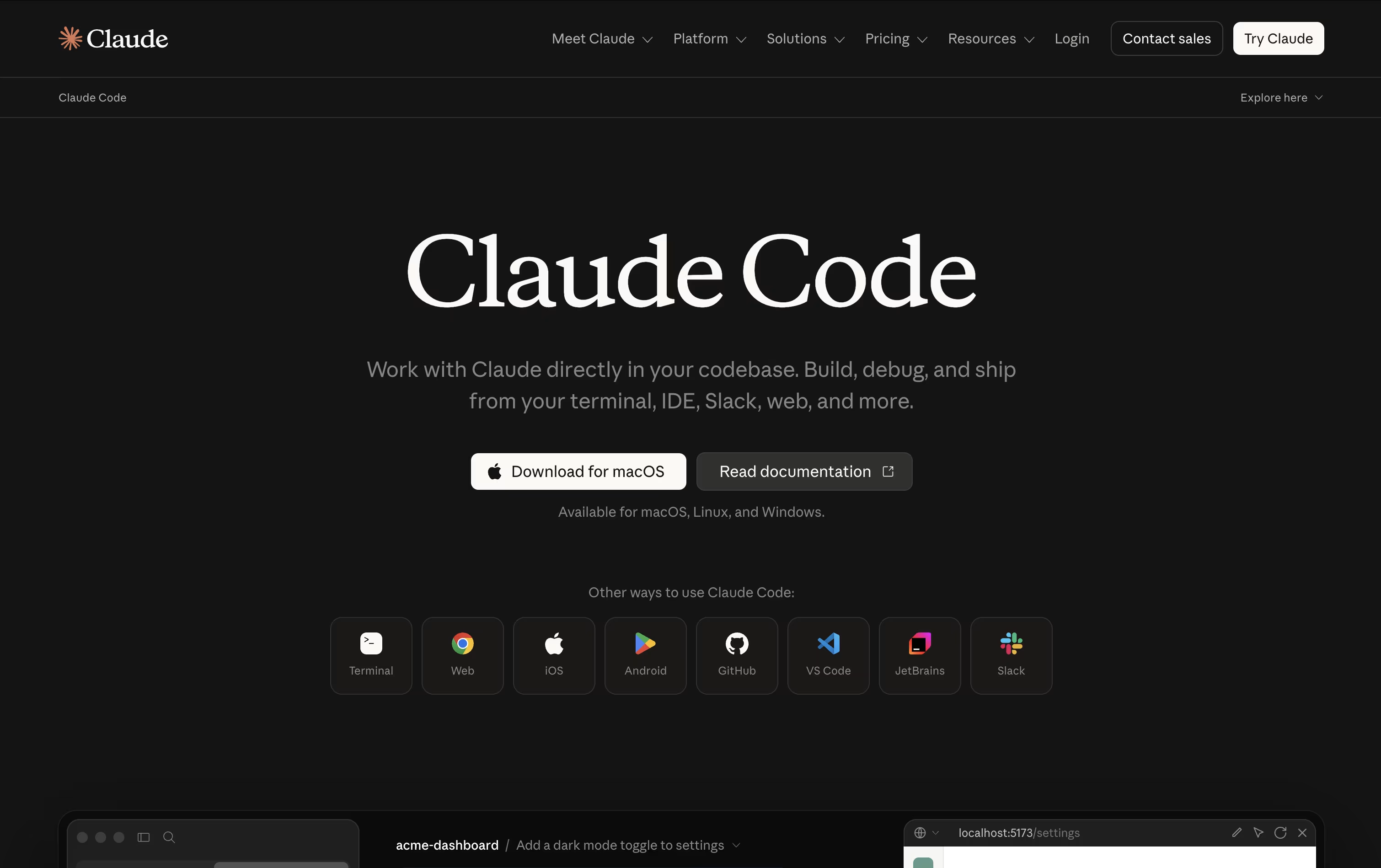
Claude Code is an AI coding agent built by Anthropic that works inside your real development environment. Instead of just answering questions, it reads your codebase, plans the right steps, and takes action, editing files, running commands, and checking its own results.
It can search through large projects in seconds, make coordinated changes across many files, run tests and builds, and handle Git tasks like creating branches and opening pull requests. You control how much freedom it has, choosing between manual approval, plan review, or automatic actions for safe changes.
It is available through the terminal, code editors, a desktop app, the web, and mobile, so you can start or check on tasks from anywhere.
Features of Cursor and Claude Code
AI agent mode for full project edits
Smart multi-line autocomplete (Tab)
Composer for multi-file planning
Cloud and background agents
Agent swarms for large tasks
Custom rules and reusable skills
MCP support for outside tools
Multiple AI model choices
Desktop, web, CLI, and mobile apps
Bugbot for automatic code review
Reads and understands entire codebases
Edits multiple files with full context
Runs commands, tests, and builds
Manages Git branches, commits, and pull requests
Multiple permission and safety modes
Checkpoints to rewind changes safely
Parallel and background subagents
Reusable skills for repeat tasks
Connects to external tools via MCP
Available on terminal, IDE, desktop, web, and mobile
Use Cases of Cursor and Claude Code
Pricing of Cursor and Claude Code
Cursor has a free Hobby plan with limited agent requests and access to Composer, so you can try it before paying.
For individuals, the Pro plan costs $20 a month (or $16 a month billed yearly) and adds extended agent limits, frontier models, cloud agents, and MCP support. Pro+ costs $60 a month for three times the Pro limits, and Ultra costs $200 a month for twenty times the Pro limits plus priority access to new features.
Teams can choose Standard at $40 per user a month or Premium at $120 per user a month, both billed at a lower rate yearly. These plans add centralized billing, a team marketplace, shared cloud agents, usage analytics, and single sign-on.
Large organizations can contact Cursor for Enterprise pricing, which adds pooled usage, invoice billing, SCIM, and audit logs.
Claude Code is included as part of Anthropic's Claude plans rather than sold separately.
Free ($0/month): Lets you chat with Claude but does not include Claude Code access.
Pro ($17 to $20/month): Adds Claude Code along with Claude Cowork, Claude Design, more usage, and access to more models.
Max (from $100/month): Everything in Pro with 5x or 20x more usage, higher output limits, and priority access.
Team ($20 to $125 per seat/month): Built for teams of 2 to 150, with Standard and Premium seats, admin controls, and single sign-on.
Enterprise (Custom pricing): Adds spend limits, audit logs, compliance tools, and usage billed at API rates.
Developers can also use Claude models through the API, priced per million tokens depending on the model chosen.
FAQs: Cursor vs Claude Code
Reviews: Cursor vs Claude Code
Based on 2 reviews
Based on 0 reviews
Compare Cursor With Other Tools

Zed
Rust Code Editor with AI and Collaboration

Devin Desktop
AI Coding Agent Command Center IDE

Codex
OpenAI's AI Coding Agent for Developers

Augment Code
AI Coding Agents for Dev Teams

GitHub Copilot
AI Pair Programmer for Coders

OpenCode
Your Free Open Source Coding Agent

Cursor CLI
AI Coding Agent for Your Terminal

GitHub Copilot CLI
AI Coding Agent for Terminal

Kimi Code
Moonshot AI's Agentic Coding Assistant
Compare Claude Code With Other Tools
Codex
OpenAI's AI Coding Agent for Developers
OpenCode
Your Free Open Source Coding Agent
Devin Desktop
AI Coding Agent Command Center IDE
Cursor CLI
AI Coding Agent for Your Terminal
GitHub Copilot CLI
AI Coding Agent for Terminal
Kimi Code
Moonshot AI's Agentic Coding Assistant

Grok Build
xAI's AI Coding Agent for Terminal

Qwen Code
Open Source Terminal Coding Agent

Amp
Frontier AI Agent for Software Development





