

Inngest vs Make: Features, Pricing and User Reviews 2026

Inngest
Reliable Workflows & Background Jobs Platform
Inngest
Reliable Workflows & Background Jobs Platform
What are Inngest and Make?
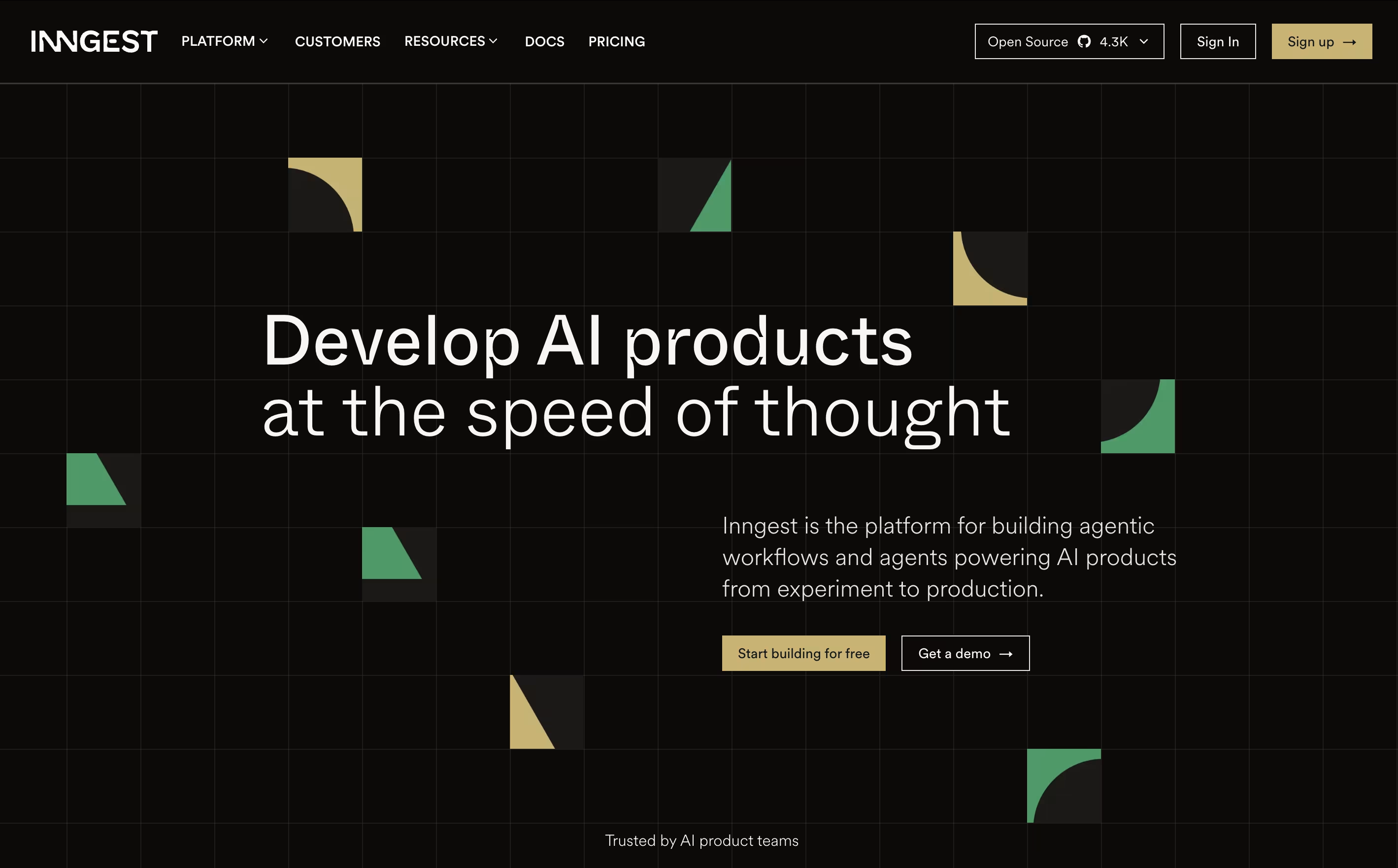
Inngest is an event-driven durable execution platform built to run reliable, multi-step workflows on any platform without managing infrastructure. Think of it as a mix between traditional queues and modern serverless functions, but much better.
It uses step functions and incorporates real-time event processing, enabling developers to build complex workflows that can run for days or months with automatic error recovery. The main difference from regular workflow tools is simple: instead of setting up queues and managing state, you write normal code and Inngest handles all the infrastructure complexity.
Each step in your workflow automatically retries on failure and maintains state between executions, allowing you to easily build reliable systems. Founded in 2021, this tool has become popular because it eliminates infrastructure headaches and makes complex workflows easy. You can write functions in TypeScript, Python, or Go and deploy anywhere.

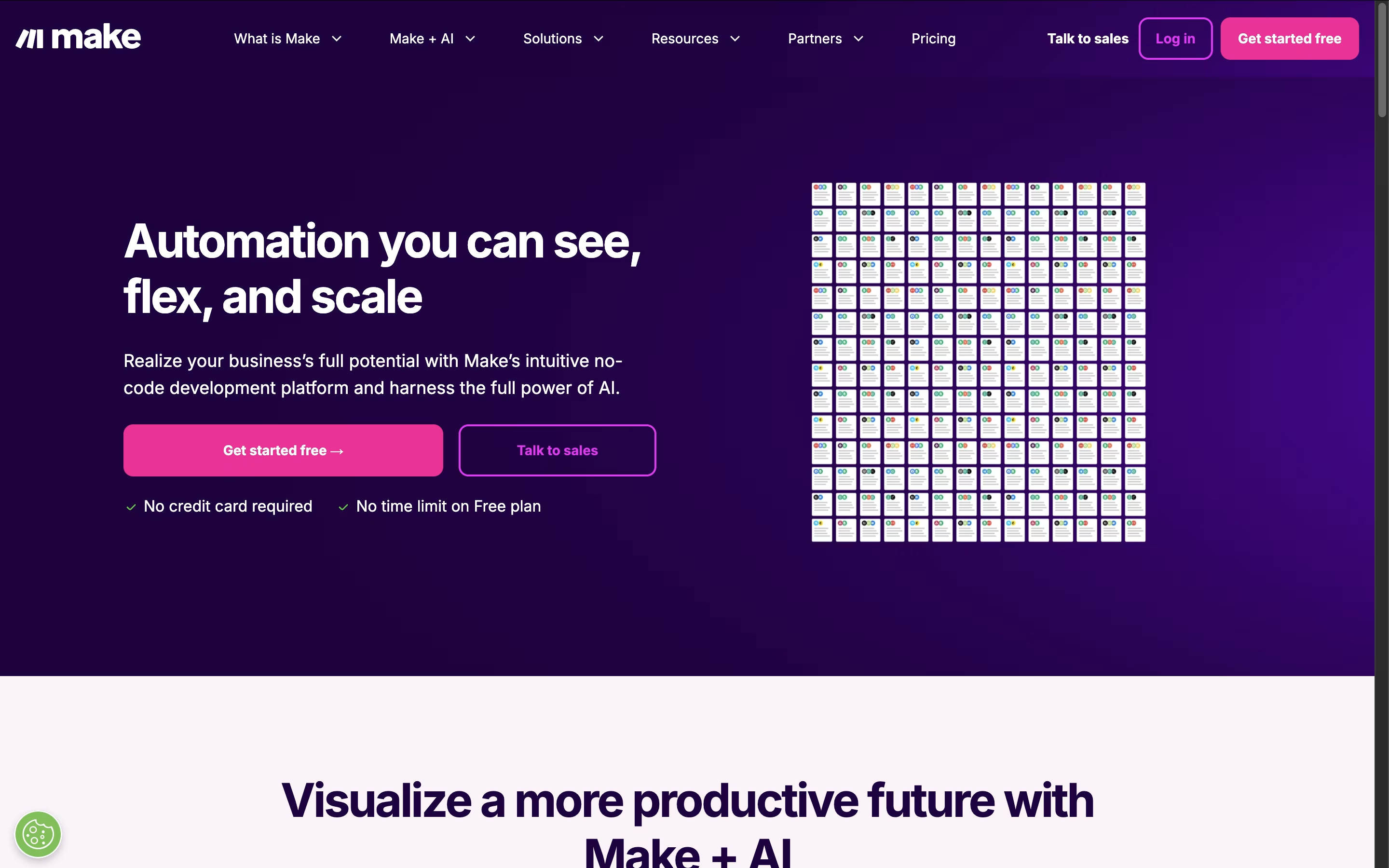
Make.com is a visual workflow automation platform that connects different apps and services to create powerful automated processes. Think of it as the bridge between all your favorite business tools, allowing them to work together seamlessly without manual intervention.
The platform uses a unique visual approach where you build automations using modules and connections that look like a flowchart. Each module represents an action in a specific app, and you connect them to create complete workflows called scenarios. Make supports over 2,000 integrations including Google Workspace, Slack, Salesforce, social media platforms, and countless other business tools.
What sets Make apart is its flexibility and power. You can create simple automations like forwarding emails to spreadsheets, or complex multi-step workflows that involve conditional logic, data transformation, and AI integration. The platform is designed for both beginners and advanced users who need sophisticated automation capabilities.
Features of Inngest and Make
Durable step functions with automatic retries and state management
Event-driven workflow triggers and scheduling
AI orchestration with AgentKit for multi-agent systems
Multi-language SDKs (TypeScript, Python, Go)
Real-time observability with logs, traces, and metrics
Multi-tenant concurrency control and throttling
Self-hosting and cloud deployment options
Serverless, edge, and server compatibility
Visual drag-and-drop automation builder
2,000+ app integrations and connections
AI-powered workflows with intelligent agents
Real-time execution and minute-level scheduling
Advanced conditional logic and data transformation
Team collaboration with role-based permissions
Error handling and debugging tools
Template library with pre-built automations
Enterprise security and compliance features
API access for custom integrations
Use Cases of Inngest and Make
Pricing of Inngest and Make
Inngest offers flexible pricing plans that scale with your usage. The Hobby plan is completely free and includes 100,000 executions per month, perfect for getting started and small projects. After the free limit, you pay only $50 per million additional executions.
The Pro plan starts at $75 per month and includes higher execution limits, advanced features like granular metrics, increased scale and throughput, and extended trace retention. Pro users get priority support and enhanced monitoring capabilities.
For larger organizations, Enterprise pricing is available with custom terms. Enterprise includes SAML authentication, role-based access control (RBAC), audit trails, dedicated Slack support, and 90-day trace retention. Enterprise customers also get exportable observability data and service level agreements.
All plans include unlimited environments for development and staging, making it easy to test workflows before production deployment.
Make offers flexible pricing plans to accommodate different automation needs. The Free plan provides 1,000 operations monthly, perfect for testing and simple automations. Operations are individual actions your workflows perform, like adding a row to a spreadsheet or sending an email.
Paid plans include:
Core ($9/month): 10,000 operations with unlimited scenarios and API access
Pro ($16/month): 10,000 operations plus priority execution and advanced features
Teams ($29/month): 10,000 operations with team collaboration tools and shared templates
Enterprise (Custom pricing): Unlimited operations, dedicated support, and advanced security features
All plans include access to the visual builder and app integrations. You can purchase additional operations at $1 per 1,000 operations if you exceed your monthly limit. Make offers excellent value compared to competitors, especially for complex multi-step automations that would cost significantly more on other platforms.
FAQs: Inngest vs Make
Reviews: Inngest vs Make
Based on 0 reviews
Based on 0 reviews
Compare Inngest With Other Tools

n8n
Visual Workflow Automation with Code

Zapier
Connect Apps & Automate Workflows Without Code

Integrately
One-Click App Automation Platform
Albato
AI-Powered No-Code Automation Platform

Pipedream
Workflow Automation for Developers

Latenode
AI-Powered No-Code Automation Platform

Activepieces
Open-Source AI Automation for Teams

Pabbly Connect
Easy Workflow Automation for 2000+ Apps

Langflow
Build AI Agents & Workflows With No Code
Compare Make With Other Tools
Zapier
Connect Apps & Automate Workflows Without Code
n8n
Visual Workflow Automation with Code
Albato
AI-Powered No-Code Automation Platform
Integrately
One-Click App Automation Platform
Latenode
AI-Powered No-Code Automation Platform
Pipedream
Workflow Automation for Developers
BuildShip
AI-Powered Visual Backend Builder for APIs and Workflows

IFTTT
Connect Apps and Automate Your Workflow
Activepieces
Open-Source AI Automation for Teams