

Langflow vs Make: Features, Pricing and User Reviews 2026
What are Langflow and Make?

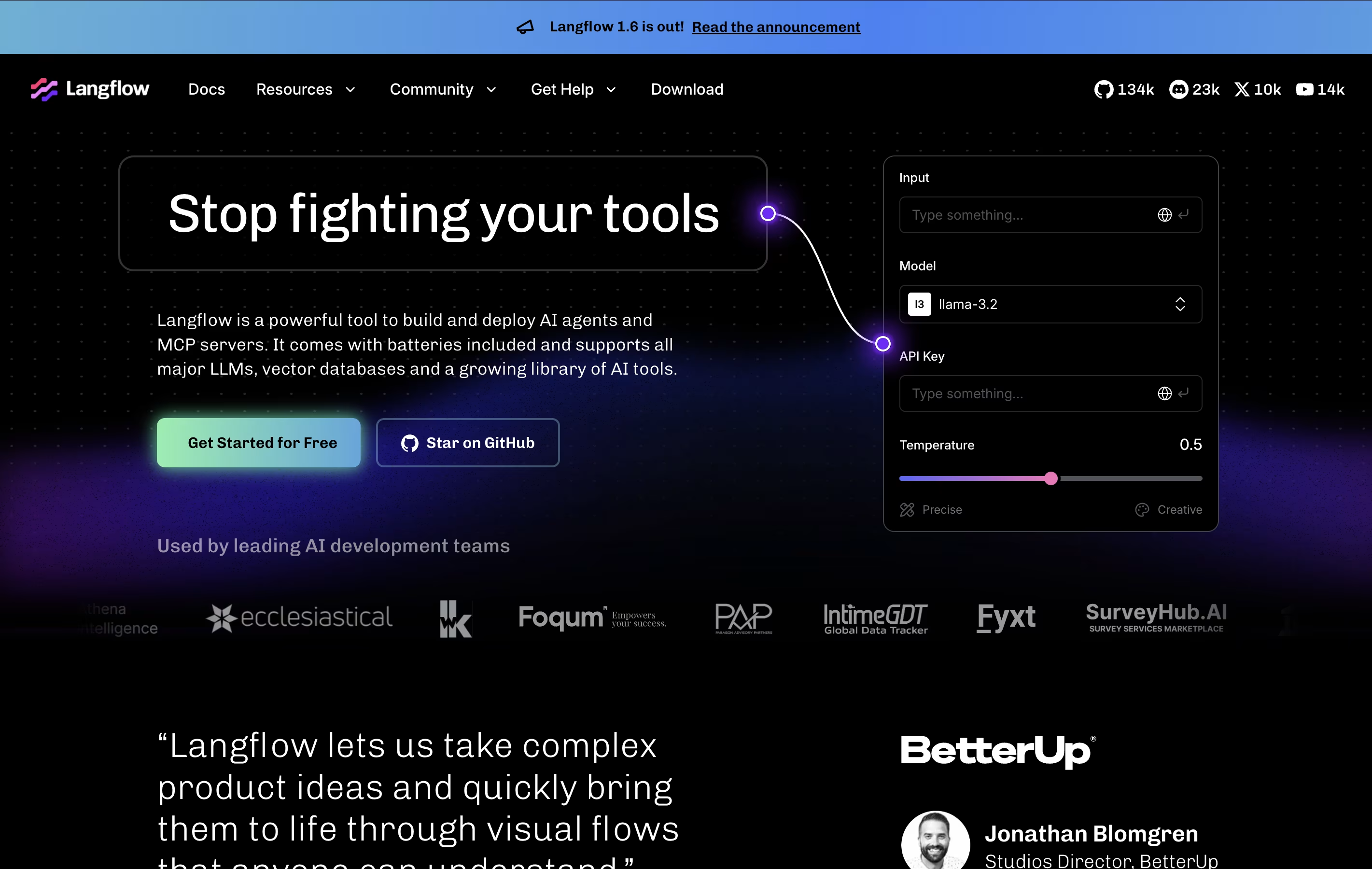
Langflow is an open-source platform for building AI applications through a visual interface. You create workflows by connecting building blocks called components. Each component performs a specific task, such as loading data, talking to an AI model, or storing information in a database.
The platform supports agents that can make decisions, use tools, and perform multiple tasks automatically. It also enables Retrieval Augmented Generation (RAG), which lets AI applications search through your documents and provide accurate answers based on your specific data.
There is no cost to use Langflow. It's completely free and open-source. You only pay for external services you connect to it, such as AI model providers like OpenAI or cloud hosting if you choose to deploy your application online.

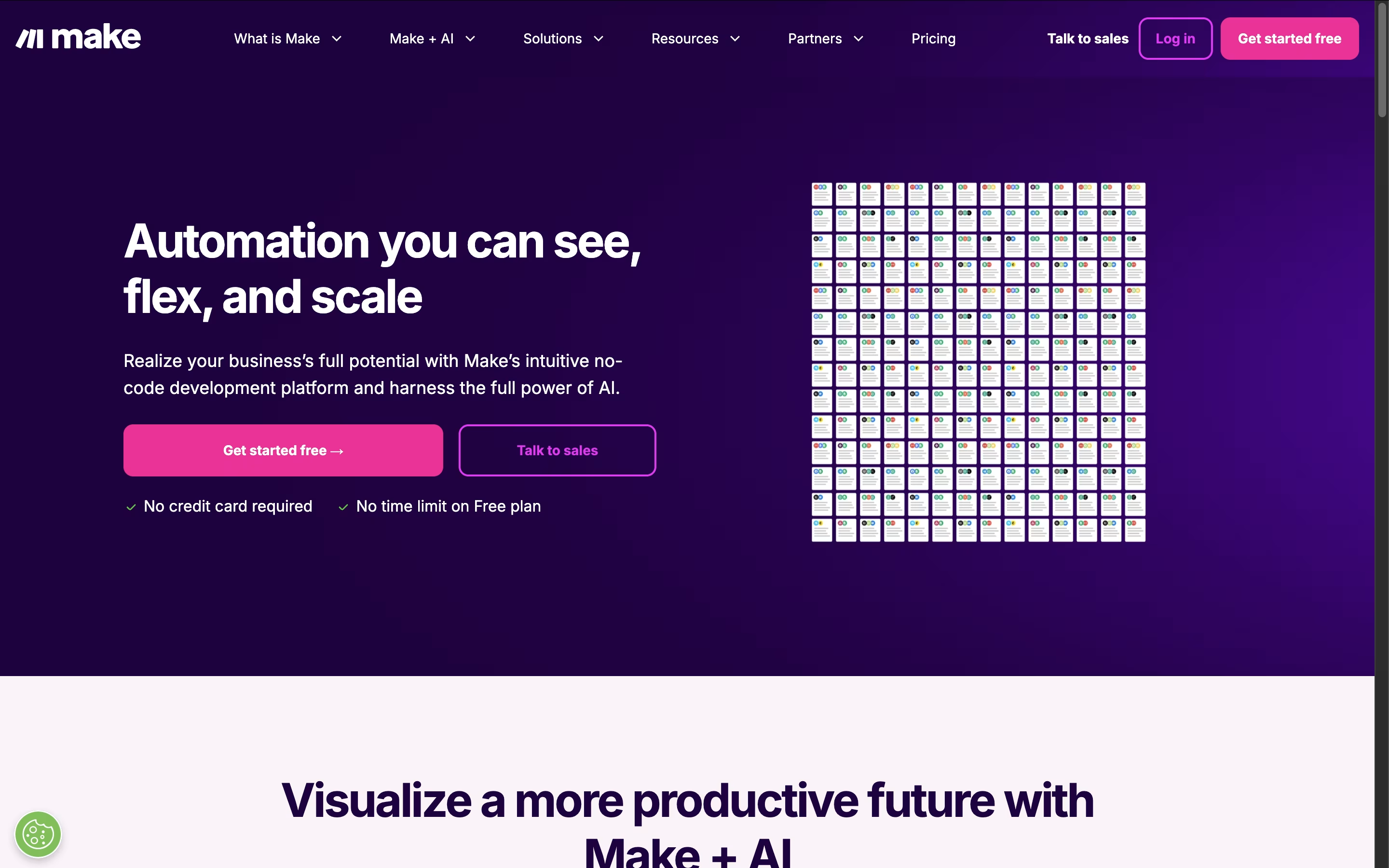
Make.com is a visual workflow automation platform that connects different apps and services to create powerful automated processes. Think of it as the bridge between all your favorite business tools, allowing them to work together seamlessly without manual intervention.
The platform uses a unique visual approach where you build automations using modules and connections that look like a flowchart. Each module represents an action in a specific app, and you connect them to create complete workflows called scenarios. Make supports over 2,000 integrations including Google Workspace, Slack, Salesforce, social media platforms, and countless other business tools.
What sets Make apart is its flexibility and power. You can create simple automations like forwarding emails to spreadsheets, or complex multi-step workflows that involve conditional logic, data transformation, and AI integration. The platform is designed for both beginners and advanced users who need sophisticated automation capabilities.
Features of Langflow and Make
Visual drag-and-drop workflow builder
Support for multi-agent AI systems
RAG (Retrieval Augmented Generation) capabilities
Compatible with all major AI models
Custom component creation with Python
Automatic API generation for workflows
Real-time testing and debugging tools
Integration with vector databases
Pre-built templates and examples
Open-source and completely free
Desktop and web-based versions
Visual drag-and-drop automation builder
2,000+ app integrations and connections
AI-powered workflows with intelligent agents
Real-time execution and minute-level scheduling
Advanced conditional logic and data transformation
Team collaboration with role-based permissions
Error handling and debugging tools
Template library with pre-built automations
Enterprise security and compliance features
API access for custom integrations
Use Cases of Langflow and Make
Pricing of Langflow and Make
Langflow is completely free to use because it is open-source software. You can download it and run it on your own computer without any cost. There are no subscription fees, usage limits, or hidden charges for the software itself.
However, building AI applications requires some external services that do have costs. You'll need API keys from AI providers like OpenAI, which charges based on how much you use their models. If you connect to vector databases like Pinecone for storing information, those services have their own pricing. Most offer free tiers to get started.
For hosting, you can run Langflow on your own computer for free, or deploy it to cloud services like AWS or Google Cloud, which charge based on server usage. Many cloud providers offer free tiers or credits for new users. You have complete control over which services you use and how much you spend.
Make offers flexible pricing plans to accommodate different automation needs. The Free plan provides 1,000 operations monthly, perfect for testing and simple automations. Operations are individual actions your workflows perform, like adding a row to a spreadsheet or sending an email.
Paid plans include:
Core ($9/month): 10,000 operations with unlimited scenarios and API access
Pro ($16/month): 10,000 operations plus priority execution and advanced features
Teams ($29/month): 10,000 operations with team collaboration tools and shared templates
Enterprise (Custom pricing): Unlimited operations, dedicated support, and advanced security features
All plans include access to the visual builder and app integrations. You can purchase additional operations at $1 per 1,000 operations if you exceed your monthly limit. Make offers excellent value compared to competitors, especially for complex multi-step automations that would cost significantly more on other platforms.
FAQs: Langflow vs Make
Reviews: Langflow vs Make
Based on 0 reviews
Based on 0 reviews
Compare Langflow With Other Tools
n8n
Visual Workflow Automation with Code

Zapier
Connect Apps & Automate Workflows Without Code

Inngest
Reliable Workflows & Background Jobs Platform
Albato
AI-Powered No-Code Automation Platform

Integrately
One-Click App Automation Platform

Activepieces
Open-Source AI Automation for Teams

Flowise
Build AI Agents Visually Without Code
Pabbly Connect
Easy Workflow Automation for 2000+ Apps

Vellum
Build and Deploy Production AI Apps Fast
Compare Make With Other Tools
Zapier
Connect Apps & Automate Workflows Without Code
n8n
Visual Workflow Automation with Code
Albato
AI-Powered No-Code Automation Platform
Integrately
One-Click App Automation Platform
Latenode
AI-Powered No-Code Automation Platform

Pipedream
Workflow Automation for Developers
Inngest
Reliable Workflows & Background Jobs Platform
BuildShip
AI-Powered Visual Backend Builder for APIs and Workflows

IFTTT
Connect Apps and Automate Your Workflow