

Littlebird vs Wispr Notetaker: Features, Pricing and User Reviews 2026
What are Littlebird and Wispr Notetaker?

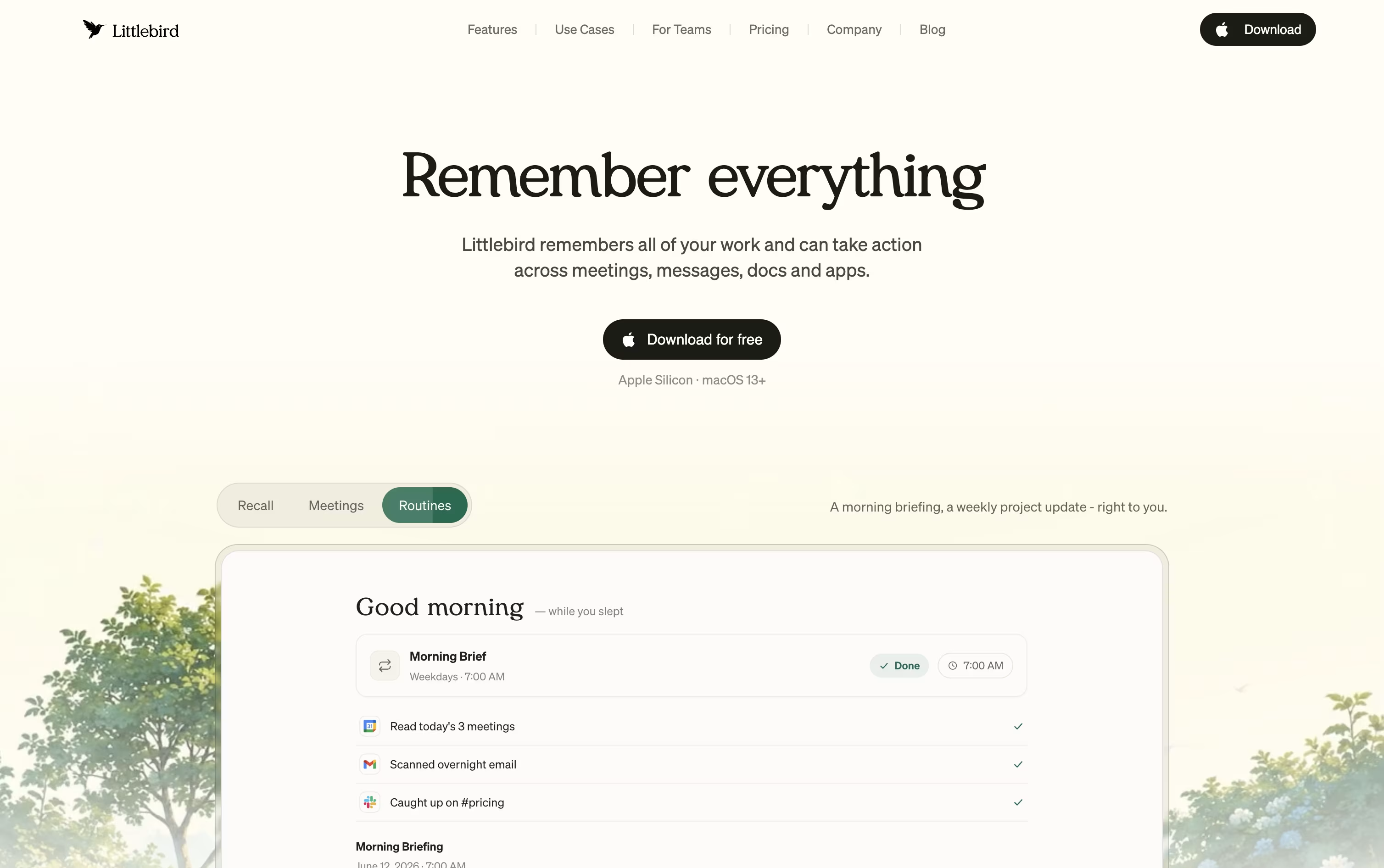
Littlebird is an AI assistant that quietly builds a private memory of your work. It reads text from your active desktop window and listens in on your meetings, so it always understands what you are working on.
Instead of typing long prompts or searching through old files, you can simply ask Littlebird a question and it pulls the answer from your own screen history, emails, and meeting notes.
It also helps you draft emails, prepare for upcoming meetings, and send you scheduled summaries of your day or week, all based on your real work rather than generic answers.
Littlebird runs on Mac and Windows, with companion apps for phones, and keeps everything private and under your control.
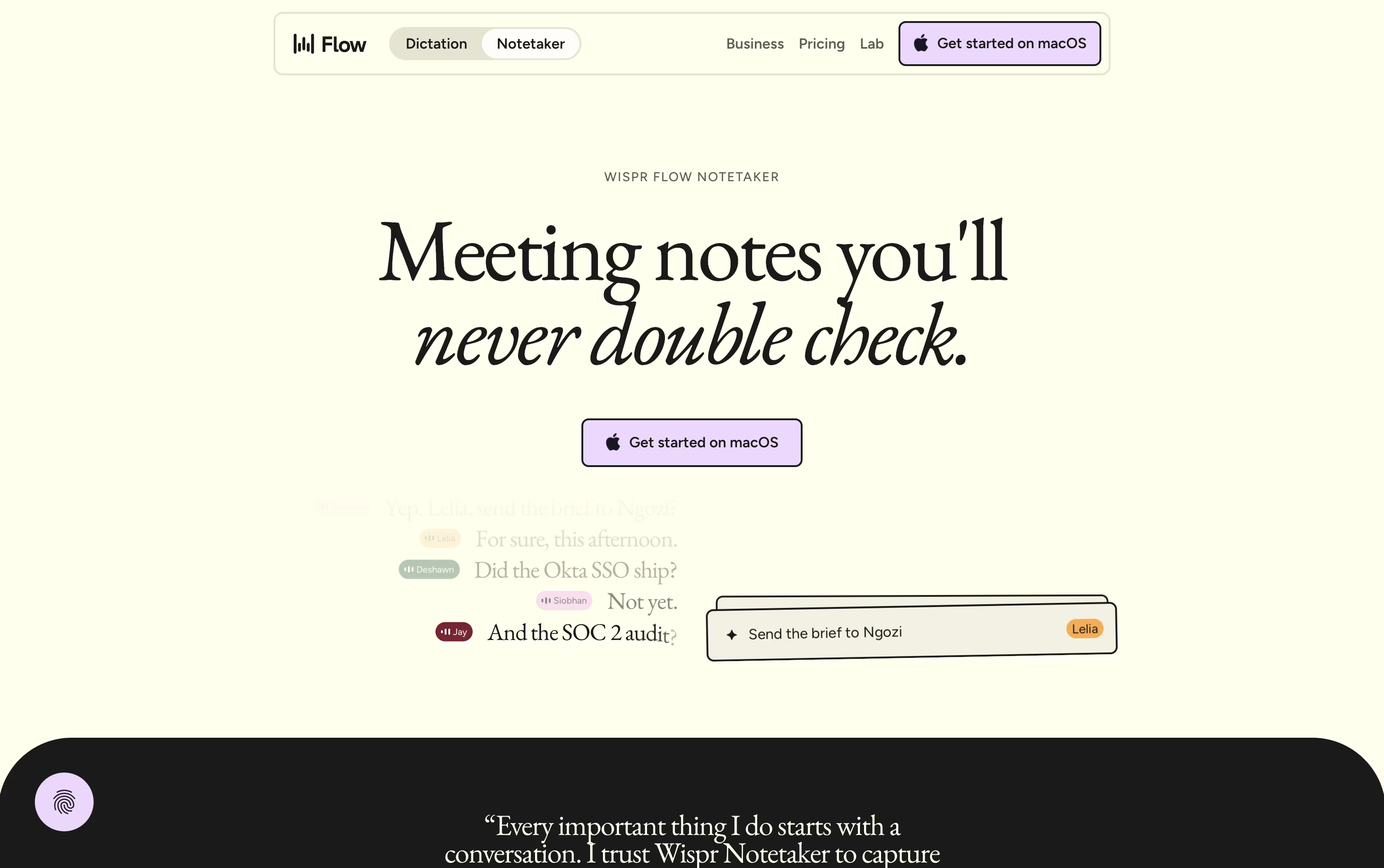
Wispr Notetaker is a meeting notes tool made by the team behind Wispr Flow. Instead of joining your call as a visible bot, it quietly captures system audio and your microphone right on your Mac. It works with Zoom, Google Meet, Microsoft Teams, Slack Huddles, and even face to face meetings.
Before a meeting starts, it uses your calendar, personal dictionary, and connected apps like Gmail and Slack to learn names and terms, so speaker labels and notes come out more accurate. After the call ends, it produces a topic based summary with decisions, dates, and action items.
You can search or ask questions across all your past meetings, and even bring those notes into tools like Claude and ChatGPT through MCP.
Features of Littlebird and Wispr Notetaker
Reads your active screen automatically
Transcribes meetings with summaries
Chat with your own work history
Hummingbird overlay for quick answers
Scheduled routines and recaps
Drafts emails and documents
Image generation on paid plans
Connects with Gmail, Notion, GitHub
Mac, Windows, iOS, and Android apps
Encrypted, private, and user controlled
Bot-free recording on Mac
Real speaker names, not generic labels
Topic based summaries with action items
Live transcript and mid-call recap
Search and chat across past meetings
MCP access for Claude and ChatGPT
Shareable notes and Markdown export
Personal dictionary from Wispr Flow
Calendar, Gmail, and Slack connections
Use Cases of Littlebird and Wispr Notetaker
Pricing of Littlebird and Wispr Notetaker
Littlebird has a free Basic plan and three paid individual plans, plus separate options for teams.
Basic (Free): Full screen and meeting context, daily usage credits, and limited meeting notes.
Plus ($17/month billed yearly, $20/month billed monthly): Advanced chat intelligence, unlimited meeting notes, image generation, and a 14 day free trial.
Power ($42/month billed yearly, $50/month billed monthly): 2.5 times the usage credits of Plus, Littlebird MCP access, and priority support.
Pro (from $100/month): The full Littlebird experience with 5 to 12 times the usage credits of Plus.
Teams can choose the Team plan from $17 per seat per month, or contact sales for a custom Enterprise plan with SSO and self hosted deployment.
Wispr Notetaker follows a simple three tier pricing model. The Free plan costs $0 a month and includes core dictation, notetaking on Mac, and a weekly meeting limit with standard note retention.
The Pro plan costs $15 per user a month, or $12 per user a month if you pay annually, which is a 20% discount. Pro removes the meeting and dictation limits, extends note retention, and adds advanced AI models, centralized billing, and shared dictionaries for teams.
For larger organizations, Enterprise pricing is custom and requires contacting sales. It adds SSO, SCIM, audit logs, domain management, and SOC 2 and ISO 27001 compliance, though a few Notetaker features are still listed as coming soon on this tier.
FAQs: Littlebird vs Wispr Notetaker
Reviews: Littlebird vs Wispr Notetaker
Based on 0 reviews
Based on 0 reviews
Compare Littlebird With Other Tools

Granola
AI Notepad for Smarter Meeting Notes

Grain
AI Meeting Notetaker for Sales and CS Teams

Tana
Agentic Meeting Platform Powered by AI

Timeless
AI Meeting Notes & Agents Platform

Otter.ai
AI Meeting Notes and Transcription

Jamie
AI Meeting Notes, Transcripts & Tasks
Fireflies.ai
AI Meeting Notes & Transcription
Avoma
AI Meeting Assistant & Revenue Insights
Circleback
AI Meeting Notes and Action Items
Compare Wispr Notetaker With Other Tools
Grain
AI Meeting Notetaker for Sales and CS Teams
Otter.ai
AI Meeting Notes and Transcription
Granola
AI Notepad for Smarter Meeting Notes
Avoma
AI Meeting Assistant & Revenue Insights
Jamie
AI Meeting Notes, Transcripts & Tasks
Timeless
AI Meeting Notes & Agents Platform

Fathom
AI Notetaker, Transcripts & Summaries
tl;dv
AI Meeting Notes & Transcription Tool
MeetGeek
AI Meeting Notes and Transcription


