

Wispr Notetaker vs MeetGeek: Features, Pricing and User Reviews 2026
What are Wispr Notetaker and MeetGeek?
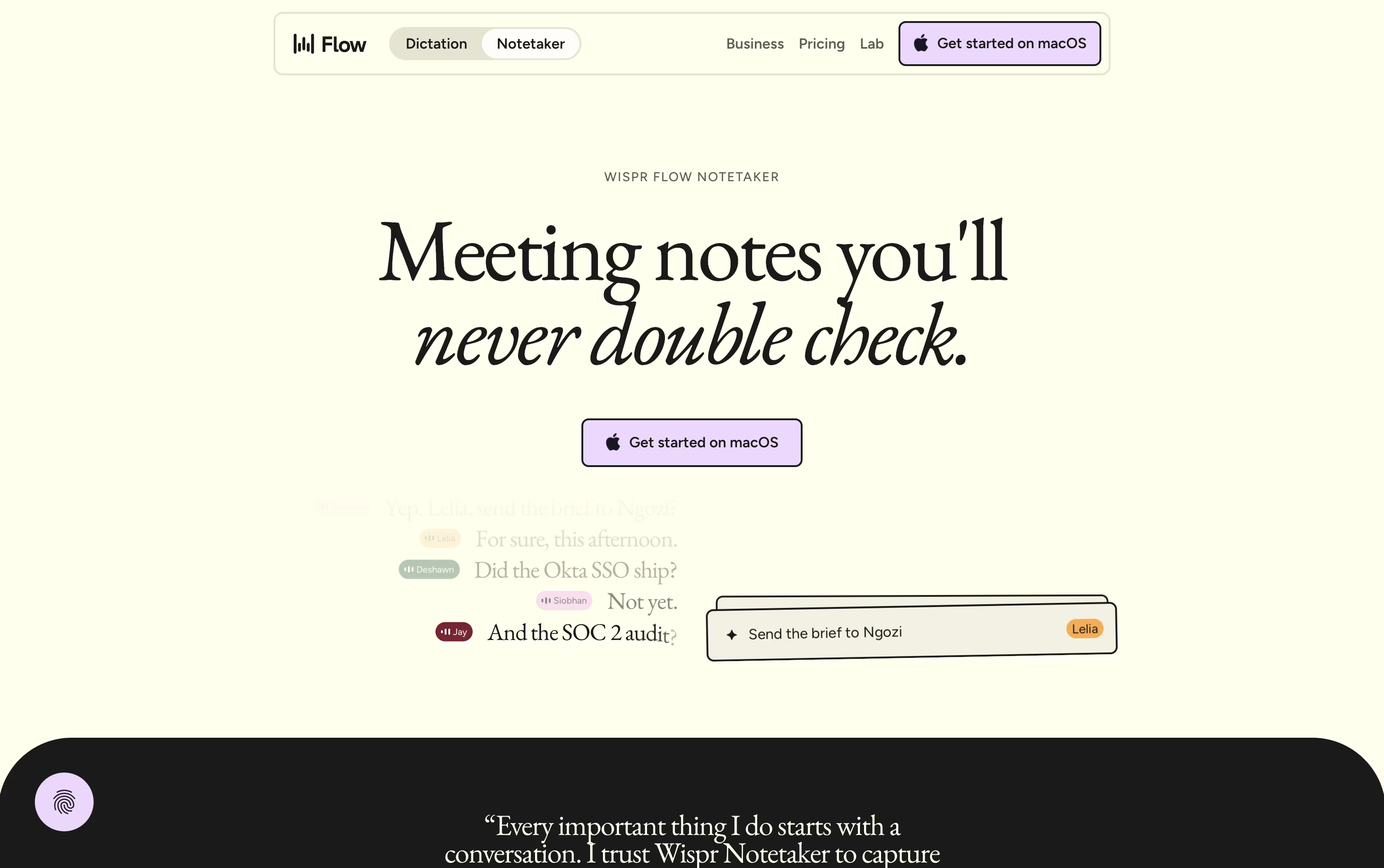
Wispr Notetaker is a meeting notes tool made by the team behind Wispr Flow. Instead of joining your call as a visible bot, it quietly captures system audio and your microphone right on your Mac. It works with Zoom, Google Meet, Microsoft Teams, Slack Huddles, and even face to face meetings.
Before a meeting starts, it uses your calendar, personal dictionary, and connected apps like Gmail and Slack to learn names and terms, so speaker labels and notes come out more accurate. After the call ends, it produces a topic based summary with decisions, dates, and action items.
You can search or ask questions across all your past meetings, and even bring those notes into tools like Claude and ChatGPT through MCP.
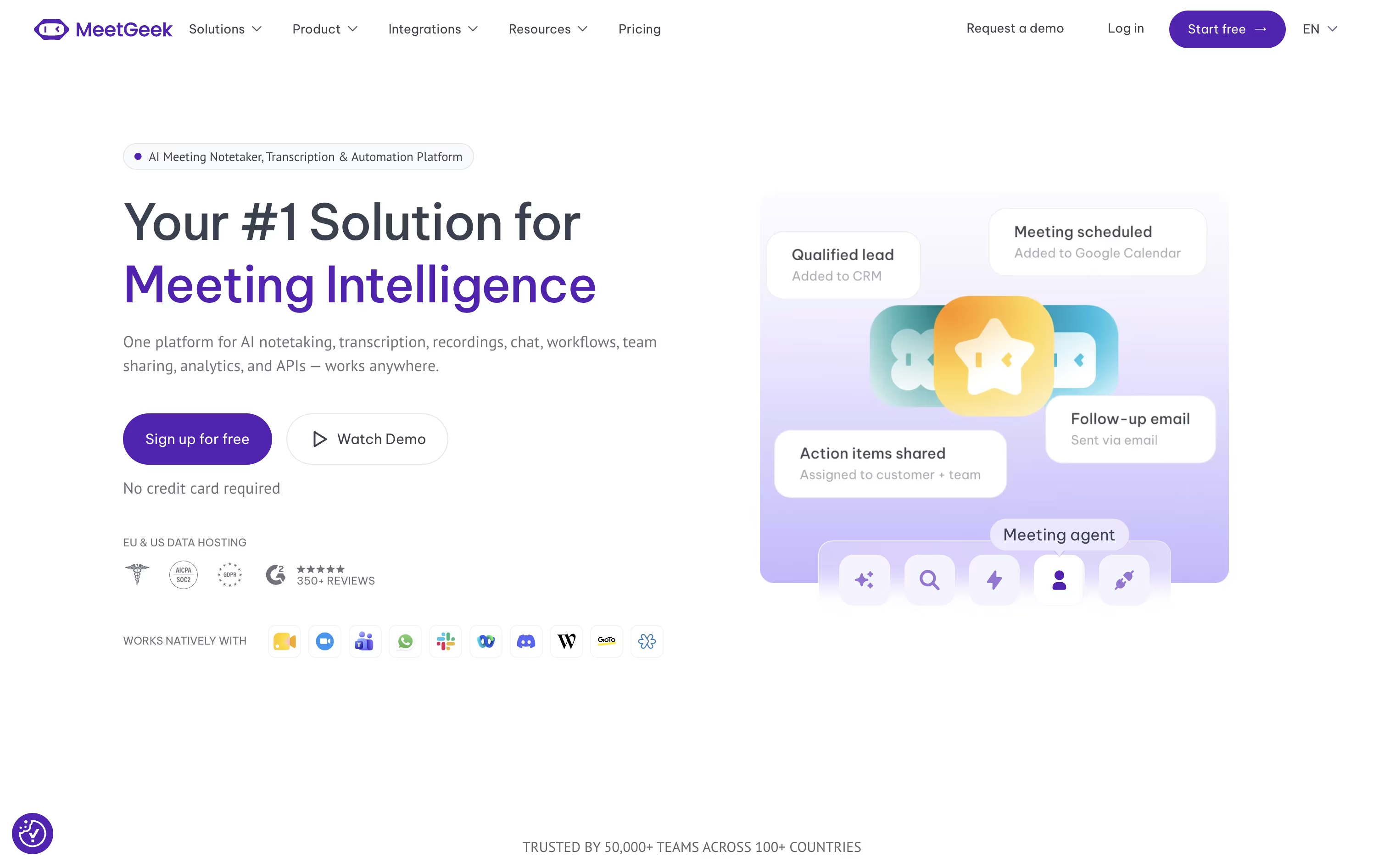
MeetGeek is an AI powered tool that joins your online meetings, records them, and turns the conversation into clear notes.
It works with Zoom, Google Meet, and Microsoft Teams, and can also capture in person talks through its mobile and desktop apps or a Chrome extension.
After each meeting, it creates a summary with key points, decisions, and action items, so you do not need to take notes yourself. You can search past meetings, chat with an AI assistant, and share highlights with your team.
It also connects with tools like Slack, HubSpot, and Notion, and offers a free plan along with paid plans for larger teams.
Features of Wispr Notetaker and MeetGeek
Bot-free recording on Mac
Real speaker names, not generic labels
Topic based summaries with action items
Live transcript and mid-call recap
Search and chat across past meetings
MCP access for Claude and ChatGPT
Shareable notes and Markdown export
Personal dictionary from Wispr Flow
Calendar, Gmail, and Slack connections
Auto recording for Zoom, Meet, and Teams
No bot recording via browser, desktop, and mobile
AI meeting summaries and action items
AI Chat to search past meetings
Meeting analytics and sentiment tracking
Team folders, tags, and comments
Voice Agents for calls
Transcription in 100+ languages
Integrations with CRM, Slack, and Notion
API and MCP access
Use Cases of Wispr Notetaker and MeetGeek
Pricing of Wispr Notetaker and MeetGeek
Wispr Notetaker follows a simple three tier pricing model. The Free plan costs $0 a month and includes core dictation, notetaking on Mac, and a weekly meeting limit with standard note retention.
The Pro plan costs $15 per user a month, or $12 per user a month if you pay annually, which is a 20% discount. Pro removes the meeting and dictation limits, extends note retention, and adds advanced AI models, centralized billing, and shared dictionaries for teams.
For larger organizations, Enterprise pricing is custom and requires contacting sales. It adds SSO, SCIM, audit logs, domain management, and SOC 2 and ISO 27001 compliance, though a few Notetaker features are still listed as coming soon on this tier.
MeetGeek has four plans to fit different needs.
Basic (Free forever): Includes 3 hours of transcription a month, good for occasional meetings.
Pro ($15.99/user/month, or $9.99/user/month billed yearly): Adds 20 hours of transcription, meeting templates, and unlimited integrations.
Business ($27/user/month, or $17/user/month billed yearly): Comes with a 14 day free trial and includes unlimited transcription, HD video recording, team analytics, and a dedicated account manager.
Enterprise (Custom pricing): Built for larger organizations that need single sign on, on premise storage, custom data retention, and dedicated onboarding.
Startups, non-profits, and schools can also get a 30% discount by contacting MeetGeek directly.
FAQs: Wispr Notetaker vs MeetGeek
Reviews: Wispr Notetaker vs MeetGeek
Based on 0 reviews
Based on 0 reviews
Compare Wispr Notetaker With Other Tools

Grain
AI Meeting Notetaker for Sales and CS Teams
Otter.ai
AI Meeting Notes and Transcription

Granola
AI Notepad for Smarter Meeting Notes
Avoma
AI Meeting Assistant & Revenue Insights

Littlebird
Your AI Powered Second Mind at Work
Jamie
AI Meeting Notes, Transcripts & Tasks

Timeless
AI Meeting Notes & Agents Platform

Fathom
AI Notetaker, Transcripts & Summaries
tl;dv
AI Meeting Notes & Transcription Tool
Compare MeetGeek With Other Tools
Grain
AI Meeting Notetaker for Sales and CS Teams
tl;dv
AI Meeting Notes & Transcription Tool
Avoma
AI Meeting Assistant & Revenue Insights
Otter.ai
AI Meeting Notes and Transcription
Granola
AI Notepad for Smarter Meeting Notes
Fireflies.ai
AI Meeting Notes & Transcription

Bluedot
Bot-Free AI Meeting Notes & Recorder
Circleback
AI Meeting Notes and Action Items
Jamie
AI Meeting Notes, Transcripts & Tasks




