

Locofy vs Google Stitch: Features, Pricing and User Reviews 2026
What are Locofy and Google Stitch?

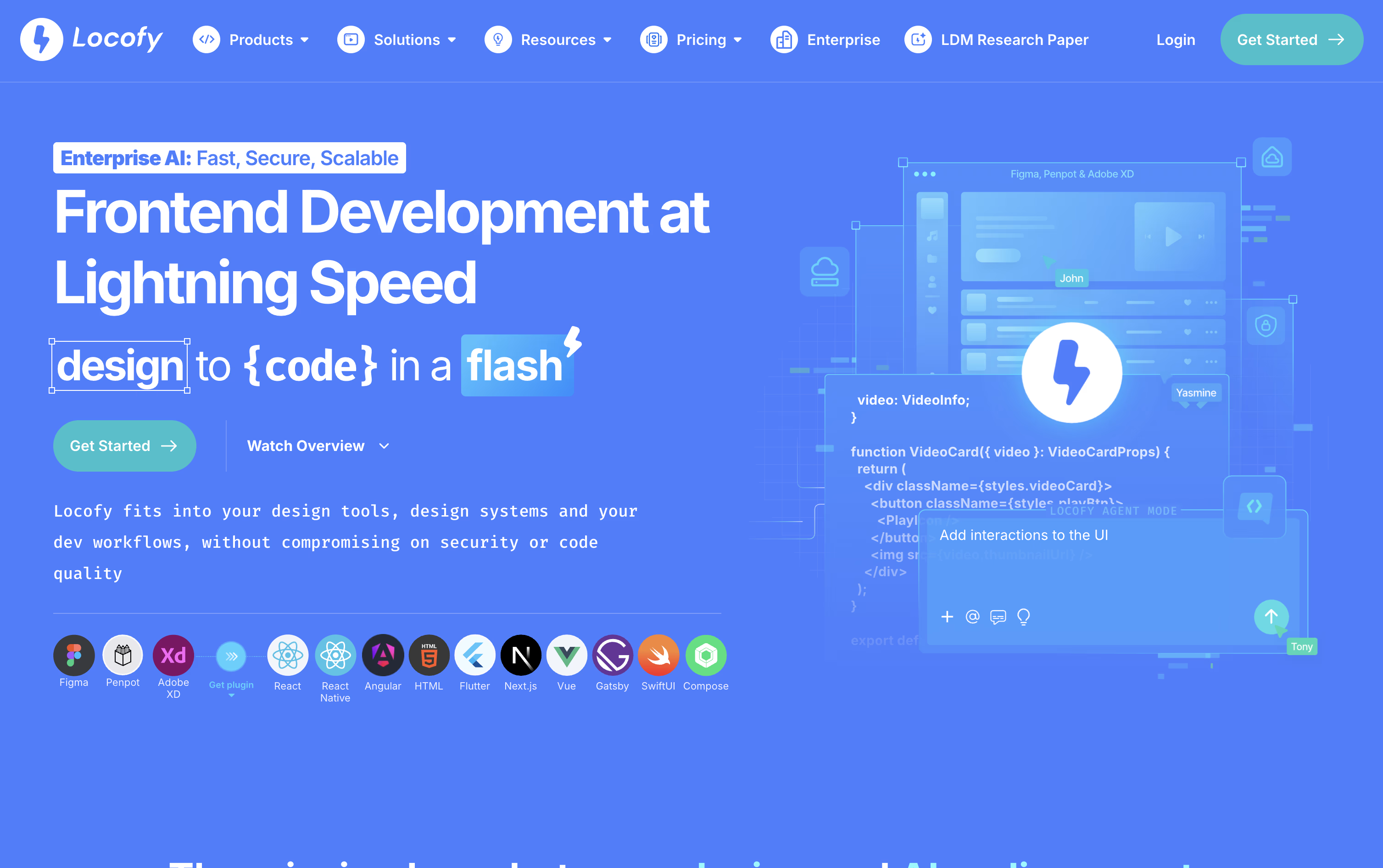
Locofy is an AI powered tool that turns your Figma or Penpot designs into real frontend code. Instead of a developer rebuilding a design from scratch, Locofy reads the layout and turns it into clean, working code for web and mobile apps.
It uses its own AI models called Large Design Models, built and trained just for understanding designs. These models were trained on millions of designs, so the code that comes out is well structured, responsive, and easy for a developer to read and extend.
You can use Locofy through a Figma or Penpot plugin, by pasting a design link, through a command line tool, or directly inside AI coding tools like Cursor and Claude Code using MCP. After the code is generated, you can keep refining it with simple text prompts.
There is a free plan to try it out, along with paid plans for individuals, professional teams, and large companies that need custom setups.
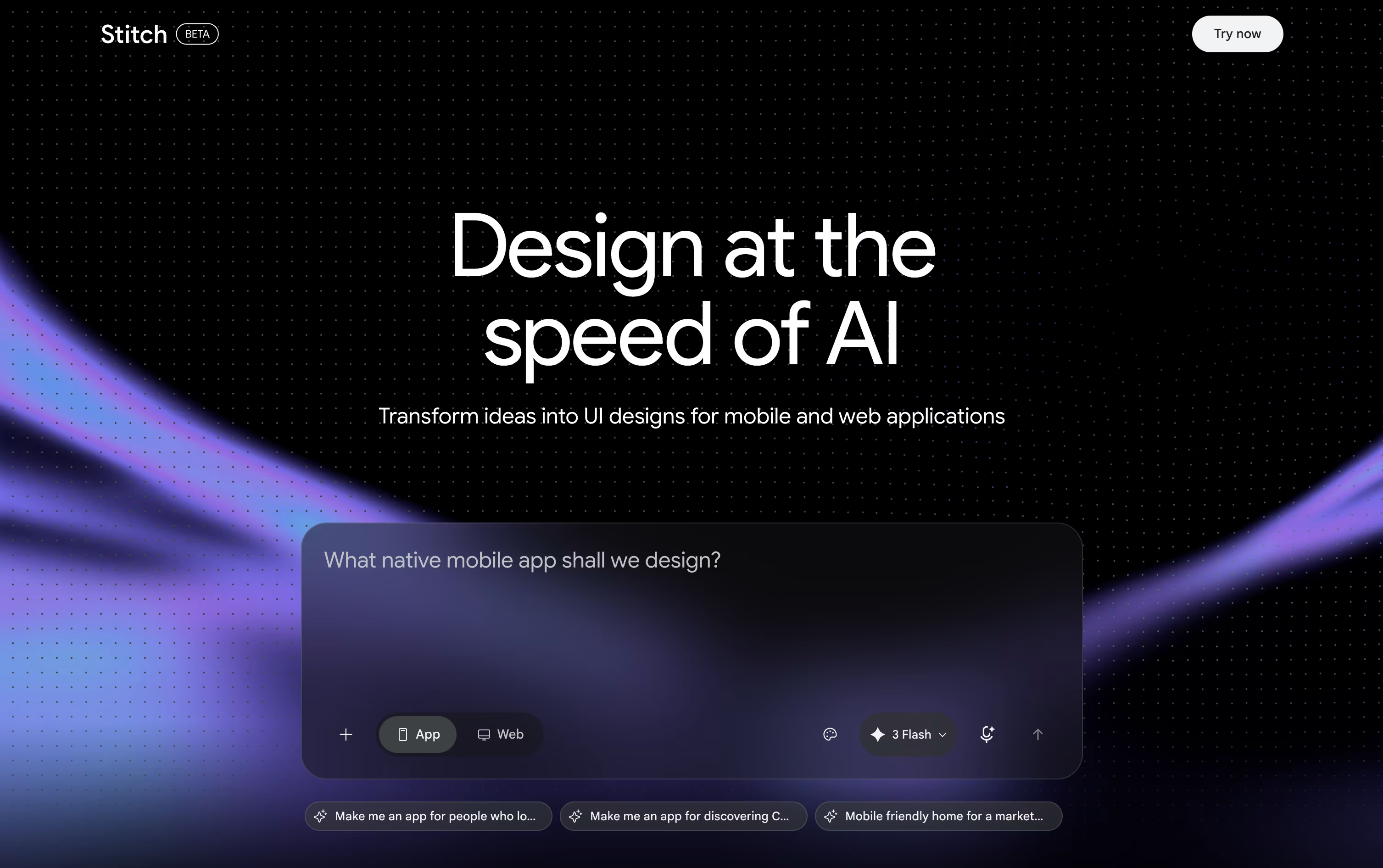
Google Stitch is a free AI tool from Google Labs that helps you design app and website screens. You describe what you want in plain words, upload a sketch or image, or even speak your idea, and Stitch turns it into a real looking design.
It runs on Google's Gemini models and follows what the team calls vibe design. Instead of a detailed plan, you can start from a feeling or a goal, and Stitch builds design options for you to explore.
You can chat with the built in Design Agent, edit parts by hand, or use your voice to make changes, all on one shared canvas.
Stitch works right in your browser once you sign in with a Google account, with no install needed.
Features of Locofy and Google Stitch
Converts Figma and Penpot designs into code
Supports React, Vue, Angular, Flutter, and more
AI powered Large Design Models for accuracy
Agent Mode for text based code refinement
Reusable custom Skills for team standards
CLI, VS Code extension, and GitHub sync
MCP support for Cursor and Claude Code
Private cloud and self hosted options
Text, image, and voice based design creation
Vibe design from ideas and goals
AI Design Agent for smart edits
Infinite canvas for multiple screens
Interactive prototype previews
DESIGN.md design system export
Figma and code export
MCP support for coding tools
Completely free to use
Use Cases of Locofy and Google Stitch
Pricing of Locofy and Google Stitch
Locofy offers four pricing plans to fit different needs. The Free plan costs $0 and gives you all Hobby features for 7 days along with 2,000 LDMtokens, then it automatically moves to the Hobby plan.
The Hobby plan costs $40 a month and is built for light use, with 2,000 LDMtokens, one frame conversion at a time, and a 10 frame per project limit.
The Pro plan costs $80 a month and is designed for professional developers and designers. It includes 4,000 LDMtokens, 25 frames per project, a free UIPro Pro account, and your content is never used to train the platform.
The Enterprises plan uses custom pricing and includes full data privacy, unlimited teams, unlimited frames, GitHub integration, dedicated support, and private cloud or self hosted options.
Google Stitch is completely free to use, since it is still an experimental tool from Google Labs. There is no paid plan, no subscription, and no credit card needed to get started.
Free Plan ($0): Full access to Stitch with just a Google account sign in.
Daily Credits: You get a set number of design and redesign credits each day, which reset at midnight UTC.
Usage Based Limits: Simple edits use fewer credits, while complex multi screen designs use more.
No Upgrades Yet: You cannot buy extra credits or move to a paid tier at this time.
Since Stitch is still in Google Labs, pricing could change in the future, but for now everyone can use it for free.
FAQs: Locofy vs Google Stitch
Reviews: Locofy vs Google Stitch
Based on 0 reviews
Based on 0 reviews
Compare Locofy With Other Tools
Magic Patterns
AI-Powered UI Prototyping Tool

Builder.io
AI-Powered Visual Development Tool

v0
Vercel's AI Agent for Full-Stack Web Apps

UX Pilot
AI Powered UI Design & Prototyping

Banani
AI UI Design Tool for Fast Prototypes
Relume
AI Website Builder & Component Library

Uizard
AI-Powered UI Design & Prototyping Tool

Visily
AI-Powered UI Design & Wireframe Tool

Claude Design
AI-Powered Visual Design Tool
Compare Google Stitch With Other Tools
UX Pilot
AI Powered UI Design & Prototyping
Uizard
AI-Powered UI Design & Prototyping Tool
Visily
AI-Powered UI Design & Wireframe Tool
Banani
AI UI Design Tool for Fast Prototypes
Claude Design
AI-Powered Visual Design Tool
Magic Patterns
AI-Powered UI Prototyping Tool
Figma Make
AI Prompt to App & Prototype Tool

Kombai
AI Design Engineer for Frontend Code

Sleek Design
AI-Powered Mobile App Design Tool Online





