

Locofy vs Uizard: Features, Pricing and User Reviews 2026

Uizard
AI-Powered UI Design & Prototyping Tool
Uizard
AI-Powered UI Design & Prototyping Tool
What are Locofy and Uizard?

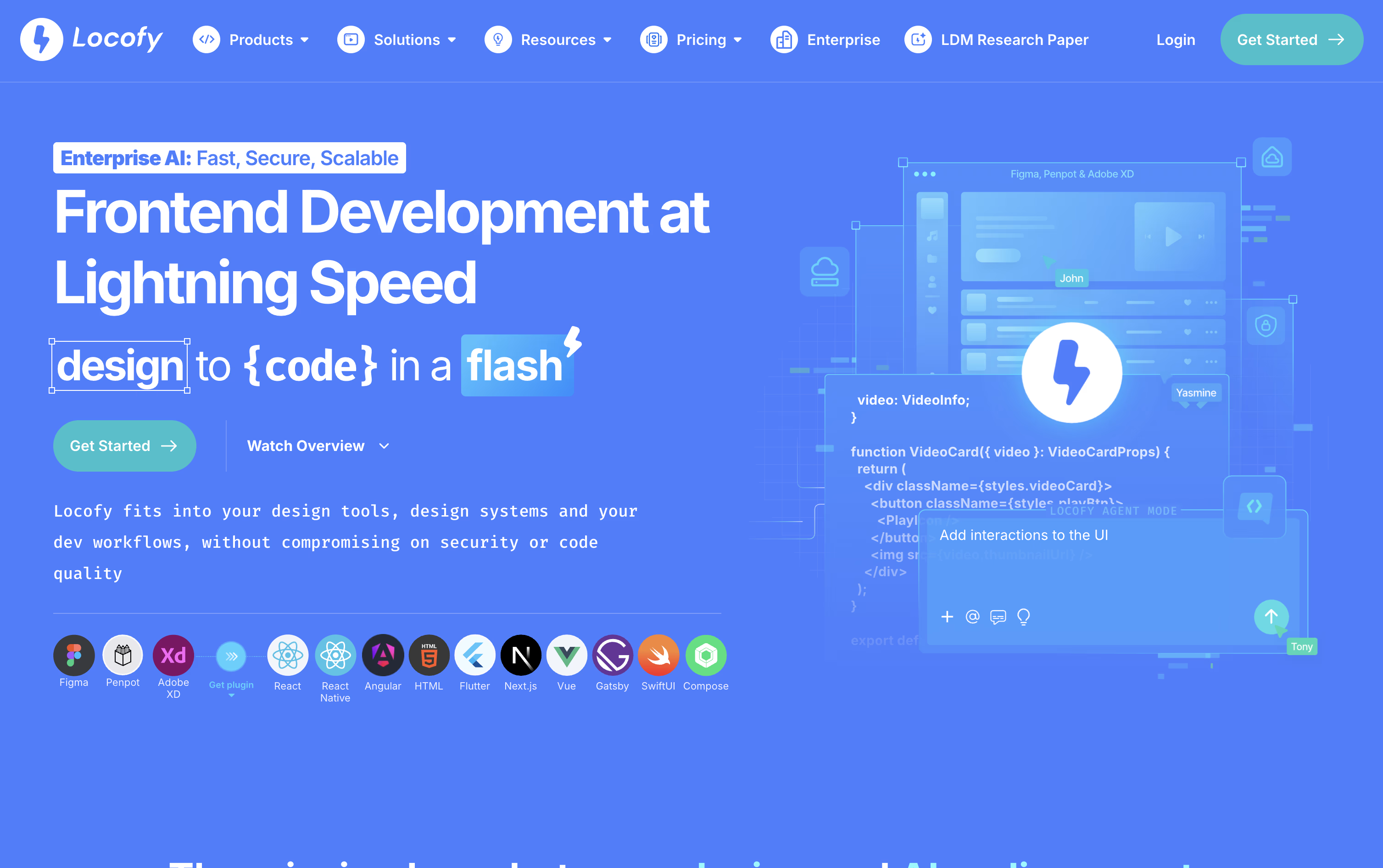
Locofy is an AI powered tool that turns your Figma or Penpot designs into real frontend code. Instead of a developer rebuilding a design from scratch, Locofy reads the layout and turns it into clean, working code for web and mobile apps.
It uses its own AI models called Large Design Models, built and trained just for understanding designs. These models were trained on millions of designs, so the code that comes out is well structured, responsive, and easy for a developer to read and extend.
You can use Locofy through a Figma or Penpot plugin, by pasting a design link, through a command line tool, or directly inside AI coding tools like Cursor and Claude Code using MCP. After the code is generated, you can keep refining it with simple text prompts.
There is a free plan to try it out, along with paid plans for individuals, professional teams, and large companies that need custom setups.
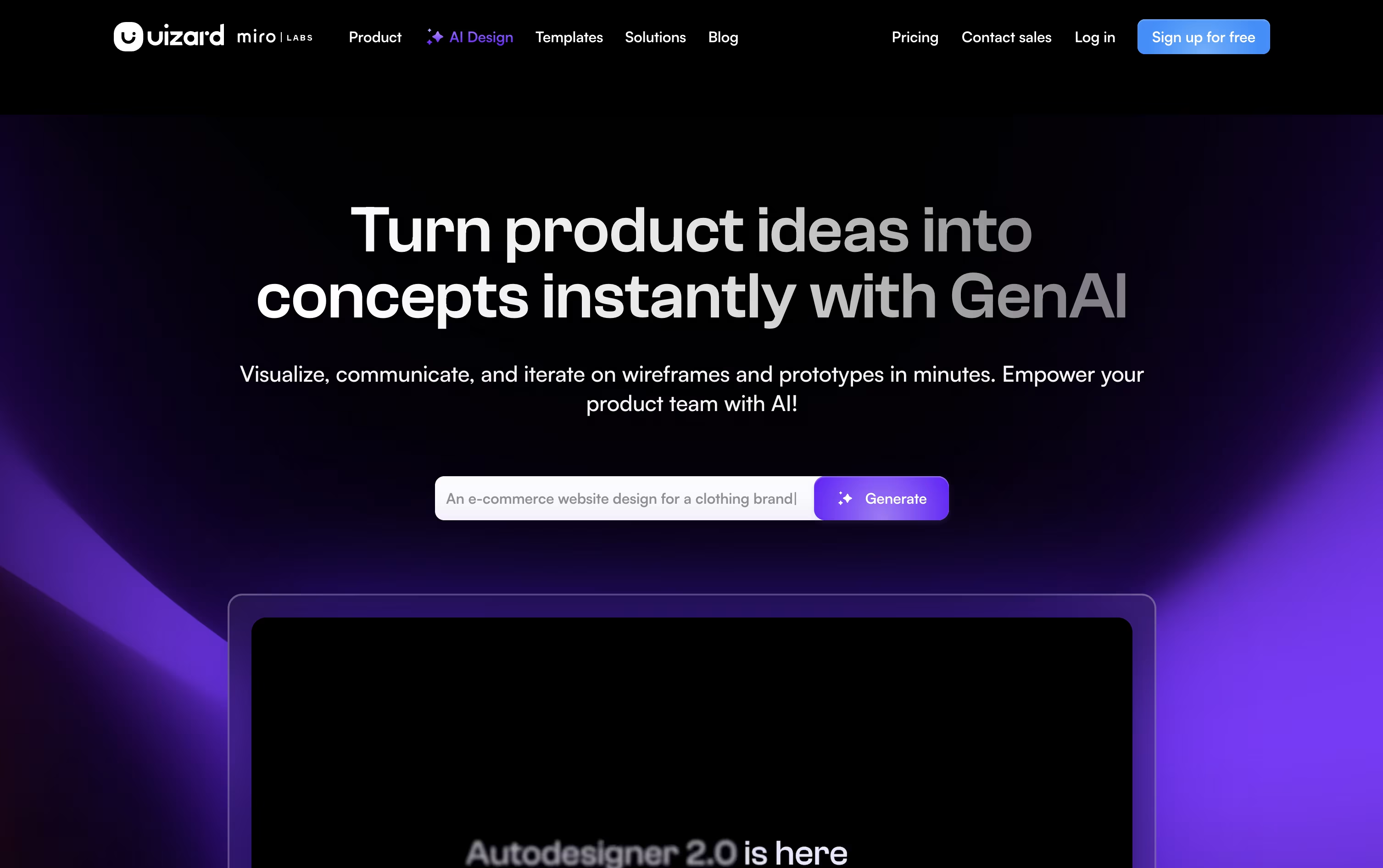
Uizard is an AI powered design tool that helps people create app and website designs without needing design skills. You can describe your idea in plain text, upload a screenshot, or even take a photo of a hand drawn sketch, and Uizard turns it into an editable digital design.
The tool uses an AI engine called Autodesigner to build full multi screen prototypes from your instructions. You can also change layouts, colors, and text just by typing what you want, and the design updates automatically.
Uizard started as a research project in Copenhagen before becoming a company, and it was later acquired by Miro. It is used by product managers, founders, and teams who want to turn ideas into working prototypes quickly, without needing tools like Figma.
Features of Locofy and Uizard
Converts Figma and Penpot designs into code
Supports React, Vue, Angular, Flutter, and more
AI powered Large Design Models for accuracy
Agent Mode for text based code refinement
Reusable custom Skills for team standards
CLI, VS Code extension, and GitHub sync
MCP support for Cursor and Claude Code
Private cloud and self hosted options
Generate prototypes from text prompts
Turn screenshots into editable designs
Convert sketches into digital mockups
AI theme and brand kit generator
Attention heatmap predictions
React and CSS developer handoff
Real time team collaboration
Large template and component library
Wireframe and high fidelity modes
Figma plugin for importing designs
Use Cases of Locofy and Uizard
Pricing of Locofy and Uizard
Locofy offers four pricing plans to fit different needs. The Free plan costs $0 and gives you all Hobby features for 7 days along with 2,000 LDMtokens, then it automatically moves to the Hobby plan.
The Hobby plan costs $40 a month and is built for light use, with 2,000 LDMtokens, one frame conversion at a time, and a 10 frame per project limit.
The Pro plan costs $80 a month and is designed for professional developers and designers. It includes 4,000 LDMtokens, 25 frames per project, a free UIPro Pro account, and your content is never used to train the platform.
The Enterprises plan uses custom pricing and includes full data privacy, unlimited teams, unlimited frames, GitHub integration, dedicated support, and private cloud or self hosted options.
Uizard offers a free plan and three paid plans to fit different needs. The Free plan costs $0 and includes 3 AI generations a month, up to 2 projects, and 10 templates, making it a good fit for students and hobbyists.
The Pro plan costs $19 a month, or $12 a month when billed annually, and raises the limit to 500 AI generations a month, up to 100 projects, private projects, and developer handoff in React and CSS.
The Business plan costs $39 a month and adds 5,000 AI generations a month, unlimited projects, a custom brand kit, and priority support.
The Enterprise plan uses custom pricing for organizations with 15 or more users, and includes unlimited AI generations, unlimited teams, a dedicated account manager, and whiteglove onboarding.
FAQs: Locofy vs Uizard
Reviews: Locofy vs Uizard
Based on 0 reviews
Based on 0 reviews
Compare Locofy With Other Tools

Magic Patterns
AI-Powered UI Prototyping Tool

Builder.io
AI-Powered Visual Development Tool

v0
Vercel's AI Agent for Full-Stack Web Apps

UX Pilot
AI Powered UI Design & Prototyping

Banani
AI UI Design Tool for Fast Prototypes

Relume
AI Website Builder & Component Library

Visily
AI-Powered UI Design & Wireframe Tool

Claude Design
AI-Powered Visual Design Tool

Google Stitch
Free AI UI Design Tool by Google
Compare Uizard With Other Tools
UX Pilot
AI Powered UI Design & Prototyping
Visily
AI-Powered UI Design & Wireframe Tool
Banani
AI UI Design Tool for Fast Prototypes
Claude Design
AI-Powered Visual Design Tool
Magic Patterns
AI-Powered UI Prototyping Tool
Google Stitch
Free AI UI Design Tool by Google

Figma Make
AI Prompt to App & Prototype Tool

Kombai
AI Design Engineer for Frontend Code
Relume
AI Website Builder & Component Library





