

Tight Studio vs Screencastify: Features, Pricing and User Reviews 2026
Tight Studio
AI-Powered Product Demo Video Editor
Tight Studio
AI-Powered Product Demo Video Editor
What are Tight Studio and Screencastify?
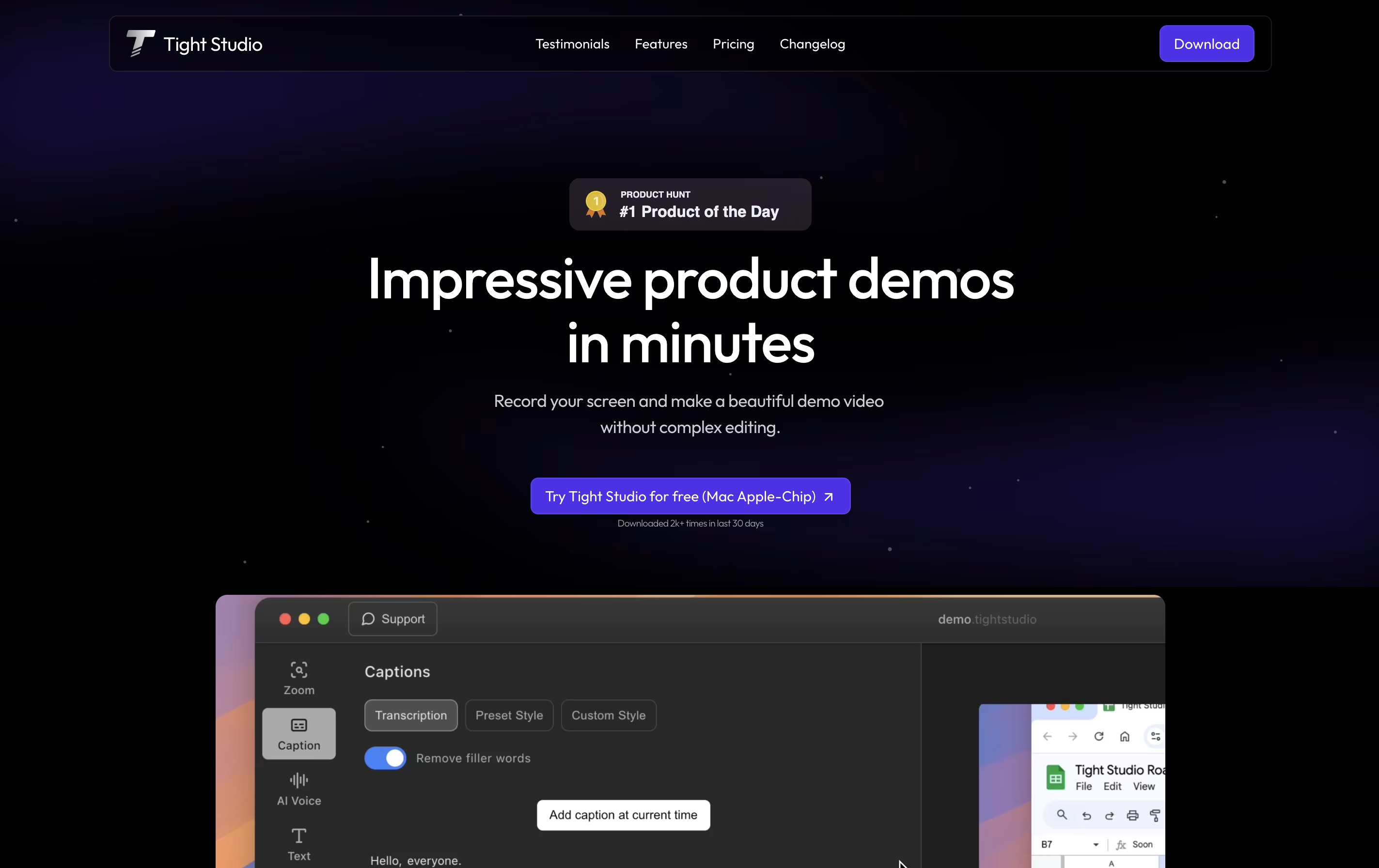
Tight Studio is a video editor built specifically for creating product demos from screen recordings. You can record your screen and the tool automatically enhances it with professional touches. Unlike traditional video editors that require technical skills, Tight Studio uses AI to handle the complex work for you.
The platform focuses on making demos look polished without manual editing. It automatically zooms into important actions on your screen, adds styled captions for viewers watching without sound, and can replace your voice with clear AI narration. You can also add text overlays, import other media, and choose background music from their library.
There is a free version for basic needs and a Pro version with advanced AI features and no watermark on exports.

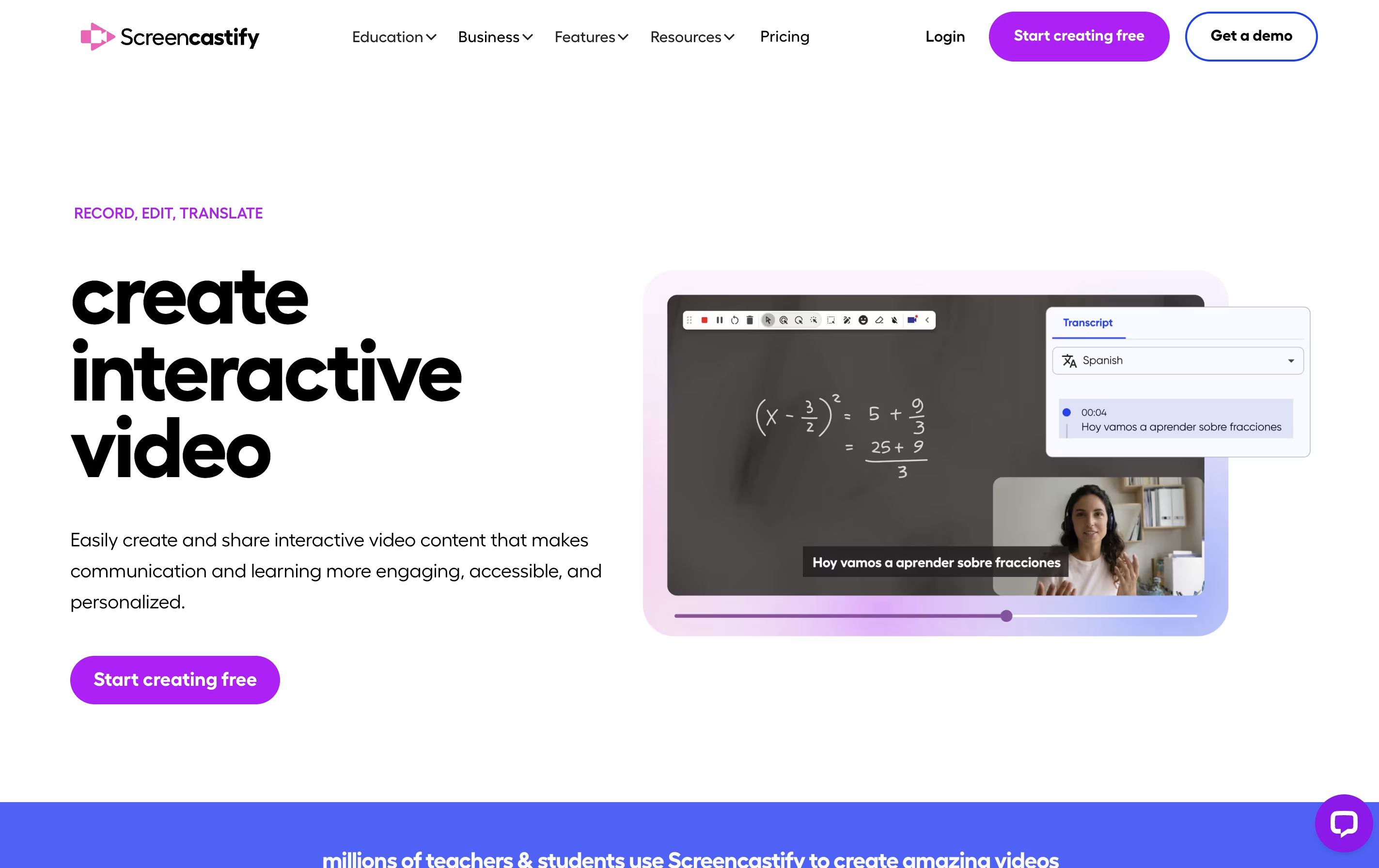
Screencastify is a screen recording extension built for Chrome browsers. It lets you capture anything on your screen with just a few clicks. You can record a single browser tab, your entire desktop, or just your webcam.
The tool includes built-in editing features so you can trim videos, add text, and merge clips without using separate software. It also has interactive features like adding questions and polls to your videos, making it great for teaching and training.
Your recordings save directly to Google Drive, and you can share them through links, upload to YouTube, or export as MP4 files. The Pro version adds advanced features like AI-powered editing, automatic captions, and translations into many languages.
Features of Tight Studio and Screencastify
Automatic smart zoom on key actions
Professional caption styles and editing
Natural AI voiceover generation
Dynamic text overlays with animation
Import media or generate with AI
Curated background music library
Video clipping and trimming tools
Multiple export options
No editing skills required
Fast demo creation in minutes
Record screen, webcam, or both together
Basic and advanced video editing tools
Add interactive questions and polls
Automatic captions and transcripts
AI video enhancements and editing
Translate videos into 90+ languages
Teleprompter with AI-generated scripts
Share via link, YouTube, or Google Drive
Collect video submissions from others
Export as MP4, GIF, or MP3
Use Cases of Tight Studio and Screencastify
Pricing of Tight Studio and Screencastify
Tight Studio offers three pricing tiers to match different needs. The free plan provides basic features with a Tight Studio watermark on exports, making it suitable for testing and internal demos. You get automatic professional captions, zoom tools, video clipping, and background music.
The Pro plan costs $20 per month and unlocks all features. You receive 1000 AI credits monthly for voiceover and media generation, plus the ability to export videos without watermarks. This plan is ideal for professionals creating demos for external audiences.
For teams with custom requirements, the Custom plan offers personalized service where the Tight Studio team prepares your videos from raw recordings. This includes all Pro features plus customized solutions for your specific needs, with a 100% happiness guarantee. Pricing for the Custom plan is tailored to your requirements.
Screencastify offers three pricing plans to match different needs. The free version allows you to create up to 10 videos with recordings up to 30 minutes each. You get basic features like instant sharing, video uploads, and privacy controls at no cost.
The Starter plan costs $7 per user monthly when billed annually, or $19 monthly. You get unlimited video creation, 60-minute recording limit, basic editing tools, no watermark, and the ability to add questions and collect video submissions.
The Pro plan is $10 per user monthly when billed annually, or $25 monthly. This includes everything in Starter plus AI video enhancements, 180-minute recording limit, advanced AI editing, automatic captions and transcripts, translations and voiceovers in 90+ languages, teleprompter with AI scripts, and unlimited media uploads and downloads. Education users also get access to YouTube for EDU features.
FAQs: Tight Studio vs Screencastify
Reviews: Tight Studio vs Screencastify
Based on 0 reviews
Based on 0 reviews
Compare Tight Studio With Other Tools

Tella
AI Screen Recorder with Smart Video Editing

Screen Studio
Professional Mac Screen Recorder

Screen Charm
Mac Screen Recorder with Auto-Zoom

Focusee
AI Screen Recorder with Auto Zoom & Instant Editing

Camtasia
Professional Screen Recording Software

ScreenPal
Easy Screen Recorder & Video Editor

Loom
Easy Video Messaging for Teams
Dadan
AI Video Messaging Platform for Teams
CleanShot X
Professional Mac Screenshot Tool
Compare Screencastify With Other Tools
Tella
AI Screen Recorder with Smart Video Editing
Screen Studio
Professional Mac Screen Recorder
Loom
Easy Video Messaging for Teams
Camtasia
Professional Screen Recording Software
Screen Charm
Mac Screen Recorder with Auto-Zoom
ScreenPal
Easy Screen Recorder & Video Editor
Focusee
AI Screen Recorder with Auto Zoom & Instant Editing
CleanShot X
Professional Mac Screenshot Tool

Cap
Open Source Screen Recording with AI Features





