

Incident.io vs UptimeRobot: Features, Pricing and User Reviews 2026

UptimeRobot
Website Monitoring with Instant Downtime Alerts
UptimeRobot
Website Monitoring with Instant Downtime Alerts
What are Incident.io and UptimeRobot?

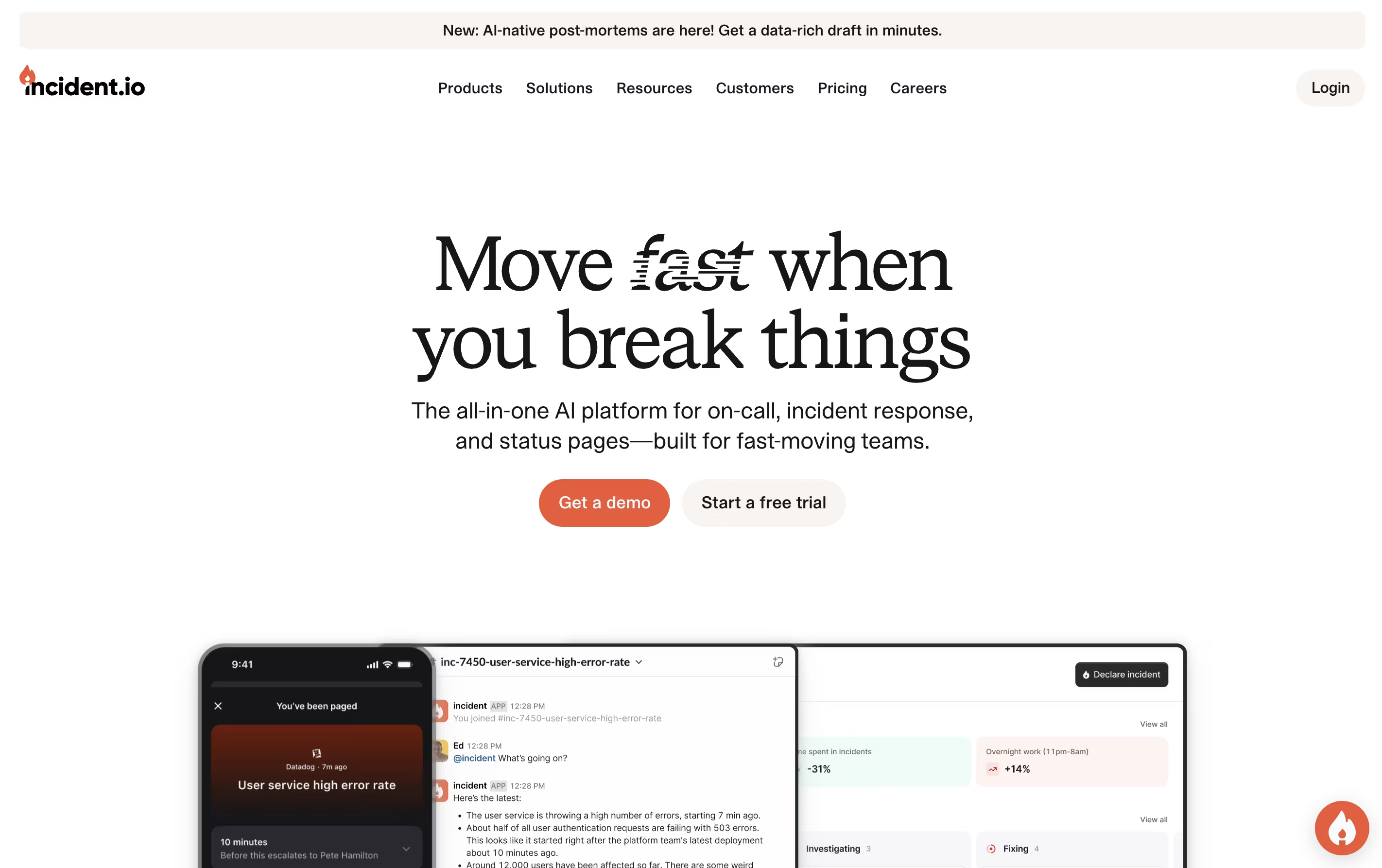
Incident.io is a platform that brings together all the tools needed to manage technical incidents in one place. When something breaks, it automatically creates dedicated channels in Slack or Teams, brings in the right people based on schedules, and helps coordinate the response effort.
The platform uses AI to reduce alert noise, suggest fixes, and even investigate problems automatically. It tracks everything that happens during an incident to create detailed timelines without extra work. After incidents are resolved, teams can review what happened and learn from it.
There are multiple pricing levels, from a free Basic plan with core features to Enterprise plans for large organizations. The Pro version includes advanced analytics and private incident handling.
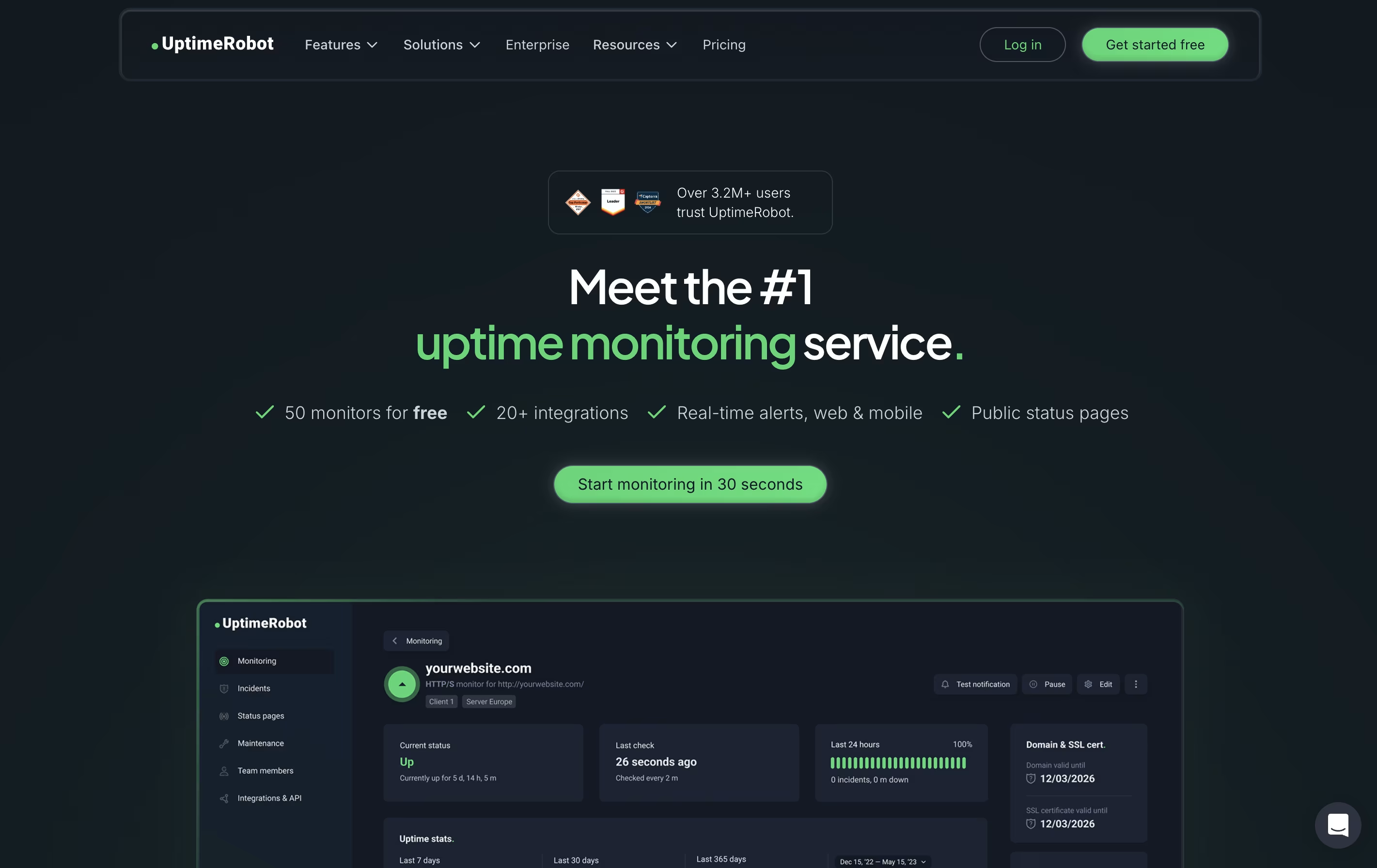
UptimeRobot is a monitoring tool that checks if your website or service is working properly. It sends automated requests to your website at regular intervals and notifies you immediately if it detects any problems. Unlike simple ping tools, UptimeRobot offers different types of checks including website monitoring, port monitoring, keyword tracking, and scheduled task verification.
The service runs checks from multiple locations worldwide to avoid false alerts. If your site goes down, UptimeRobot verifies the problem from different places before sending you a notification. This smart approach reduces unnecessary alerts while ensuring real issues get reported quickly.
You can receive alerts through email, text messages, phone calls, or popular apps like Slack and Discord. The free plan includes 50 monitors, while paid plans offer faster checks and more features.
Features of Incident.io and UptimeRobot
AI-powered incident investigation and resolution
Multi-team on-call scheduling with rotation support
Automated Slack and Microsoft Teams workflows
Customizable branded status pages
Real-time incident timeline tracking
Post-incident review and learning tools
Integration with monitoring and ticketing systems
Advanced analytics and reporting
Role-based access control and permissions
Mobile app for on-the-go incident management
Website and server monitoring with instant alerts
HTTP, ping, port, keyword, and heartbeat checks
SSL certificate and domain expiration tracking
Multi-location verification to prevent false alerts
Status pages for public uptime sharing
Email, SMS, phone call, and app notifications
Slack, Discord, Teams, and Zapier integrations
Response time and performance tracking
Team collaboration with customizable access levels
Mobile apps for iOS and Android
Use Cases of Incident.io and UptimeRobot
Pricing of Incident.io and UptimeRobot
Incident.io offers flexible pricing to fit different team sizes and needs.
The Basic plan is completely free and includes core incident response features, single team on-call, and a status page. This works well for small teams getting started with structured incident management.
The Team plan costs $19 per user monthly for incident response, with an additional $12 per user monthly for on-call features. It includes multi-team scheduling, AI automation, and works in Slack environments.
The Pro plan is $25 per user monthly for incident response, plus $20 per user monthly for on-call. It adds advanced insights, private incidents, customizable processes, and Microsoft Teams support alongside Slack.
For larger organizations, the Enterprise plan offers custom pricing with dedicated support, multiple environments, advanced security, and live phone support with guaranteed response times.
UptimeRobot offers pricing plans designed for different needs and budgets.
The Free Plan costs nothing and includes 50 monitors with checks every 5 minutes. You get basic features like keyword monitoring and simple status pages. This plan works well for hobby projects and personal websites.
Solo Plan at $8 per month provides 10 monitors with 60-second checks. It adds location-specific monitoring, slow response alerts, and DNS monitoring with access to 9 integrations.
The Team Plan costs $34 monthly and is the most popular choice. It includes 100 monitors, 60-second intervals, all 12 integrations, full-featured status pages, and space for 3 team members.
Enterprise Plan at $64 per month offers 200 monitors with 30-second checks, 5 team seats, and priority features for businesses needing maximum monitoring coverage.
All paid plans can be purchased annually to save around 20 percent on costs.
FAQs: Incident.io vs UptimeRobot
Reviews: Incident.io vs UptimeRobot
Based on 0 reviews
Based on 0 reviews
Compare Incident.io With Other Tools

Better Stack
Complete Monitoring and Incident Management Platform

PagerDuty
Real-Time Incident Management for DevOps and IT Teams

Status.io
Hosted Status Pages for Incident and Maintenance Communication

FireHydrant
Incident Management Platform for Teams

Rootly
AI-Powered Incident Management Platform

Statuspage
Status & Incident Communication Tool

StatusCake
Website Monitoring for Uptime, Speed & Security

StatusPal
Hosted Status Pages & Service Monitoring

Instatus
Fast Status Pages for Modern Teams
Compare UptimeRobot With Other Tools
Better Stack
Complete Monitoring and Incident Management Platform
StatusCake
Website Monitoring for Uptime, Speed & Security

Hyperping
Simple Uptime Monitoring & Status Pages
Status.io
Hosted Status Pages for Incident and Maintenance Communication

Cronitor
Simple Monitoring for Cron Jobs and APIs
PagerDuty
Real-Time Incident Management for DevOps and IT Teams
Instatus
Fast Status Pages for Modern Teams

Checkly
Monitoring Platform for Developers
FireHydrant
Incident Management Platform for Teams





