

Notta vs Otter.ai: Features, Pricing and User Reviews 2026
What are Notta and Otter.ai?
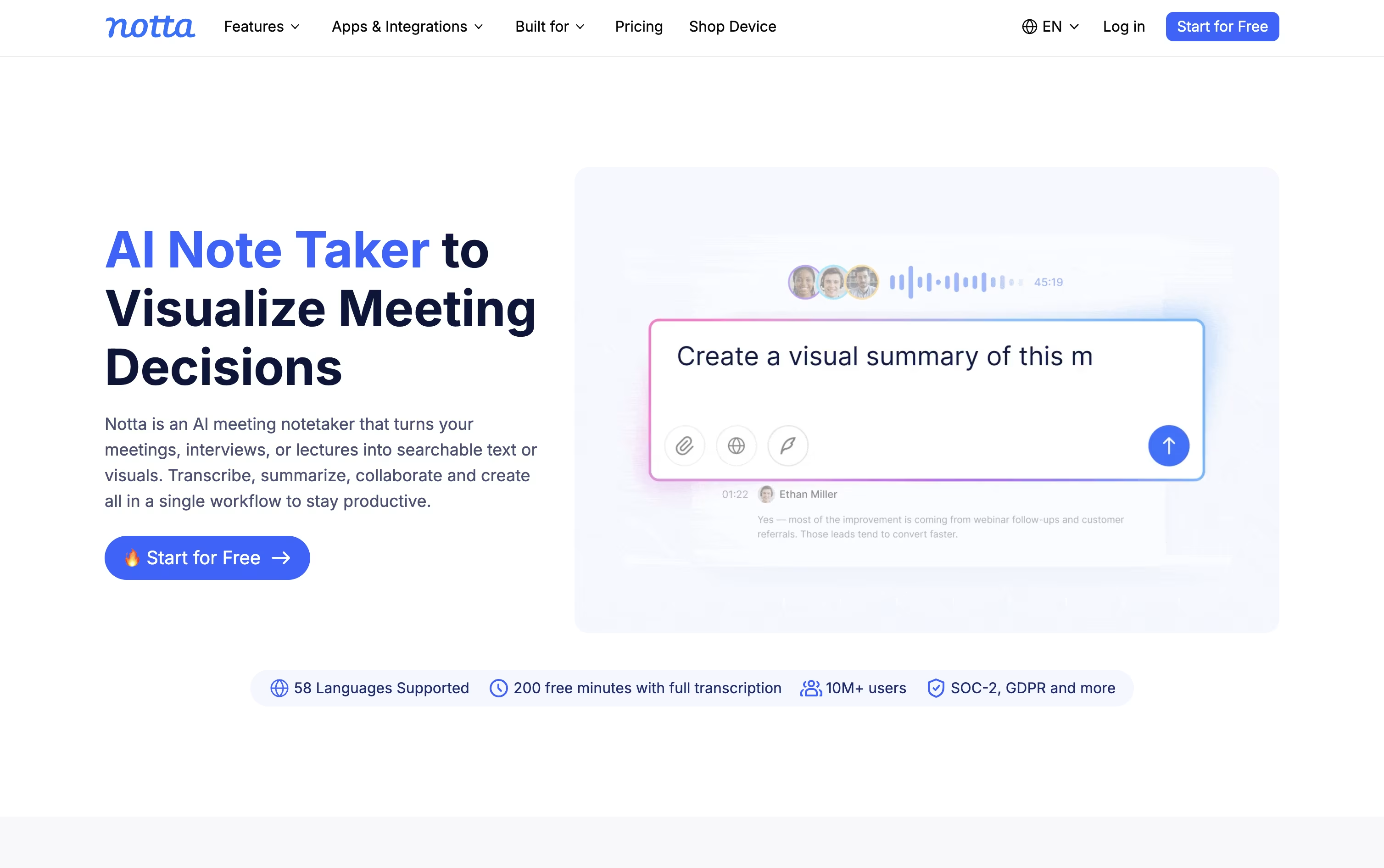
Notta is an AI notetaker and transcription tool that records meetings, calls, interviews, and audio files, then turns them into clear text you can search and share.
It works with Zoom, Google Meet, Microsoft Teams, and Webex, joining calls automatically or capturing audio quietly in the background without a visible bot.
Beyond plain transcripts, Notta uses AI to write summaries, pull out action items, and even build slides, reports, and follow-up emails from what was said.
There is a free plan for light use, paid Pro and Business plans for professionals and teams, and a custom Enterprise option for larger organizations that need extra security, control, and support.

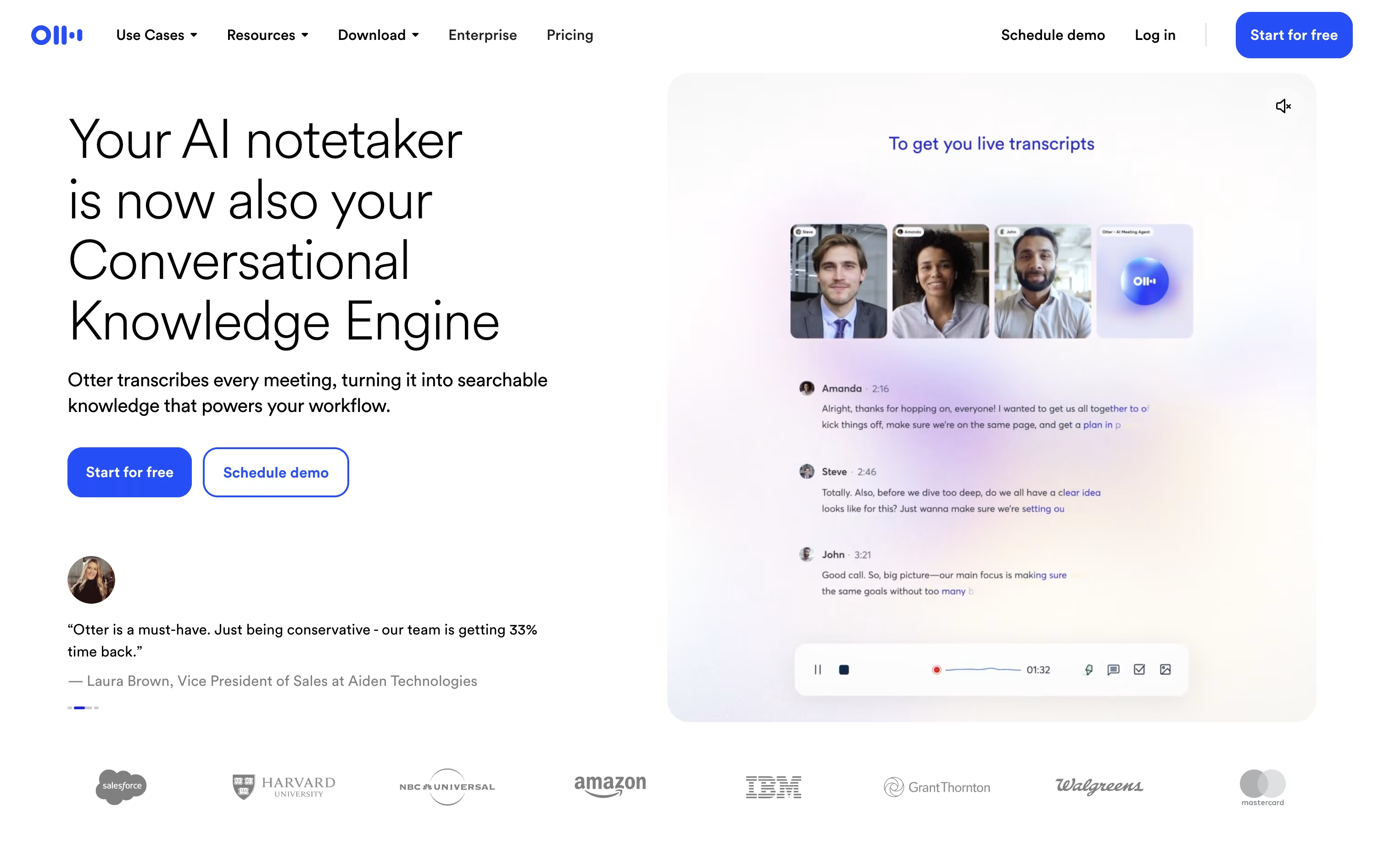
Otter.ai is an AI meeting assistant that turns spoken conversations into clear, searchable notes. It can join your Zoom, Google Meet, or Microsoft Teams calls automatically, or record in-person talks through its mobile app.
As you talk, Otter writes a live transcript, tags each speaker, and captures slides shown on screen. Once the meeting ends, it builds a summary with the key topics, decisions, and action items, so you do not have to write anything down yourself.
Otter AI Chat lets you ask questions about one meeting or your full meeting history, and connects with tools like Salesforce, HubSpot, and Slack to push notes where your team already works.
There is a free plan for light use, along with Pro, Business, and Enterprise plans that add more transcription minutes, team features, and security controls for larger organizations.
Features of Notta and Otter.ai
Auto-records Zoom, Meet, Teams, and Webex calls
Real-time transcription in 58 languages
Speaker identification and noise reduction
AI summaries and action items
Notta Brain for cross-file analysis and slide generation
Transcript translation into 42+ languages
Bot-free desktop recording with Privacy Mode
Notta Memo pocket voice recorder
CRM and Zapier integrations
Mobile, desktop, and Chrome extension apps
Real-time meeting transcription and captions
AI generated summaries and action items
Otter AI Chat for instant answers
Auto-joins Zoom, Teams, and Google Meet
Bot-free desktop and Chrome recording
Custom vocabulary and speaker identification
Integrations with Salesforce, HubSpot, and Zapier
SSO, SCIM, and HIPAA support for enterprise
Mobile apps for iOS and Android
Searchable meeting history and exports
Use Cases of Notta and Otter.ai
Pricing of Notta and Otter.ai
Notta offers a Free plan with 120 transcription minutes a month, 50 file uploads, and 10 AI summaries, and no credit card is needed.
The Pro plan costs $13.49 a month, or $8.17 a month billed annually at $97.99 a year, and raises the limit to 1,800 minutes, 100 file uploads, and 100 AI summaries, plus transcript export, translation, and custom vocabulary.
The Business plan costs $27.99 a month per seat, or $16.67 a month billed annually at $199.99 a year, and adds unlimited transcription, video recording of meetings, security controls, usage reports, and CRM and Zapier integration.
The Enterprise plan uses custom pricing starting from 51 seats, adding SAML SSO, full data access control, audit logs, and priority support.
Add-ons like Monolingual Translation, Bilingual Transcription and Translation, and Notta Brain are available for Pro, Business, and Enterprise users.
Otter.ai offers four plans to fit different needs, from solo users to large companies.
Basic (Free): 300 transcription minutes a month, 5 workspace members, and basic AI Chat.
Pro ($16.99/month, or $8.33/month billed yearly): 1,200 transcription minutes, unlimited history, advanced search, and integrations.
Business ($24/month, or $19.99/month billed yearly): Unlimited meetings and transcription, 6,000 imported file minutes, usage analytics, and priority support.
Enterprise (Custom pricing): Unlimited workspace members, SSO, SCIM, custom AI workflows, and enterprise level security.
Yearly billing saves up to 51% compared to paying monthly, and all plans include core features like speaker identification and meeting summaries.
FAQs: Notta vs Otter.ai
Reviews: Notta vs Otter.ai
Based on 0 reviews
Based on 0 reviews
Compare Notta With Other Tools

Granola
AI Notepad for Smarter Meeting Notes

Grain
AI Meeting Notetaker for Sales and CS Teams
Wispr Notetaker
Bot-Free AI Meeting Assistant

Jamie
AI Meeting Notes, Transcripts & Tasks

Littlebird
Your AI Powered Second Mind at Work
Circleback
AI Meeting Notes and Action Items

Fathom
AI Notetaker, Transcripts & Summaries
tl;dv
AI Meeting Notes & Transcription Tool
Krisp
AI Noise Cancellation & Meeting Notes
Compare Otter.ai With Other Tools
Grain
AI Meeting Notetaker for Sales and CS Teams
Granola
AI Notepad for Smarter Meeting Notes
Wispr Notetaker
Bot-Free AI Meeting Assistant
Jamie
AI Meeting Notes, Transcripts & Tasks
Fathom
AI Notetaker, Transcripts & Summaries
tl;dv
AI Meeting Notes & Transcription Tool
MeetGeek
AI Meeting Notes and Transcription

Fireflies.ai
AI Meeting Notes & Transcription
Avoma
AI Meeting Assistant & Revenue Insights

