

Notta vs Littlebird: Features, Pricing and User Reviews 2026
What are Notta and Littlebird?
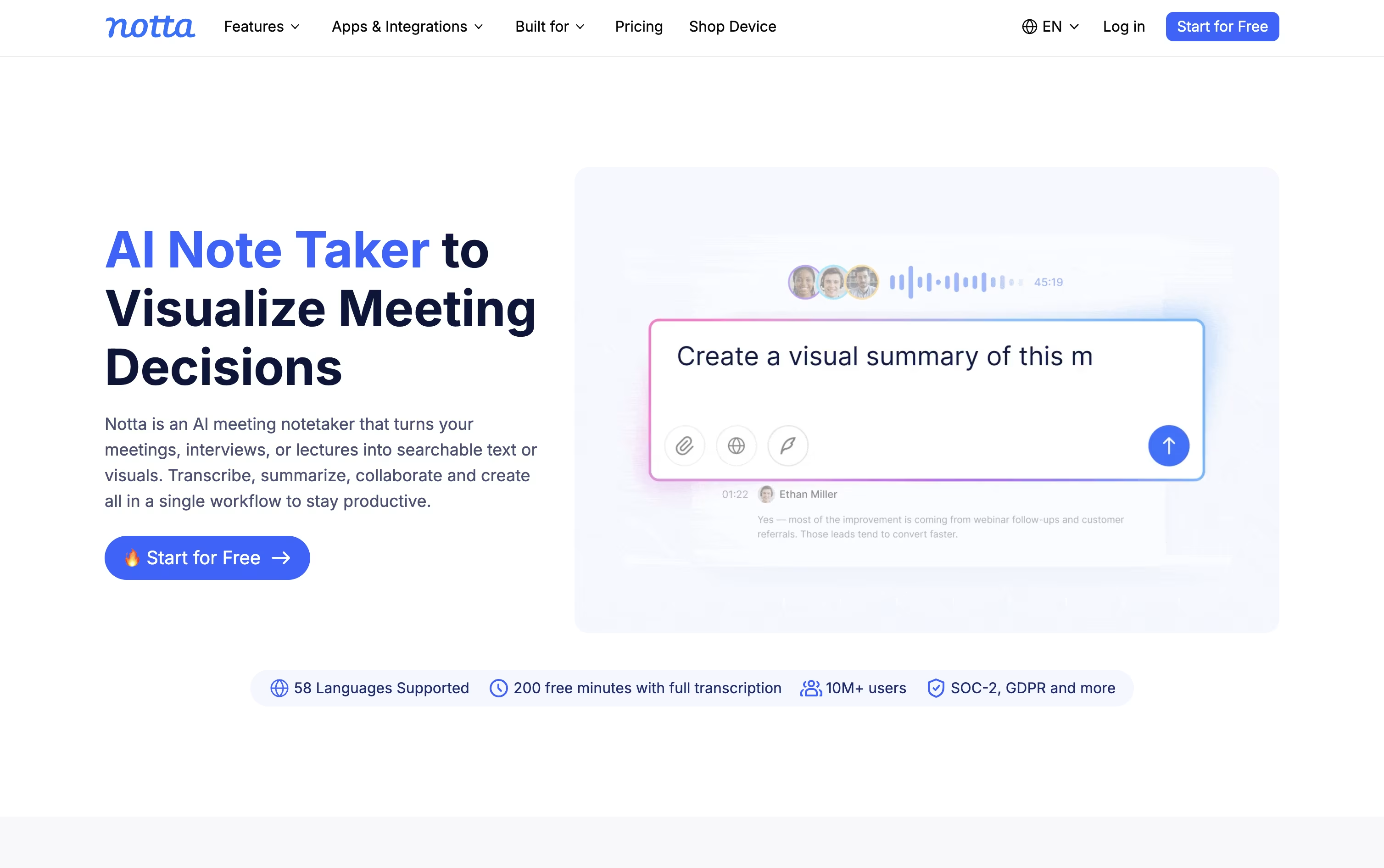
Notta is an AI notetaker and transcription tool that records meetings, calls, interviews, and audio files, then turns them into clear text you can search and share.
It works with Zoom, Google Meet, Microsoft Teams, and Webex, joining calls automatically or capturing audio quietly in the background without a visible bot.
Beyond plain transcripts, Notta uses AI to write summaries, pull out action items, and even build slides, reports, and follow-up emails from what was said.
There is a free plan for light use, paid Pro and Business plans for professionals and teams, and a custom Enterprise option for larger organizations that need extra security, control, and support.

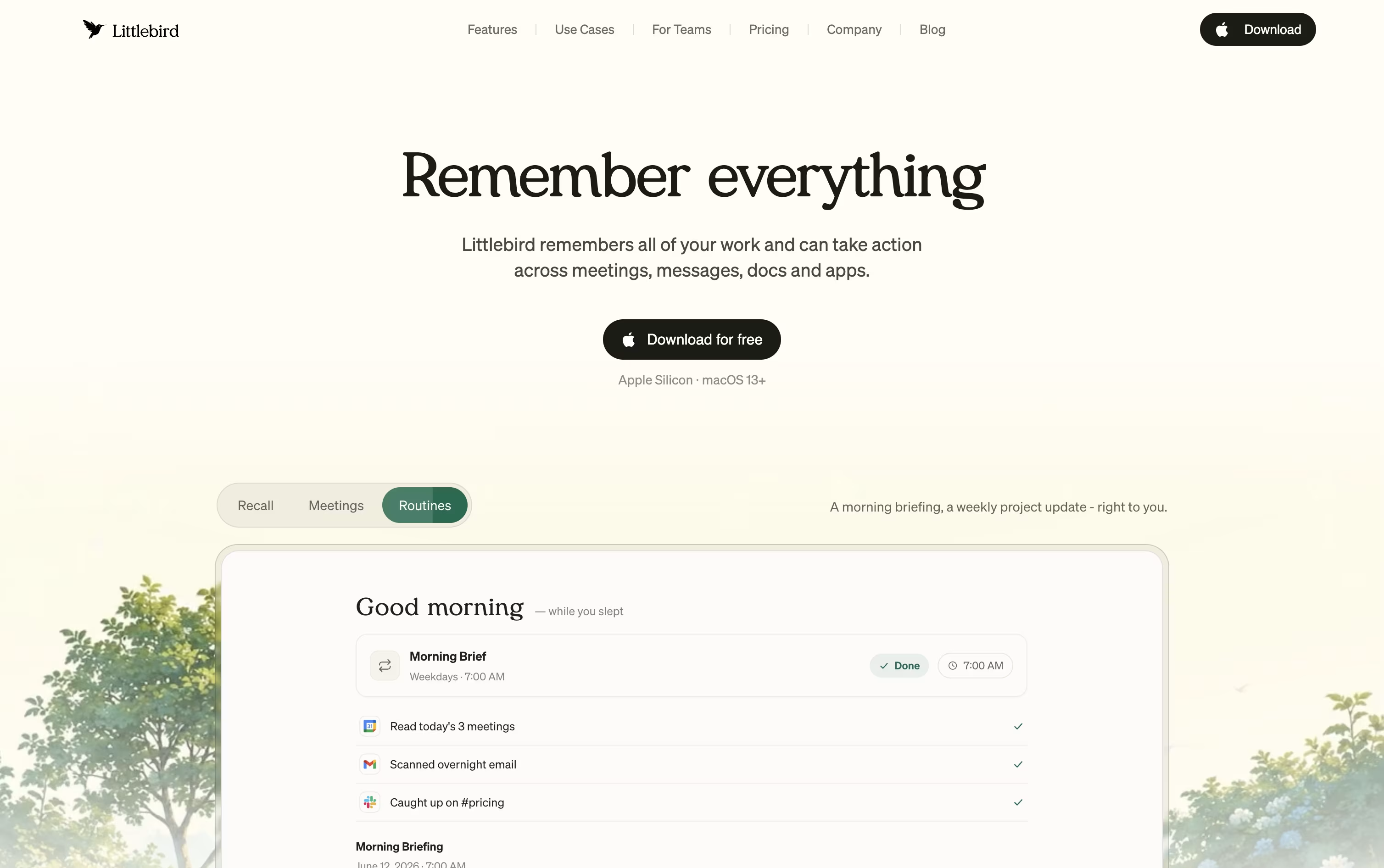
Littlebird is an AI assistant that quietly builds a private memory of your work. It reads text from your active desktop window and listens in on your meetings, so it always understands what you are working on.
Instead of typing long prompts or searching through old files, you can simply ask Littlebird a question and it pulls the answer from your own screen history, emails, and meeting notes.
It also helps you draft emails, prepare for upcoming meetings, and send you scheduled summaries of your day or week, all based on your real work rather than generic answers.
Littlebird runs on Mac and Windows, with companion apps for phones, and keeps everything private and under your control.
Features of Notta and Littlebird
Auto-records Zoom, Meet, Teams, and Webex calls
Real-time transcription in 58 languages
Speaker identification and noise reduction
AI summaries and action items
Notta Brain for cross-file analysis and slide generation
Transcript translation into 42+ languages
Bot-free desktop recording with Privacy Mode
Notta Memo pocket voice recorder
CRM and Zapier integrations
Mobile, desktop, and Chrome extension apps
Reads your active screen automatically
Transcribes meetings with summaries
Chat with your own work history
Hummingbird overlay for quick answers
Scheduled routines and recaps
Drafts emails and documents
Image generation on paid plans
Connects with Gmail, Notion, GitHub
Mac, Windows, iOS, and Android apps
Encrypted, private, and user controlled
Use Cases of Notta and Littlebird
Pricing of Notta and Littlebird
Notta offers a Free plan with 120 transcription minutes a month, 50 file uploads, and 10 AI summaries, and no credit card is needed.
The Pro plan costs $13.49 a month, or $8.17 a month billed annually at $97.99 a year, and raises the limit to 1,800 minutes, 100 file uploads, and 100 AI summaries, plus transcript export, translation, and custom vocabulary.
The Business plan costs $27.99 a month per seat, or $16.67 a month billed annually at $199.99 a year, and adds unlimited transcription, video recording of meetings, security controls, usage reports, and CRM and Zapier integration.
The Enterprise plan uses custom pricing starting from 51 seats, adding SAML SSO, full data access control, audit logs, and priority support.
Add-ons like Monolingual Translation, Bilingual Transcription and Translation, and Notta Brain are available for Pro, Business, and Enterprise users.
Littlebird has a free Basic plan and three paid individual plans, plus separate options for teams.
Basic (Free): Full screen and meeting context, daily usage credits, and limited meeting notes.
Plus ($17/month billed yearly, $20/month billed monthly): Advanced chat intelligence, unlimited meeting notes, image generation, and a 14 day free trial.
Power ($42/month billed yearly, $50/month billed monthly): 2.5 times the usage credits of Plus, Littlebird MCP access, and priority support.
Pro (from $100/month): The full Littlebird experience with 5 to 12 times the usage credits of Plus.
Teams can choose the Team plan from $17 per seat per month, or contact sales for a custom Enterprise plan with SSO and self hosted deployment.
FAQs: Notta vs Littlebird
Reviews: Notta vs Littlebird
Based on 0 reviews
Based on 0 reviews
Compare Notta With Other Tools

Granola
AI Notepad for Smarter Meeting Notes

Grain
AI Meeting Notetaker for Sales and CS Teams

Otter.ai
AI Meeting Notes and Transcription
Wispr Notetaker
Bot-Free AI Meeting Assistant

Jamie
AI Meeting Notes, Transcripts & Tasks
Circleback
AI Meeting Notes and Action Items

Fathom
AI Notetaker, Transcripts & Summaries
tl;dv
AI Meeting Notes & Transcription Tool

Krisp
AI Noise Cancellation & Meeting Notes
Compare Littlebird With Other Tools
Granola
AI Notepad for Smarter Meeting Notes
Grain
AI Meeting Notetaker for Sales and CS Teams
Wispr Notetaker
Bot-Free AI Meeting Assistant

Tana
Agentic Meeting Platform Powered by AI

Timeless
AI Meeting Notes & Agents Platform
Otter.ai
AI Meeting Notes and Transcription
Jamie
AI Meeting Notes, Transcripts & Tasks
Fireflies.ai
AI Meeting Notes & Transcription
Avoma
AI Meeting Assistant & Revenue Insights




