

PagerDuty vs UptimeRobot: Features, Pricing and User Reviews 2026

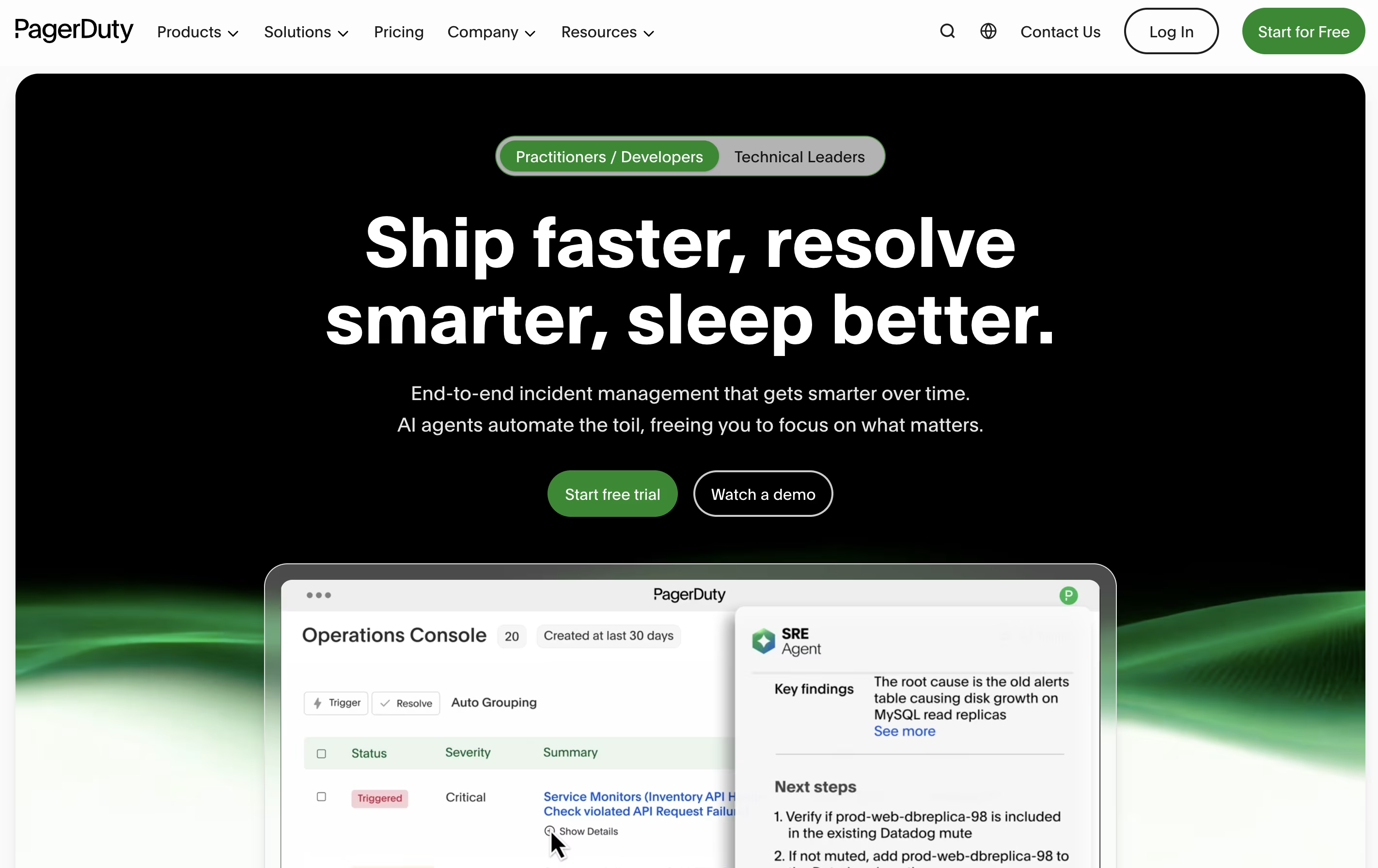
PagerDuty
Real-Time Incident Management for DevOps and IT Teams

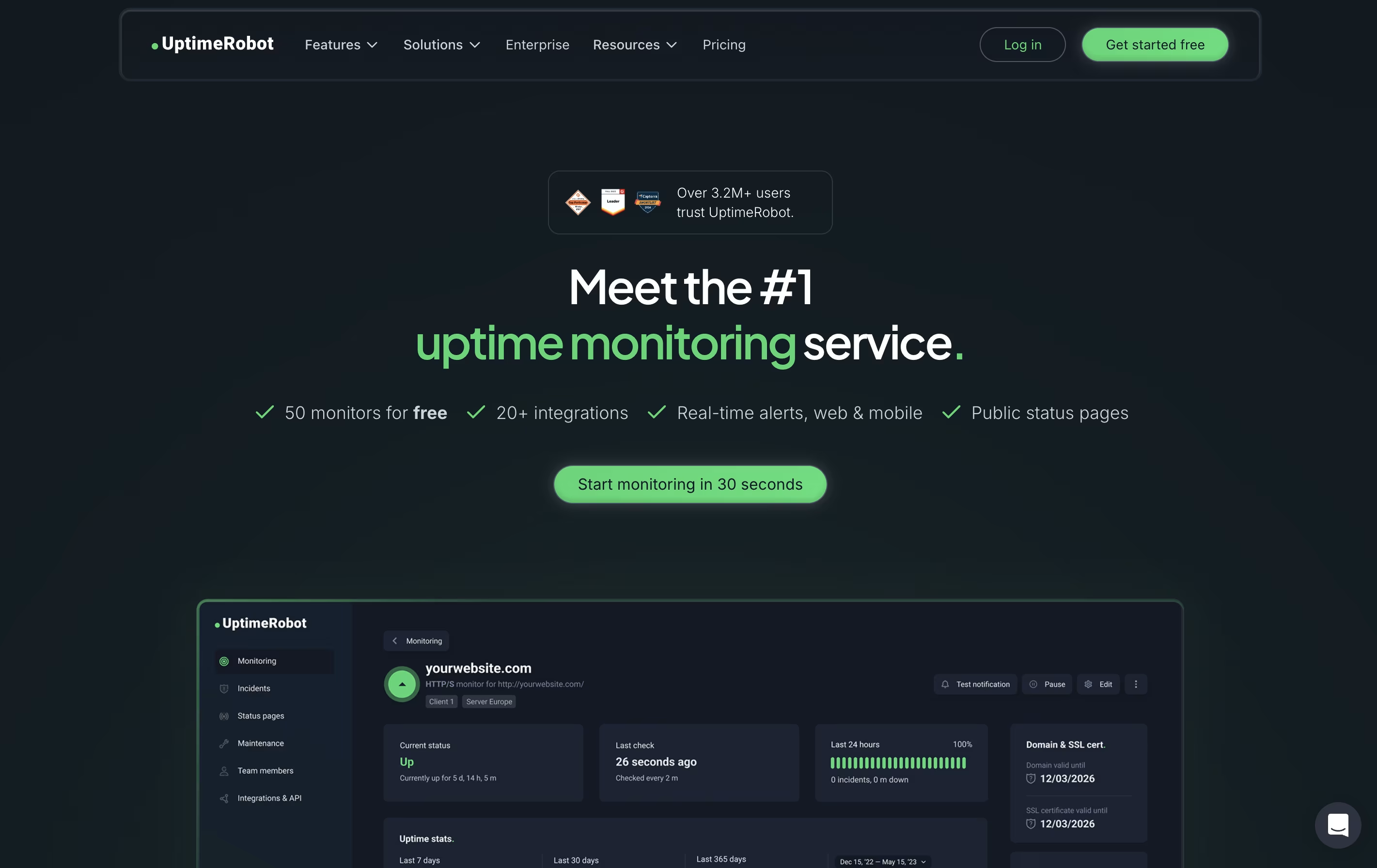
UptimeRobot
Website Monitoring with Instant Downtime Alerts
PagerDuty
Real-Time Incident Management for DevOps and IT Teams
UptimeRobot
Website Monitoring with Instant Downtime Alerts
What are PagerDuty and UptimeRobot?
PagerDuty is a cloud platform designed to help teams manage and respond to incidents in real time. When something goes wrong with your systems or services, PagerDuty detects the problem and immediately alerts the right person or team to fix it.
The platform works by connecting to your existing monitoring tools and applications. When these tools detect an issue, PagerDuty receives the alert and determines who should be notified based on schedules you create. It can send notifications through multiple channels to ensure someone responds quickly.
Beyond basic alerting, PagerDuty offers workflow automation, team collaboration features through chat tools, and detailed reports to help you learn from past incidents. It supports organizations of all sizes, from small startups to large enterprises managing complex systems.
UptimeRobot is a monitoring tool that checks if your website or service is working properly. It sends automated requests to your website at regular intervals and notifies you immediately if it detects any problems. Unlike simple ping tools, UptimeRobot offers different types of checks including website monitoring, port monitoring, keyword tracking, and scheduled task verification.
The service runs checks from multiple locations worldwide to avoid false alerts. If your site goes down, UptimeRobot verifies the problem from different places before sending you a notification. This smart approach reduces unnecessary alerts while ensuring real issues get reported quickly.
You can receive alerts through email, text messages, phone calls, or popular apps like Slack and Discord. The free plan includes 50 monitors, while paid plans offer faster checks and more features.
Features of PagerDuty and UptimeRobot
Real-time alerts via phone, SMS, email, and mobile push
Automated on-call scheduling with rotation management
Escalation policies for backup coverage
Integration with 700+ monitoring and collaboration tools
Incident workflows with automation and AI assistance
Slack and Microsoft Teams chat integration
Status pages for stakeholder communication
Post-incident analysis and learning tools
Mobile apps for on-the-go incident management
Advanced analytics and reporting
Website and server monitoring with instant alerts
HTTP, ping, port, keyword, and heartbeat checks
SSL certificate and domain expiration tracking
Multi-location verification to prevent false alerts
Status pages for public uptime sharing
Email, SMS, phone call, and app notifications
Slack, Discord, Teams, and Zapier integrations
Response time and performance tracking
Team collaboration with customizable access levels
Mobile apps for iOS and Android
Use Cases of PagerDuty and UptimeRobot
Pricing of PagerDuty and UptimeRobot
PagerDuty offers flexible pricing to accommodate teams of different sizes and needs.
The Free plan supports up to 5 users with basic on-call scheduling, 100 international notifications per month, and access to 700+ integrations. This is ideal for small teams getting started with incident management.
The Professional plan costs $25 per user monthly and adds enhanced chat integration, more notifications, major incident workflows, external status pages, and email support.
The Business plan at $49 per user monthly is the most popular option. It includes custom fields, advanced integrations with ITSM tools, multi-year data access, internal status pages, and 5,000 credits for PagerDuty Advance.
The Enterprise plan requires custom pricing and delivers end-to-end incident management with premium Slack actions, up to 100 custom incident types, post-incident reviews, bi-directional ServiceNow sync, and includes premium status pages and live call routing.
UptimeRobot offers pricing plans designed for different needs and budgets.
The Free Plan costs nothing and includes 50 monitors with checks every 5 minutes. You get basic features like keyword monitoring and simple status pages. This plan works well for hobby projects and personal websites.
Solo Plan at $8 per month provides 10 monitors with 60-second checks. It adds location-specific monitoring, slow response alerts, and DNS monitoring with access to 9 integrations.
The Team Plan costs $34 monthly and is the most popular choice. It includes 100 monitors, 60-second intervals, all 12 integrations, full-featured status pages, and space for 3 team members.
Enterprise Plan at $64 per month offers 200 monitors with 30-second checks, 5 team seats, and priority features for businesses needing maximum monitoring coverage.
All paid plans can be purchased annually to save around 20 percent on costs.
FAQs: PagerDuty vs UptimeRobot
Reviews: PagerDuty vs UptimeRobot
Based on 0 reviews
Based on 0 reviews
Compare PagerDuty With Other Tools

Incident.io
AI-Powered Incident Management Platform

Better Stack
Complete Monitoring and Incident Management Platform

Status.io
Hosted Status Pages for Incident and Maintenance Communication

FireHydrant
Incident Management Platform for Teams

Rootly
AI-Powered Incident Management Platform

Statuspage
Status & Incident Communication Tool

StatusCake
Website Monitoring for Uptime, Speed & Security
StatusPal
Hosted Status Pages & Service Monitoring

Instatus
Fast Status Pages for Modern Teams
Compare UptimeRobot With Other Tools
Better Stack
Complete Monitoring and Incident Management Platform
Incident.io
AI-Powered Incident Management Platform
StatusCake
Website Monitoring for Uptime, Speed & Security

Hyperping
Simple Uptime Monitoring & Status Pages
Status.io
Hosted Status Pages for Incident and Maintenance Communication

Cronitor
Simple Monitoring for Cron Jobs and APIs
Instatus
Fast Status Pages for Modern Teams

Checkly
Monitoring Platform for Developers
FireHydrant
Incident Management Platform for Teams





