

PagerDuty vs Statuspage: Features, Pricing and User Reviews 2026

PagerDuty
Real-Time Incident Management for DevOps and IT Teams
PagerDuty
Real-Time Incident Management for DevOps and IT Teams
What are PagerDuty and Statuspage?
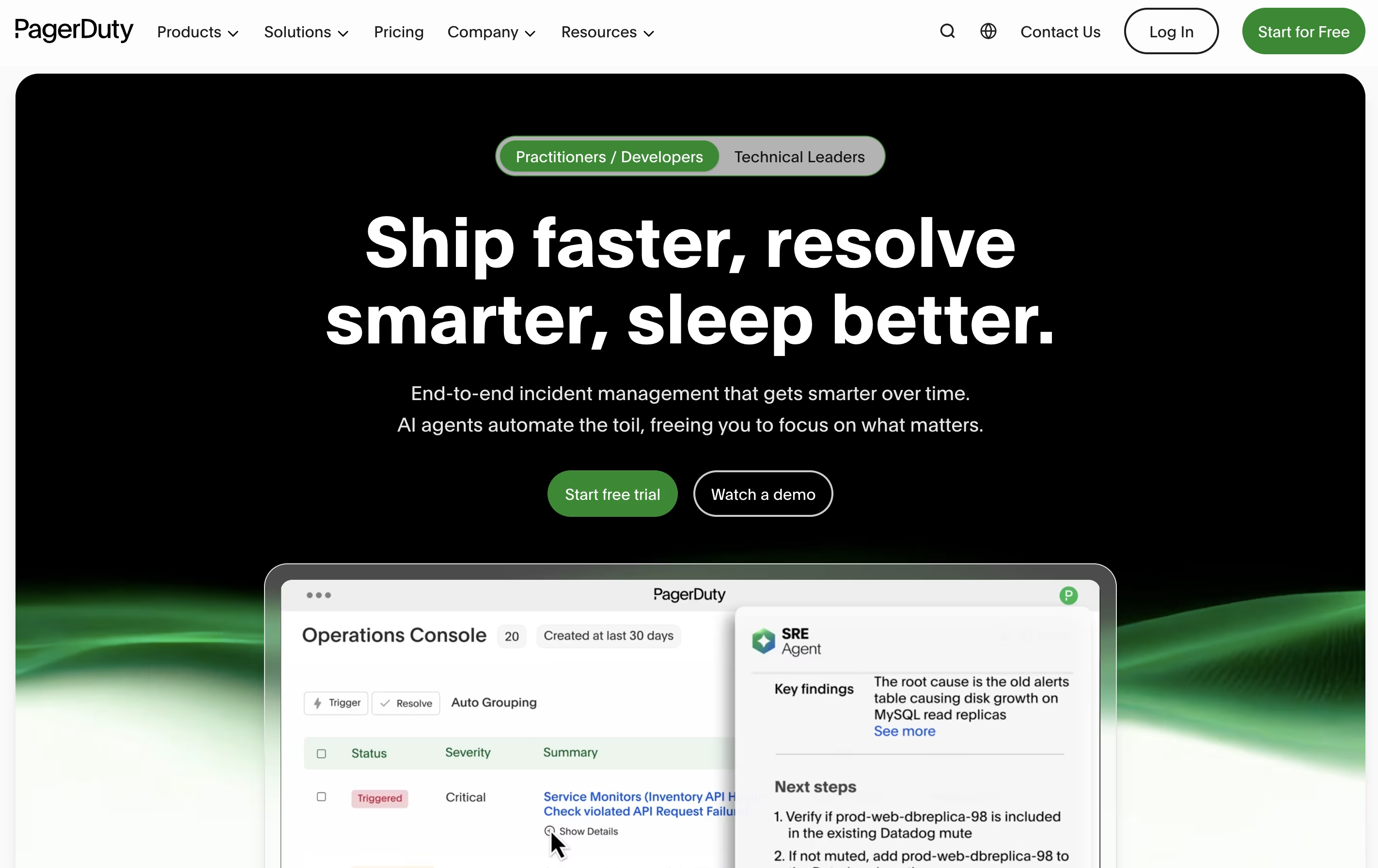
PagerDuty is a cloud platform designed to help teams manage and respond to incidents in real time. When something goes wrong with your systems or services, PagerDuty detects the problem and immediately alerts the right person or team to fix it.
The platform works by connecting to your existing monitoring tools and applications. When these tools detect an issue, PagerDuty receives the alert and determines who should be notified based on schedules you create. It can send notifications through multiple channels to ensure someone responds quickly.
Beyond basic alerting, PagerDuty offers workflow automation, team collaboration features through chat tools, and detailed reports to help you learn from past incidents. It supports organizations of all sizes, from small startups to large enterprises managing complex systems.

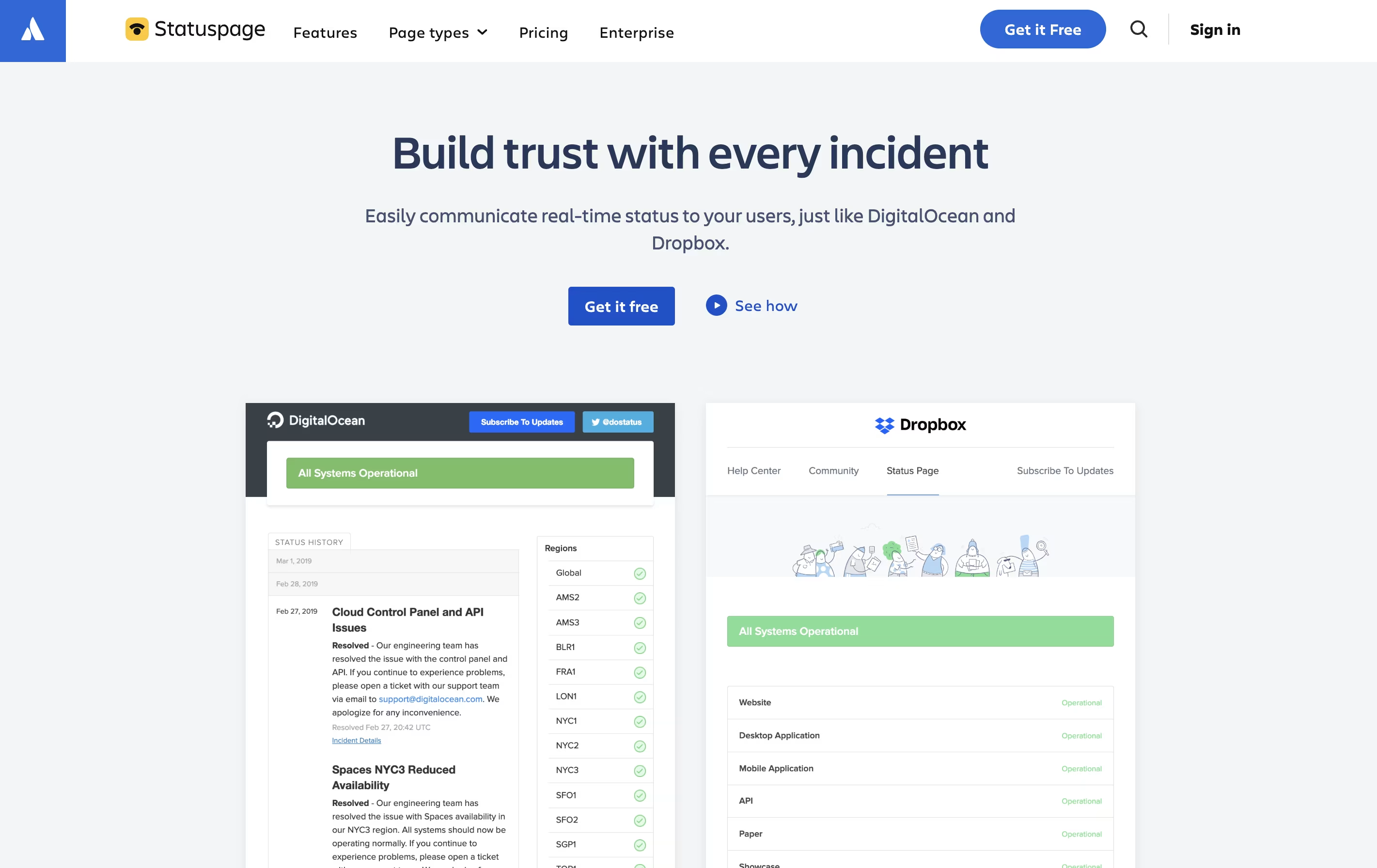
Statuspage is a web-based tool that creates status pages for your services and applications. When something goes wrong with your website, app, or service, you can quickly post an update that automatically notifies all your subscribers.
The platform does not monitor your systems directly. Instead, it connects with your existing monitoring tools like Datadog, New Relic, or PagerDuty. When these tools detect a problem, Statuspage can automatically update your status page and send notifications to users.
You can create public pages for external customers or private pages for internal teams. The tool includes features like incident templates, scheduled maintenance announcements, real-time metrics display, and historical uptime tracking. Everything works through a simple web interface that anyone on your team can use.
Features of PagerDuty and Statuspage
Real-time alerts via phone, SMS, email, and mobile push
Automated on-call scheduling with rotation management
Escalation policies for backup coverage
Integration with 700+ monitoring and collaboration tools
Incident workflows with automation and AI assistance
Slack and Microsoft Teams chat integration
Status pages for stakeholder communication
Post-incident analysis and learning tools
Mobile apps for on-the-go incident management
Advanced analytics and reporting
Create public, private, or audience-specific status pages
Automated incident notifications via email, SMS, and webhooks
Integration with monitoring tools and chat platforms
Scheduled maintenance announcements
Real-time system metrics display
Custom branding with CSS, HTML, JavaScript
Component-level status tracking
Incident templates for faster response
REST API access
Historical uptime showcase
Third-party component monitoring
Team collaboration features
Use Cases of PagerDuty and Statuspage
Pricing of PagerDuty and Statuspage
PagerDuty offers flexible pricing to accommodate teams of different sizes and needs.
The Free plan supports up to 5 users with basic on-call scheduling, 100 international notifications per month, and access to 700+ integrations. This is ideal for small teams getting started with incident management.
The Professional plan costs $25 per user monthly and adds enhanced chat integration, more notifications, major incident workflows, external status pages, and email support.
The Business plan at $49 per user monthly is the most popular option. It includes custom fields, advanced integrations with ITSM tools, multi-year data access, internal status pages, and 5,000 credits for PagerDuty Advance.
The Enterprise plan requires custom pricing and delivers end-to-end incident management with premium Slack actions, up to 100 custom incident types, post-incident reviews, bi-directional ServiceNow sync, and includes premium status pages and live call routing.
Statuspage offers different pricing tiers for public and private pages to fit various needs.
Public Pages help you communicate with external customers. The Free Plan includes 100 subscribers, 25 components, 2 team members, and basic notifications. The Hobby Plan ($29/month) adds more subscribers and customization. The Startup Plan ($99/month) includes 1,000 subscribers and SMS notifications. The Business Plan ($399/month) offers 5,000 subscribers with advanced customization and role-based access. The Enterprise Plan ($1,499/month) provides 25,000 subscribers and priority support.
Private Pages are for internal team communication. Plans range from Starter ($79/month) to Enterprise ($1,499/month) with authenticated subscribers and enhanced security features.
Audience-Specific Pages start at $300/month for customized user group communication. All plans include SSL, REST API access, and core features like incident management and scheduled maintenance.
FAQs: PagerDuty vs Statuspage
Reviews: PagerDuty vs Statuspage
Based on 0 reviews
Based on 0 reviews
Compare PagerDuty With Other Tools

Incident.io
AI-Powered Incident Management Platform

Better Stack
Complete Monitoring and Incident Management Platform

Status.io
Hosted Status Pages for Incident and Maintenance Communication

FireHydrant
Incident Management Platform for Teams

Rootly
AI-Powered Incident Management Platform

UptimeRobot
Website Monitoring with Instant Downtime Alerts

StatusCake
Website Monitoring for Uptime, Speed & Security

StatusPal
Hosted Status Pages & Service Monitoring

Instatus
Fast Status Pages for Modern Teams
Compare Statuspage With Other Tools
Incident.io
AI-Powered Incident Management Platform
Better Stack
Complete Monitoring and Incident Management Platform
Status.io
Hosted Status Pages for Incident and Maintenance Communication
UptimeRobot
Website Monitoring with Instant Downtime Alerts
FireHydrant
Incident Management Platform for Teams
Rootly
AI-Powered Incident Management Platform
StatusCake
Website Monitoring for Uptime, Speed & Security
Instatus
Fast Status Pages for Modern Teams
StatusPal
Hosted Status Pages & Service Monitoring





