

Screen Studio vs Tight Studio: Features, Pricing and User Reviews 2026

Screen Studio
Professional Mac Screen Recorder
Tight Studio
AI-Powered Product Demo Video Editor
Screen Studio
Professional Mac Screen Recorder
Tight Studio
AI-Powered Product Demo Video Editor
What are Screen Studio and Tight Studio?
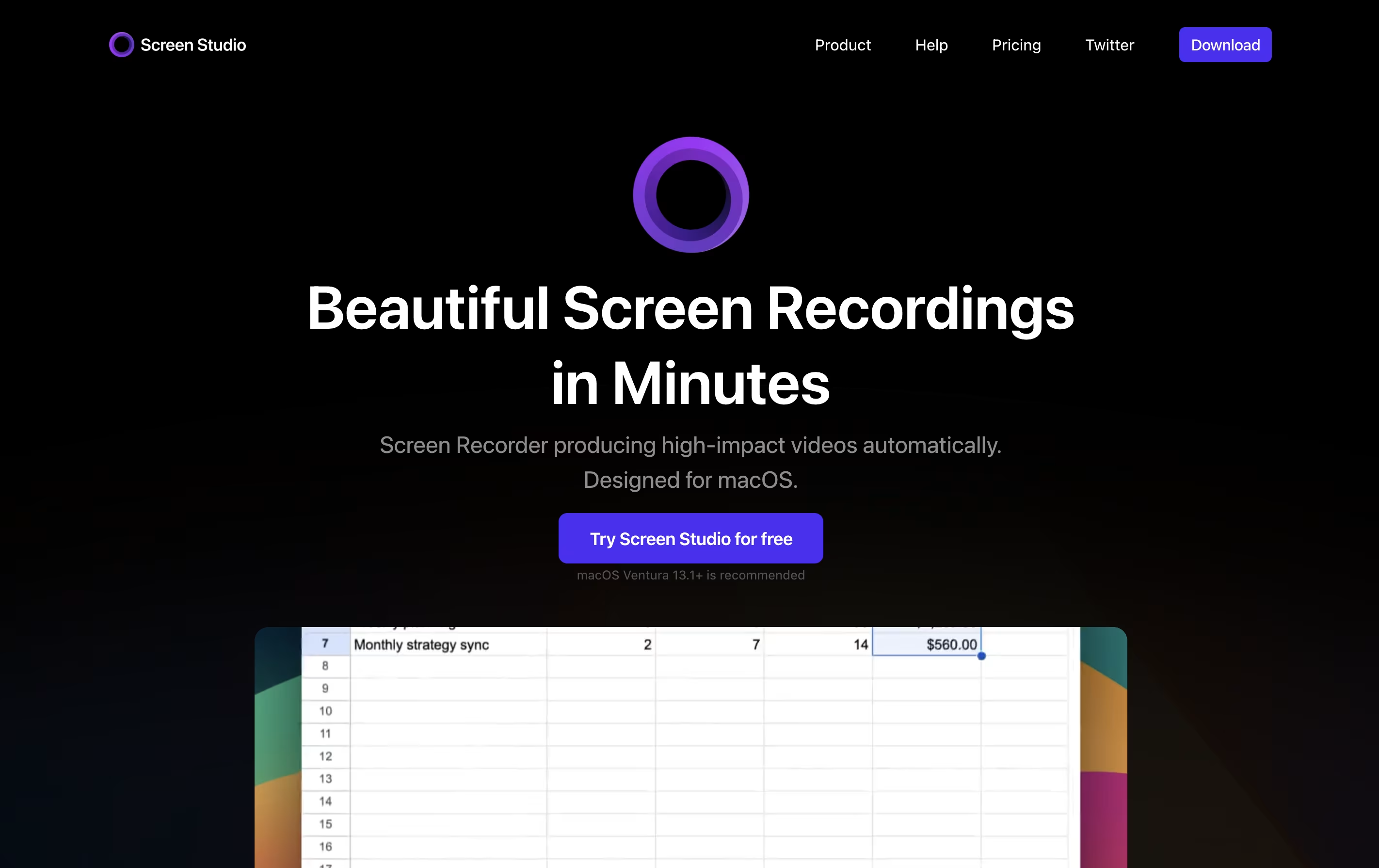
Screen Studio is a screen recording application designed for macOS users. It captures everything happening on your screen and automatically enhances the video to look professional. Unlike basic screen recorders, it does not just record; it improves your recording with automatic zoom when you click, smooth cursor movement, and beautiful animations.
The tool works by following your cursor and zooming in on important actions, making it easier for viewers to see what you are doing. You can record your entire screen, a specific window, or just a selected area. It also lets you record your webcam, microphone audio, and system sounds at the same time. After recording, you can make quick edits, add different backgrounds, and export your video in various formats including high-quality 4K videos or smaller GIF files.
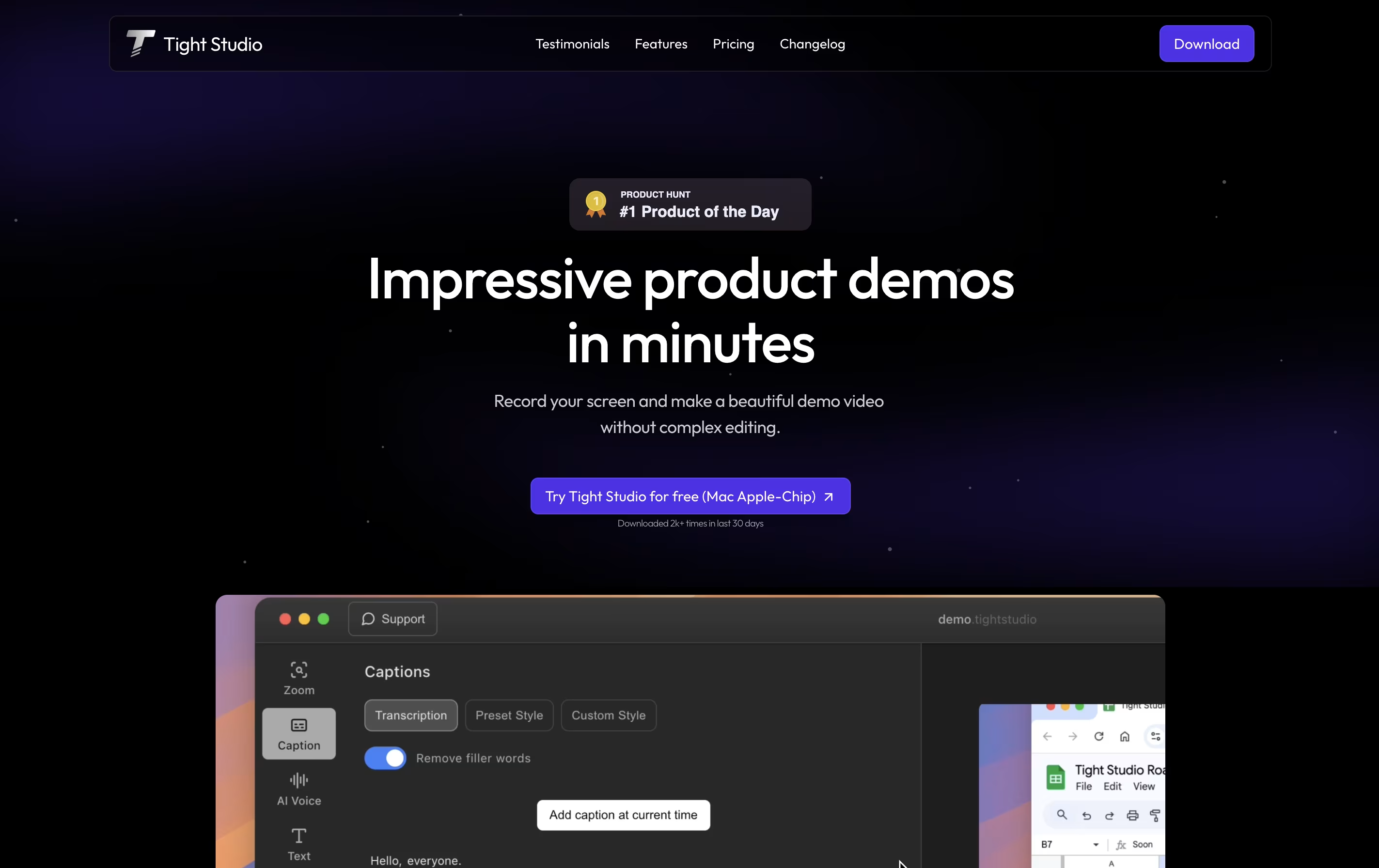
Tight Studio is a video editor built specifically for creating product demos from screen recordings. You can record your screen and the tool automatically enhances it with professional touches. Unlike traditional video editors that require technical skills, Tight Studio uses AI to handle the complex work for you.
The platform focuses on making demos look polished without manual editing. It automatically zooms into important actions on your screen, adds styled captions for viewers watching without sound, and can replace your voice with clear AI narration. You can also add text overlays, import other media, and choose background music from their library.
There is a free version for basic needs and a Pro version with advanced AI features and no watermark on exports.
Features of Screen Studio and Tight Studio
Automatic zoom on cursor clicks for engaging videos
Smooth cursor animations and motion blur effects
Record screen, webcam, and audio simultaneously
iPhone and iPad screen recording via USB
Background customization with shadows and spacing
Built-in video editor with trim and speed controls
Export in 4K 60fps or GIF formats
Shareable video links for quick distribution
Works exclusively on macOS devices
Voice enhancement and subtitle generation
Automatic smart zoom on key actions
Professional caption styles and editing
Natural AI voiceover generation
Dynamic text overlays with animation
Import media or generate with AI
Curated background music library
Video clipping and trimming tools
Multiple export options
No editing skills required
Fast demo creation in minutes
Use Cases of Screen Studio and Tight Studio
Pricing of Screen Studio and Tight Studio
Screen Studio offers flexible subscription plans to match different user needs.
Monthly Plan ($29/month): This plan bills you monthly and gives you full access to all Screen Studio features. You can record unlimited videos, use all editing tools, and access shareable links. The plan covers up to 3 personal macOS devices and includes lifetime updates as long as your subscription stays active.
Yearly Plan ($9/month): When you choose yearly billing, you pay just $9 per month, which saves you 70% compared to monthly billing. You pay $108 upfront for the full year and get all the same features as the monthly plan. This option provides the best value for regular users.
Both plans include all Screen Studio features, shareable links for easy video distribution, support for 3 macOS devices, and continuous updates with new features and improvements.
Tight Studio offers three pricing tiers to match different needs. The free plan provides basic features with a Tight Studio watermark on exports, making it suitable for testing and internal demos. You get automatic professional captions, zoom tools, video clipping, and background music.
The Pro plan costs $20 per month and unlocks all features. You receive 1000 AI credits monthly for voiceover and media generation, plus the ability to export videos without watermarks. This plan is ideal for professionals creating demos for external audiences.
For teams with custom requirements, the Custom plan offers personalized service where the Tight Studio team prepares your videos from raw recordings. This includes all Pro features plus customized solutions for your specific needs, with a 100% happiness guarantee. Pricing for the Custom plan is tailored to your requirements.
FAQs: Screen Studio vs Tight Studio
Reviews: Screen Studio vs Tight Studio
Based on 0 reviews
Based on 0 reviews
Compare Screen Studio With Other Tools
Focusee
AI Screen Recorder with Auto Zoom & Instant Editing
Tella
AI Screen Recorder with Smart Video Editing
Camtasia
Professional Screen Recording Software
ScreenPal
Easy Screen Recorder & Video Editor
Screen Charm
Mac Screen Recorder with Auto-Zoom

Loom
Easy Video Messaging for Teams
Screencastify
Simple Screen Recording Tool
Dadan
AI Video Messaging Platform for Teams
Sendspark
AI Video Platform for Sales Teams
Compare Tight Studio With Other Tools
Tella
AI Screen Recorder with Smart Video Editing
Screen Charm
Mac Screen Recorder with Auto-Zoom
Focusee
AI Screen Recorder with Auto Zoom & Instant Editing
Camtasia
Professional Screen Recording Software
ScreenPal
Easy Screen Recorder & Video Editor
Loom
Easy Video Messaging for Teams
Screencastify
Simple Screen Recording Tool
Dadan
AI Video Messaging Platform for Teams
CleanShot X
Professional Mac Screenshot Tool





