

Taiga vs Motion: Features, Pricing and User Reviews 2026
What are Taiga and Motion?
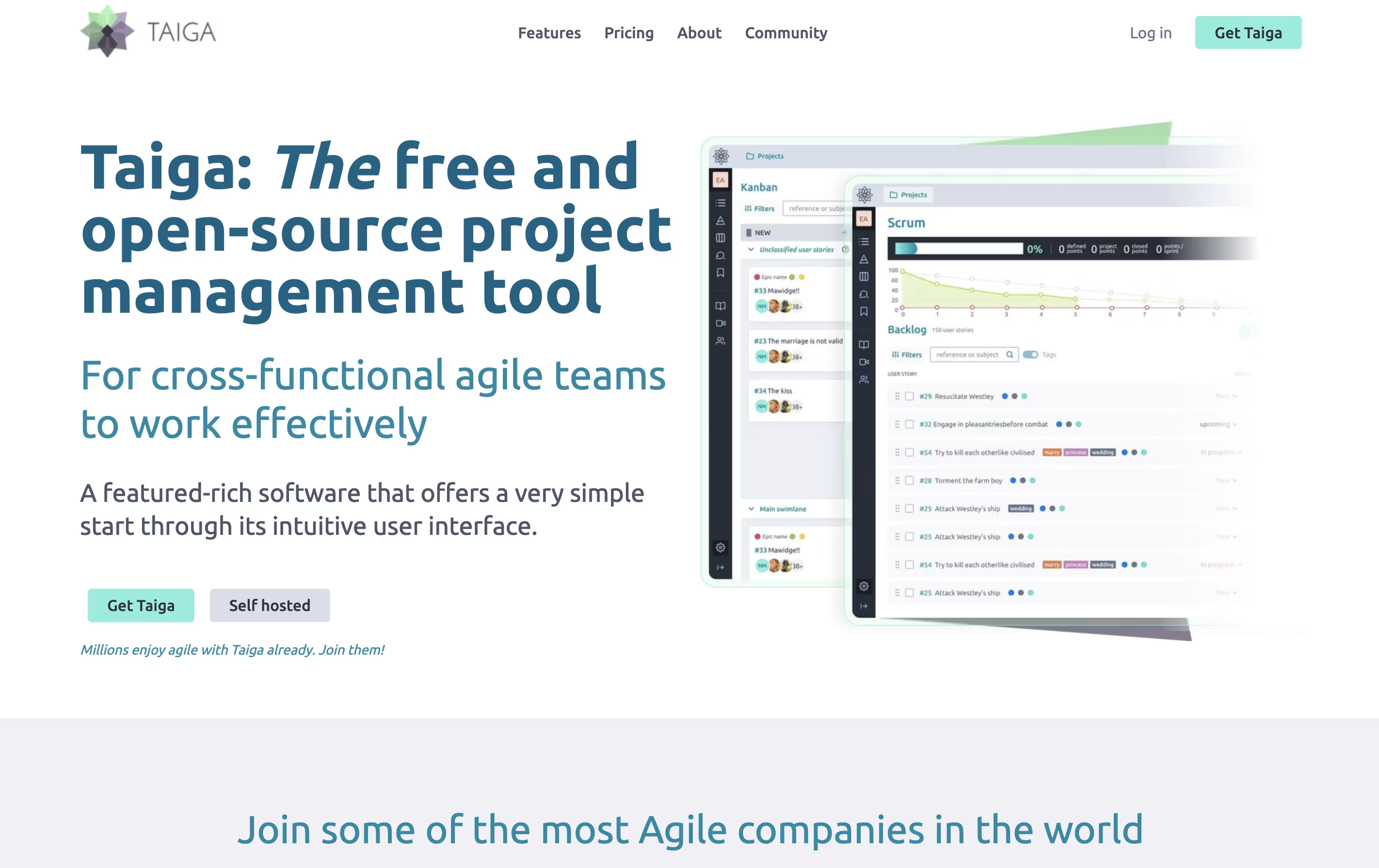
Taiga is a project management tool that helps teams organize their work using agile methods. You can create projects, add tasks, track progress, and work with your team all in one place. The tool shows your work in different views like boards, lists, and charts to match how your team likes to work.
Unlike many project tools, Taiga is completely open source. This means you can see how it works, change it to fit your needs, or install it on your own computers. The platform includes everything teams need: task boards, sprint planning, progress tracking, file sharing, and team chat. It connects with tools you already use like GitHub, Slack, and GitLab to keep everything linked together.

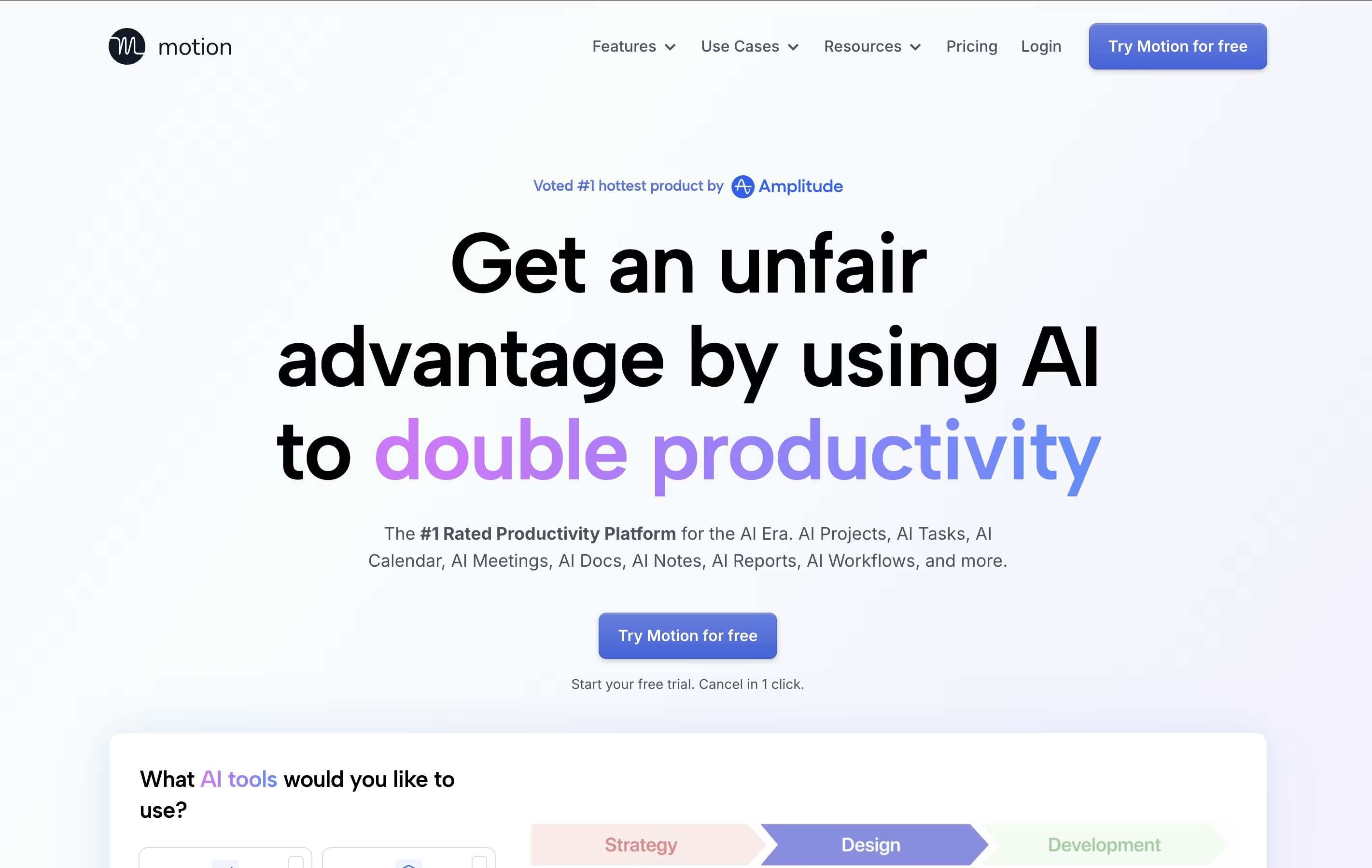
Motion is an all-in-one productivity tool that uses artificial intelligence to manage your time and tasks. Instead of spending hours organizing your workday, Motion automatically schedules everything based on deadlines, priorities, and your available time.
The platform combines several tools into one: a smart calendar that syncs with Google Calendar and Outlook, a task manager that auto-schedules work, a project management system with Kanban and Gantt views, and meeting scheduling features similar to Calendly. Motion also includes AI Employees—smart assistants that can draft emails, create content, analyze data, and handle repetitive tasks.
Motion continuously monitors your schedule and adjusts tasks when meetings pop up or deadlines change, ensuring everything gets done on time.
Features of Taiga and Motion
Scrum and Kanban boards with drag-and-drop
Sprint planning with burndown charts
User story and task management
Issue and bug tracking system
Wiki for team documentation
Custom workflows and task statuses
Team roles and permissions
GitHub, GitLab, and Slack integrations
Available in 30+ languages
Self-hosted or cloud options
Real-time team notifications
File attachments and comments
AI auto-scheduling that adapts to changes instantly
Smart calendar with Google/Outlook integration
Project management with Kanban and Gantt views
AI Employees for automating repetitive tasks
Meeting booking links for easy scheduling
Task prioritization based on deadlines
Team collaboration and workload balancing
Mobile apps for iOS and Android
Real-time schedule adjustments
Integration with Zoom, Teams, and Slack
Use Cases of Taiga and Motion
Pricing of Taiga and Motion
Taiga offers several plans to match different team needs. The platform follows an open-source model, which means you can use it for free if you host it yourself.
For cloud hosting, the Enthusiast plan costs €5 per month when billed annually. You get 5 public projects and 5 private projects with up to 100MB storage and unlimited users. This plan includes community support.
The Basic plan is €20 monthly and removes project limits. You receive 500MB storage, unlimited projects, and basic support from the Taiga team.
The Premium plan costs €60 per month and includes 3GB storage, all features from Basic, plus premium support for faster help when you need it.
For larger teams needing extra security or features, Managed instances offer custom pricing. This includes priority support with service agreements, installation behind your firewall, and help with setup and updates.
Motion offers flexible pricing plans designed for individuals and teams of all sizes:
AI Workplace ($29/seat/month): Perfect for individuals starting with Motion. Includes 1 seat with 1,000 AI credits monthly, covering basic AI features and calendar scheduling.
AI Employees Starter ($49/seat/month): Ideal for solo professionals needing more AI power. Includes 1 seat with 10,000 AI credits monthly for enhanced automation.
AI Employees Light ($148/month): Great for small teams with 3 seats and 25,000 AI credits monthly, offering full project management features.
AI Employees Standard ($446/month) (Most Popular): Best for growing teams with 10 seats and 100,000 AI credits monthly, providing comprehensive AI Employee capabilities.
AI Employees Plus ($894/month): Designed for larger teams with 25 seats and 250,000 AI credits monthly.
Enterprise (Custom Pricing): Includes AI strategy consulting, custom implementation, and unlimited seats tailored to your organization's needs.
FAQs: Taiga vs Motion
Reviews: Taiga vs Motion
Based on 0 reviews
Based on 0 reviews
Compare Taiga With Other Tools
Atlassian
Team Collaboration & Project Management
Todoist
Simple Task Manager & To-Do List App
Focalboard
Free Open Source Project Management Tool
Plane
Open Source Project Management Tool
Akiflow
AI-Powered Time-Blocking & Task Management

Morgen
AI-Powered Time Management for Busy Professionals
TickTick
Smart Task Management with Calendar & Habits
Any.do
Simple Task Manager with Calendar and Reminders
OmniFocus
Professional Task Management for Apple
Compare Motion With Other Tools
Todoist
Simple Task Manager & To-Do List App
Akiflow
AI-Powered Time-Blocking & Task Management
Morgen
AI-Powered Time Management for Busy Professionals
TickTick
Smart Task Management with Calendar & Habits
Any.do
Simple Task Manager with Calendar and Reminders
Atlassian
Team Collaboration & Project Management

Sunsama
Daily Planner for Focused Professionals
OmniFocus
Professional Task Management for Apple

Vikunja
Open-Source Task Management & To-Do App





