

Motion vs OmniFocus: Features, Pricing and User Reviews 2026
What are Motion and OmniFocus?

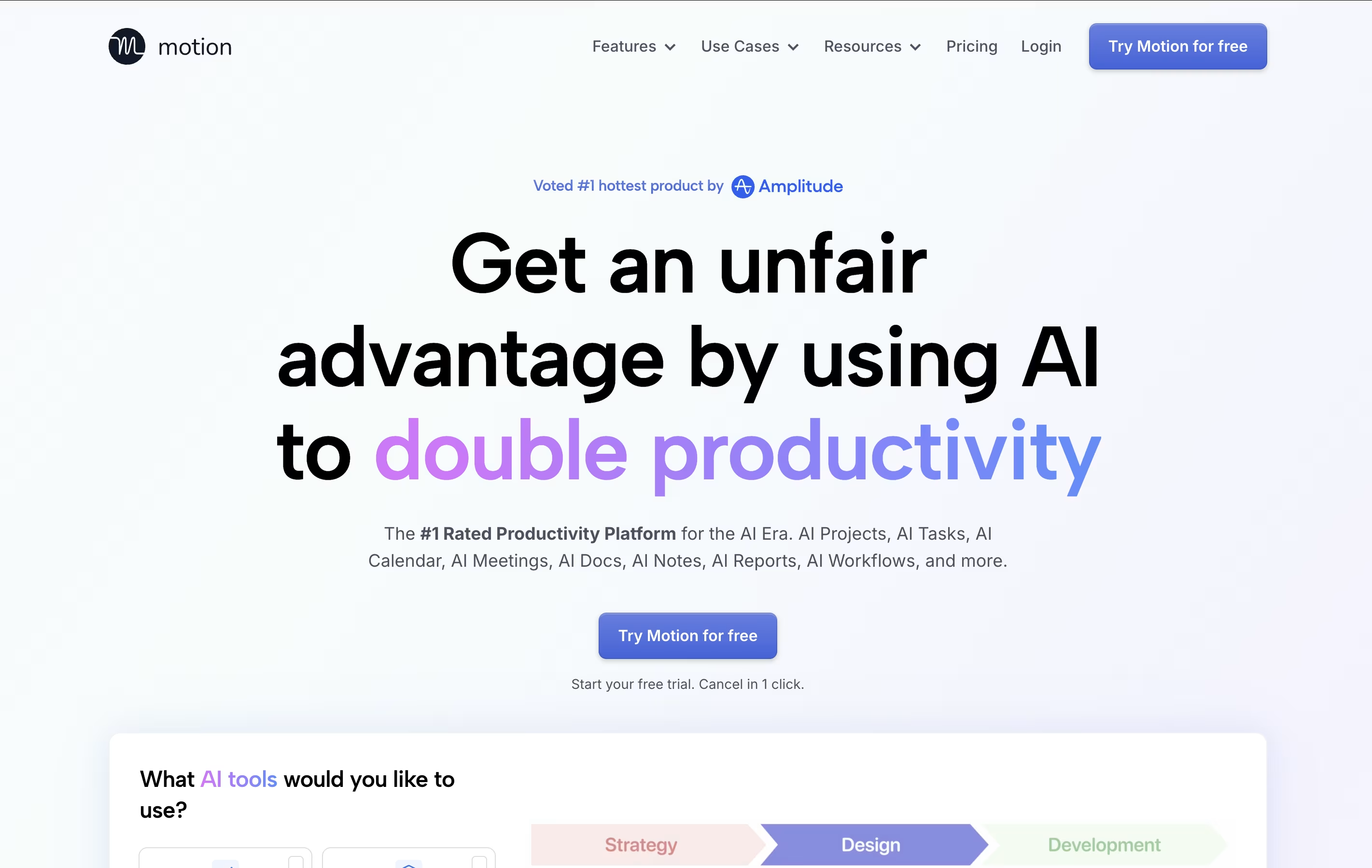
Motion is an all-in-one productivity tool that uses artificial intelligence to manage your time and tasks. Instead of spending hours organizing your workday, Motion automatically schedules everything based on deadlines, priorities, and your available time.
The platform combines several tools into one: a smart calendar that syncs with Google Calendar and Outlook, a task manager that auto-schedules work, a project management system with Kanban and Gantt views, and meeting scheduling features similar to Calendly. Motion also includes AI Employees—smart assistants that can draft emails, create content, analyze data, and handle repetitive tasks.
Motion continuously monitors your schedule and adjusts tasks when meetings pop up or deadlines change, ensuring everything gets done on time.

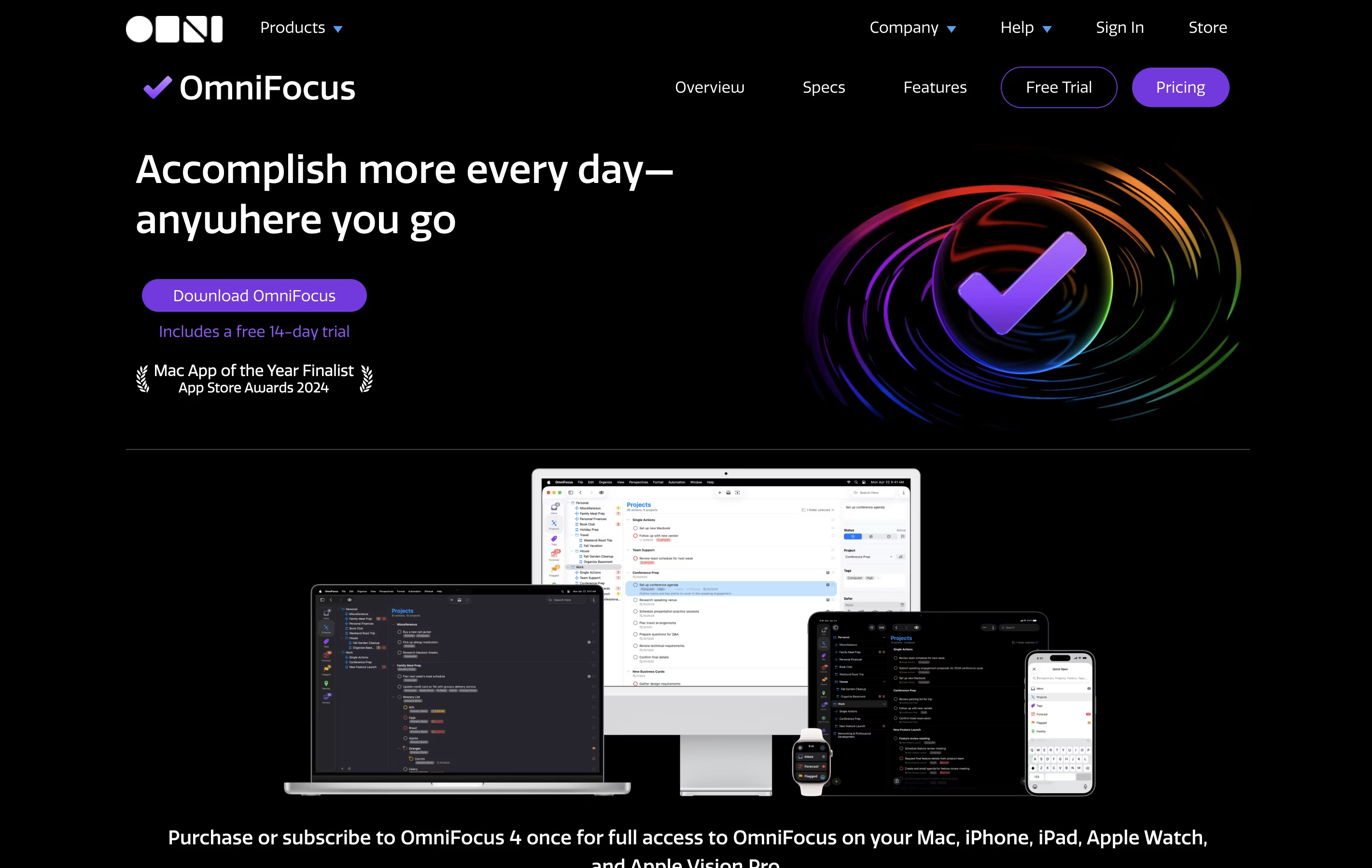
OmniFocus is a task manager that turns chaos into organized action. You can capture any task the moment you think of it, then organize it later with tags, projects, and dates. The tool helps you see what needs attention today while keeping future tasks out of sight until you need them.
Unlike basic to-do apps, OmniFocus offers custom views called Perspectives that show your work exactly how you want to see it. The Forecast feature displays upcoming tasks alongside your calendar events. The Review function reminds you to check your projects regularly, making sure nothing gets forgotten.
There are different versions available: Standard and Pro licenses for one-time purchase, plus a subscription option that includes web access from any browser.
Features of Motion and OmniFocus
AI auto-scheduling that adapts to changes instantly
Smart calendar with Google/Outlook integration
Project management with Kanban and Gantt views
AI Employees for automating repetitive tasks
Meeting booking links for easy scheduling
Task prioritization based on deadlines
Team collaboration and workload balancing
Mobile apps for iOS and Android
Real-time schedule adjustments
Integration with Zoom, Teams, and Slack
Capture tasks instantly from anywhere
Projects and folders for organization
Custom perspectives with filtering rules
Forecast view with calendar integration
Location-based task viewing
Weekly review reminders
Flexible tagging system
Available and due date management
Focus mode for concentration
Cross-device sync across Apple platforms
Automation with scripts
Attach files to tasks
Repeating tasks
Inspector for batch editing
Use Cases of Motion and OmniFocus
Pricing of Motion and OmniFocus
Motion offers flexible pricing plans designed for individuals and teams of all sizes:
AI Workplace ($29/seat/month): Perfect for individuals starting with Motion. Includes 1 seat with 1,000 AI credits monthly, covering basic AI features and calendar scheduling.
AI Employees Starter ($49/seat/month): Ideal for solo professionals needing more AI power. Includes 1 seat with 10,000 AI credits monthly for enhanced automation.
AI Employees Light ($148/month): Great for small teams with 3 seats and 25,000 AI credits monthly, offering full project management features.
AI Employees Standard ($446/month) (Most Popular): Best for growing teams with 10 seats and 100,000 AI credits monthly, providing comprehensive AI Employee capabilities.
AI Employees Plus ($894/month): Designed for larger teams with 25 seats and 250,000 AI credits monthly.
Enterprise (Custom Pricing): Includes AI strategy consulting, custom implementation, and unlimited seats tailored to your organization's needs.
OmniFocus offers several pricing options to match different needs and preferences:
The Standard License costs $74.99 as a one-time purchase and includes all core features across Mac, iPhone, iPad, Apple Watch, and Apple Vision Pro. This license covers all updates within version 4.
The Pro License is $149.99 one-time and adds advanced capabilities like custom perspectives, automation support, and enhanced customization options. Upgrade discounts are available for existing users.
For those who prefer subscriptions, the Annual Subscription is $99.99 per year and includes the Pro version across all devices plus web access from any browser without additional cost.
The Web Companion is available separately at $4.99 monthly or $49.99 yearly for existing license owners who want browser access to their tasks.
All purchases include a 30-day money-back guarantee, and future major version upgrades are available at discounted rates.
FAQs: Motion vs OmniFocus
Reviews: Motion vs OmniFocus
Based on 0 reviews
Based on 0 reviews
Compare Motion With Other Tools

Todoist
Simple Task Manager & To-Do List App

Akiflow
AI-Powered Time-Blocking & Task Management

Morgen
AI-Powered Time Management for Busy Professionals

TickTick
Smart Task Management with Calendar & Habits

Any.do
Simple Task Manager with Calendar and Reminders
Atlassian
Team Collaboration & Project Management

Sunsama
Daily Planner for Focused Professionals

Vikunja
Open-Source Task Management & To-Do App

Focalboard
Free Open Source Project Management Tool
Compare OmniFocus With Other Tools
Todoist
Simple Task Manager & To-Do List App
Akiflow
AI-Powered Time-Blocking & Task Management
Morgen
AI-Powered Time Management for Busy Professionals
TickTick
Smart Task Management with Calendar & Habits
Vikunja
Open-Source Task Management & To-Do App
Any.do
Simple Task Manager with Calendar and Reminders
Atlassian
Team Collaboration & Project Management
Sunsama
Daily Planner for Focused Professionals

Remember The Milk
Smart To-Do List and Task Manager


