

OmniFocus vs Remember The Milk: Features, Pricing and User Reviews 2026
What are OmniFocus and Remember The Milk?

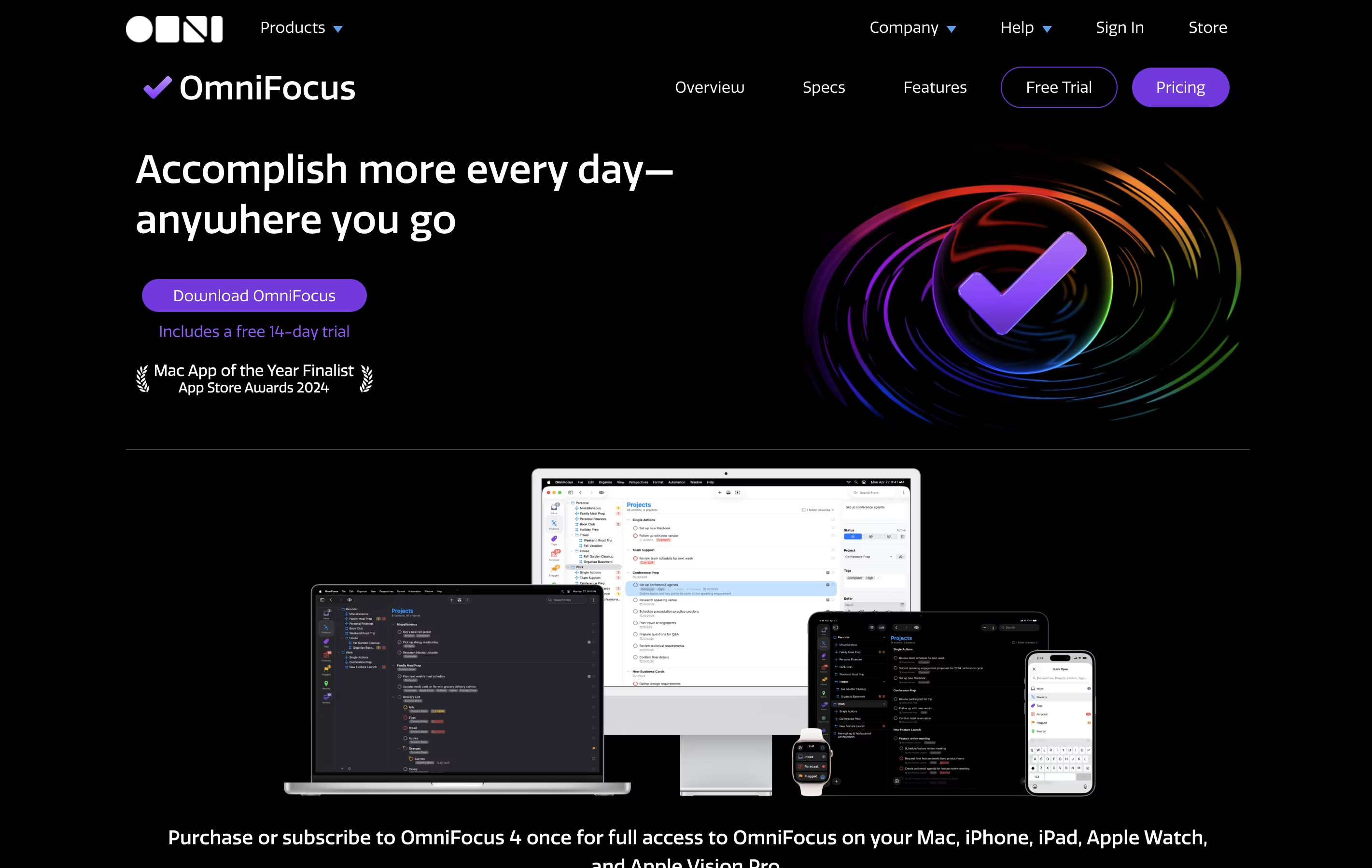
OmniFocus is a task manager that turns chaos into organized action. You can capture any task the moment you think of it, then organize it later with tags, projects, and dates. The tool helps you see what needs attention today while keeping future tasks out of sight until you need them.
Unlike basic to-do apps, OmniFocus offers custom views called Perspectives that show your work exactly how you want to see it. The Forecast feature displays upcoming tasks alongside your calendar events. The Review function reminds you to check your projects regularly, making sure nothing gets forgotten.
There are different versions available: Standard and Pro licenses for one-time purchase, plus a subscription option that includes web access from any browser.

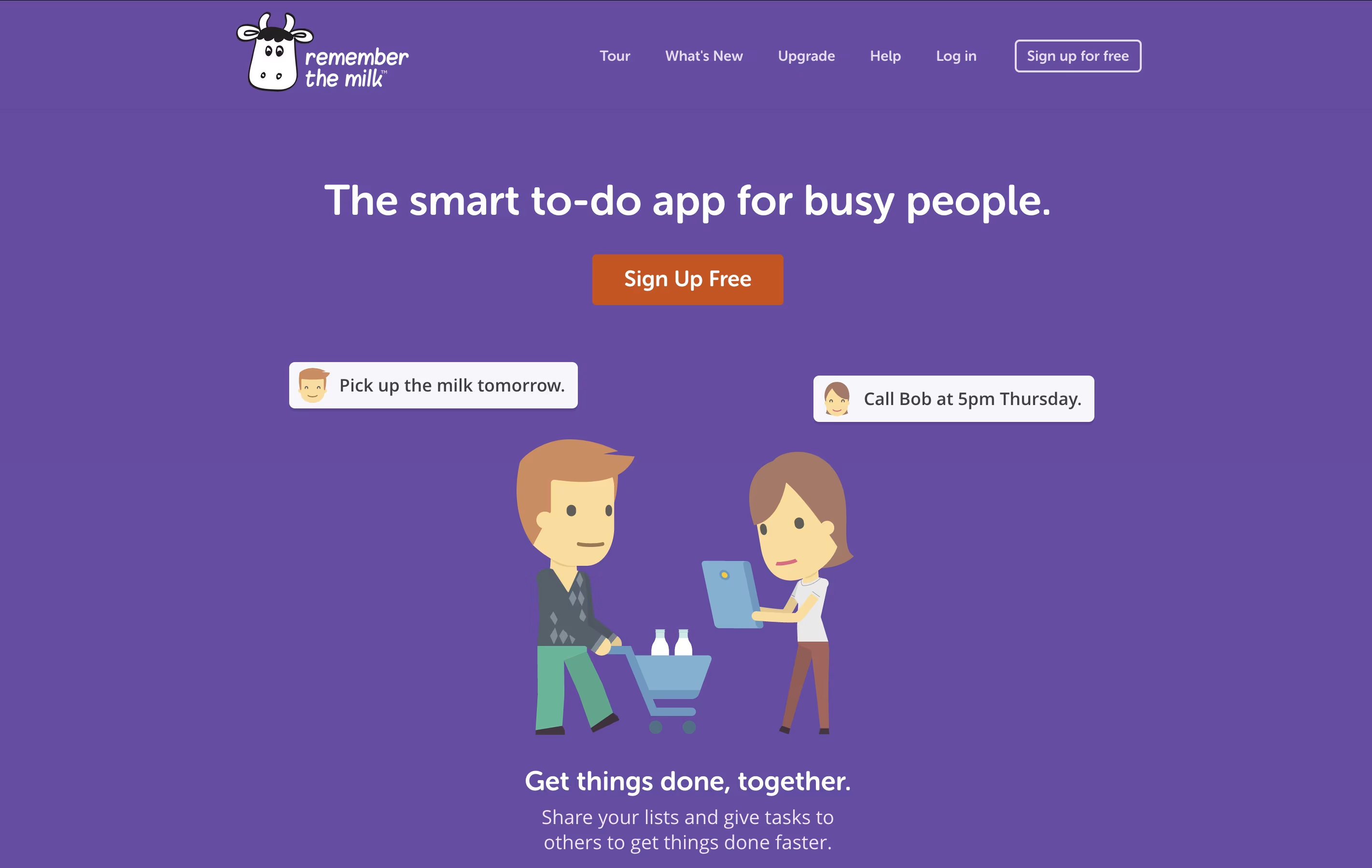
Remember The Milk is a task management application that works on web browsers, desktop computers, and mobile devices. It helps you keep track of everything you need to do in one place. The tool allows you to create multiple lists, organize tasks with tags, set due dates, and receive reminders when tasks are approaching their deadlines.
The app offers both free and paid versions. The free version includes basic task management features like creating unlimited tasks, organizing them into lists, and syncing across devices. The paid Pro version adds advanced features like subtasks, colored tags, mobile reminders, file attachments, and integration with services like Zapier and Microsoft Outlook. Whether you need simple reminders or complex project management, Remember The Milk adapts to your needs.
Features of OmniFocus and Remember The Milk
Capture tasks instantly from anywhere
Projects and folders for organization
Custom perspectives with filtering rules
Forecast view with calendar integration
Location-based task viewing
Weekly review reminders
Flexible tagging system
Available and due date management
Focus mode for concentration
Cross-device sync across Apple platforms
Automation with scripts
Attach files to tasks
Repeating tasks
Inspector for batch editing
Create and manage unlimited tasks and lists
Set due dates, priorities, and tags
Email, text, and mobile reminders available
Share lists and assign tasks to others
Voice commands with Siri, Alexa, and Google Assistant
Integration with Gmail, Outlook, and calendars
Subtasks for breaking down projects
Offline access on mobile and web
Smart Lists with custom search
Sync across all devices
Use Cases of OmniFocus and Remember The Milk
Pricing of OmniFocus and Remember The Milk
OmniFocus offers several pricing options to match different needs and preferences:
The Standard License costs $74.99 as a one-time purchase and includes all core features across Mac, iPhone, iPad, Apple Watch, and Apple Vision Pro. This license covers all updates within version 4.
The Pro License is $149.99 one-time and adds advanced capabilities like custom perspectives, automation support, and enhanced customization options. Upgrade discounts are available for existing users.
For those who prefer subscriptions, the Annual Subscription is $99.99 per year and includes the Pro version across all devices plus web access from any browser without additional cost.
The Web Companion is available separately at $4.99 monthly or $49.99 yearly for existing license owners who want browser access to their tasks.
All purchases include a 30-day money-back guarantee, and future major version upgrades are available at discounted rates.
Remember The Milk offers two pricing plans designed for different needs:
Basic Plan (Free): The free version provides unlimited tasks and lists, with basic features like web, desktop, and mobile apps. You can sync across devices, integrate with Gmail and Google Calendar, add tasks via email or voice assistants, share lists with others, and receive reminders through email, text, instant messaging, and Twitter. This plan works well for simple task management.
Pro Plan ($49.99/year): Upgrading to Pro unlocks powerful features including mobile app reminders on Android and iOS, unlimited subtasks, advanced sorting and grouping options, over 100 themes for customization, colored tags, file attachments with Dropbox and Google Drive, offline web access, Microsoft Outlook sync, automation with MilkScript, IFTTT and Zapier integration, priority support, and unlimited storage for completed tasks. Pro users also get early access to new features.
FAQs: OmniFocus vs Remember The Milk
Reviews: OmniFocus vs Remember The Milk
Based on 0 reviews
Based on 0 reviews
Compare OmniFocus With Other Tools
Todoist
Simple Task Manager & To-Do List App

Motion
AI-Powered Productivity & Task Management

Akiflow
AI-Powered Time-Blocking & Task Management

Morgen
AI-Powered Time Management for Busy Professionals

TickTick
Smart Task Management with Calendar & Habits

Vikunja
Open-Source Task Management & To-Do App

Any.do
Simple Task Manager with Calendar and Reminders
Atlassian
Team Collaboration & Project Management

Sunsama
Daily Planner for Focused Professionals
Compare Remember The Milk With Other Tools
Akiflow
AI-Powered Time-Blocking & Task Management
Morgen
AI-Powered Time Management for Busy Professionals
Todoist
Simple Task Manager & To-Do List App
TickTick
Smart Task Management with Calendar & Habits
Motion
AI-Powered Productivity & Task Management
Sunsama
Daily Planner for Focused Professionals
Any.do
Simple Task Manager with Calendar and Reminders
Vikunja
Open-Source Task Management & To-Do App
Atlassian
Team Collaboration & Project Management





