

Best 12 Open Source Obsidian Alternatives in 2026
Last Updated: October 21, 2025
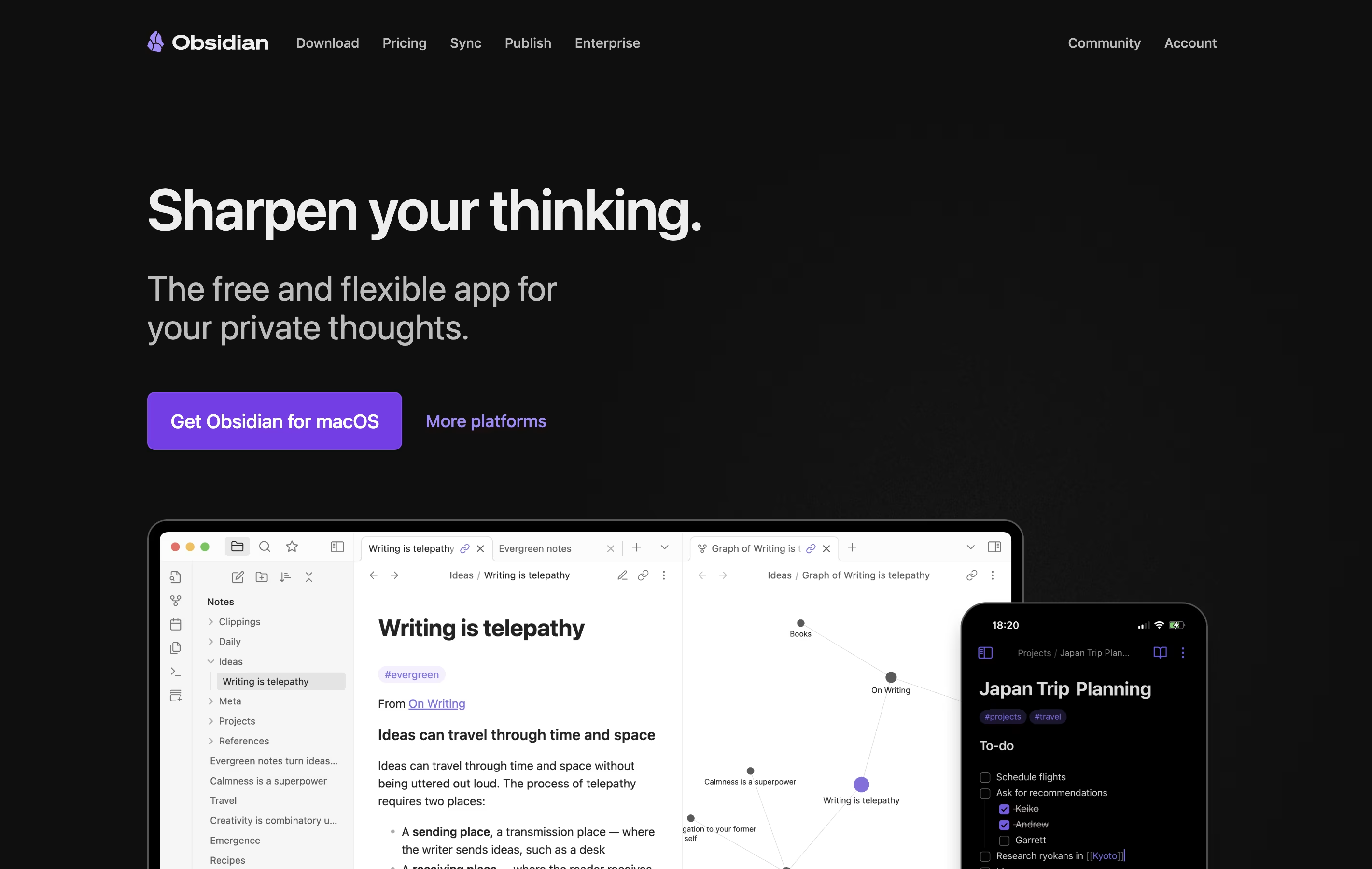
Obsidian is a note-taking app that works with plain text files stored directly on your device. You can write notes, link them together, and see how your ideas connect through a visual graph. Unlike cloud-based tools, everything stays private on your computer.
The app uses simple text files with basic formatting, which means your notes remain readable even without Obsidian. You can link any note to another, creating connections that help you discover patterns in your thinking. This makes it great for building knowledge over time.
The best alternative to Obsidian is  Logseq
 LogseqFree Open-Source Note-Taking & Knowledge Base.
  Joplin
 JoplinFree Open-Source Note-Taking App with Encryption and
  AFFiNE
 AFFiNEOpen-Source Workspace for Docs, Whiteboards & Databases are also among the best options for Note Taking.
So, here are the 12 best alternatives to Obsidian:

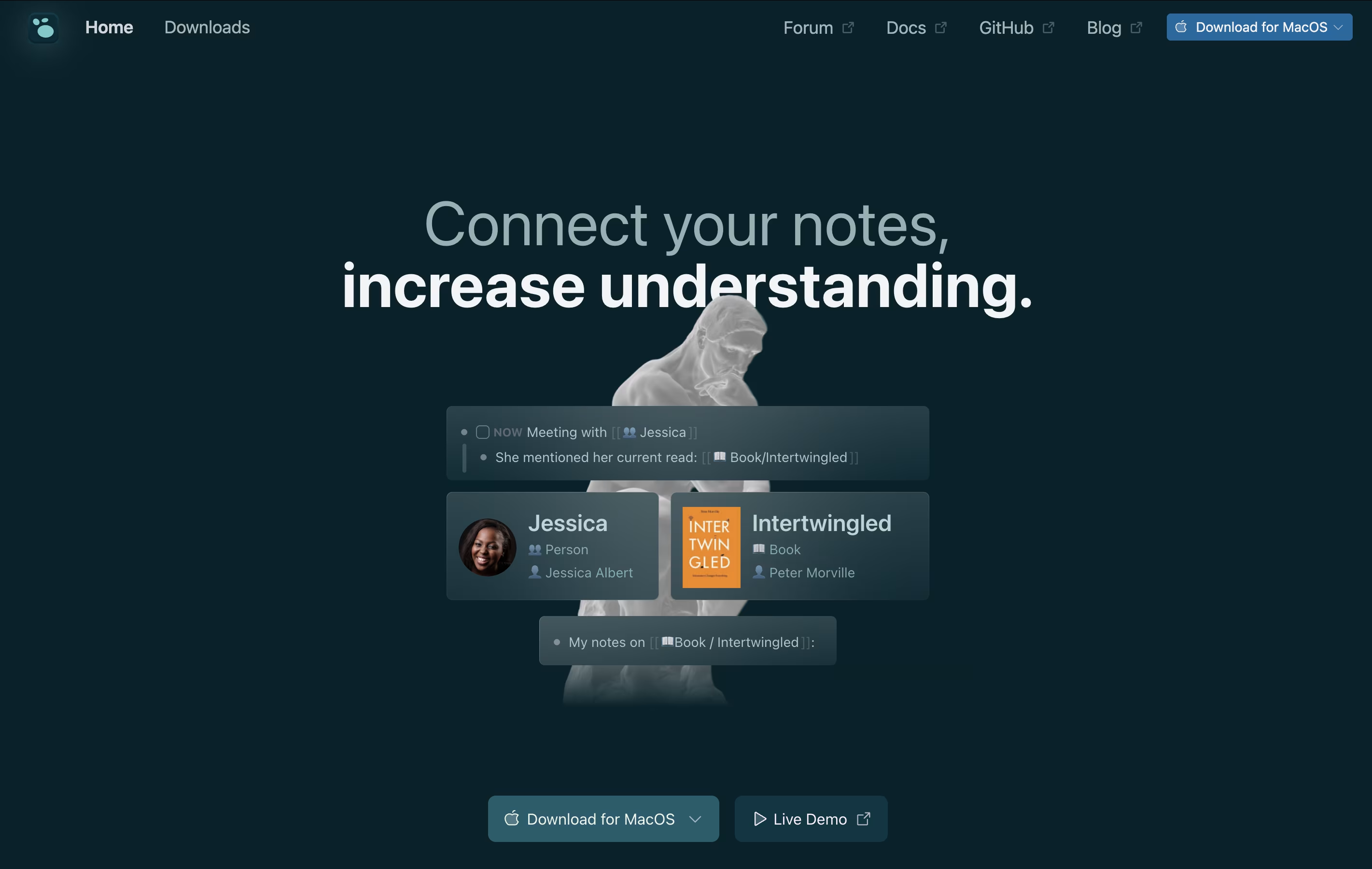
Logseq is an open-source note-taking tool that helps you capture and connect your thoughts. Everything you write is stored as plain text files on your device, giving you complete control over your data. You never have to worry about a company shutting down or changing their prices because your files belong to you.
The app works with a daily journal where you can write notes, create tasks, and link ideas together. When you link notes, Logseq shows you all the connections, helping you see relationships between different topics. This creates a graph of your knowledge that grows over time.
You can use it on Windows, Mac, Linux, iPhone, and Android. The basic app is free forever, with optional paid sync to keep your notes updated across devices.
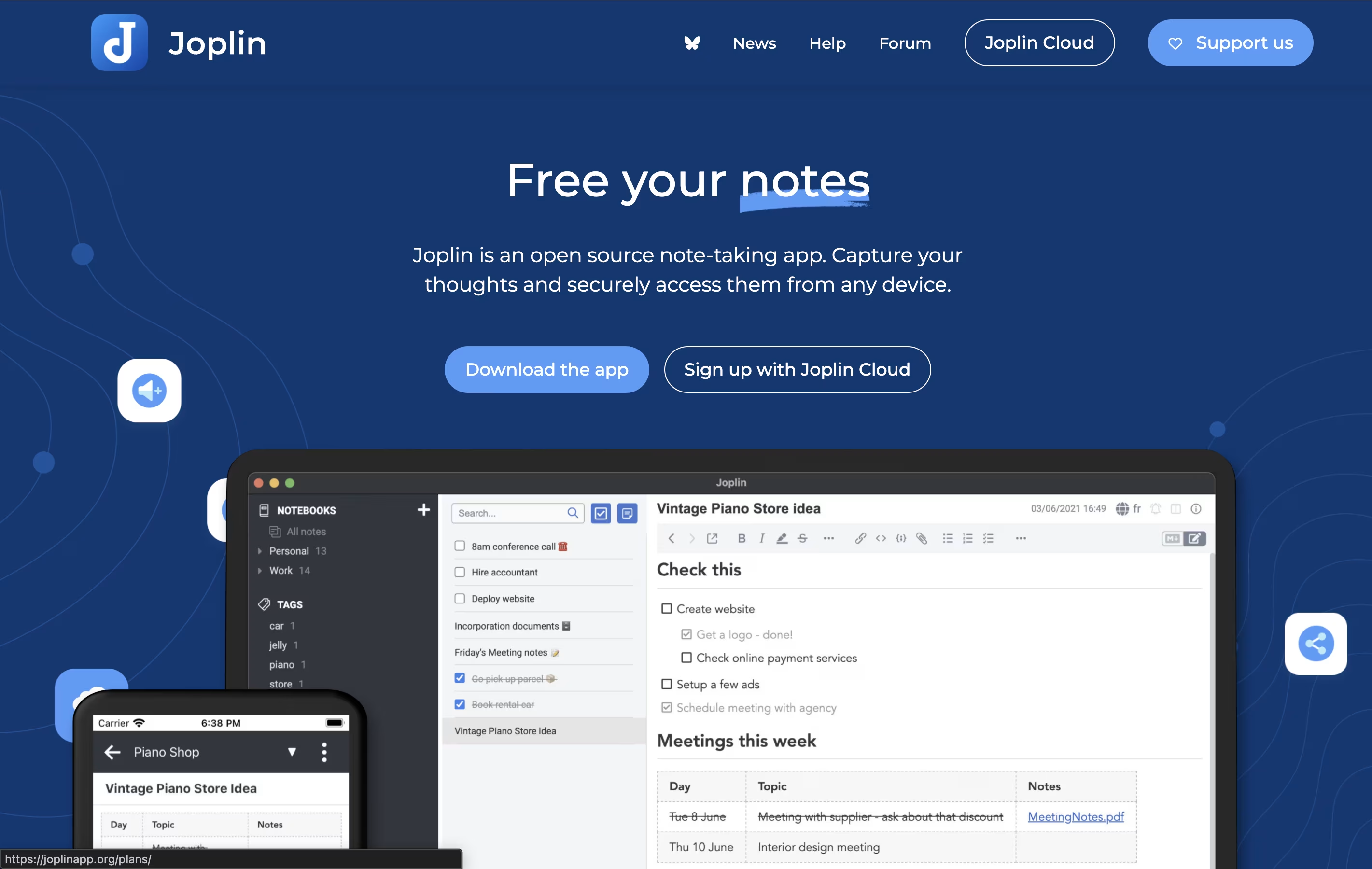
Joplin is a powerful tool for capturing and organizing your thoughts, to-do lists, and information. It supports rich text and Markdown formatting, allowing you to create notes with images, attachments, tables, and even code snippets. You can clip web pages directly from your browser and save them as notes for later reference.
What makes Joplin special is its focus on privacy and data ownership. Your notes are stored locally on your devices, not on someone else's server. When you sync across devices, everything is protected with end-to-end encryption, meaning only you can read your content.
The app offers multiple sync options including Dropbox, OneDrive, Nextcloud, or Joplin's own cloud service. You can also customize Joplin with plugins and themes to match your workflow perfectly.
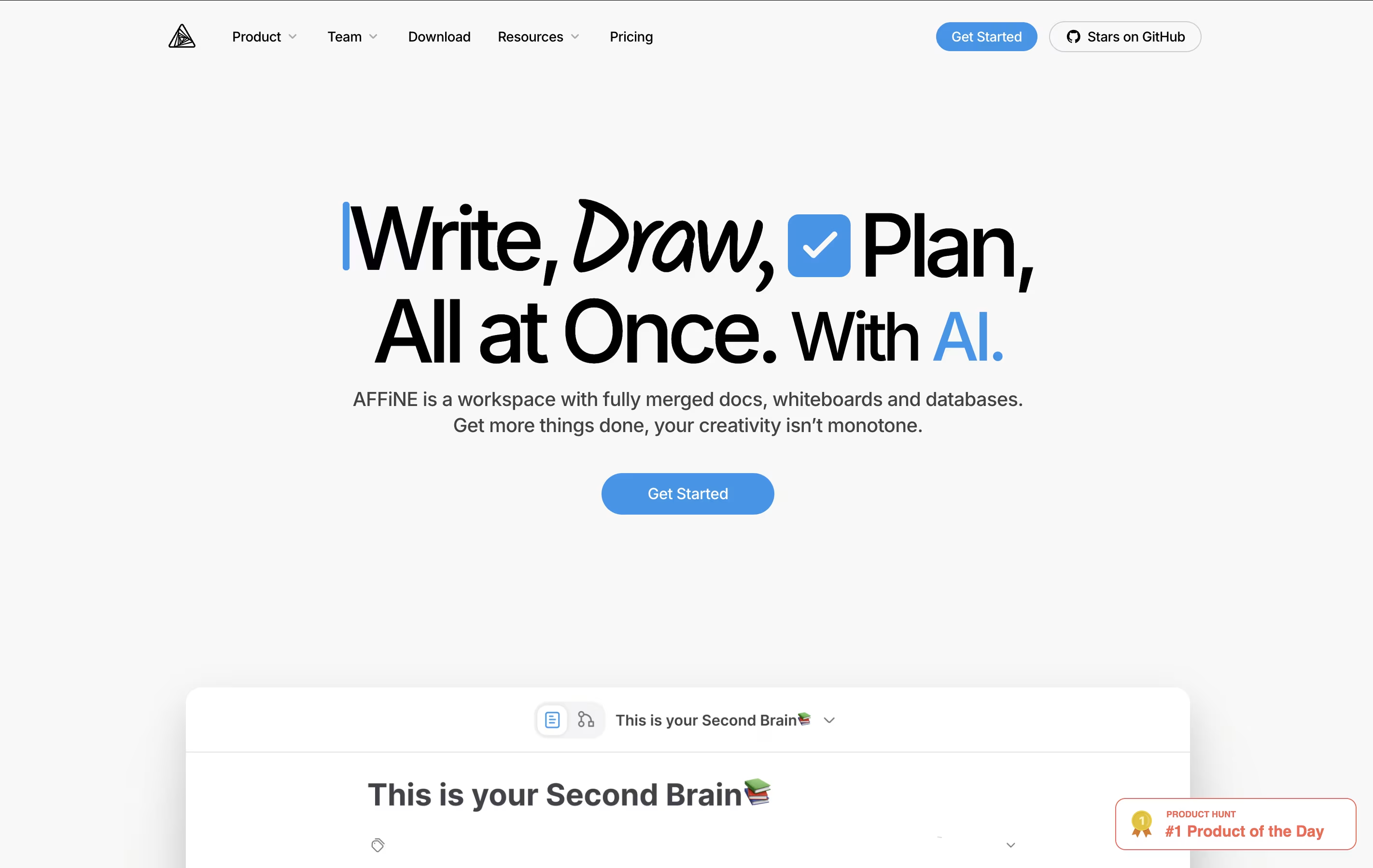
AFFiNE is a workspace application that brings together three main tools in one place: documents for writing and note-taking, whiteboards for visual thinking and drawing, and databases for organizing information. Unlike cloud-first tools, AFFiNE takes a local-first approach, which means your data lives on your computer first and only syncs to the cloud if you choose.
You can switch between document mode and whiteboard mode easily, turning any page into a drawing canvas and back again. This flexibility helps you work the way your mind works, not the way the software forces you to work. AFFiNE is completely open-source, meaning the code is public and can be customized. It works on Windows, Mac, Linux, and has mobile apps too.
Standard Notes is a note-taking tool that protects your data with strong encryption. When you write a note, it gets locked with a secret code that only you have. This means even the company that runs Standard Notes cannot read what you write. Your notes sync across all your devices automatically, so you can start writing on your phone and continue on your computer.
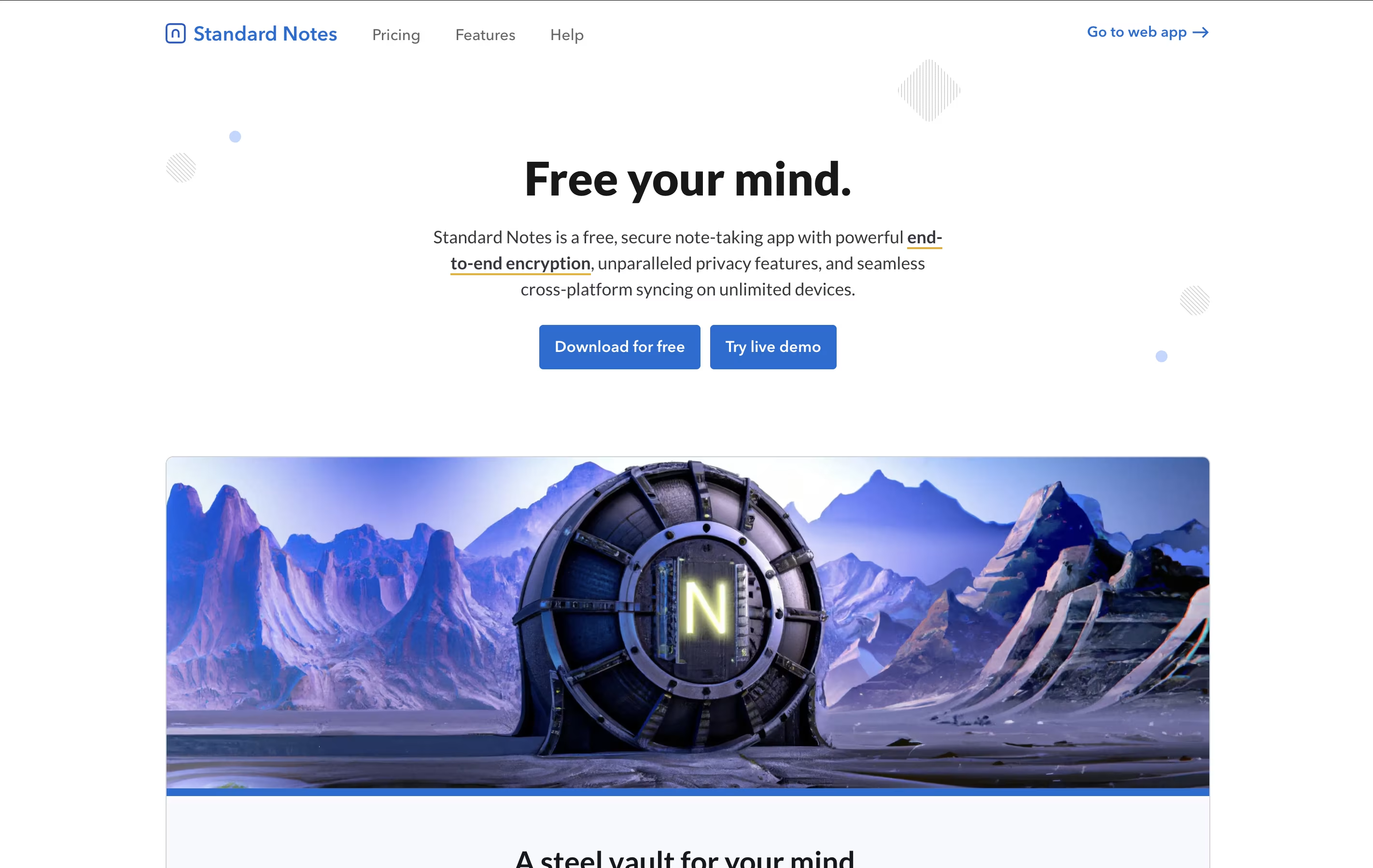
The app offers both free and paid plans. The free version includes basic note-taking with full encryption, while paid plans add features like rich text formatting, file storage, and advanced editors for different types of content. It works on web browsers, desktop computers, and mobile devices, giving you access everywhere.
Tangent Notes is a note-taking app that treats your thoughts like a web of connected ideas. When you write, you can link notes together using simple double brackets, just like Wikipedia. As you follow these links, Tangent remembers where you have been and shows your path with sliding panels that move horizontally across your screen.
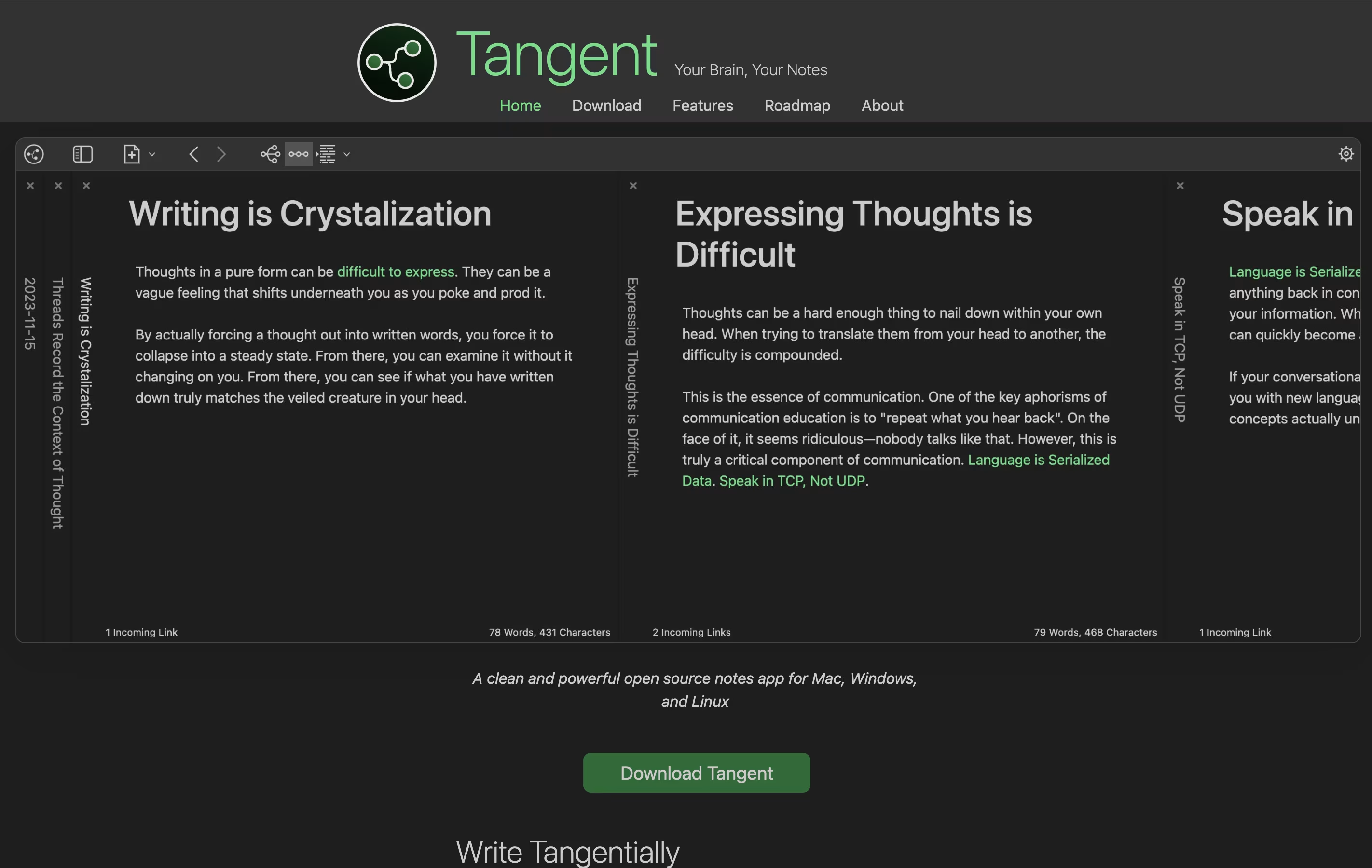
It uses markdown format, which means your notes are plain text files that any program can read. There is no cloud storage or login required—everything stays on your computer. The app also creates visual maps of how your notes connect, helping you see the big picture of your thinking.
Tangent is perfect for people who like to explore ideas deeply and want a simple tool that does not get in the way.
DeepNotes is a visual note-taking application that uses an infinite canvas approach. Instead of regular pages stacked on top of each other, you get unlimited space where notes can be placed anywhere and connected freely. Each note can contain other notes inside it, creating layers of information.
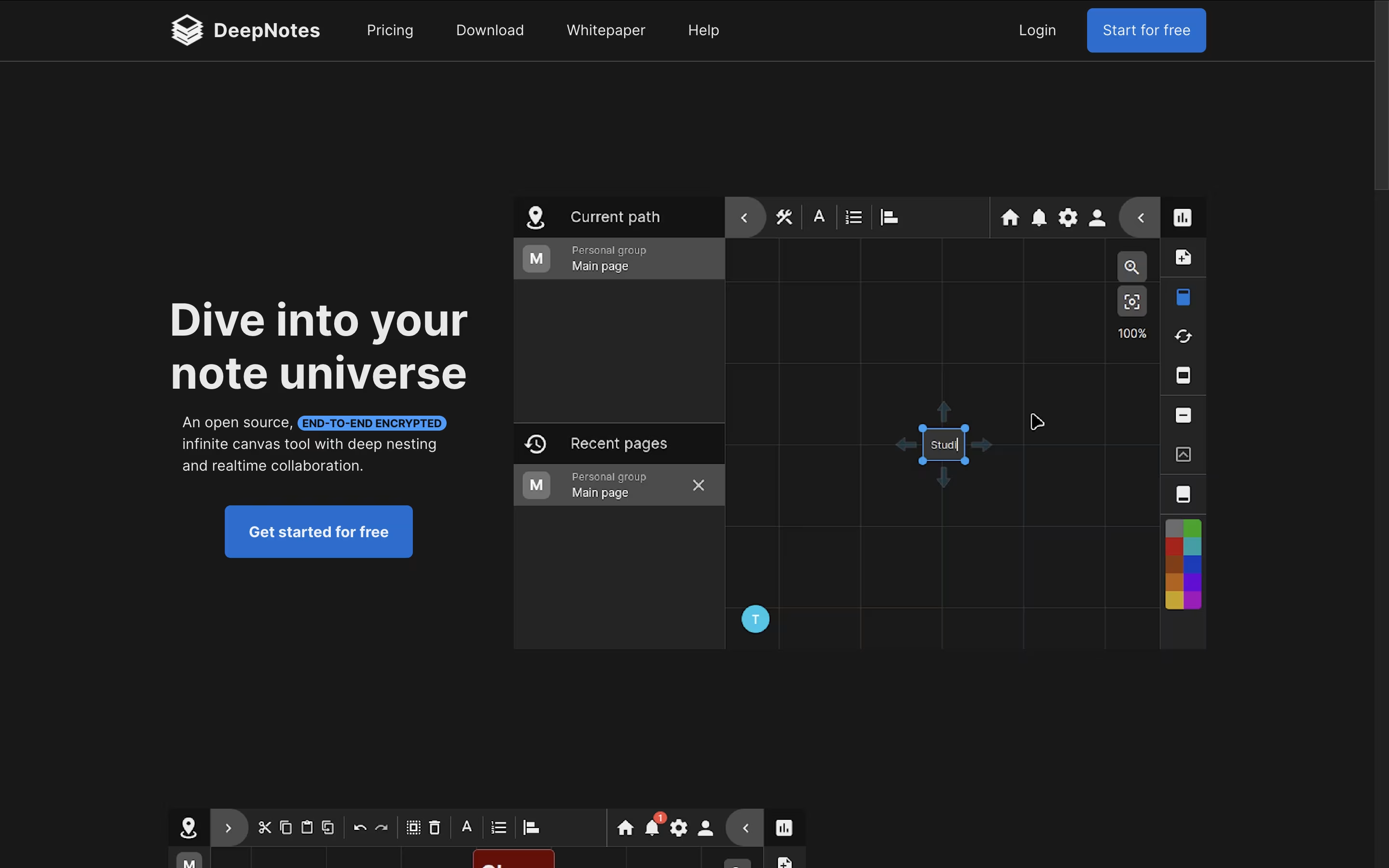
The tool focuses on privacy with end-to-end encryption, meaning your notes stay protected at all times. The graph-based navigation system helps you see connections between different ideas and jump between related topics quickly. You can create notes by double-clicking on the canvas, then move them around, change colors, and organize them in containers.
DeepNotes is available as a web app and desktop application. The Basic plan is free with 50 pages, while the Pro plan removes all limits and adds team collaboration features.

Blinko is a self-hosted note-taking application that combines simplicity with powerful features. Unlike cloud-based tools where companies store your data, Blinko runs entirely on your own computer or server, giving you complete privacy. The app organizes content into two categories: quick notes called "Blinkos" for instant capture, and full "Notes" for detailed information you want to keep long-term.
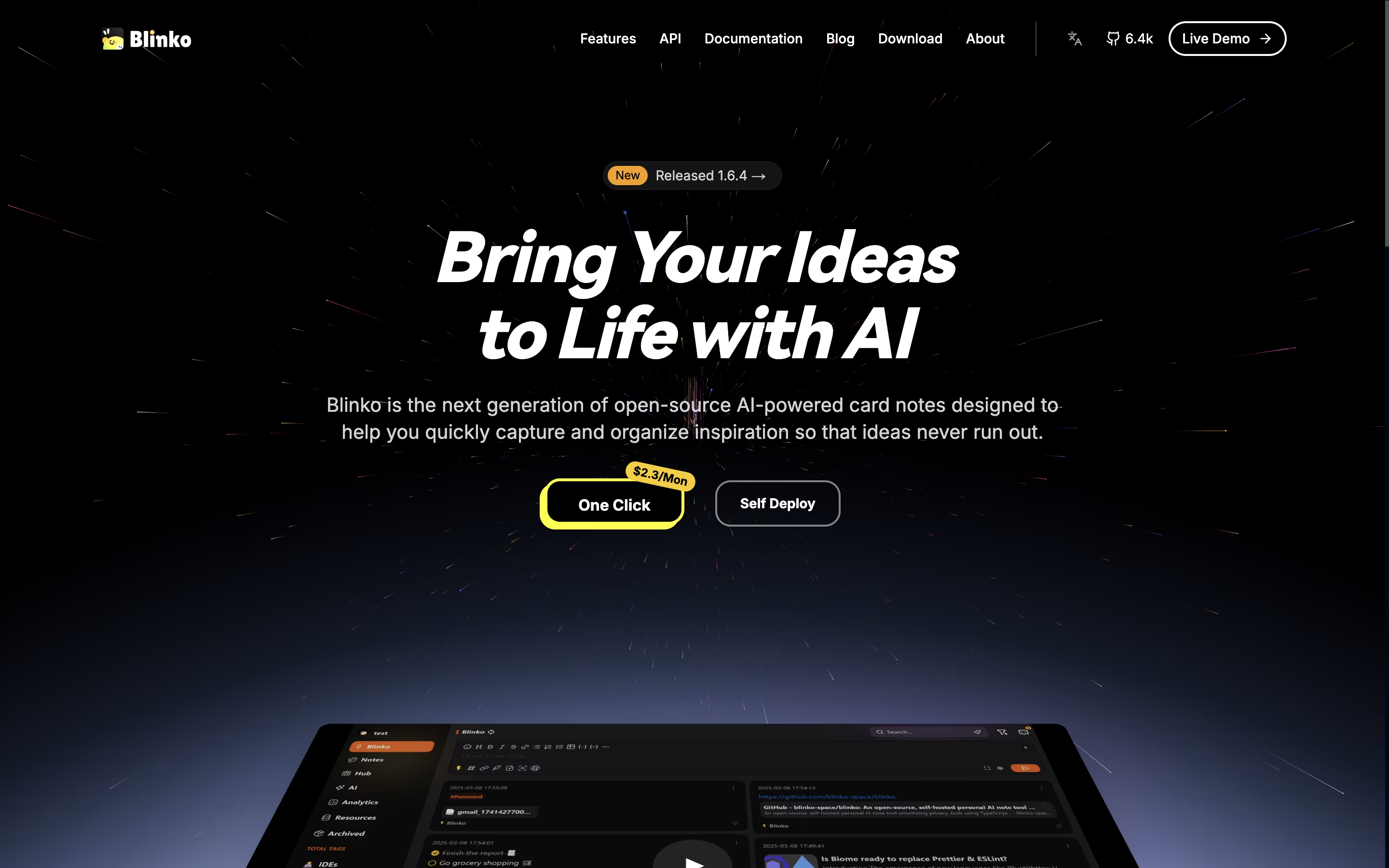
It includes support for tags, tasks with reminders, and formatted text using standard writing tools. The application can connect to AI models that help search your notes using normal language instead of exact keywords. You can add music playback, connect through browser extensions or mobile shortcuts, and even read news feeds directly inside the app. Everything is designed to help you think and create without worrying about where your data goes.

SiYuan is a personal knowledge management system that treats every piece of content as a block. These blocks can be linked, referenced, and organized in multiple ways. Unlike traditional note-taking apps, SiYuan gives you complete control by storing everything locally on your device.
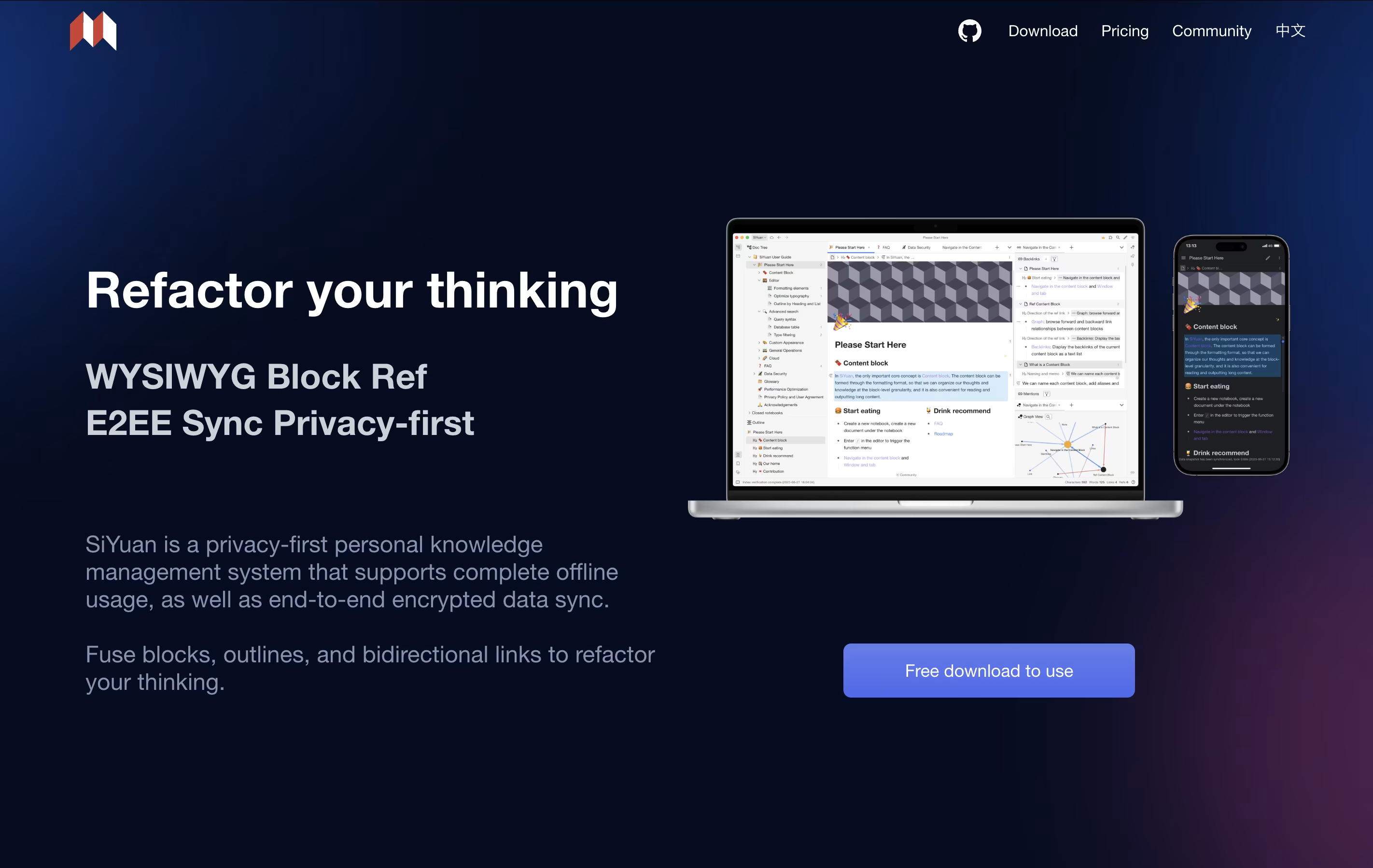
The tool uses a block-based approach where even whole documents are treated as blocks. This makes it easy to split, move, and connect information without breaking existing links. You can create bidirectional links between ideas, use outlines to organize thoughts, and view your knowledge as a graph.
It includes features like mathematical formulas, charts, flashcards for learning, and database views. The app is self-hosted, meaning you own your data completely.
Trilium Notes is a note-taking application that lets you organize information in a tree structure. Each note can contain text, images, code, diagrams, or other content types. Unlike basic note apps, Trilium allows one note to appear in multiple places in your tree without copying it, which is called cloning.
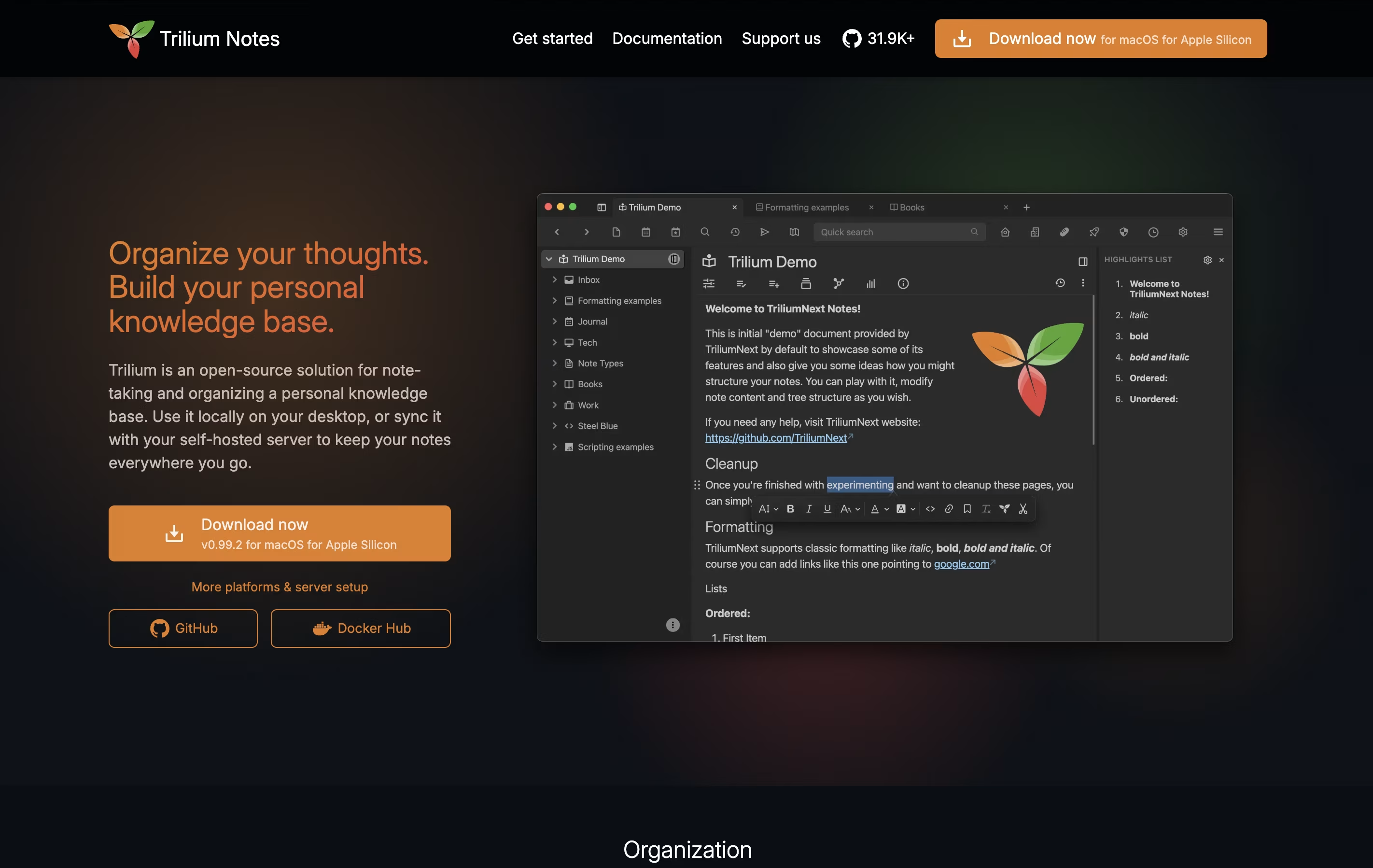
The app stores everything in a local database, making it fast even with thousands of notes. You can use a rich text editor for regular writing or a code editor for programming. It also includes features like note linking, full-text search, note encryption for privacy, and web clipping to save websites directly into your notes.
You can use Trilium offline on your computer or set up a sync server to access your notes from multiple devices and through a web browser.

AppFlowy is a workspace application that brings together your notes, tasks, wikis, and projects. Unlike cloud-only tools, you can run AppFlowy entirely on your own computer or host it yourself for complete data control.
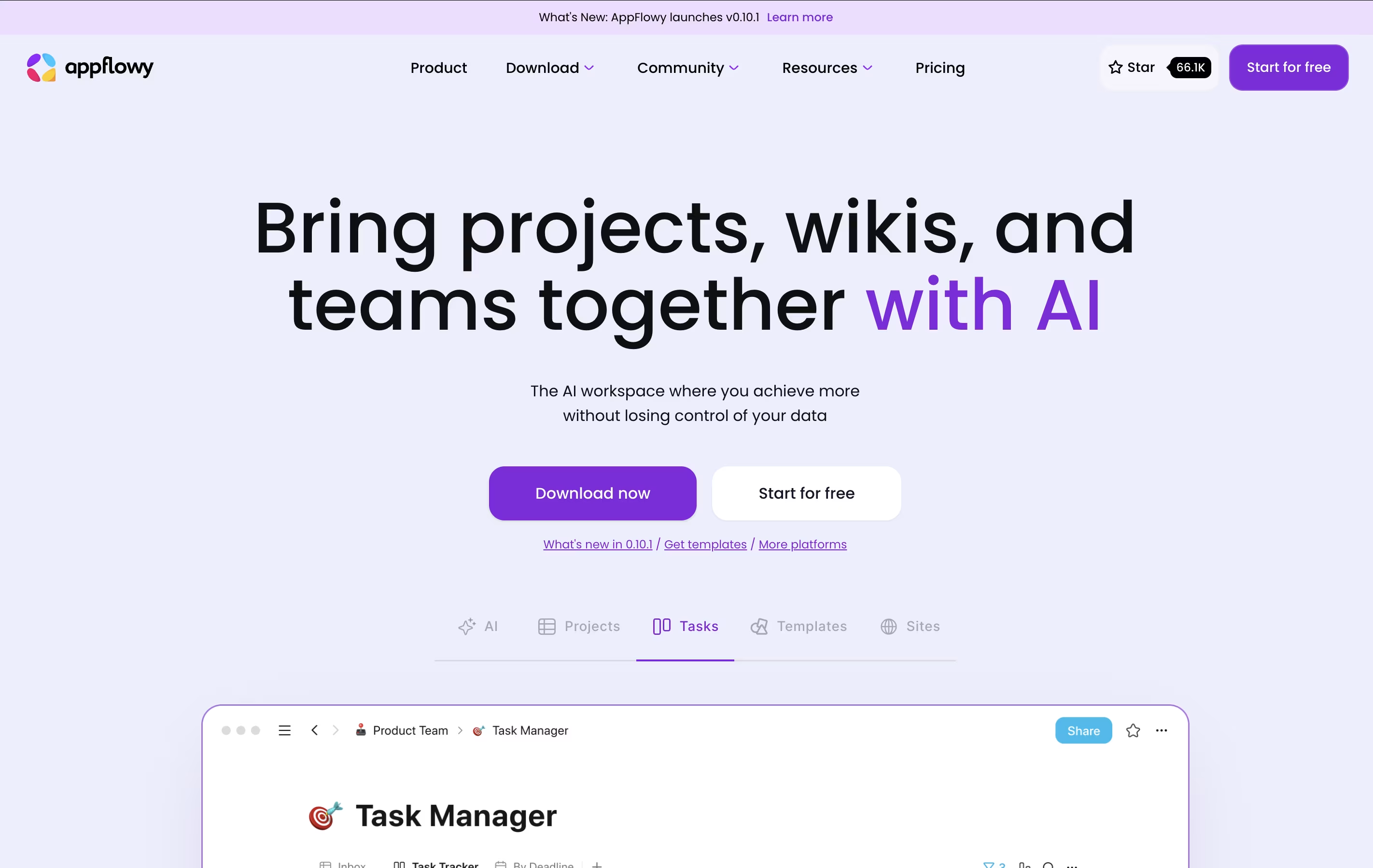
The tool uses AI to help you write, organize information, and find what you need quickly. You can create databases, calendars, task boards, and rich documents all in one place. Everything syncs across your devices when you want it to.
AppFlowy is open-source, which means anyone can see how it works and customize it. You get features like tables, boards, calendars, and a rich text editor. It works on Windows, Mac, Linux, and mobile devices, giving you flexibility in how and where you work.





