

Akiflow vs Motion: Features, Pricing and User Reviews 2026
What are Akiflow and Motion?
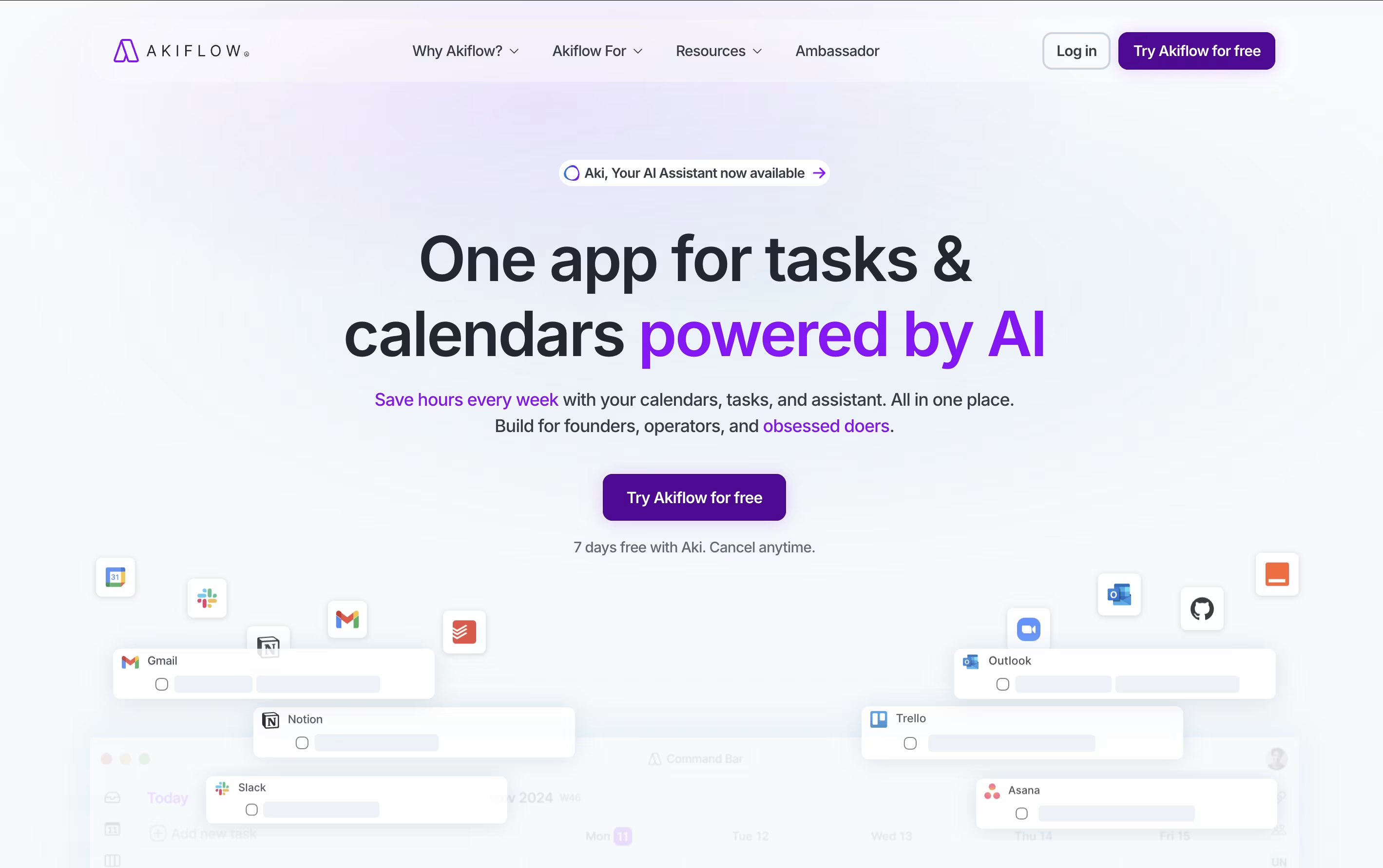
Akiflow is a comprehensive productivity platform that combines task management, calendar scheduling, and time-blocking in one powerful application. Think of it as the control center for your entire work life, designed specifically for busy professionals who use multiple tools throughout their day.
The platform automatically imports tasks from popular apps like Gmail, Slack, Asana, Notion, and thousands of others through smart integrations. What makes Akiflow special is its time-blocking approach - you can drag and drop tasks directly onto your calendar, ensuring every important item gets the time it deserves.
The platform also features an AI assistant called Aki that helps organize your schedule, suggests optimal time slots, and even handles routine scheduling tasks. Founded in 2020 and backed by Y Combinator, Akiflow has quickly become a favorite among founders, developers, and productivity enthusiasts who need to stay organized without the complexity.

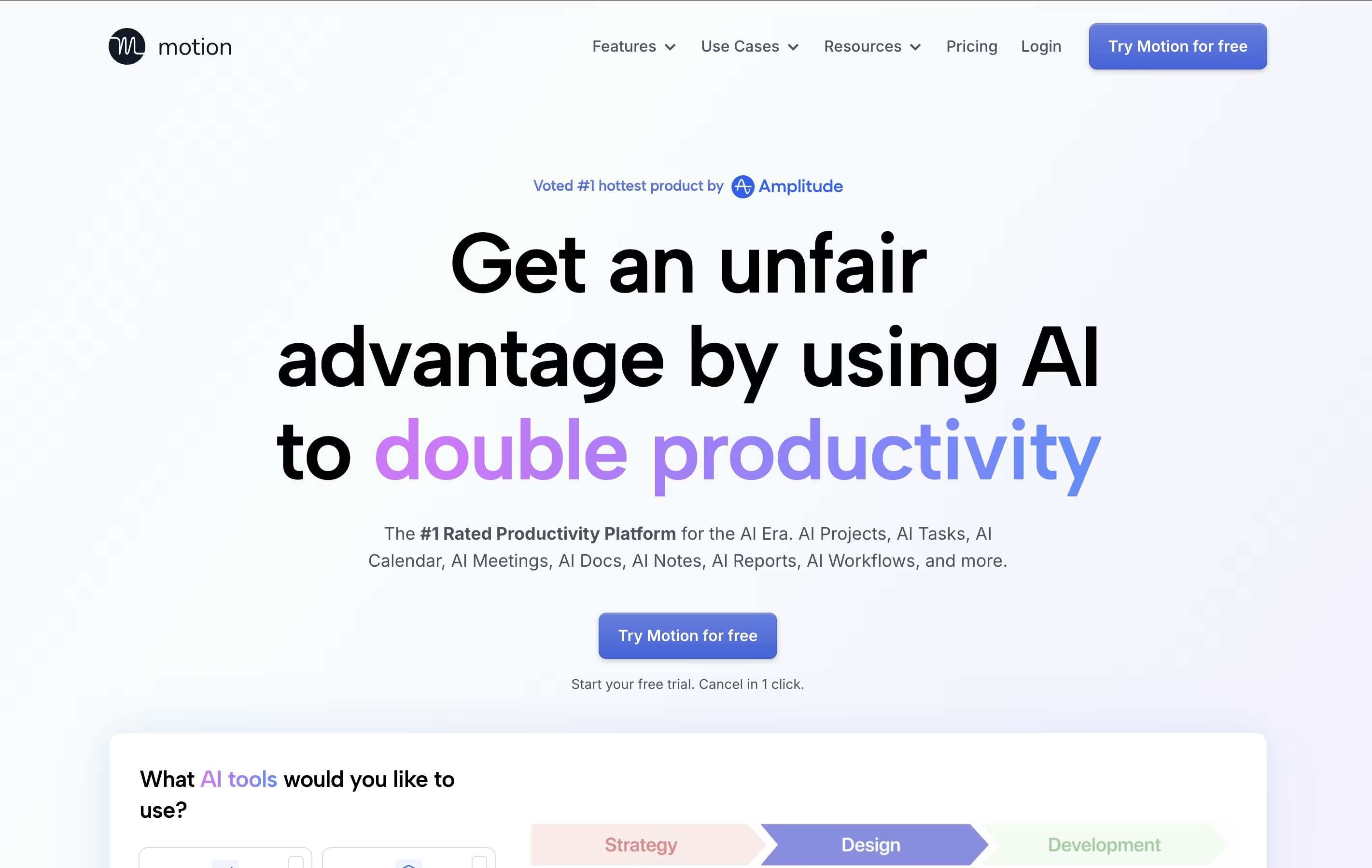
Motion is an all-in-one productivity tool that uses artificial intelligence to manage your time and tasks. Instead of spending hours organizing your workday, Motion automatically schedules everything based on deadlines, priorities, and your available time.
The platform combines several tools into one: a smart calendar that syncs with Google Calendar and Outlook, a task manager that auto-schedules work, a project management system with Kanban and Gantt views, and meeting scheduling features similar to Calendly. Motion also includes AI Employees—smart assistants that can draft emails, create content, analyze data, and handle repetitive tasks.
Motion continuously monitors your schedule and adjusts tasks when meetings pop up or deadlines change, ensuring everything gets done on time.
Features of Akiflow and Motion
Universal inbox consolidating 3,000+ apps
Time-blocking calendar with drag-and-drop scheduling
AI assistant for smart planning and automation
Team collaboration and availability sharing
Real-time meeting notifications and management
Command bar for instant task entry
Mobile and desktop apps with offline access
Focus timers and productivity analytics
Integration with major productivity platforms
Advanced scheduling and booking features
AI auto-scheduling that adapts to changes instantly
Smart calendar with Google/Outlook integration
Project management with Kanban and Gantt views
AI Employees for automating repetitive tasks
Meeting booking links for easy scheduling
Task prioritization based on deadlines
Team collaboration and workload balancing
Mobile apps for iOS and Android
Real-time schedule adjustments
Integration with Zoom, Teams, and Slack
Use Cases of Akiflow and Motion
Pricing of Akiflow and Motion
Akiflow offers flexible pricing plans designed for different productivity needs. All plans include a 7-day free trial with full access to every feature, so you can test the platform before committing.
Pricing options include:
Monthly Plan: $34 per month, billed monthly, perfect for short-term users who want flexibility
Yearly Plan: $19 per month (billed annually at $228), offering 44% savings for committed users
Believer Plan: $8.33 per month (billed every 5 years at $500), providing maximum savings and early access to new features
All plans include unlimited tasks, meetings, integrations, AI assistance, mobile apps, and premium support. Students, military personnel, and healthcare workers can contact support for special discounts. The yearly plan is most popular among professionals who rely on Akiflow daily. Whether you choose monthly flexibility or long-term savings, Akiflow aims to save you hours each week through better organization and planning.
Motion offers flexible pricing plans designed for individuals and teams of all sizes:
AI Workplace ($29/seat/month): Perfect for individuals starting with Motion. Includes 1 seat with 1,000 AI credits monthly, covering basic AI features and calendar scheduling.
AI Employees Starter ($49/seat/month): Ideal for solo professionals needing more AI power. Includes 1 seat with 10,000 AI credits monthly for enhanced automation.
AI Employees Light ($148/month): Great for small teams with 3 seats and 25,000 AI credits monthly, offering full project management features.
AI Employees Standard ($446/month) (Most Popular): Best for growing teams with 10 seats and 100,000 AI credits monthly, providing comprehensive AI Employee capabilities.
AI Employees Plus ($894/month): Designed for larger teams with 25 seats and 250,000 AI credits monthly.
Enterprise (Custom Pricing): Includes AI strategy consulting, custom implementation, and unlimited seats tailored to your organization's needs.
FAQs: Akiflow vs Motion
Reviews: Akiflow vs Motion
Based on 0 reviews
Based on 0 reviews
Compare Akiflow With Other Tools

Morgen
AI-Powered Time Management for Busy Professionals

Sunsama
Daily Planner for Focused Professionals

TickTick
Smart Task Management with Calendar & Habits
Todoist
Simple Task Manager & To-Do List App
Any.do
Simple Task Manager with Calendar and Reminders

Remember The Milk
Smart To-Do List and Task Manager
OmniFocus
Professional Task Management for Apple

Vikunja
Open-Source Task Management & To-Do App
Atlassian
Team Collaboration & Project Management
Compare Motion With Other Tools
Todoist
Simple Task Manager & To-Do List App
Morgen
AI-Powered Time Management for Busy Professionals
TickTick
Smart Task Management with Calendar & Habits
Any.do
Simple Task Manager with Calendar and Reminders
Atlassian
Team Collaboration & Project Management
Sunsama
Daily Planner for Focused Professionals
OmniFocus
Professional Task Management for Apple
Vikunja
Open-Source Task Management & To-Do App

Focalboard
Free Open Source Project Management Tool





