

Flowise vs Zapier: Features, Pricing and User Reviews 2026
What are Flowise and Zapier?

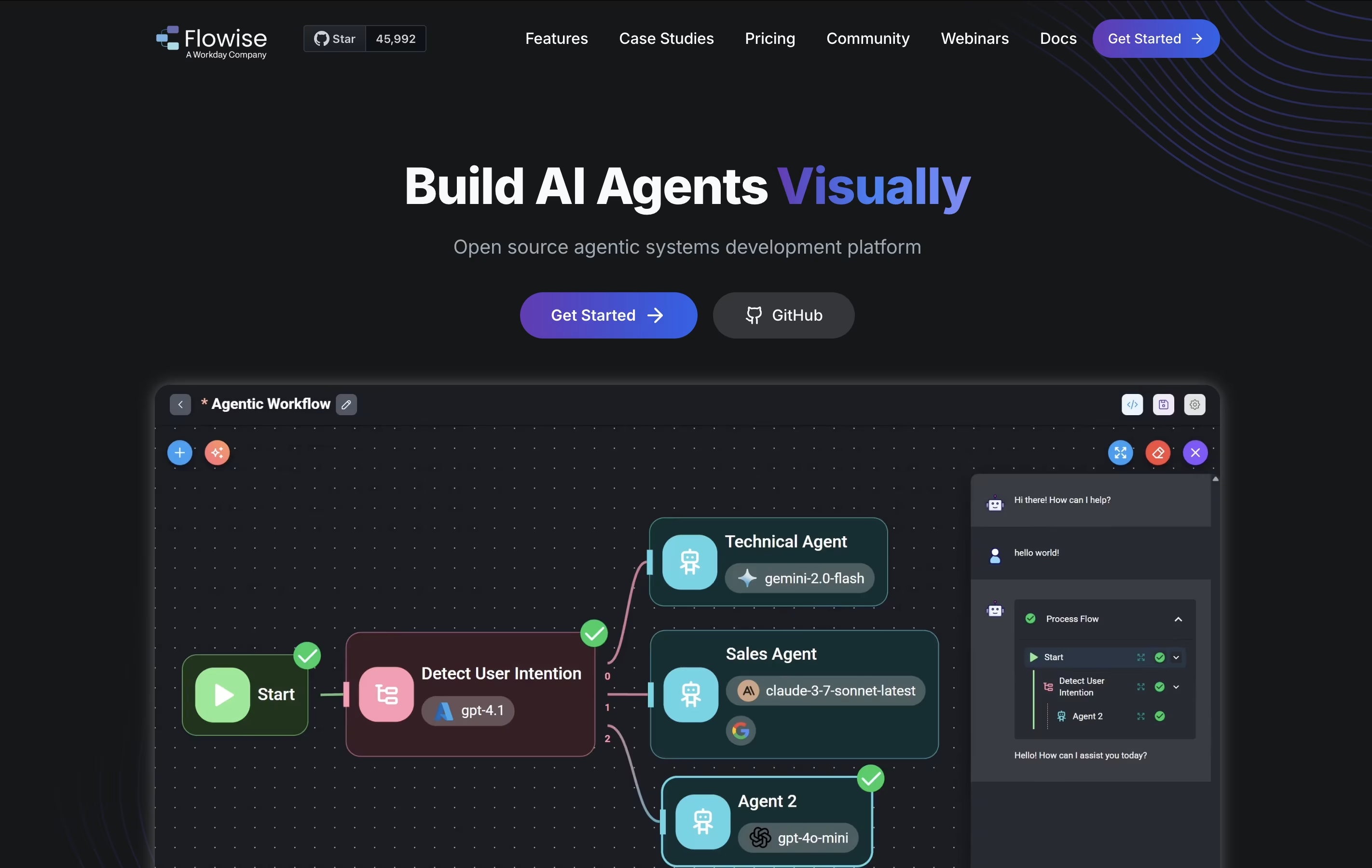
Flowise is a visual development platform for creating AI-powered applications using large language models. Think of it as building blocks for AI: you drag components onto a canvas and connect them together to create smart systems.
The platform lets you build chatbots that understand documents, create AI agents that can perform tasks automatically, and set up workflows that combine multiple AI tools. It supports retrieval-augmented generation, which means your AI can pull information from your own documents and databases to give accurate answers.
You can start with ready-made templates or build custom solutions from scratch. Flowise works with both cloud-based and locally-hosted AI models, giving you flexibility in how you deploy your applications. The platform is open-source, meaning the community constantly adds new features and improvements.

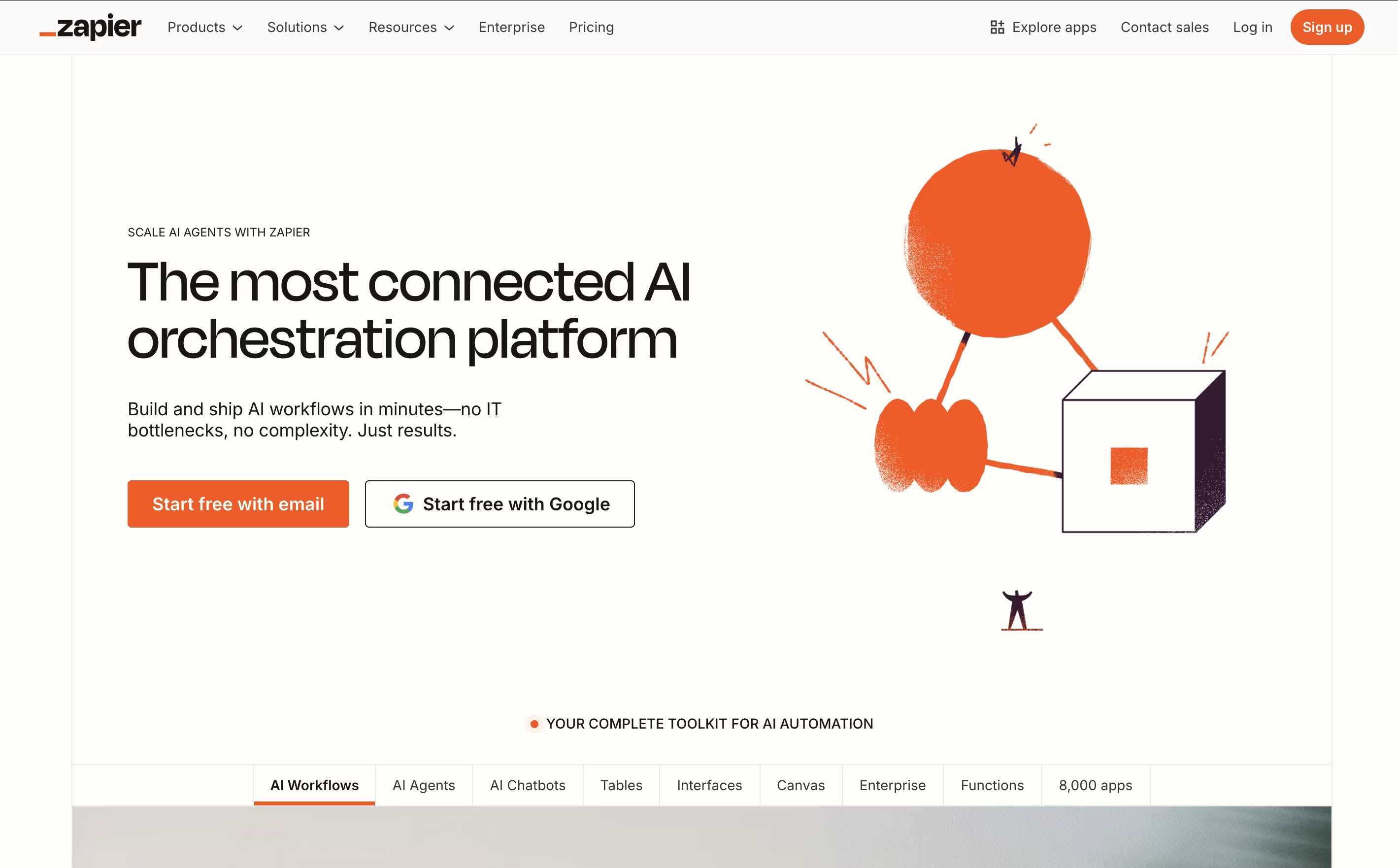
Zapier is an online automation platform that acts as a bridge between different software applications. Think of it as a translator that helps your apps talk to each other and work together automatically. The platform operates on a simple concept: when something happens in one app (the trigger), it automatically does something in another app (the action).
For example, when you receive a new email with an attachment, Zapier can automatically save that attachment to Google Drive and notify your team on Slack. These automated workflows, called "Zaps," can be simple two-step processes or complex multi-step sequences involving multiple apps.
What makes Zapier special is its no-code approach. You don't need any programming knowledge to set up powerful automations. The platform offers a visual, drag-and-drop interface where you can connect apps, set conditions, and create workflows in minutes rather than months of development work.
Features of Flowise and Zapier
Drag-and-drop visual interface for building AI apps
Multi-agent orchestration with shared workflows
Chatbot creation with document retrieval support
100+ integrations with LLMs and databases
Human approval workflows for quality control
Custom chatbot embedding for websites
Open-source with self-hosting option
Cloud deployment or local installation
Real-time testing and debugging
Template library for quick starts
Connect 8,000+ apps with no-code automation
Multi-step workflows with conditional logic
AI-powered workflow building and suggestions
Team collaboration and shared workspaces
Real-time triggers and scheduled automation
Built-in data filtering and formatting tools
Webhooks for custom integrations
Premium app access and enterprise security
Mobile and web platform access
Detailed analytics and monitoring
Use Cases of Flowise and Zapier
Pricing of Flowise and Zapier
Flowise offers flexible pricing to suit different needs. The platform is available in both self-hosted and cloud versions.
The Free plan includes 2 flows and assistants, 100 predictions per month, and 5MB storage. This is perfect for testing and small personal projects. You get access to evaluations, metrics, and custom chatbot branding with community support.
The Starter plan costs $35 per month and includes everything in Free, plus unlimited flows and assistants, 10,000 predictions monthly, and 1GB storage. Your first month is free, making it easy to try without commitment.
The Pro plan at $65 per month is designed for growing businesses. You get 50,000 predictions monthly, 10GB storage, unlimited workspaces, support for 5 users (additional users cost $15 each), admin roles and permissions, and priority support for faster help when needed.
Zapier offers flexible pricing plans designed to grow with your automation needs. The Free plan provides 100 tasks per month with unlimited two-step Zaps, perfect for trying out basic automation.
Paid plans include:
Professional ($29.99/month): 750+ tasks, multi-step Zaps, premium apps, and advanced features like conditional logic
Team ($103.50/month): Shared workspaces, unlimited users, collaboration tools, and priority support
Enterprise (Custom pricing): Advanced security, governance controls, dedicated support, and custom integrations
All paid plans include unlimited Zaps, premium app access, and email support. Higher-tier plans also offer live chat support and faster response times. The platform uses a task-based pricing model where each successful action counts as one task. Annual billing provides significant savings compared to monthly payments, and enterprise customers can negotiate custom pricing based on their specific needs.
FAQs: Flowise vs Zapier
Reviews: Flowise vs Zapier
Based on 0 reviews
Based on 0 reviews
Compare Flowise With Other Tools

n8n
Visual Workflow Automation with Code

Make
Visual Workflow Automation Platform for Business

Langflow
Build AI Agents & Workflows With No Code

Inngest
Reliable Workflows & Background Jobs Platform

Albato
AI-Powered No-Code Automation Platform

Integrately
One-Click App Automation Platform

Activepieces
Open-Source AI Automation for Teams

Pabbly Connect
Easy Workflow Automation for 2000+ Apps

Pipedream
Workflow Automation for Developers
Compare Zapier With Other Tools
Make
Visual Workflow Automation Platform for Business
n8n
Visual Workflow Automation with Code
Integrately
One-Click App Automation Platform
Albato
AI-Powered No-Code Automation Platform
Pipedream
Workflow Automation for Developers
Latenode
AI-Powered No-Code Automation Platform
Inngest
Reliable Workflows & Background Jobs Platform
Activepieces
Open-Source AI Automation for Teams

IFTTT
Connect Apps and Automate Your Workflow