

Plane vs Motion: Features, Pricing and User Reviews 2026
What are Plane and Motion?

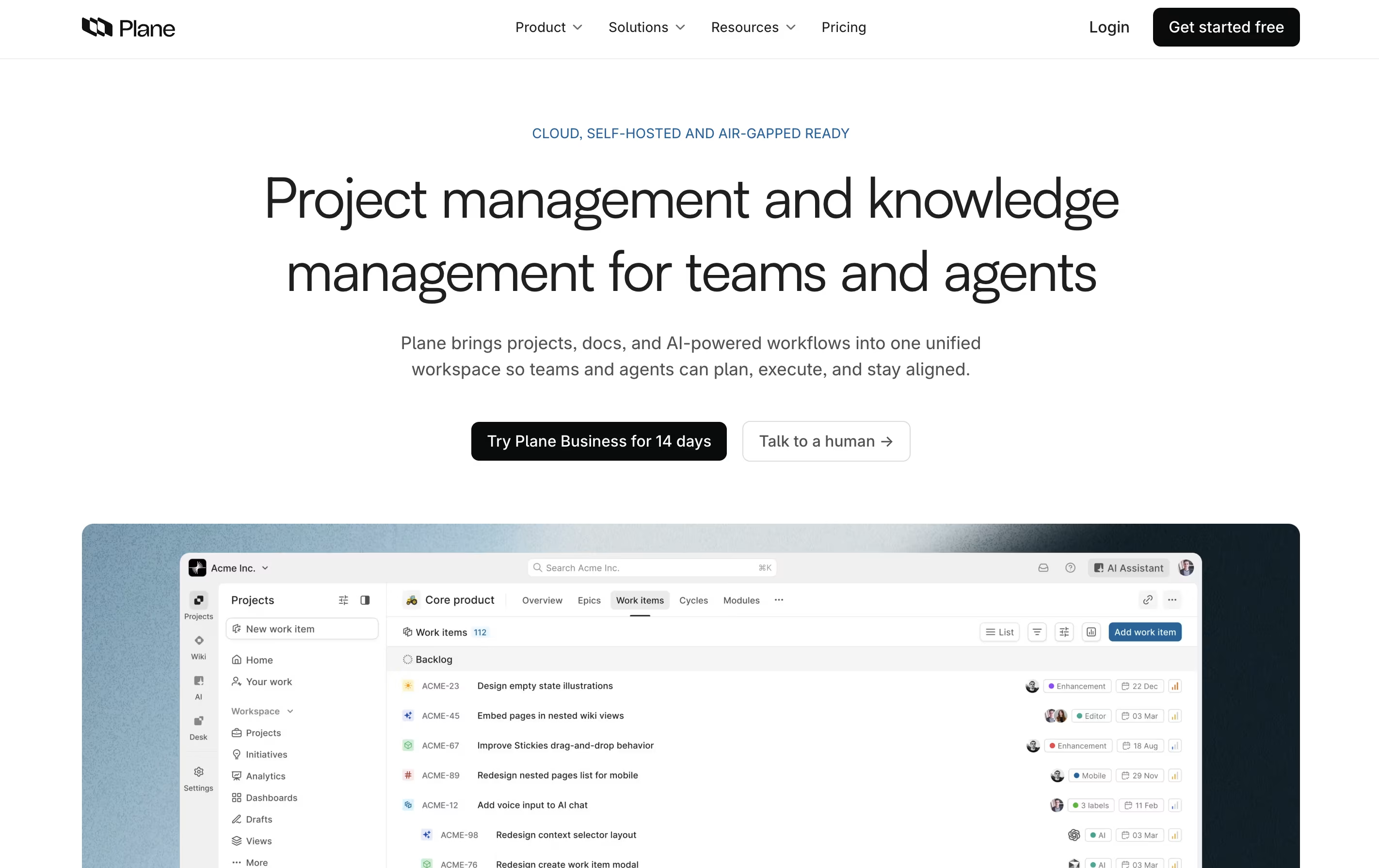
Plane is a project management tool built to track work, manage sprints, and organize team projects without unnecessary complexity. It gives teams a clear view of their work through multiple layouts like lists, boards, calendars, and charts. You can create tasks called work items, group them into projects, and track progress over time.
The platform includes AI-powered pages for documenting ideas and plans, built-in time tracking, and detailed analytics to understand team performance. Plane supports both cloud hosting and self-hosting, so you can choose where your data lives. It connects with tools like GitHub and Slack, making it easy to fit into your existing workflow. Whether you use agile methods, scrum, or your own process, Plane adjusts to match how your team actually works.

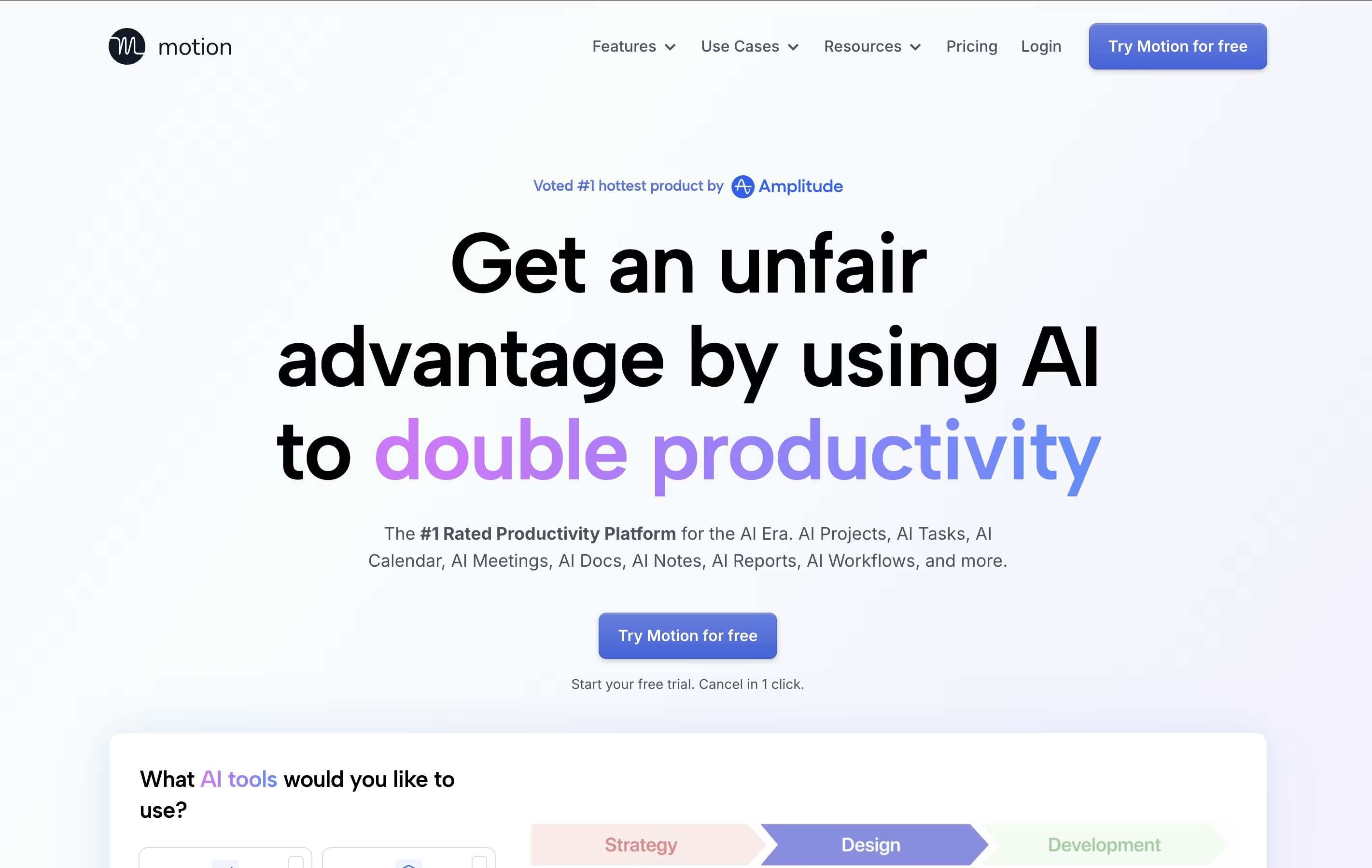
Motion is an all-in-one productivity tool that uses artificial intelligence to manage your time and tasks. Instead of spending hours organizing your workday, Motion automatically schedules everything based on deadlines, priorities, and your available time.
The platform combines several tools into one: a smart calendar that syncs with Google Calendar and Outlook, a task manager that auto-schedules work, a project management system with Kanban and Gantt views, and meeting scheduling features similar to Calendly. Motion also includes AI Employees—smart assistants that can draft emails, create content, analyze data, and handle repetitive tasks.
Motion continuously monitors your schedule and adjusts tasks when meetings pop up or deadlines change, ensuring everything gets done on time.
Features of Plane and Motion
Open-source project management with full transparency
Multiple view options: list, board, calendar, spreadsheet, timeline
AI-powered pages for documentation
Cycle management with burn-down charts
Custom workflows and approval processes
Time tracking and work logs
Real-time analytics and dashboards
GitHub and Slack integrations
Cloud-hosted or self-hosted options
Mobile app for iOS and Android
Unlimited team members on free plan
AI auto-scheduling that adapts to changes instantly
Smart calendar with Google/Outlook integration
Project management with Kanban and Gantt views
AI Employees for automating repetitive tasks
Meeting booking links for easy scheduling
Task prioritization based on deadlines
Team collaboration and workload balancing
Mobile apps for iOS and Android
Real-time schedule adjustments
Integration with Zoom, Teams, and Slack
Use Cases of Plane and Motion
Pricing of Plane and Motion
Plane offers flexible pricing to fit different team sizes and needs. The free plan includes core project management features with up to 12 team members, 500 AI credits per person each month, and access to basic work tracking, cycles, and multiple layouts.
The Pro plan costs $8 per person monthly and adds 1,000 AI credits, custom work item types, workspace wiki, time tracking, dashboards, and unlimited team members with guest access.
The Business plan at $15 per person per month includes 2,000 AI credits, project templates, recurring work items, email intake forms, advanced workflows, customer profiles, and enhanced dashboard widgets.
For large organizations, the Enterprise Grid plan offers custom pricing with flexible AI credits, private deployments, detailed access controls, LDAP support, audit logs, and white-glove migration services from other tools.
Motion offers flexible pricing plans designed for individuals and teams of all sizes:
AI Workplace ($29/seat/month): Perfect for individuals starting with Motion. Includes 1 seat with 1,000 AI credits monthly, covering basic AI features and calendar scheduling.
AI Employees Starter ($49/seat/month): Ideal for solo professionals needing more AI power. Includes 1 seat with 10,000 AI credits monthly for enhanced automation.
AI Employees Light ($148/month): Great for small teams with 3 seats and 25,000 AI credits monthly, offering full project management features.
AI Employees Standard ($446/month) (Most Popular): Best for growing teams with 10 seats and 100,000 AI credits monthly, providing comprehensive AI Employee capabilities.
AI Employees Plus ($894/month): Designed for larger teams with 25 seats and 250,000 AI credits monthly.
Enterprise (Custom Pricing): Includes AI strategy consulting, custom implementation, and unlimited seats tailored to your organization's needs.
FAQs: Plane vs Motion
Reviews: Plane vs Motion
Based on 0 reviews
Based on 0 reviews
Compare Plane With Other Tools
Atlassian
Team Collaboration & Project Management

Focalboard
Free Open Source Project Management Tool

Todoist
Simple Task Manager & To-Do List App

OpenProject
Open Source Project Management Tool

Huly
Open-Source Project Management Platform for Teams

Any.do
Simple Task Manager with Calendar and Reminders

Vikunja
Open-Source Task Management & To-Do App

Taiga
Free Agile Project Management Tool
Akiflow
AI-Powered Time-Blocking & Task Management
Compare Motion With Other Tools
Todoist
Simple Task Manager & To-Do List App
Akiflow
AI-Powered Time-Blocking & Task Management

Morgen
AI-Powered Time Management for Busy Professionals

TickTick
Smart Task Management with Calendar & Habits
Any.do
Simple Task Manager with Calendar and Reminders
Atlassian
Team Collaboration & Project Management

Sunsama
Daily Planner for Focused Professionals

OmniFocus
Professional Task Management for Apple
Vikunja
Open-Source Task Management & To-Do App





