

Read AI vs tl;dv: Features, Pricing and User Reviews 2026

Read AI
Meeting Notes, Recaps & Coaching Tool
Read AI
Meeting Notes, Recaps & Coaching Tool
What are Read AI and tl;dv?
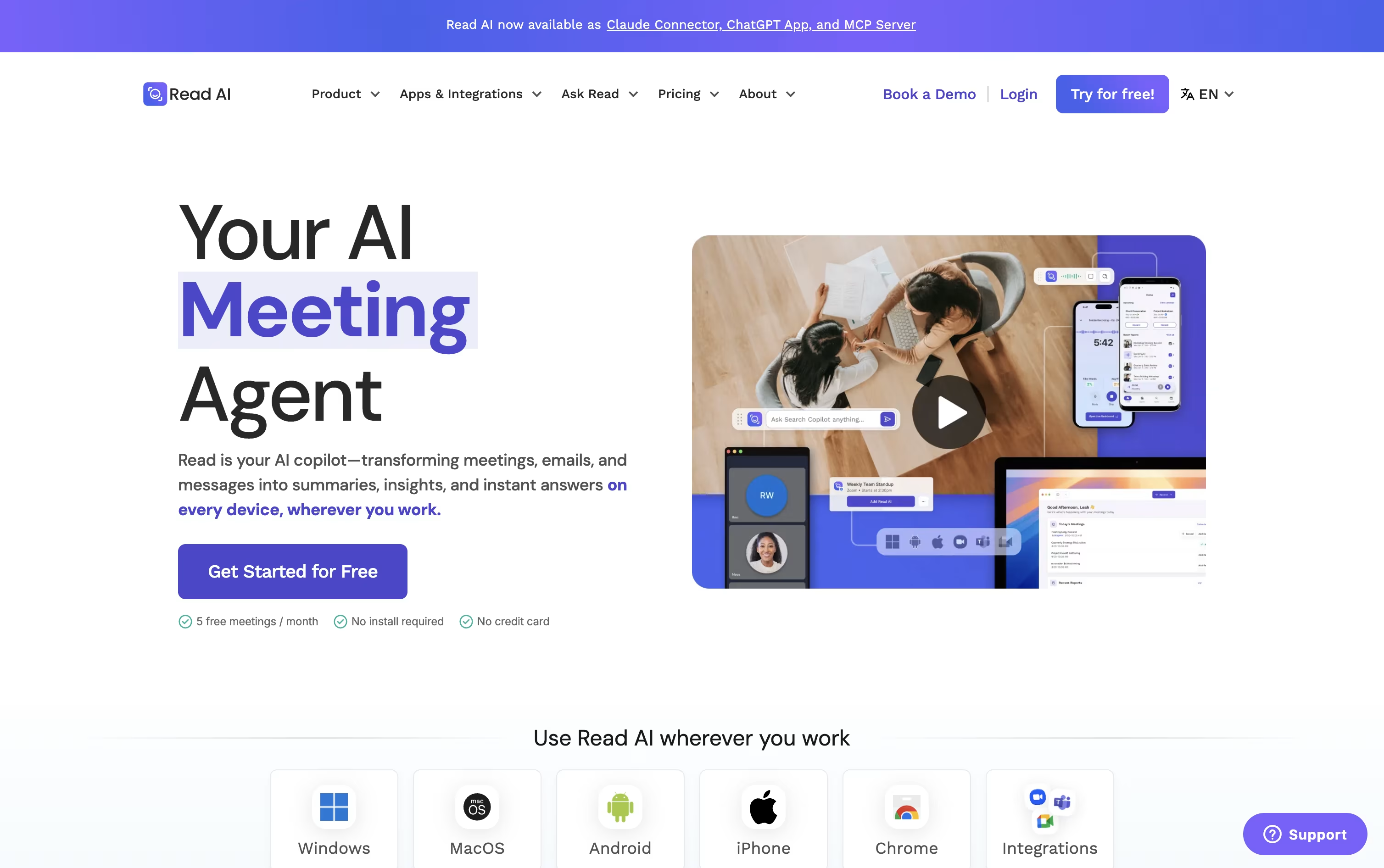
Read AI is a meeting and work assistant that joins your calls on Zoom, Google Meet, and Microsoft Teams, then turns them into notes you can search later.
After each meeting it creates a summary, a full transcript, action items, and key questions, along with audio and video playback on higher plans.
It also connects to your email, chat, and other work tools, so you can search across meetings, messages, and files from one place. A built in speaker coach gives feedback on talk time, pacing, and filler words.
Read AI also offers Ada, a digital twin that can schedule meetings and draft replies from your inbox, and it works on web, desktop, and mobile apps.

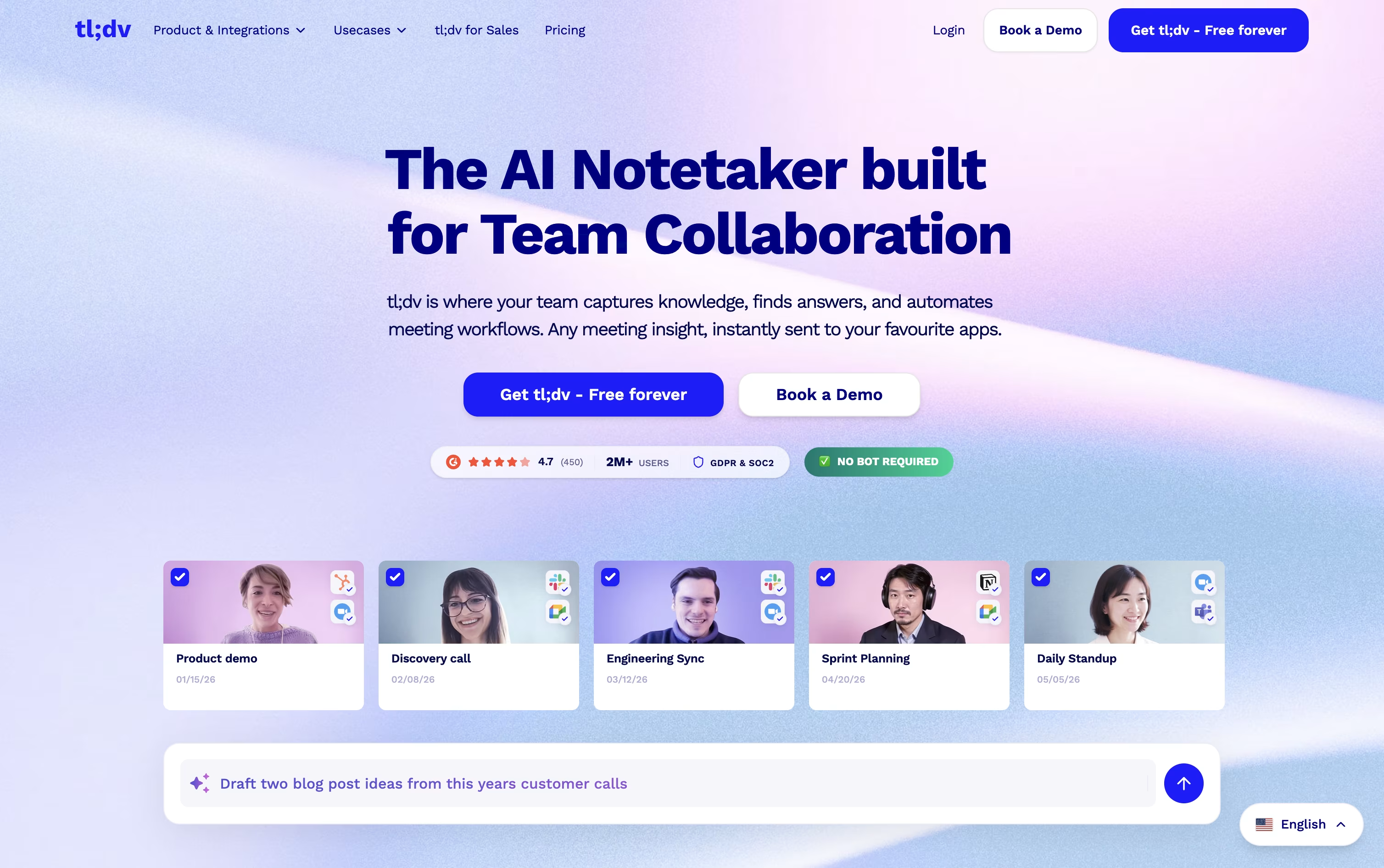
tl;dv is an AI-powered meeting assistant that joins your calls on Zoom, Google Meet, and Microsoft Teams to record, transcribe, and summarize them automatically. It works either as a visible bot or through a bot-free desktop app that captures your system audio, so meetings are never held up by approval requests.
After each call, tl;dv turns the recording into a searchable transcript, a clear AI summary, action items, and shareable clips you can send to teammates. You can also ask questions about one meeting or many meetings at once, and send notes straight into your CRM or other work tools.
It supports transcription in 30 or more languages and includes sales coaching insights plus AI agents that track deals, competitors, and onboarding automatically.
Features of Read AI and tl;dv
Auto joins Zoom, Meet, and Teams meetings
AI summaries, transcripts, and action items
Audio and video playback with highlights
Speaker coaching on talk time and pacing
Search across meetings, email, and chat
Ada digital twin for scheduling and replies
Premium integrations with CRM and work tools
25+ languages supported
Desktop, mobile, and web apps
API, webhooks, and MCP for developers
Automatic meeting recording, bot or bot-free
AI transcripts in 30+ languages
Custom AI summaries and action items
Ask tl;dv across one or many meetings
Shareable clips and highlights
Sales coaching and objection tracking
CRM updates and 5,000+ integrations
AI agents for sales and onboarding
SSO, SCIM, and org-level security
Web, desktop, and mobile apps
Use Cases of Read AI and tl;dv
Pricing of Read AI and tl;dv
Read AI offers a free plan plus three paid plans, billed monthly or annually with a 25% discount on yearly billing.
Free ($0): Includes 5 meeting transcripts and reports per month, unlimited search, and basic integrations, with no credit card needed.
Pro ($19.75/user/month, or $15 annually): Adds unlimited transcripts and reports, priority processing, 100 file upload credits, and premium integrations like Notion and Salesforce.
Enterprise ($29.75/user/month, or $22.50 annually): The most popular plan, adding audio and video playback, video highlights, and premium support.
Enterprise+ ($39.75/user/month, or $29.75 annually): Built for larger teams, with HIPAA compliance, SAML and SCIM, domain capture, and custom data retention. Requires 5 or more licenses.
All paid plans include unlimited meeting reports, unlimited storage, and workspace access.
tl;dv offers four plans to fit different needs, from solo use to full organizations.
Free ($0): Unlimited recordings and transcription, with AI notes limited to 10 meetings and 5 Ask AI queries.
Pro ($29/month, or $18/month billed annually): Unlimited AI meeting notes, unlimited single-meeting Ask AI, custom bot appearance, downloads, and 5,000+ integrations.
Business ($39/month, or $29/month billed annually): Adds premium transcription, multi-language support, unlimited multi-meeting AI insights, playbook coaching, objection handling, and team-wide automation with no usage-based AI fees.
Enterprise (Custom pricing): Adds organization-wide admin controls, SCIM, custom SSO, privately hosted AI, activity logs, and a dedicated success manager.
Annual billing saves up to 40% compared with paying monthly, and non-profit organizations can request a discount.
FAQs: Read AI vs tl;dv
Reviews: Read AI vs tl;dv
Based on 0 reviews
Based on 0 reviews
Compare Read AI With Other Tools

Grain
AI Meeting Notetaker for Sales and CS Teams

Granola
AI Notepad for Smarter Meeting Notes

Avoma
AI Meeting Assistant & Revenue Insights

Otter.ai
AI Meeting Notes and Transcription
MeetGeek
AI Meeting Notes and Transcription
Wispr Notetaker
Bot-Free AI Meeting Assistant

Littlebird
Your AI Powered Second Mind at Work

Jamie
AI Meeting Notes, Transcripts & Tasks

Tactiq
AI Meeting Transcription & Notes Tool
Compare tl;dv With Other Tools
Grain
AI Meeting Notetaker for Sales and CS Teams
MeetGeek
AI Meeting Notes and Transcription
Avoma
AI Meeting Assistant & Revenue Insights
Otter.ai
AI Meeting Notes and Transcription
Wispr Notetaker
Bot-Free AI Meeting Assistant
Granola
AI Notepad for Smarter Meeting Notes

Fireflies.ai
AI Meeting Notes & Transcription

Bluedot
Bot-Free AI Meeting Notes & Recorder
Circleback
AI Meeting Notes and Action Items




