

Boomi vs Zoho Flow: Features, Pricing and User Reviews 2026
Boomi
Connect Apps, Data, and AI in One Platform

Zoho Flow
Workflow Automation Without Coding
Boomi
Connect Apps, Data, and AI in One Platform
Zoho Flow
Workflow Automation Without Coding
What are Boomi and Zoho Flow?
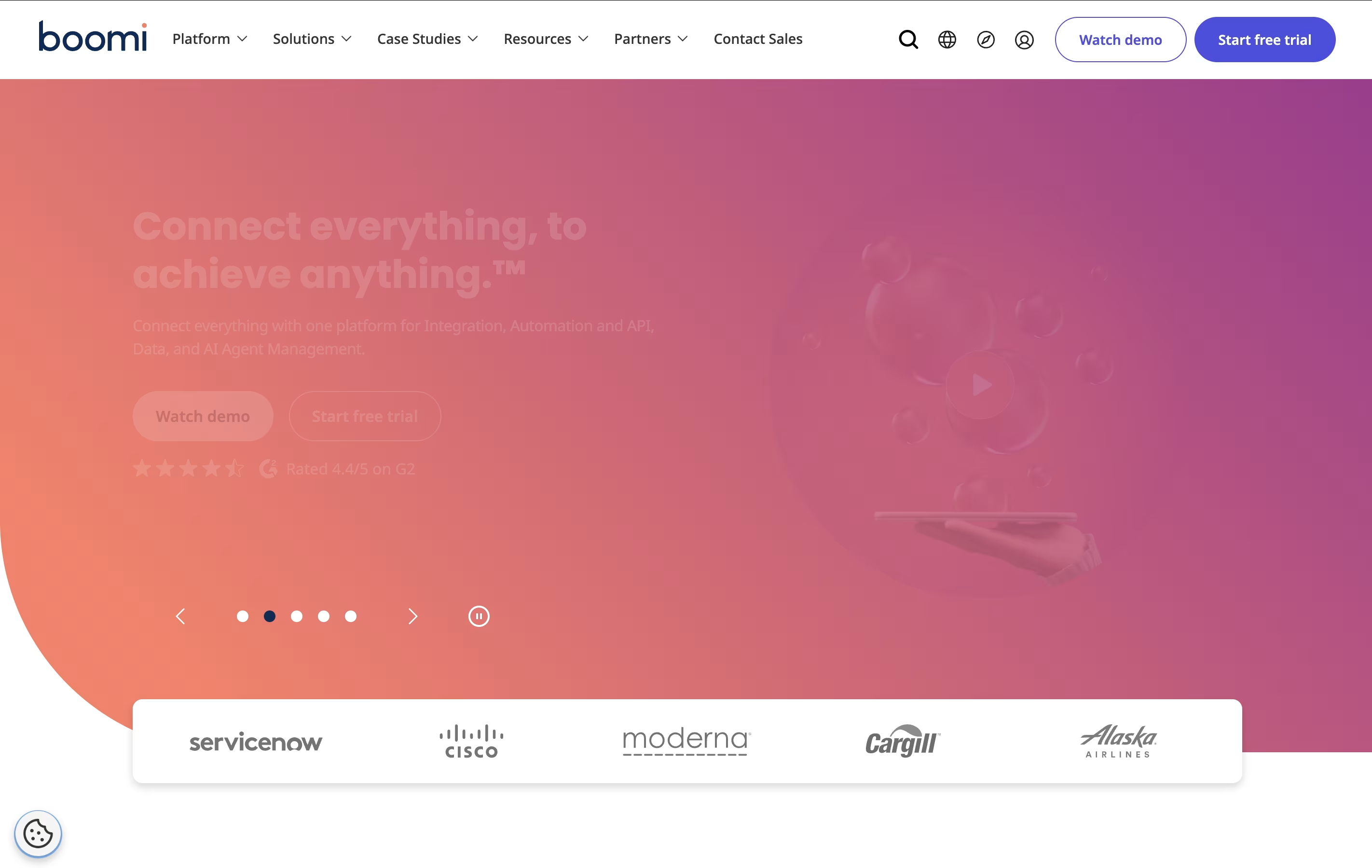
Boomi is an integration platform as a service that connects different applications, databases, and systems in your business. Think of it as a translator that helps all your software speak the same language. Whether you use Salesforce for customer management, SAP for business operations, or cloud services like AWS, Boomi can link them together.
The platform offers four main services: Integration connects your apps and data, API Management helps you build and control programming interfaces, Data Management keeps your information organized and accurate, and AI Agent Management lets you control artificial intelligence tools safely.
Unlike traditional integration tools, Boomi runs entirely in the cloud, which means you do not need to install or maintain special hardware. It updates automatically and scales with your business needs.
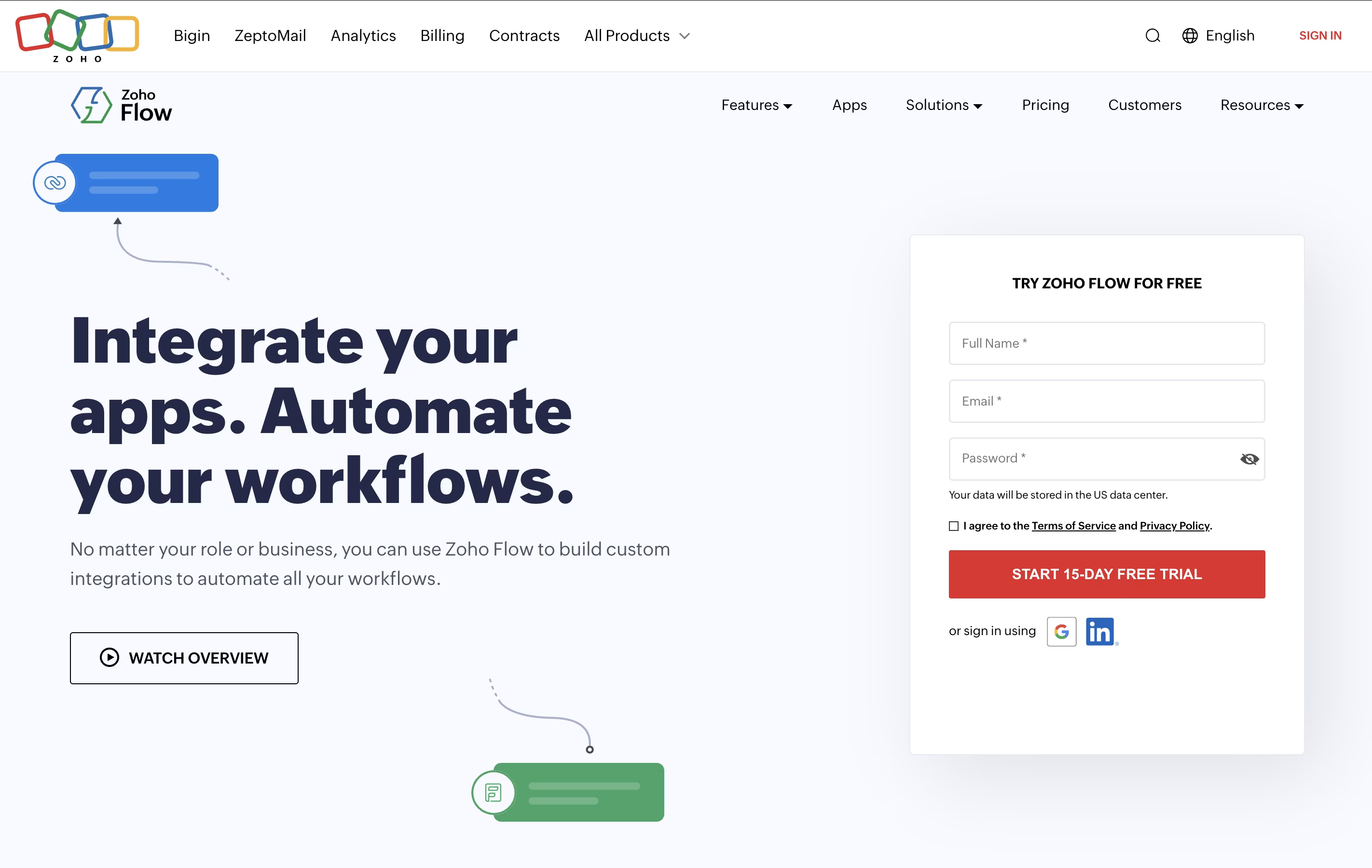
Zoho Flow is an integration platform that connects over 850 apps and automates workflows between them. You can create automated sequences where one action in an app triggers actions in other apps, all without writing any code. For example, when someone fills out a form on your website, Zoho Flow can automatically add them to your email list, create a task for your team, and send a notification to your messaging app.
The platform uses a visual builder with drag-and-drop elements. You set up triggers that start the workflow and actions that follow. You can also add conditions, delays, and custom functions to make your workflows as simple or complex as you need. It works with cloud apps, on-premises systems, and hybrid setups.
Features of Boomi and Zoho Flow
Connect 300+ applications with pre-built connectors
Drag-and-drop visual interface for easy integration
Cloud-based platform with automatic updates
API creation and management tools
Real-time data synchronization across systems
AI-powered mapping suggestions
Master data management for data quality
Workflow automation with event triggers
High availability with 99.99% uptime
Enterprise-grade security and compliance features
Connects 850+ apps with no coding needed
Drag-and-drop workflow builder
1,200+ ready-made templates
Custom scripting with Deluge
On-premises and cloud integration
Real-time monitoring and logs
Auto-rerun failed workflows
Conditional logic and delays
Multi-step workflows
Team collaboration tools
99.9% uptime reliability
GDPR compliant security
Use Cases of Boomi and Zoho Flow
Pricing of Boomi and Zoho Flow
Boomi offers flexible pricing to match different business needs, from startups to large enterprises. Pricing is based on connections, features, and support levels you need.
Free Trial: Get started with a 30-day free trial that includes full platform access, core integration features, and learning resources to explore the platform risk-free.
Pay-as-you-go: Starting at $99 per month plus usage costs, billed monthly with no long-term contract. This includes unlimited usage with self-service signup via credit card. Perfect for small businesses testing the platform.
For production use, Boomi offers subscription plans across different product lines:
Integration Plans: Professional, Professional Plus, Enterprise, and Enterprise Plus tiers offer increasing levels of connectivity, support, and advanced features like high availability and message queuing.
API Management: Professional through Enterprise Plus plans provide API governance, analytics, and scaling options for teams managing multiple APIs.
Data Hub and Data Integration: Specialized plans for data quality, synchronization, and governance needs with pricing based on environments and feature requirements.
Zoho Flow offers two main pricing plans to suit different business needs. Both plans include unlimited workflows, letting you automate as many processes as you want.
The Standard Plan costs $29 per month when billed monthly or $25 per month when billed annually. This plan includes 5,000 tasks per month, 15-minute polling frequency, 60-day flow history, base apps, custom functions, and logic utilities. It's perfect for small businesses starting with automation.
The Professional Plan costs $49 per month when billed monthly or $41 per month when billed annually. This is the most popular option and includes 10,000 tasks per month, 5-minute polling frequency, 90-day flow history, premium apps, on-premises integration, and auto-rerun for failed workflows. This plan suits growing businesses with more complex automation needs.
Both plans offer a free trial so you can test the platform before committing.
FAQs: Boomi vs Zoho Flow
Reviews: Boomi vs Zoho Flow
Based on 0 reviews
Based on 0 reviews
Compare Boomi With Other Tools

Activepieces
Open-Source AI Automation for Teams

Pabbly Connect
Easy Workflow Automation for 2000+ Apps

Make
Visual Workflow Automation Platform for Business

Zapier
Connect Apps & Automate Workflows Without Code

Workato
Enterprise Automation Platform for Seamless Integration

n8n
Visual Workflow Automation with Code
Albato
AI-Powered No-Code Automation Platform

Inngest
Reliable Workflows & Background Jobs Platform

Integrately
One-Click App Automation Platform
Compare Zoho Flow With Other Tools
Activepieces
Open-Source AI Automation for Teams
Pabbly Connect
Easy Workflow Automation for 2000+ Apps
Make
Visual Workflow Automation Platform for Business
Zapier
Connect Apps & Automate Workflows Without Code
n8n
Visual Workflow Automation with Code
Workato
Enterprise Automation Platform for Seamless Integration
Albato
AI-Powered No-Code Automation Platform
Inngest
Reliable Workflows & Background Jobs Platform
Integrately
One-Click App Automation Platform