

Zoho Flow vs Workato: Features, Pricing and User Reviews 2026
Zoho Flow
Workflow Automation Without Coding
Workato
Enterprise Automation Platform for Seamless Integration
Zoho Flow
Workflow Automation Without Coding
Workato
Enterprise Automation Platform for Seamless Integration
What are Zoho Flow and Workato?
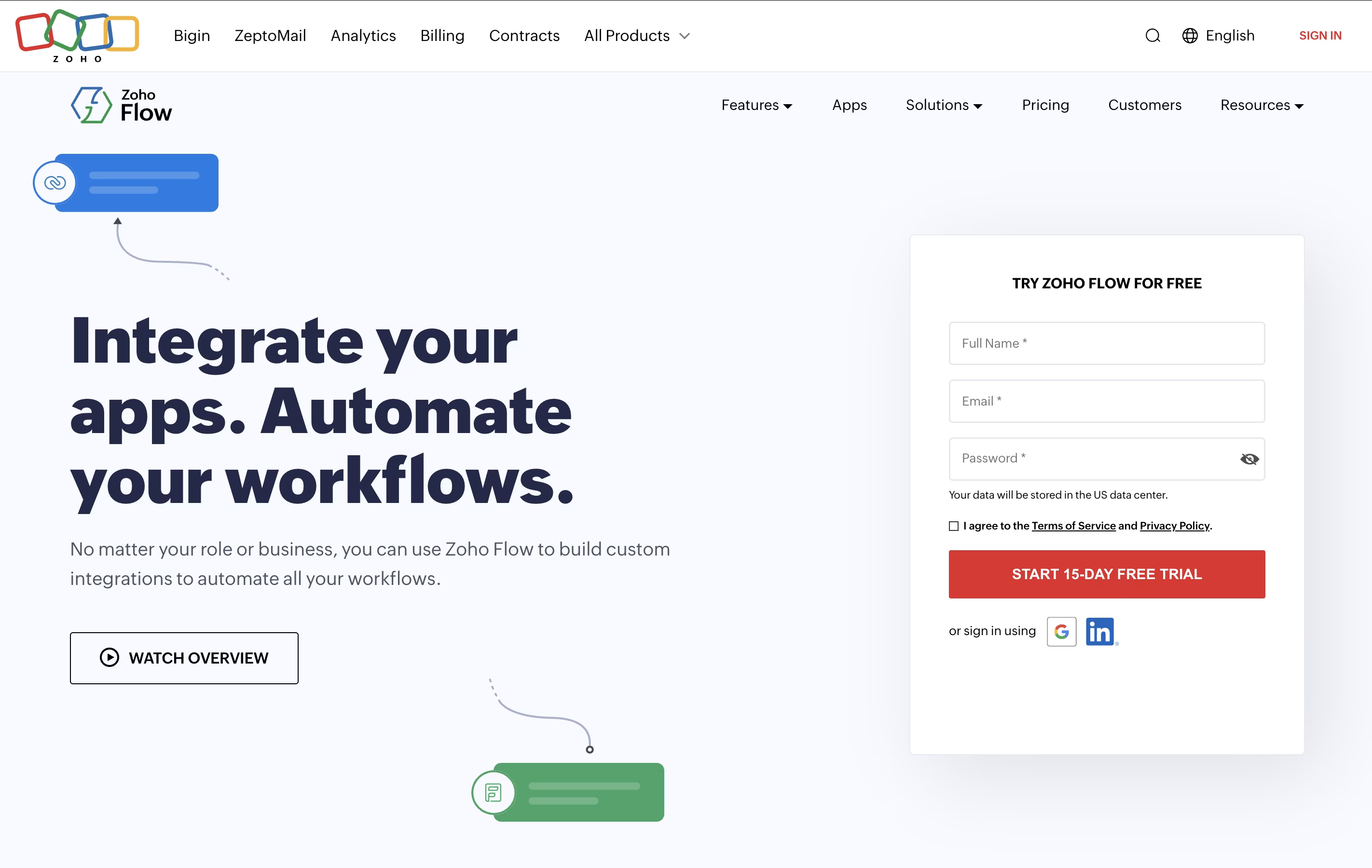
Zoho Flow is an integration platform that connects over 850 apps and automates workflows between them. You can create automated sequences where one action in an app triggers actions in other apps, all without writing any code. For example, when someone fills out a form on your website, Zoho Flow can automatically add them to your email list, create a task for your team, and send a notification to your messaging app.
The platform uses a visual builder with drag-and-drop elements. You set up triggers that start the workflow and actions that follow. You can also add conditions, delays, and custom functions to make your workflows as simple or complex as you need. It works with cloud apps, on-premises systems, and hybrid setups.
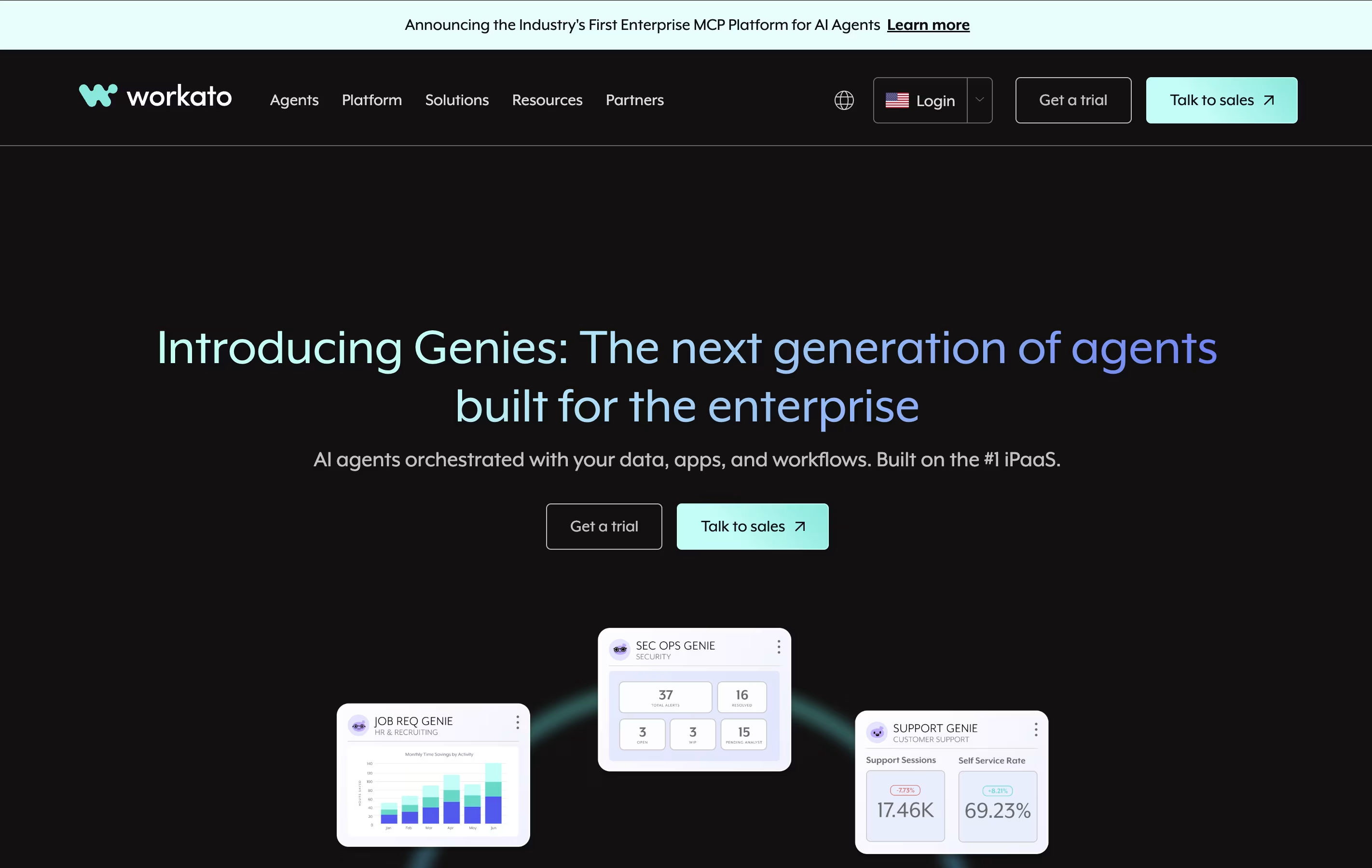
Workato is an enterprise automation platform that works as an Integration Platform as a Service, or iPaaS. It connects your business applications together and automates the tasks between them. You can build workflows without writing code, using a drag-and-drop interface that makes setup quick and simple.
The platform offers over 1,200 ready-made connections to popular business tools like Salesforce, Slack, Google Workspace, and Microsoft 365. These connections allow data to flow automatically between systems in real time. Workato handles everything from simple data transfers to complex multi-step business processes.
Workato uses "recipes" as the name for its automated workflows. Each recipe includes a trigger that starts the automation and actions that happen automatically. It is built for both business users and IT teams to work together on automation projects.
Features of Zoho Flow and Workato
Connects 850+ apps with no coding needed
Drag-and-drop workflow builder
1,200+ ready-made templates
Custom scripting with Deluge
On-premises and cloud integration
Real-time monitoring and logs
Auto-rerun failed workflows
Conditional logic and delays
Multi-step workflows
Team collaboration tools
99.9% uptime reliability
GDPR compliant security
1,200+ app connectors for seamless integration
Low-code/no-code visual recipe builder
Real-time data synchronization
AI and machine learning capabilities
Enterprise-grade security and compliance
Custom chatbot creation for Teams and Slack
Unlimited workflows and connections
Collaborative workspaces for teams
Auto-versioning for easy rollback
Built-in API management tools
Cloud-based with 99.9% uptime
Support for on-premise and cloud apps
Use Cases of Zoho Flow and Workato
Pricing of Zoho Flow and Workato
Zoho Flow offers two main pricing plans to suit different business needs. Both plans include unlimited workflows, letting you automate as many processes as you want.
The Standard Plan costs $29 per month when billed monthly or $25 per month when billed annually. This plan includes 5,000 tasks per month, 15-minute polling frequency, 60-day flow history, base apps, custom functions, and logic utilities. It's perfect for small businesses starting with automation.
The Professional Plan costs $49 per month when billed monthly or $41 per month when billed annually. This is the most popular option and includes 10,000 tasks per month, 5-minute polling frequency, 90-day flow history, premium apps, on-premises integration, and auto-rerun for failed workflows. This plan suits growing businesses with more complex automation needs.
Both plans offer a free trial so you can test the platform before committing.
Workato uses a custom pricing model based on your specific business needs. The platform does not publish standard pricing online, as each plan is tailored to organization size and usage requirements. Pricing typically ranges from $10,000 to $50,000 annually for most businesses.
The pricing structure includes two main components: Platform Edition fee and Usage fee based on tasks consumed. All platform editions include unlimited connections, workflows, and collaborators. You only pay for the workspace and additional usage capacity you need.
Standard Edition provides core integration and automation capabilities for smaller teams. Business Edition adds advanced features for multi-department automation. Enterprise Edition includes governance tools, SLA-backed support, and advanced security features. Workato One is the most comprehensive tier with AI agents and premium model access.
For accurate pricing, you need to contact Workato's sales team for a custom quote based on your automation volume and requirements.
FAQs: Zoho Flow vs Workato
Reviews: Zoho Flow vs Workato
Based on 0 reviews
Based on 0 reviews
Compare Zoho Flow With Other Tools
Activepieces
Open-Source AI Automation for Teams
Pabbly Connect
Easy Workflow Automation for 2000+ Apps

Make
Visual Workflow Automation Platform for Business

Zapier
Connect Apps & Automate Workflows Without Code
n8n
Visual Workflow Automation with Code
Albato
AI-Powered No-Code Automation Platform
Inngest
Reliable Workflows & Background Jobs Platform

Integrately
One-Click App Automation Platform

Pipedream
Workflow Automation for Developers
Compare Workato With Other Tools
Activepieces
Open-Source AI Automation for Teams
Pabbly Connect
Easy Workflow Automation for 2000+ Apps
Make
Visual Workflow Automation Platform for Business
Zapier
Connect Apps & Automate Workflows Without Code
n8n
Visual Workflow Automation with Code
Albato
AI-Powered No-Code Automation Platform
Inngest
Reliable Workflows & Background Jobs Platform
Integrately
One-Click App Automation Platform
Boomi
Connect Apps, Data, and AI in One Platform