

Zoho Flow vs Inngest: Features, Pricing and User Reviews 2026
Zoho Flow
Workflow Automation Without Coding

Inngest
Reliable Workflows & Background Jobs Platform
Zoho Flow
Workflow Automation Without Coding
Inngest
Reliable Workflows & Background Jobs Platform
What are Zoho Flow and Inngest?
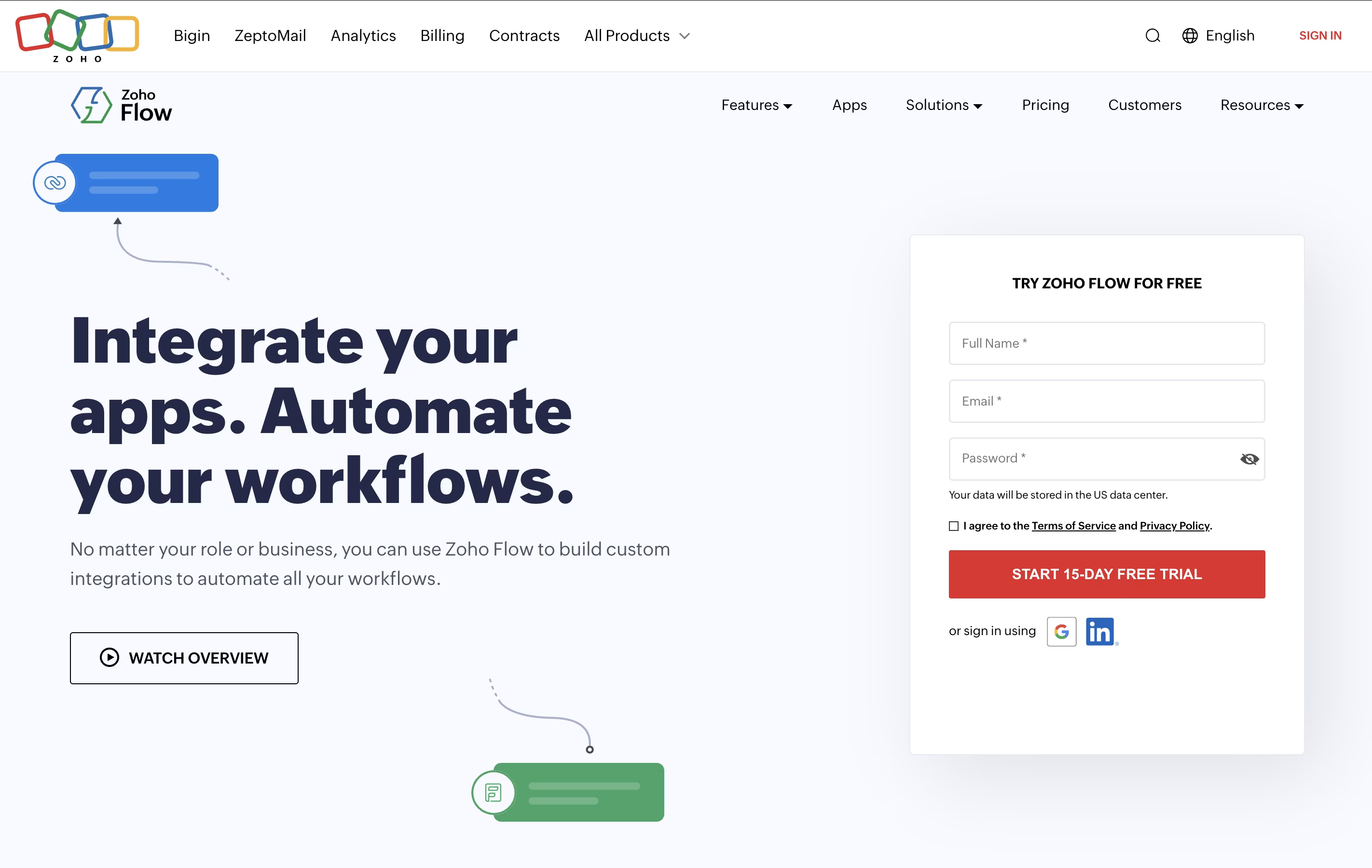
Zoho Flow is an integration platform that connects over 850 apps and automates workflows between them. You can create automated sequences where one action in an app triggers actions in other apps, all without writing any code. For example, when someone fills out a form on your website, Zoho Flow can automatically add them to your email list, create a task for your team, and send a notification to your messaging app.
The platform uses a visual builder with drag-and-drop elements. You set up triggers that start the workflow and actions that follow. You can also add conditions, delays, and custom functions to make your workflows as simple or complex as you need. It works with cloud apps, on-premises systems, and hybrid setups.
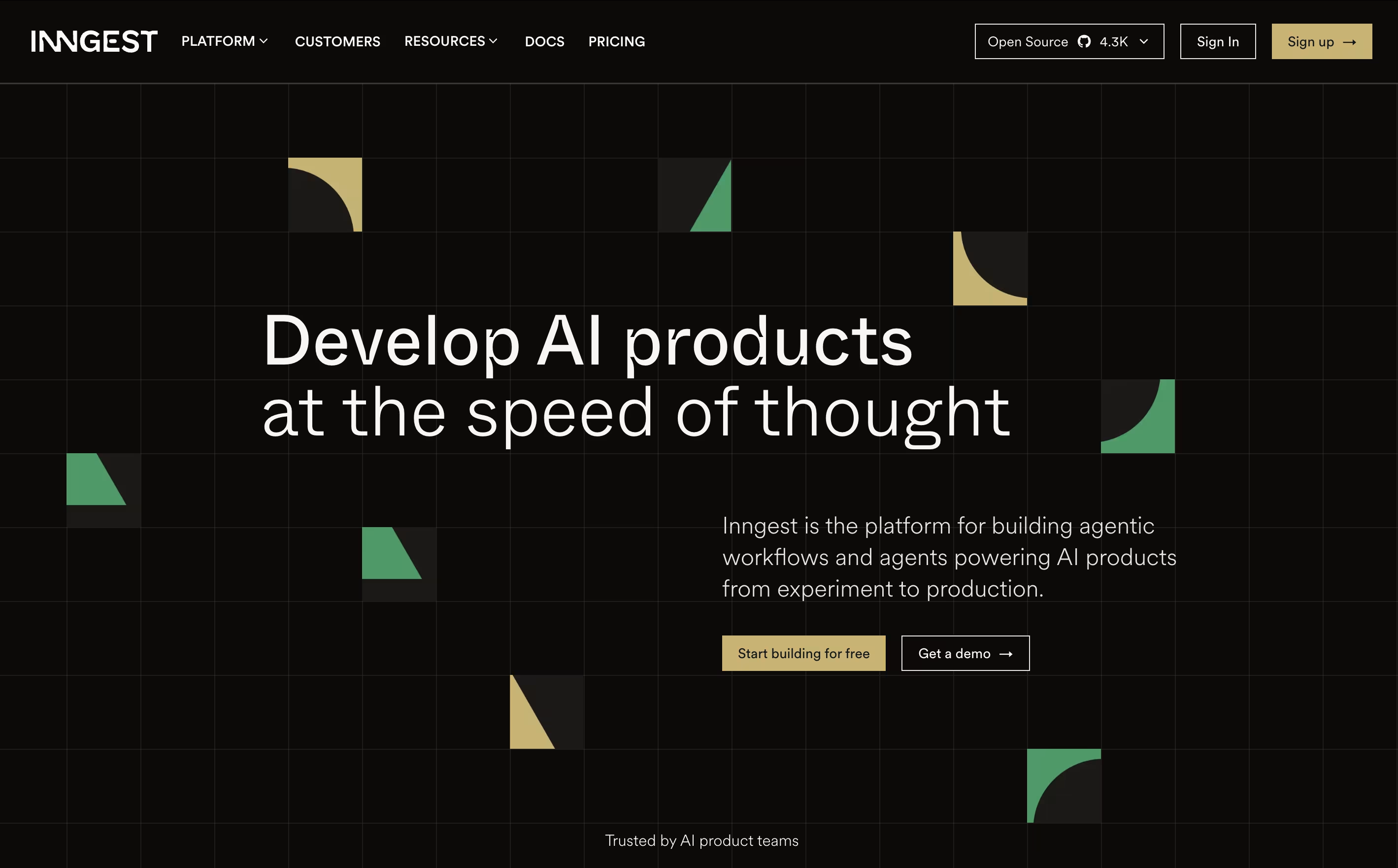
Inngest is an event-driven durable execution platform built to run reliable, multi-step workflows on any platform without managing infrastructure. Think of it as a mix between traditional queues and modern serverless functions, but much better.
It uses step functions and incorporates real-time event processing, enabling developers to build complex workflows that can run for days or months with automatic error recovery. The main difference from regular workflow tools is simple: instead of setting up queues and managing state, you write normal code and Inngest handles all the infrastructure complexity.
Each step in your workflow automatically retries on failure and maintains state between executions, allowing you to easily build reliable systems. Founded in 2021, this tool has become popular because it eliminates infrastructure headaches and makes complex workflows easy. You can write functions in TypeScript, Python, or Go and deploy anywhere.
Features of Zoho Flow and Inngest
Connects 850+ apps with no coding needed
Drag-and-drop workflow builder
1,200+ ready-made templates
Custom scripting with Deluge
On-premises and cloud integration
Real-time monitoring and logs
Auto-rerun failed workflows
Conditional logic and delays
Multi-step workflows
Team collaboration tools
99.9% uptime reliability
GDPR compliant security
Durable step functions with automatic retries and state management
Event-driven workflow triggers and scheduling
AI orchestration with AgentKit for multi-agent systems
Multi-language SDKs (TypeScript, Python, Go)
Real-time observability with logs, traces, and metrics
Multi-tenant concurrency control and throttling
Self-hosting and cloud deployment options
Serverless, edge, and server compatibility
Use Cases of Zoho Flow and Inngest
Pricing of Zoho Flow and Inngest
Zoho Flow offers two main pricing plans to suit different business needs. Both plans include unlimited workflows, letting you automate as many processes as you want.
The Standard Plan costs $29 per month when billed monthly or $25 per month when billed annually. This plan includes 5,000 tasks per month, 15-minute polling frequency, 60-day flow history, base apps, custom functions, and logic utilities. It's perfect for small businesses starting with automation.
The Professional Plan costs $49 per month when billed monthly or $41 per month when billed annually. This is the most popular option and includes 10,000 tasks per month, 5-minute polling frequency, 90-day flow history, premium apps, on-premises integration, and auto-rerun for failed workflows. This plan suits growing businesses with more complex automation needs.
Both plans offer a free trial so you can test the platform before committing.
Inngest offers flexible pricing plans that scale with your usage. The Hobby plan is completely free and includes 100,000 executions per month, perfect for getting started and small projects. After the free limit, you pay only $50 per million additional executions.
The Pro plan starts at $75 per month and includes higher execution limits, advanced features like granular metrics, increased scale and throughput, and extended trace retention. Pro users get priority support and enhanced monitoring capabilities.
For larger organizations, Enterprise pricing is available with custom terms. Enterprise includes SAML authentication, role-based access control (RBAC), audit trails, dedicated Slack support, and 90-day trace retention. Enterprise customers also get exportable observability data and service level agreements.
All plans include unlimited environments for development and staging, making it easy to test workflows before production deployment.
FAQs: Zoho Flow vs Inngest
Reviews: Zoho Flow vs Inngest
Based on 0 reviews
Based on 0 reviews
Compare Zoho Flow With Other Tools
Activepieces
Open-Source AI Automation for Teams
Pabbly Connect
Easy Workflow Automation for 2000+ Apps
Make
Visual Workflow Automation Platform for Business
Zapier
Connect Apps & Automate Workflows Without Code
n8n
Visual Workflow Automation with Code
Workato
Enterprise Automation Platform for Seamless Integration
Albato
AI-Powered No-Code Automation Platform

Integrately
One-Click App Automation Platform

Pipedream
Workflow Automation for Developers
Compare Inngest With Other Tools
n8n
Visual Workflow Automation with Code
Make
Visual Workflow Automation Platform for Business
Zapier
Connect Apps & Automate Workflows Without Code
Integrately
One-Click App Automation Platform
Albato
AI-Powered No-Code Automation Platform
Pipedream
Workflow Automation for Developers
Latenode
AI-Powered No-Code Automation Platform
Activepieces
Open-Source AI Automation for Teams
Pabbly Connect
Easy Workflow Automation for 2000+ Apps