

Kestra vs Zapier: Features, Pricing and User Reviews 2026
What are Kestra and Zapier?

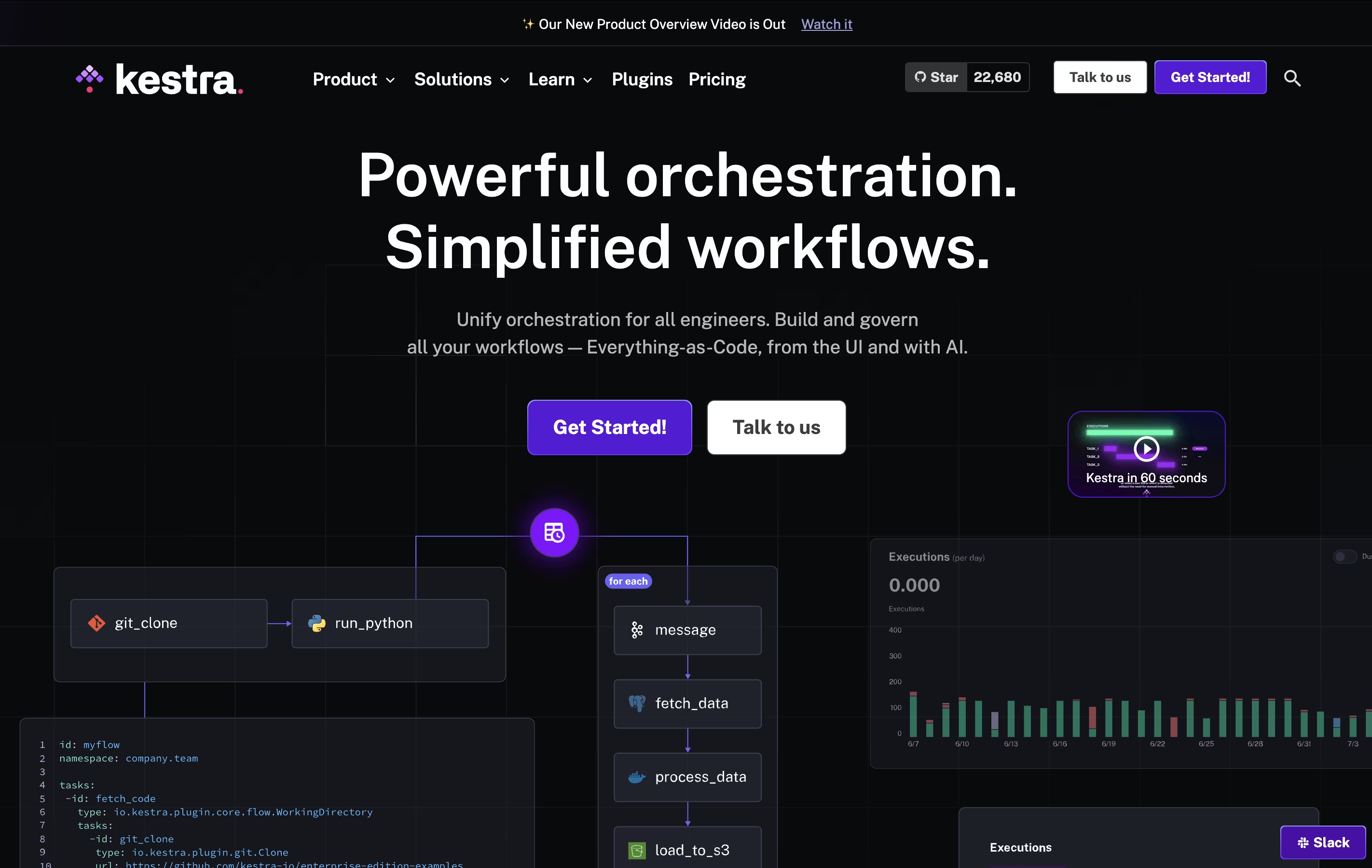
Kestra is a workflow orchestration platform that turns your tasks and processes into automated workflows. Think of it like creating a recipe: you list what needs to happen and when, and Kestra makes sure everything runs in the right order at the right time.
Unlike traditional automation tools that require deep programming knowledge, Kestra uses a straightforward approach. You can build workflows through a visual interface or write them in YAML, which is much easier to read and understand than regular code. The platform can run any programming language, connect to databases, send notifications, process files, and interact with cloud services.
There are two versions available: a free open-source edition for individuals and teams, and an Enterprise edition with advanced features for larger organizations.

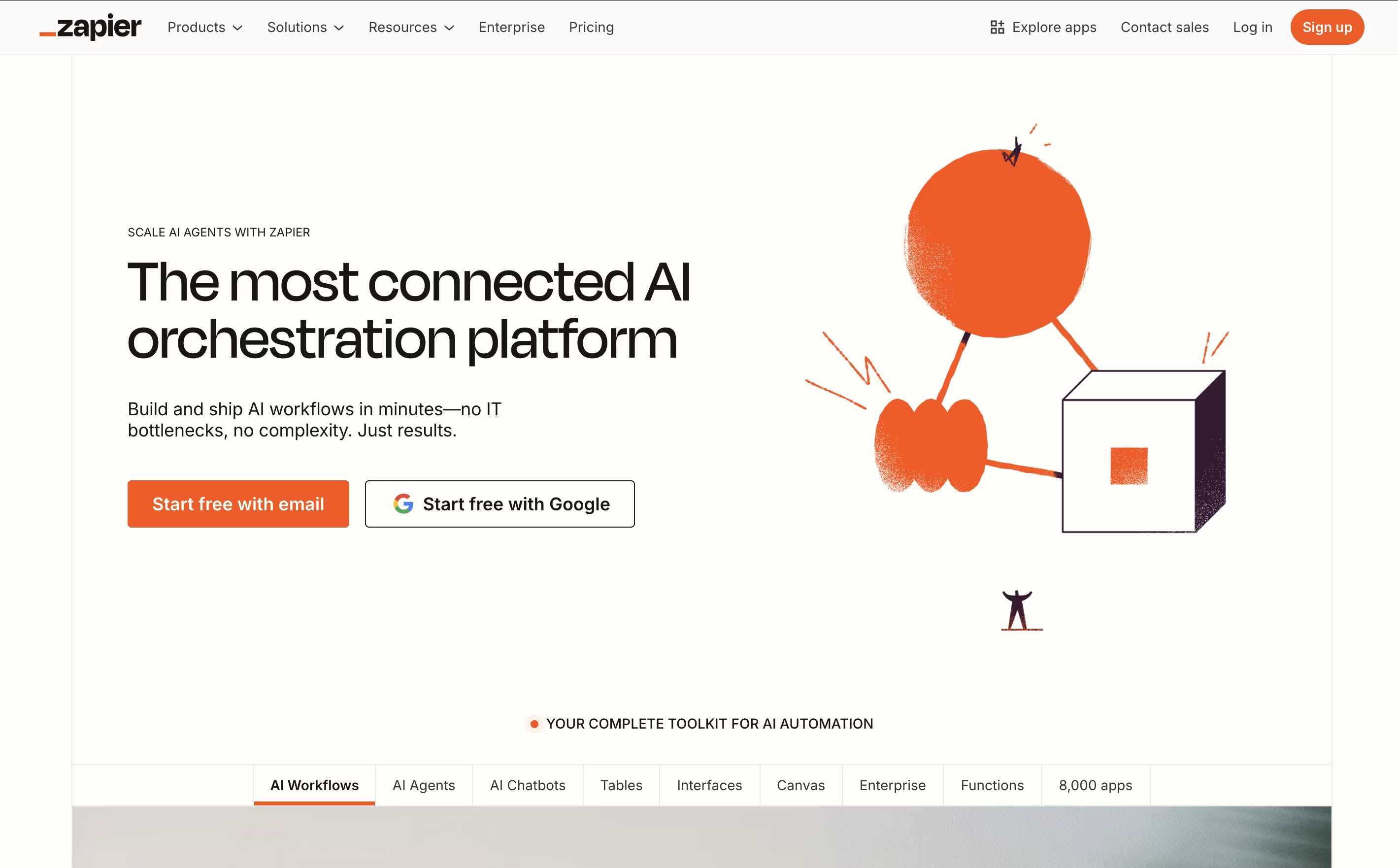
Zapier is an online automation platform that acts as a bridge between different software applications. Think of it as a translator that helps your apps talk to each other and work together automatically. The platform operates on a simple concept: when something happens in one app (the trigger), it automatically does something in another app (the action).
For example, when you receive a new email with an attachment, Zapier can automatically save that attachment to Google Drive and notify your team on Slack. These automated workflows, called "Zaps," can be simple two-step processes or complex multi-step sequences involving multiple apps.
What makes Zapier special is its no-code approach. You don't need any programming knowledge to set up powerful automations. The platform offers a visual, drag-and-drop interface where you can connect apps, set conditions, and create workflows in minutes rather than months of development work.
Features of Kestra and Zapier
Visual workflow editor with code highlighting
800+ plugins for databases and cloud services
Run code in any programming language
Schedule or trigger workflows automatically
Real-time monitoring with detailed logs
Version control and Git integration
Built-in error handling and retries
Team collaboration and access control
Docker and Kubernetes support
API-first design for easy integration
Connect 8,000+ apps with no-code automation
Multi-step workflows with conditional logic
AI-powered workflow building and suggestions
Team collaboration and shared workspaces
Real-time triggers and scheduled automation
Built-in data filtering and formatting tools
Webhooks for custom integrations
Premium app access and enterprise security
Mobile and web platform access
Detailed analytics and monitoring
Use Cases of Kestra and Zapier
Pricing of Kestra and Zapier
Kestra offers two main editions to suit different needs. The Open-Source Edition is completely free and available under the Apache 2.0 license. It includes all core workflow features, the visual editor, plugin support, and unlimited users and workflows. This version is perfect for individuals, small teams, and organizations getting started with workflow automation.
The Enterprise Edition uses a custom pricing model based on your specific needs. Pricing depends on factors like the size of your organization and required features. Enterprise adds advanced capabilities including high availability setup, dedicated worker groups for specialized tasks, single sign-on authentication, role-based access control, audit logging, secrets management, priority support with guaranteed response times, and a dedicated customer success program.
To learn more about Enterprise pricing, you need to contact the Kestra sales team for a personalized quote.
Zapier offers flexible pricing plans designed to grow with your automation needs. The Free plan provides 100 tasks per month with unlimited two-step Zaps, perfect for trying out basic automation.
Paid plans include:
Professional ($29.99/month): 750+ tasks, multi-step Zaps, premium apps, and advanced features like conditional logic
Team ($103.50/month): Shared workspaces, unlimited users, collaboration tools, and priority support
Enterprise (Custom pricing): Advanced security, governance controls, dedicated support, and custom integrations
All paid plans include unlimited Zaps, premium app access, and email support. Higher-tier plans also offer live chat support and faster response times. The platform uses a task-based pricing model where each successful action counts as one task. Annual billing provides significant savings compared to monthly payments, and enterprise customers can negotiate custom pricing based on their specific needs.
FAQs: Kestra vs Zapier
Reviews: Kestra vs Zapier
Based on 0 reviews
Based on 0 reviews
Compare Kestra With Other Tools

Prefect
Open-Source Python Workflow Automation

Make
Visual Workflow Automation Platform for Business

n8n
Visual Workflow Automation with Code

Albato
AI-Powered No-Code Automation Platform

Inngest
Reliable Workflows & Background Jobs Platform

Integrately
One-Click App Automation Platform

Activepieces
Open-Source AI Automation for Teams

Pabbly Connect
Easy Workflow Automation for 2000+ Apps

Pipedream
Workflow Automation for Developers
Compare Zapier With Other Tools
Make
Visual Workflow Automation Platform for Business
n8n
Visual Workflow Automation with Code
Integrately
One-Click App Automation Platform
Albato
AI-Powered No-Code Automation Platform
Pipedream
Workflow Automation for Developers

Latenode
AI-Powered No-Code Automation Platform
Inngest
Reliable Workflows & Background Jobs Platform
Activepieces
Open-Source AI Automation for Teams

IFTTT
Connect Apps and Automate Your Workflow


