

Best 14+ Theneo Alternatives in 2026
Last Updated: November 8, 2025
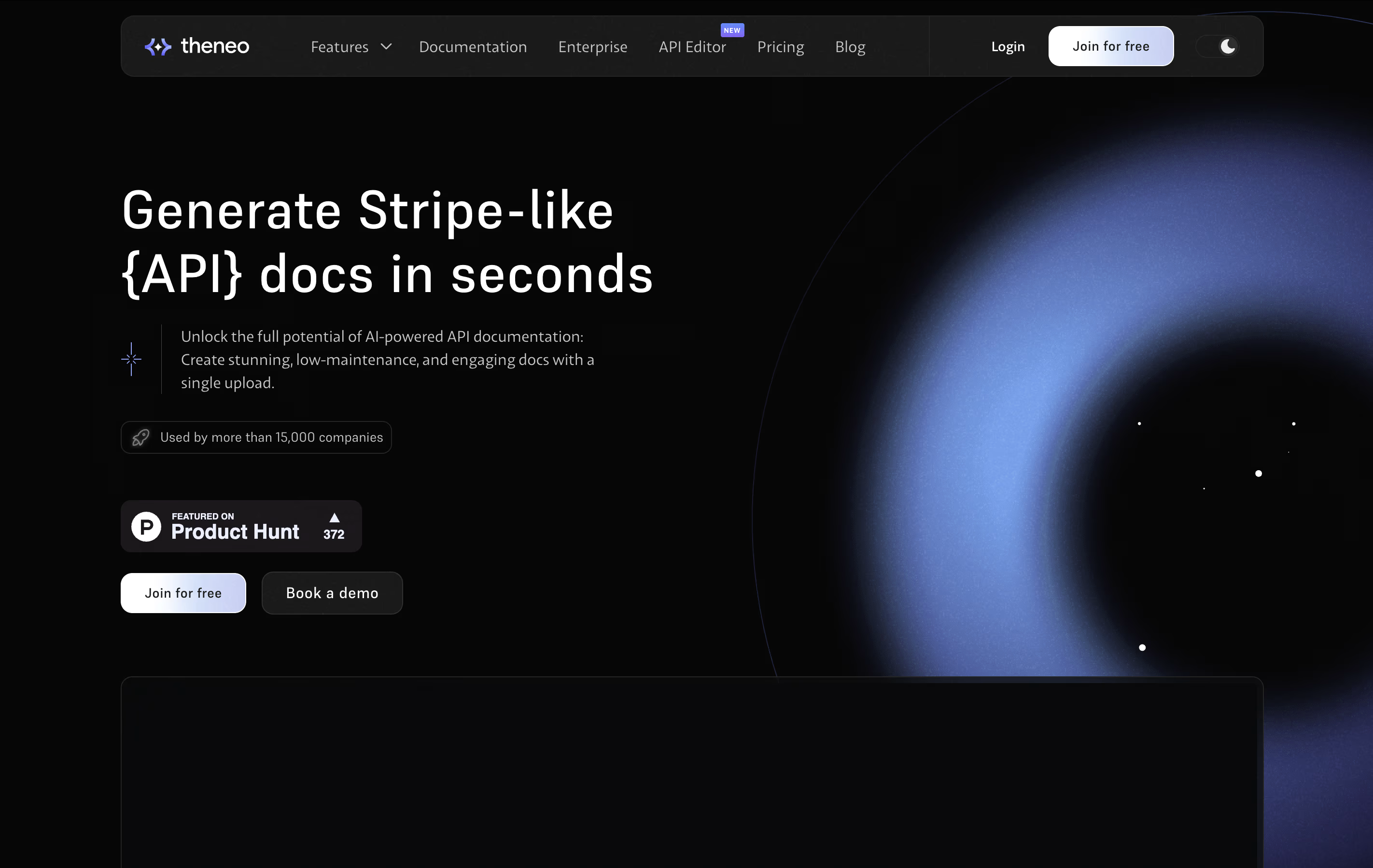
Theneo is an AI-native documentation platform that transforms how teams create and manage API documentation. Think of it as having an expert technical writer that works instantly - you provide your API specification files (like OpenAPI, Postman collections, or GraphQL schemas), and Theneo generates complete, interactive documentation automatically.
What makes it special is the AI technology that writes descriptions, creates examples, and organizes everything in a clean, professional format. The result looks like high-quality documentation from companies like Stripe or Twilio, but without the months of work typically required.
The best alternative to Theneo is  Mintlify
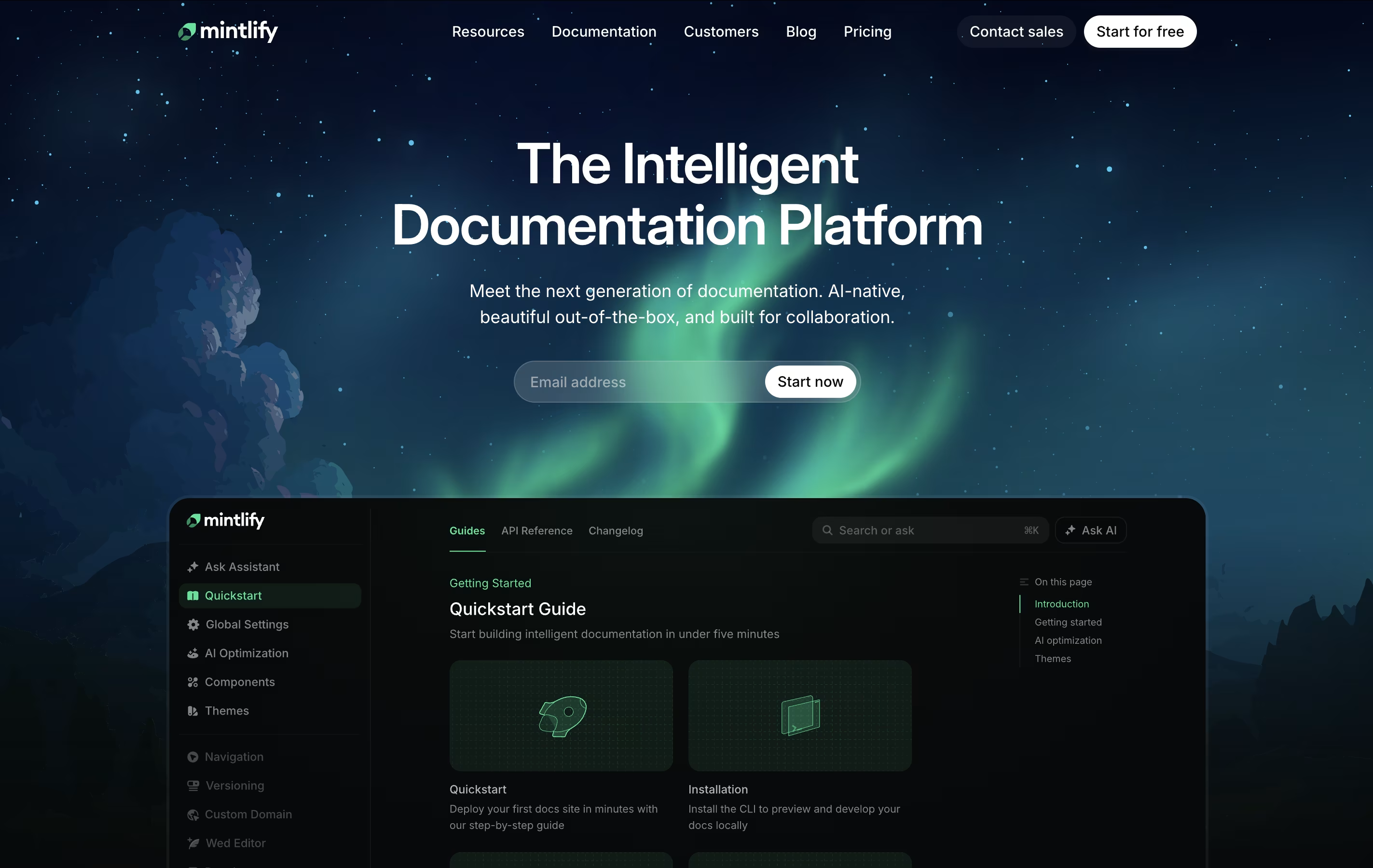 MintlifyAI-Powered Documentation Platform for Developers.
  Redocly
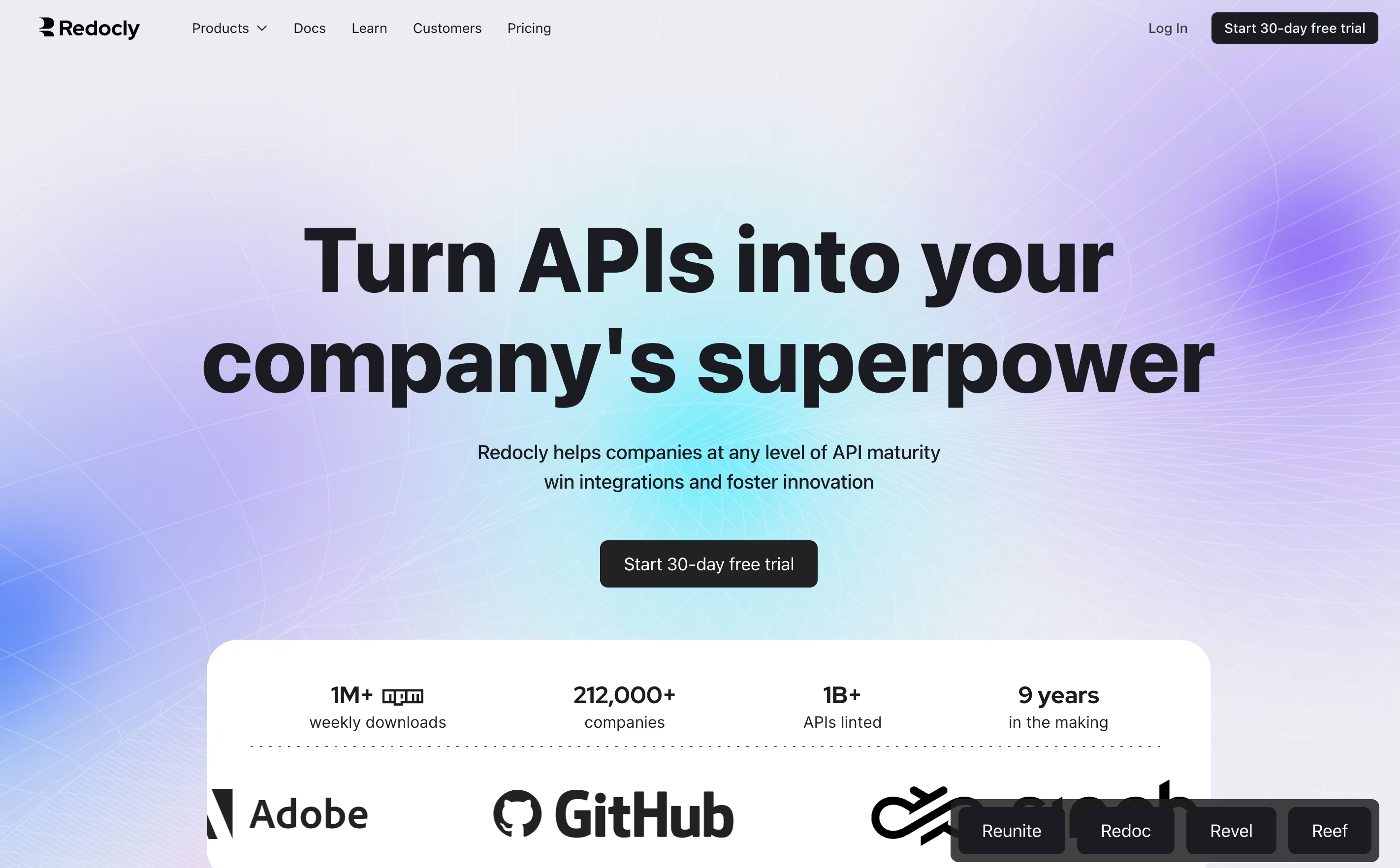 RedoclyBeautiful API Documentation and Developer Portals and
  Readme
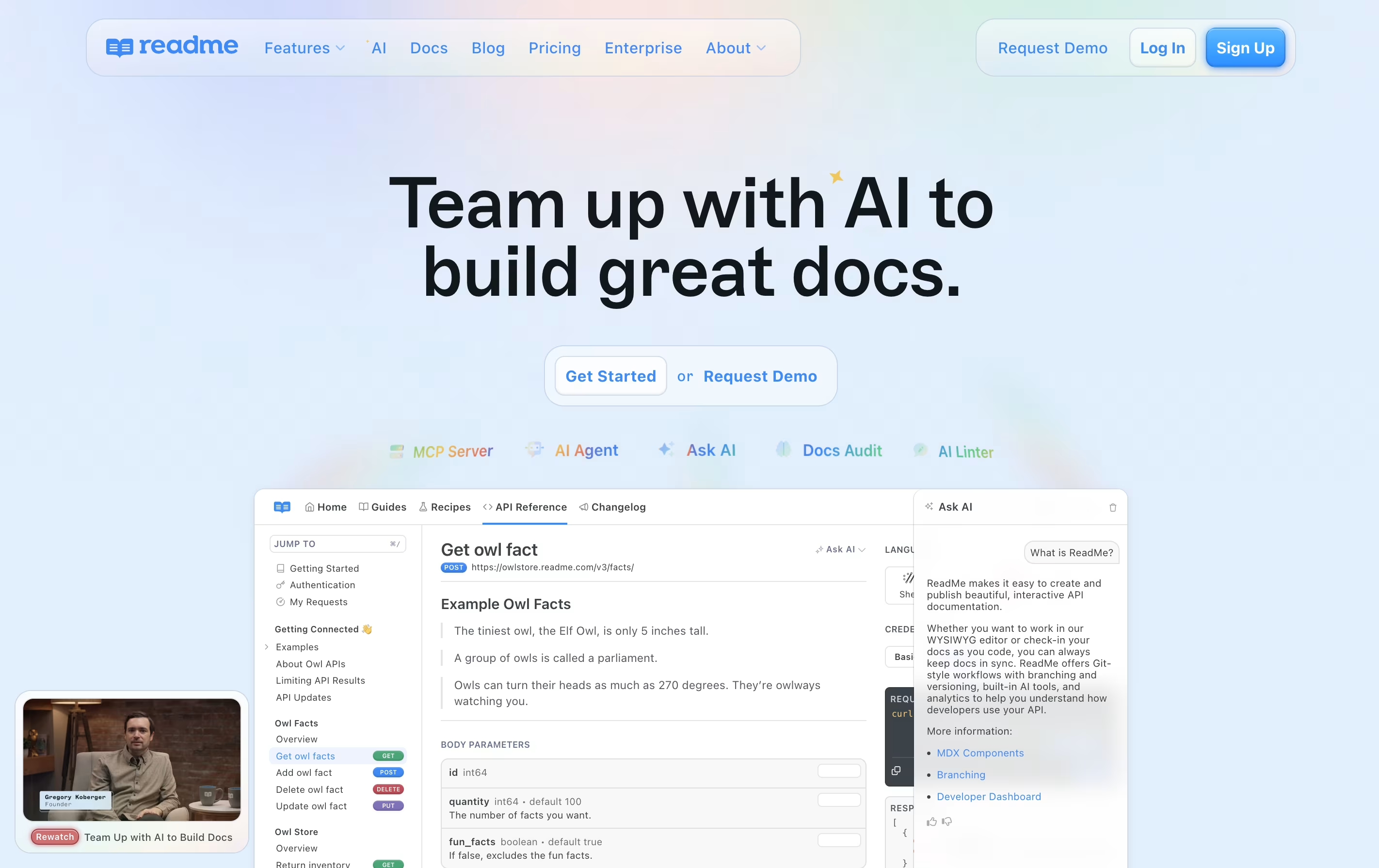 ReadmeInteractive API Documentation & Developer Hubs are also among the best options for Documentation Content Management.
So, here are the 12+ best alternatives to Theneo:

Mintlify is a documentation platform that transforms markdown files into polished, interactive websites. It works by connecting to your code repository and automatically building documentation sites whenever you make changes. The platform includes an AI assistant that helps write content, suggests improvements, and answers user questions directly in the docs.
Unlike traditional documentation tools that require coding knowledge and complex setup, Mintlify provides ready-to-use components and templates. You get features like API playgrounds, search functionality, and mobile-responsive designs without extra work. The platform also includes analytics so you can see which pages users visit most and where they struggle. There is a free plan for individuals and paid plans for teams that need collaboration features and advanced AI capabilities.
Redocly is an API documentation platform that helps you build professional developer portals. You start with an OpenAPI file that describes your API, and Redocly transforms it into clean, readable documentation with examples and interactive features.
The platform includes several products working together. Reunite is where teams write and review content. Realm delivers the final documentation to your users. Redoc is the open-source engine that renders API reference docs. Reef helps you organize and discover all your APIs in one catalog.
Unlike basic documentation generators, Redocly gives you a complete developer portal. You can add guides, tutorials, and custom pages alongside your API reference. Everything is version controlled and updates automatically when you change your API definition.
Readme is a platform that lets you create and publish interactive developer documentation for your APIs. Unlike traditional documentation tools, Readme automatically generates API references from your OpenAPI or Swagger files and keeps everything in sync with your code.
The platform includes a built-in editor where you can write guides, add code examples, and explain how your API works. Developers using your API can test endpoints directly from the documentation with the Try It feature, making it easier to understand how everything works.
Readme also provides analytics so you can see which parts of your documentation get the most views and where developers might be getting stuck, helping you improve your API experience over time.

Apidog is a platform that handles the complete process of creating and managing APIs. You can design your API structure, test how it works, create clear documentation, and share it with your team, all from one application.
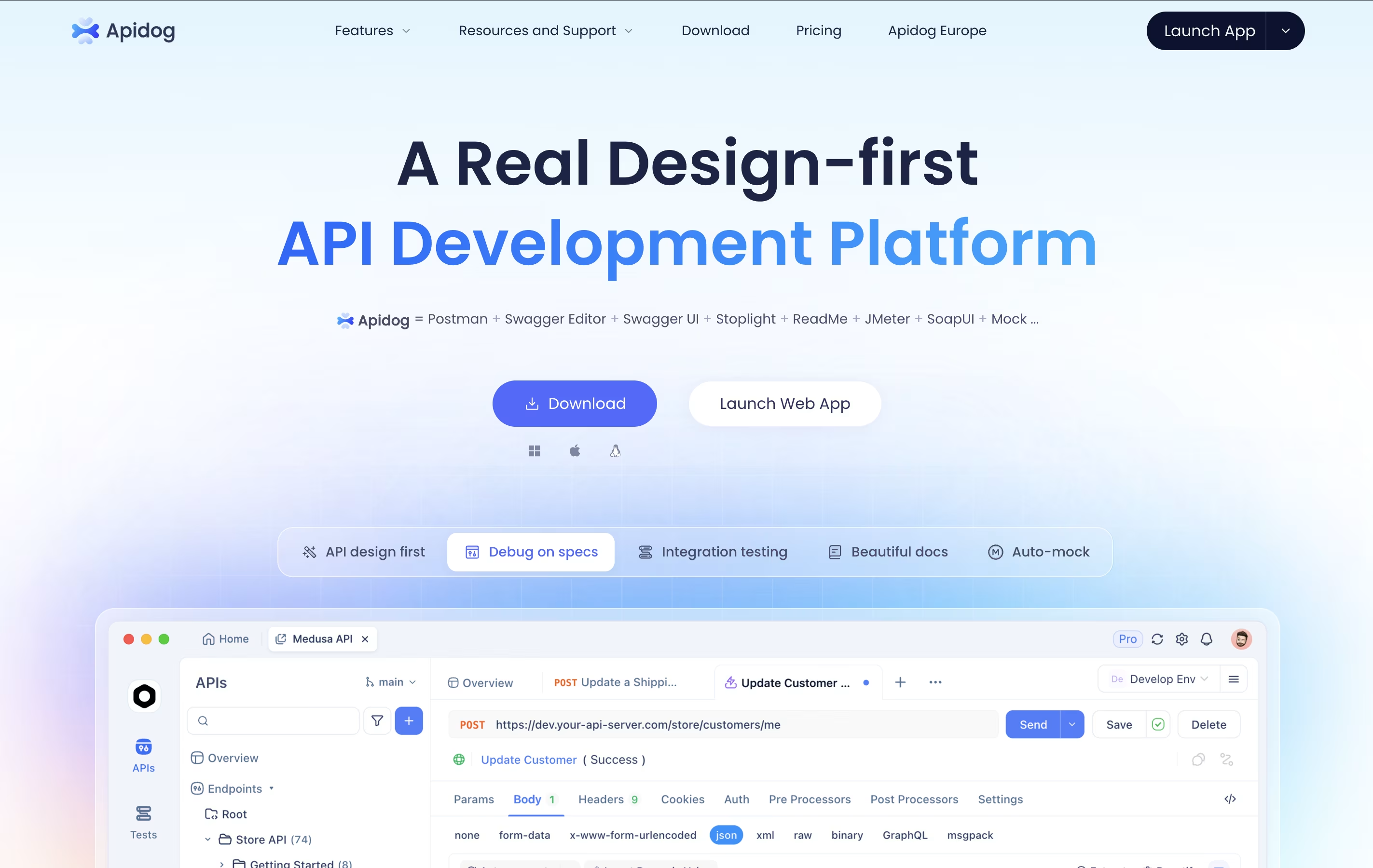
The platform follows a design-first approach, which means you plan your API before writing code. This helps catch problems early and keeps everyone on the same page. It automatically creates mock servers so front-end developers can start working before the back-end is ready.
There is a free version that works great for small teams and individual developers. Paid plans add more features like unlimited projects, advanced testing tools, and priority support for growing businesses.

GitBook is a cloud-based tool designed specifically for creating documentation. Think of it as a specialized writing platform where you can build everything from simple user guides to complex API documentation. The platform uses a block-based editor, similar to modern website builders, making it easy to add text, images, code examples, and other content without coding knowledge.
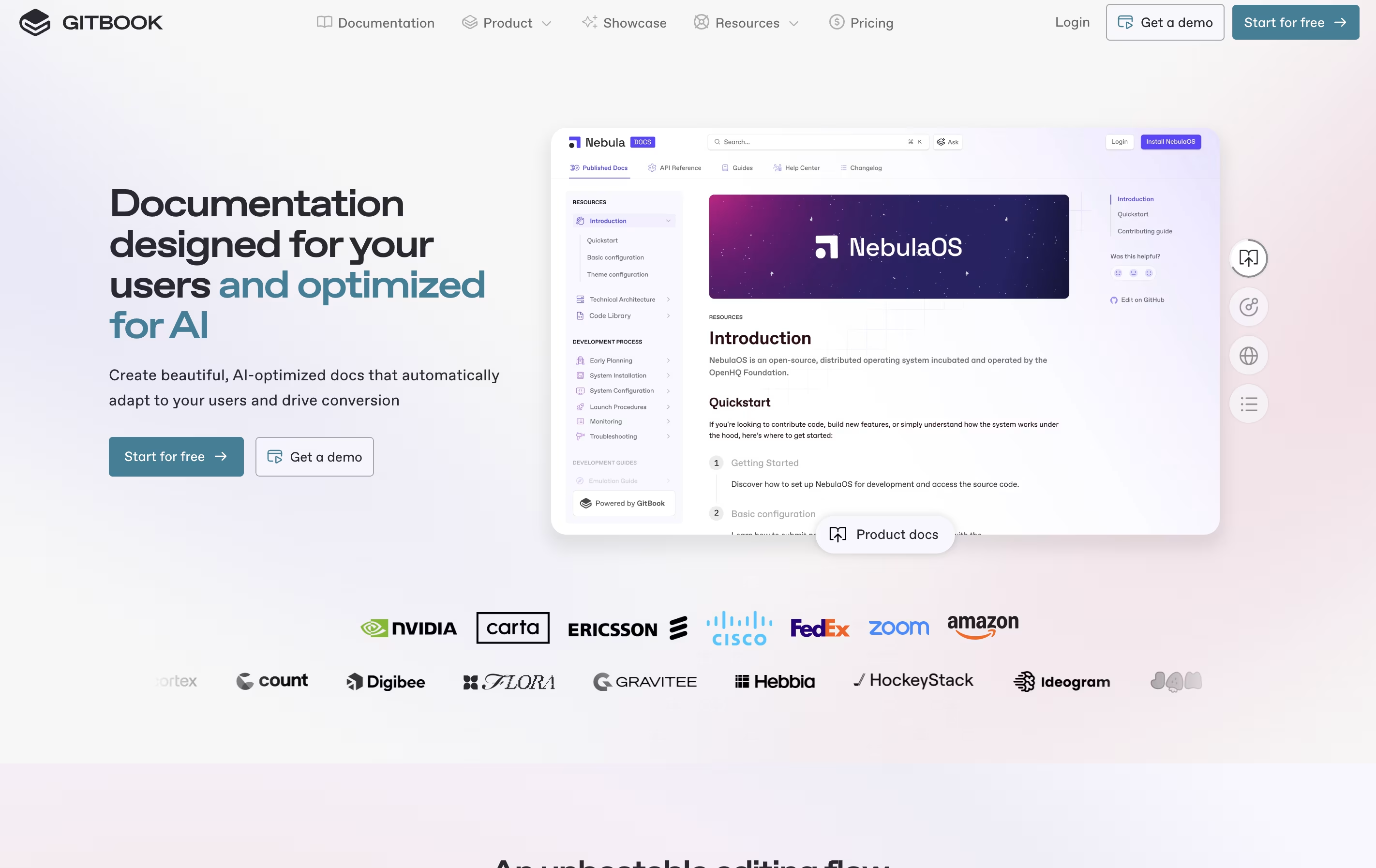
What sets GitBook apart is its two-way sync with GitHub and GitLab. This means developers can write documentation directly in their code editor, while content teams work in GitBook's visual interface. Everything stays synchronized automatically. The platform also includes AI features that help users find information quickly and assist in creating content. You can publish documentation publicly or keep it private with password protection.

Fern is a platform that automatically generates SDKs and API documentation from your API definition. You provide your OpenAPI, AsyncAPI, or gRPC specification, and Fern creates ready-to-use client libraries in languages like TypeScript, Python, Go, Java, Ruby, C#, PHP, and Swift.
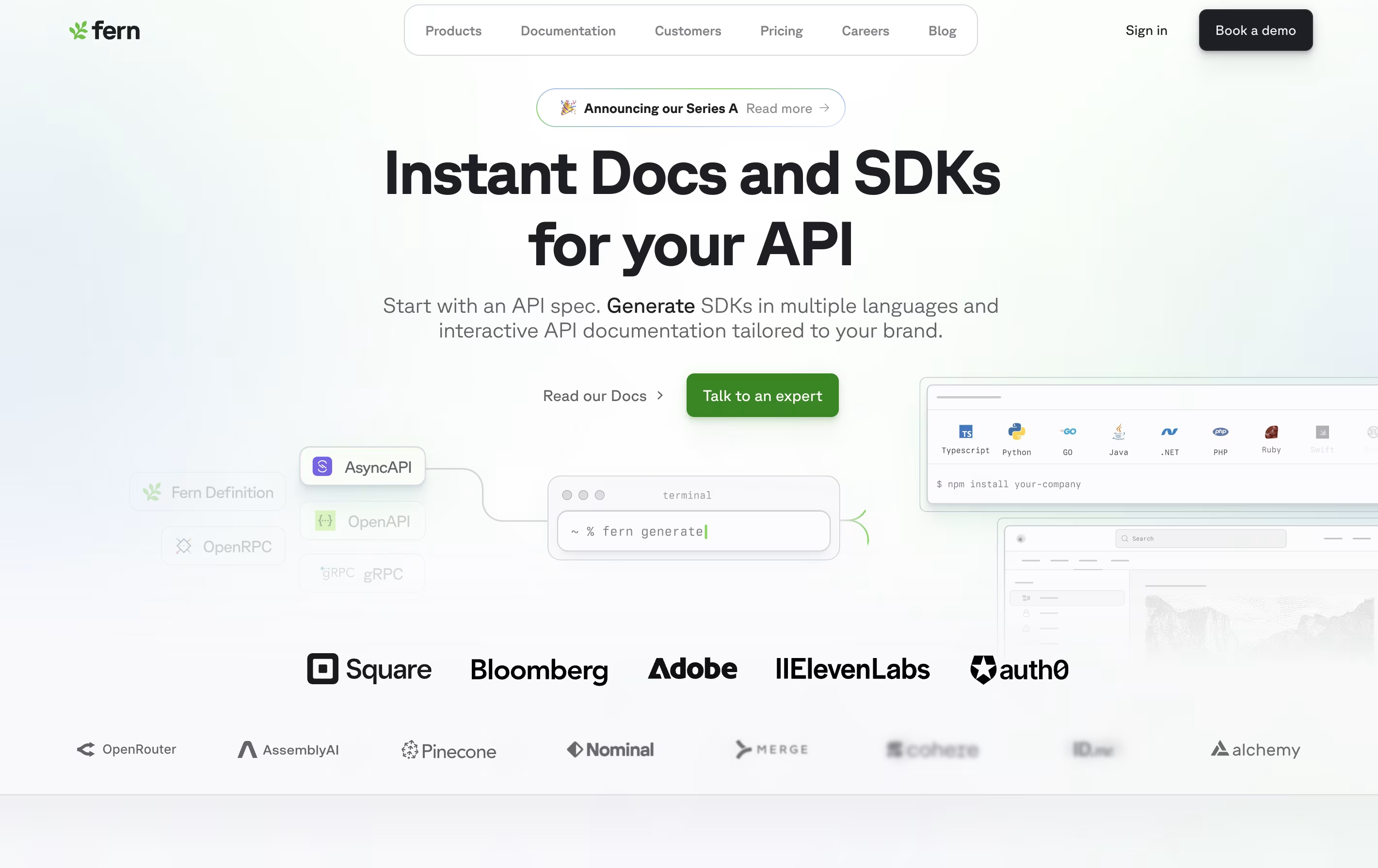
The platform also builds documentation websites that look professional and match your brand identity. These sites include interactive API references, code examples, and a playground where developers can test your API without leaving the documentation.
Fern is open source and available on GitHub. It integrates with your existing workflow by publishing SDKs directly to package registries like npm and PyPI. The tool is designed for companies that want to provide a great developer experience without dedicating engineering resources to manual SDK maintenance.

Docusaurus is a static site generator built with React and Node.js. It takes your Markdown files and creates a complete documentation website with all the features users expect. Unlike building a website from scratch, Docusaurus handles the hard parts for you.
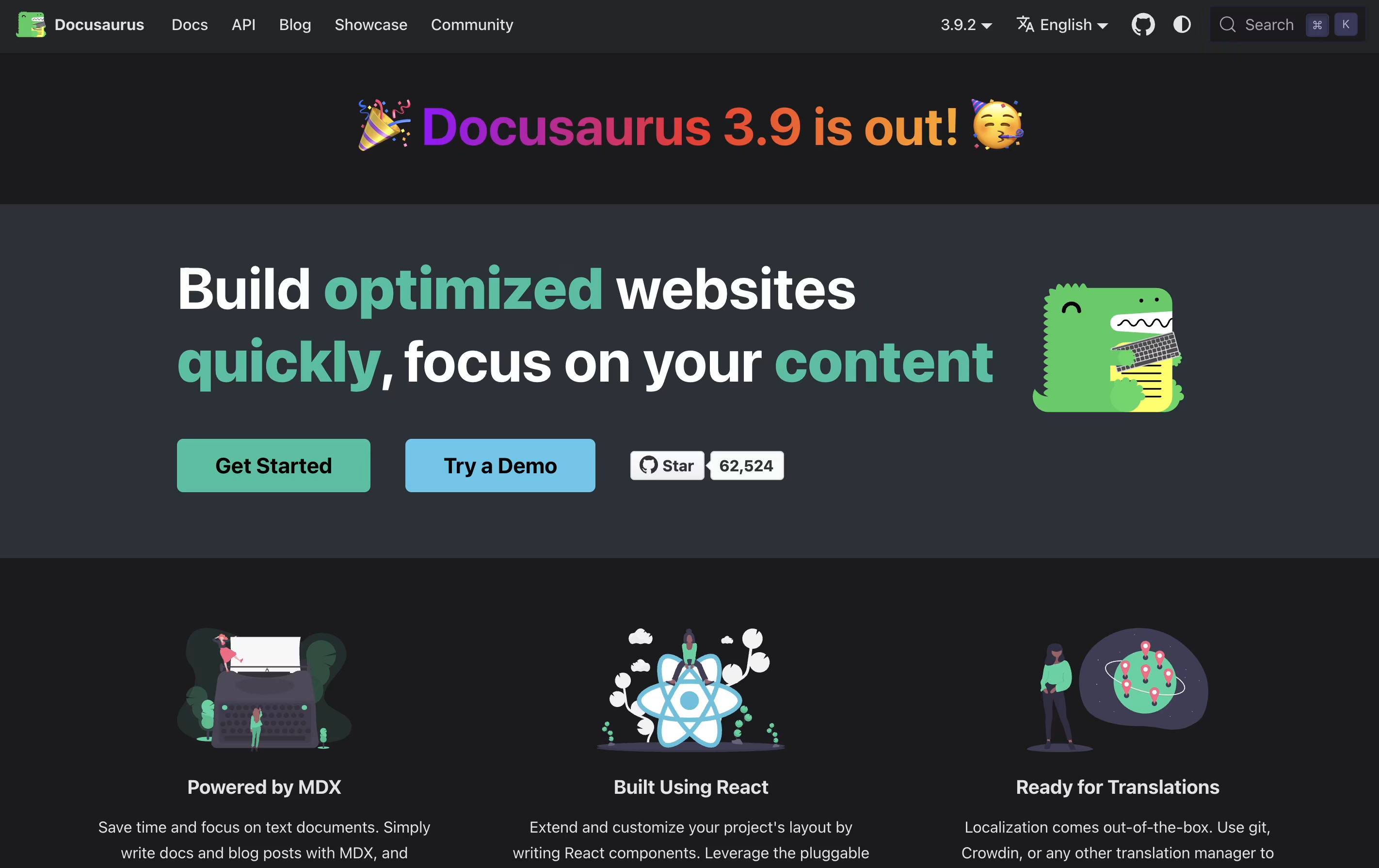
The tool uses MDX, which means you can add interactive React components right inside your Markdown files. This makes your documentation more engaging without extra work. It comes with built-in search powered by Algolia, version management for different product releases, and support for over 70 languages through translation tools.
Because it creates static files, your documentation loads fast and can be hosted anywhere. The sites work great on mobile devices and follow modern web standards for speed and accessibility.

Hashnode is a free content creation platform where developers can start and manage blogs on their own domain. You get a powerful editor that supports both Markdown and visual editing modes, making it easy to write technical articles with code blocks, images, and embedded content. The platform handles all the technical details like hosting, SSL certificates, and CDN delivery automatically.
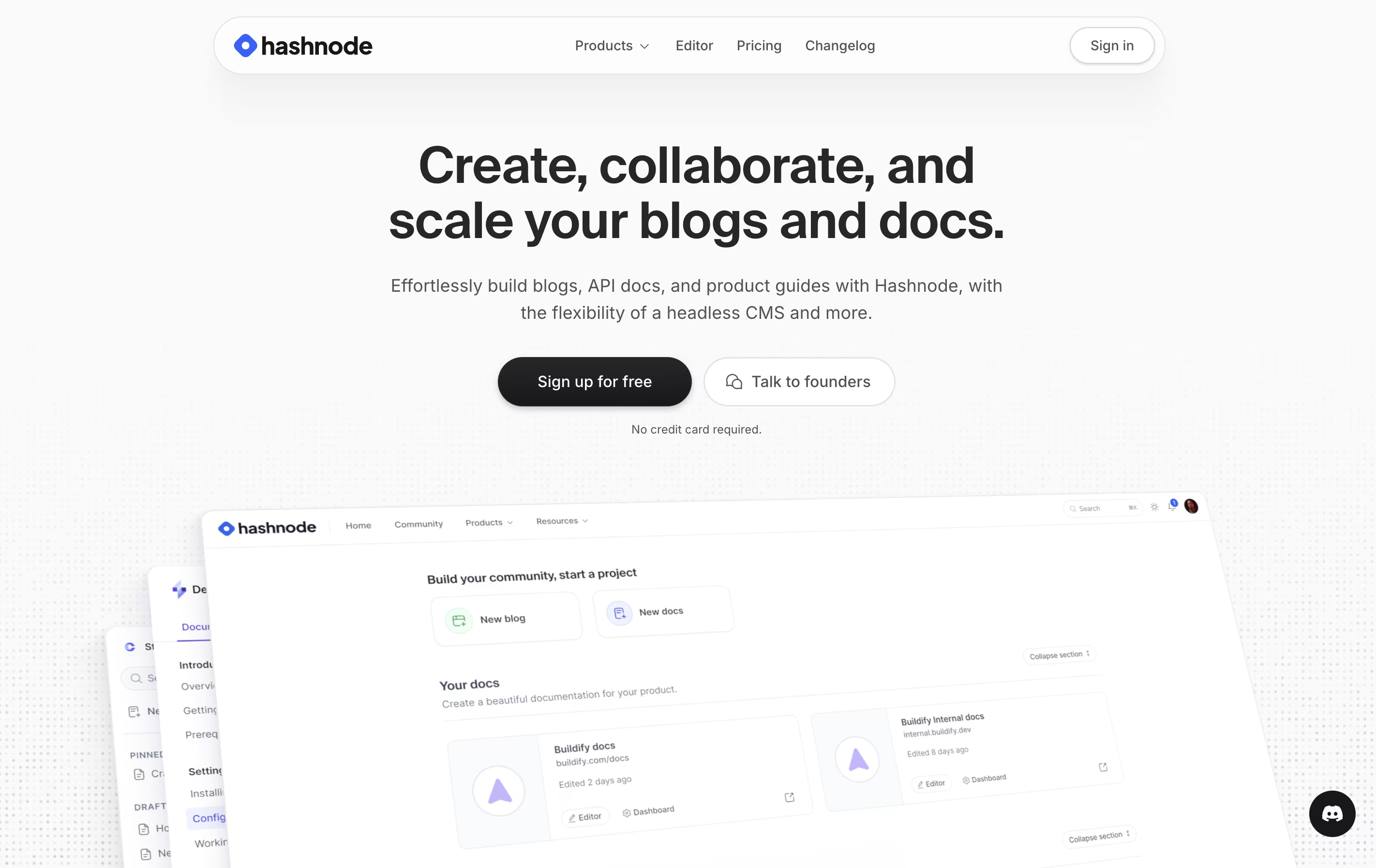
You can customize your blog appearance, connect it to your domain, or start with a free Hashnode subdomain. The platform includes AI-powered writing assistance to help with drafting, editing, and optimizing content. There are paid plans for teams that need collaboration features, advanced analytics, and priority support. Individual creators can use all essential features completely free.

Document360 is a software tool that helps organizations create and maintain knowledge bases. A knowledge base is a central place where people can find answers, guides, and instructions about products or services. You can build both public knowledge bases for customers and private ones for employees.
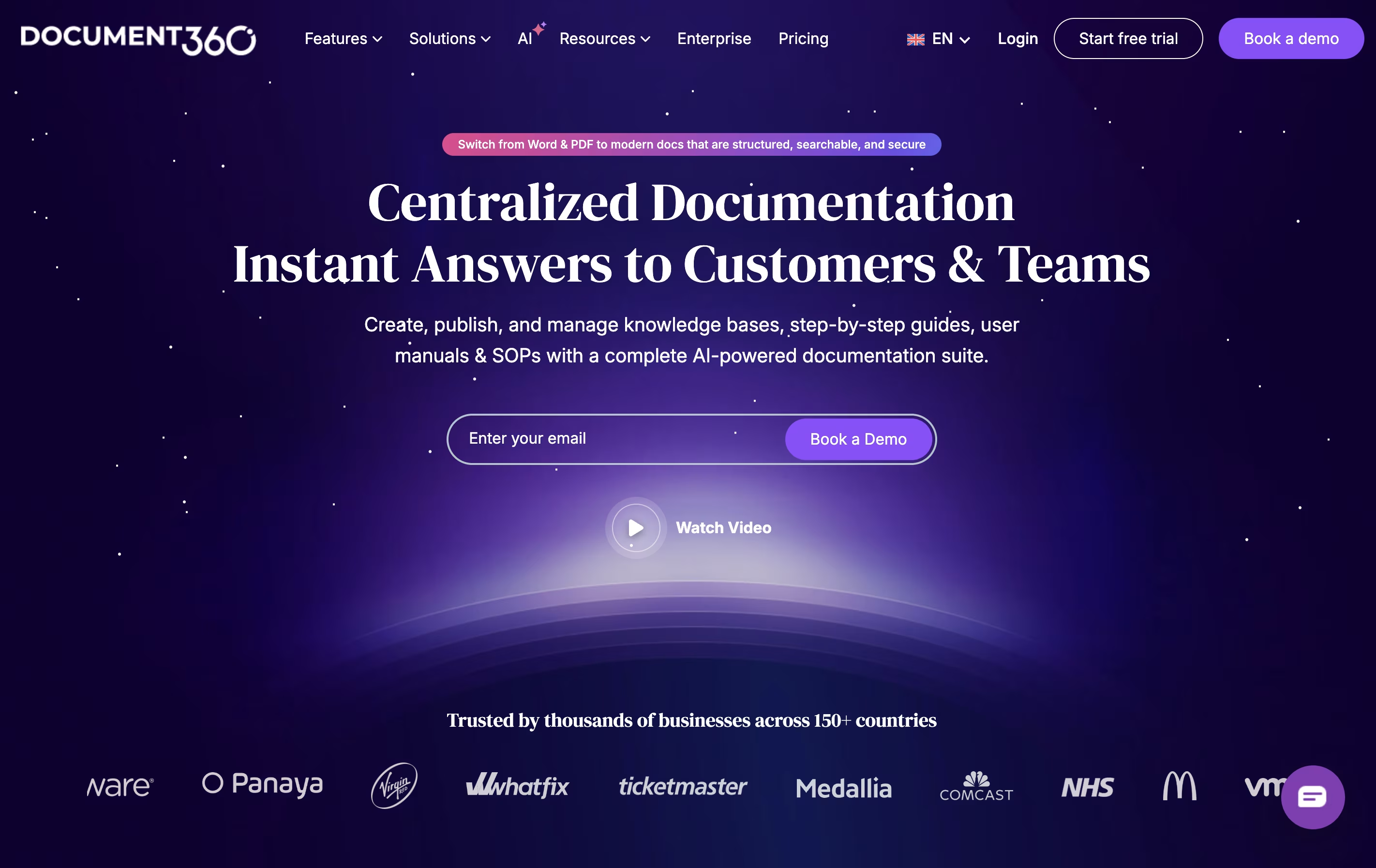
The platform includes powerful editing tools that work like a word processor, making it simple to write and format articles. It offers AI features that help with writing, searching, and translating content. Document360 also provides detailed tracking to see which articles get the most views and what people are searching for.
Companies can customize the appearance to match their brand and integrate Document360 with other tools they already use like support systems and communication platforms.

Confluence is an online workspace where teams create and share documents, project plans, and company knowledge. You can think of it as a shared notebook that your entire organization can access and update together.
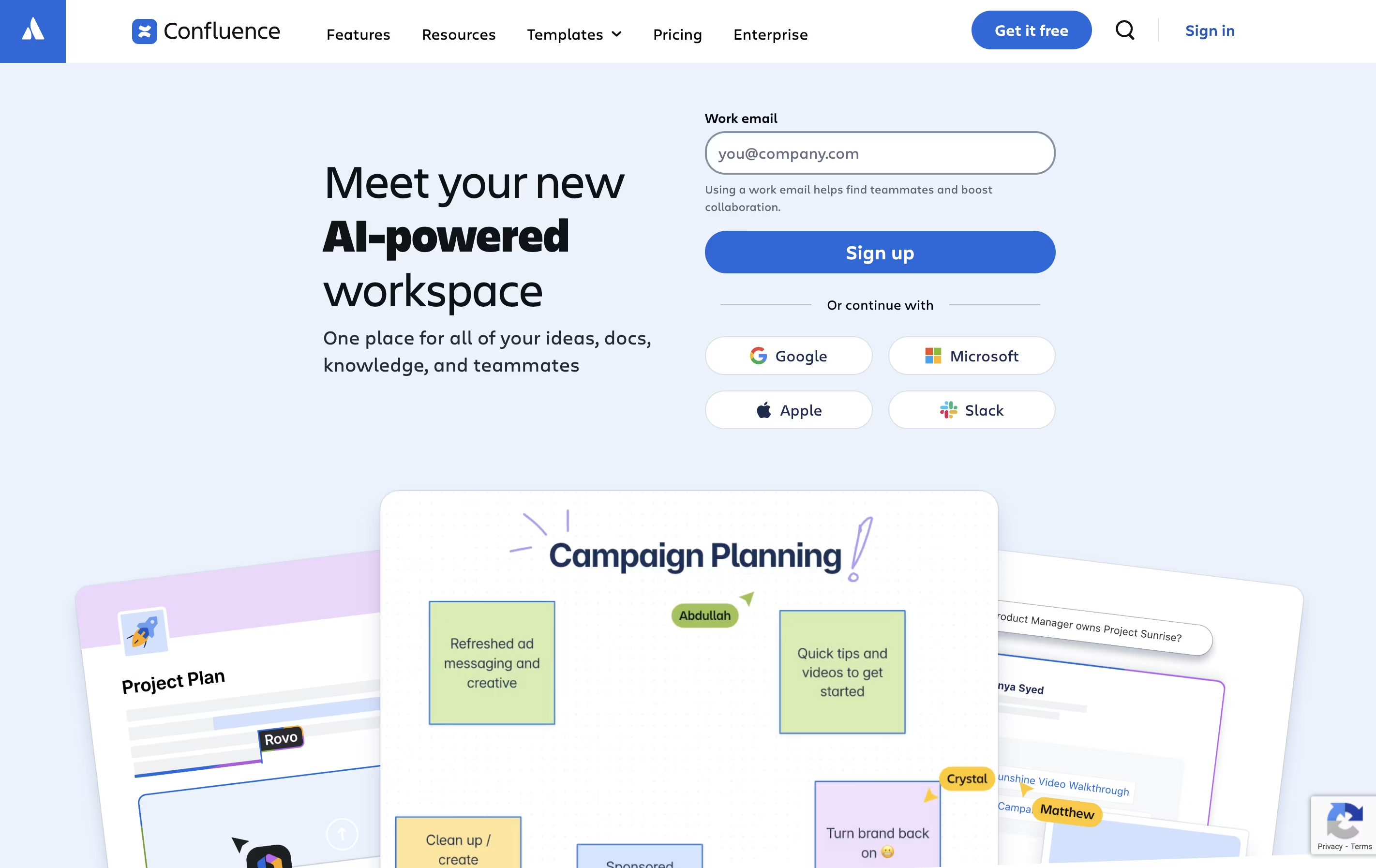
It works in your web browser or through mobile apps. You build pages using a simple editor that looks similar to Microsoft Word or Google Docs. These pages can include text, images, videos, and links to other tools. You organize pages into spaces for different teams or projects.
The platform includes whiteboards for brainstorming, databases for organizing information, and templates for common documents. With AI features built in, Confluence can summarize long pages, help you write content, and quickly find information across all your team's documents.

Stoplight is a web-based platform for API design and management that follows a design-first philosophy. This means you plan and design your API before writing any code, which saves time and reduces errors during development.
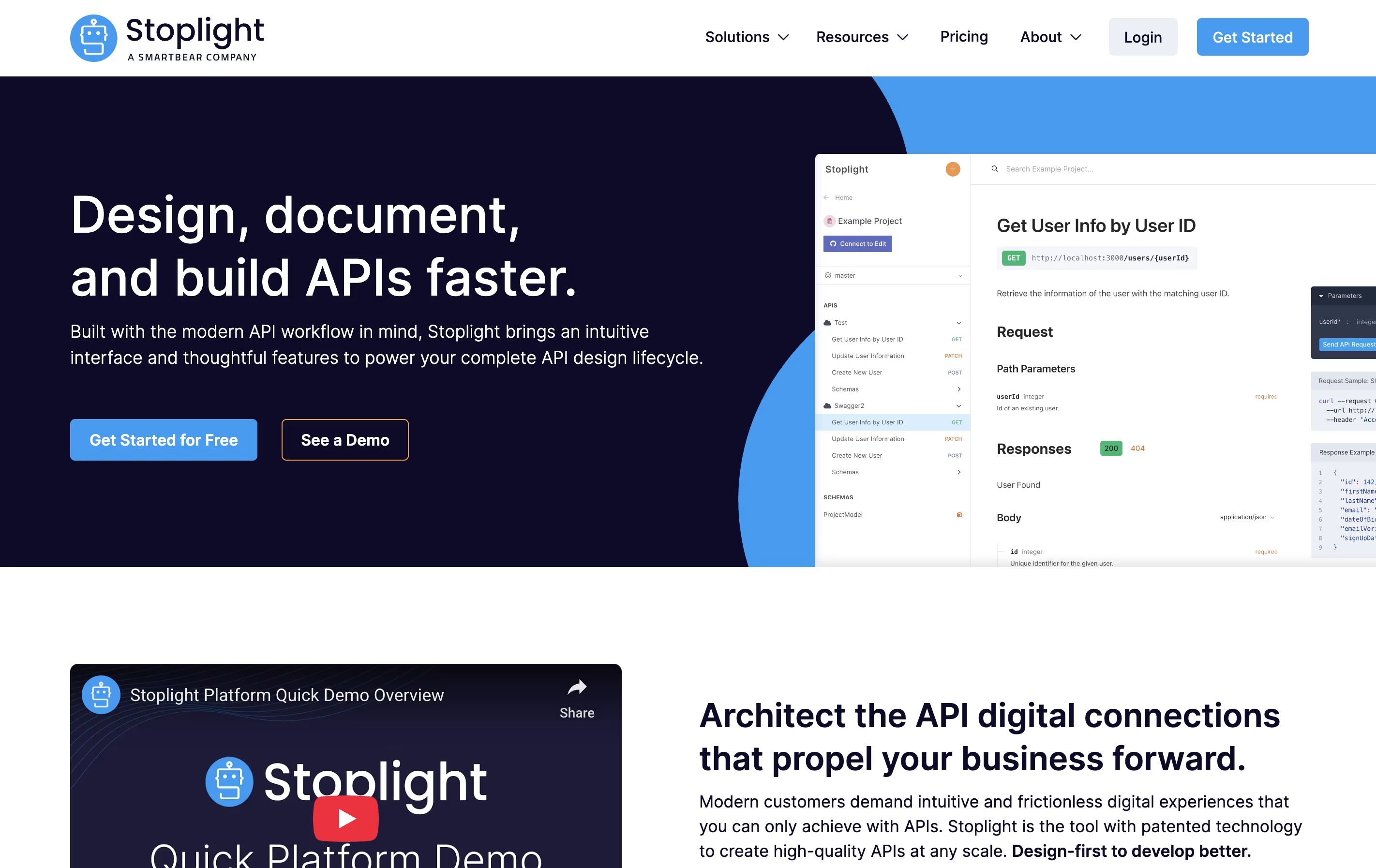
The platform includes Stoplight Studio, a visual editor that lets you create API designs using forms instead of code. It supports OpenAPI and JSON Schema standards, which are widely used in the industry. You can work directly with files in your Git repository, making it easy to fit into your existing workflow.
Stoplight automatically generates beautiful documentation from your API designs, creates mock servers for testing, and provides validation tools to catch errors early. It works as a cloud service but also offers desktop and web versions.

API Hub is an all-in-one platform for the complete API development process. It lets you design APIs using a visual editor or code, test them automatically, create documentation, and share with users through branded portals.
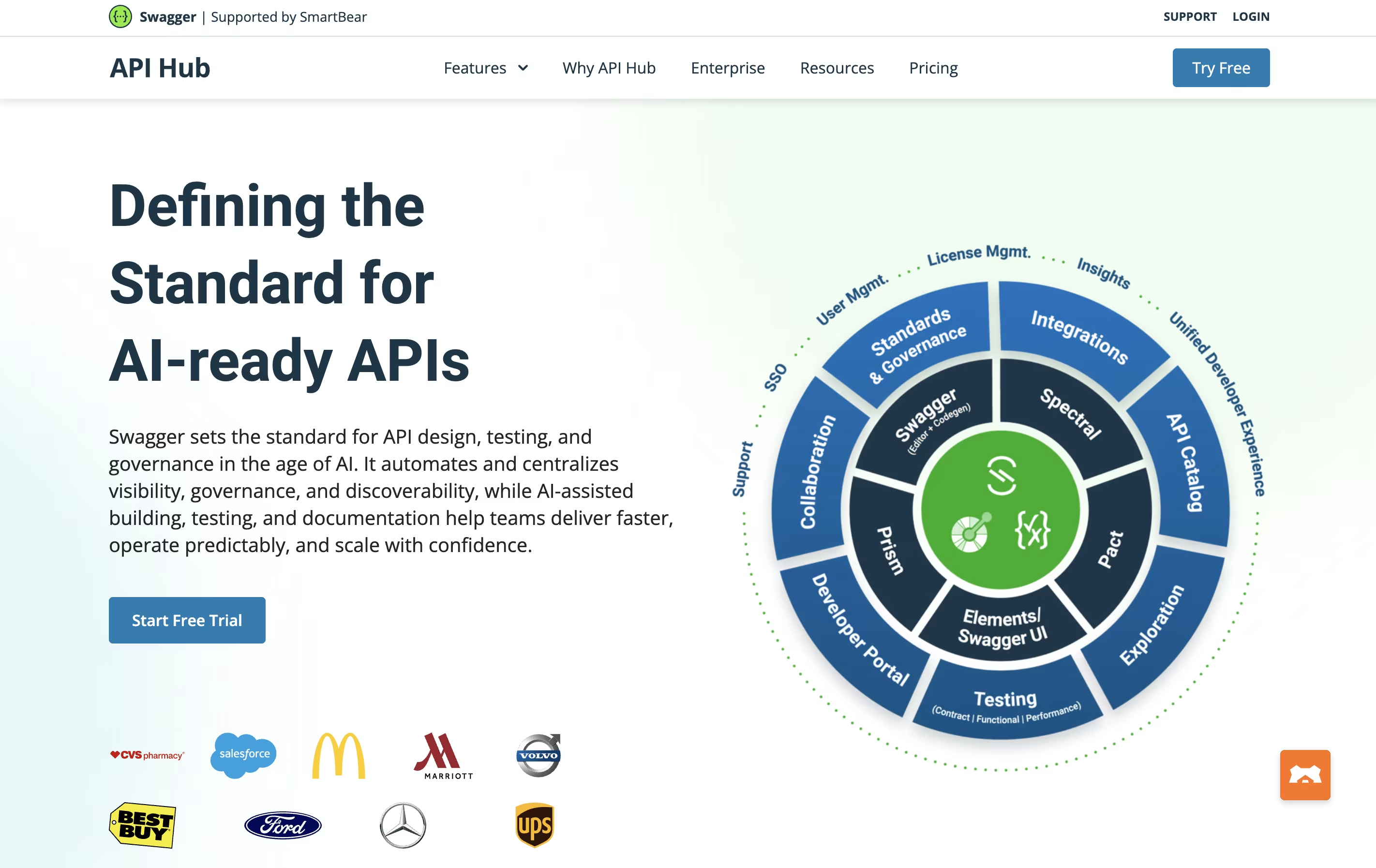
The platform works with OpenAPI and AsyncAPI standards, supporting both traditional REST APIs and event-driven architectures. It includes tools for checking that your APIs follow your team's rules, generating mock servers for testing, and validating contracts between services.
Teams can work together with version control, commenting features, and role-based permissions. The platform connects with popular development tools like GitHub, CI/CD pipelines, and API management systems. Whether you need basic API design or complex enterprise workflows, API Hub provides the features you need.

Astro Starlight is a documentation theme built on the Astro web framework. It provides a ready-made structure for creating documentation websites that are fast, accessible, and easy to maintain. Unlike other documentation tools, Starlight ships minimal JavaScript to the browser, resulting in faster load times and better performance.
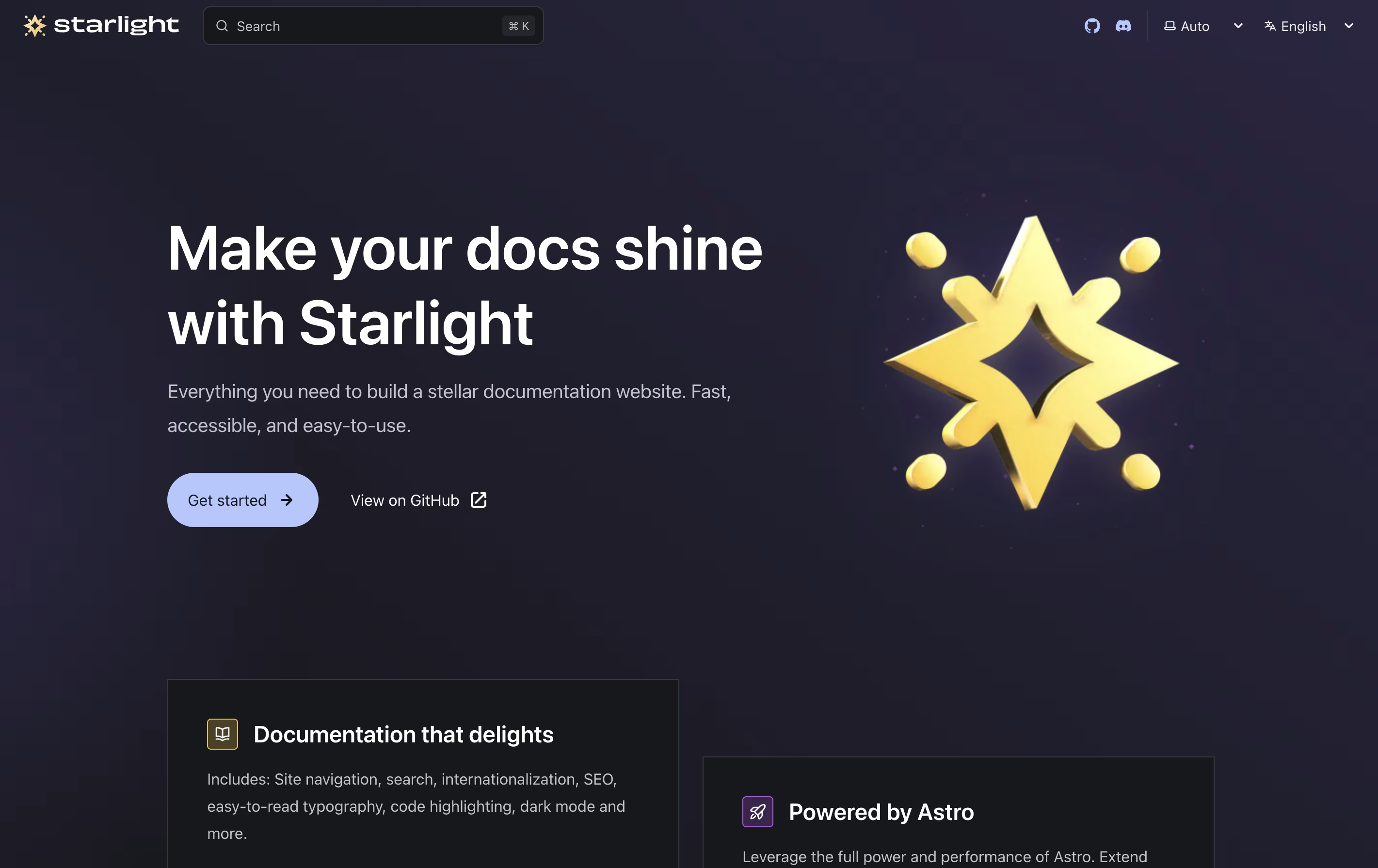
The tool supports writing content in Markdown, MDX, and Markdoc formats, giving you flexibility in how you create your documentation. It includes automatic navigation generation, built-in search powered by Pagefind, and responsive design that works on all devices. Starlight also supports multiple languages out of the box, making it suitable for global documentation projects. The theme is highly customizable through configuration files, allowing you to match your brand while keeping the simplicity of setup.

Featurebase is an all-in-one platform for managing customer feedback and support. It allows you to create public feedback boards where users can submit ideas, vote on features, and see what you are working on through roadmaps and changelogs.
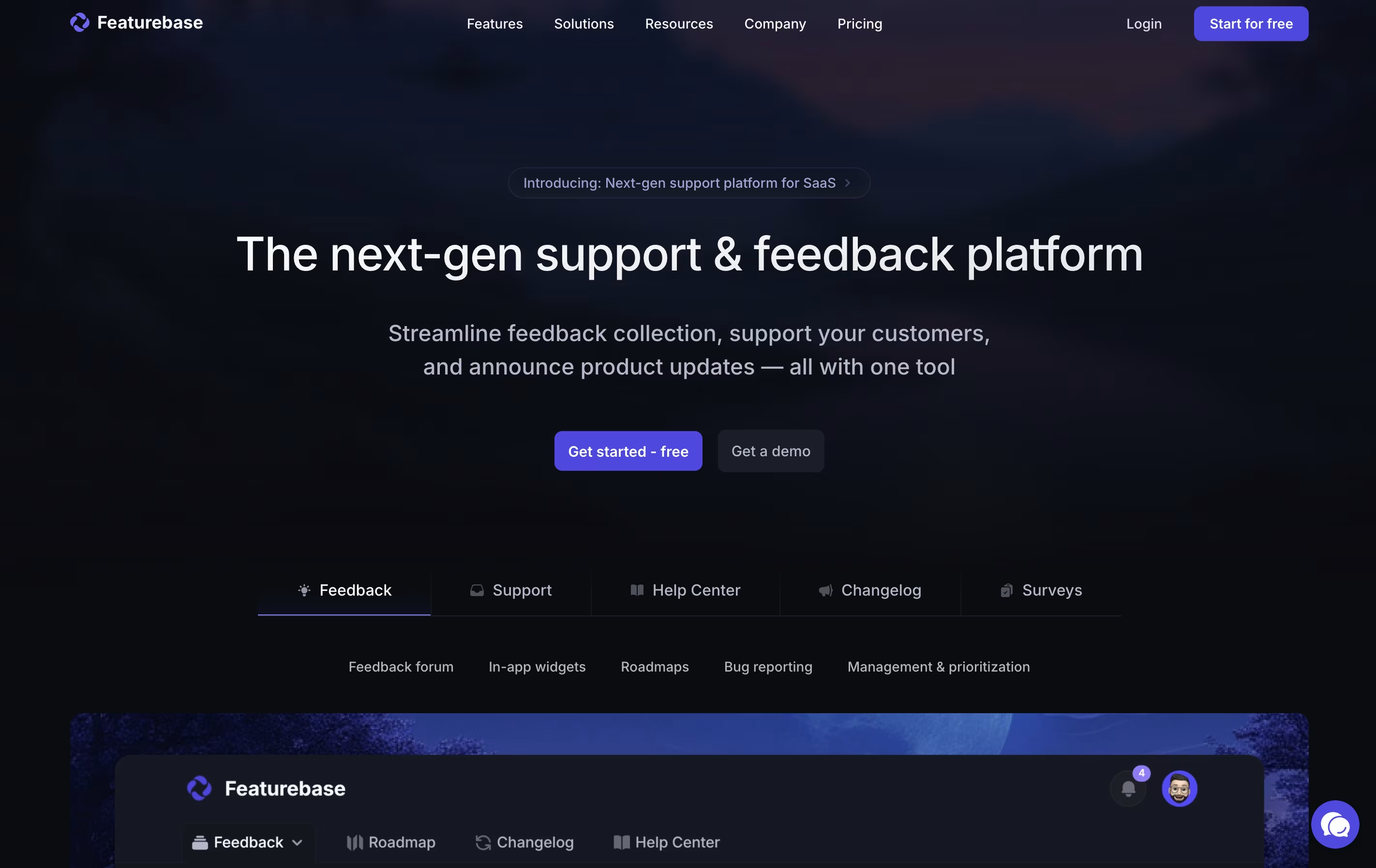
The platform includes several key components: feedback boards for collecting feature requests, a support inbox for handling customer questions, a help center for self-service documentation, surveys for gathering specific insights, and changelogs for announcing updates. Everything is customizable with your own branding, colors, and domain.
Unlike separate tools for feedback, support, and documentation, Featurebase connects everything in one place. This means customer support tickets appear alongside their feature requests, giving you complete context when helping users.

Scalar is a platform for building API documentation that looks professional and works smoothly. You provide your OpenAPI document, and Scalar transforms it into easy-to-read pages with examples and testing tools built in.
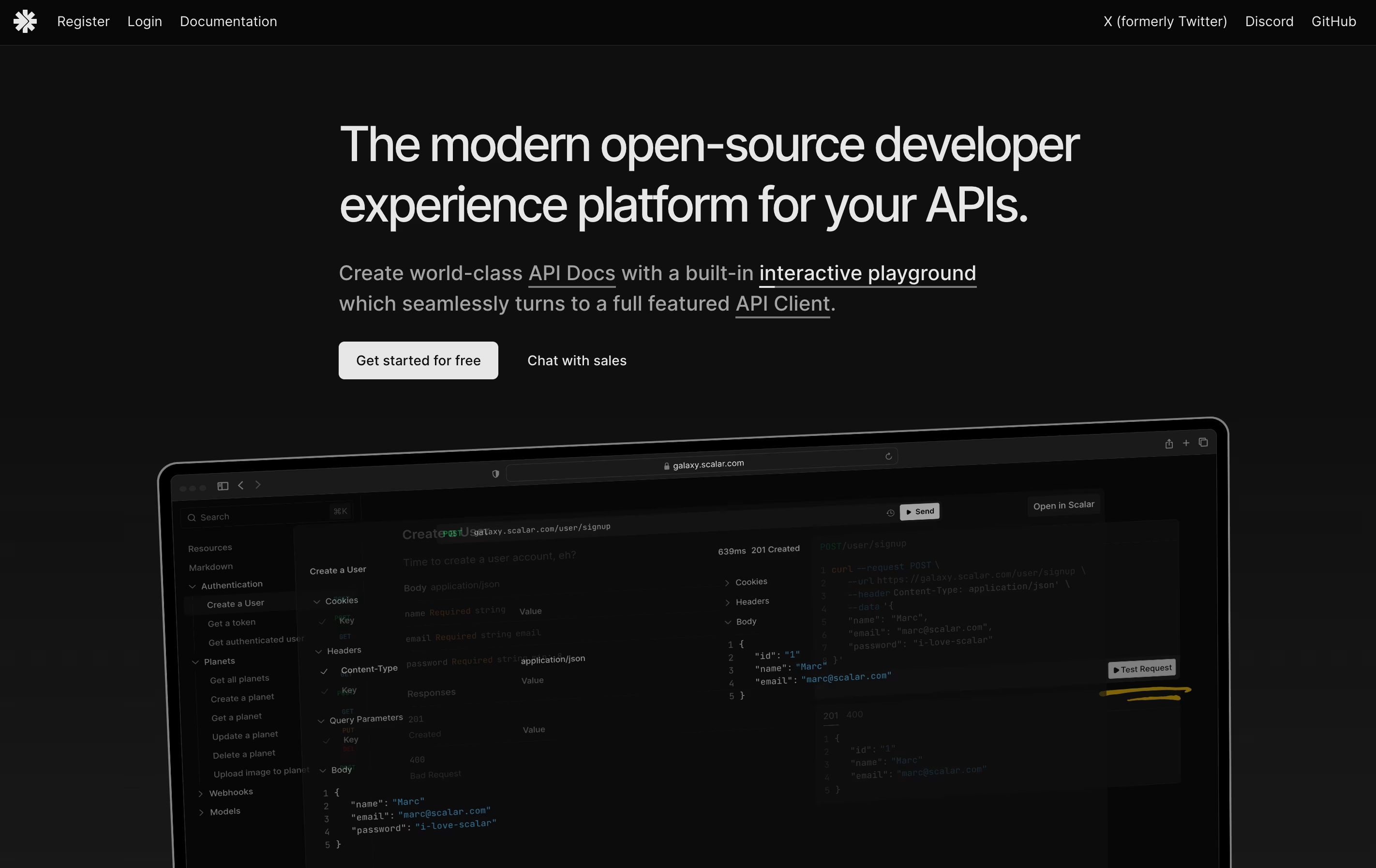
The platform offers several products working together. The API Reference shows your documentation in a clean layout. The API Client lets developers test endpoints directly. The platform also includes tools for managing multiple versions of your API documents and syncing with GitHub.
Scalar is completely open-source, which means the code is public and free to use. You can host it yourself or use their cloud service. The free plan covers basic features, while paid plans add collaboration tools, custom domains, and better support.

ClickHelp is an online tool that lets you write, store, and publish documentation without leaving your web browser. Unlike traditional software that you install on your computer, ClickHelp runs entirely online and stores everything in the cloud.
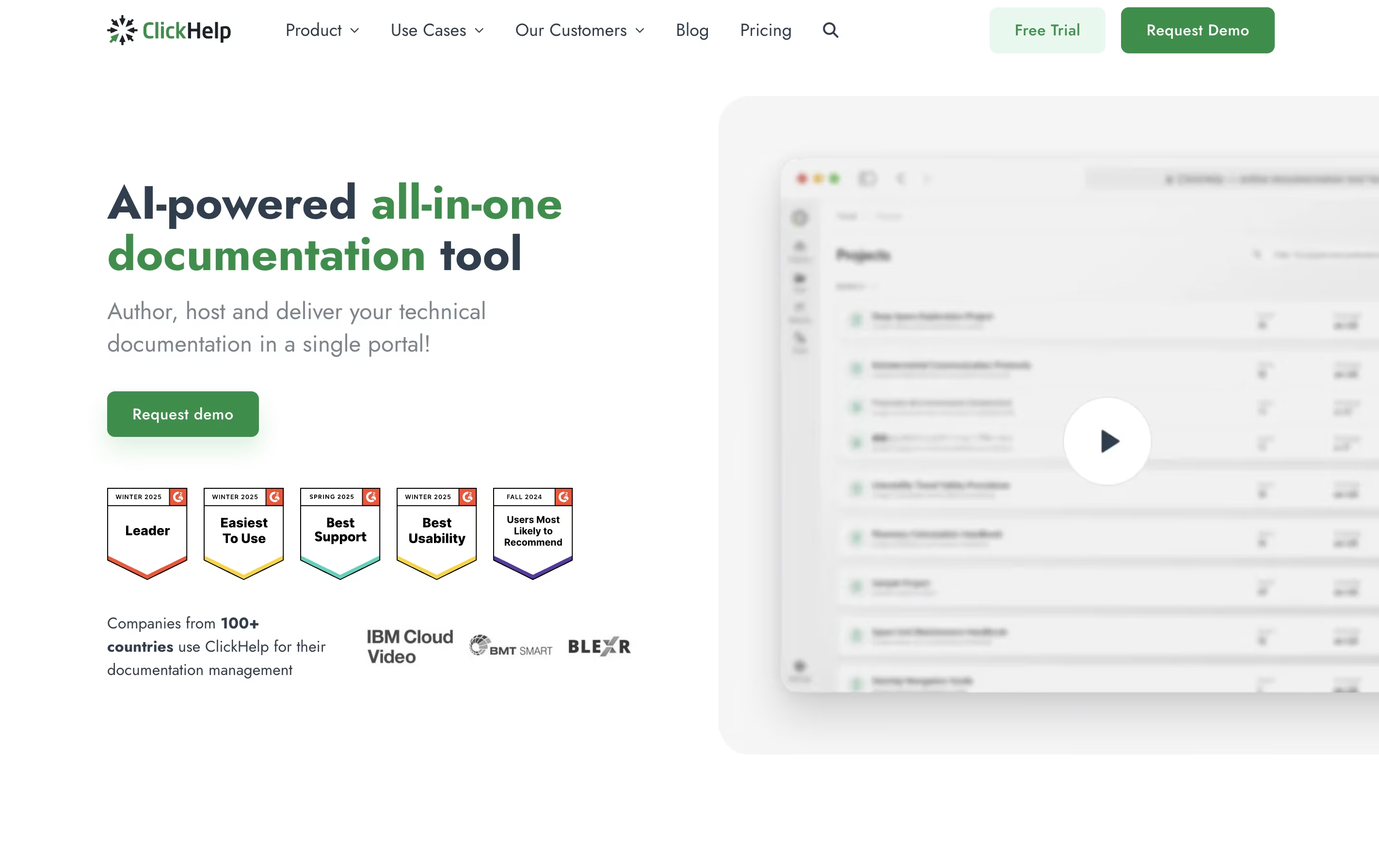
The platform includes an easy-to-use editor similar to Microsoft Word, so you can start writing without a long learning process. You can add images, videos, tables, and code samples to your documentation. ClickHelp also supports creating different versions of the same content for different audiences or products.
One major benefit is real-time teamwork. Multiple people can work on documentation at once, leave comments, and track changes. When you are ready, you can publish your content instantly to your own branded documentation website or export it as PDFs and other file types.

MkDocs is a documentation generator that converts Markdown files into complete static HTML websites. You write your content in Markdown, which is a simple text format that anyone can learn in minutes. MkDocs then processes these files and creates a full website with navigation, search, and beautiful design.
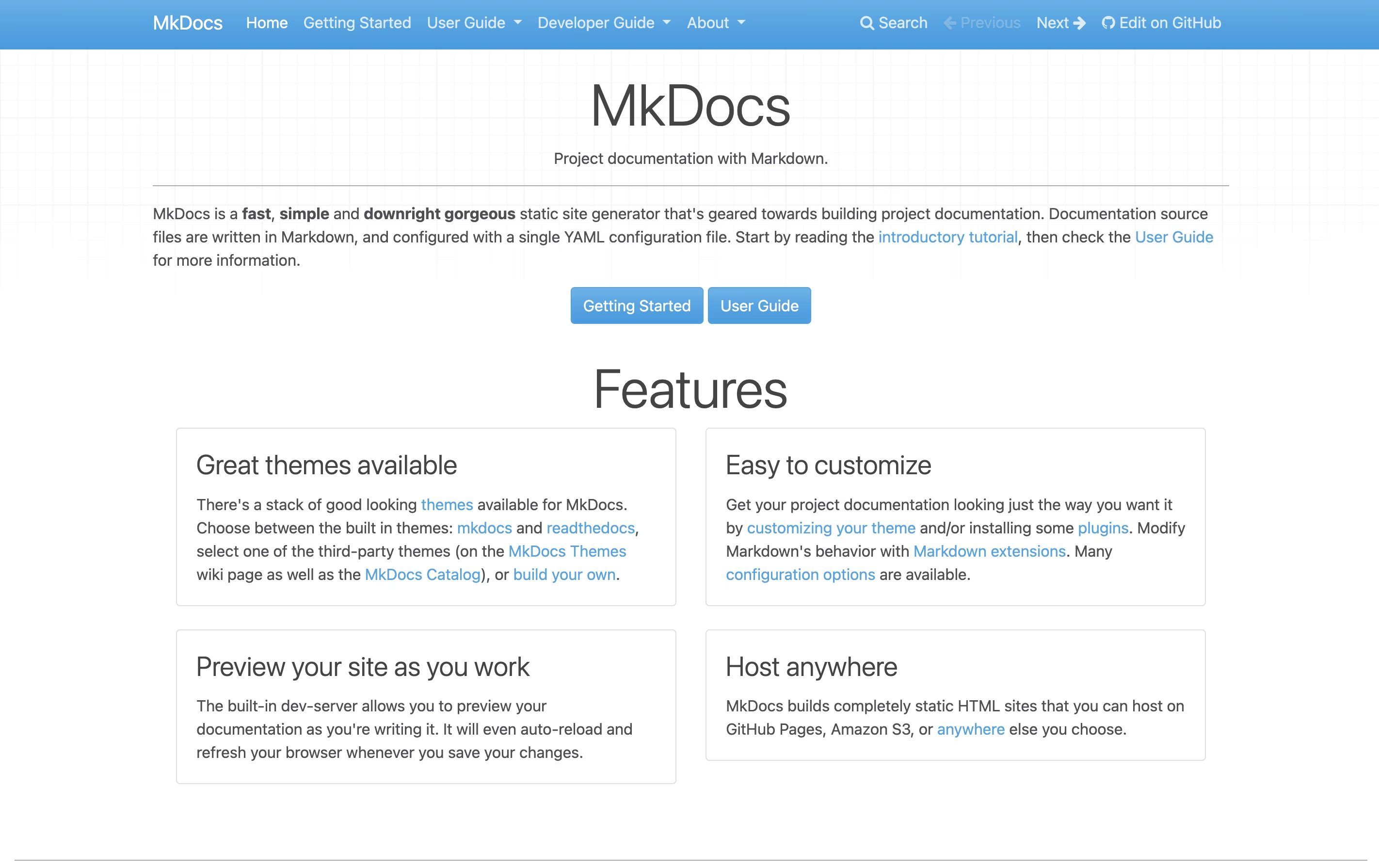
The tool includes a built-in development server that shows you live previews as you type. This means you see changes immediately without manually refreshing your browser. MkDocs comes with two built-in themes and supports many community-created themes like the popular Material for MkDocs.
Since MkDocs creates static files, your documentation loads quickly and can be hosted anywhere without needing complex server setups or databases.

Documentation AI is a tool that helps you create professional documentation for your products and APIs. You can write content using a simple editor, and it automatically makes everything look polished and professional. Unlike basic documentation tools, it adds smart features like an AI assistant that answers questions directly on the page.
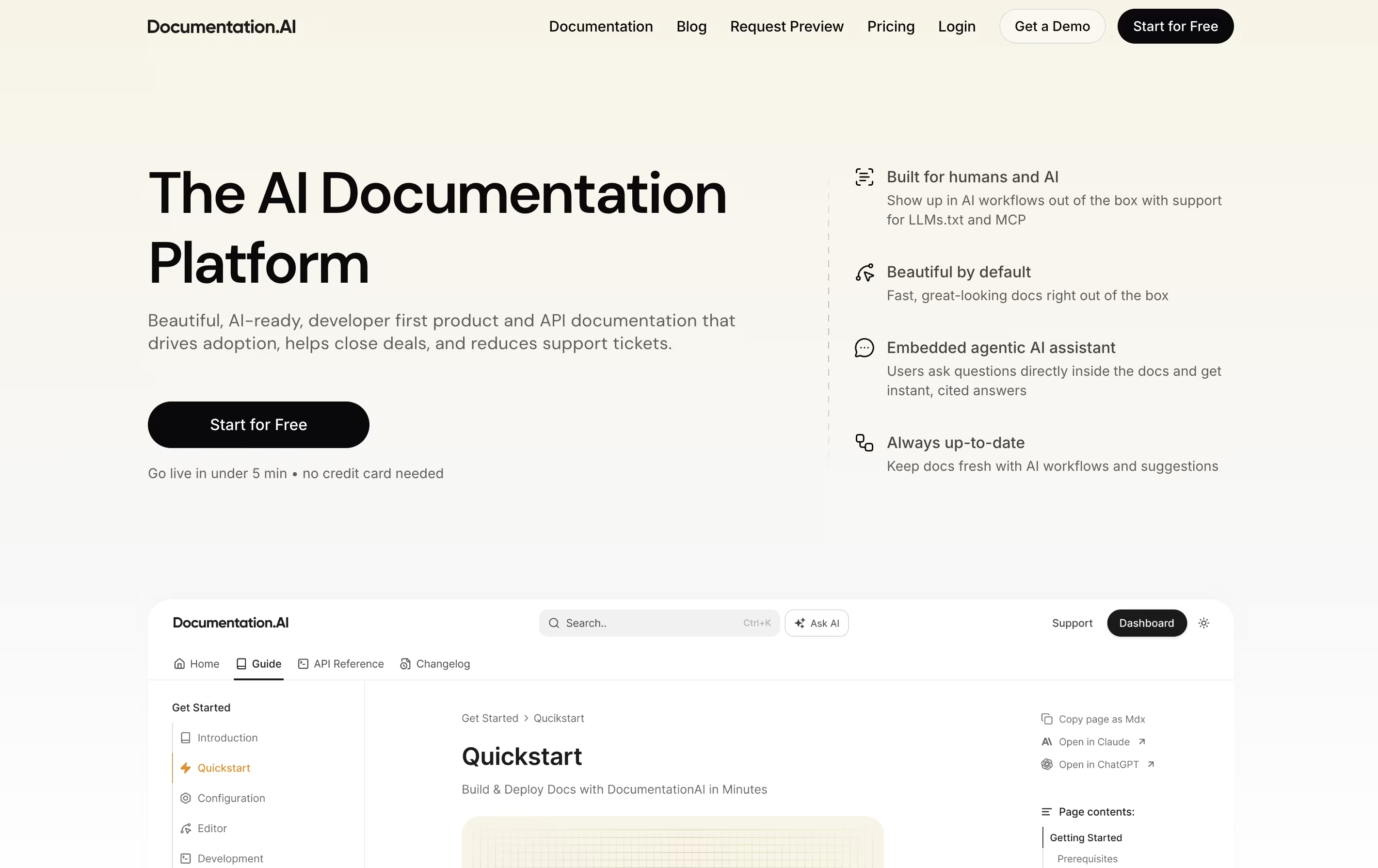
The platform focuses on three main things: beautiful design that works everywhere, speed that scores perfect on performance tests, and AI features that help both humans and chatbots understand your content. It supports modern formats like Markdown and connects with popular developer tools.
There's a free plan to start, and paid plans add more features like extra editor seats, advanced AI queries, and team permissions for growing businesses.

NoDocs is a web-based platform that makes creating documentation easy. You type and format your content just like you would in a word processor, and it automatically turns into professional-looking web pages. You do not need any coding skills to use it.
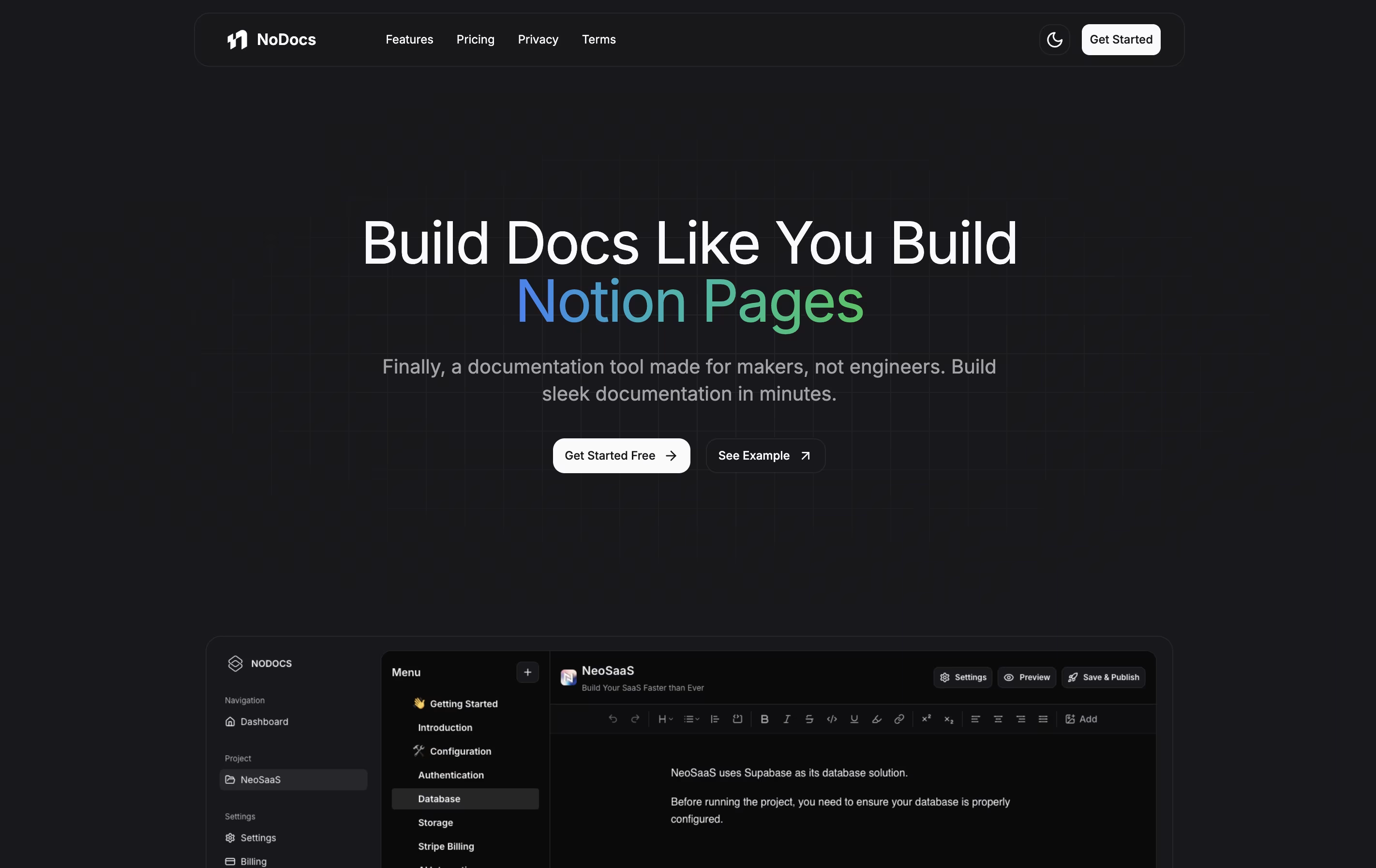
The tool includes everything you need: a simple editor, the ability to organize pages into sections, custom domain support, and different themes including dark mode. It also has AI features that help you write better content and suggest improvements as you type.
There are three plans available: a free version to try it out, a Pro plan for small teams with more features, and a Plus plan for unlimited projects and pages. Each plan includes different features to match your needs.

DeveloperHub is a complete documentation tool that combines writing, publishing, and tracking in one place. You can create different types of content including API references, how-to guides, release notes, and knowledge bases all in the same project.
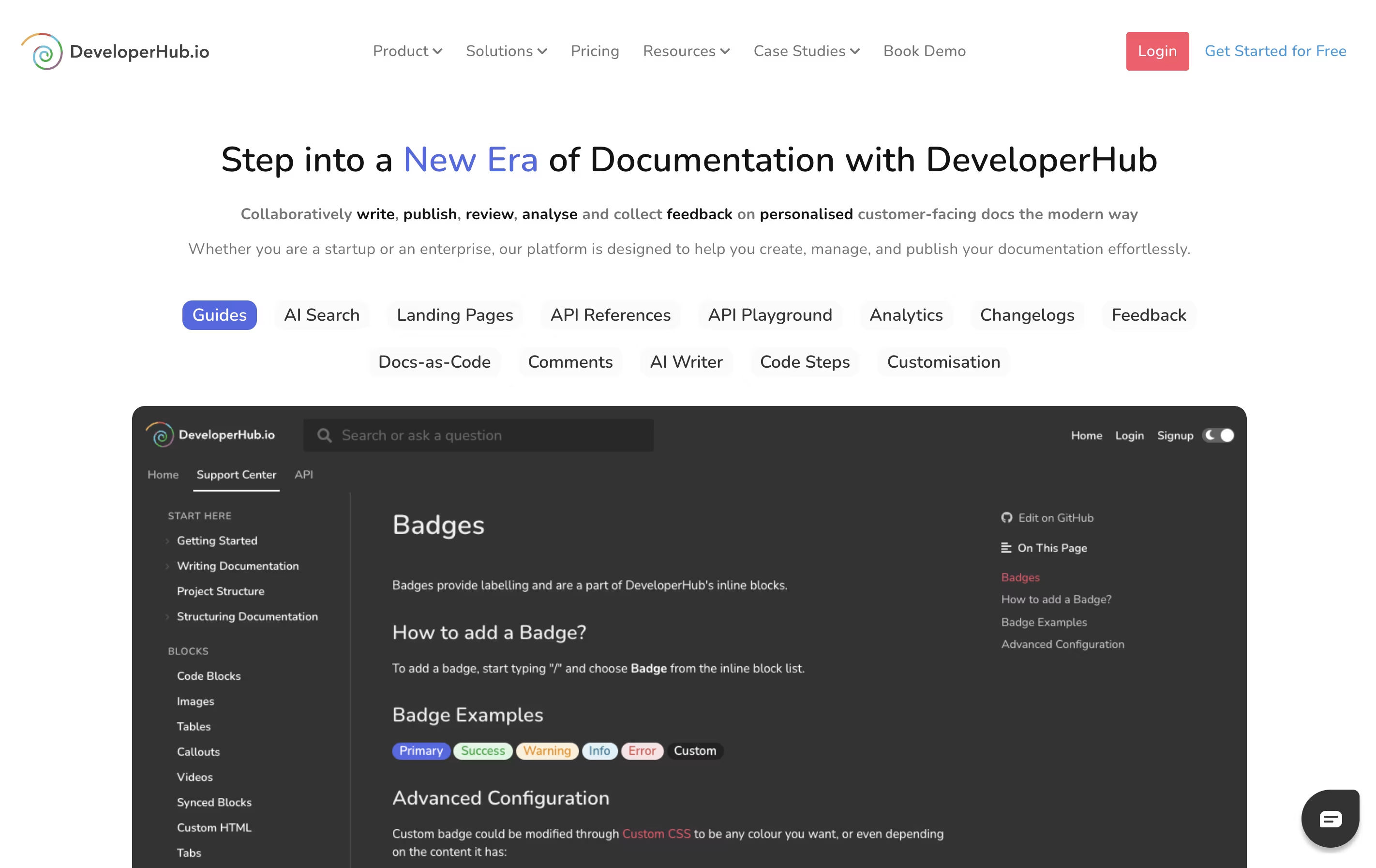
The platform uses a visual editor that feels like working in a word processor. You can add images, videos, code examples, and interactive elements without touching any code. Every page supports version control, so you can see who changed what and roll back if needed.
What makes it special is how it handles API documentation. You can import OpenAPI specifications and automatically generate beautiful, searchable reference pages. The platform also includes AI-powered search that helps readers find answers faster than traditional search bars.

Fumadocs is a documentation framework that helps developers build professional documentation sites using React and Next.js. Unlike traditional documentation tools, it gives you complete control over your content and design while handling the complex parts automatically.
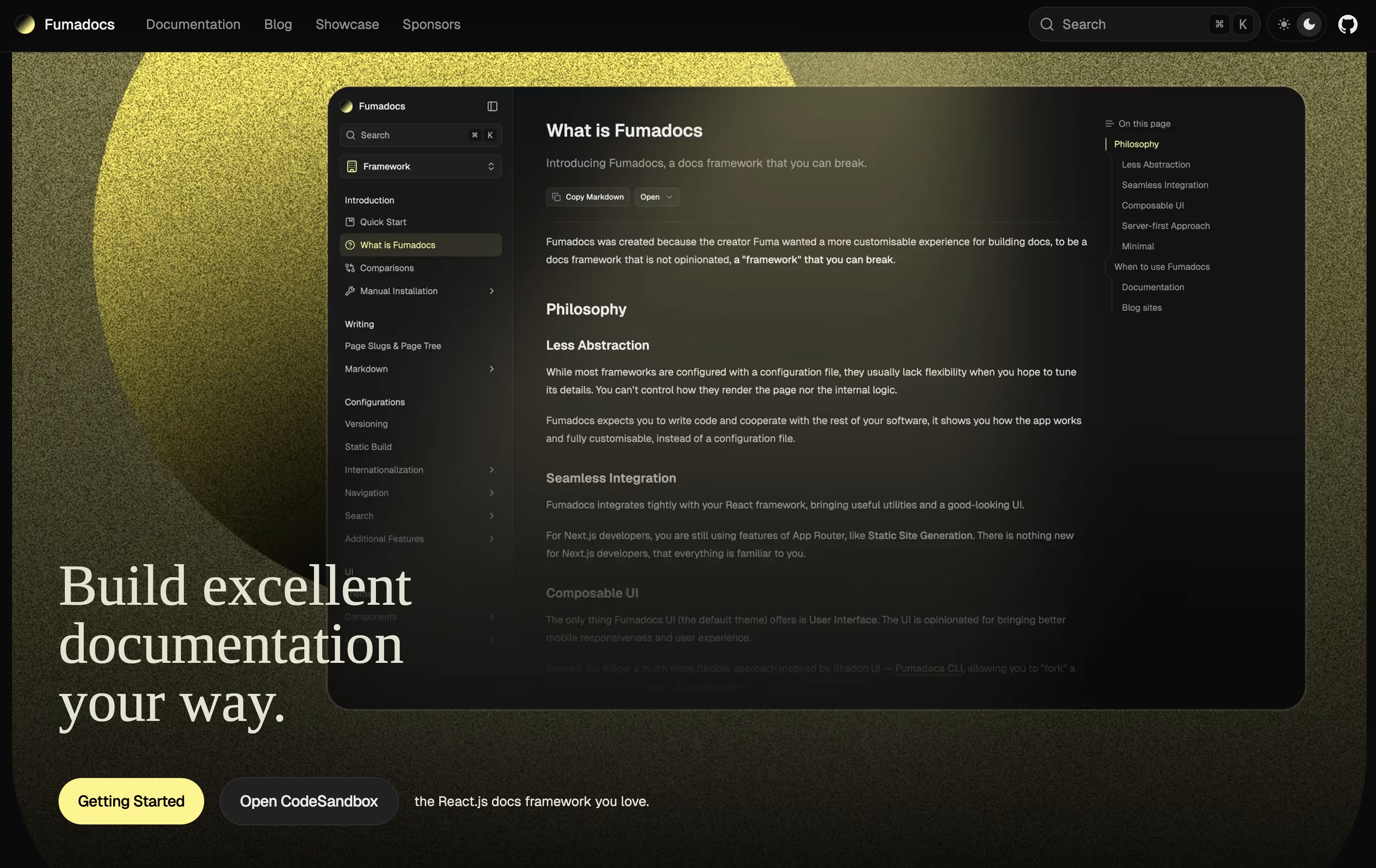
It supports writing content in Markdown and MDX, which means you can use simple text formatting or add interactive React components. The framework includes built-in search, syntax highlighting, and beautiful pre-designed themes. It also works with any content source, whether you store your docs in files, a database, or a content management system.
Fumadocs is built around three parts: a content layer for managing your docs, a core library for features like search, and a UI library for beautiful components. You can use just what you need.

KnowledgeBase is a cloud-based software that creates organized libraries of information for your business. You can build two types of knowledge bases: one for customers to find answers themselves, and one for your team to access company information and policies.
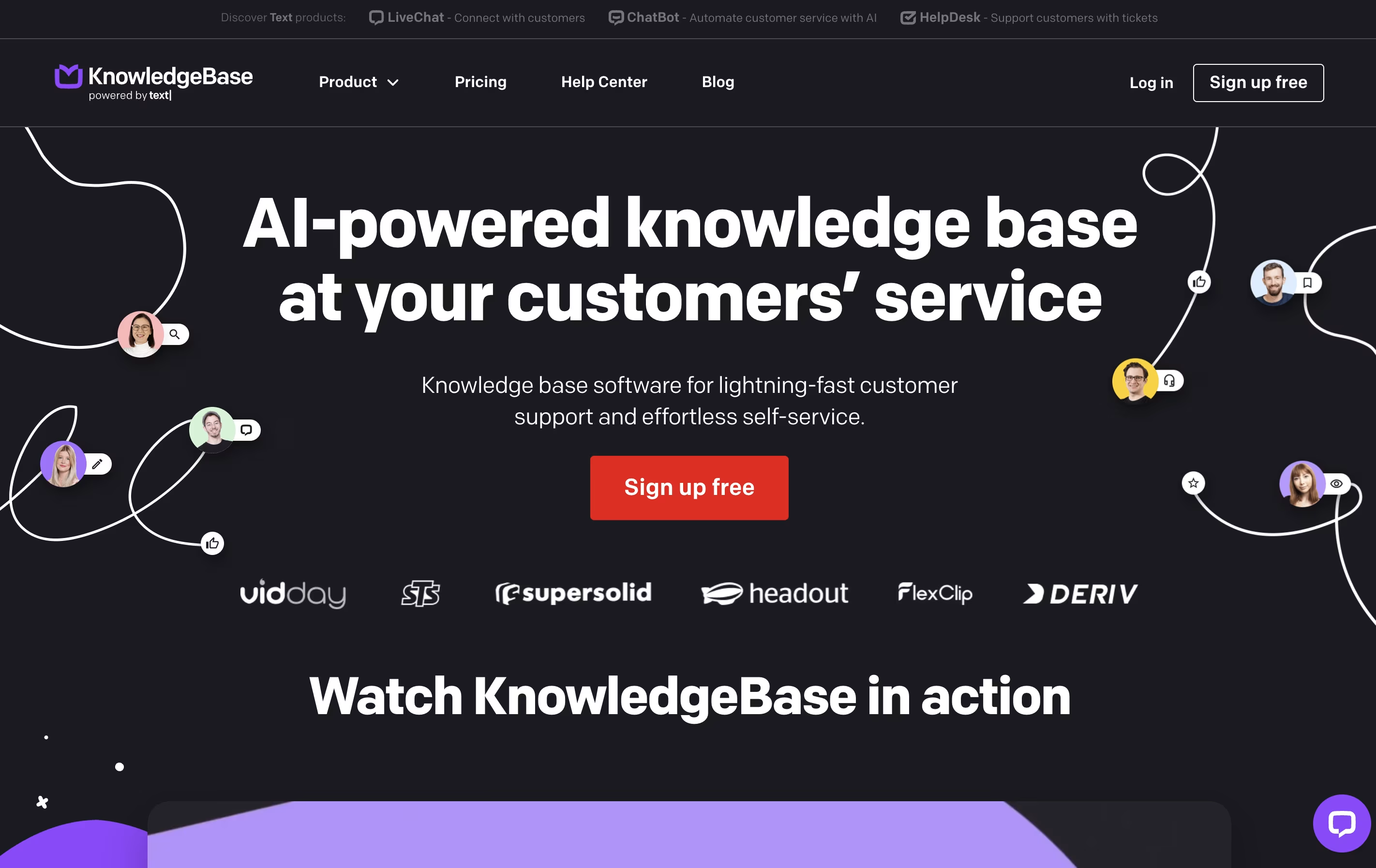
The platform includes a simple text editor similar to Google Docs, but with added AI features that help write articles faster. You can add images, videos, and other media to make your content more helpful. The tool automatically customizes your help center to match your company branding using your email address.
KnowledgeBase works standalone or integrates with other customer service tools like LiveChat and HelpDesk. The platform offers one pricing plan with all features included, making it straightforward for businesses to get started.

HelpDocs is a software tool that helps you build and manage help documentation for your product or service. Think of it as a home for all your support articles, FAQs, and guides that customers can search through when they need help.
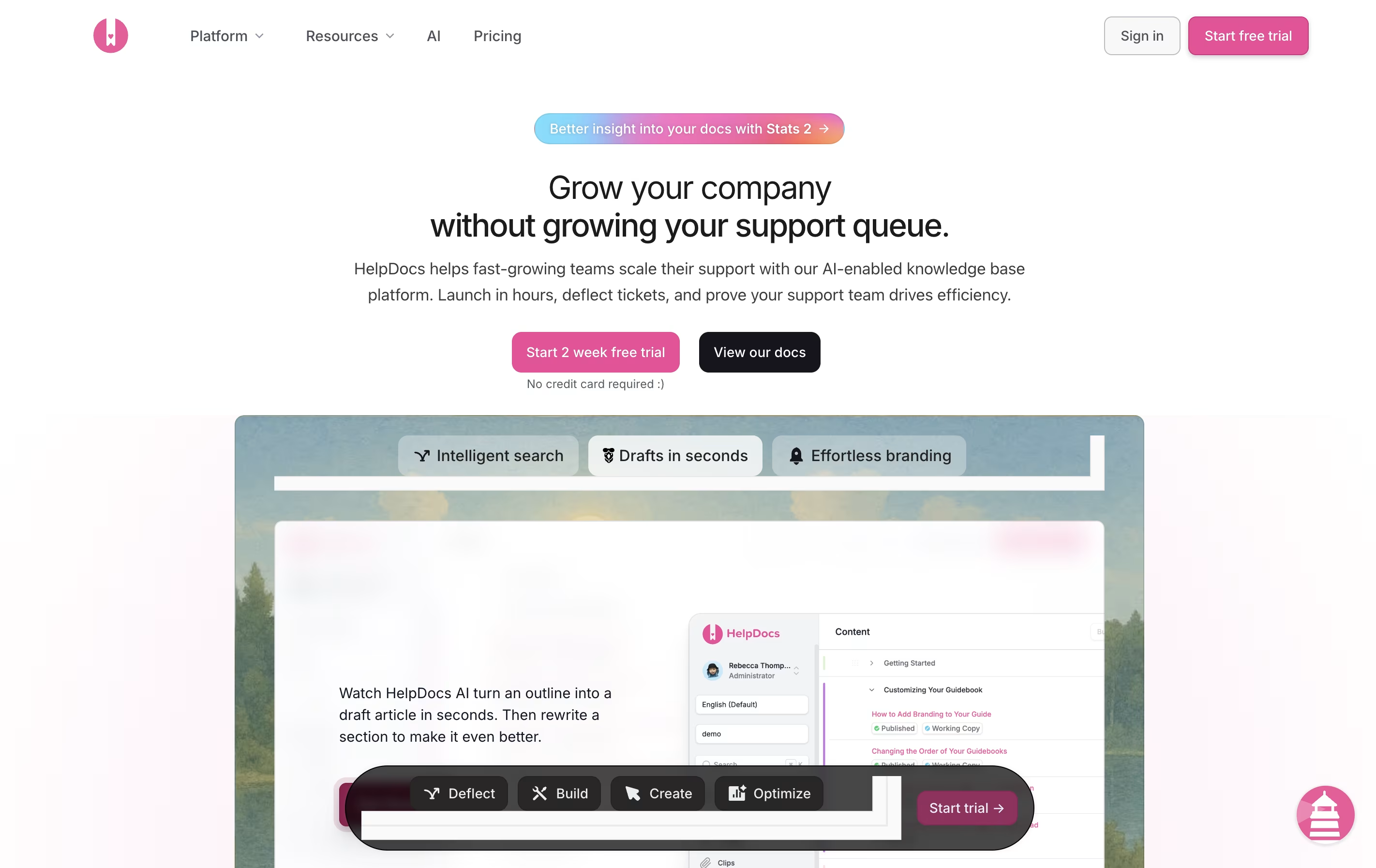
Unlike basic document storage, HelpDocs comes with built-in features for organizing content, tracking what people search for, and connecting with other tools your team already uses. The platform includes AI features that can draft articles, suggest improvements, and even answer customer questions by pulling information from your existing documentation.
You can customize the look to match your brand, translate content into multiple languages, and control who sees what articles. Everything is hosted in the cloud, so there is no software to install or maintain.

Vrite is a content management platform designed specifically for technical writing. It offers a modern editor that works like familiar tools such as Notion, but adds features developers need. You can write in a visual editor while also having access to code blocks with syntax highlighting and formatting.
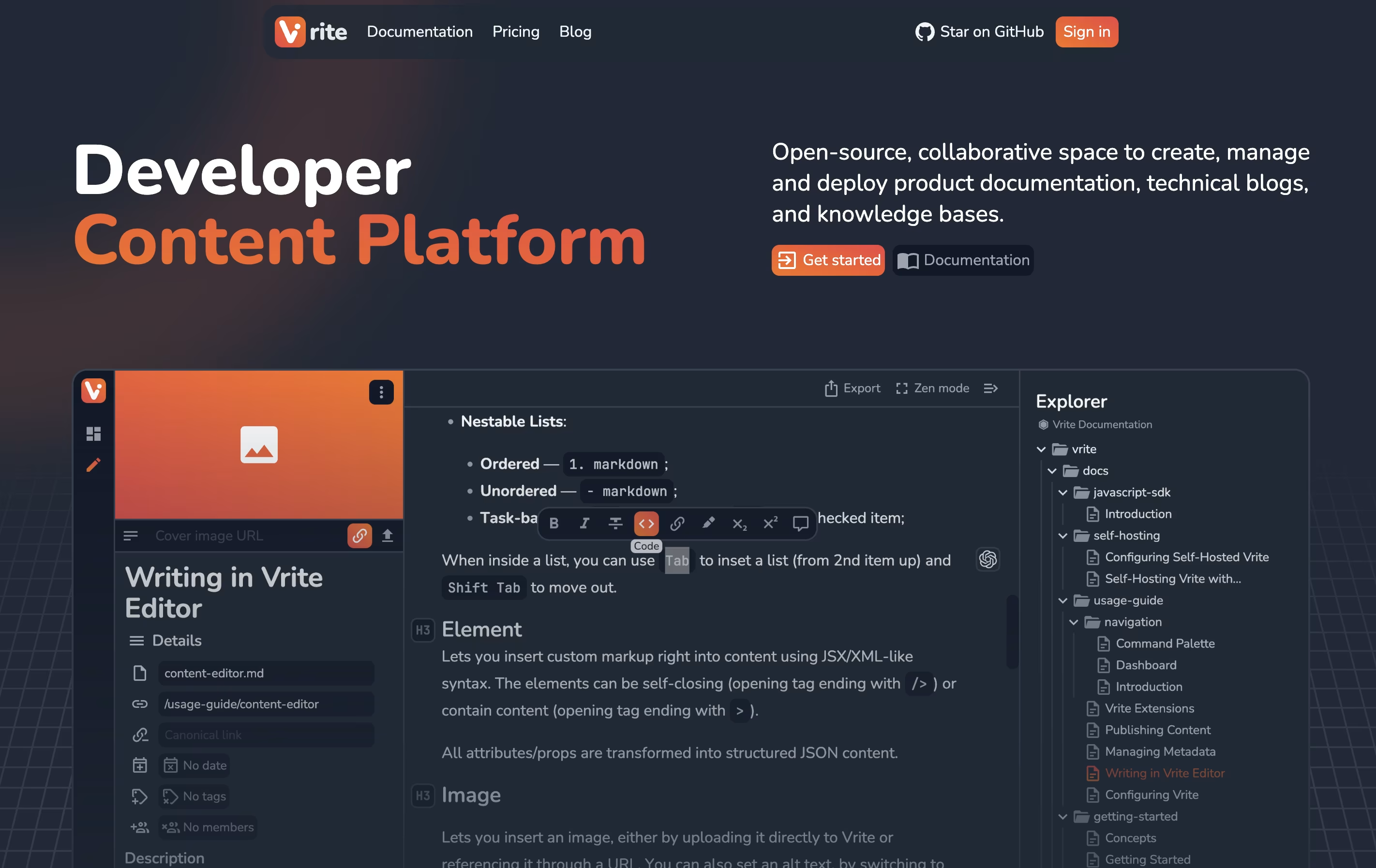
The platform includes a dashboard where you organize content using Kanban boards or table views. This helps teams track what's being written, what needs review, and what's ready to publish. Vrite connects with GitHub for version control and supports extensions that add more functionality.
The platform includes AI-powered search that helps find information in your content quickly. You can either use their cloud version or install it on your own servers for complete data control.

Bump is an API documentation tool that creates beautiful documentation from your OpenAPI or AsyncAPI files. Instead of writing documentation by hand, you provide your API specification file, and Bump generates a complete documentation website with all endpoints, parameters, and examples.
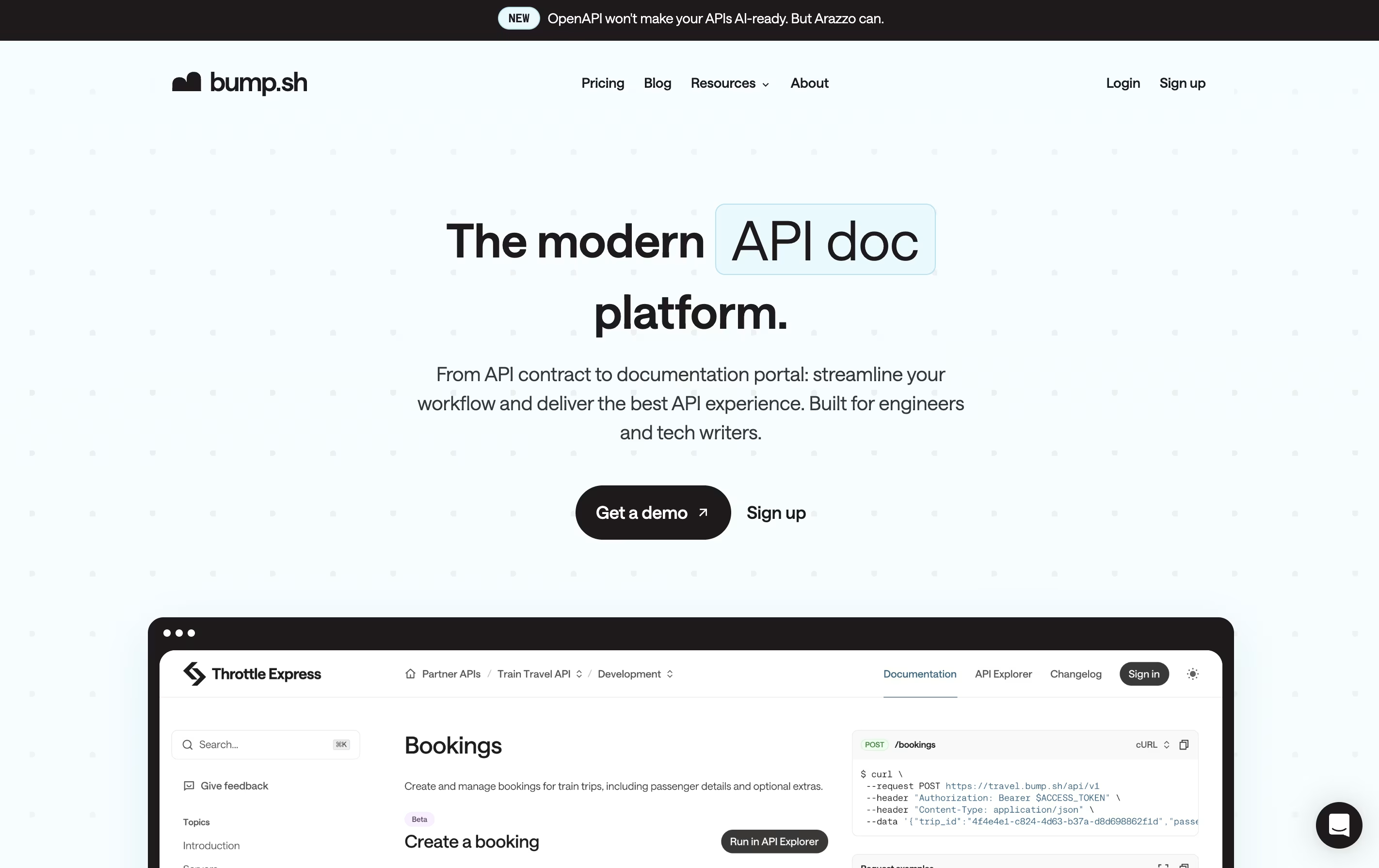
The platform works as a hub for all your API documentation. It can host multiple API docs in one place, making it easy for developers to find what they need. Bump tracks every change you make to your API and creates a detailed changelog automatically. This means your team and API users always know what changed and when.
It includes features like custom domains, access control, and team collaboration tools. You can make your documentation public or keep it private with password protection.

FeatureOS is an all-in-one workspace for product teams that combines five main modules. The Feedback Boards let you collect and organize customer requests through public or private boards. The Roadmap module helps you plan what features to build and when. The Changelog keeps users updated about new releases. Forms and Surveys gather specific input from customers. The Knowledge Base provides self-service help documentation.
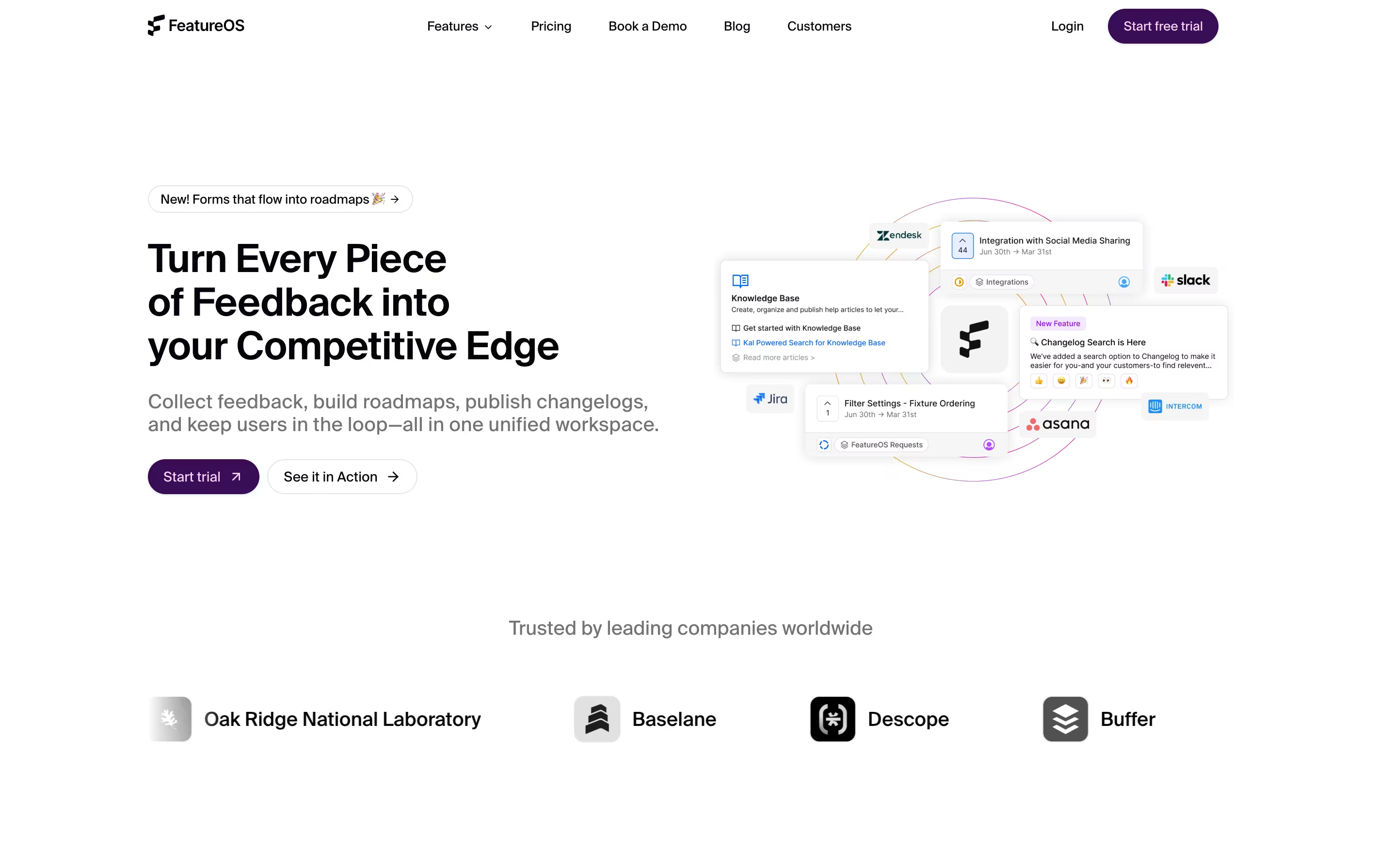
What makes it different is how everything connects. When you collect feedback, you can link it to roadmap items. When you finish a feature, the changelog update goes out automatically. The platform also uses AI called KAL to help analyze feedback, spot patterns, and suggest priorities. This saves time and helps teams make better decisions based on real customer needs.
Speakeasy is a complete API toolchain that transforms your OpenAPI specification into ready-to-use developer tools. It creates native SDKs that follow best practices for each programming language, making them feel handwritten rather than machine-generated.
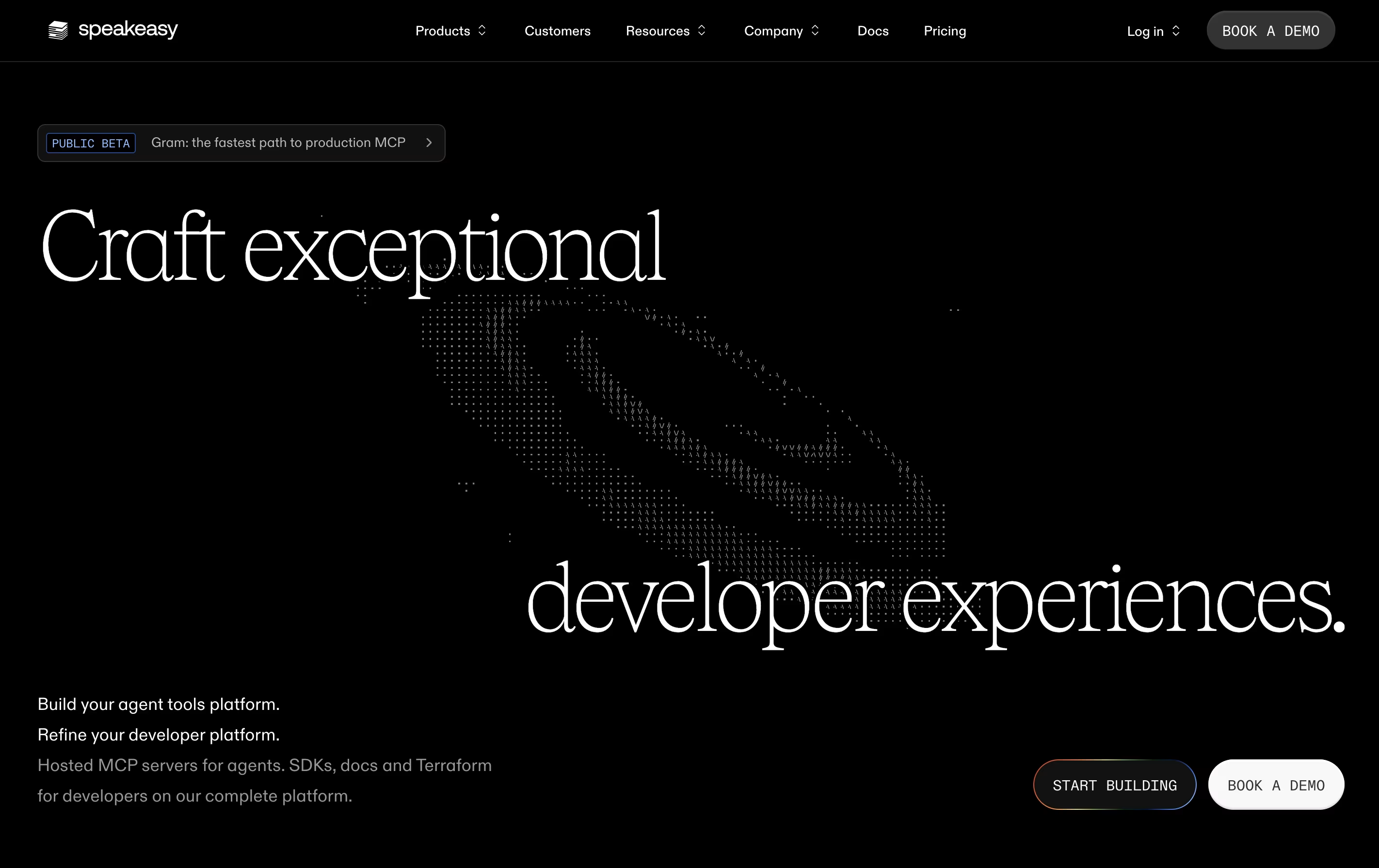
The platform includes three main products: SDK Generation for creating client libraries, Gram for building and hosting MCP servers that connect AI applications to your APIs, and interactive documentation that lets users test endpoints directly. Everything stays synchronized with your API changes through automated workflows.
Speakeasy goes beyond basic code generation by adding features like retry logic, error handling, pagination support, and OAuth integration. The generated code includes full type safety, detailed documentation, and works smoothly with popular development tools. Whether you are building internal tools or public APIs, Speakeasy helps ensure a consistent and professional developer experience.

DeepDocs is a GitHub AI agent that maintains your technical documentation in perfect sync with your codebase. When you commit code changes, it scans your entire repository to find documentation that needs updates and makes the necessary changes automatically.
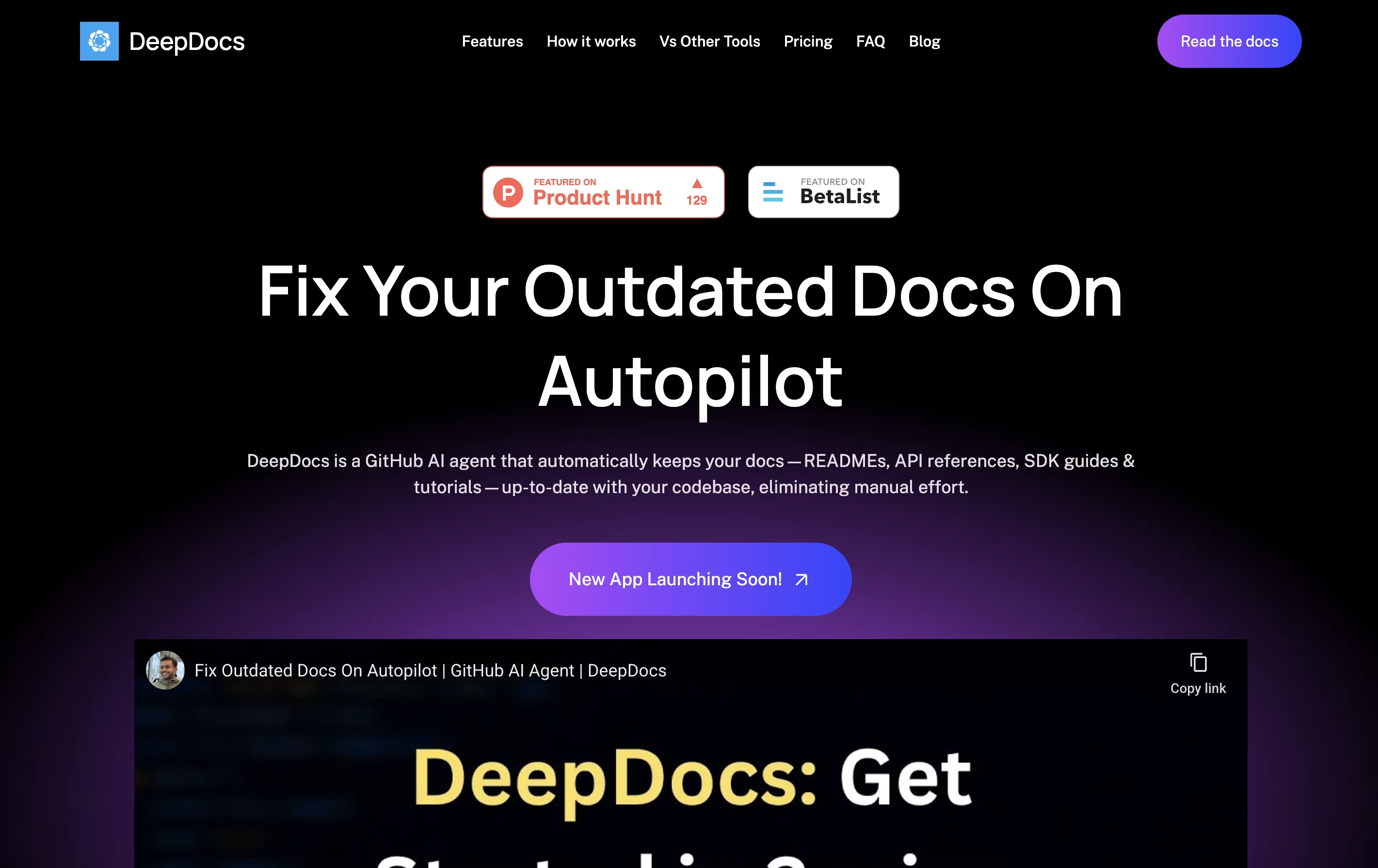
Unlike traditional documentation generators that create files from scratch, DeepDocs updates only the sections that need changing while keeping your original style and formatting intact. It works with popular documentation tools like Docusaurus, Mintlify, MkDocs, and Read the Docs.
DeepDocs offers a free version for personal projects with 10 scan credits monthly, and a Pro version for teams that ship code frequently, providing 100 scan credits per month and support for up to five documentation files or folders at once.

Heretto is a complete solution for managing technical content throughout your organization. At its core is a Component Content Management System that breaks documents into small, reusable pieces instead of managing full pages. This approach lets you update content once and see changes everywhere it appears.
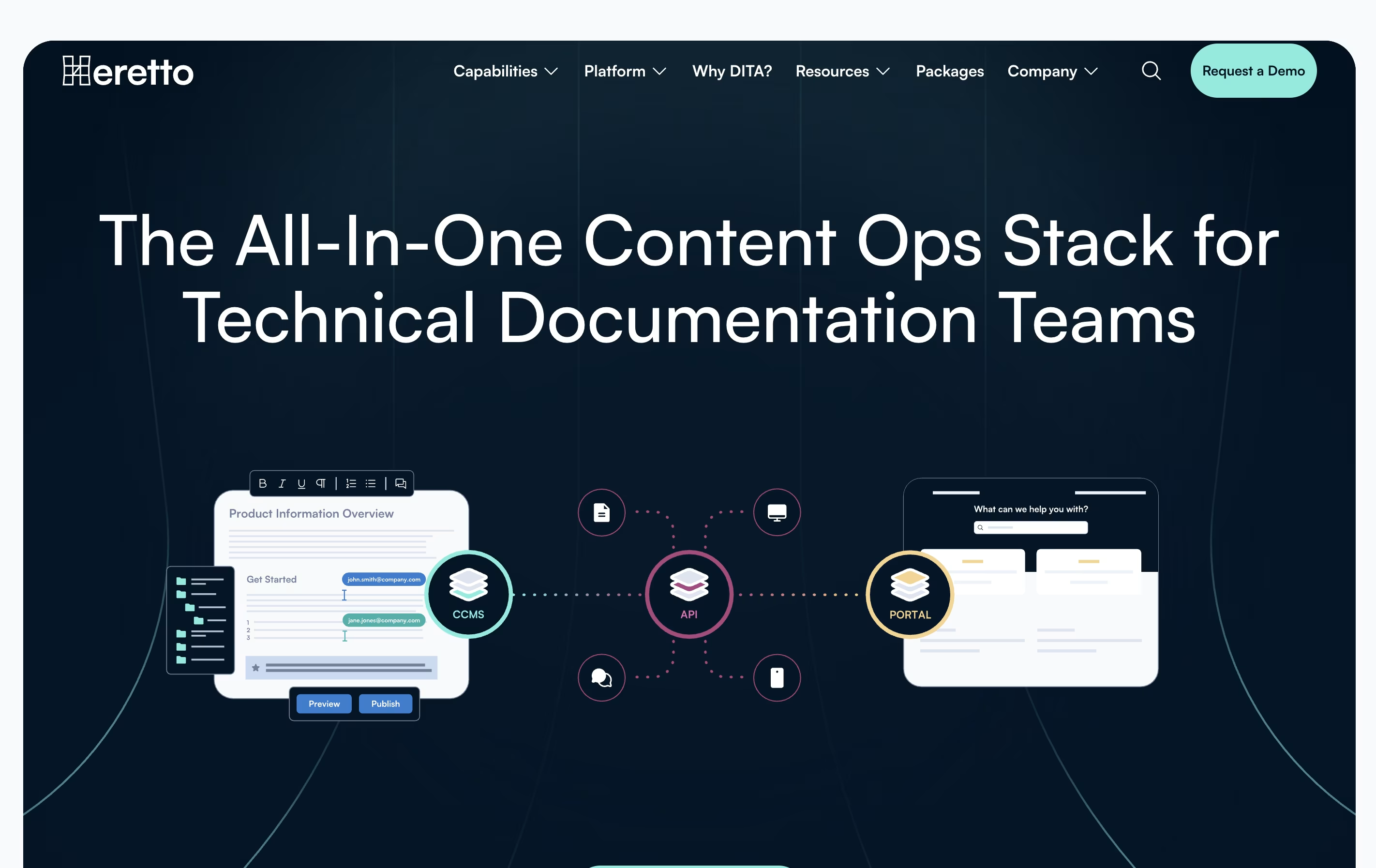
The platform offers three main products working together. First, the CCMS handles content creation and management. Second, Deploy API lets you send content to any website or app through an interface. Third, Portal creates branded help websites for customers.
Heretto works entirely in the cloud, so teams can access it anywhere with internet. It supports multiple languages, tracks all changes to your content, and lets many people work on the same documents without conflicts.
xyd is a documentation framework that lets you create professional documentation websites without wrestling with complex tools. It comes with six beautiful built-in themes you can use right away, or you can customize every part to match your brand. The framework automatically generates documentation from your OpenAPI, GraphQL, TypeScript, and React code specifications.
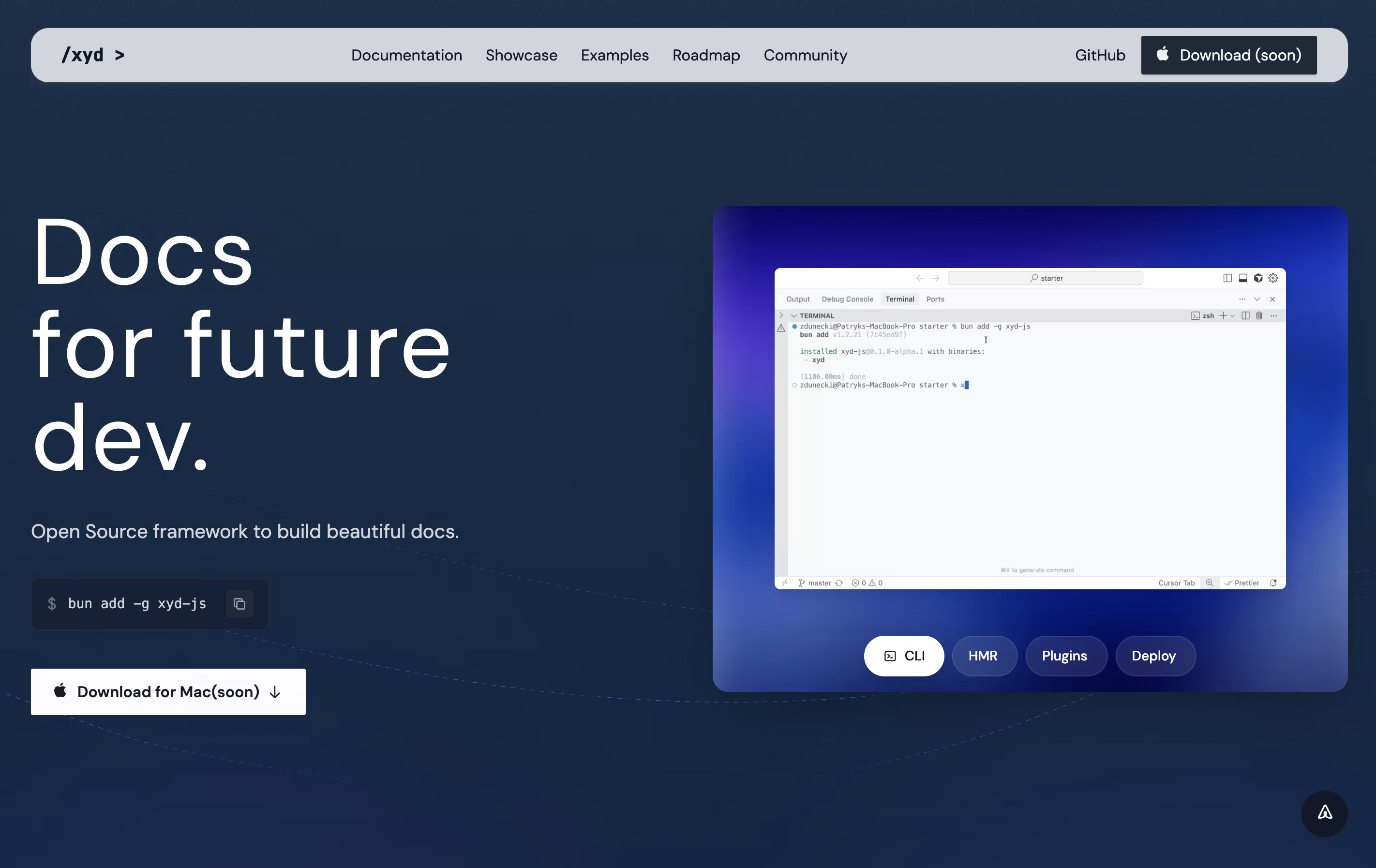
Unlike other documentation tools, xyd includes everything you need from the start. You get full-text search with smart suggestions, built-in analytics to track how people use your docs, live chat integration, and even A/B testing capabilities. The development server starts instantly with hot reload, so you see changes immediately. Built by developers for developers, xyd removes the boring parts of making documentation so you can focus on writing great content.

HelpKit is a platform that connects to your Notion workspace and converts your pages into a professional knowledge base website. You write and organize your help articles in Notion, and HelpKit automatically turns them into a fast, searchable website that looks professional and matches your brand.
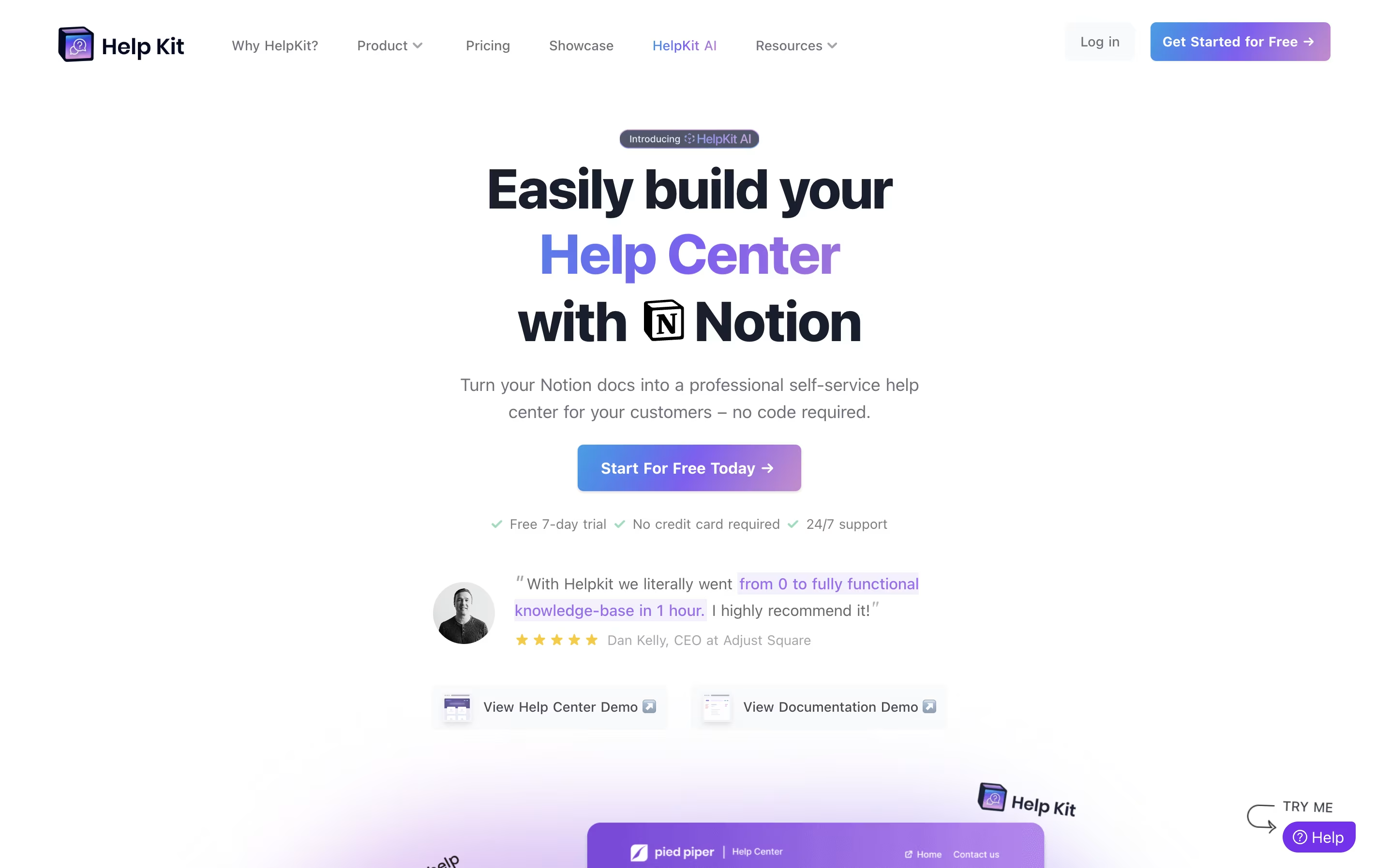
The tool adds features that Notion alone cannot provide, including full search, article tracking, custom domains, and an embeddable widget for your website. You can also protect content with passwords, integrate live chat tools like Intercom or Zendesk, and add an AI chatbot that answers questions using your content.
HelpKit works for both public help centers that customers see and internal documentation that only your team can access.

Docsie is a tool that helps you create and organize documentation for your products, services, or internal processes. You can write guides, manuals, and help articles in one place, then publish them to a website where your team or customers can find answers.
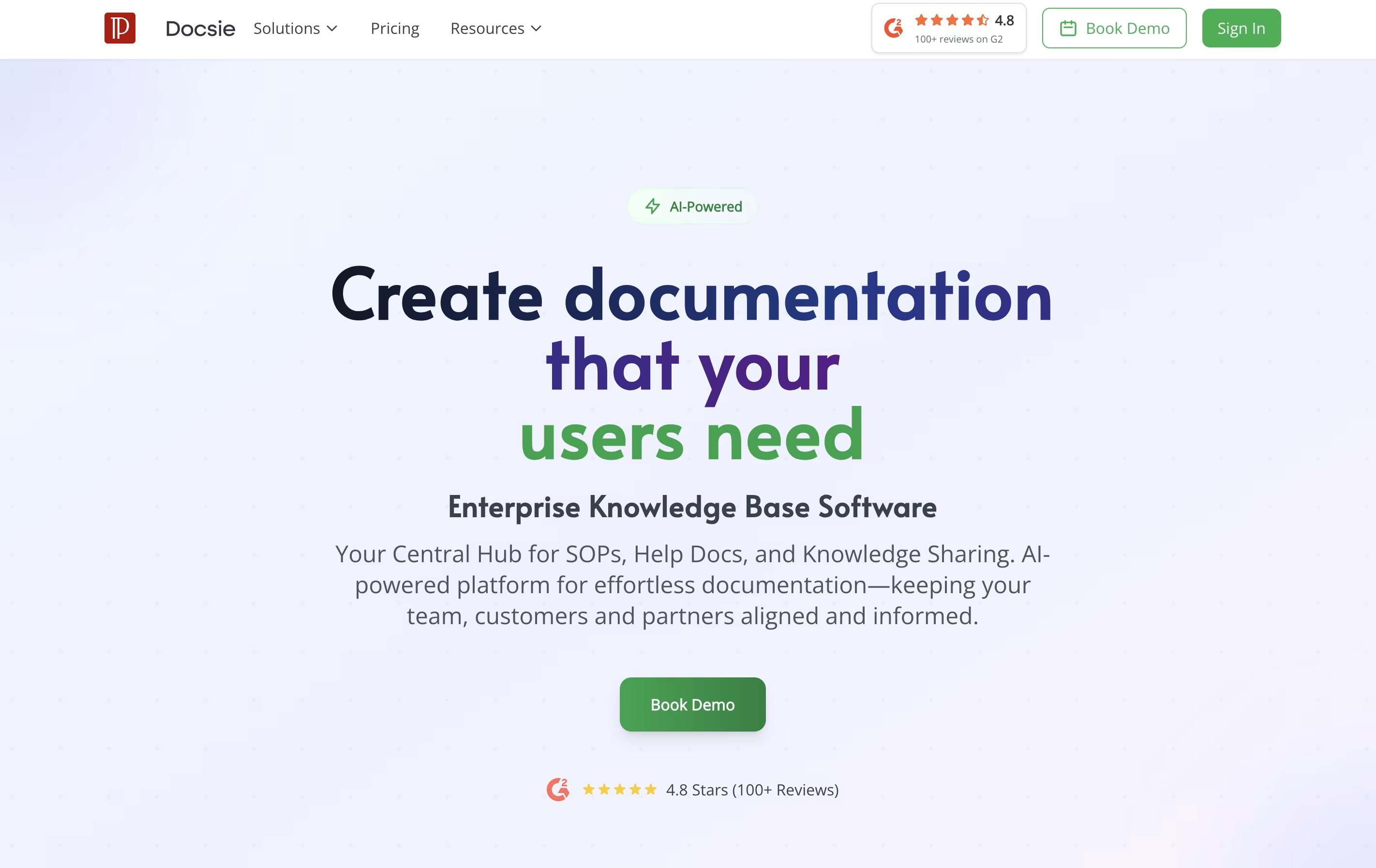
Unlike traditional document tools, Docsie uses AI to help write content, automatically translates text into different languages, and creates chatbots that answer questions based on your documentation. It also tracks who reads what, so you can improve your content based on real usage.
The platform includes a simple editor, version control to track changes, team collaboration features, and ways to embed documentation directly into your website or app. There are free and paid plans to fit different needs.

Doctave is a documentation platform that combines the flexibility of writing in Markdown with the power of professional documentation hosting. You write your documentation in plain text files, store them in Git alongside your code, and Doctave takes care of turning them into beautiful, searchable documentation websites.
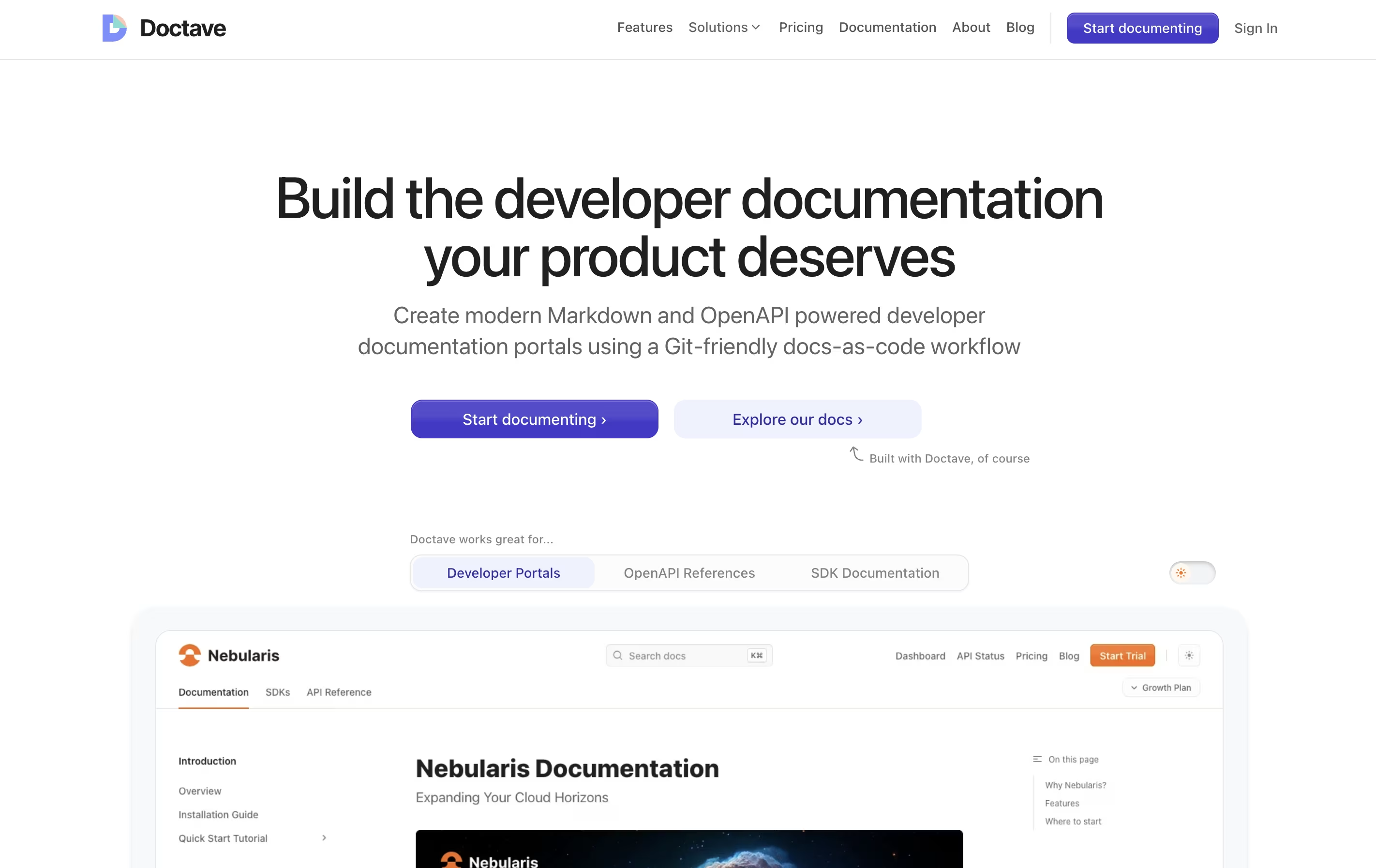
The platform supports both regular Markdown guides and OpenAPI specifications for API documentation. It automatically creates preview environments when you make changes, so your team can review updates before publishing. Everything stays in your Git repository, giving you full version control over your documentation.
Doctave Studio is the companion desktop application that provides real-time previews, auto-complete suggestions, broken link checking, and spell checking. Together, these tools help teams create documentation that stays current and accurate.


