

Grain vs Voicenotes: Features, Pricing and User Reviews 2026
What are Grain and Voicenotes?

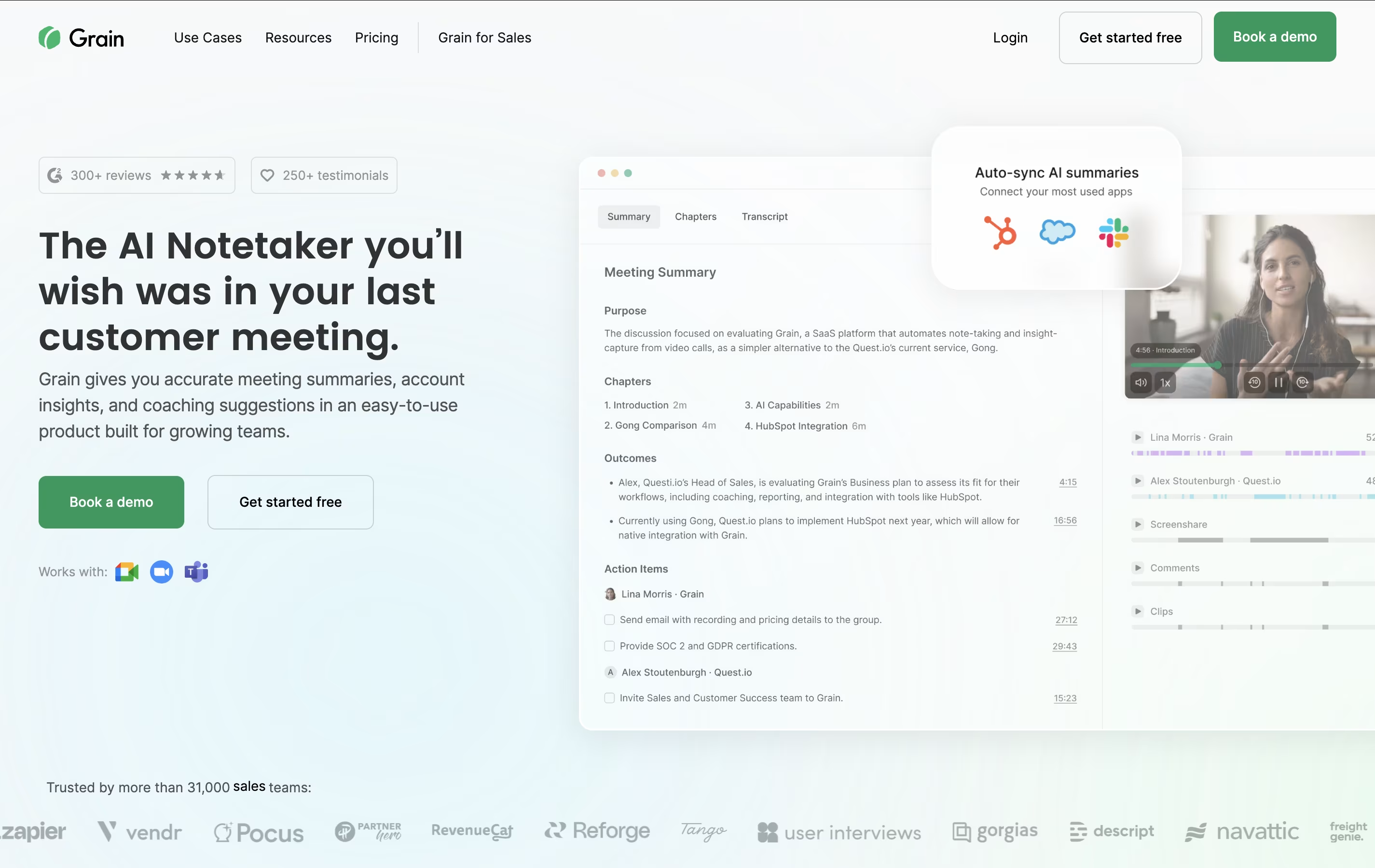
Grain is a comprehensive AI meeting assistant that serves as your automatic notetaker for video conferences. Built specifically for growing teams, it combines advanced speech recognition with intelligent summarization to transform your meetings into organized, searchable insights.
The platform automatically joins your scheduled meetings, records conversations, and generates accurate transcripts in real-time. What makes Grain special is its ability to create structured summaries with key takeaways, action items, and next steps without any manual input. You can customize note templates for different meeting types, create shareable video clips of important moments, and organize insights into playlists and stories for easy team access.
Grain integrates directly with your existing workflow through connections with CRM systems like HubSpot and Salesforce, communication platforms like Slack, and calendar applications. This means your meeting insights automatically flow into the tools your team already uses daily.

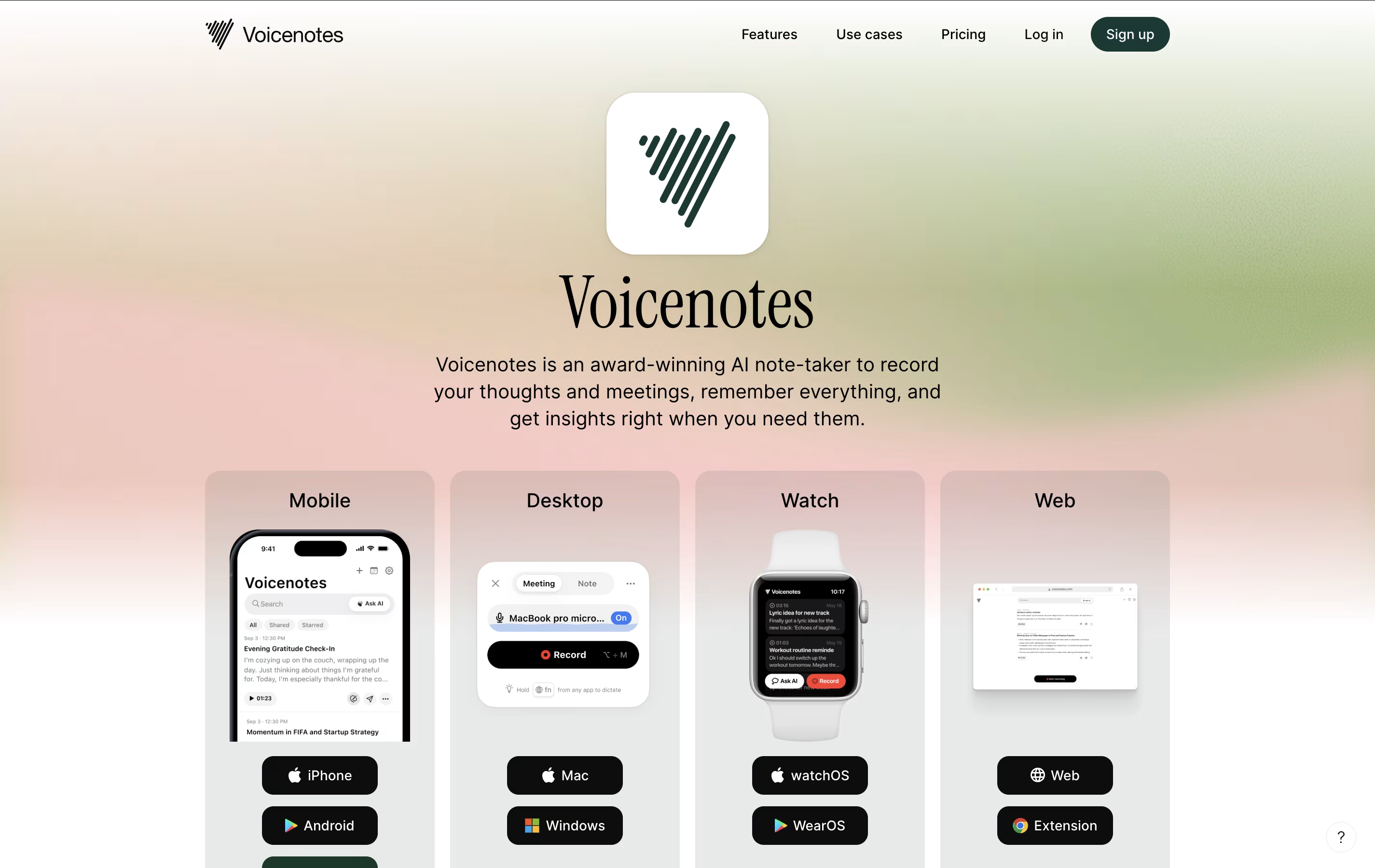
Voicenotes is a smart AI-powered note-taking app that converts your spoken words into organized, searchable text notes. Created by the founder of Buy Me A Coffee, this tool combines voice recording with advanced AI technology to make note-taking simple and efficient.
The app works by recording your voice, automatically transcribing it into text with high accuracy, and then using AI to help you organize and interact with your notes. What makes it special is its ability to understand context and meaning from your recordings, not just transcribe words.
You can ask the AI questions about your past notes, create summaries, generate to-do lists, or even turn your voice recordings into blog posts or social media content. The app supports over 100 languages and works across all your devices, making it accessible to users worldwide who want to capture thoughts quickly and accurately.
Features of Grain and Voicenotes
AI-powered automatic transcription and meeting summaries
Customizable note templates for different meeting types
Real-time clip creation and video highlight sharing
Advanced search across all recorded meetings
CRM integration with HubSpot, Salesforce, and others
Automated follow-up email generation
Team collaboration with playlists and stories
Calendar sync with Google and Outlook
Multi-language support for global teams
Real-time voice transcription in 100+ languages
AI assistant for note queries and content creation
Cross-platform support (iOS, Android, web, desktop)
Meeting recording with speaker identification
Integration with popular productivity tools
Offline recording capabilities
Smart search across all notes
Content transformation (blogs, social media, summaries)
Note sharing and collaboration features
Voice-to-voice AI interaction
Use Cases of Grain and Voicenotes
Pricing of Grain and Voicenotes
Grain offers flexible pricing plans designed to accommodate teams of all sizes. The platform provides a free tier that includes essential features with up to 20 recorded meetings, making it perfect for trying out the service.
Pricing tiers include:
Free Plan - Up to 20 recordings with basic features and limited collaboration tools
Starter Plan - Starting around $15 per user per month with unlimited recordings and advanced features
Business Plan - Approximately $29 per user per month annually, including full CRM integration and team collaboration features
Enterprise Plan - Custom pricing with advanced security, SAML SSO, and dedicated support
The platform operates on a workspace model where you only pay for users who need recording capabilities, while other team members can view and collaborate on content for free. All paid plans include unlimited meeting storage, AI-powered insights, and integration with popular business tools. Enterprise customers also receive priority support and enhanced security features.
Voicenotes offers flexible pricing plans to suit different user needs. The Free Plan provides access to basic features with limited recording time, perfect for trying out the app and light usage.
Monthly Plan is available for regular users who want unlimited recording and advanced AI features. Yearly Plan offers the best value with significant savings compared to monthly billing, and often includes special launch discounts.
For businesses and teams, Voicenotes Teams provides collaborative features with usage-based pricing starting at $49 for 10,000 minutes for the entire team. This plan is designed for organizations that want to share access without paying per user.
All paid plans include unlimited recording time, advanced AI models, priority support, and full access to integrations with popular productivity tools. The company offers a 30-day money-back guarantee for all paid subscriptions, making it risk-free to upgrade.
FAQs: Grain vs Voicenotes
Reviews: Grain vs Voicenotes
Based on 0 reviews
Based on 0 reviews
Compare Grain With Other Tools

Fireflies.ai
AI Meeting Assistant & Note Taker

MeetGeek
AI Meeting Assistant for Automatic Recording & Transcription

Otter.ai
AI Transcription & Meeting Assistant Tool

Alter
Native macOS Assistant for Voice Workflows

Granola
Smart Meeting Notes Without Bots

Krisp
Smart Noise Cancellation & Meeting Tool

Fathom
Free Tool for Smart Meeting Notes