

Huly vs Focalboard: Features, Pricing and User Reviews 2026

Huly
Open-Source Project Management Platform for Teams
Huly
Open-Source Project Management Platform for Teams
What are Huly and Focalboard?
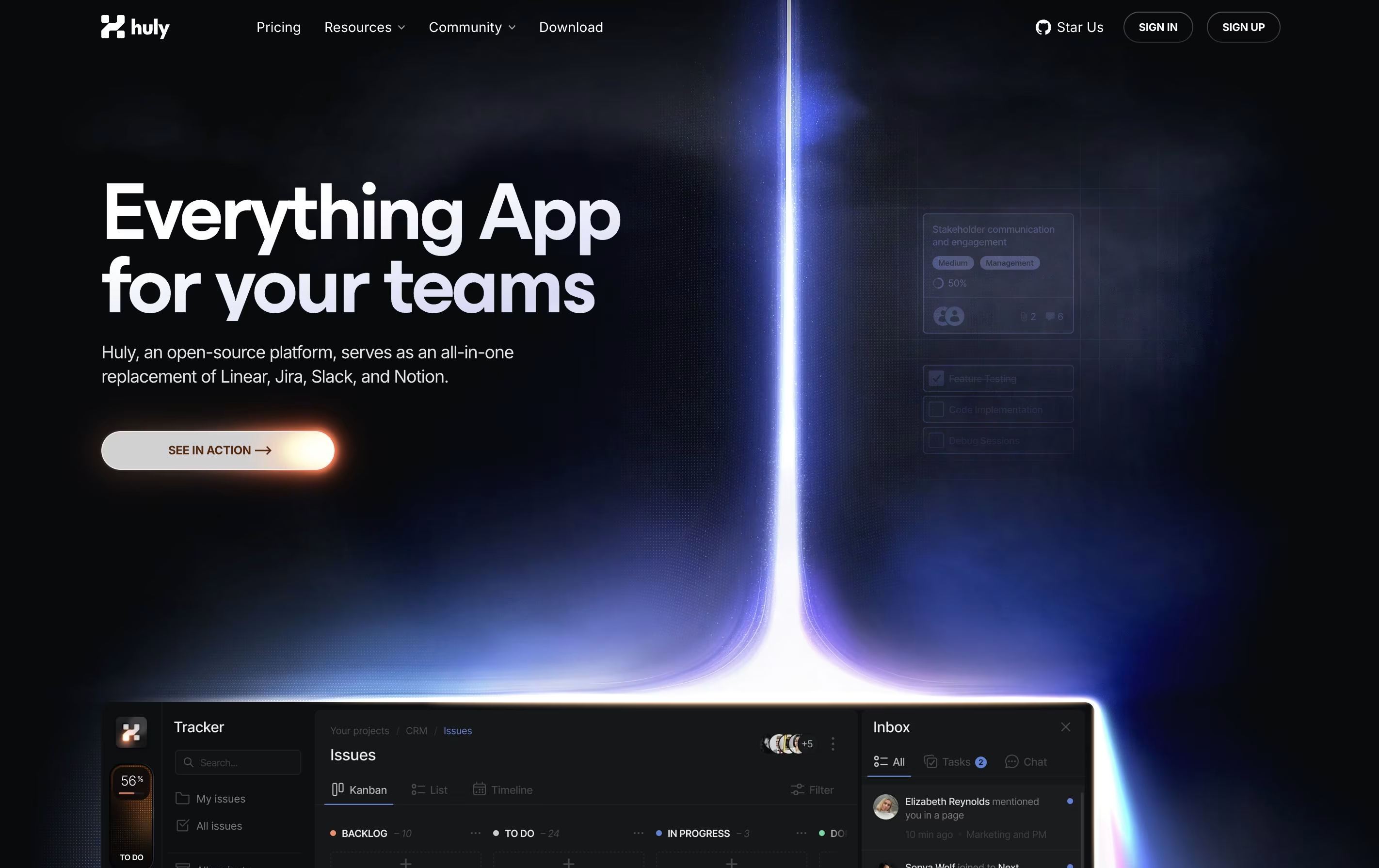
Huly is an all-in-one workspace that combines project tracking, real-time chat, video meetings, and document editing. Unlike traditional tools that focus on one thing, Huly handles multiple team needs together. You can create tasks, chat with teammates, hold video calls, write documents, and plan your schedule without leaving the platform.
The platform works especially well with GitHub, syncing issues and pull requests automatically. This makes it popular with software development teams. Huly is open-source, meaning the code is publicly available and can be customized. You can use it as a cloud service or host it on your own servers.
There are four pricing levels, starting with a free plan that includes unlimited users and basic features for small teams getting started.

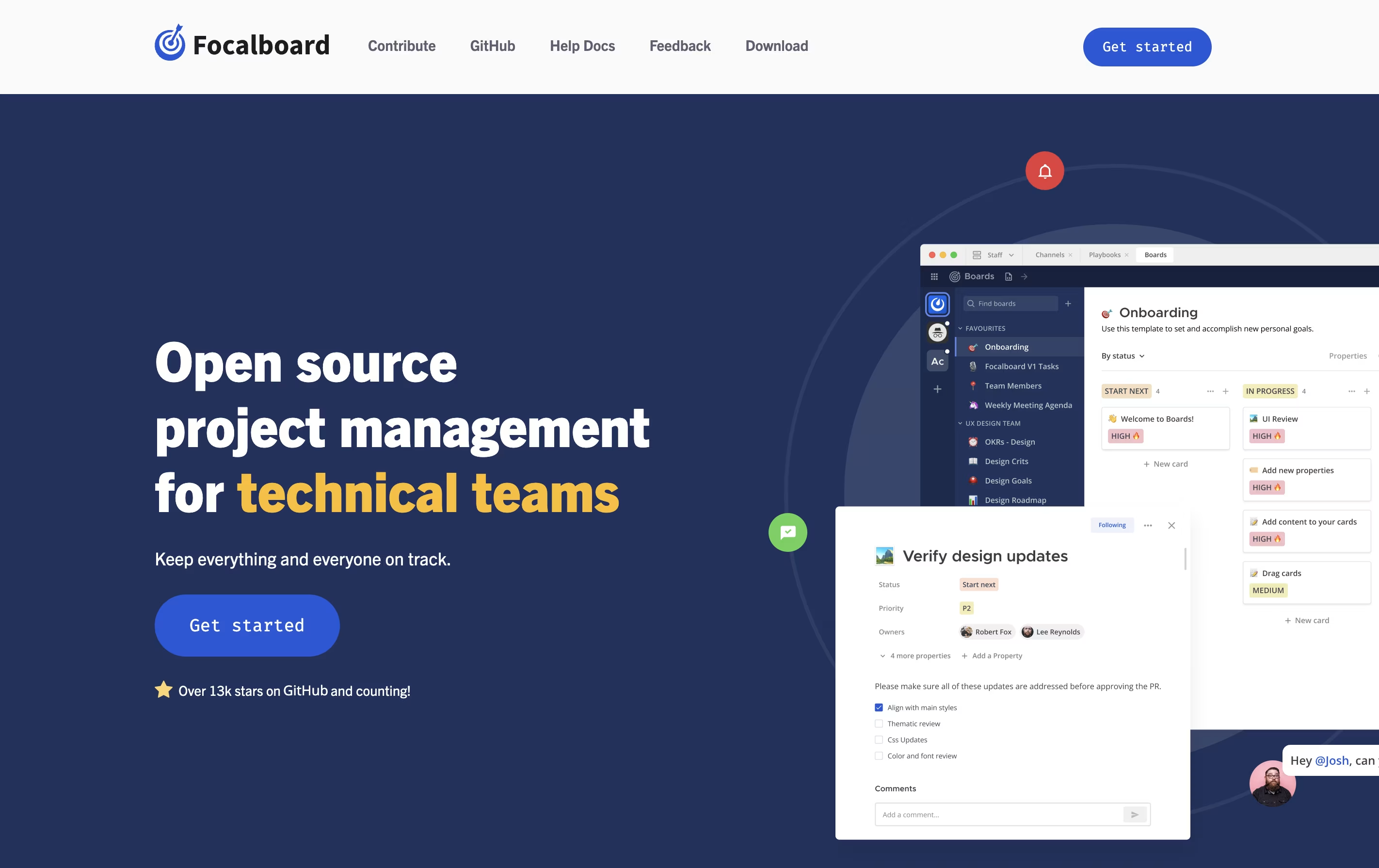
Focalboard is a project management platform that lets you organize work in different ways. You can view tasks as cards on a Kanban board, rows in a table, items in a gallery, or events on a calendar. This flexibility helps you work in the style that suits you best.
It comes in two main versions. The Personal Desktop version is a single-user app for managing your own tasks and projects. The Personal Server version supports multiple users and works well for teams. When used with Mattermost, it integrates messaging and project management in one place.
The tool is completely free to use and modify because it is open source. You can find the source code on GitHub and contribute to its development.
Features of Huly and Focalboard
All-in-one workspace for project management and collaboration
GitHub integration with two-way sync
Real-time chat and threaded conversations
Built-in video conferencing and screen sharing
Collaborative document editor with live updates
Personal and team calendar planning
Task boards with custom workflows
Time blocking and scheduling
Open-source with self-hosting option
Mobile and desktop apps available
Kanban, table, gallery, and calendar views
Customizable task cards with properties
Pre-built templates for quick start
Board filters and saved views
Team collaboration with comments and mentions
Open source with GitHub access
Self-hosted for data privacy
Multi-language interface
Works offline on desktop
Free to use and modify
Use Cases of Huly and Focalboard
Pricing of Huly and Focalboard
Huly offers four pricing tiers to match different team needs. The free Common plan includes unlimited users, unlimited Huly objects, 10GB storage per workspace, and 10GB video traffic monthly. This works well for small teams and individuals starting out.
The Rare plan costs $19.99 monthly and upgrades storage to 100GB with 100GB video traffic. This suits freelancers and small agencies with growing needs.
For professional teams, the Epic plan at $99.99 monthly provides 1TB storage and 500GB video traffic, handling larger projects and more active video use.
The Legendary plan at $399.99 monthly is built for large organizations with multiple teams. It includes 10TB storage and 2TB video traffic for maximum capacity.
All plans support unlimited users and unlimited Huly objects, making it easy to scale your team without paying per person.
Focalboard is completely free to use because it is open-source software. There are no subscription fees, usage limits, or hidden costs. You can download and use it without any payment.
You have two main options for using Focalboard. The Personal Desktop app is available for free download on Windows, Mac, and Linux. This version is perfect for individual use and small projects. The Personal Server version is also free and can be installed on your own computer or server to support multiple users and team collaboration.
If you use Mattermost, Focalboard comes built-in as the Boards plugin starting from version 6.0. This integration is also free and provides seamless connection between messaging and project management.
FAQs: Huly vs Focalboard
Reviews: Huly vs Focalboard
Based on 0 reviews
Based on 0 reviews
Compare Huly With Other Tools

Atlassian
Team Collaboration & Project Management

Plane
Open Source Project Management Tool

Todoist
Simple Task Manager & To-Do List App

Motion
AI-Powered Productivity & Task Management

TickTick
Smart Task Management with Calendar & Habits

Any.do
Simple Task Manager with Calendar and Reminders

Vikunja
Open-Source Task Management & To-Do App

Akiflow
AI-Powered Time-Blocking & Task Management

Morgen
AI-Powered Time Management for Busy Professionals
Compare Focalboard With Other Tools
Atlassian
Team Collaboration & Project Management
Todoist
Simple Task Manager & To-Do List App
Motion
AI-Powered Productivity & Task Management
Plane
Open Source Project Management Tool
Any.do
Simple Task Manager with Calendar and Reminders
Vikunja
Open-Source Task Management & To-Do App

OpenProject
Open Source Project Management Tool
Akiflow
AI-Powered Time-Blocking & Task Management
Morgen
AI-Powered Time Management for Busy Professionals





