

OpenProject vs TickTick: Features, Pricing and User Reviews 2026
What are OpenProject and TickTick?

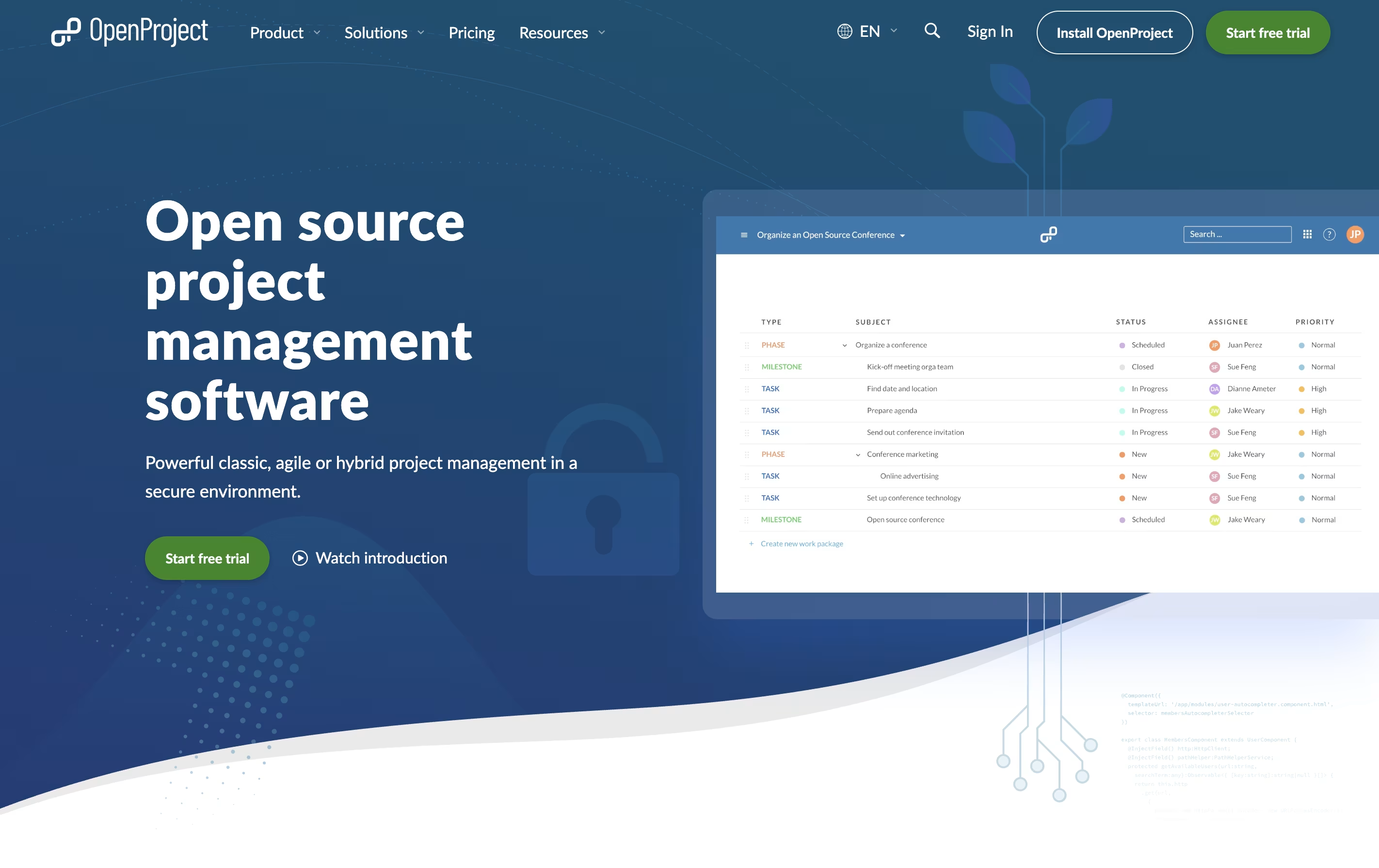
OpenProject is software that helps teams plan, track, and complete projects together. You can create tasks, assign them to team members, set deadlines, and watch progress in real time. It works for any project style: traditional waterfall planning, agile sprints, or a combination of both.
The platform includes visual tools like Gantt charts for timeline planning, Kanban boards for workflow tracking, and calendars for scheduling. Everything stays in one place: your task lists, documents, team discussions, and time tracking.
There is a free community version you can install yourself, plus paid enterprise plans with extra features and support. The cloud version requires no setup, while self-hosted versions give you complete control over your data and privacy.

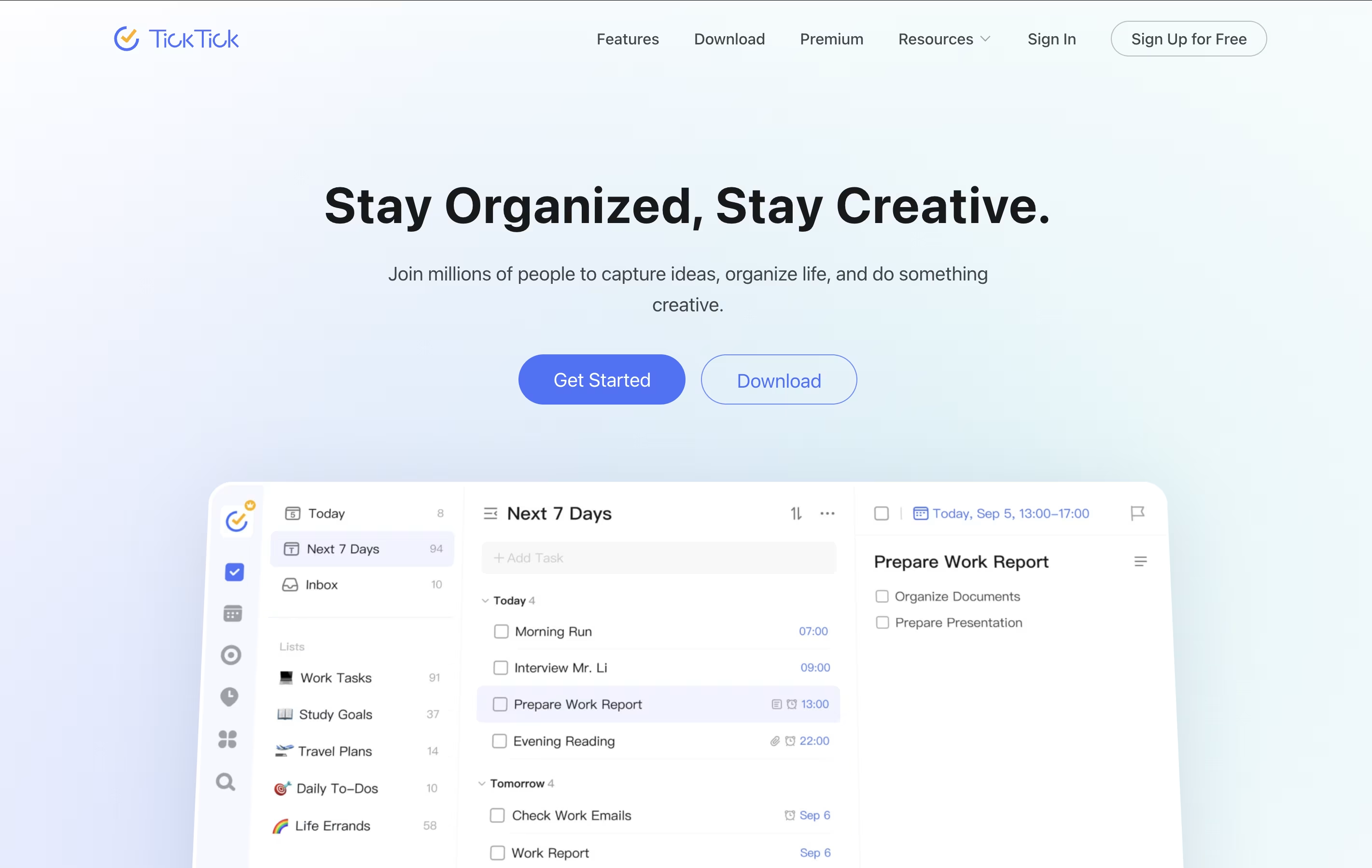
TickTick is a complete task management system that helps you organize everything you need to do. It lets you create tasks, set due dates, add reminders, and check things off when finished. Beyond simple to-do lists, it includes a built-in calendar to see your schedule, a Pomodoro timer to stay focused, and a habit tracker to build better routines.
The app uses cloud technology to keep your information synced across all your devices. You can access your tasks from your phone, tablet, computer, or web browser, and changes appear everywhere instantly. TickTick also includes natural language processing, which means you can type something like "call mom tomorrow at 3pm" and it automatically sets the right date and time. This makes adding tasks quick and natural.
Features of OpenProject and TickTick
Gantt charts for project timeline visualization
Agile boards for Kanban and Scrum workflows
Task creation and tracking with custom fields
Team collaboration with comments and file sharing
Time and cost tracking with reporting
Meeting management with agendas and minutes
Wiki for documentation
Calendar view for scheduling
Self-hosted or cloud options
Open-source with API access
Task lists with subtasks and priorities
Natural language task entry
Calendar with multiple views
Pomodoro timer with white noise
Habit tracker with streak counting
List sharing and collaboration
Multiple reminders per task
Tags and smart filters
Cross-platform syncing
Eisenhower Matrix view
Offline access
Recurring tasks
File attachments
Voice input support
Custom themes and backgrounds
Use Cases of OpenProject and TickTick
Pricing of OpenProject and TickTick
OpenProject offers flexible pricing to match different team needs.
The Community Edition is completely free with unlimited users and projects when you host it yourself. This version includes all core features and is perfect for teams comfortable with server management.
For hosted solutions, the Basic plan starts at $7.25 per user monthly with a 25-user minimum. This includes community features plus email support during business hours.
The Professional plan costs $13.50 per user monthly (25-user minimum) and adds phone support, training materials, and advanced features.
The Premium plan is $19.50 per user monthly with a 100-user minimum, including installation help and a dedicated onboarding manager.
For large organizations, the Corporate plan starts at 1000 users with custom pricing and includes dedicated support engineers and custom plugin development.
TickTick uses a freemium model that works well for most users. The free version provides unlimited tasks, up to 9 lists with 99 tasks each, basic reminders, calendar views, and one collaborator per list. This free plan is generous enough for personal productivity needs.
Premium Plan costs $35.99 per year (less than $3 per month). Premium unlocks these additional features:
299 lists with 999 tasks per list and 199 subtasks
Share lists with up to 29 people
Full calendar functionality with all view types
Custom filters and smart lists
Upload up to 99 files daily
Activity history to track changes
Premium themes and customization
Advanced white noise options
Priority customer support
Student Discount: Students and educators receive 25% off Premium pricing with valid educational email addresses. There are no team or enterprise pricing tiers currently available.
FAQs: OpenProject vs TickTick
Reviews: OpenProject vs TickTick
Based on 0 reviews
Based on 0 reviews
Compare OpenProject With Other Tools

Focalboard
Free Open Source Project Management Tool
Atlassian
Team Collaboration & Project Management
Plane
Open Source Project Management Tool
Todoist
Simple Task Manager & To-Do List App

Motion
AI-Powered Productivity & Task Management
Any.do
Simple Task Manager with Calendar and Reminders

Vikunja
Open-Source Task Management & To-Do App
Akiflow
AI-Powered Time-Blocking & Task Management

Morgen
AI-Powered Time Management for Busy Professionals
Compare TickTick With Other Tools
Akiflow
AI-Powered Time-Blocking & Task Management
Morgen
AI-Powered Time Management for Busy Professionals
Motion
AI-Powered Productivity & Task Management
Todoist
Simple Task Manager & To-Do List App

Sunsama
Daily Planner for Focused Professionals
Any.do
Simple Task Manager with Calendar and Reminders

Remember The Milk
Smart To-Do List and Task Manager

OmniFocus
Professional Task Management for Apple
Vikunja
Open-Source Task Management & To-Do App





