

Best 13 Zoho Flow Alternatives in 2026
Last Updated: September 12, 2026
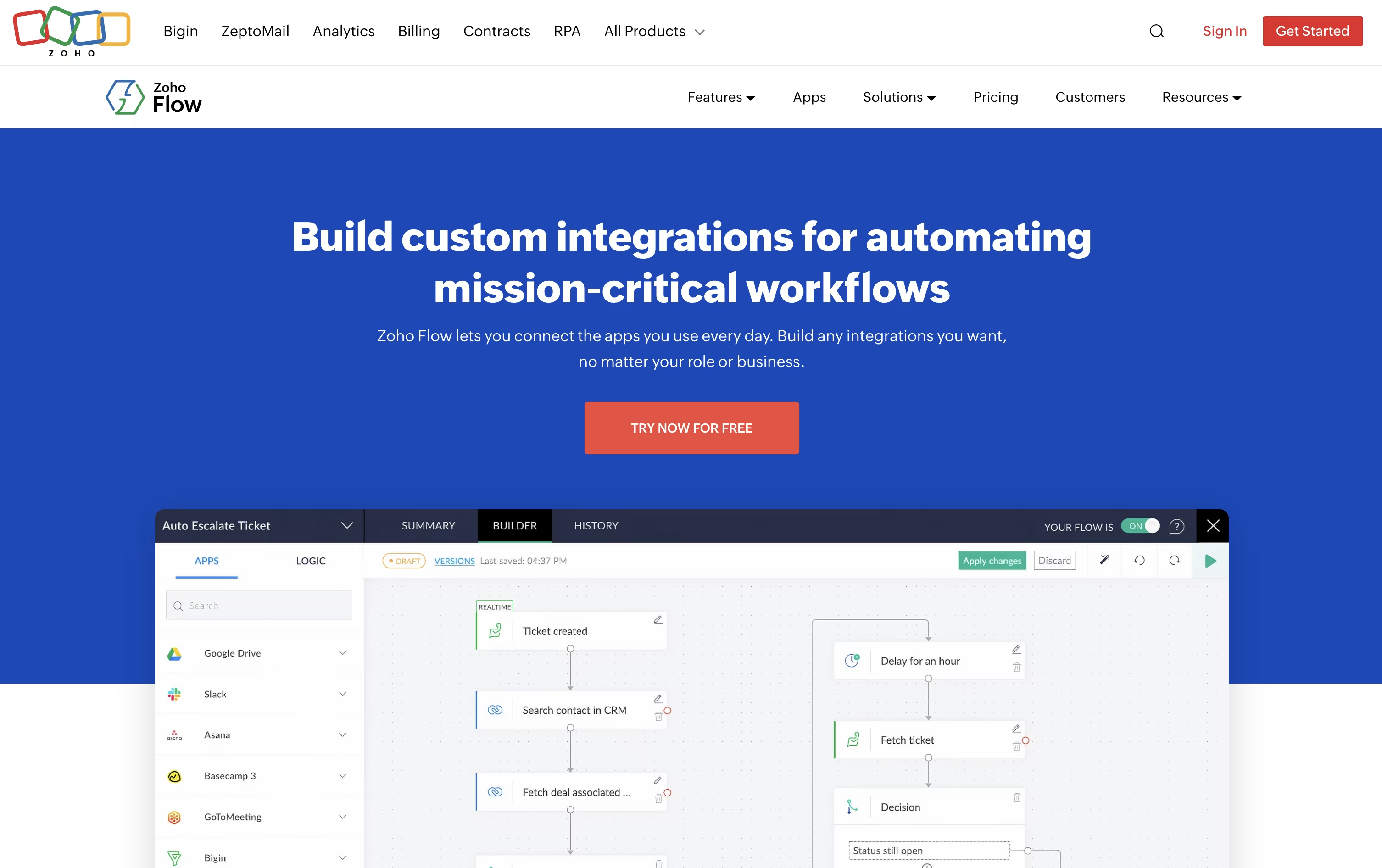
Zoho Flow is a workflow automation and integration tool that connects cloud apps, on premise systems, and AI tools without needing code. A flow starts with a trigger, such as a new order or a form entry, and then runs one or more actions automatically.
It works with over a thousand apps including Slack, Google Sheets, Shopify, QuickBooks, and the full Zoho suite, plus on premise systems like SQL databases and SAP through a secure local agent.
The best alternative to Zoho Flow is  Zapier
 ZapierAI Automation for Apps and Workflows.
  Make
Make MakeVisual Automation and AI Agent Platform and
  n8n
n8n n8nAutomate Workflows with AI and Code Fast are also among the best options for Application Integration.
So, here are the 12+ best alternatives to Zoho Flow:
Zapier is an AI powered automation platform that connects thousands of apps so you can build workflows without writing code. You set up a trigger, like a new email or a form submission, and Zapier carries out the next steps automatically in other apps.
You can add AI steps that read, write, summarize, or make decisions, and give the AI tools so it can act on its own as part of a workflow. Zapier MCP also lets AI assistants such as Claude and ChatGPT call your connected apps directly from a conversation.
Beyond workflows, Zapier includes Tables for storing structured data and Forms for building simple online tools and portals that feed into your automations.
The Platform plan is free forever for up to 100 tasks a month, with Professional starting at $29.99 a month for multi step Zaps and premium apps.
Team costs $103.50 a month for 25 users with shared workflows and SAML SSO, while Enterprise pricing is custom. Zapier also offers separate Agents and Chatbots plans starting free, with paid tiers from $20 to $100 a month.
Make is a visual automation platform that lets you connect apps and build workflows without writing code. You design scenarios on a drag and drop canvas, linking modules that represent triggers, actions, and logic like routers and filters.
The platform also includes AI features built right into the builder. Maia can create and edit scenarios from plain language instructions, while Make AI Agents let you set up agents that use tools and make decisions on their own.
Make offers five plans. The Free plan gives you 1,000 credits a month at no cost, while Core, Pro, and Teams scale up from $10.59 to $34.12 a month at 10,000 credits, depending on which extra features you need.
Pro is the recommended plan and unlocks priority execution and deeper log search, while Teams adds shared templates and team roles. Enterprise uses custom pricing and includes single sign-on, custom functions, and 24/7 support.
Paying yearly instead of monthly lowers your cost by about 15% on Core, Pro, and Teams, and pricing rises smoothly as your credit usage grows.
n8n is a workflow automation platform built around a visual canvas of connected nodes. You drag, drop, and link steps to move data between apps, or add your own code when you need something more custom.
It stands out for its mix of no-code building and full JavaScript or Python support, plus native tools for building AI agents, chatbots, and RAG pipelines.
Pricing is based on monthly workflow executions rather than users or steps, and every plan includes unlimited users and workflows. Starter costs $24 a month, Pro is $60, and Business runs $960, each with a lower price when billed annually.
Larger organizations can choose Enterprise, which uses custom pricing and adds unlimited projects, extended support, and stronger security controls.
You can host n8n yourself for full data control or let n8n manage the hosting for you, and a free trial is available on the Starter and Pro plans with no credit card required.

Activepieces is an open-source platform for building automations, called flows, and AI agents without needing to write code. You pick a trigger, add actions, and the workflow runs on its own from then on.
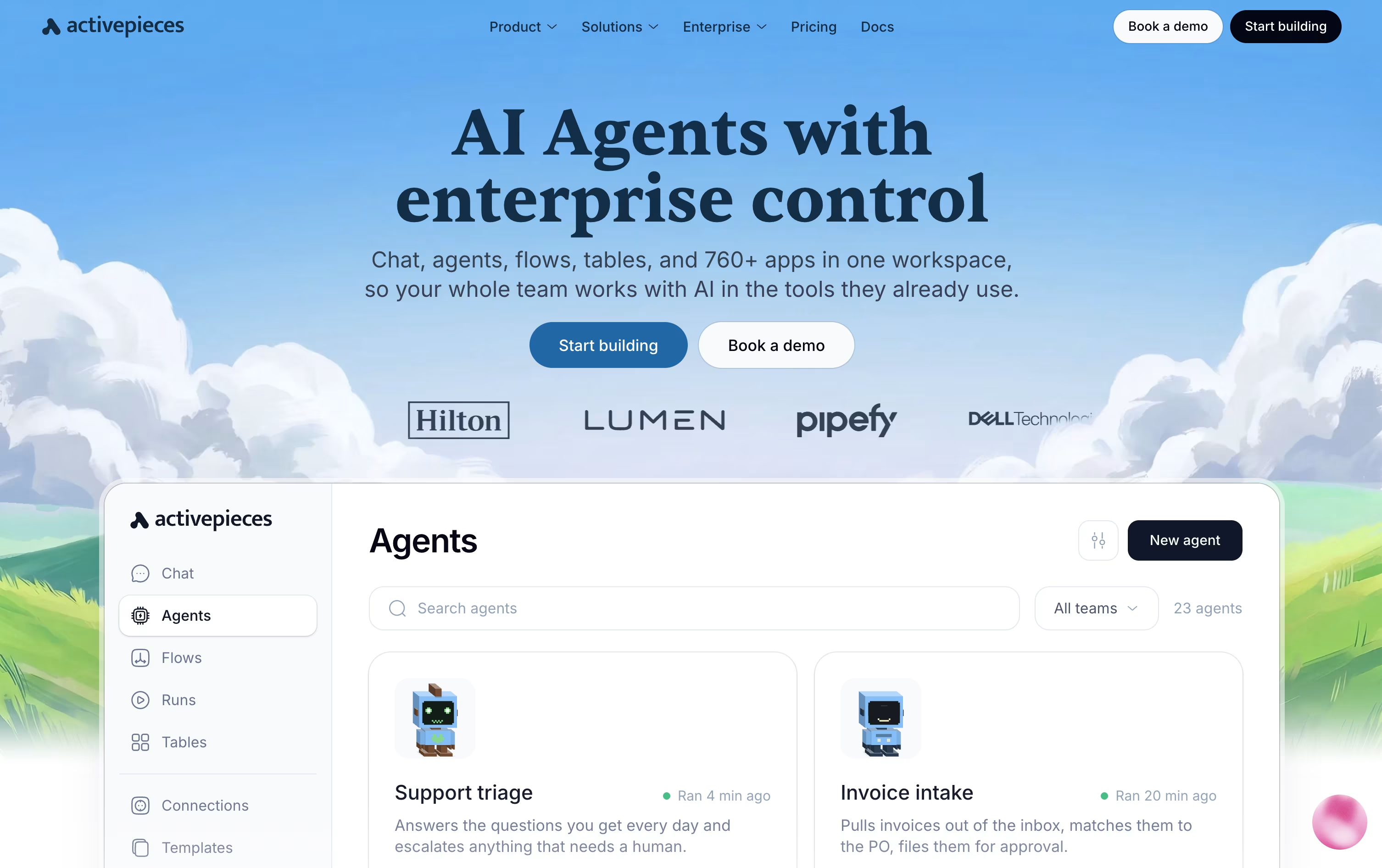
It goes further than basic automation by letting you build AI agents that reason, use tools, and act across connected apps, with a human able to approve key steps through Slack, Teams, or its built-in Todos system.
Every connected app also becomes available to outside AI tools like Claude Desktop through the Model Context Protocol, and native Tables give you a simple place to store and manage data inside your flows.
Pricing runs on a credit system across four plans. The Free plan costs $0 with 100 credits a day, while Plus starts at $20 a month for 10,000 monthly credits.
Team costs $200 a month and adds SSO plus 25 users, and Ultimate uses custom enterprise pricing. You can also self-host the open-source Community Edition for free.

Albato is a no-code platform that connects your apps and automates the busywork between them. You pick a trigger, add actions across more than 1,000 supported apps, and the automation runs on its own in the background.
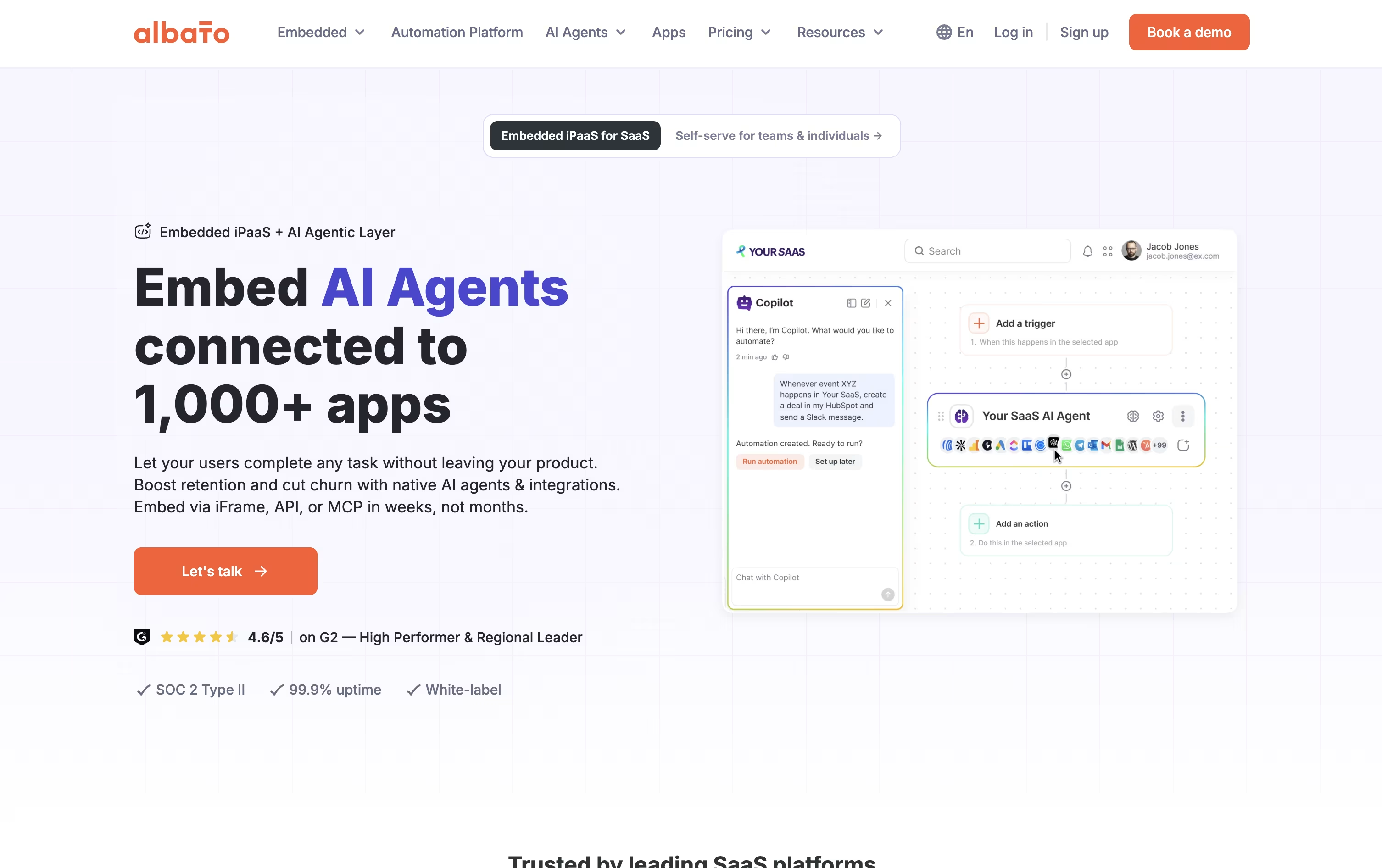
Built-in AI features go further than simple automation. Albato AI can translate, summarize, or rewrite text inside a workflow, the AI Copilot builds automations from a plain-language description, and AI Agents make decisions and pick the right action step by step.
If an app you need is not in the library, the App Integrator lets you add it yourself using its public API, so you are not stuck waiting on a request.
Pricing starts with a free plan covering 100 transactions, 5 automations, and 2 steps each. The Pro plan costs $22 a month, or $15 a month billed yearly, and removes those limits while adding AI Agents and a 7-day trial.
Teams costs $93 a month, or $65 annually, and adds 5 seats and shared workspaces, while a Custom plan covers larger volumes with dedicated support.
SaaS companies can also license the whole platform through Albato Embedded, starting from $5,000 a month, to offer these same integrations under their own brand.

Integrately is a no-code automation platform built around one-click, ready-made workflows instead of complex builders. You search for the apps you use, pick from millions of pre-built automations, connect your accounts, and switch it on.
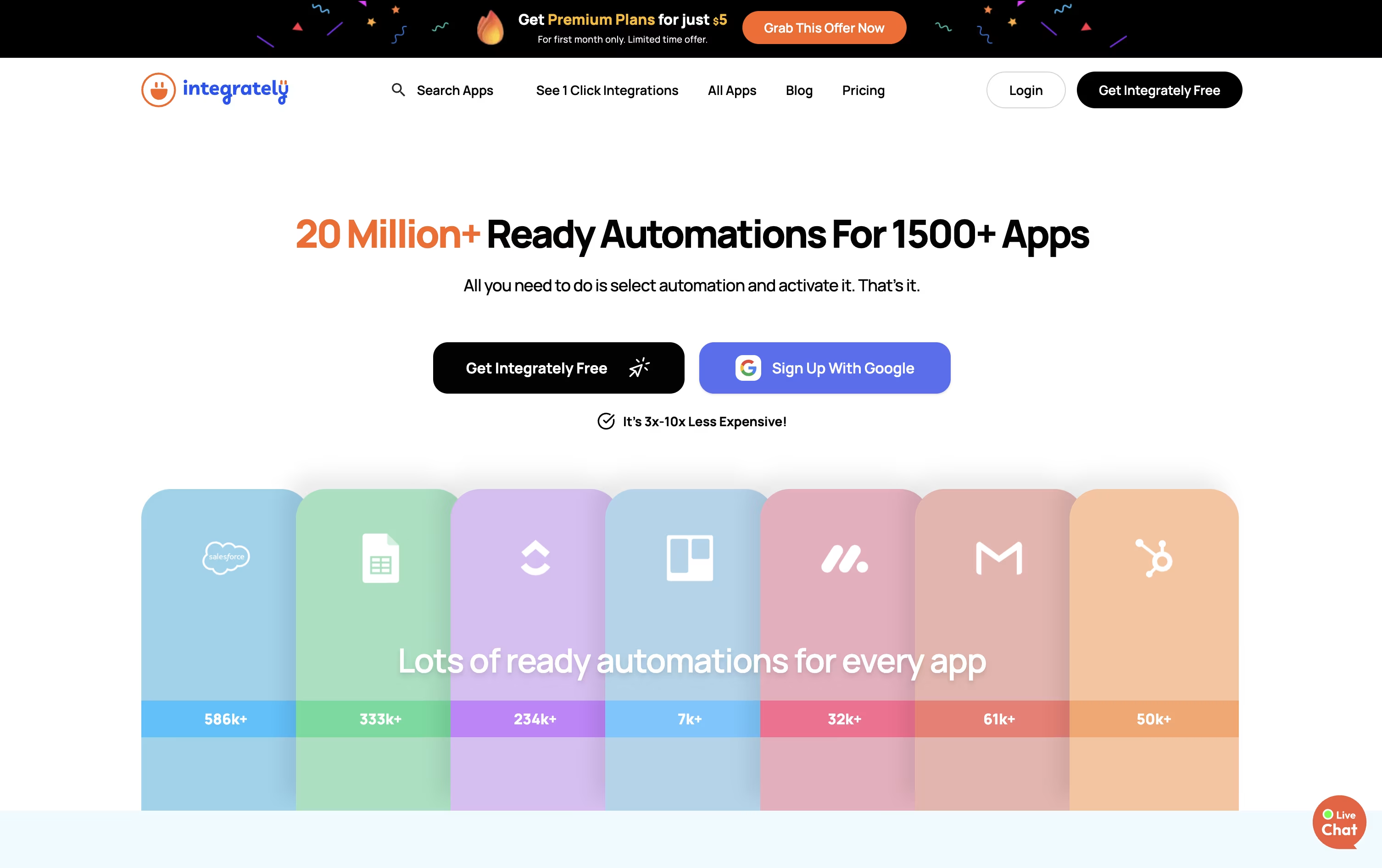
The platform covers more than 1,500 apps across CRM, marketing, e-commerce, forms, and productivity tools, and includes an AI Automation Builder that writes a workflow for you from a plain language description.
Pricing starts with a Free plan for 100 tasks a month, with a 14-day free trial. The Starter plan is $29.99 a month, or $19.99 a month billed annually, and unlocks 2,000 tasks along with webhooks and filters.
The Professional plan at $49 a month (or $39 annually) covers most needs with unlimited automations, branching, and 10,000 tasks, while Growth and Business plans raise the task limit to 30,000 and 150,000 with unlimited users and folder permissions.
Every plan includes 24x5 live chat support, and higher tiers add a dedicated account manager. Because triggers and checks are not counted as tasks, Integrately tends to use far fewer tasks than tools like Make for the same automation.

Pabbly Connect is a no-code platform that automates work by linking apps together with a simple trigger and action setup.
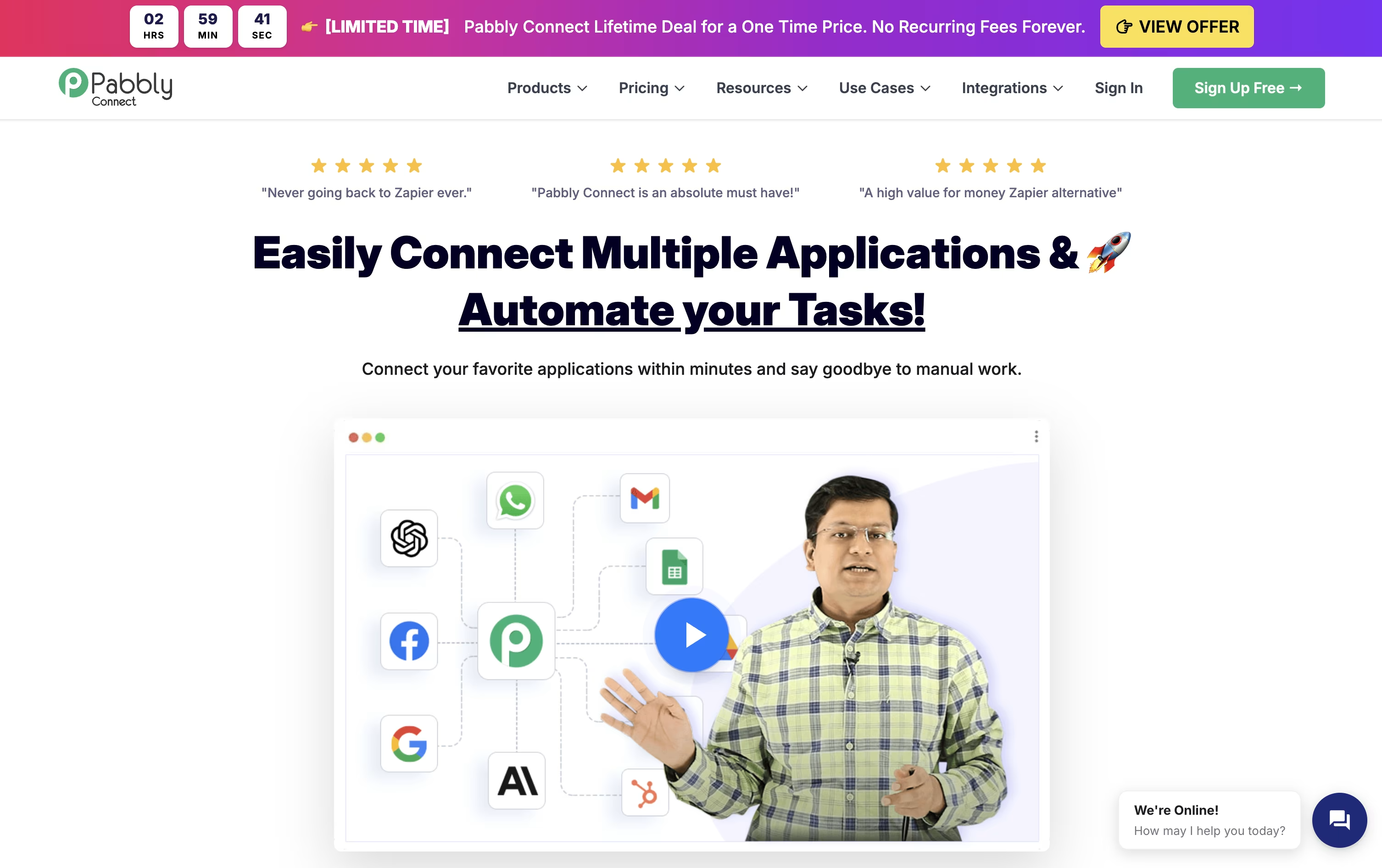
Only the steps that send data out to another app count as a task, while filters, formatters, routers, and delays run for free, which keeps monthly bills lower on busy workflows.
The toolkit also includes an AI Assistant, an MCP Server for AI agents, AgenticAI for building flows from plain instructions, and a Human in Loop step for manual approvals.
It is built by Magnet Brains, is SOC 2 and ISO 27001 certified, and is used by over 14,000 businesses.
Pricing starts with a Free plan offering 100 tasks a month, Standard at $19 a month for 10,000 tasks, and Unlimited at $79 a month for unlimited tasks, with yearly billing cutting these rates further.
One-time Lifetime plans are also available, starting at $349, for anyone who prefers to pay once instead of every month.

IFTTT is a no-code platform that links your apps, devices, and services so they can talk to each other automatically. You set up short rules called Applets that follow an if this, then that pattern.
The Free plan costs $0 forever and includes 2 Applets with unlimited runs, which is enough for very simple automations.
The Pro plan costs $4.99 a month, or $2.99 a month billed yearly at $35.88, and unlocks 20 Applets, faster speeds, multi-action Applets, and webhooks.
Pro+ costs $14.99 a month, or $8.99 a month billed yearly at $107.88, adding unlimited Applets, AI services, multiple connected accounts, and filter code.
IFTTT also connects with AI models like Claude, Gemini, and Perplexity, and its MCP feature lets AI assistants build and run Applets using plain language, making it useful for both home and business automation.

Bit Flows is a self-hosted, no-code automation plugin for WordPress that lets you build multi-step workflows connecting your site, outside apps, APIs, webhooks, and AI models on one visual canvas.
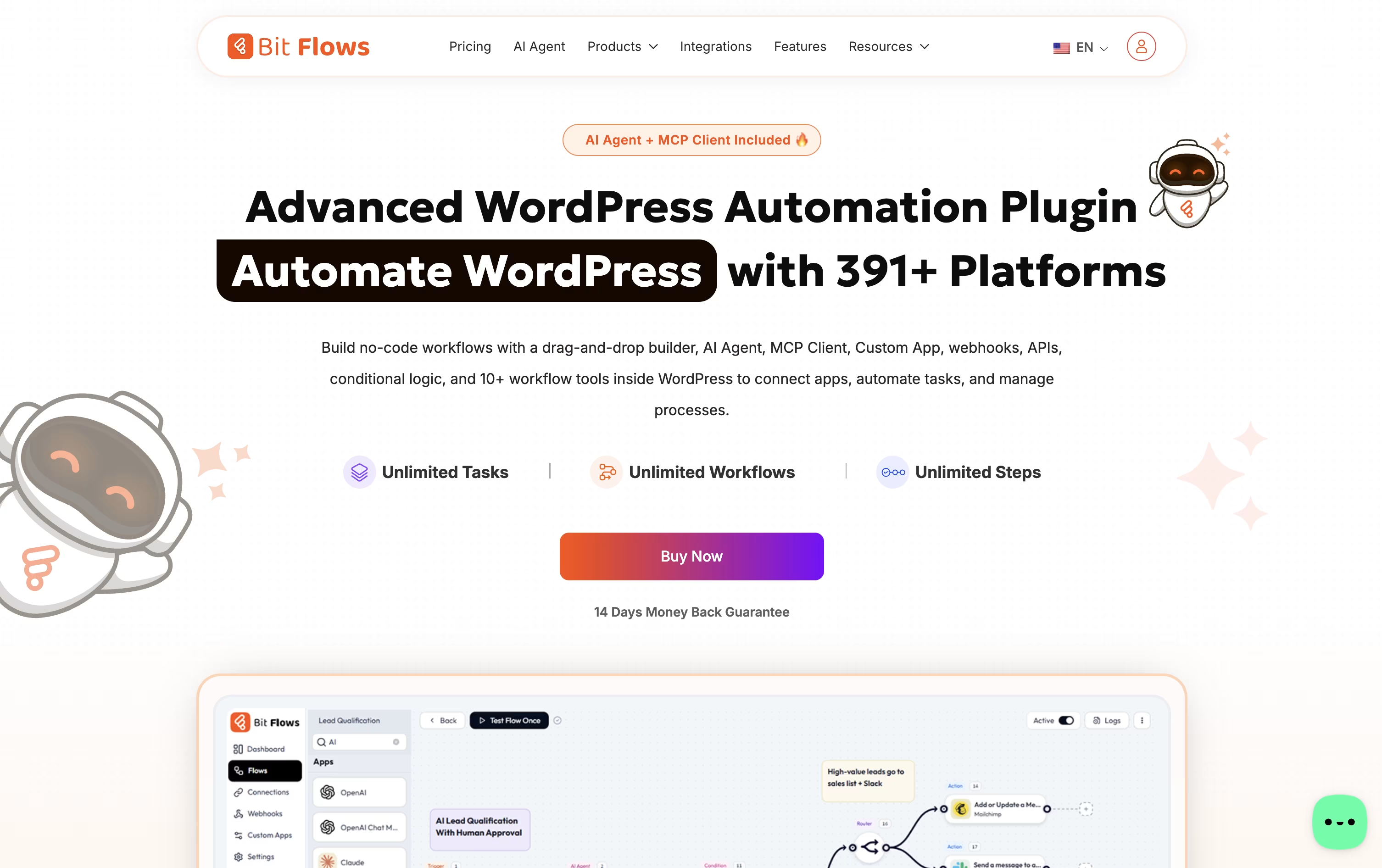
It is made by Bit Apps, the team behind Bit Form and Bit Integrations, and it acts like a private version of Zapier or n8n that runs entirely on your own server, so your data never leaves your site.
You get unlimited workflows, steps, and executions on every plan, along with an AI Agent that can read data, make decisions, and call outside tools, plus logic blocks like routers, conditions, delays, and loops.
Pricing is split between yearly plans starting at $59 a year and lifetime one-time plans starting at $159, each based on how many sites you need to cover.
An Agency lifetime license covering unlimited sites costs $499 one-time, and all Bit Apps products together are available in one bundle for $1,149.
A free version is also available on WordPress.org, covering the core builder and many of the everyday triggers and actions.
Latenode is an AI-native workflow automation platform built for people who want more power than typical no-code tools but still want a visual builder. You can create automations, AI agents, and data pipelines by connecting nodes on a canvas.
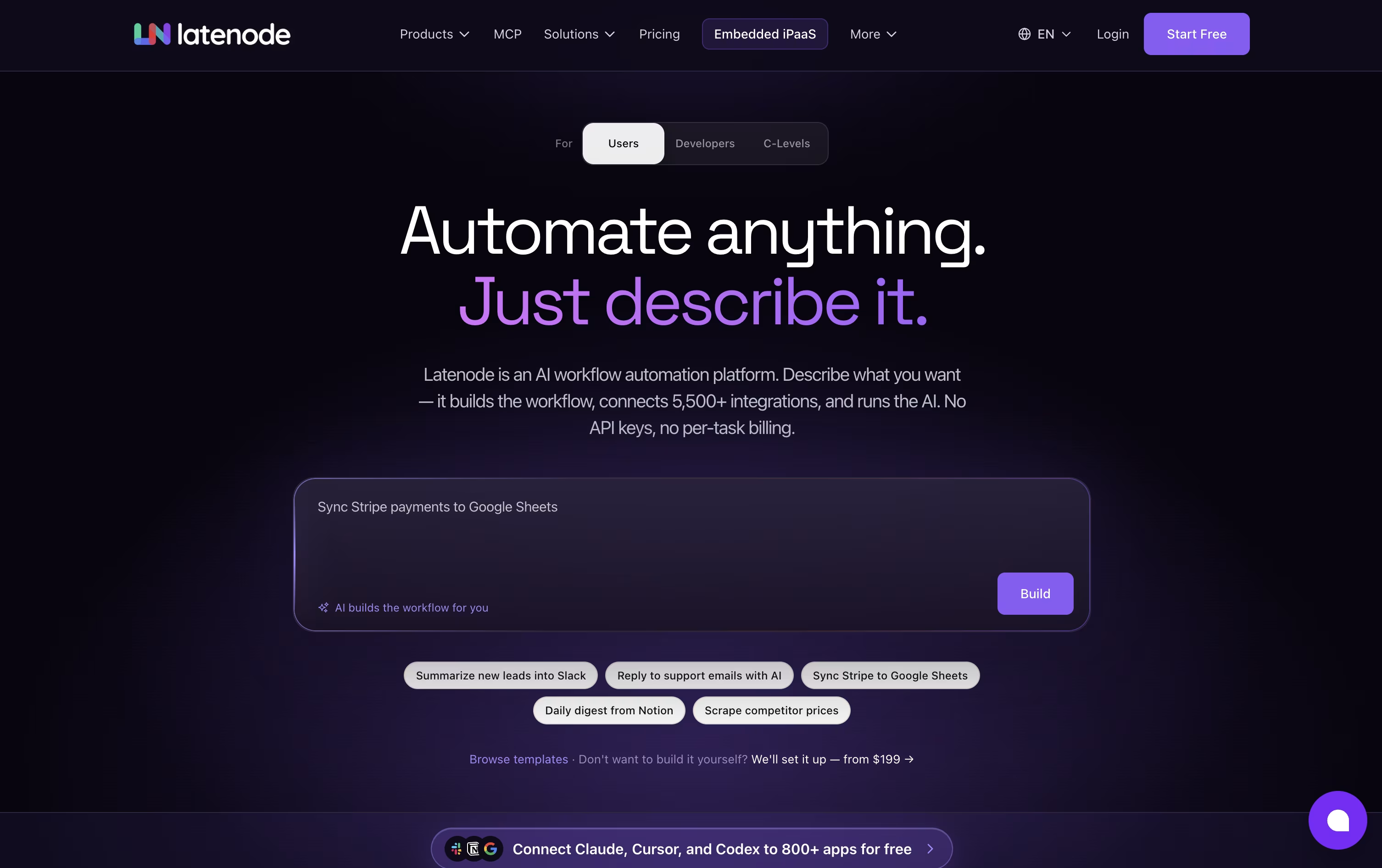
Instead of only clicking together prebuilt blocks, you can drop in real JavaScript, use NPM packages, and let an AI Copilot help write or fix code inside any node. An AI Builder can also turn a plain language description into a working scenario for you.
Latenode connects to more than 1,200 apps and gives access to hundreds of AI models like GPT, Claude, and Gemini without needing separate API keys. It also supports multimodal RAG, headless browser automation, and an MCP server so other AI tools can run your scenarios.
Pricing is based on how long your workflows actually run, called CPU seconds, rather than how many steps they contain. The Free plan gives you 10,000 CPU seconds a month at no cost.
Once you outgrow that, Pay as you go keeps the same free allowance, then charges a small tiered rate for extra usage, while also removing limits on scenarios and authorizations.
Paid third-party nodes use separate Plug-n-Play tokens, priced at $1 each, so provider costs stay visible and separate from your runtime bill.

Robomotion is an agentic RPA platform that automates business processes by combining classic step by step automation with AI agents that can think and make decisions.
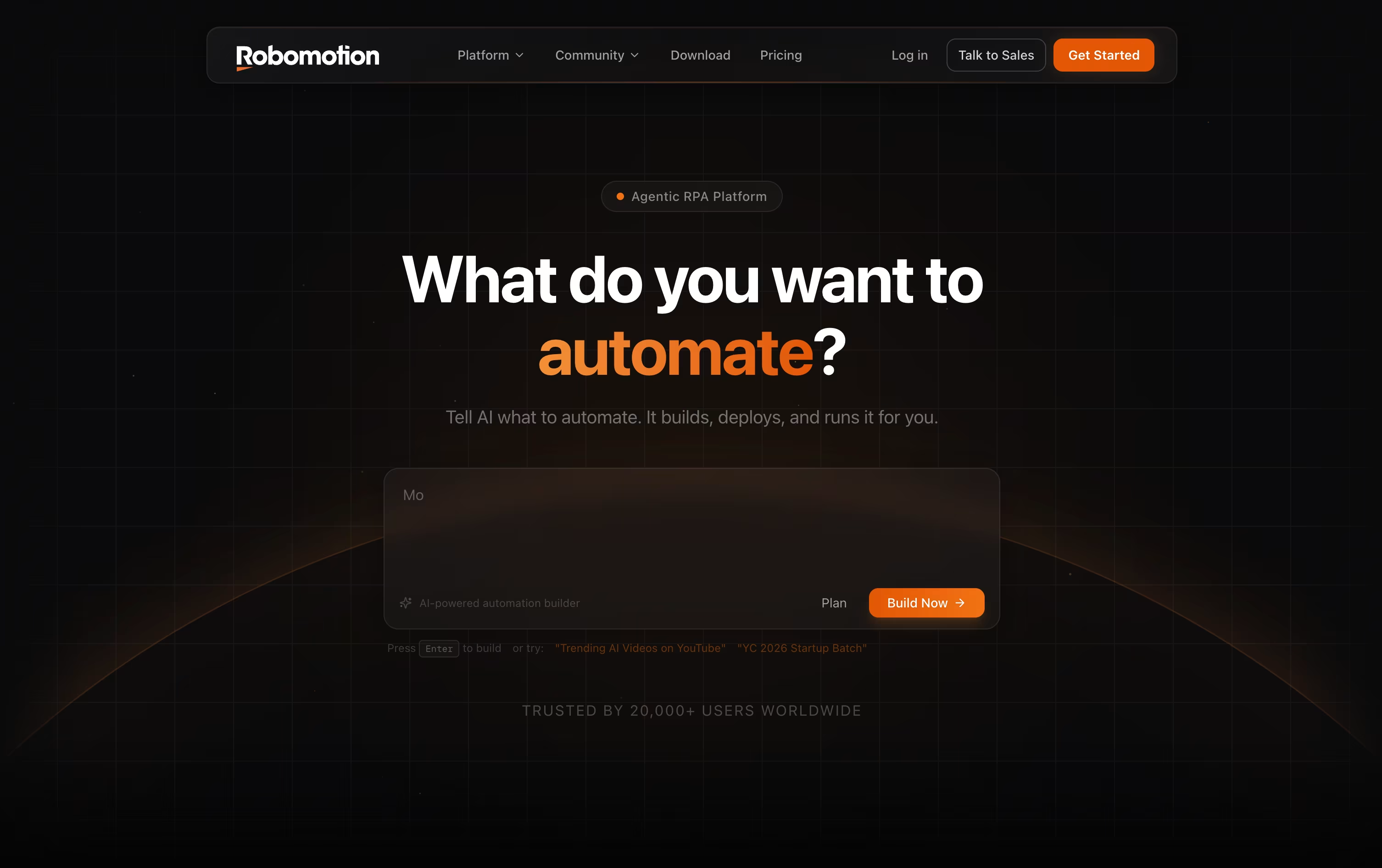
You can describe an automation in plain language, and the AI Assistant builds the flow on a visual canvas, wiring up the right nodes, integrations, and credentials for you.
Robots can run locally on Windows, macOS, or Linux, in the cloud, or in a hybrid setup, so you can choose based on privacy and scaling needs.
Cloud pricing starts with a free plan offering 50 daily credits and a 14 day trial, moving up to Solo at $49 a month, Pro at $129 a month, and Team at $399 a month.
Larger organizations that need full control can choose Self-Hosted plans, starting at $499 a month for Starter and $999 a month for Growth, or an Enterprise plan with custom pricing, SSO, and dedicated support.
With over 220 integrations and support for AI models from OpenAI, Google Gemini, and Anthropic Claude, it fits teams automating real work across CRMs, banks, and tax systems.
Automa is a no-code automation platform built around AI agents and RPA, letting you automate repetitive tasks across the web, desktop apps, and mobile devices. It grew out of a well-known open source browser extension and now offers a full cross-platform product.
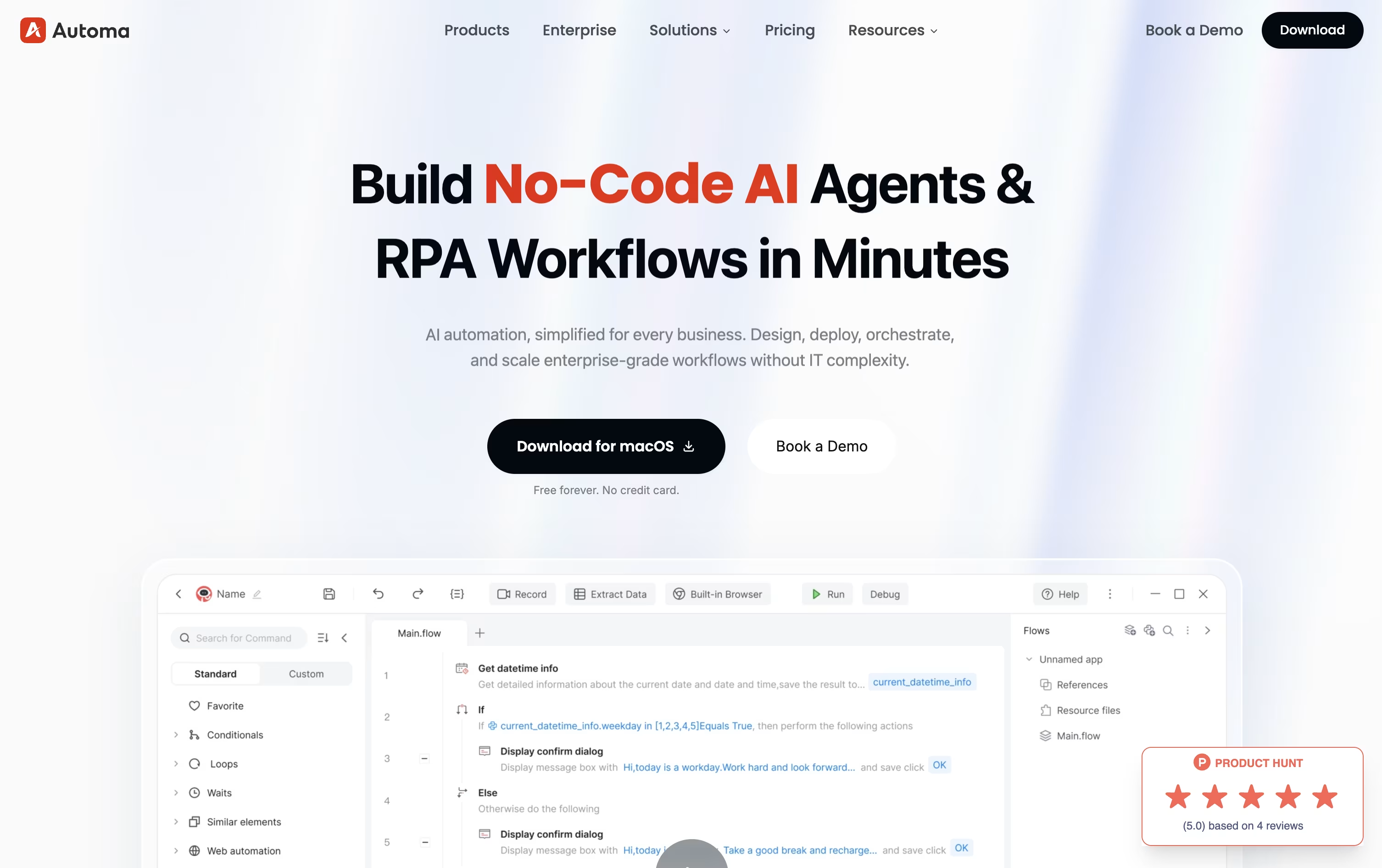
You can build a workflow by dragging and linking blocks, recording your own actions, or simply describing what you want in plain language through Magic Commands, and letting AI generate the steps for you.
The Free plan costs nothing and needs no credit card, giving you one self-built app, limited third-party access, custom triggers, and basic debugging tools.
The Pro plan costs $29 a month, or $14.50 a month if billed annually, and unlocks unlimited apps, AI XPath capture, OCR, CAPTCHA handling, virtual desktop automation, and a 14-day free trial.
For larger organizations, the Enterprise plan is custom priced and adds SSO, role-based access, compliance reporting, custom API integration, and 24/7 dedicated support, along with cloud, on-premise, or hybrid deployment.

Parabola helps operations and finance teams stop doing the same manual data work every week. You describe what you need in plain language, and its AI builder, Prowork, creates a visible workflow called a Flow, built from clear, editable steps.
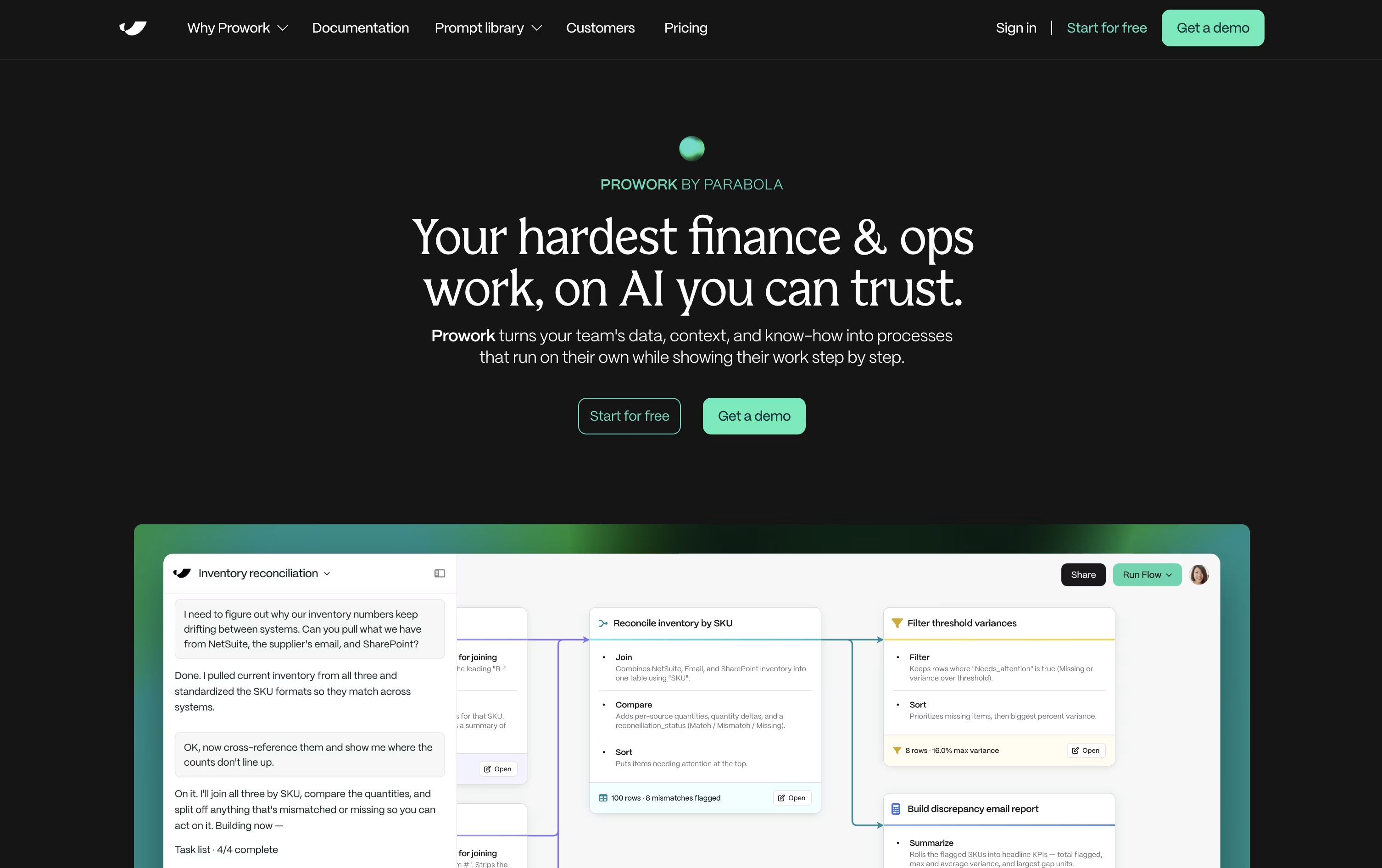
Every step shows a live preview of your data, so you always know what is happening and can fix issues without starting over. Flows can pull from ERPs, e-commerce platforms, spreadsheets, PDFs, and emails, then clean, match, and structure the data automatically.
Getting started costs nothing. The self-serve Basic plan gives you one user, 1,000 credits, and unlimited AI use, with extra credits available as your needs grow.
Larger teams can move to the Business plan, which adds a dedicated Applied AI team, production-data proof of concepts, custom integrations, role-based access, SSO, SOC 2 Type II compliance, and a dedicated account manager, all priced through a custom quote.
Because logic stays visible and editable at every step, Flows work well as living documentation for processes that used to live only in someone's head.





