

Standard Notes vs Craft: Features, Pricing and User Reviews 2026

Craft
Beautiful Document Editor with AI for Notes, Tasks & Collaboration
Craft
Beautiful Document Editor with AI for Notes, Tasks & Collaboration
What are Standard Notes and Craft?
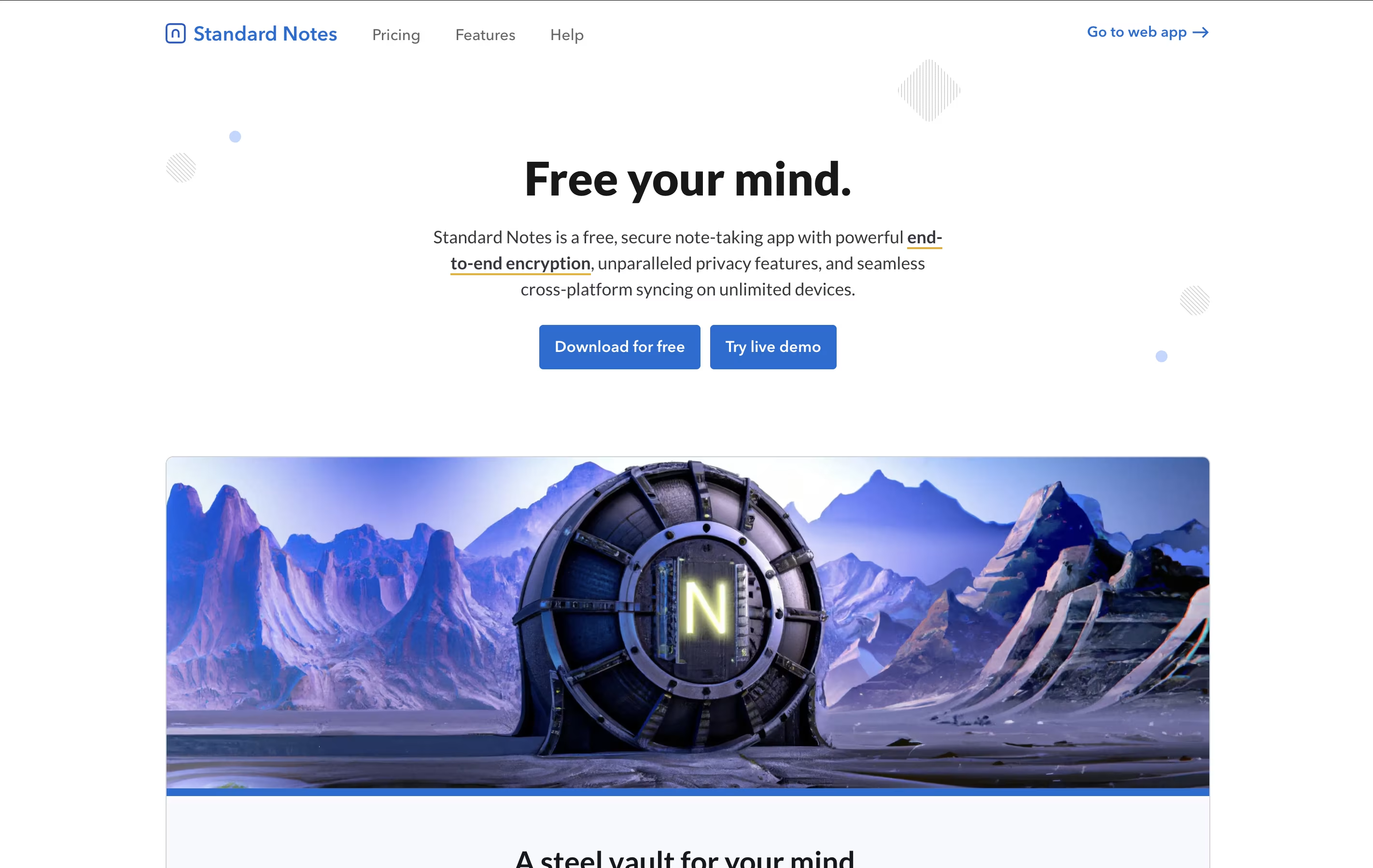
Standard Notes is a note-taking tool that protects your data with strong encryption. When you write a note, it gets locked with a secret code that only you have. This means even the company that runs Standard Notes cannot read what you write. Your notes sync across all your devices automatically, so you can start writing on your phone and continue on your computer.
The app offers both free and paid plans. The free version includes basic note-taking with full encryption, while paid plans add features like rich text formatting, file storage, and advanced editors for different types of content. It works on web browsers, desktop computers, and mobile devices, giving you access everywhere.
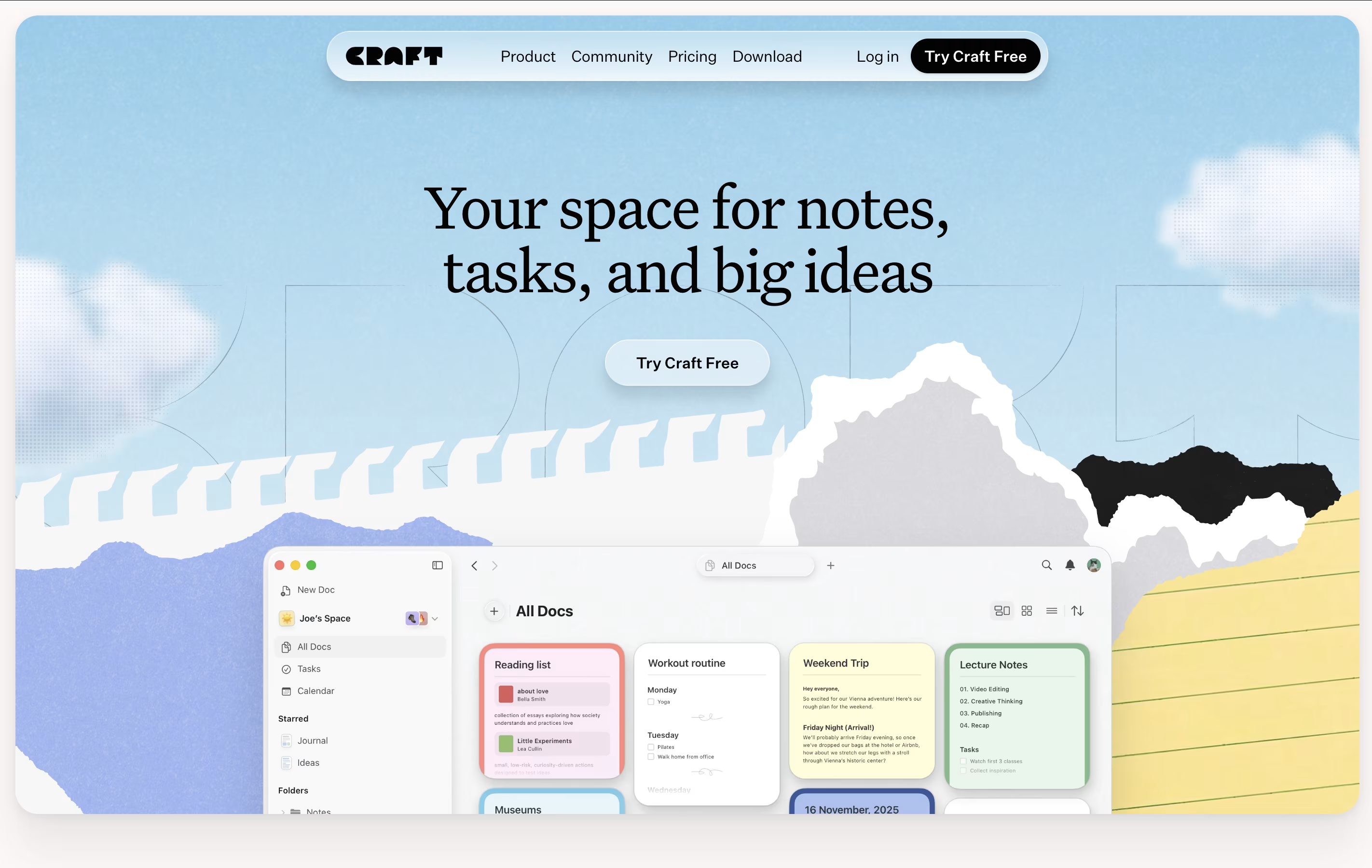
Craft is a tool for creating documents that look great and work well. You can write notes, manage tasks, build collections of information, and share everything with others. Unlike basic note apps, Craft lets you organize content using cards, pages, and folders that connect together.
The app includes an AI assistant that helps with writing, editing, and organizing your work. You can format text beautifully, add images and videos, create linked pages, and build databases of information. Everything syncs across your iPhone, iPad, Mac, and web browser.
There is a free starter plan with basic features. The Plus plan removes all limits and adds advanced tools. Family and Team plans help groups work together with shared spaces and better collaboration features.
Features of Standard Notes and Craft
End-to-end encryption for complete privacy
Unlimited devices and notes with free plan
Offline access to all downloaded notes
Tag-based organization system
Password lock for individual notes
Two-factor authentication support
Daily encrypted email backups
Open source and audited code
Cross-platform support (web, desktop, mobile)
File storage with paid plans
Multiple note types (markdown, code, spreadsheets)
Beautiful document editor with rich media support
AI-powered writing and editing assistance
Built-in task management with reminders
Collections for building connected databases
Real-time collaboration and team sharing
Daily Notes with calendar views
Version history for document recovery
Cross-platform sync across all devices
Web publishing with secret links
Markdown support and keyboard shortcuts
Use Cases of Standard Notes and Craft
Pricing of Standard Notes and Craft
Standard Notes offers three plans to fit different needs. The Standard plan is completely free forever and includes end-to-end encryption, unlimited device sync, basic text notes, offline access, tags, password protection for notes, full data export, two-factor authentication, and daily email backups.
The Productivity plan costs $90 per year and adds powerful features like Super note type for markdown and rich text, spreadsheet creation, Daily Notebooks for journaling, authenticator for other services, folder organization, web clipper tool, one-year note history, and dedicated support.
The Professional plan is $120 per year and includes everything from Productivity plus 100GB encrypted cloud storage for files, subscription sharing with up to five accounts, unlimited file size, offline file access, local file backups, Moments photo capture, unlimited note history, and hardware security key support.
Craft offers several pricing plans to match different needs. The free Starter plan gives you 1,500 blocks of content with 1 GB storage and 50 AI requests monthly. This plan is perfect for trying Craft and light personal use.
The Plus plan costs $8 per month when billed yearly or $10 monthly. You get unlimited documents and storage, 500 AI requests per month, 30 days of version history, and access to GPT-4o AI model.
The Family plan is $15 monthly (yearly billing) or $18 monthly and includes all Plus features for 2-6 family members with shared spaces for collaboration.
Teams can choose plans starting at $50 monthly for up to 25 members, or $250 monthly for unlimited team size with priority support, longer version history, and 2,500 AI requests per member monthly.
FAQs: Standard Notes vs Craft
Reviews: Standard Notes vs Craft
Based on 0 reviews
Based on 0 reviews
Compare Standard Notes With Other Tools
Compare Craft With Other Tools

Notion
All-in-One Workspace for Teams & Projects

Obsidian
Free Note-Taking App That Connects Your Ideas

Logseq
Free Open-Source Note-Taking & Knowledge Base

Bear
Beautiful Markdown Note-Taking App for Mac, iPhone & iPad

AFFiNE
Open-Source Workspace for Docs, Whiteboards & Databases

Joplin
Free Open-Source Note-Taking App with Encryption

RemNote
Smart Note-Taking with Flashcards and Spaced Repetition

Capacities
Object-Based Note-Taking App for Your Second Brain

Typora
Simple Markdown Editor with Live Preview





