

Best 14+ Kiro Alternatives in 2026
Last Updated: August 24, 2026
Kiro is a coding tool built by AWS that uses AI agents to help you build software the right way. Instead of jumping straight from a prompt to code, it first creates clear plans called specs, covering requirements, design, and a task list.
AI agents then follow these specs to write code, run tests, and check that the result actually matches what you asked for, not just that it passes basic tests.
The best alternative to Kiro is  Devin Desktop
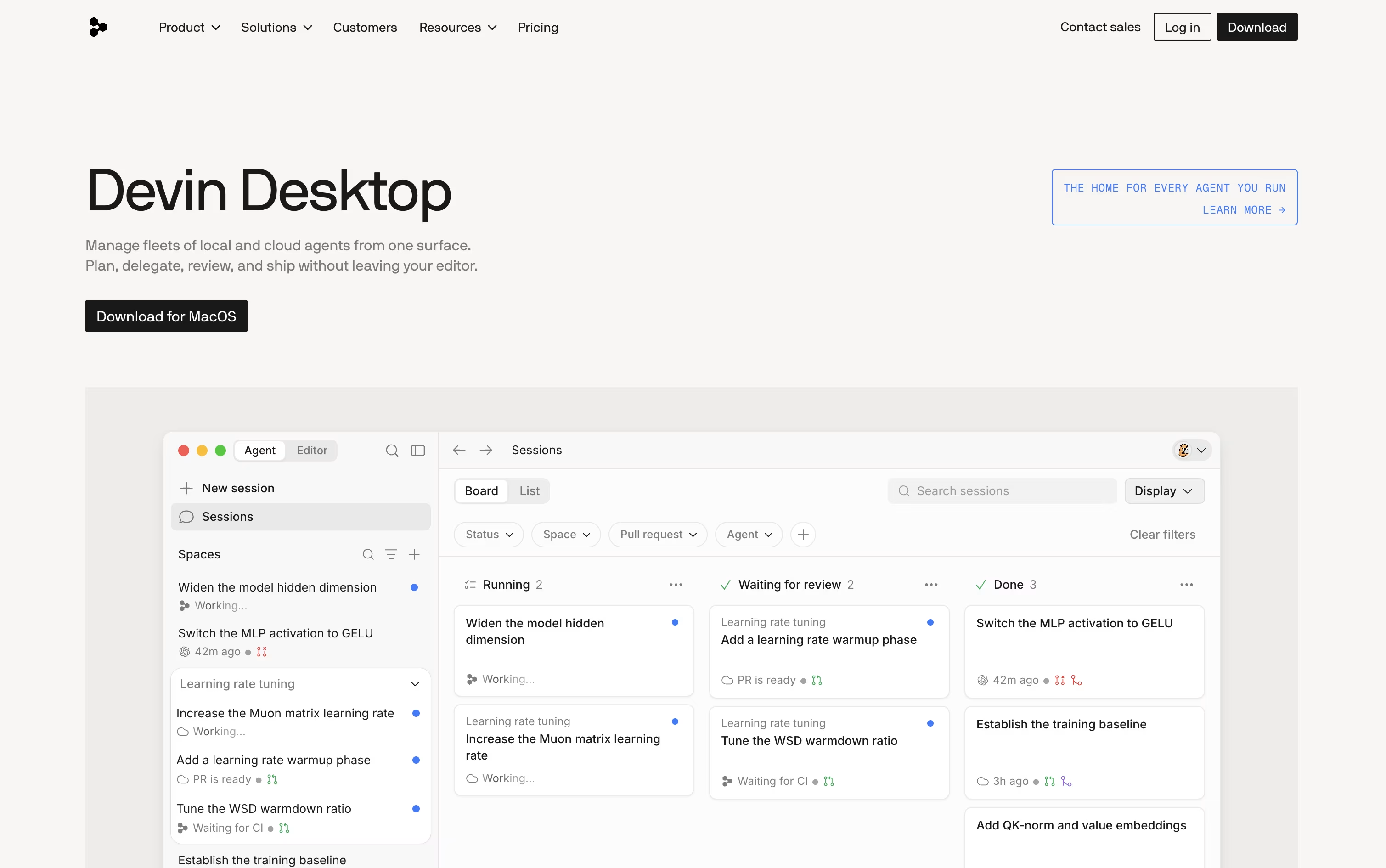 Devin DesktopAI Coding Agent Command Center IDE.
  Codex
Codex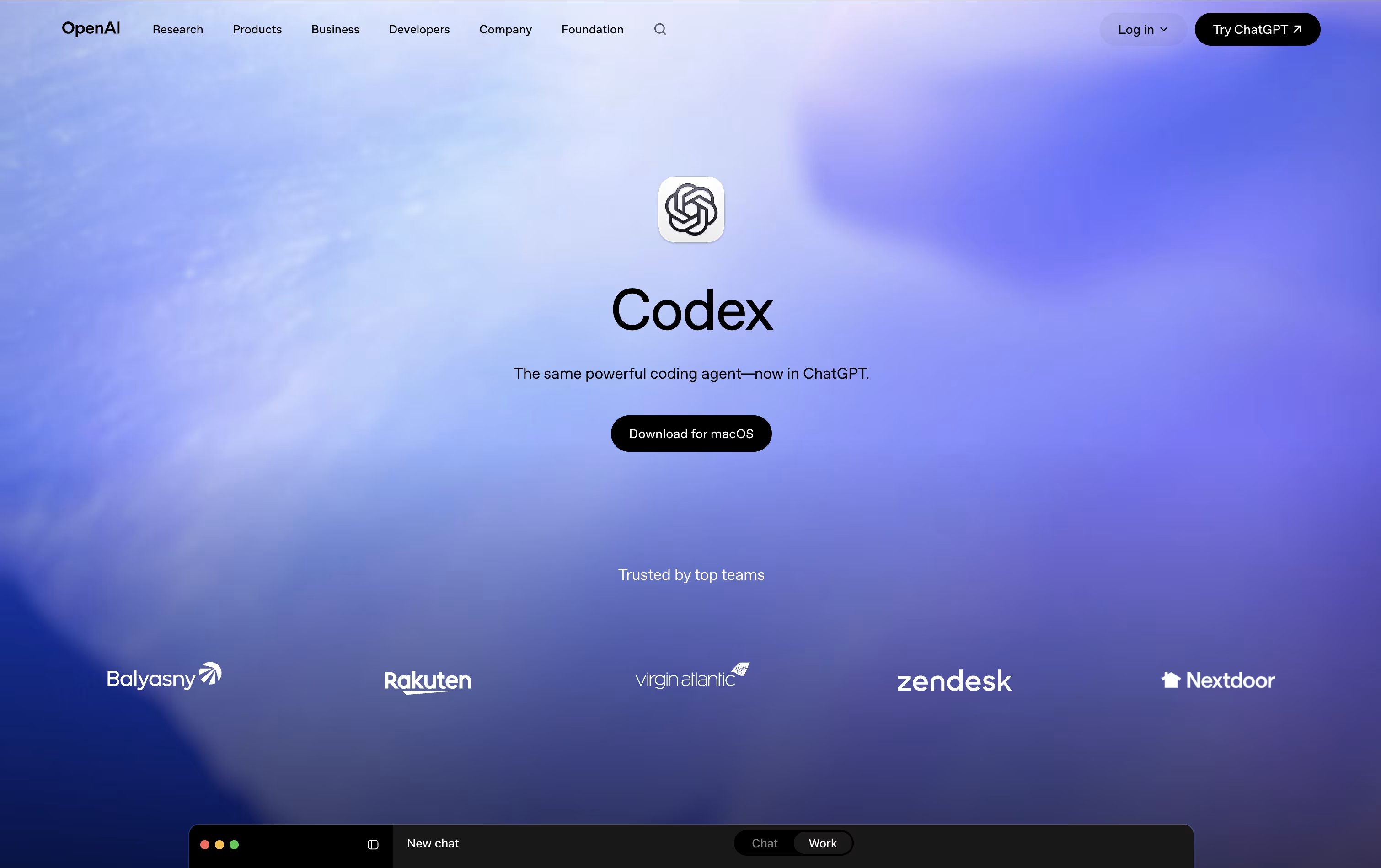 CodexOpenAI's AI Coding Agent for Developers and
  Claude Code
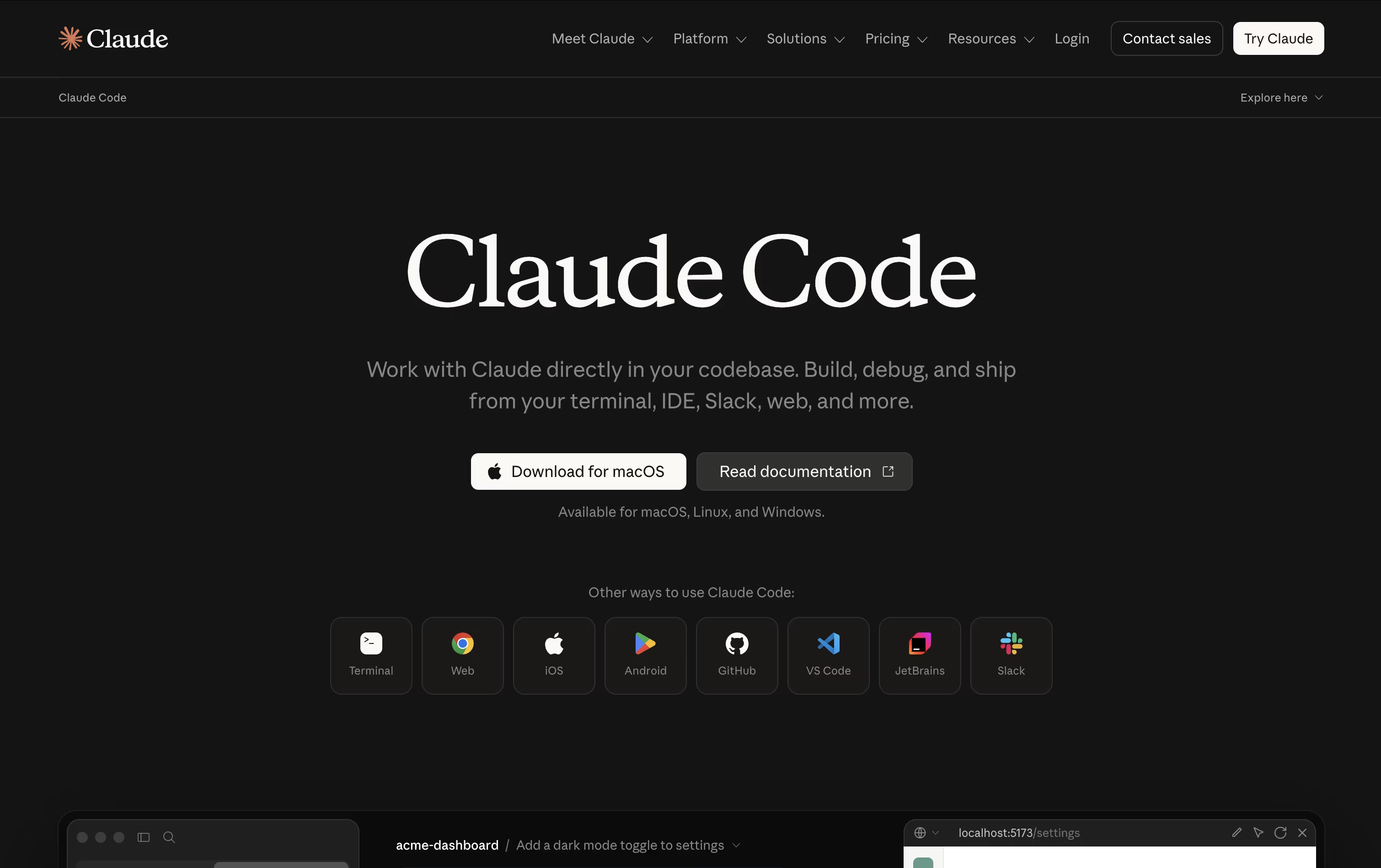 Claude CodeAnthropic's Agentic Coding Tool are also among the best options for Code Writing.
So, here are the 12+ best alternatives to Kiro:

Devin Desktop is a desktop IDE from Cognition AI, previously known as Windsurf, built around an Agent Command Center for managing AI coding agents. Instead of jumping between tools, you can plan, delegate, and review work done by local and cloud agents from inside your editor.
The tool keeps a complete code editor experience too, with syntax highlighting, debugging, Git integration, and an integrated terminal, so you can still write and fix code by hand whenever needed.
Through the open Agent Client Protocol, Devin Desktop can also run agents beyond its own, including Codex and Claude Agent, all sharing the same project context through a feature called Spaces.
Pricing starts with a Free plan that includes a light usage quota and unlimited inline edits and Tab completions. The Pro plan costs $20 a month and unlocks higher quotas, frontier models, and access to Devin Cloud agents.
Heavier users can choose Max at $200 a month for significantly higher quotas, while Teams pricing starts at $80 a month plus $40 per developer seat.
Enterprise plans use custom pricing and add SSO, dedicated account management, and the option to deploy Devin Desktop inside your own private cloud.
Codex is OpenAI's AI agent built to handle real coding work, not just answer questions about code. You give it a goal in plain language, and it plans the steps, edits files, runs tests, and prepares the result for you to review.
It works inside isolated sandboxes or separate git copies of your project, so nothing changes in your main codebase until you approve it. Multiple agents can even run at the same time on different tasks.
Codex is free to try with limited access on the ChatGPT Free plan. The Go plan is $8 a month, Plus is $20 a month with expanded Codex use, and Pro starts at $100 a month with the highest limits and strongest models.
Teams can use the Business plan at $20 per user a month billed yearly, which adds shared connectors, admin tools, and secure sign-in. Enterprise pricing is custom and adds advanced security and dedicated support.
Beyond coding, Codex now supports skills, plugins, and automations, letting analysts, designers, and other roles use it for reports, dashboards, and everyday tasks, not just software engineering.
Claude Code is Anthropic's AI coding agent, built to work inside your actual development environment rather than a simple chat window. It reads your codebase, plans the right steps, and then takes action by editing files, running commands, and checking its own results.
It understands large projects quickly, making coordinated edits across many files while keeping project structure intact. It also handles Git tasks such as creating branches, writing commits, and opening pull requests, and it can run tests, builds, and linters on its own.
You stay in control through permission modes, checkpoints, and easy rewinds, so changes can always be reviewed or undone. Skills and subagents let it handle repeatable or parallel work, and MCP connections bring in outside tools like issue trackers and databases.
Claude Code comes bundled inside Claude's paid plans. Pro starts at $17 a month and adds Claude Code plus more usage and models, while Max plans from $100 a month offer 5x or 20x more usage and priority access.
Team plans run $20 to $125 per seat a month for groups of 2 to 150, and Enterprise offers custom pricing with extra security and admin controls.
It is available across the terminal, IDE extensions, a desktop app, the web, and mobile, so work can continue from wherever you are.

ZCode is a free desktop app built around an AI agent that does more than suggest code. You describe what you want, and it plans the work, edits files, runs terminal commands, and checks its own results until the task is done.
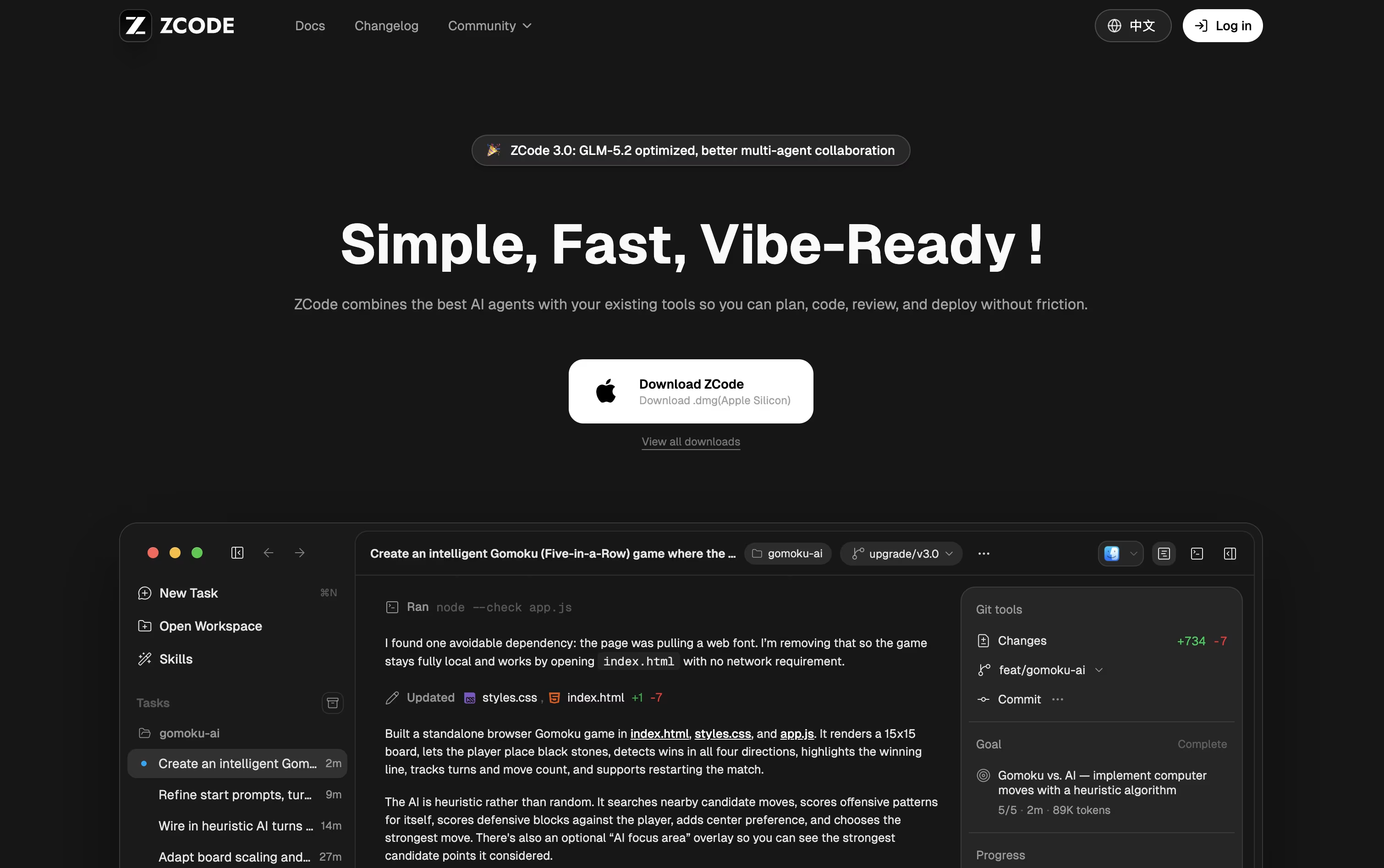
It runs on the GLM-5.2 model, which can hold a huge amount of context in one task, so it can handle large, complex projects without losing track of earlier steps.
The app itself is free to download. Using it with an AI model needs a connected plan, starting with Lite at $16.20 a month, Pro at $64.80 a month, and Max at $144 a month, each with a discount already applied.
Pro gives five times the usage of Lite plus priority model access and curated tools, while Max gives twenty times the usage, first access to new models, and dedicated resources when things are busy.
Choosing yearly billing saves even more, cutting the price by 30% compared to the regular monthly rate. You can also steer running tasks from your phone while the agent keeps working on your desktop.

OpenCode is a free, open source AI coding agent that developers can run in the terminal, as a desktop app, inside their favorite code editor, or through a local web page. You describe what you want in plain language, and it explores your codebase, plans the necessary changes, and carries them out using tools like file editing, search, and shell commands.
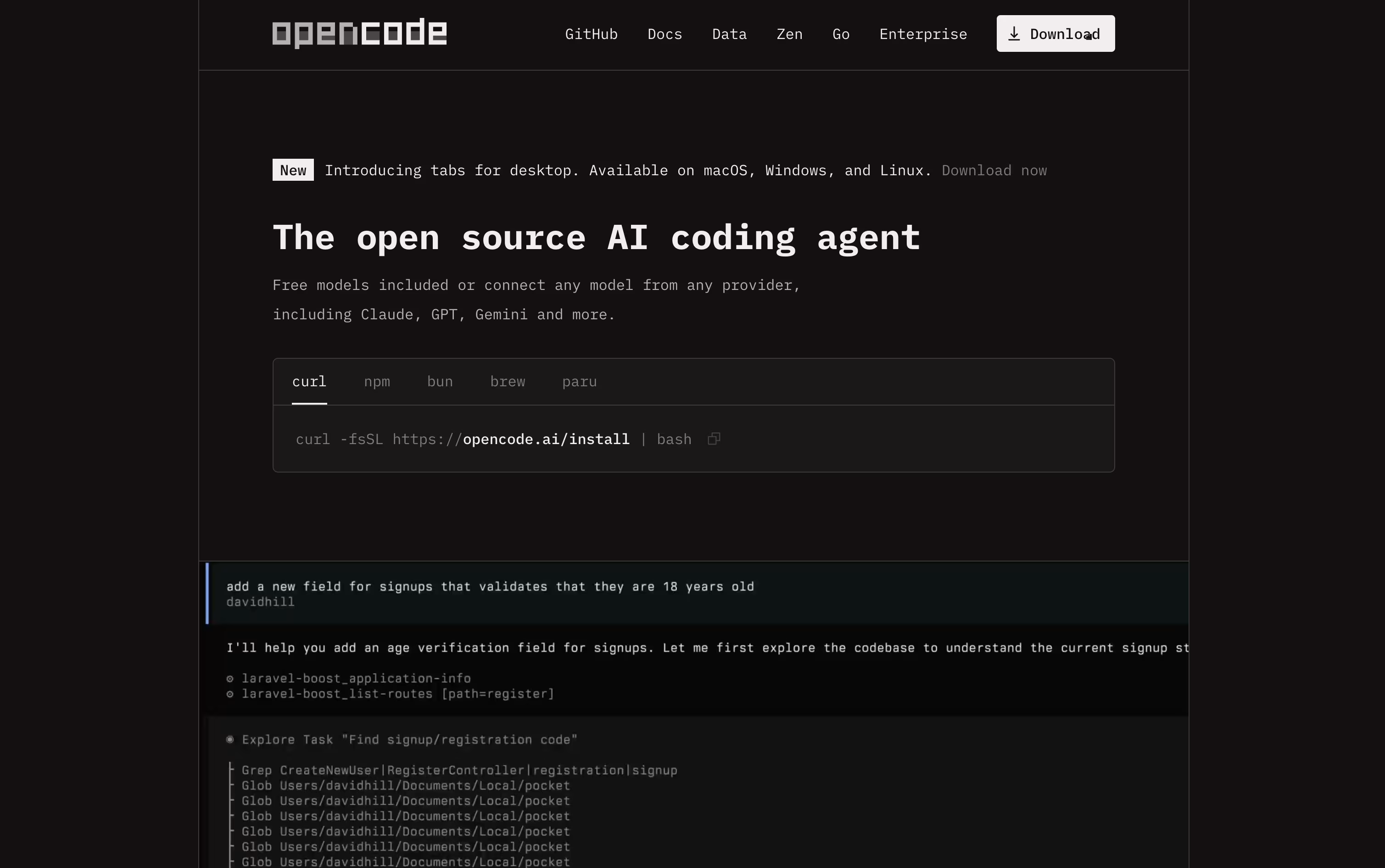
It supports more than seventy five AI providers, including paid options like OpenAI, Anthropic, and Google, as well as free local models such as Ollama. This means you can start using it at no cost with your own local models, or connect a paid provider if you want stronger results.
For those who want an easy way to access strong open source coding models, OpenCode offers the Go subscription. It costs just $5 for the first month, then $10 a month after that, with no long term contract and the option to cancel anytime.
The Go plan gives generous usage limits across models like Kimi K3, GLM-5.2, Qwen3.7 Max, DeepSeek V4 Pro, and MiMo-V2.5, measured over a rolling five hour window. If you need more, you can top up with extra credit whenever required.
Because OpenCode never stores your code or context data, it fits well for privacy conscious developers and companies with strict security needs. It is fully open source under the MIT license, with frequent updates and a large, active community.

Cursor is a code editor where AI agents do a lot of the actual coding work. Instead of writing every line by hand, you describe a task and an agent explores your codebase, plans the change, edits the right files, and runs the commands needed to test it.
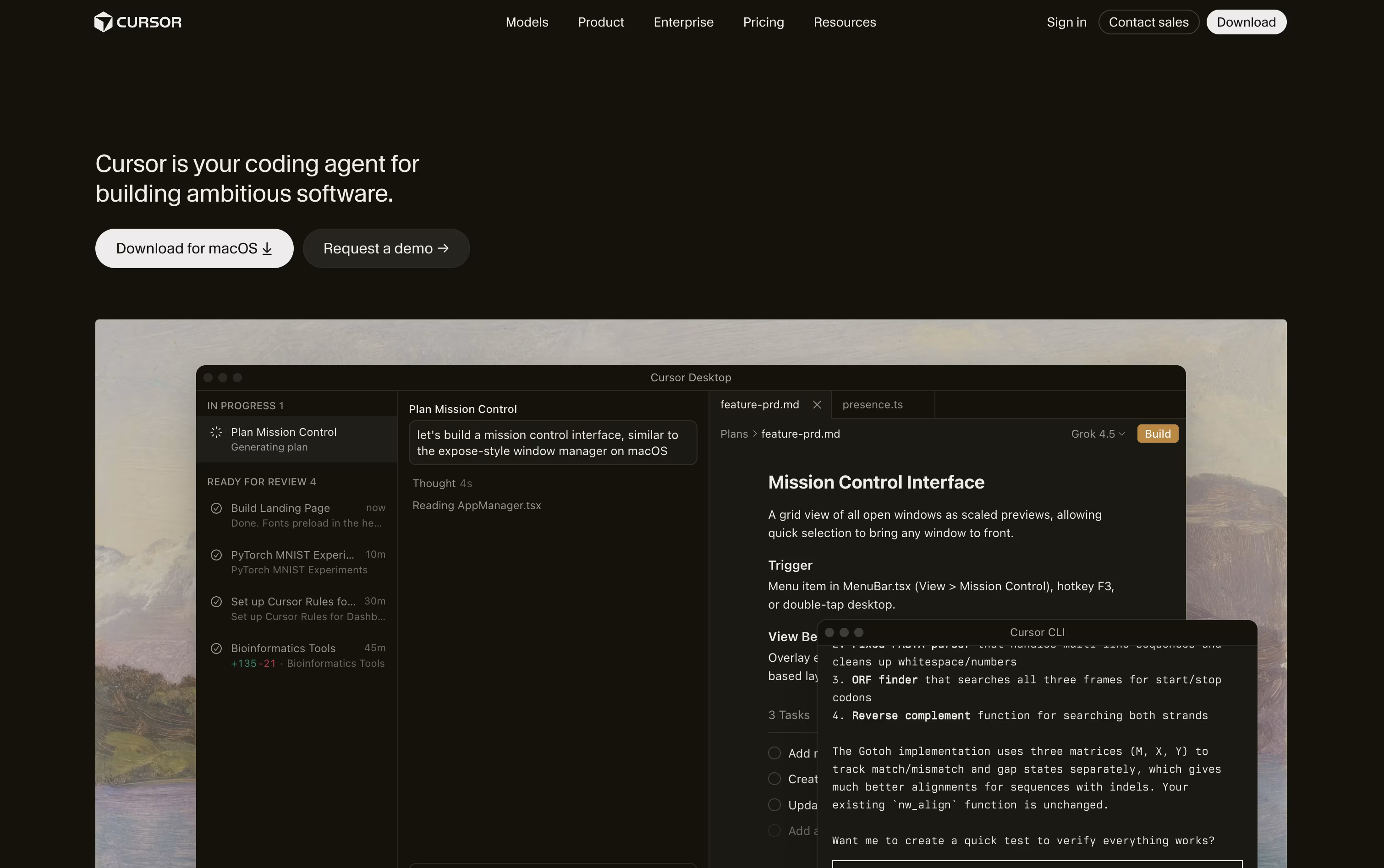
Simple predictive autocomplete is built in for quick edits, while full agent mode handles bigger jobs like new features, bug fixes, and refactors across many files.
Cursor is free to start with the Hobby plan, which includes limited agent requests and access to Composer. The Pro plan costs $20 a month and unlocks extended agent limits, frontier AI models, cloud agents, and MCP support.
Power users can move up to Pro+ at $60 a month or Ultra at $200 a month for much higher limits. Teams get shared billing, a team marketplace, and single sign-on starting at $40 per user a month.
Large companies can request custom Enterprise pricing with pooled usage, audit logs, and stronger access controls. Cursor works on desktop, in the terminal, on the web, and through a mobile app.

GitHub Copilot CLI puts GitHub's Copilot agent right inside your terminal, so you can plan, code, test, and open pull requests without opening an editor.
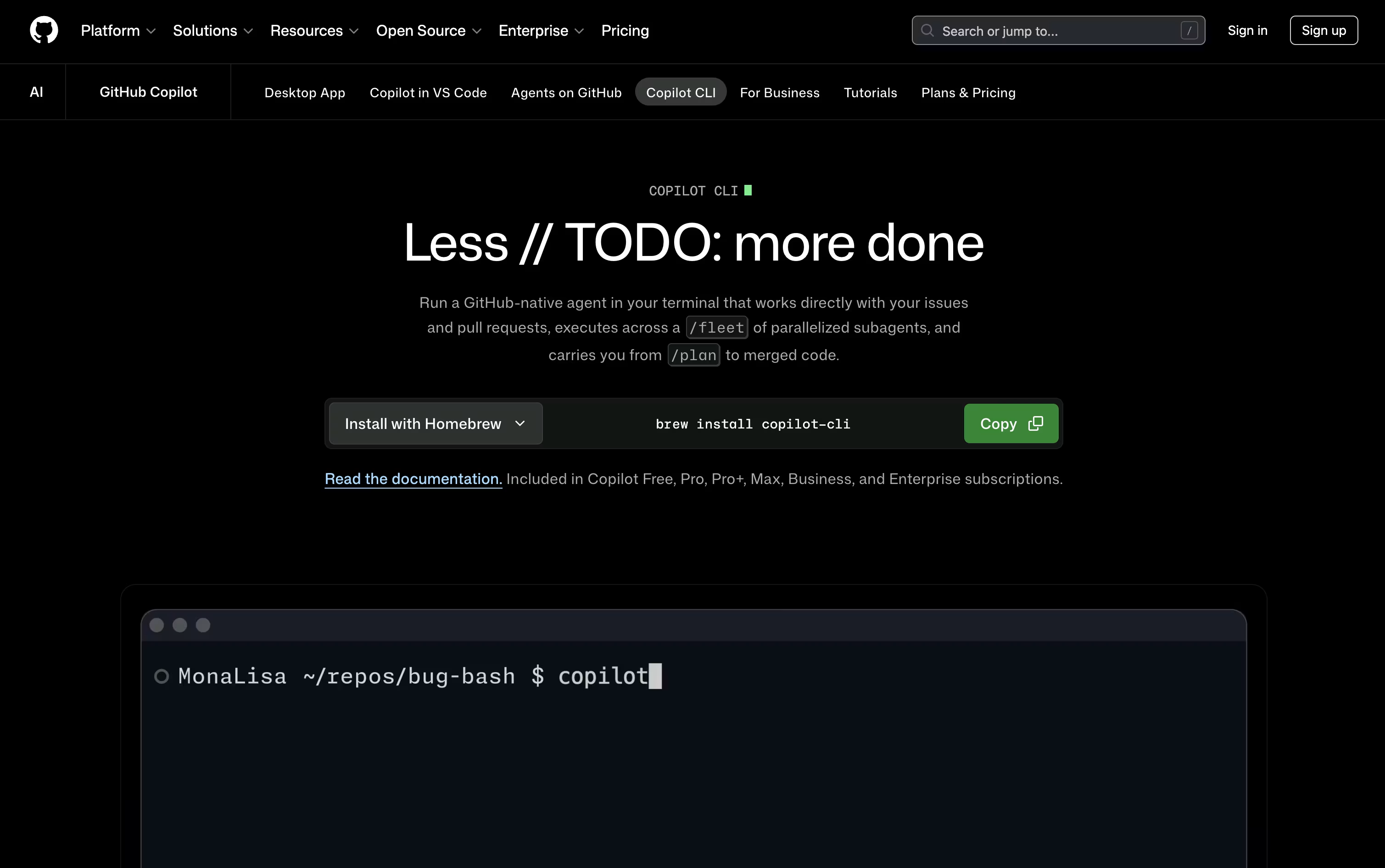
It connects natively to GitHub, reading issues and managing branches and pull requests on its own, and plan mode shows you a checklist before anything actually changes.
The /fleet command splits large jobs into smaller pieces that run through separate sub agents at once, and you can pick from many models, including Claude, GPT, and Gemini options.
Pricing starts with a Free plan that includes 2,000 completions a month. Pro costs $10 a user monthly with unlimited completions and Cloud Agent access, Pro+ is $39 a month with premium Opus models, and Max reaches $100 a month with priority access.
Teams can pick Business at $19 per user a month or Enterprise at $39 per user a month for organization wide rollout with larger pooled credits.
Every change still needs your approval first, keeping you in control of what the agent does in your codebase.

Cursor CLI is a coding agent you run straight from your terminal, built by the team behind the Cursor editor.
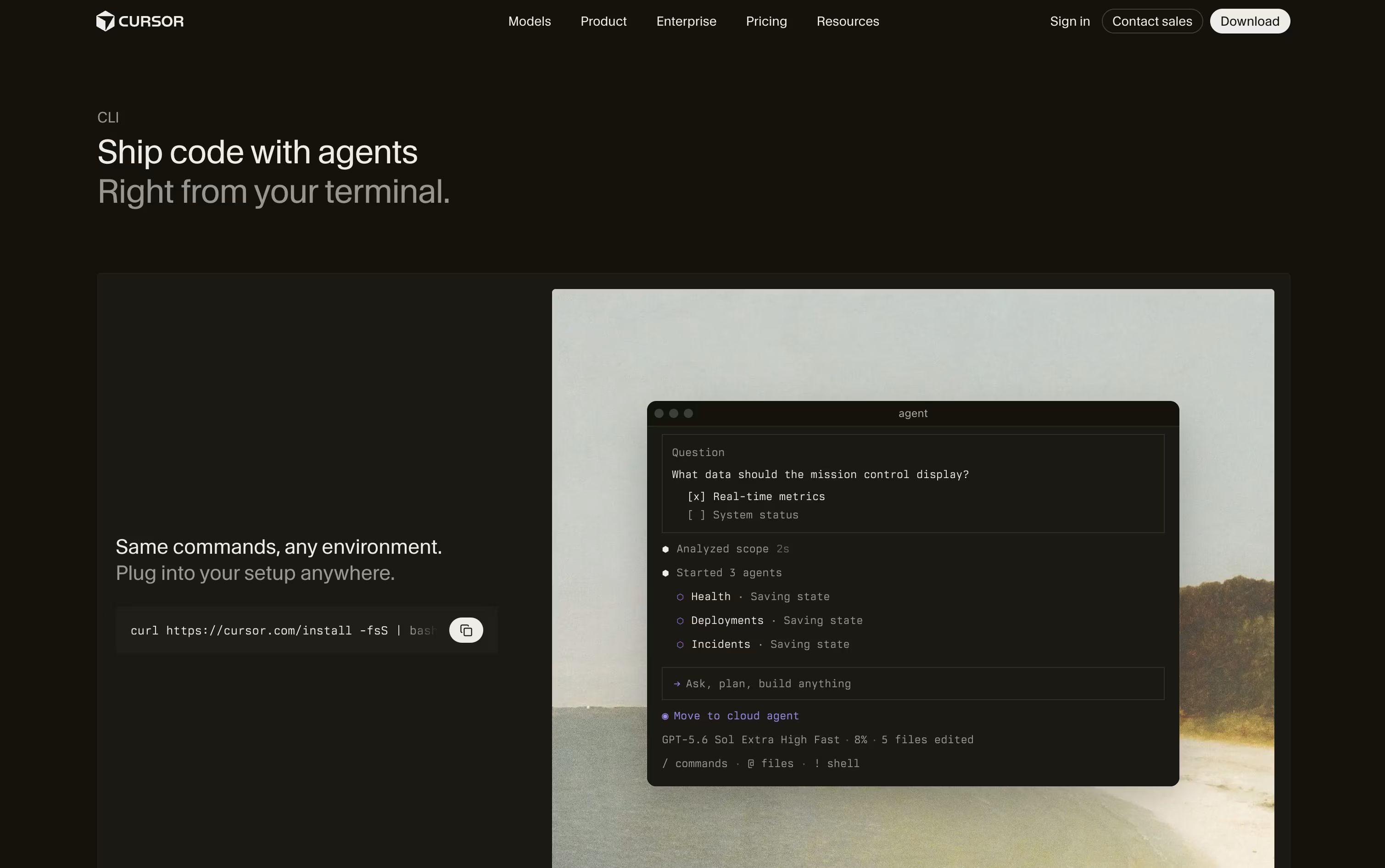
You type a task in plain language and it reads your files, plans the change, edits code, and runs shell commands with your approval, all without needing to open an editor.
It shares the same models, rules, and MCP connections as the Cursor IDE, so it works the same whether you use VS Code, JetBrains, Neovim, or nothing at all.
A free Hobby tier gives limited agent requests to try it out. The Pro plan costs $20 a month and adds extended limits, frontier models, MCP support, and cloud agents. Pro+ runs $60 a month with three times the Pro limits, and Ultra costs $200 a month with twenty times the limits and priority access to new features.
Teams get a Standard plan at $40 per user a month or a Premium plan at $120 per user a month, both adding shared team context, usage analytics, and single sign on. Enterprise pricing is custom and adds pooled usage, audit logs, and account management.
Because it also runs headless, teams often wire it into GitHub Actions and other automation pipelines to review code, fix bugs, and update documentation on their own.

Kimi Code is Moonshot AI's coding agent and command line tool, built to handle real software work rather than just finishing a line of code. It reads through a whole project, edits several files at once, runs commands, and works through a task step by step until it is done.
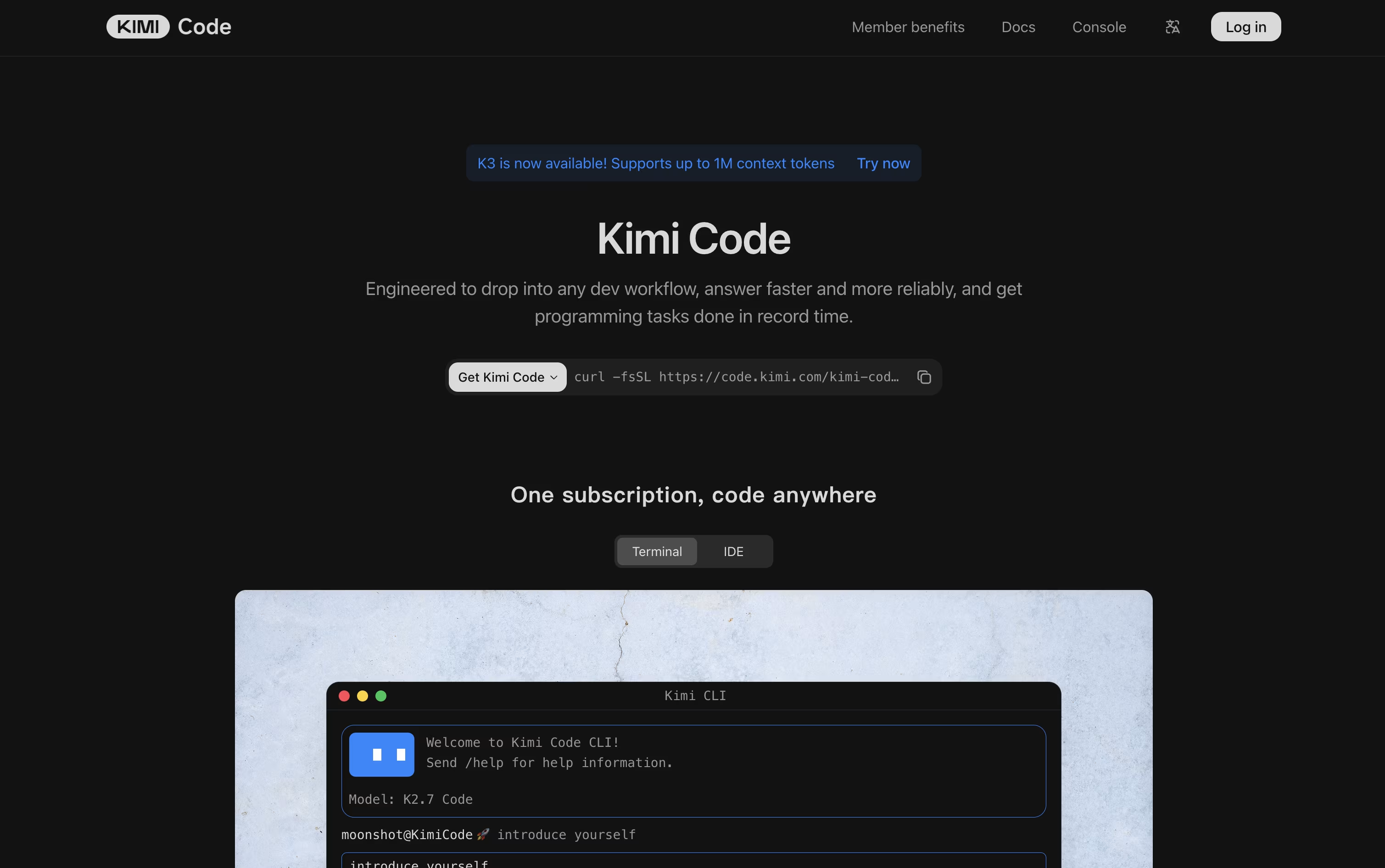
You can use it as a terminal app, inside VS Code, or through an API that plugs into other coding tools you already use. It also supports very long context, so it can keep track of large codebases without losing the thread.
Kimi Code connects to outside tools and data using MCP, and you can add skills, plugins, and hooks to shape how it works. Features like Swarm and Goal Mode let it run several tasks at once or keep working on a goal until it is finished.
Pricing starts with a free plan called Adagio. Paid plans are Moderato at $19 a month, Allegretto at $39, Allegro at $99, and Vivace at $199, each adding more agent credits, longer context, and extra features. Yearly billing brings the price down and saves up to $480 a year.
There is also a Business plan for companies, with pricing available on request.

Grok Build puts a full coding agent inside your terminal. You type what you want done, and it reads the codebase, writes a plan, edits files, runs commands, and checks the results before handing control back to you.

Big tasks can start in Plan Mode, where the agent lays out its steps as a plan you review and approve before any file changes happen. Large jobs can also be split across parallel subagents that explore and fix things at the same time.
It comes bundled into xAI's Grok plans. The Free plan costs $0 a month and already includes Grok Build. SuperGrok is $30 a month and unlocks the Grok 4.5 model with higher limits and image and video generation.
Teams can pick Business at $30 per user a month for seat management and access controls, while Enterprise is priced by contacting sales and adds single sign on and dedicated infrastructure.
The full agent and terminal app are open source, so it can also connect to your own local models if you prefer to run it that way.
Qwen Code turns plain language into working code right inside your project folder. You describe what you want built or fixed, and it plans the steps, edits files, runs commands, and checks that things actually work before handing control back to you.
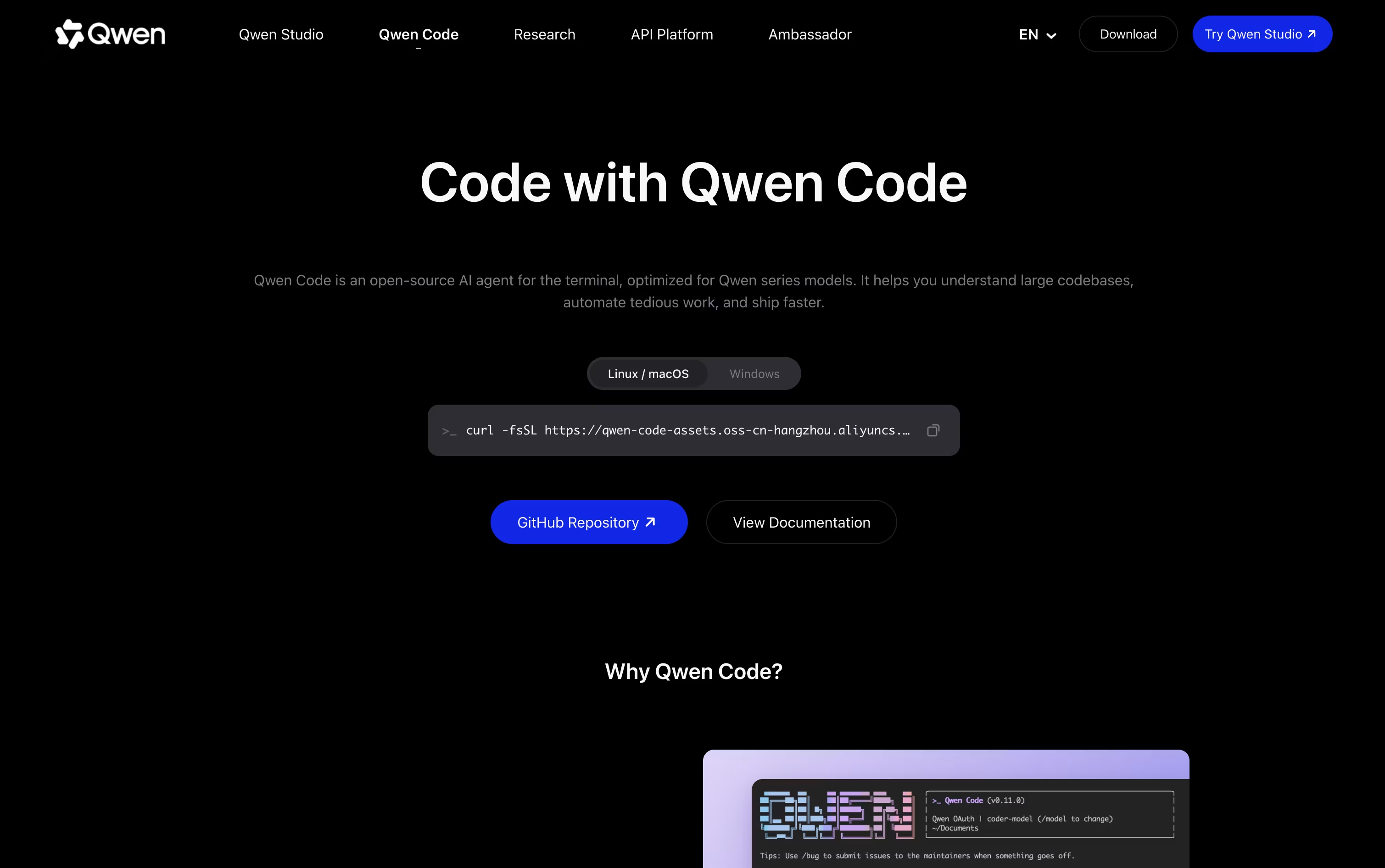
It is fully open source and works with many model providers, not just Qwen models, so you can also connect OpenAI, Anthropic, Gemini, DeepSeek, or even local models through Ollama or vLLM.
Beyond the terminal, Qwen Code also comes as a desktop app for macOS, Windows, and Linux, plus editor support for VS Code, JetBrains, and Zed, so you are not locked into one workspace.
Individual plans start at $6 a month for the Lite plan, moving up to $18 a month for Standard and $68 a month for Pro, each giving more credits and the ability to run more agents at once.
Teams can pick seat based plans instead, starting at $20 per seat a month for Standard, $75 for Pro, and $200 for Max, each with more monthly credits and access to models like GLM-5, MiniMax-M2.5, and DeepSeek-V3.2.
Because it is open source with an Apache-2.0 license, developers can also self host it, extend it, or connect it to their own tools without being tied to one company's pricing.

Kilo Code is an open source AI coding agent that works the same way across your code editor, the terminal, the cloud, and even your phone, so a task you start in one place can continue in another.
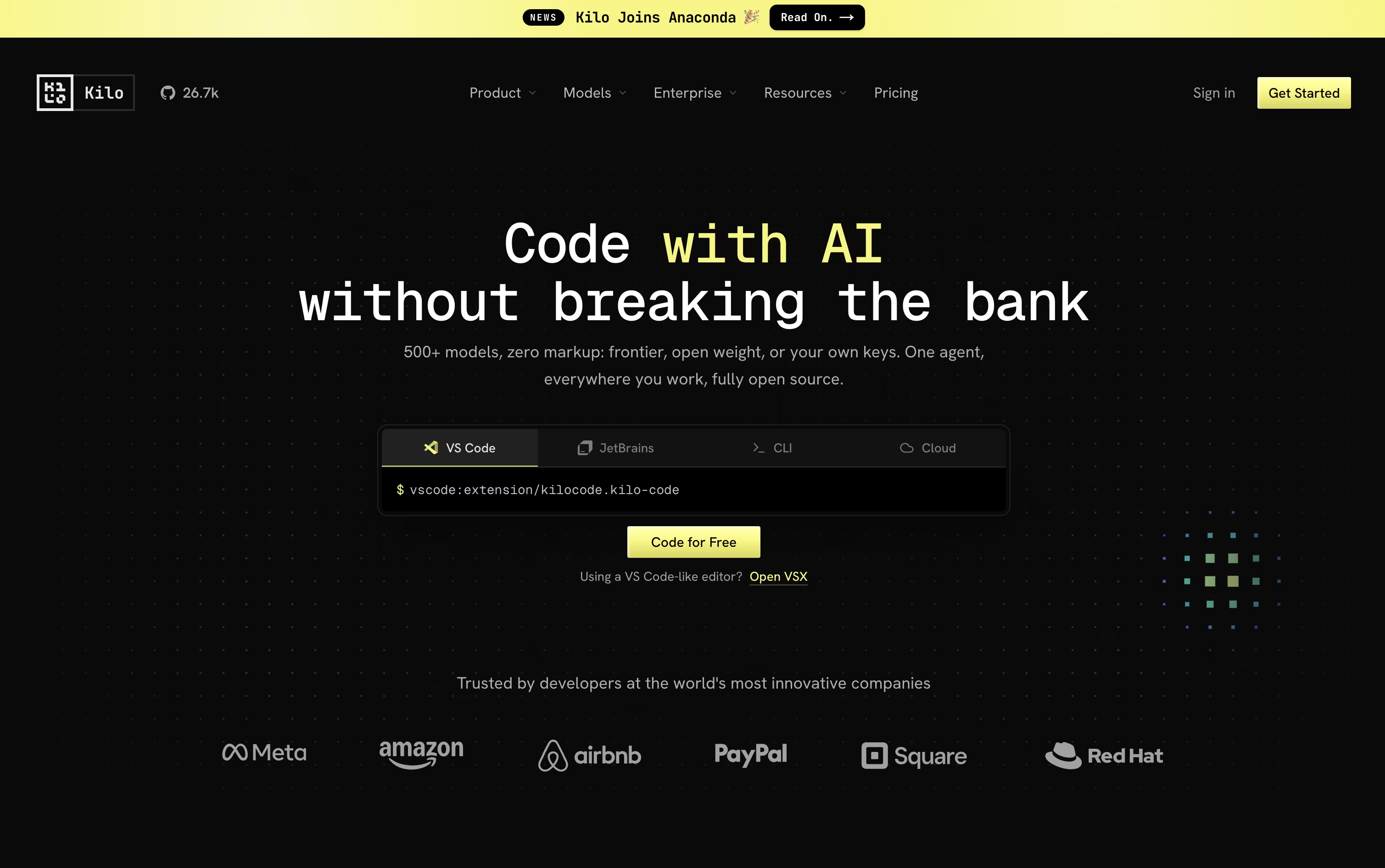
You describe what you need in plain language, and the agent can plan the work, edit code across many files, run terminal commands, and check its own results, using specialized modes for coding, planning, debugging, and review.
It connects to more than 500 AI models across 60+ providers, and you can switch models mid task, bring your own provider keys, or run local models, with no markup added on top of provider rates.
The platform itself is free for individual developers, including the open source VS Code and JetBrains extensions and the CLI. AI model usage and cloud compute, like cloud agents and code review, are billed separately based on what you use.
Teams who want shared billing, usage analytics, and collaboration features can move to the Teams plan for $15 per user a month, while larger organizations can get custom Enterprise pricing with SSO, audit logs, and dedicated support.

Zed is a code editor built for speed. It is written in Rust with its own graphics engine, so typing, scrolling, and searching stay smooth even on very large projects.
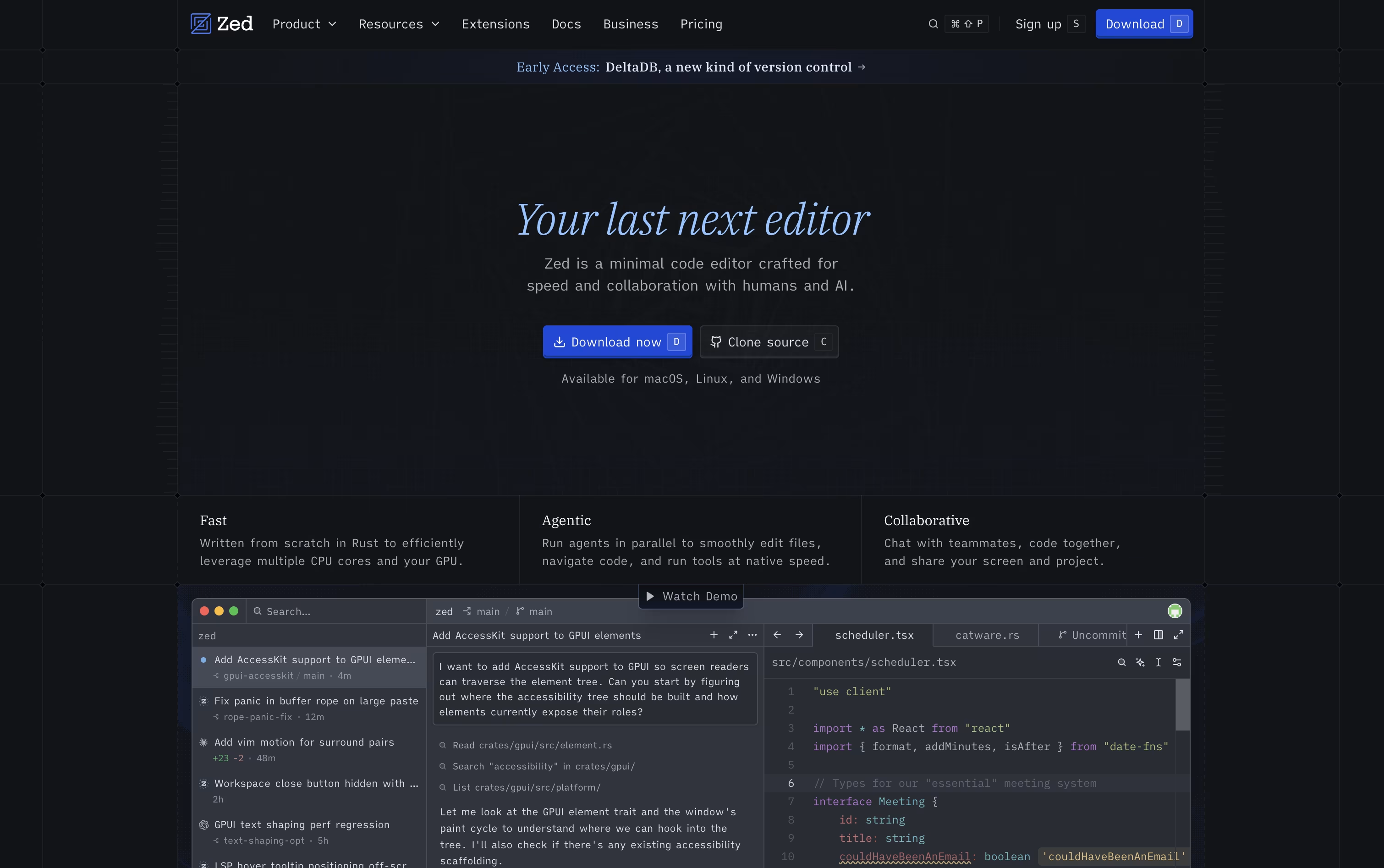
Beyond raw speed, Zed lets teams edit together in real time, showing everyone's cursors and changes as they happen, and it includes AI agents that can search, edit, and test code for you based on a plain language request.
The Personal plan is free forever and includes 2,000 accepted edit predictions, plus unlimited use if you bring your own AI keys or connect outside agents like Claude Agent.
The Pro plan costs $10 a month and adds unlimited edit predictions along with $5 of included AI usage each month, with extra usage billed afterward.
For teams, the Business plan is $30 per seat a month and adds organization-wide AI policies, data governance, spend visibility, and role-based access controls.

Amp is a coding agent that works through conversations called threads. You give it a task, and it can read your code, make changes, run commands, and even test its own work along the way.
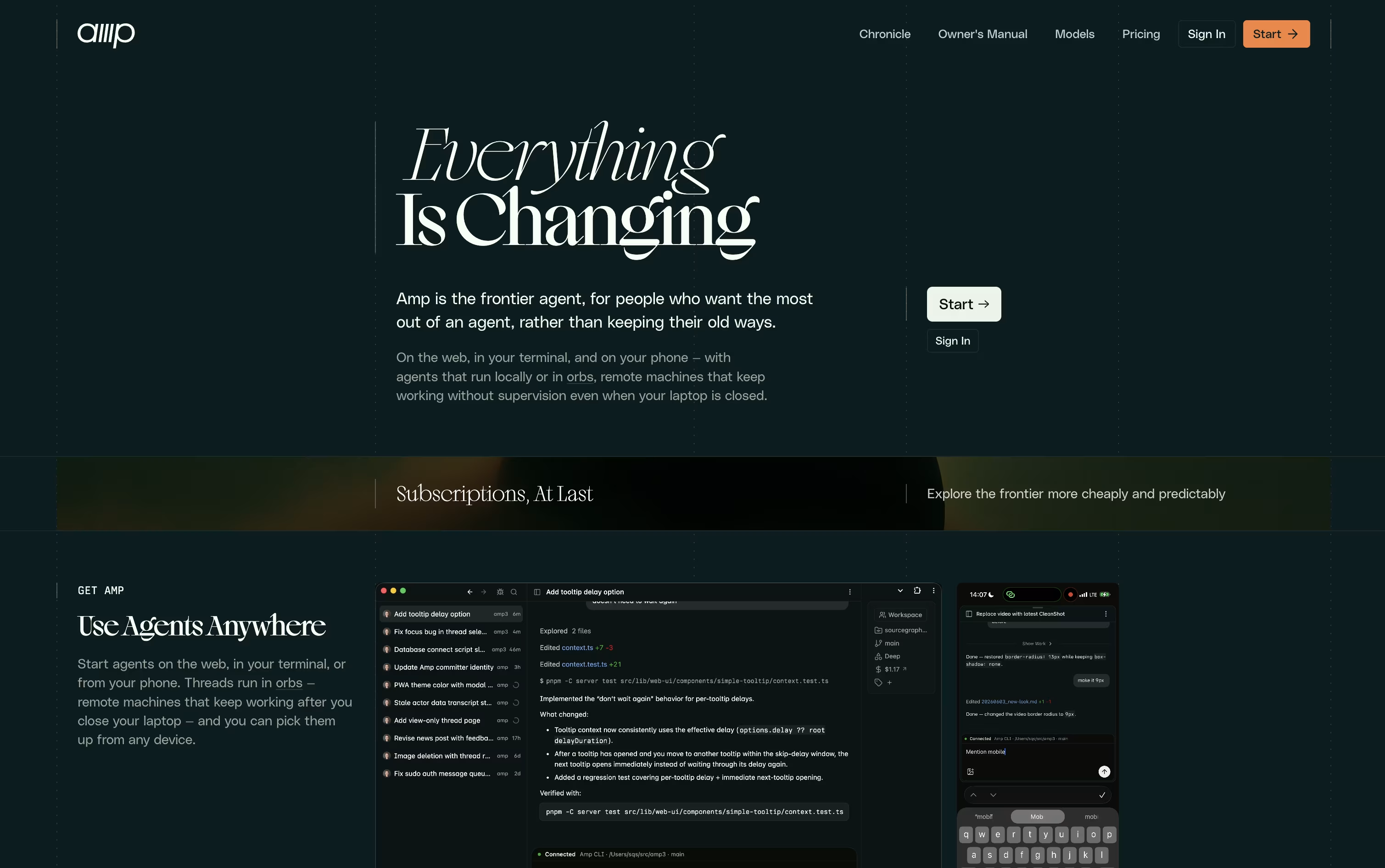
One of its standout features is orbs, which are remote machines that let Amp keep working on a task even after you close your laptop. Orbs come with common developer tools already set up, so work can continue in the background.
Amp offers a few reasoning modes, from fast and simple to deep and thorough, so you can match the effort to the task at hand. It also supports skills and plugins, letting you teach it new tasks or connect it to other tools.
Pricing starts at $20 a month with the Megawatt plan, which includes orb hours and usage credit for lighter tasks. The Gigawatt plan costs $200 a month and unlocks larger orbs plus every reasoning mode. There is also a pay as you go option, and an Enterprise plan with custom pricing for teams needing extra security and controls.
Whether you are a solo developer or part of a larger team, Amp aims to give you a coding assistant that keeps pace with the newest AI models available.

GitHub Copilot is an AI coding assistant that works alongside you as you write software. It suggests code as you type, answers questions in a chat window, and can even take on full tasks like fixing bugs or building small features on its own.
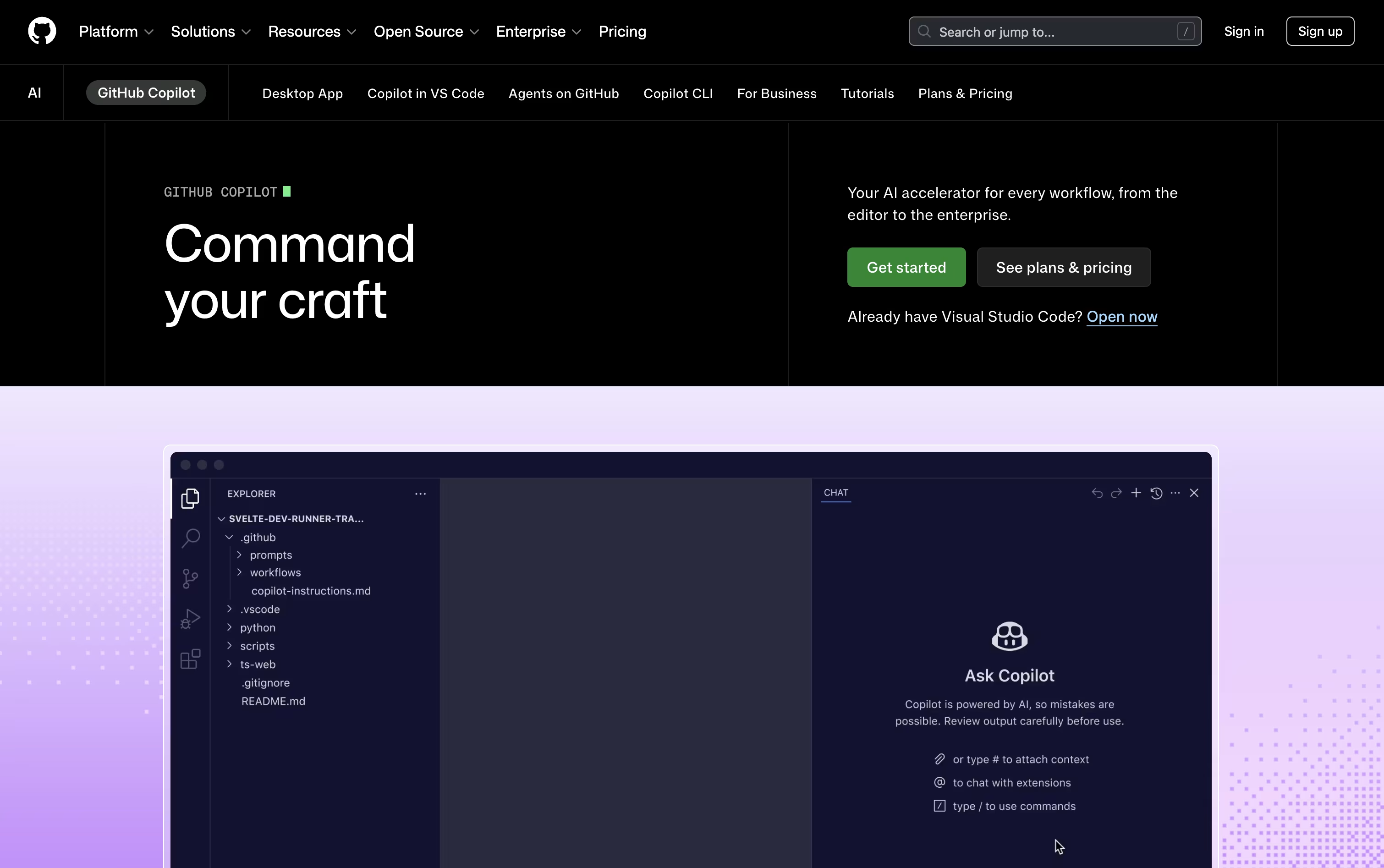
Beyond simple suggestions, Copilot can plan and carry out multi-file changes through its agent mode, and its cloud agent can research a task, write the code, run tests, and open a pull request without much hand holding.
The free plan gives you 2,000 completions a month along with access to a couple of AI models and the Copilot CLI, no credit card needed.
The Pro plan costs $10 a month and unlocks unlimited completions, the cloud agent, code review, and $15 in monthly AI credits, along with access to third-party agents like Claude Code and OpenAI Codex.
Pro+ at $39 a month adds premium models such as Opus and larger AI credits, while Max at $100 a month gives priority access to new models and features with the largest credit allowance.
Teams can choose Business at $19 per user a month or Enterprise at $39 per user a month for pooled credits, governance, and admin controls across their organization.

Cline is an open-source AI coding agent that works inside VS Code, JetBrains, and the terminal. It reads your codebase, understands how files relate to each other, and helps you write, edit, and fix code using plain language.
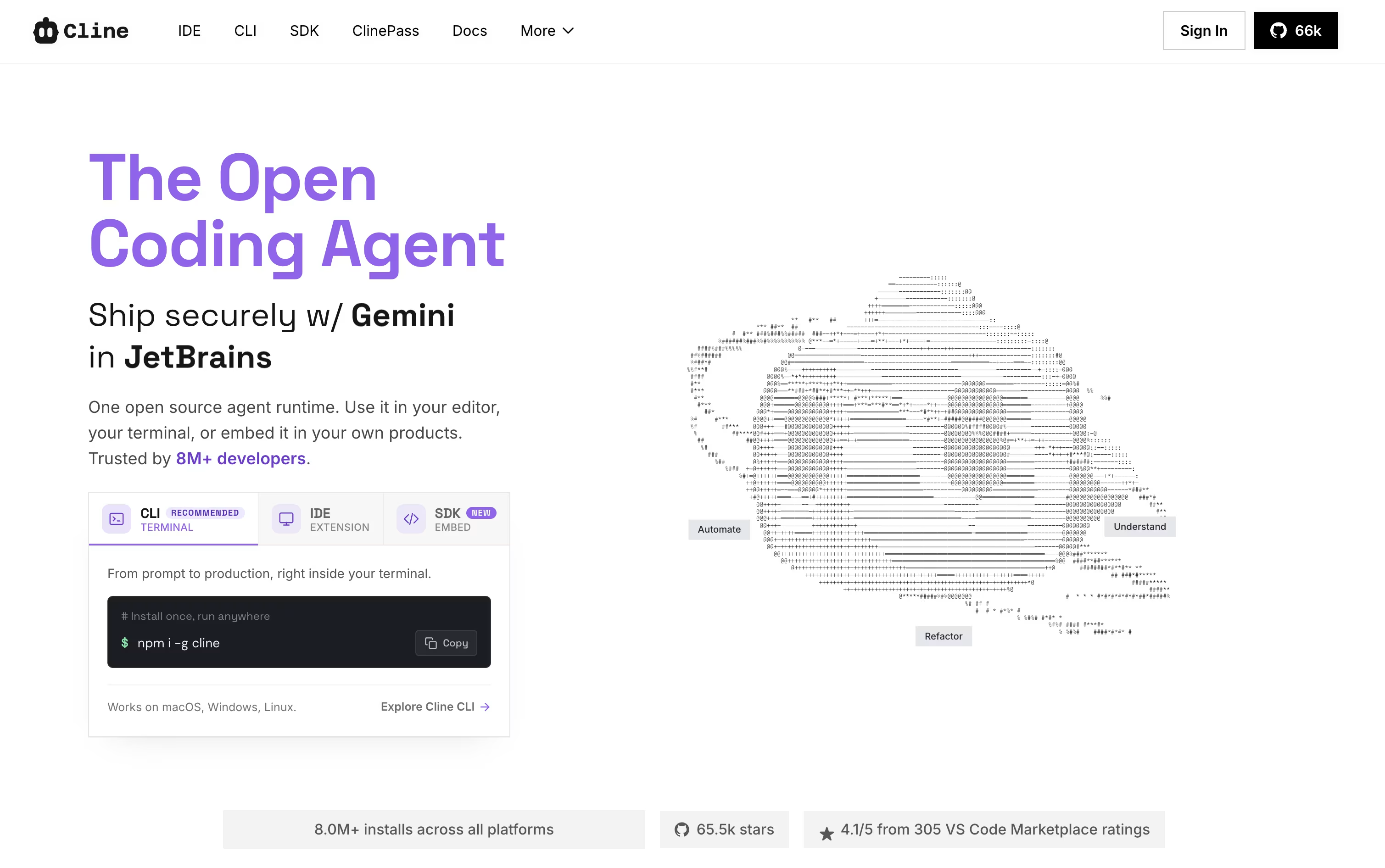
It works in two modes. Plan mode explores your project and puts together a strategy, while Act mode carries out the work step by step. You stay in control, since Cline asks for approval before making changes, though auto-approve is there if you want faster runs.
Beyond editing files, Cline can run terminal commands, test web pages with a built in browser, and connect to outside tools through the Model Context Protocol. Checkpoints make it easy to review changes and roll back if something goes wrong.
The open-source version is free, and you only pay for AI usage through your own API keys from providers like OpenAI, Anthropic, or Google. For a simpler setup, ClinePass costs $4.99 for the first month, then $9.99 a month, and gives you access to curated open-weight models without managing keys yourself.
Teams and organizations can choose the custom Enterprise plan, which adds single sign-on, centralized billing, role-based access, audit logs, and dedicated support.
Trae is an AI coding IDE and work assistant built by ByteDance. It goes past simple code completion by planning tasks, writing code across many files, testing changes, and fixing issues on its own when you ask it to.
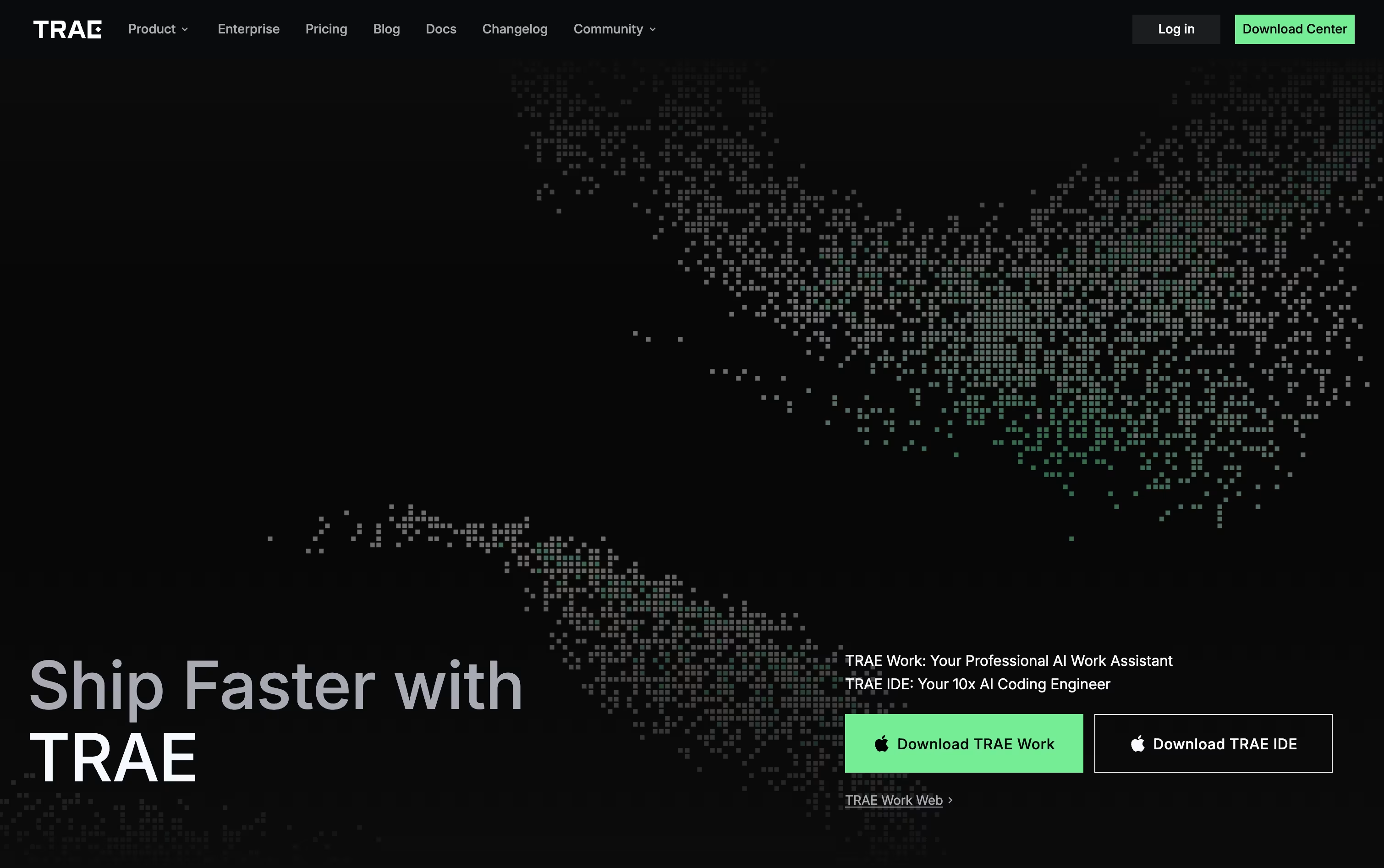
You can talk to it in plain language, using text, voice, or even a screenshot, and it will break your request into steps and carry them out. A built in terminal and browser preview let you check the result without leaving the app.
Trae Work extends this beyond coding, covering research, reports, and other office style tasks, and it runs on desktop, web, and mobile so you can start a task on your phone and pick it up later on your computer.
The Free plan gives limited monthly usage with standard queue access. Lite starts at $3 a month, Pro starts at $10 a month with a 7 day free trial, Pro+ is $30 a month, and Ultra is $100 a month with early access to new models. Yearly billing saves 25 percent on every paid plan.
For larger teams, Trae offers enterprise pricing through BytePlus, with added security, larger codebase support, and admin controls.

Augment Code is built for teams working on large, complicated codebases where normal AI coding tools often struggle. Its Context Engine keeps a live, up to date understanding of your code, past changes, and how different parts connect, so answers and suggestions stay grounded in how your project actually works.
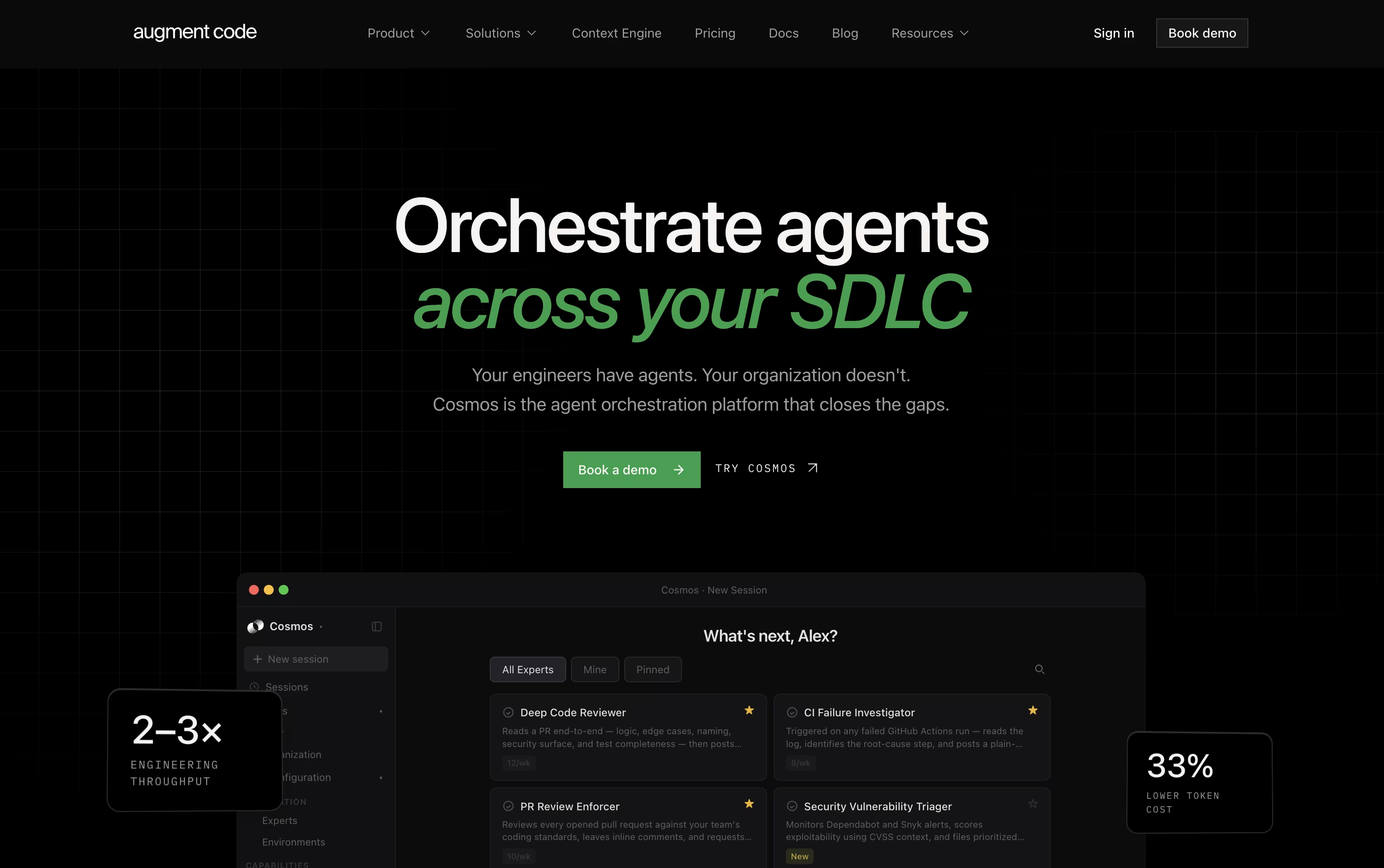
The main workspace, called Cosmos, lets teams set up AI agents for ongoing engineering work. These agents can review pull requests, look into failed builds, flag security problems, update dependencies, and coordinate incident response, often before a human even needs to step in.
Developers who prefer the terminal can use the Auggie command line tool, which brings the same code understanding into everyday coding, scripting, and automation tasks.
Pricing is simple. The Business plan costs $100 a month, covers up to 50 team members, and includes $100 of monthly usage with pay as you go top ups available after that.
Larger organizations can choose the Enterprise plan, which offers custom pricing, unlimited seats, advanced security controls, and dedicated support.
Overall, it is built for teams that want AI agents to genuinely understand their codebase and work together as a coordinated team, not just answer one question at a time.

Qoder is an agentic coding platform built to handle real software work, not just quick code suggestions. It builds a deep understanding of your codebase through Enhanced Context Engineering, so it stays aware of architecture, history, and dependencies even on large projects.
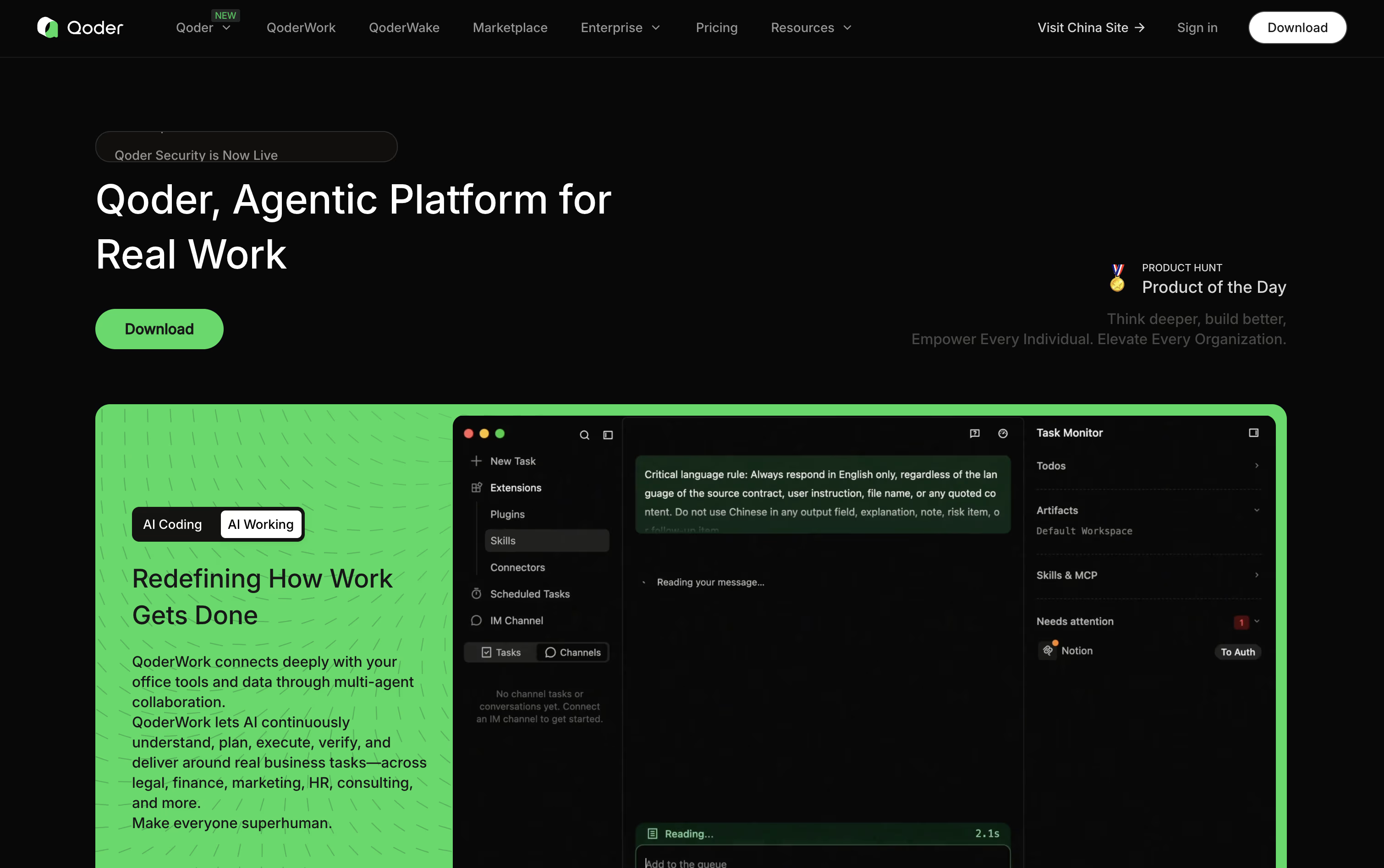
Its agents can plan a task, write code, test it, and fix problems on their own, often running for long stretches with little input from you. Quest Mode is where this shows up most, letting you hand off big tasks while Repo Wiki keeps project documentation updated automatically.
Qoder is free to start, with a two week trial giving 300 credits. The Pro plan costs $20 a month for 2,000 credits, Pro+ is $60 a month for 6,000 credits, and Ultra is $200 a month for 20,000 credits.
Teams and Enterprise plans are also available, priced per seat, with extras like single sign-on, centralized billing, and audit logs for larger organizations.
Beyond the desktop app, Qoder also offers a CLI, a JetBrains plugin, a mobile app, and cloud agents for production use.

JetBrains AI is not a separate app, it lives inside JetBrains IDEs like IntelliJ IDEA, PyCharm, and WebStorm, along with Android Studio and ReSharper.
It gives you smart code completion powered by JetBrains own Mellum model, a chat window that understands your project, and coding agents such as Junie, Claude Agent, and Codex that can plan, write, and test changes for you.
The Free plan costs nothing and includes 3 AI credits every 30 days plus a 30 day trial of AI Pro for new users.
AI Pro costs $10 a user a month, or $100 a year, and unlocks unlimited code completion, unlimited Next Edit Suggestions, and 10 AI credits every 30 days.
AI Ultimate raises that to 35 credits for $30 a month, while AI Enterprise costs $60 a user a month, billed yearly, and adds enterprise security, custom integrations, and organization wide management.
Because it works with local models, your own API keys, or JetBrains cloud AI, you can pick the setup that fits your privacy needs and budget.

Zencoder is an AI coding agent platform built for developers and engineering teams who want more than a chat assistant. It plans, writes, tests, and checks code across your entire project, working inside your existing editor or as its own desktop app.
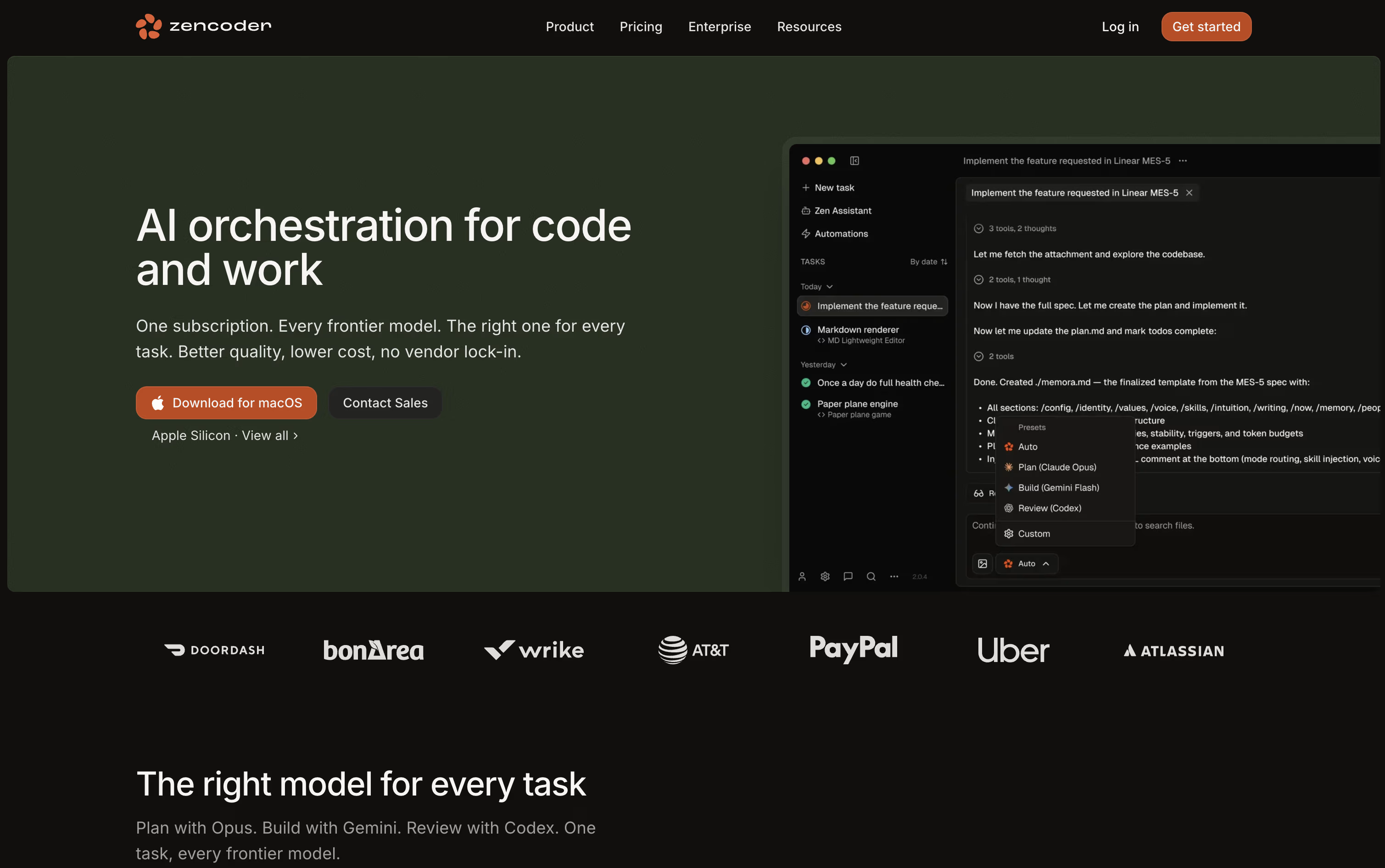
The platform understands your full codebase, including multiple repositories, so agents write code that fits how your team already works. Many agents can run at the same time, each in its own isolated space, so nothing gets mixed up.
Zencoder offers four plans. Pro starts at $45 per user per month, or $40 billed yearly, with 30,000 monthly credits and access to OpenAI, Claude, and Gemini models. Pro Plus is $95 per month, or $85 yearly, adding a shared credit pool and multi-repository indexing.
Pro Max costs $195 per month, or $175 yearly, with more credits and priority support. Enterprise offers custom pricing with private deployment, unlimited multi-repository indexing, and a dedicated customer success manager.
Every plan includes a 7-day free trial with 5,000 credits, so teams can test the platform before committing to a paid plan.

Warp started out as a modern, Rust-based terminal app, but has grown into a full Agentic Development Environment that helps you code with AI agents from start to finish.
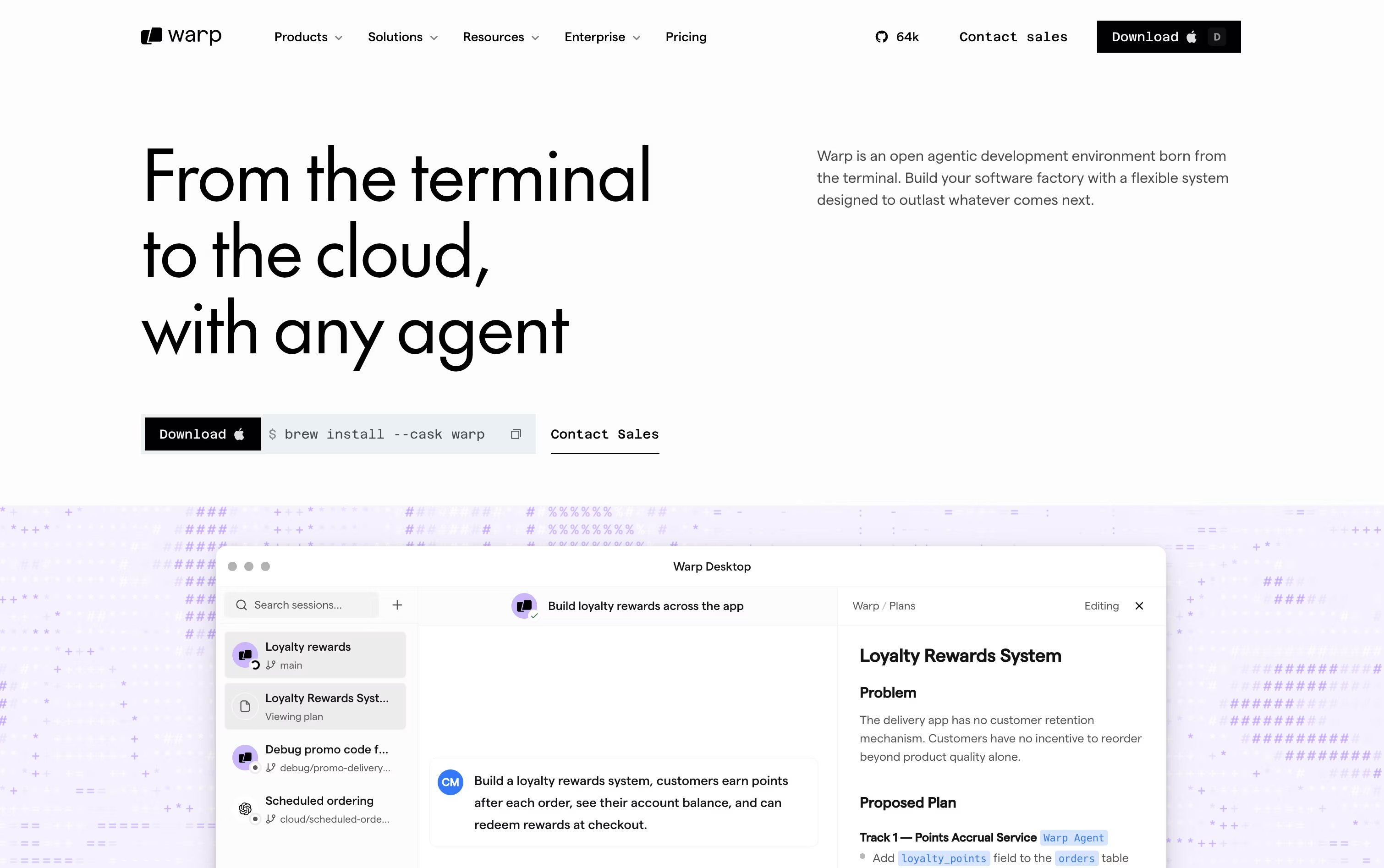
Inside Warp, you get a block-based terminal with IDE-style editing, plus a built-in Warp Agent that can plan, write, and debug code. You can also run other agents like Claude Code, Codex, and Gemini CLI in the same window.
Oz, Warp's orchestration layer, lets you run agents locally or in the cloud and switch between the two easily. Warp Drive gives your team a shared space for workflows, notebooks, and prompts that both people and agents can reuse.
Pricing starts with a free plan for individual terminal use with limited cloud agents. The Build plan costs $20 a month and adds 1,500 credits along with full agent access.
Heavier users can pick Max at $200 a month for 18,000 credits, while teams can choose Business at $50 per seat a month for shared usage tools and SSO.
Large organizations can move to Enterprise for custom pricing, with self-hosted agents, dedicated support, and advanced security controls. Warp is open source and runs on macOS, Linux, and Windows.


