

Notion vs Tana: Features, Pricing and User Reviews 2026

Notion
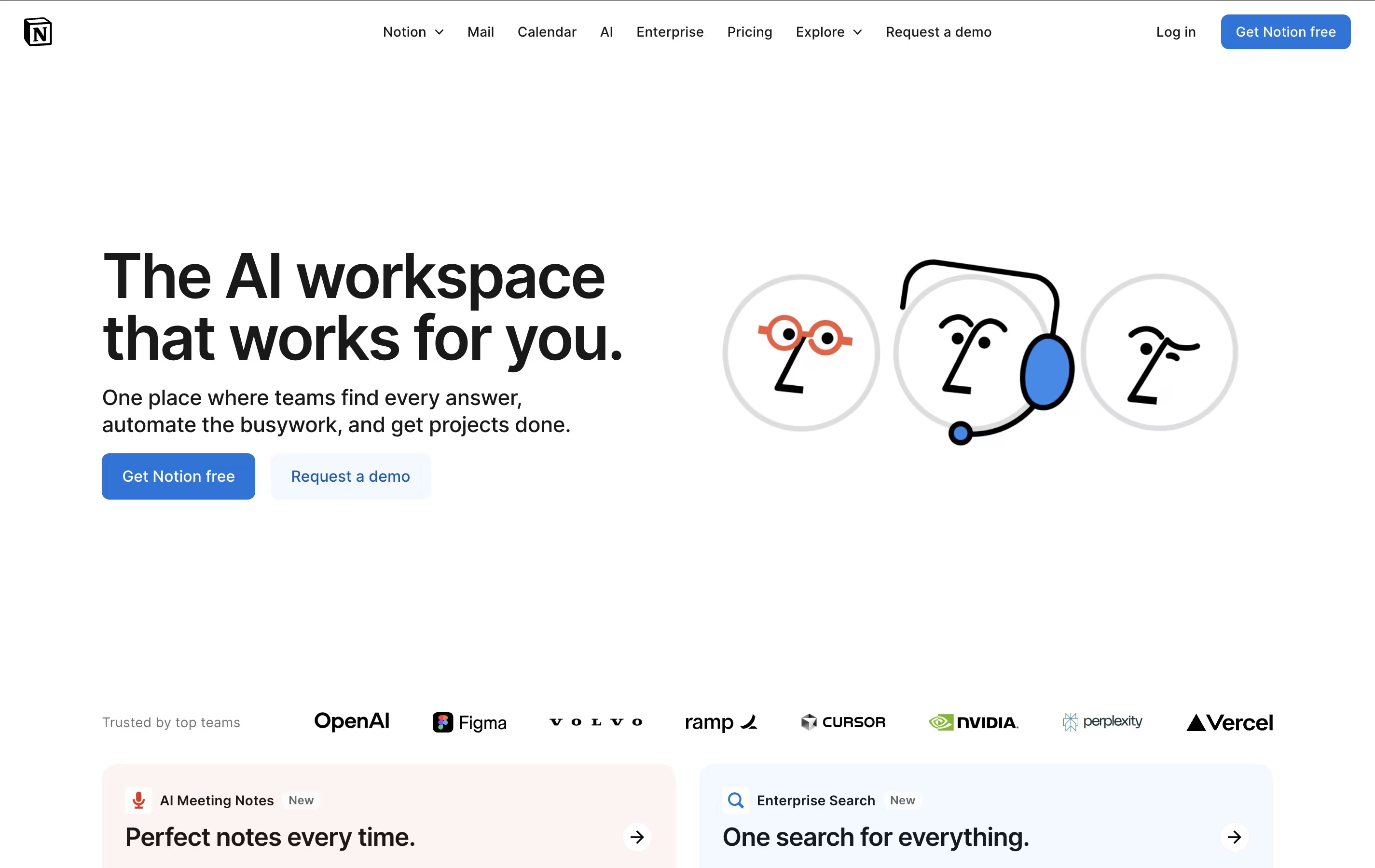
All-in-One Workspace for Teams & Projects

Notion
All-in-One Workspace for Teams & Projects
What are Notion and Tana?
Notion is a versatile all-in-one workspace that functions like a set of digital building blocks. Think of it as a combination of Google Docs, Trello, Airtable, and Evernote all rolled into one seamless platform. Every page in Notion is built using 'blocks' - individual pieces of content like text, images, databases, or embedded files that you can arrange however you want.
What sets Notion apart is its flexibility. You can create simple notes, complex project management systems, company wikis, or personal journals using the same tool. The platform supports real-time collaboration, allowing teams to work together on documents, databases, and projects simultaneously. With templates for common use cases and the ability to create custom workflows, Notion scales from personal use to enterprise-level operations while maintaining simplicity and elegance.

Tana is an AI-powered workspace that brings together the best of note-taking apps and databases into one unified platform. Think of it as a digital brain that helps you capture, connect, and organize all your information in a way that actually makes sense.
At its core, Tana uses a node-based system where every piece of information becomes a building block that can connect to other blocks. This means your meeting notes can automatically link to project tasks, and your ideas can connect to relevant contacts or resources. The magic happens through Supertags, which transform regular text into structured data without complex setup.
Tana goes beyond static notes by offering AI-powered features like voice transcription, meeting summaries, and intelligent content suggestions. Whether you're managing personal projects, running team meetings, or building knowledge bases, Tana adapts to your workflow while keeping everything connected and easy to find.
Features of Notion and Tana
All-in-one workspace combining notes, docs, wikis, and databases
Block-based editor with drag-and-drop functionality
Real-time collaboration and team sharing
Multiple database views and advanced filtering
Template gallery for quick setup
Notion AI for content generation (Business+)
Cross-platform sync (web, desktop, mobile)
Integration with popular work tools
Unlimited pages and customizable workflows
AI-powered note-taking with voice memo support
Node-based system connecting all information
Supertags for instant data structuring
Meeting recording and transcription
Google Calendar integration
Real-time collaboration features
Mobile and desktop apps available
Publishing tools for sharing content
Custom AI workflows and commands
Daily planning and task management
Use Cases of Notion and Tana
Pricing of Notion and Tana
Notion offers flexible pricing to suit individual users and growing teams. The Free plan is perfect for personal use, providing unlimited pages and blocks for individuals, plus collaboration with up to 10 guests. However, it limits file uploads to 5MB and includes basic features only.
The Plus plan at $10 per user monthly (annual billing) targets small teams, offering unlimited file uploads, 30-day page history, and collaboration with up to 100 guests.
The Business plan at $20 per user monthly includes everything in Plus plus Notion AI features, advanced page analytics, and priority support - making it ideal for growing companies.
Enterprise plans feature custom pricing and deliver advanced security with SAML SSO, user provisioning, audit logs, and dedicated customer success management. Students and educators receive Plus plan benefits free with school email verification.
Tana offers flexible pricing to match different needs and usage levels. The Free Plan provides core note-taking features with basic AI functionality, perfect for individual users exploring the platform.
Tana Plus ($10/month) adds Google Calendar integration, enhanced AI features, and meeting tools. This plan works well for professionals who want better productivity features.
Tana Pro ($18/month) includes advanced builder tools, creator features, and extensive customization options. It's designed for power users and teams requiring full functionality.
All paid plans include AI credits that renew monthly, with options to purchase additional credits if needed. Students and educational users may qualify for discounted pricing. Enterprise plans are available for larger organizations needing team management, security features, and priority support. All plans come with mobile and desktop app access.
FAQs: Notion vs Tana
Reviews: Notion vs Tana
Based on 0 reviews
Based on 0 reviews
Compare Notion With Other Tools

Obsidian
Free Note-Taking App That Connects Your Ideas

Logseq
Free Open-Source Note-Taking & Knowledge Base

Craft
Beautiful Document Editor with AI for Notes, Tasks & Collaboration

Bear
Beautiful Markdown Note-Taking App for Mac, iPhone & iPad

Joplin
Free Open-Source Note-Taking App with Encryption

AFFiNE
Open-Source Workspace for Docs, Whiteboards & Databases

Capacities
Object-Based Note-Taking App for Your Second Brain

AppFlowy
Open-Source Workspace for Notes, Tasks & Projects

RemNote
Smart Note-Taking with Flashcards and Spaced Repetition