

Logseq vs Notion: Features, Pricing and User Reviews 2026

Notion
All-in-One Workspace for Teams & Projects
Notion
All-in-One Workspace for Teams & Projects
What are Logseq and Notion?

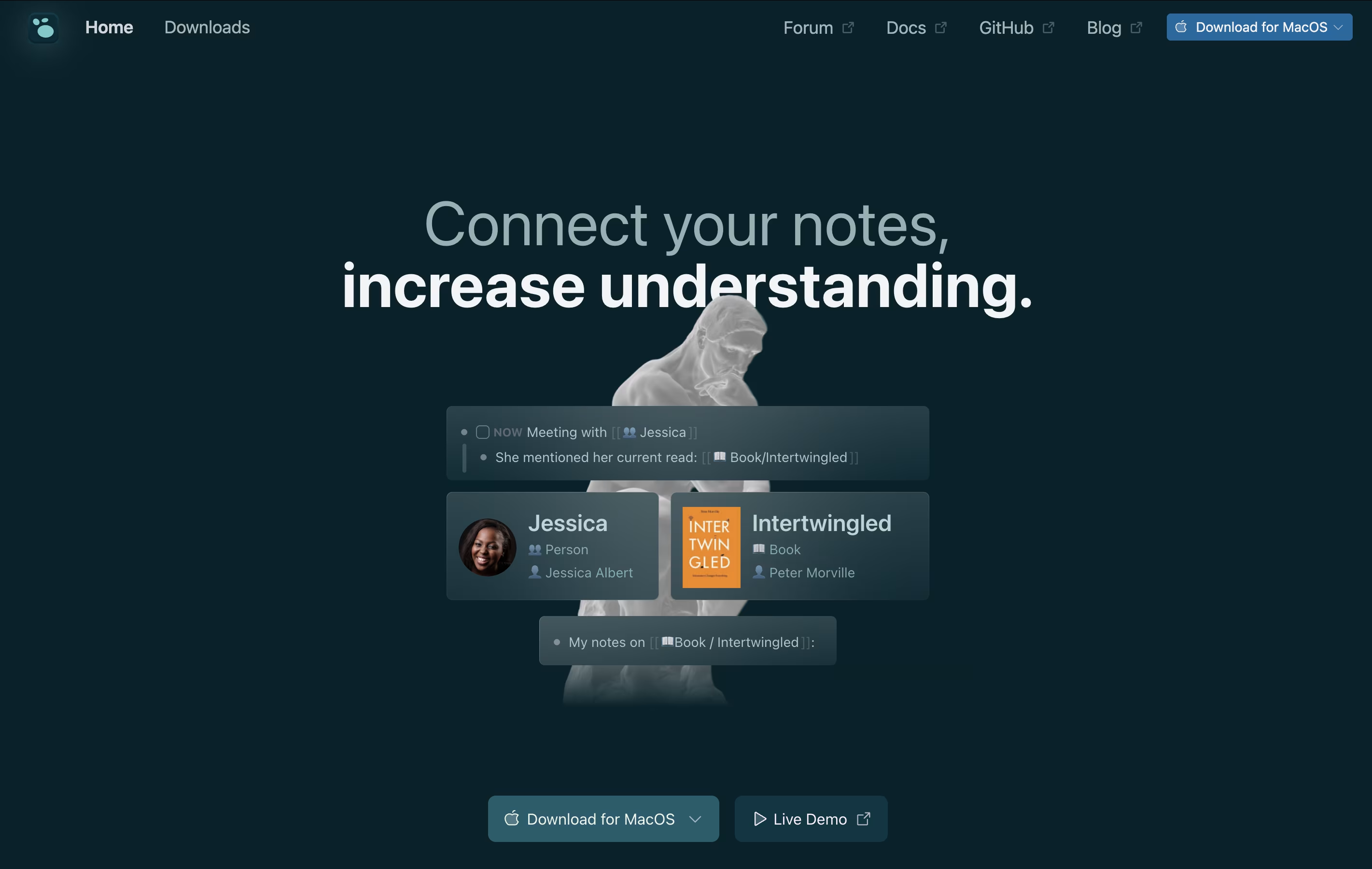
Logseq is an open-source note-taking tool that helps you capture and connect your thoughts. Everything you write is stored as plain text files on your device, giving you complete control over your data. You never have to worry about a company shutting down or changing their prices because your files belong to you.
The app works with a daily journal where you can write notes, create tasks, and link ideas together. When you link notes, Logseq shows you all the connections, helping you see relationships between different topics. This creates a graph of your knowledge that grows over time.
You can use it on Windows, Mac, Linux, iPhone, and Android. The basic app is free forever, with optional paid sync to keep your notes updated across devices.
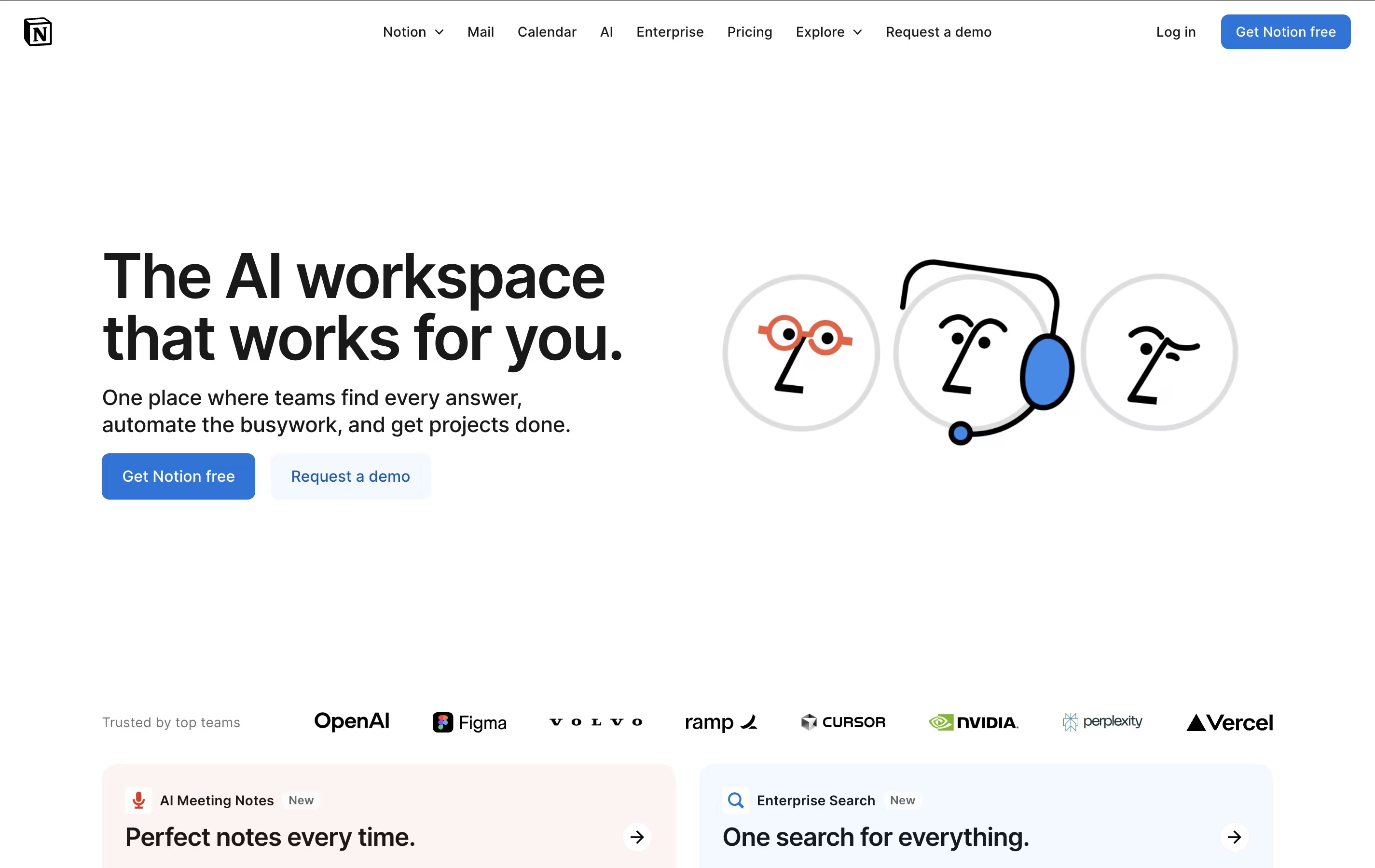
Notion is a versatile all-in-one workspace that functions like a set of digital building blocks. Think of it as a combination of Google Docs, Trello, Airtable, and Evernote all rolled into one seamless platform. Every page in Notion is built using 'blocks' - individual pieces of content like text, images, databases, or embedded files that you can arrange however you want.
What sets Notion apart is its flexibility. You can create simple notes, complex project management systems, company wikis, or personal journals using the same tool. The platform supports real-time collaboration, allowing teams to work together on documents, databases, and projects simultaneously. With templates for common use cases and the ability to create custom workflows, Notion scales from personal use to enterprise-level operations while maintaining simplicity and elegance.
Features of Logseq and Notion
Daily journaling with automatic date organization
Linked notes and bidirectional backlinks
Visual graph view of note connections
Block-level linking and embedding
Built-in task management with scheduling
PDF annotation and highlighting
Whiteboard canvas for visual thinking
Flashcard creation for studying
150+ community plugins available
Local-first storage with full privacy
Markdown and Org-mode support
Sync across devices (beta)
All-in-one workspace combining notes, docs, wikis, and databases
Block-based editor with drag-and-drop functionality
Real-time collaboration and team sharing
Multiple database views and advanced filtering
Template gallery for quick setup
Notion AI for content generation (Business+)
Cross-platform sync (web, desktop, mobile)
Integration with popular work tools
Unlimited pages and customizable workflows
Use Cases of Logseq and Notion
Pricing of Logseq and Notion
Logseq is completely free to use. You can download it and access all features without paying anything. The app is open-source, meaning the code is public and anyone can review it or contribute to its development.
For users who want to sync their notes across multiple devices, Logseq offers a beta sync service through their Open Collective support program. By becoming a monthly supporter with a $5 or $15 donation, you get early access to Logseq Sync, which keeps your notes updated in real-time across all your devices.
The sync service is still in beta testing, so the team is working to make it more stable. Once it launches to everyone, a regular subscription system will be available. Supporting Logseq also helps fund development and keeps the project growing with new features.
Notion offers flexible pricing to suit individual users and growing teams. The Free plan is perfect for personal use, providing unlimited pages and blocks for individuals, plus collaboration with up to 10 guests. However, it limits file uploads to 5MB and includes basic features only.
The Plus plan at $10 per user monthly (annual billing) targets small teams, offering unlimited file uploads, 30-day page history, and collaboration with up to 100 guests.
The Business plan at $20 per user monthly includes everything in Plus plus Notion AI features, advanced page analytics, and priority support - making it ideal for growing companies.
Enterprise plans feature custom pricing and deliver advanced security with SAML SSO, user provisioning, audit logs, and dedicated customer success management. Students and educators receive Plus plan benefits free with school email verification.
FAQs: Logseq vs Notion
Reviews: Logseq vs Notion
Based on 0 reviews
Based on 0 reviews
Compare Logseq With Other Tools

Obsidian
Free Note-Taking App That Connects Your Ideas

RemNote
Smart Note-Taking with Flashcards and Spaced Repetition

Joplin
Free Open-Source Note-Taking App with Encryption

SiYuan
Privacy-First Open Source Note-Taking and Knowledge Management

Anytype
Secure Private Workspace for Notes and Projects

Bear
Beautiful Markdown Note-Taking App for Mac, iPhone & iPad

Capacities
Object-Based Note-Taking App for Your Second Brain

Trilium Notes
Free Open-Source Knowledge Base and Note-Taking App

Craft
Beautiful Document Editor with AI for Notes, Tasks & Collaboration
Compare Notion With Other Tools
Obsidian
Free Note-Taking App That Connects Your Ideas
Craft
Beautiful Document Editor with AI for Notes, Tasks & Collaboration
Bear
Beautiful Markdown Note-Taking App for Mac, iPhone & iPad
Joplin
Free Open-Source Note-Taking App with Encryption

AFFiNE
Open-Source Workspace for Docs, Whiteboards & Databases
Capacities
Object-Based Note-Taking App for Your Second Brain

AppFlowy
Open-Source Workspace for Notes, Tasks & Projects
RemNote
Smart Note-Taking with Flashcards and Spaced Repetition
Anytype
Secure Private Workspace for Notes and Projects


