

Notta vs Tana: Features, Pricing and User Reviews 2026
What are Notta and Tana?
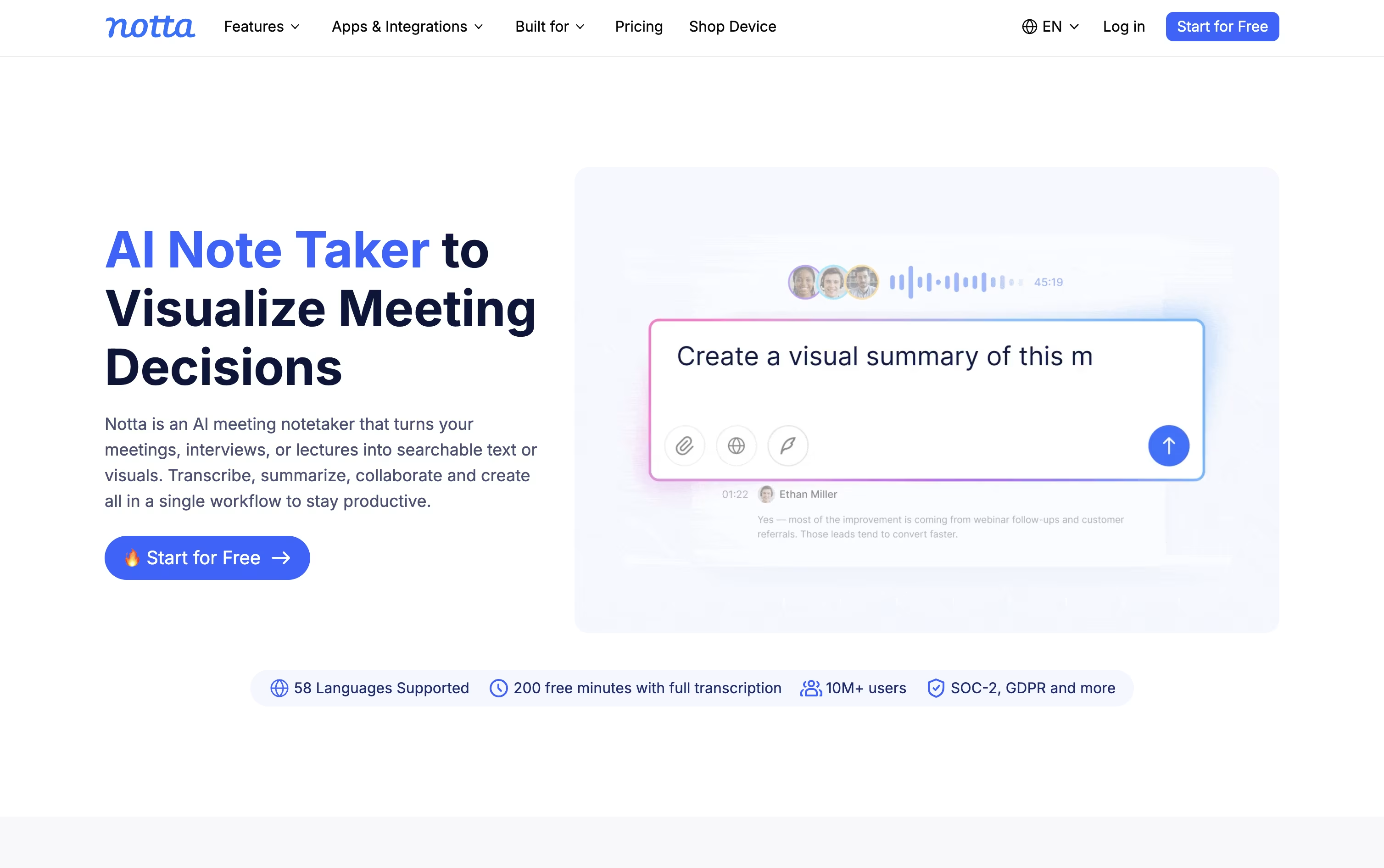
Notta is an AI notetaker and transcription tool that records meetings, calls, interviews, and audio files, then turns them into clear text you can search and share.
It works with Zoom, Google Meet, Microsoft Teams, and Webex, joining calls automatically or capturing audio quietly in the background without a visible bot.
Beyond plain transcripts, Notta uses AI to write summaries, pull out action items, and even build slides, reports, and follow-up emails from what was said.
There is a free plan for light use, paid Pro and Business plans for professionals and teams, and a custom Enterprise option for larger organizations that need extra security, control, and support.

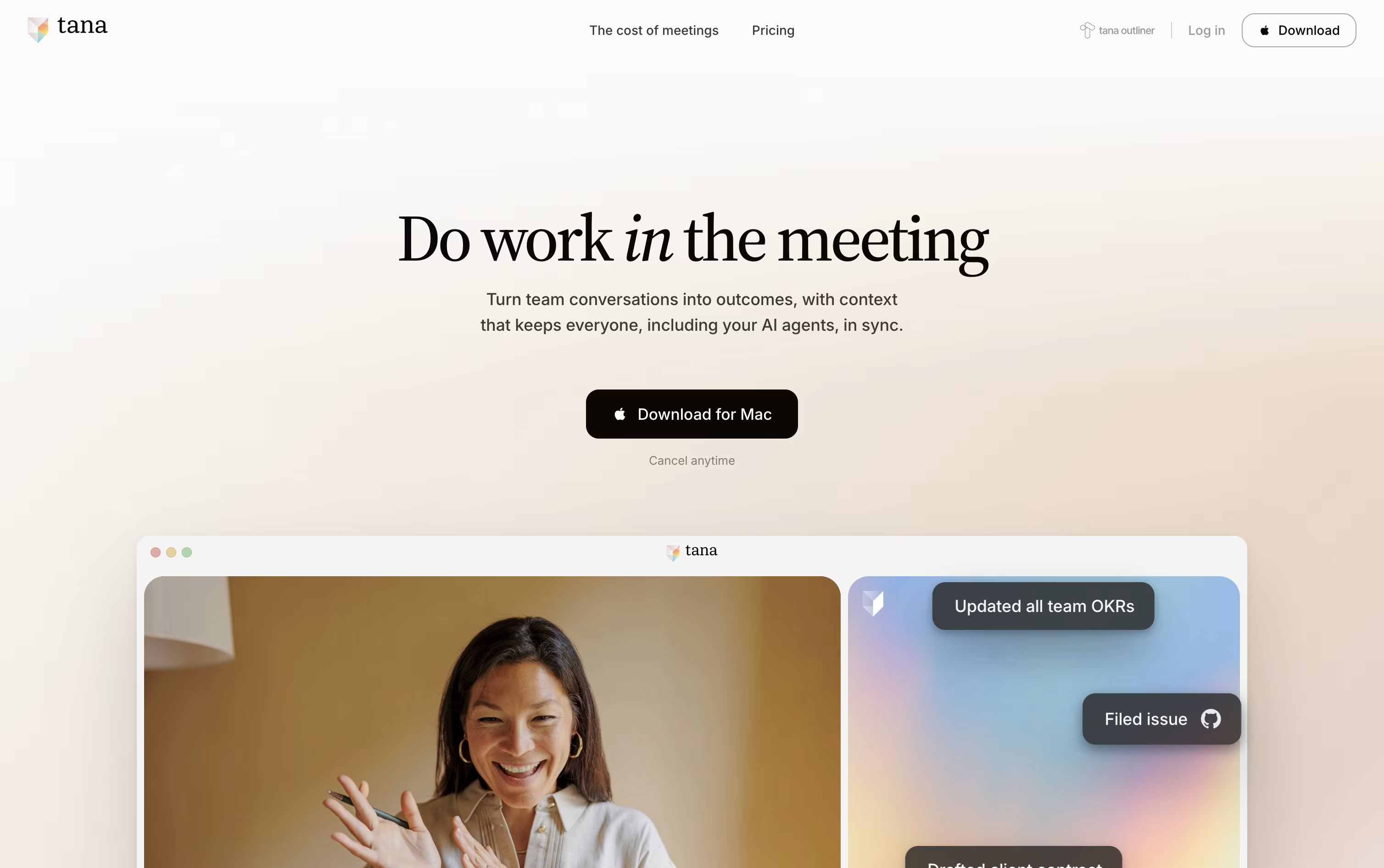
Tana is a meeting platform where AI agents join the call, listen to what is said, watch shared screens, and get real work done while the meeting is still happening. Instead of only writing a summary after the call, agents can file tickets, draft documents, and update tools like HubSpot or Linear before everyone even logs off.
Every meeting also feeds a shared knowledge graph of decisions, tasks, and past conversations. This means agents and teammates walk into the next meeting already knowing what happened before, instead of starting from a blank page each time.
Tana offers a free plan for light use, along with Pro and Max plans for teams that rely on meetings heavily, plus a custom Business plan with extra security and admin controls.
Features of Notta and Tana
Auto-records Zoom, Meet, Teams, and Webex calls
Real-time transcription in 58 languages
Speaker identification and noise reduction
AI summaries and action items
Notta Brain for cross-file analysis and slide generation
Transcript translation into 42+ languages
Bot-free desktop recording with Privacy Mode
Notta Memo pocket voice recorder
CRM and Zapier integrations
Mobile, desktop, and Chrome extension apps
AI agents active during live meetings
Files tickets and drafts documents in real time
Botless agent for Zoom, Teams, Google Meet
Connected knowledge graph across meetings
Customizable agents and skills
Integrations with HubSpot, Jira, Linear, GitHub
Full MCP and API support
SAML SSO and audit logs
GDPR compliant, SOC 2 and HIPAA coming
Desktop apps for Mac, Windows, Linux
Use Cases of Notta and Tana
Pricing of Notta and Tana
Notta offers a Free plan with 120 transcription minutes a month, 50 file uploads, and 10 AI summaries, and no credit card is needed.
The Pro plan costs $13.49 a month, or $8.17 a month billed annually at $97.99 a year, and raises the limit to 1,800 minutes, 100 file uploads, and 100 AI summaries, plus transcript export, translation, and custom vocabulary.
The Business plan costs $27.99 a month per seat, or $16.67 a month billed annually at $199.99 a year, and adds unlimited transcription, video recording of meetings, security controls, usage reports, and CRM and Zapier integration.
The Enterprise plan uses custom pricing starting from 51 seats, adding SAML SSO, full data access control, audit logs, and priority support.
Add-ons like Monolingual Translation, Bilingual Transcription and Translation, and Notta Brain are available for Pro, Business, and Enterprise users.
Tana offers a free plan plus three paid tiers, with cheaper rates when billed yearly.
Free ($0): Includes 5 hosted meetings a month, 1 calendar connection, and 50 AI queries.
Pro ($25/user/month, or $20/user/month billed yearly): Adds unlimited hosted meetings, 20 times more AI, a botless meeting agent, and full MCP integrations.
Max ($100/user/month, or $80/user/month billed yearly): Adds 5 times more AI than Pro, dedicated support and onboarding, and unlimited agents, skills, and types.
Business (Custom, billed yearly): Adds SAML SSO, advanced security controls, a dedicated customer success manager, audit logs, and custom data residency and retention control.
New users get a 30 day free trial with no credit card required, and yearly plans include a 60 day refund window.
FAQs: Notta vs Tana
Reviews: Notta vs Tana
Based on 0 reviews
Based on 0 reviews
Compare Notta With Other Tools

Granola
AI Notepad for Smarter Meeting Notes

Grain
AI Meeting Notetaker for Sales and CS Teams

Otter.ai
AI Meeting Notes and Transcription
AudioPen
AI Voice to Text Tool for Clear Writing

Fathom
AI Notetaker, Transcripts & Summaries
tl;dv
AI Meeting Notes & Transcription Tool

Krisp
AI Noise Cancellation & Meeting Notes
MeetGeek
AI Meeting Notes and Transcription

Tactiq
AI Meeting Transcription & Notes Tool
Compare Tana With Other Tools
Granola
AI Notepad for Smarter Meeting Notes
Grain
AI Meeting Notetaker for Sales and CS Teams
AudioPen
AI Voice to Text Tool for Clear Writing
Otter.ai
AI Meeting Notes and Transcription

Fireflies.ai
AI Meeting Notes & Transcription

Voicenotes
AI Notes for Meetings, Memos & More

Fellow
AI Meeting Notes and Action Items App

Timeless
AI Meeting Notes & Agents Platform
Fathom
AI Notetaker, Transcripts & Summaries