

Best 14+ Littlebird Alternatives in 2026
Last Updated: October 1, 2026
Littlebird is an AI assistant that works quietly in the background, building a private memory of your screen activity and meetings. Instead of asking you to copy and paste files or write long prompts, it already knows what you have been working on.
It reads text from the active window on your desktop, not screenshots or video, and transcribes meetings without a bot joining the call. This context feeds into Chat, where you can ask about anything you have seen or discussed.
The best alternative to Littlebird is  Granola
 GranolaAI Notepad for Smarter Meeting Notes.
  Grain
Grain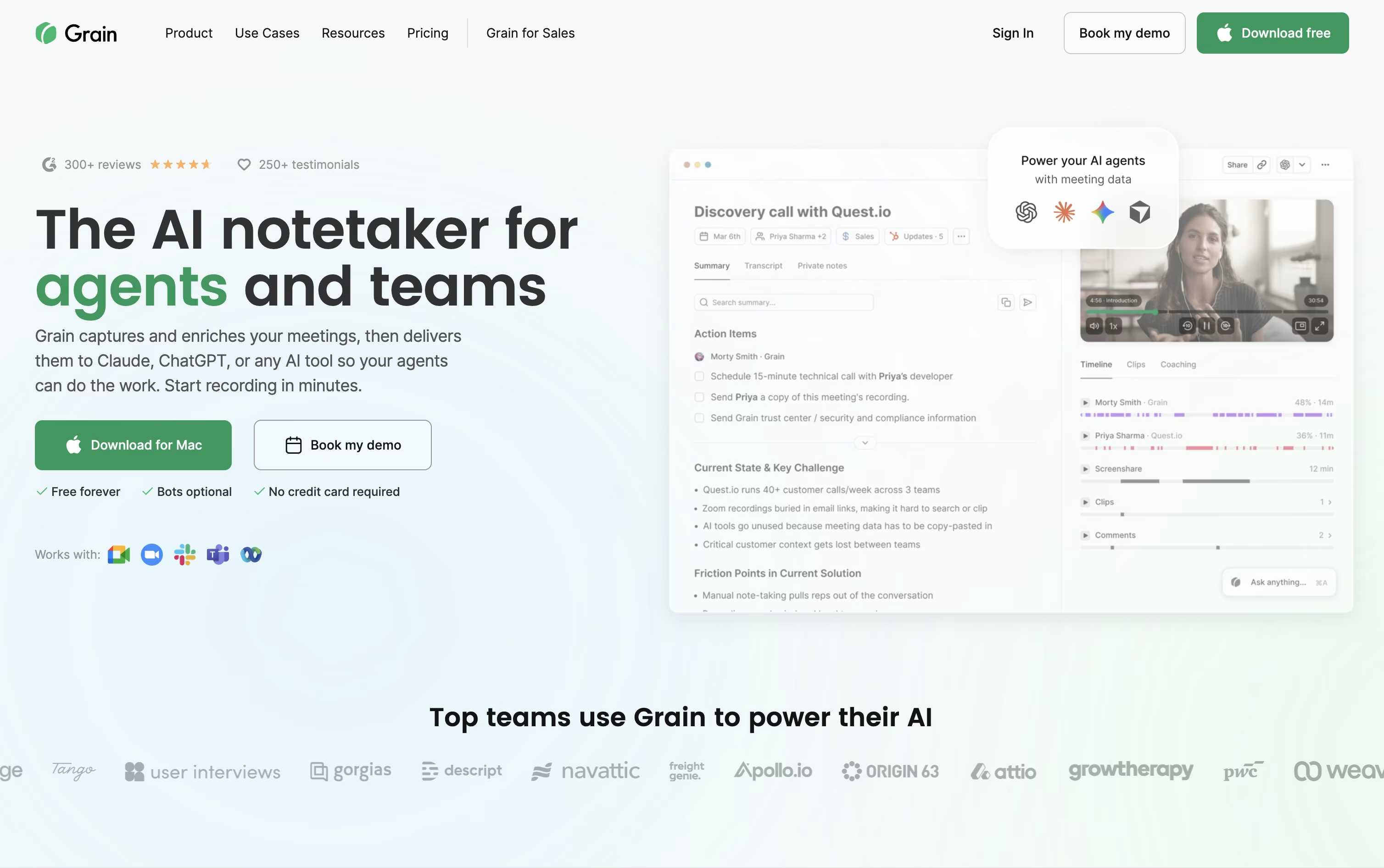 GrainAI Meeting Notetaker for Sales and CS Teams and
  Wispr Notetaker
 Wispr NotetakerBot-Free AI Meeting Assistant are also among the best options for Audio Transcription.
So, here are the 12+ best alternatives to Littlebird:

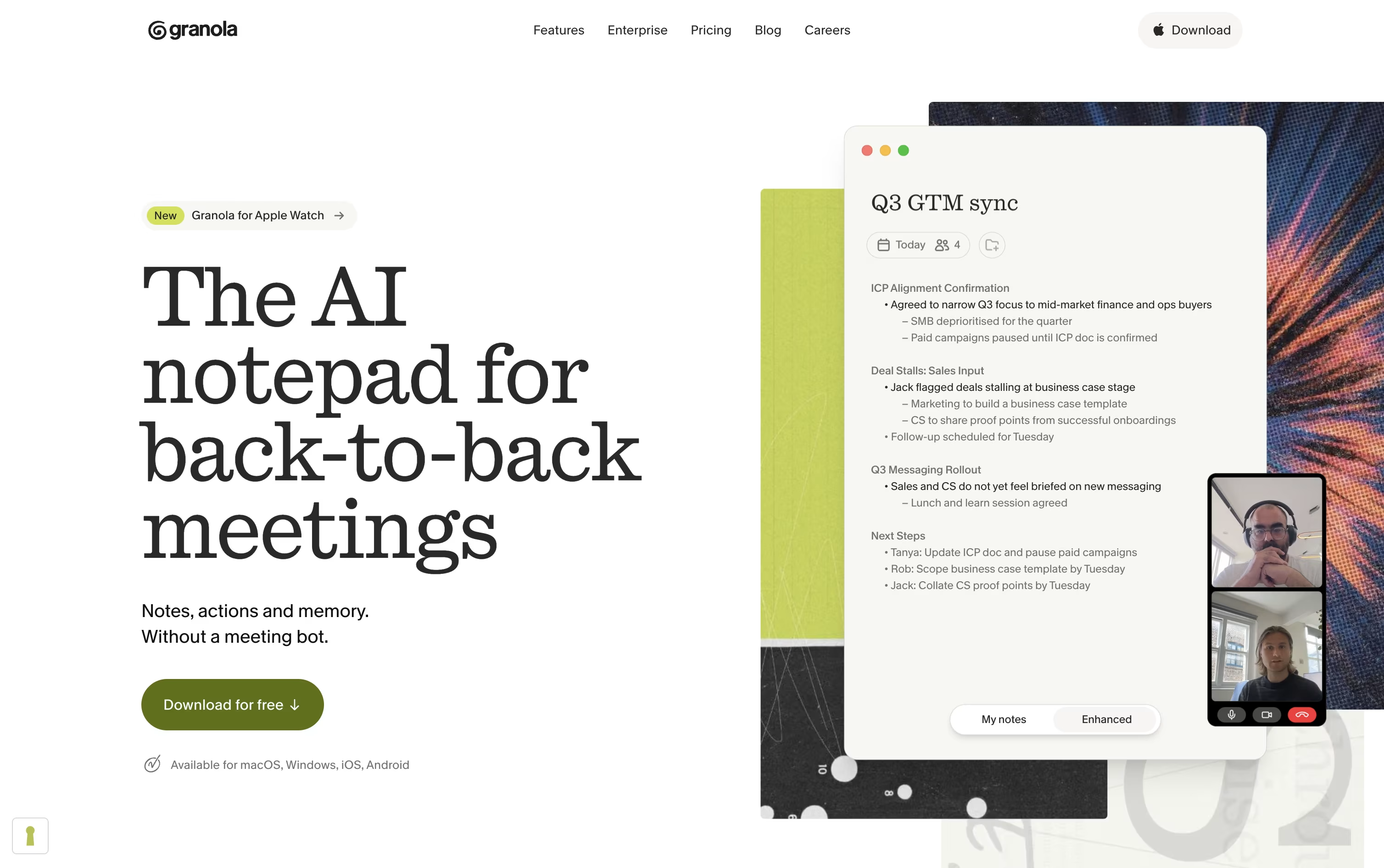
Granola is an AI notepad made for people who live in meetings all day. Rather than sending a bot into your call, it runs quietly in the background of your device, picks up the audio, and blends it with whatever rough notes you jot down as you listen.
Once the meeting ends, Granola turns that mix into a clean set of notes with highlights, decisions, and action items you can edit before sharing. It works across video calls, phone calls, and even in-person conversations, and everything stays private until you decide to share it.
Beyond single meetings, Granola remembers your history. You can search past conversations or use Granola Chat to ask what was discussed or promised weeks ago, and it connects with tools like Slack, Notion, HubSpot, and thousands of apps through Zapier, plus API and MCP access for AI agents.
Pricing starts with a free Basic plan for anyone who wants to try it out. The Business plan costs $14 per user a month and unlocks unlimited history, advanced models, and integrations, while Enterprise runs $35 per user a month with added security, single sign on, and admin controls for larger teams.
Grain is an AI meeting notetaker built for sales, customer success, and product teams who don't want to lose track of what was said on a call.
It can join meetings as a visible bot, or quietly capture audio through its desktop app with no bot at all, then generates notes, action items, and full transcripts automatically.
You can clip key moments into short shareable videos, sync notes and deal insights into HubSpot or Salesforce, and let teammates coach each other using timestamped comments and scorecards.
Grain works with Claude and ChatGPT through its own MCP server, so AI agents can search your meeting library, pull coaching data, and draft follow ups using real context from your calls.
The Free plan lets any team get started with unlimited meetings up to 45 minutes and basic AI notes, no credit card needed.
Starter costs $15 a seat a month billed yearly, Business runs $29 a seat a month billed yearly and adds CRM syncing and coaching tools, while Enterprise pricing is custom and adds SSO, audit logs, and a dedicated support manager.
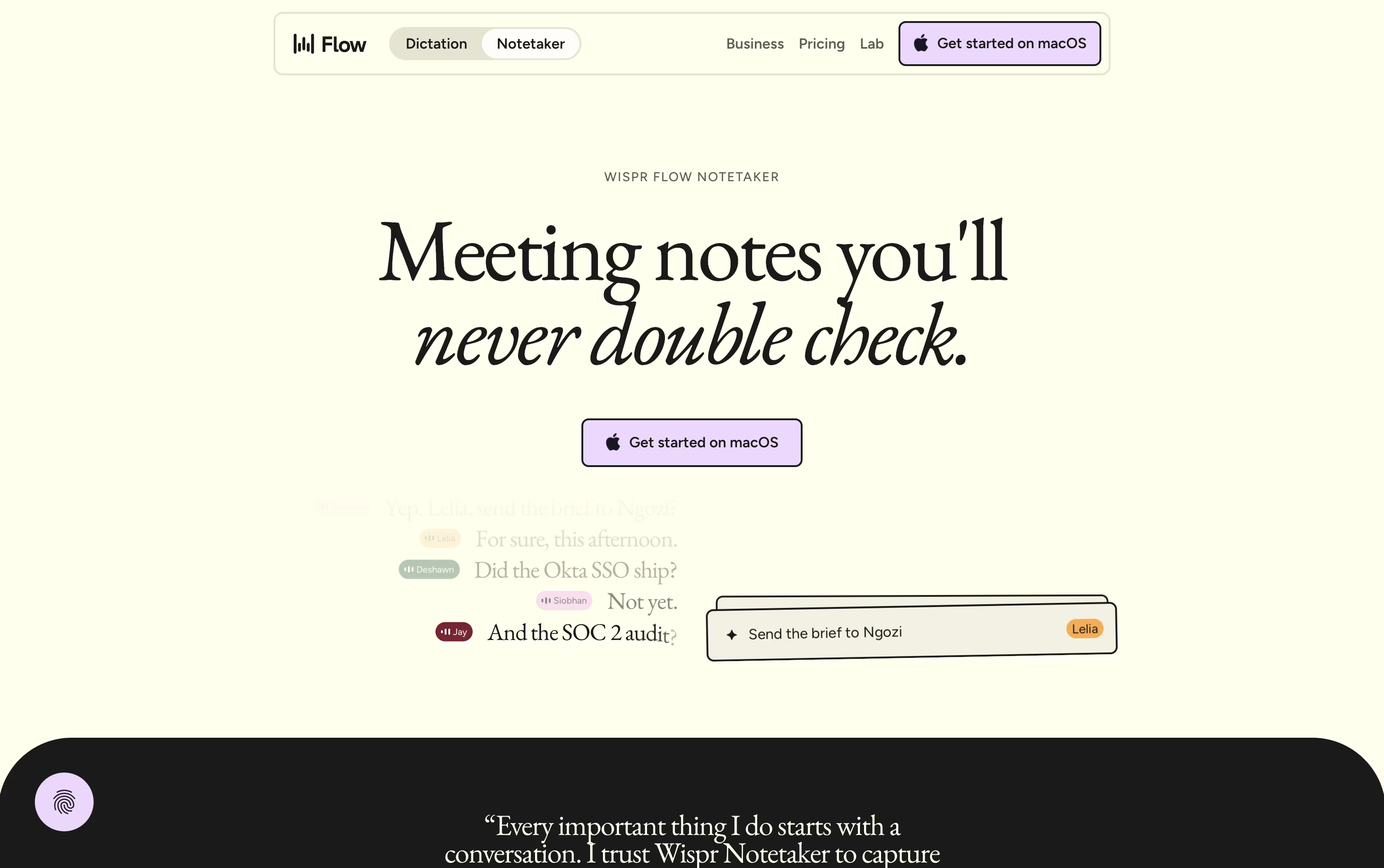
Wispr Notetaker is a meeting notes app built into the Wispr Flow app for Mac. Unlike most meeting assistants, it does not send a visible bot into your call. It records system audio and your mic directly on your device, so it works on Zoom, Google Meet, Teams, Slack Huddles, and even in person meetings.
Before the meeting, it pulls in your calendar, personal dictionary, and connected apps like Gmail and Slack so it already knows names and jargon. During the call you get a live transcript, and afterward a second pass gives you a cleaner transcript with real speaker names and a summary split by topic, decisions, and action items.
The Free plan costs $0 a month and includes core dictation and notetaking with weekly meeting limits. The Pro plan is $15 per user a month, or $12 per user a month if billed annually, and removes those limits while adding advanced AI models and team billing.
Enterprise pricing is custom and adds things like SSO, SOC 2 and ISO 27001 compliance, audit logs, and dedicated support, though some Notetaker features are still listed as coming soon for Enterprise accounts.

Tana is built around a simple idea: meetings should end with the work already done, not just a list of notes. AI agents sit in on the call, listen to the conversation, and watch anything shared on screen, then turn that into real output like tickets, drafts, or updates.
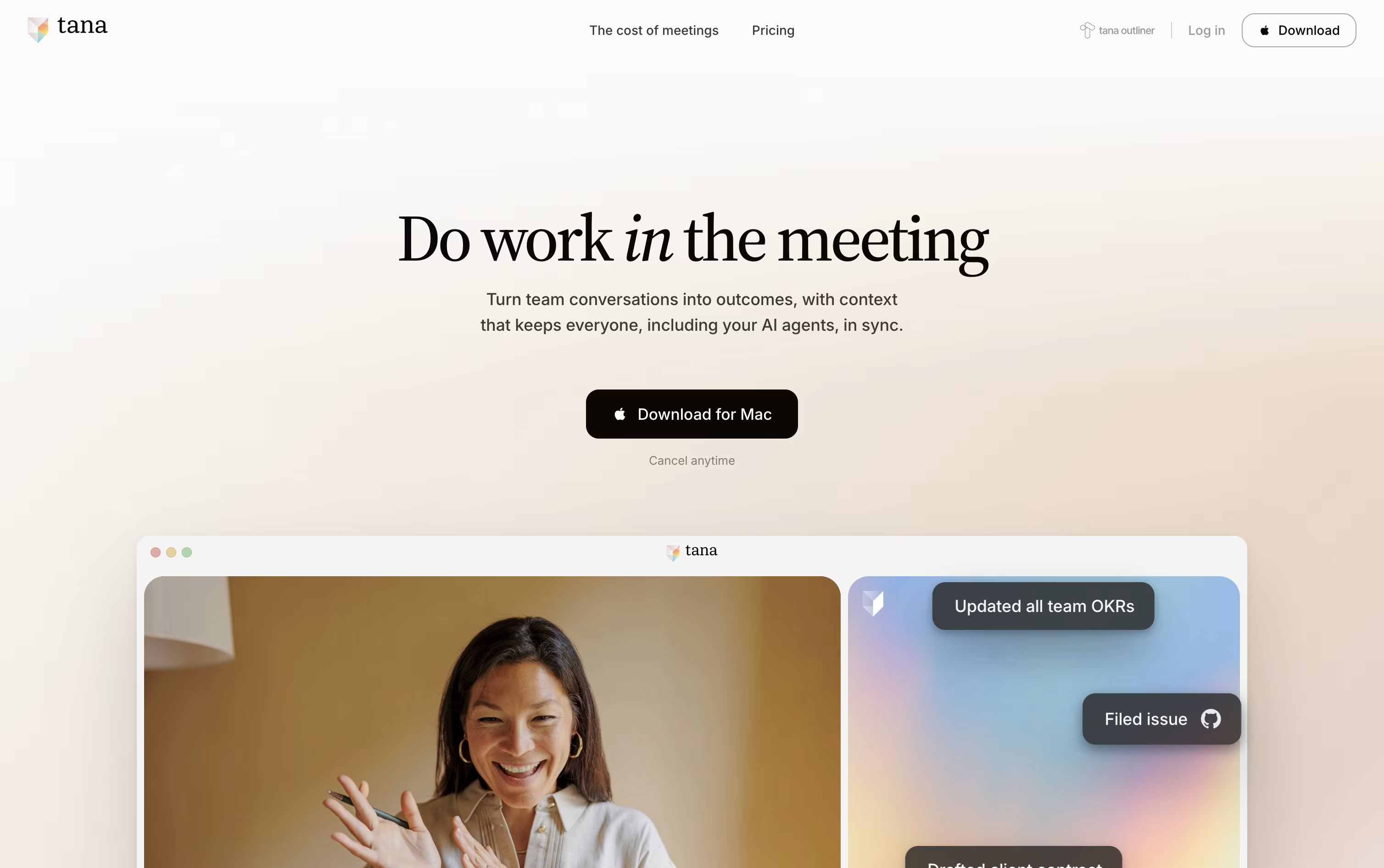
Instead of waiting for a summary afterward, you can ask an agent mid call to file a bug, draft a follow up email, or update a CRM deal, and it appears as a proposal you approve before it goes live.
The free plan covers light use with 5 hosted meetings a month, 1 calendar connection, and 50 AI queries at no cost.
Pro costs $25 a user monthly, or $20 when billed yearly, and unlocks unlimited hosted meetings, a botless meeting agent for Zoom, Teams, and Google Meet, plus full integrations and MCP support.
Max runs $100 a user monthly, or $80 yearly, adding five times more AI capacity than Pro along with dedicated support and unlimited agents.
Business is custom priced and billed yearly, adding SAML SSO, audit logs, and data residency controls for larger teams.

Timeless records and transcribes your meetings, then goes a step further by turning what was said into finished work. It groups conversations, documents, and decisions into Rooms tied to a project or client, so context never gets lost between calls.
Inside a Room, AI agents listen for moments like a promised follow-up email or a new task, then act on them automatically instead of waiting for you to do it later.
The Free plan gives you up to 5 AI meetings at no cost, with no credit card needed.
The Pro plan costs $29 a month, or $19 a month billed yearly, and unlocks unlimited notes, storage, and AI chat.
The Max plan at $39 a month adds unlimited API and MCP server access.
Teams can choose Team or Business plans starting at $35 per seat a month, while Enterprise offers custom pricing with added security and support.

Otter.ai is an AI notetaker that listens to your meetings and turns them into text you can search later. It can automatically join Zoom, Google Meet, and Microsoft Teams calls, or record conversations through its desktop and mobile apps without needing a visible bot.
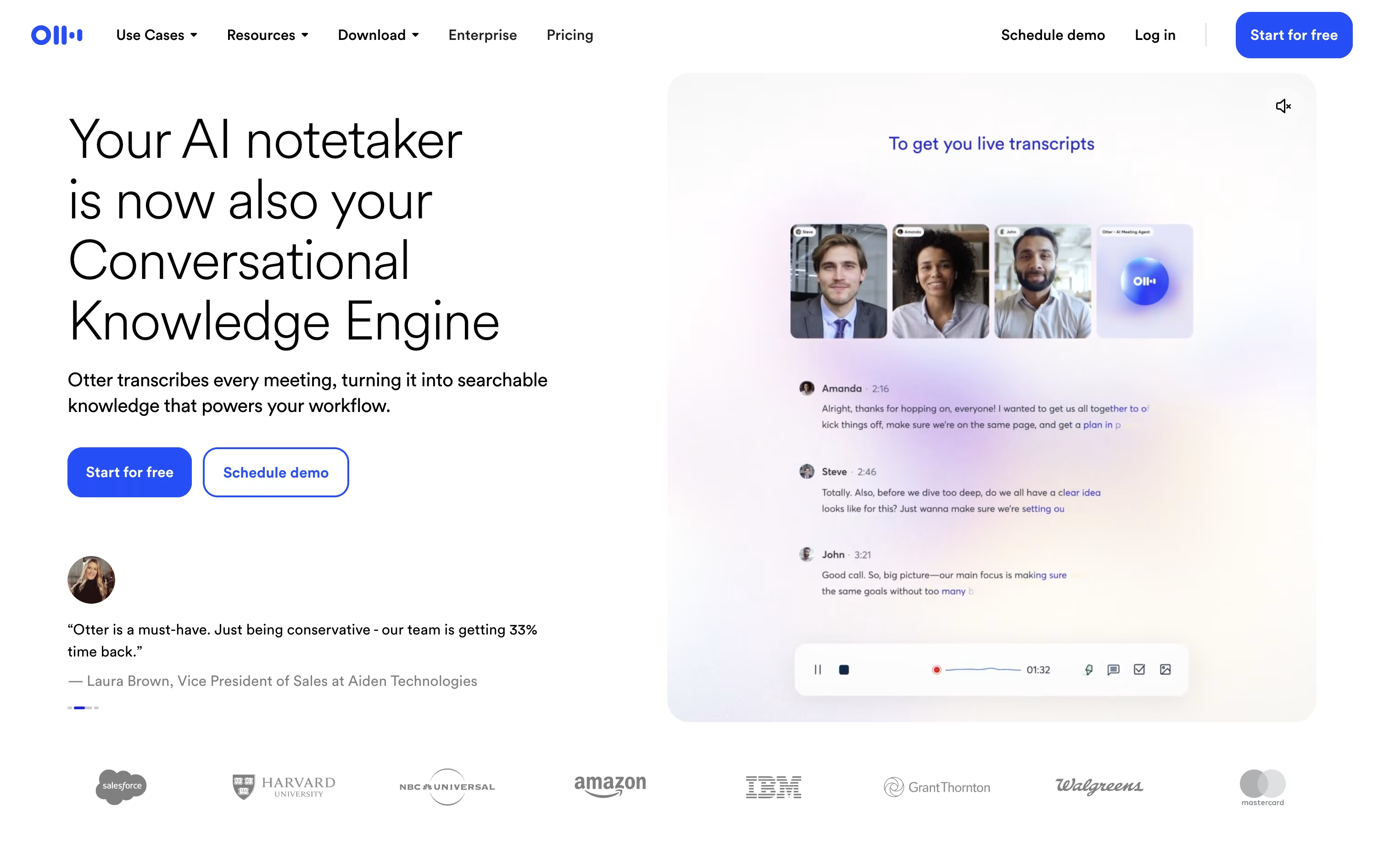
While the meeting runs, Otter shows a live transcript and identifies who is speaking. Afterward, it writes a summary with the main topics, decisions, and action items, saving you from taking notes by hand.
Otter AI Chat lets you ask questions about a single meeting or your whole meeting history, and it works with tools such as Salesforce, HubSpot, Slack, and Zapier to move notes into the apps your team already uses.
The Basic plan is free and includes 300 transcription minutes a month for up to 5 people. Pro costs $16.99 a month, or $8.33 a month billed yearly, and raises that to 1,200 minutes with unlimited history.
Business costs $24 a month, or $19.99 a month billed yearly, and adds unlimited meeting transcription, 6,000 imported file minutes, and priority support for up to 25 members.
Enterprise uses custom pricing and adds unlimited members, SSO, SCIM, and stronger security for large companies.

Jamie is an AI meeting assistant built for people who dislike bots showing up on their calls. It listens on your own device instead of joining the meeting, then turns the audio into notes, a full transcript, and action items once the call ends.
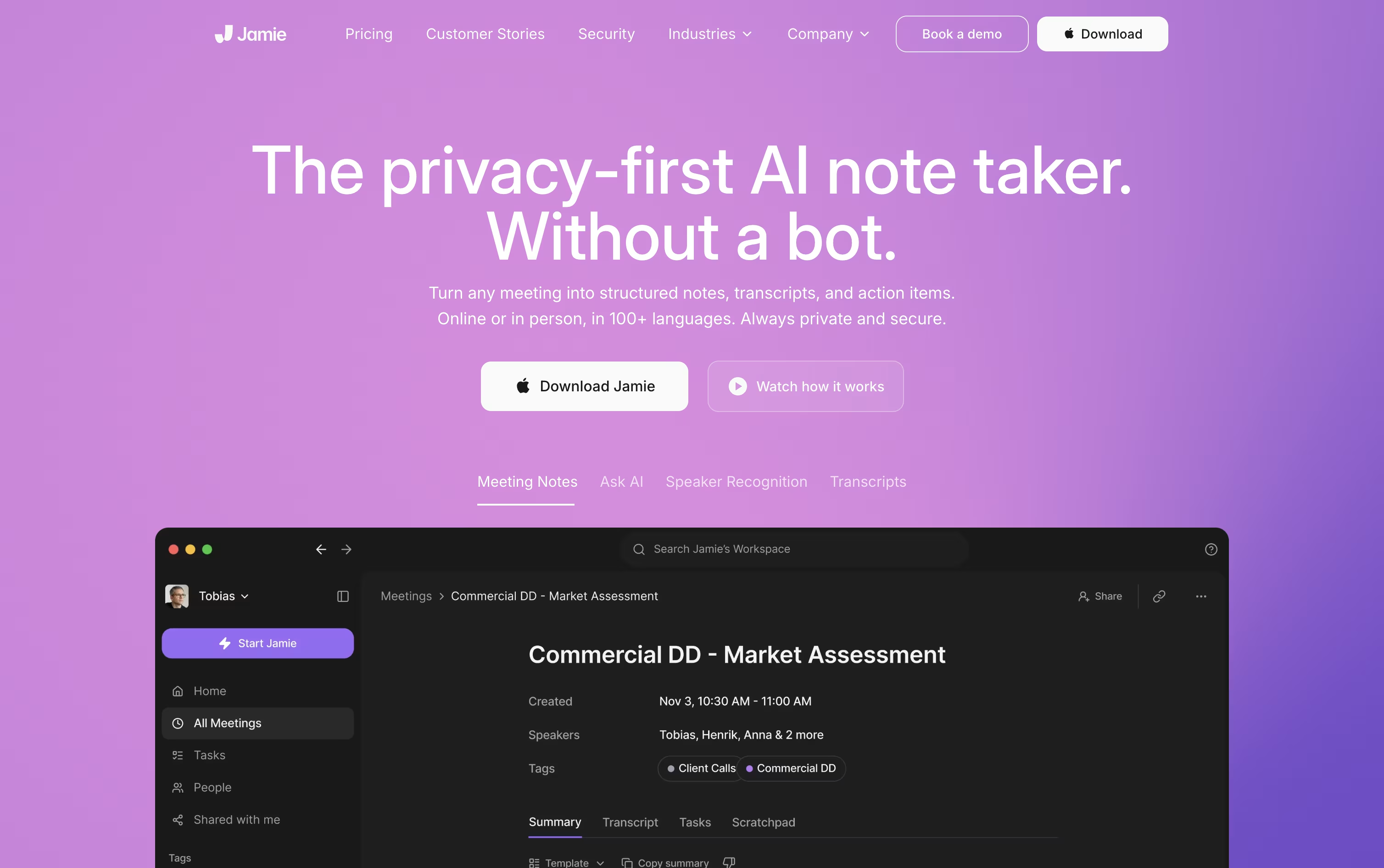
Speaker recognition improves over time, so you only need to label someone once and Jamie remembers them later. It works for online meetings on any platform, plus in-person and hybrid conversations.
The Free plan gives 10 AI notes a month with a 30 minute limit. Plus costs €25 a month for 20 notes and 2 hour meetings, while Pro costs €47 a month for unlimited notes, 5 hour meetings, and advanced tools like Salesforce and MCP support.
Team pricing starts at €39 per seat a month for 2 to 10 users, and Enterprise offers custom annual pricing with SSO, SCIM, and audit logs for larger organizations.
Since audio is deleted right after processing and everything is hosted in the EU, Jamie is a solid pick for teams that care about privacy alongside note quality.
Fireflies.ai works like an AI teammate that sits in on your meetings, records them, and turns the talk into clear notes and action items. It supports Zoom, Google Meet, Microsoft Teams, and more, with transcription in over 100 languages.
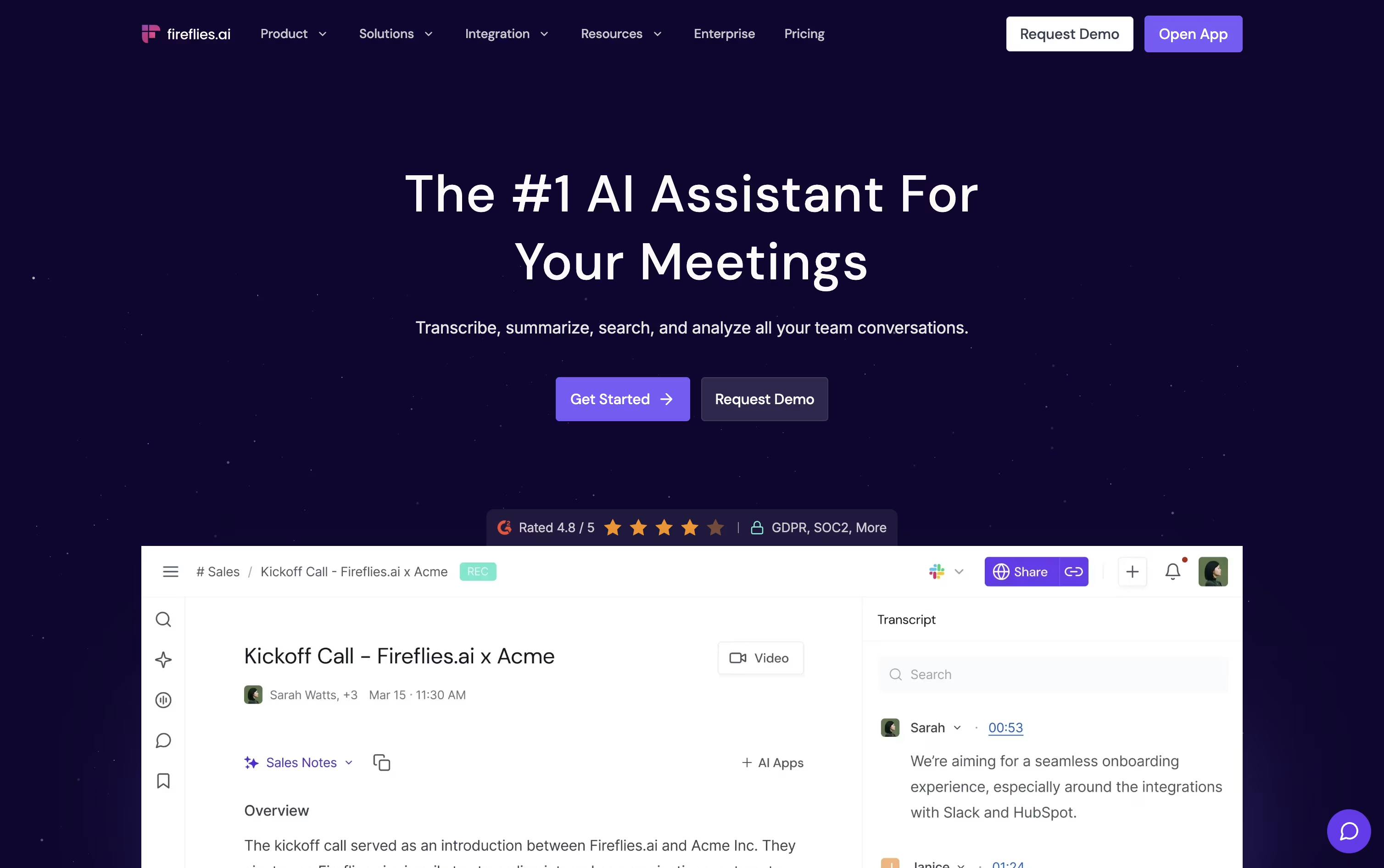
Its AskFred assistant lets you search or ask questions about any past meeting, while Live Assist gives real time notes and coaching during a call.
The Free plan costs nothing and includes unlimited transcription plus 20 AI credits. Pro starts at $18 a seat monthly, or $10 when billed yearly, adding video recording, downloads, and automation tools.
Business runs $29 a seat monthly, or $19 yearly, and unlocks unlimited storage, Conversation Intelligence, and team analytics.
Enterprise costs $39 a seat monthly, billed annually only, and adds SSO, HIPAA compliance, private storage, and a dedicated account manager.
With deep integrations into Salesforce, HubSpot, and Slack, it fits well for sales teams, recruiters, and anyone who wants their meetings organized automatically.
Avoma is an AI platform built to make meetings less of a chore. It joins your calls, records them, and turns the conversation into a clean transcript and set of notes with action items, so you can stay present instead of typing.
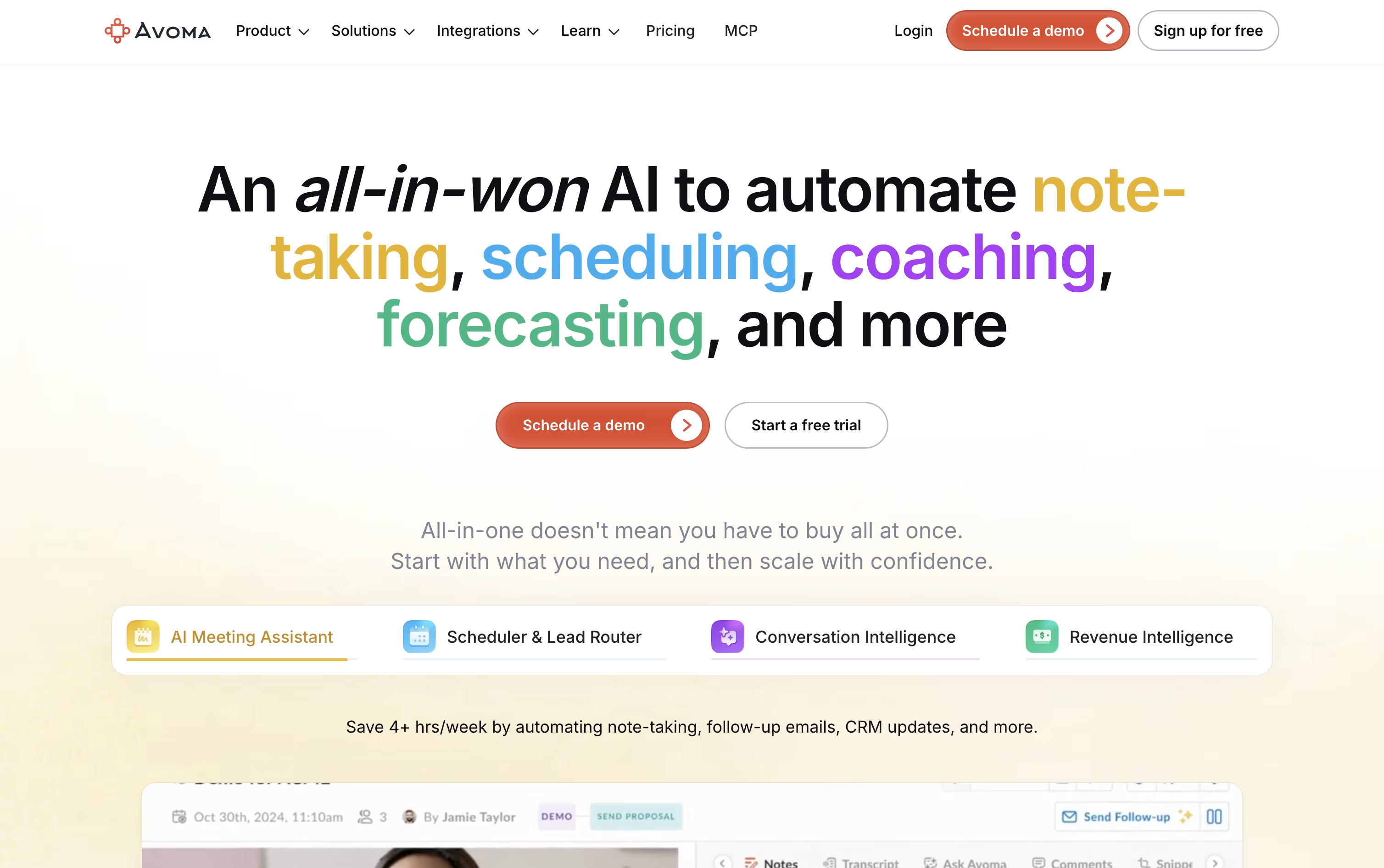
Past note taking, it also includes a scheduler with group and round robin booking, a lead router that sends new leads to the right rep, and dashboards for tracking talk time, sentiment, and deal risk.
Two optional add-ons go deeper: Conversation Intelligence scores calls and coaches reps with scorecards, while Revenue Intelligence flags at risk deals and builds forecasts from pipeline data.
Pricing runs per recorder seat. Startup costs $29 a month, Organization costs $39 a month and is the most popular tier, and Enterprise costs $39 a seat but is billed annually with added security controls like single sign on and HIPAA support.
Anyone who just wants to view recordings and notes can join for free, and a 14 day trial unlocks every add-on with no credit card needed.
It connects with Salesforce, HubSpot, Zoom, Slack, and dozens of other everyday work tools.
Circleback joins your calls on Zoom, Google Meet, Microsoft Teams, Slack huddles, and more, then writes notes that read like something a person would actually send, not just a raw transcript.
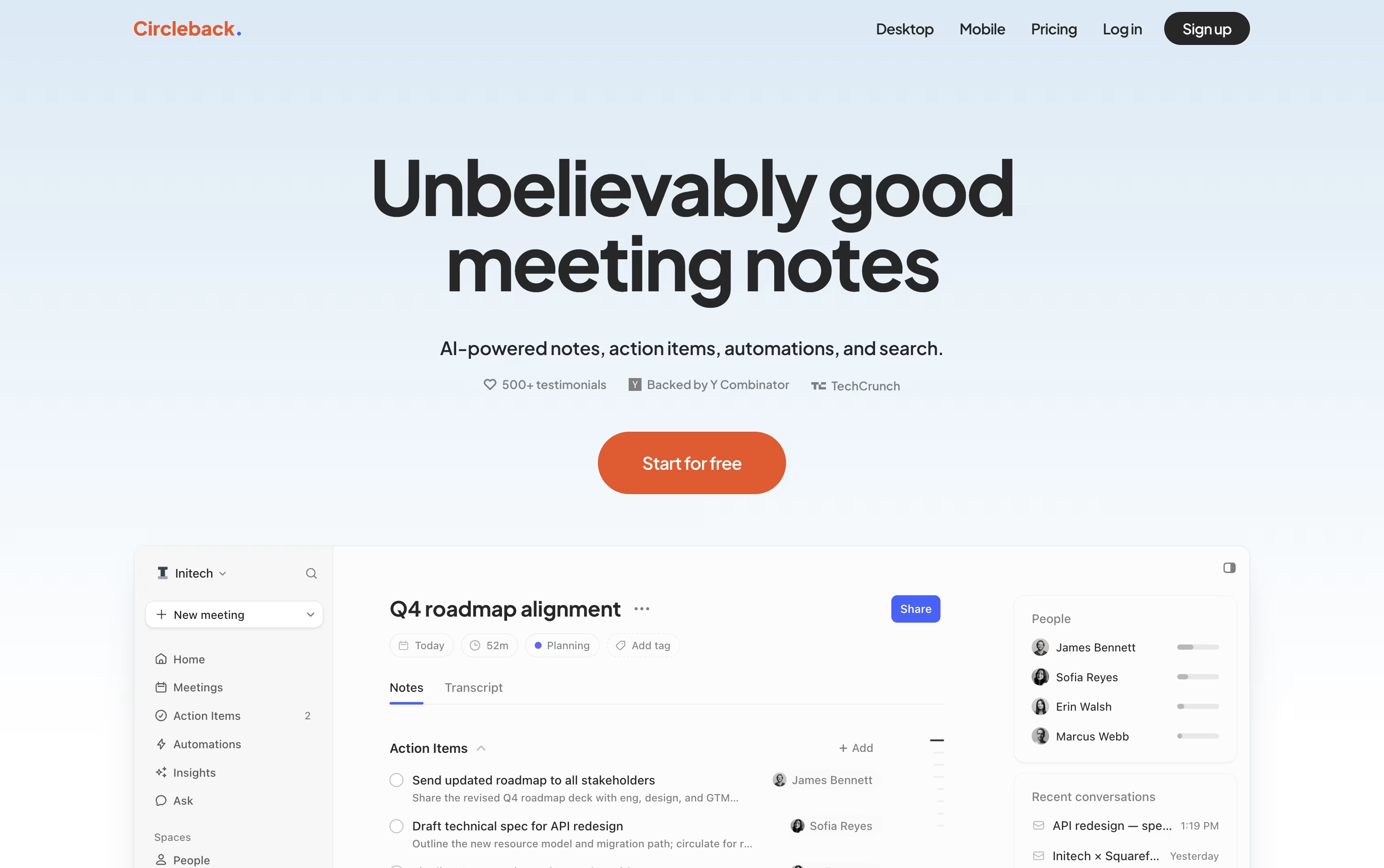
It automatically finds the commitments made in a meeting, assigns them to the right person, and keeps one running list across every conversation you can access.
You can ask it questions about a single meeting or your whole meeting history, and it answers with links back to the exact moment in the recording.
Automations let you turn meeting content into action, such as creating a Linear issue from product feedback or updating a CRM after a sales call, and it connects with Slack, Notion, HubSpot, and hundreds of other apps.
Pricing starts at $25 per user a month for Individual, or about $20.83 a month if billed yearly, while Team costs $30 a month, or $25 a month billed yearly, and adds sharing, team search, and admin controls. Enterprise pricing is custom and includes priority support and advanced security.
Every plan comes with a free trial through the ‘Start for free’ option, so you can try it before choosing a plan.

Fellow is an AI meeting assistant that joins your calls, records them, and turns the conversation into clear notes you can search later.
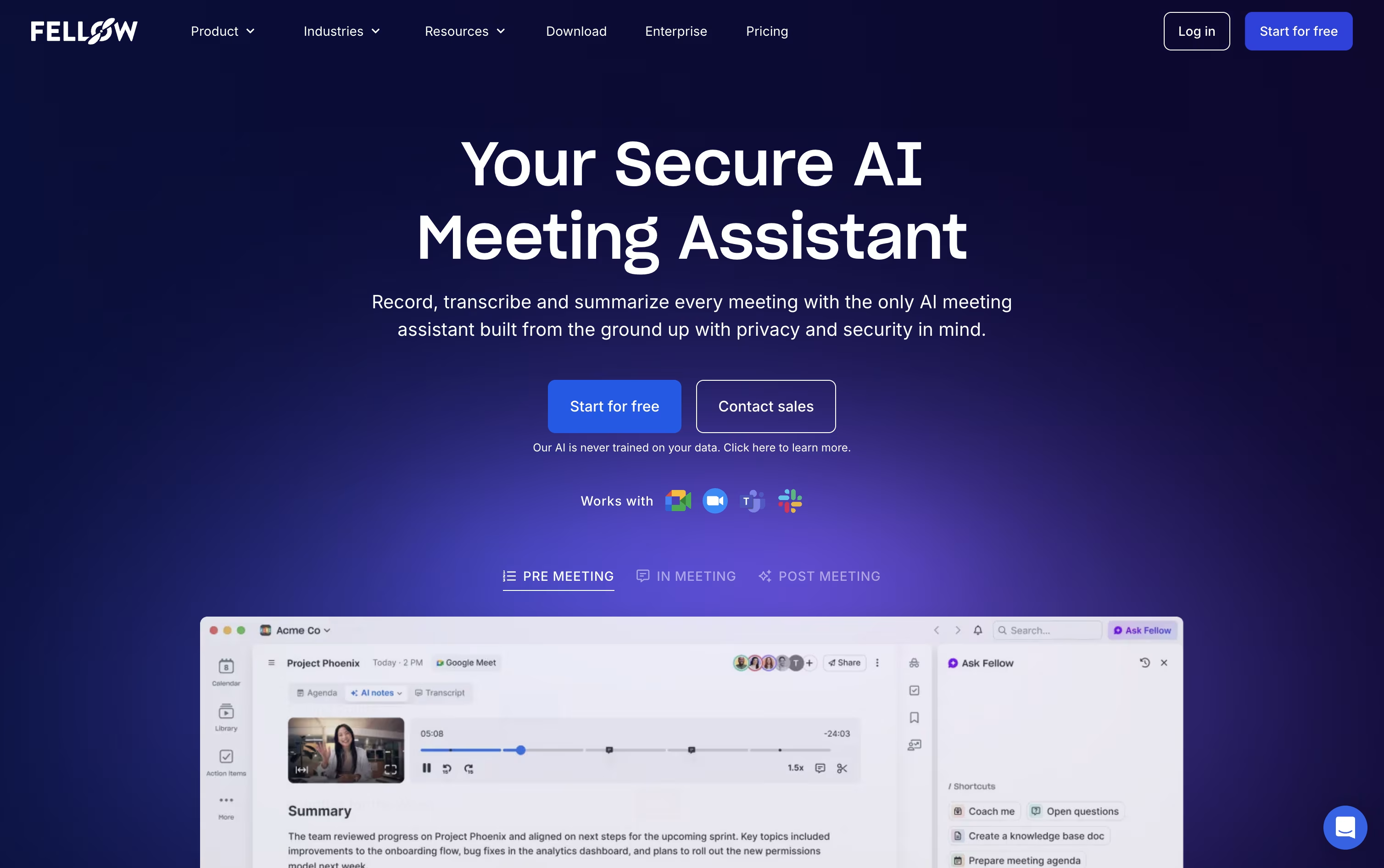
It works with Zoom, Google Meet, and Microsoft Teams, and can also record without a bot joining, straight from your computer using the desktop app.
After each meeting, Fellow writes a summary, pulls out action items with owners and due dates, and creates a full transcript in dozens of languages.
Its AI assistant, Ask Fellow, lets you ask questions about past meetings, like what was decided or what you missed, and can even draft follow up emails.
Pricing starts free, with Solo at $19 a month for individuals, and team plans from $7 per user a month up to $25 per user a month for Enterprise, which adds strong security and compliance controls like SOC 2 and HIPAA.

Cluely is a desktop app for Mac and Windows, plus an iPhone app, built to help during a call rather than after it. It listens to the meeting audio, reads your screen, and shows live answers and talking points in a small overlay that stays hidden from other people and from screen share.
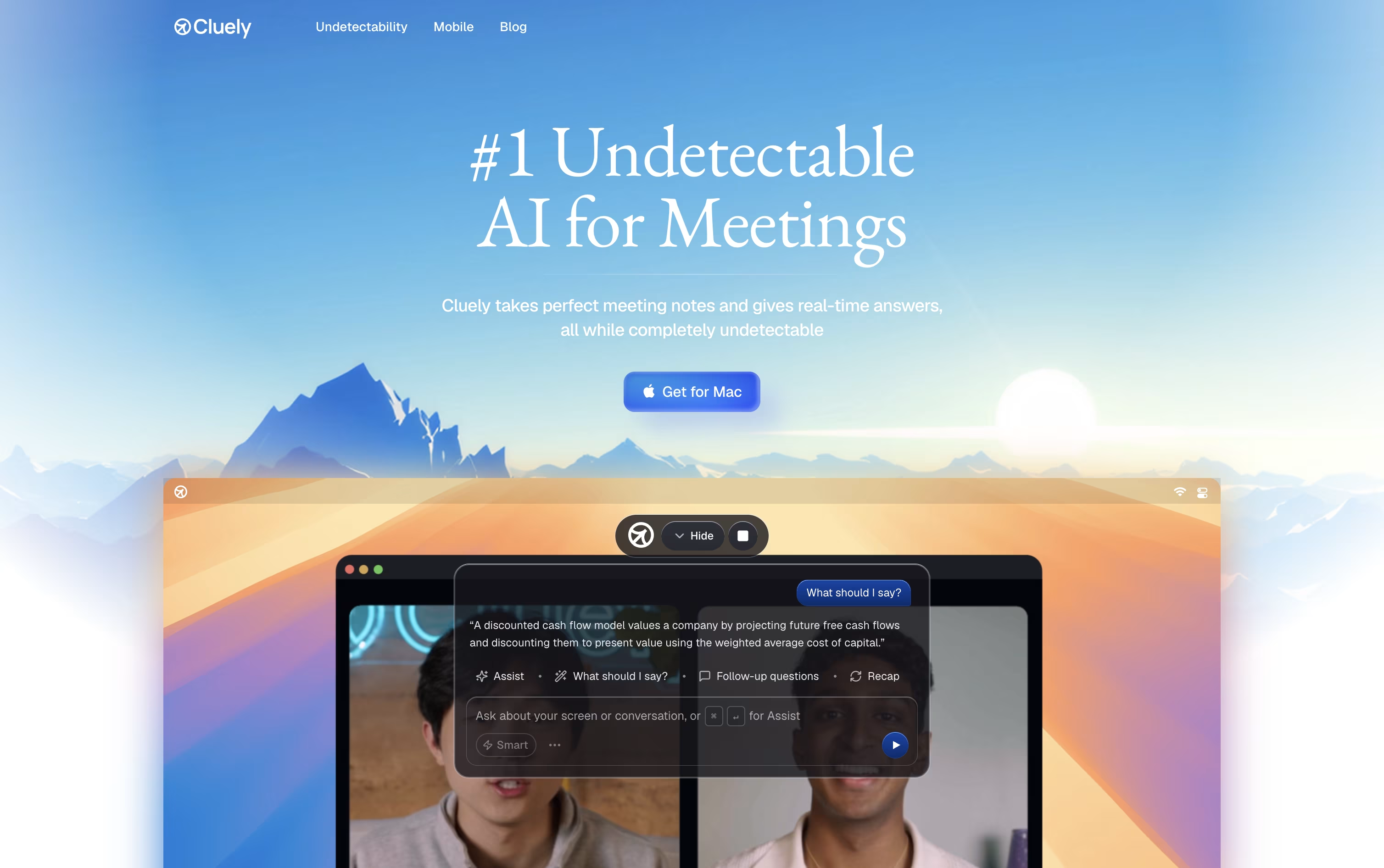
Once a session starts, Cluely writes a real time transcript and watches the screen for extra context like slides, documents, or code. When it spots a question or objection, it suggests what to say next, using your uploaded files and instructions along with the live conversation.
After the call, it puts together meeting notes, a full transcript, action items, and a follow-up email you can send from Gmail or your default mail app. You can also ask it questions about past meetings later.
The free Starter plan gives limited AI responses and notetaking. The Pro plan costs $19.99 a month, or $11.99 a month billed yearly, and removes those limits while adding the newest AI models and priority support. Pro plus Undetectability costs $149.99 a month, or $44.99 a month billed yearly, and adds stronger hiding from screen share tools.
A separate mobile app for in person meetings and interviews costs $8 a week or $144 a year.

Fathom is an AI meeting assistant that joins your calls on Zoom, Google Meet, or Microsoft Teams and takes care of note taking for you. It records, transcribes, and instantly summarizes each conversation so you can stay focused on talking instead of typing.
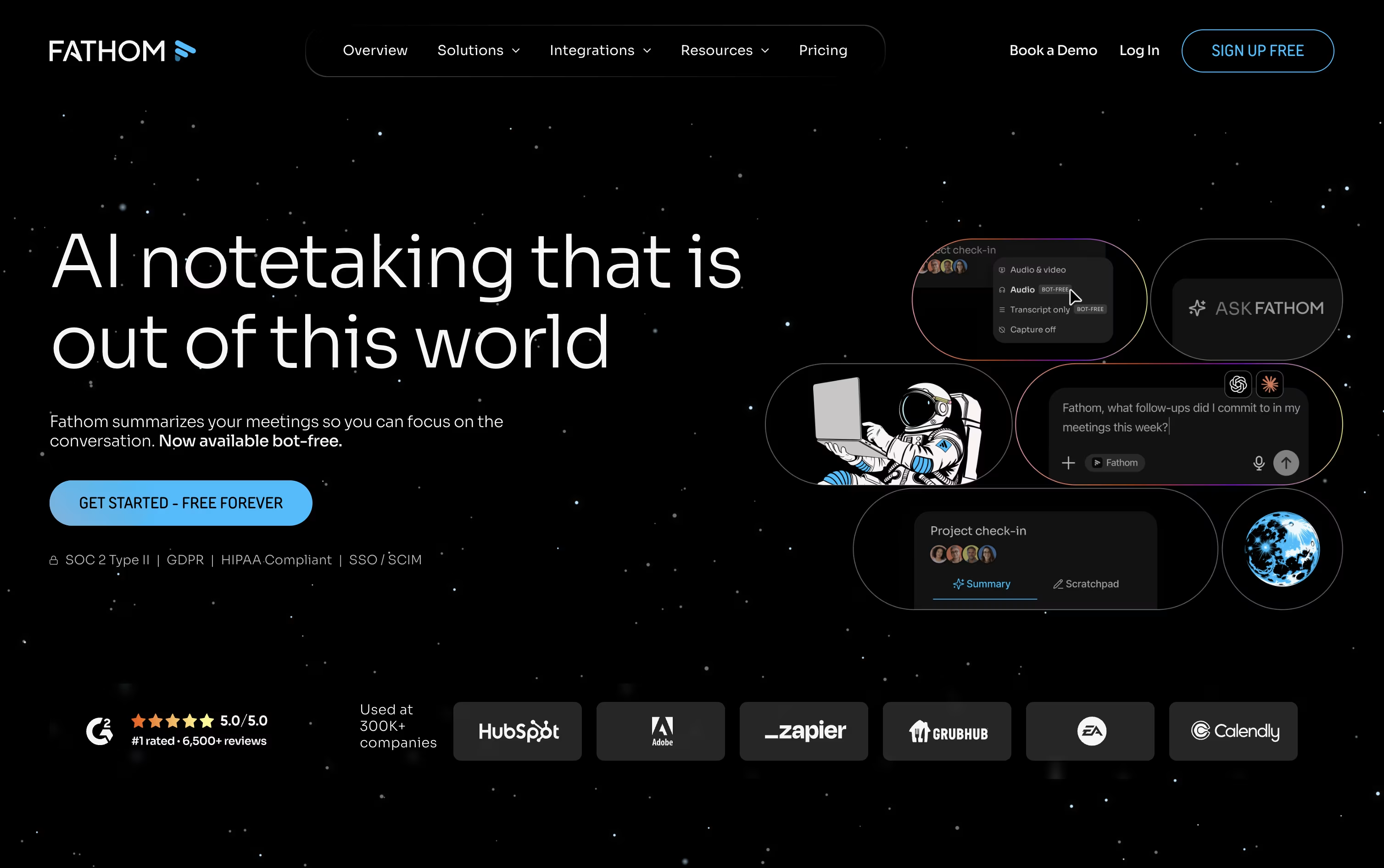
Once a call ends, you get a clear summary, a searchable transcript with speaker labels, and a list of action items pulled directly from what was discussed. You can also search across your entire meeting history or ask Fathom questions to find specific moments.
The Free plan is generous, offering unlimited recordings and instant AI summaries at no cost. The Premium plan costs $16 a month per user and adds advanced summaries, AI generated action items, and a conversational meeting assistant.
Teams that need shared visibility can move to the Team plan at $15 a month per user, which unlocks account wide search and collaboration tools. Business, at $25 a month per user, layers on CRM syncing, deal insights, and coaching scorecards.
Larger organizations can choose Enterprise, priced per user with custom annual billing, for single sign on, data retention controls, and a dedicated success manager. Every paid plan also comes with native connections to ChatGPT and Claude, so meeting data can be pulled directly into those tools.

Voicenotes turns your voice into organized, searchable notes. Hit record for a meeting, memo, or quick thought, and it hands back a transcript, summary, and action items almost right away, no meeting bot required.
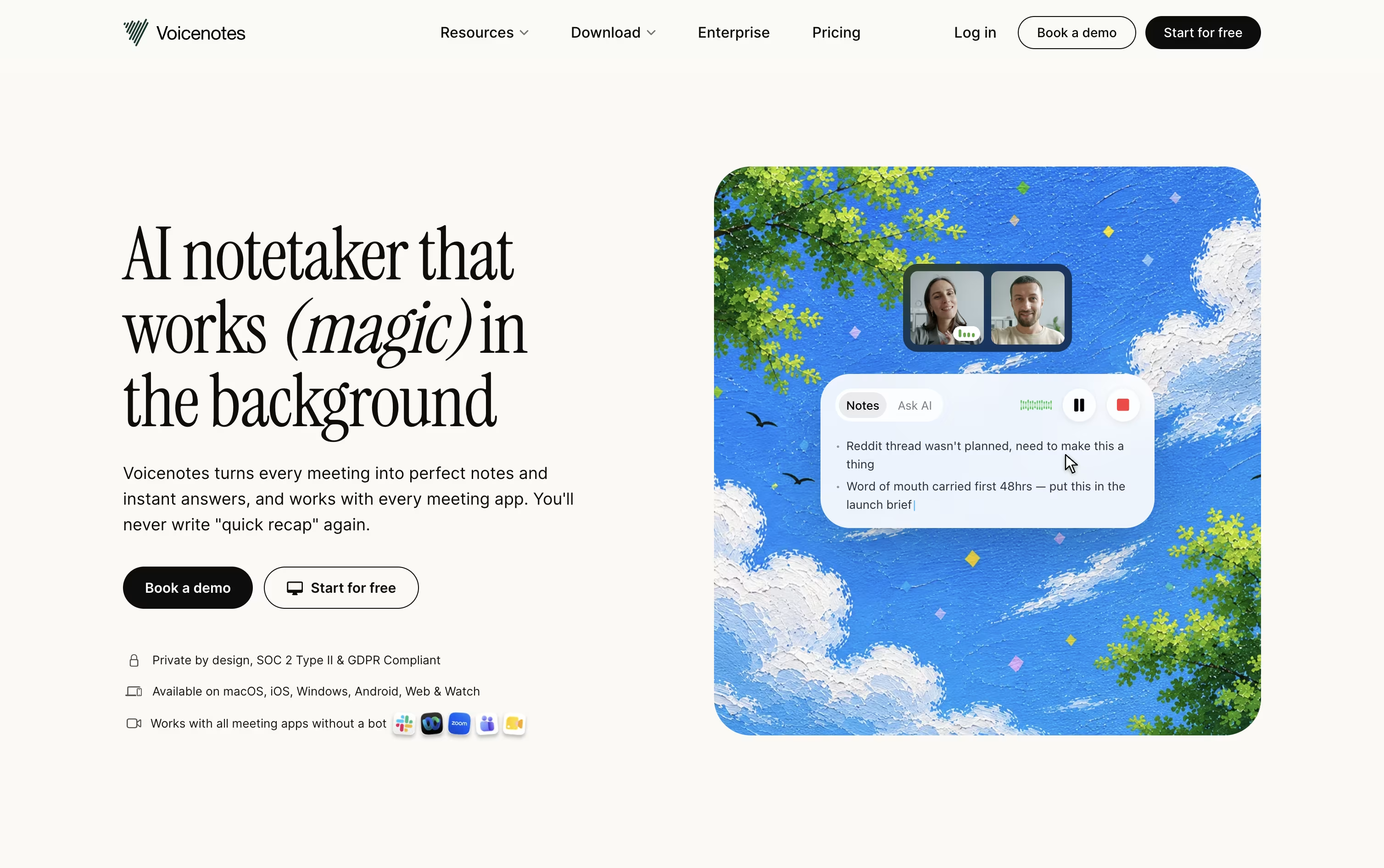
It supports 100+ languages, works well with accents, and picks up on speaker changes during meetings. Notes sync across web, iOS, Android, Mac, Windows, and Chrome, so nothing gets stuck on one device.
The Ask AI tool lets you search and ask questions across everything you have ever recorded, acting like a personal second brain. Voicenotes MCP also connects your notes straight into Claude, ChatGPT, and other AI tools.
The Basic plan is free with 100 weekly transcription minutes and 30 day history. Pro costs $9 per user a month for unlimited transcription and history, while Enterprise runs $24 per user a month with SSO, security controls, and a dedicated success manager.
tl;dv is an AI notetaker that records, transcribes, and summarizes meetings on Zoom, Google Meet, and Microsoft Teams, so nobody has to take manual notes again.
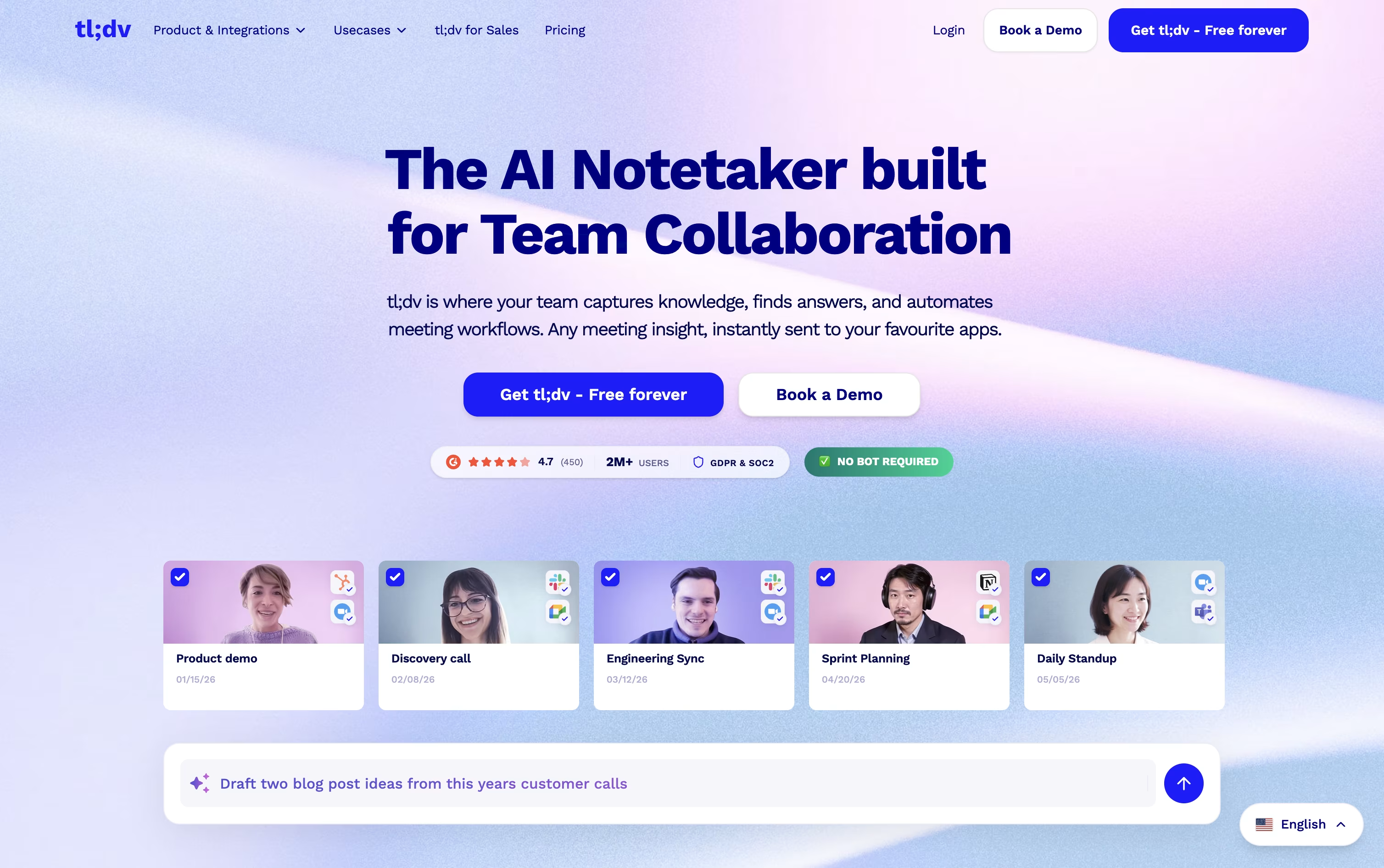
The Free plan costs nothing and includes unlimited recordings and transcription, though AI notes are capped at 10 meetings and Ask AI is limited to 5 queries.
Pro costs $29 a month, or $18 a month billed annually, and unlocks unlimited AI meeting notes, unlimited single-meeting Ask AI, custom bot appearance, downloads, and access to 5,000 plus integrations.
Business costs $39 a month, or $29 a month billed annually, and is the most popular plan. It adds premium transcription, multi-language meetings, unlimited multi-meeting AI insights, playbook coaching, and objection handling, all with no usage-based AI fees.
Enterprise uses custom pricing and is built for larger organizations, adding SCIM provisioning, custom SSO, privately hosted AI, organization-wide activity logs, and a dedicated success manager.
With SOC 2 compliance, GDPR alignment, and EU-based hosting, tl;dv suits teams that need reliable, secure meeting intelligence at any size.
Krisp is a voice AI platform built around one core idea, making calls and meetings sound clearer. Once installed, it sits between your microphone and any calling app, stripping out background noise, cross talk, and echoes as you speak.
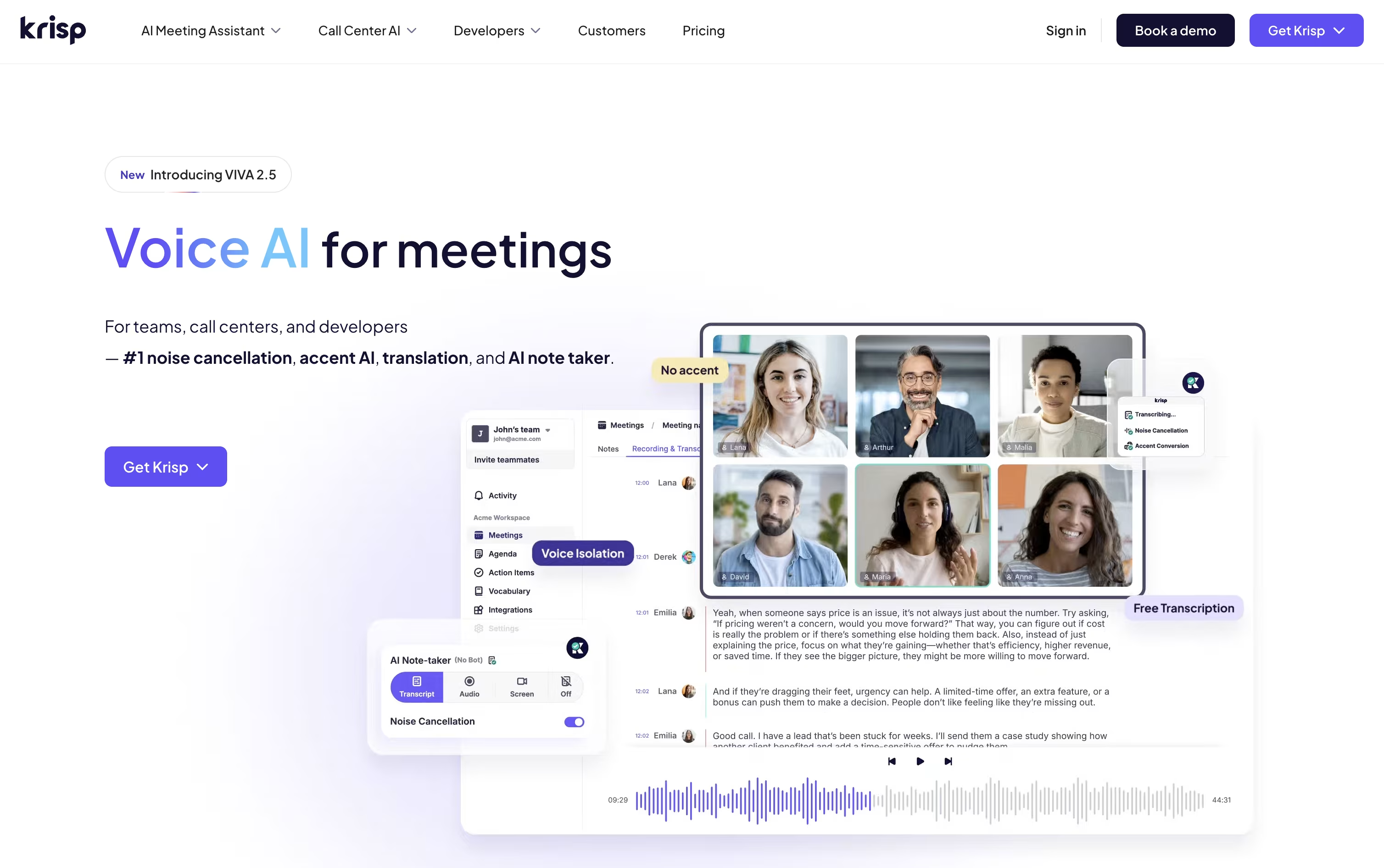
On top of noise cancellation, Krisp offers an AI meeting assistant that can join calls without a bot, then produce transcripts, summaries, and action items automatically.
Pricing starts with a free 7 day trial that needs no credit card. The Core plan costs $16 a month per user, or $8 a month if billed yearly, and covers unlimited note taking plus 10 GB of storage.
The Advanced plan is $30 a month per user, or $15 annually, adding more accent conversion time, manager views, and integrations like Salesforce. Enterprise pricing is custom and adds SSO, HIPAA compliance, and unlimited storage.
Krisp also has a separate Call Center AI product starting around $10 per agent monthly, and developer SDKs for teams building their own voice AI tools.
MeetGeek is an AI meeting assistant that records, transcribes, and summarizes conversations so you can focus on talking instead of typing notes.
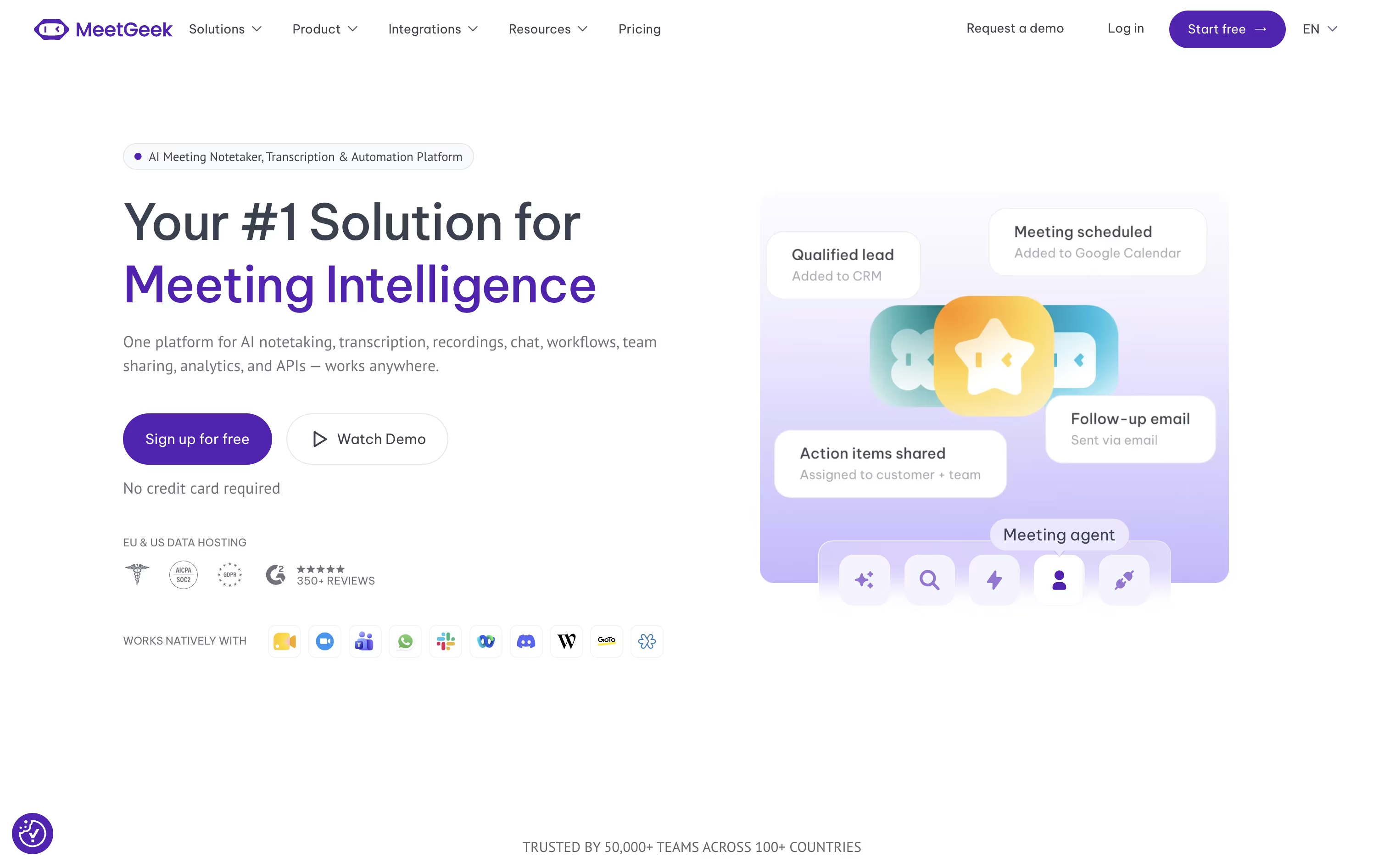
It joins your calls on Zoom, Google Meet, and Microsoft Teams automatically, or you can capture meetings without a bot using the Chrome extension, desktop app, or mobile app.
Every meeting gets an AI generated summary with key points, decisions, and action items, and you can search across all your past meetings or ask the built in AI Chat questions about what was said.
The Basic plan is free forever and includes 3 hours of transcription a month, which is enough for occasional use.
The Pro plan starts at $15.99 per user a month, and the Business plan starts at $27 per user a month with a 14 day free trial, adding unlimited transcription, HD recording, and team analytics.
Larger organizations can reach out for Enterprise pricing, which adds single sign on, on premise storage, and dedicated support.

Tactiq is a meeting note taker that skips the awkward bot joining your call. It reads the live captions from Google Meet, Zoom, or Microsoft Teams through a Chrome extension, so nothing is recorded or stored as audio.
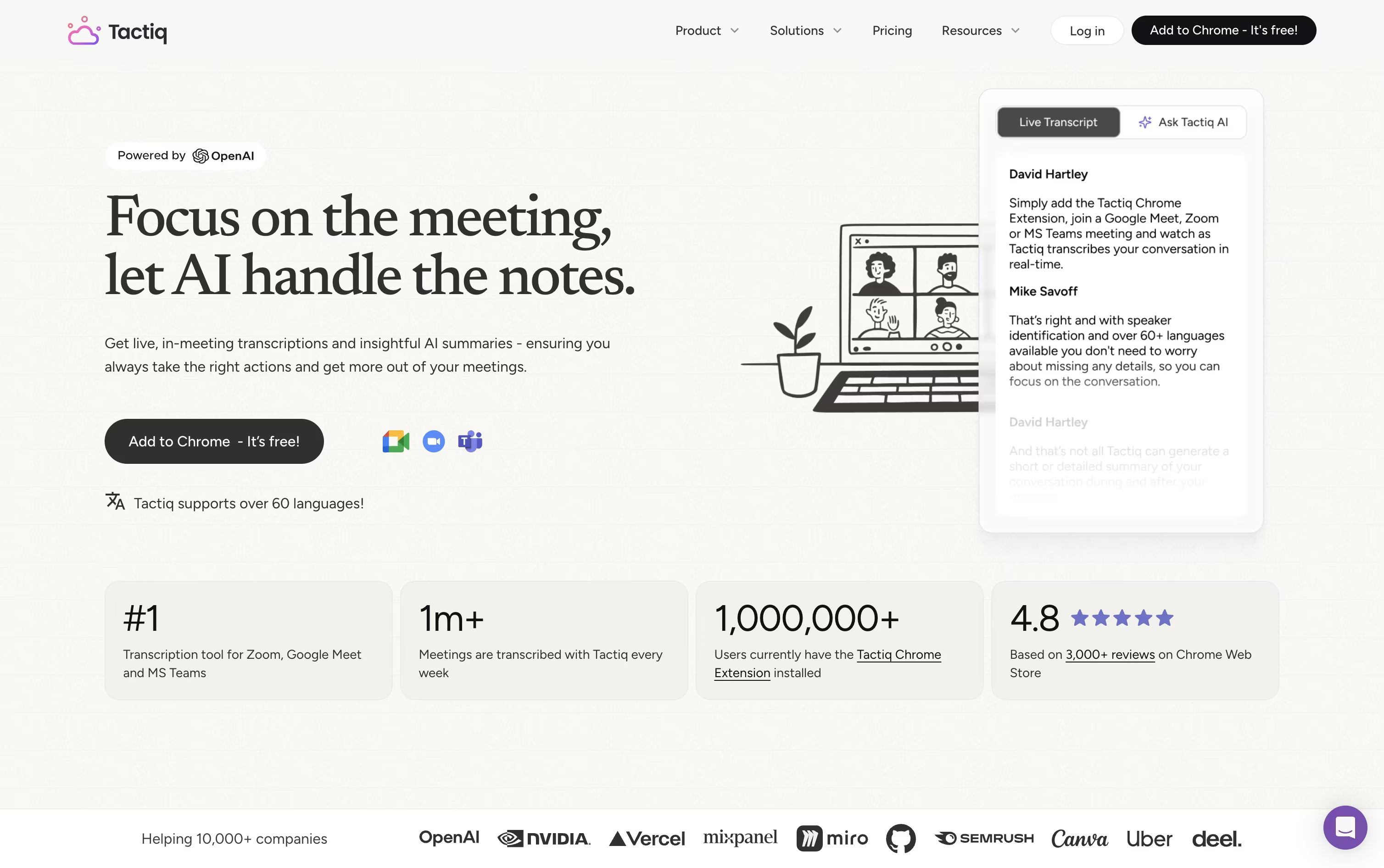
While you talk, a live transcript sits in a side panel where you can highlight moments, tag action items, and ask the built in AI questions about the conversation.
After the meeting, one click gets you a summary, an action item list with owners, or a draft follow up email. Transcripts are searchable and can be pushed to Slack, Notion, and other tools through workflows.
Pricing starts with a free plan covering 10 transcripts and 5 AI credits a month. Pro costs $12 a user monthly and removes the transcript cap, Team runs $20 with unlimited AI credits, and Business at $40 adds SSO and advanced retention. Enterprise pricing is custom for larger teams.
SOC 2, ISO 27001, GDPR, and HIPAA compliance make it a reasonable fit for security conscious teams too.
Notta is an AI notetaker that records meetings, calls, and interviews, then turns the audio into clear, searchable text. It connects with Zoom, Google Meet, Microsoft Teams, and Webex, and can join calls automatically or capture audio quietly without a visible bot.
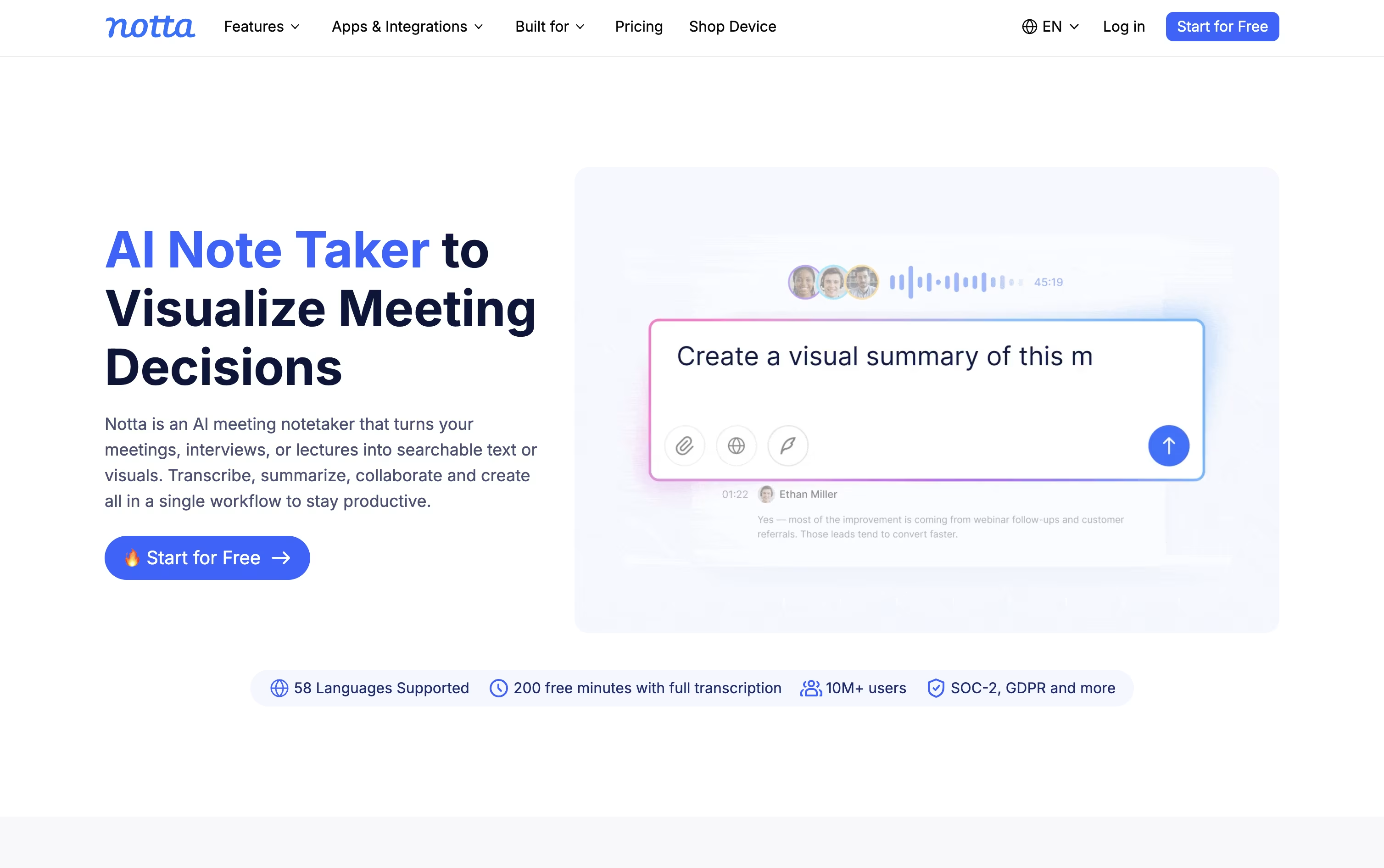
Once a recording is done, Notta writes a summary, pulls out action items, and labels who said what, so you do not have to scroll through a long transcript to find the key points.
Notta Brain goes a step further by cross-checking several meetings and documents together, answering questions and building slides, reports, and follow-up emails from what was discussed.
The Free plan gives 120 transcription minutes a month at no cost. The Pro plan costs $13.49 a month and raises that to 1,800 minutes, while adding translation and custom vocabulary.
The Business plan costs $27.99 a month per seat and unlocks unlimited transcription, video recording, and CRM integrations, while Enterprise offers custom pricing with added security and support for larger teams.
A pocket recorder called Notta Memo and apps for mobile, desktop, and Chrome round out the ways you can capture conversations wherever you are.

Sembly joins your online meetings, records them, and writes accurate transcripts with speaker names attached. From there it builds summaries, meeting minutes, and a list of tasks with owners and due dates, so teams do not need to take manual notes.
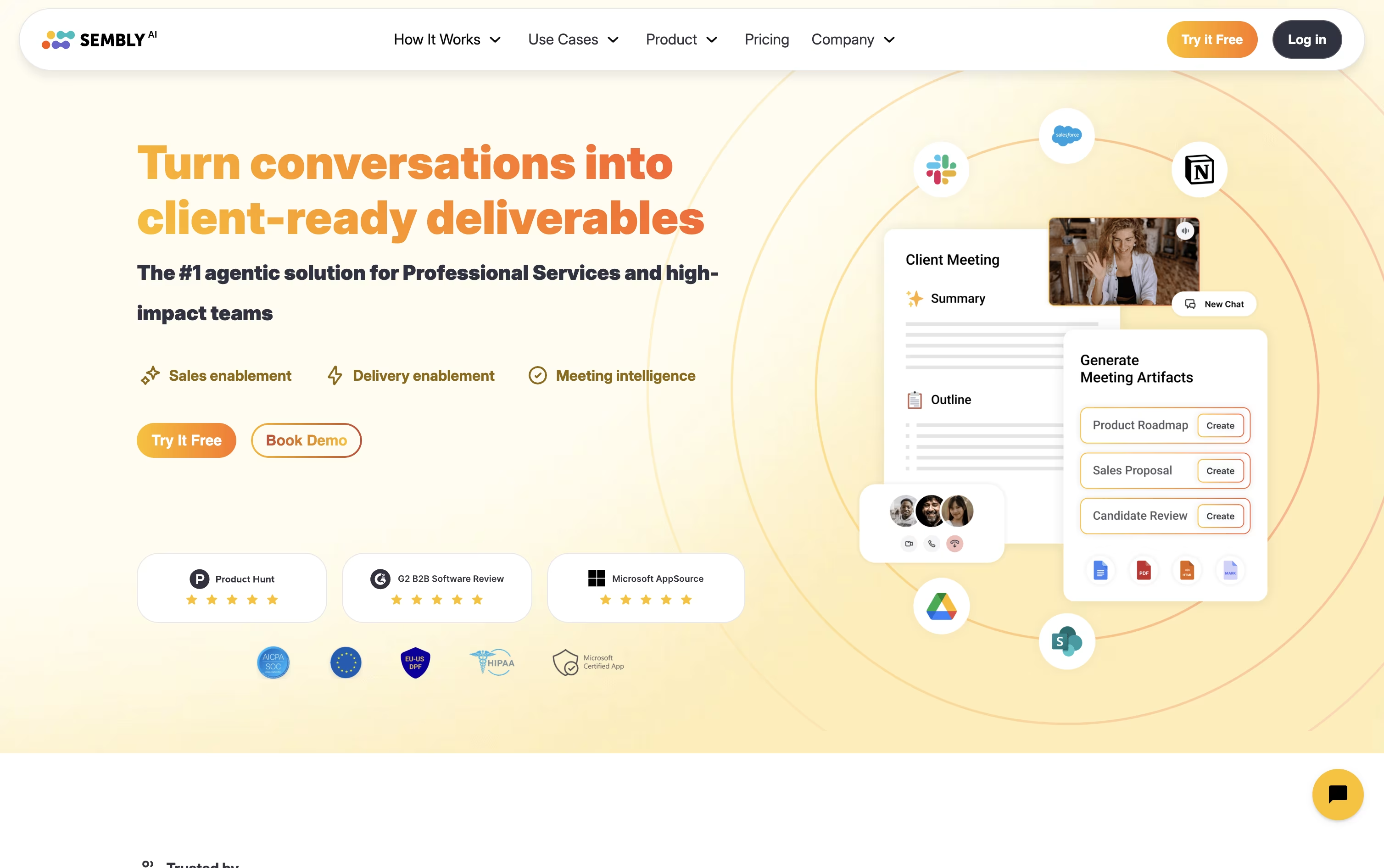
Its AI assistant, Semblian, lets you chat with one meeting or your whole meeting history and ask for things like follow up emails, status reports, proposals, or risk logs, written using your actual meeting details.
Pricing starts at $17 a month for Basic, covering one user with unlimited meetings and a year of history. Pro costs $29 per user a month and adds video recording, multi meeting AI chat, and AI generated documents. MAX is $39 per user a month with unlimited history, audit logs, and HIPAA compliance. Annual billing lowers all three prices, and larger teams can contact sales for a custom Enterprise plan.

Bluedot is a meeting notetaker built around one idea: no bot should ever join your call. Instead, it records audio and video straight from your own device, whether that is a Chrome browser, a desktop app, or a phone.
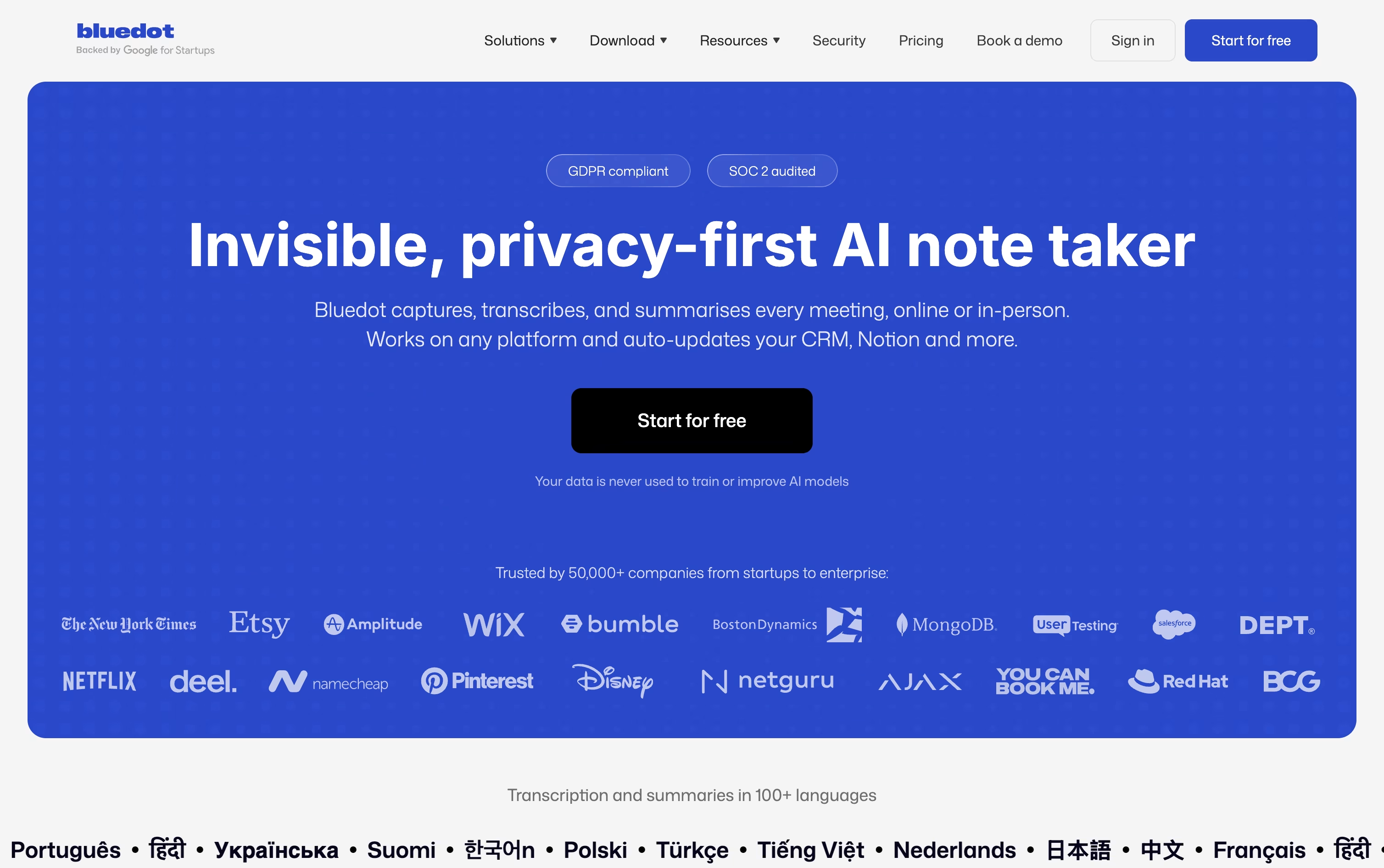
Every meeting gets turned into a transcript, summary, and set of action items automatically, and you can chat with any past meeting or your whole workspace using AI to find what was said and when.
Pricing starts with a Free plan that gives you 5 meetings for life. Basic costs $18 per user a month for unlimited audio-only meetings, while Pro at $25 unlocks unlimited video meetings and recording length.
Business costs $39 per user a month and adds CRM integrations, admin controls, and security features like SSO. Paying yearly lowers each of these prices, and larger teams can request a flat company-wide rate instead.
With support for over 100 languages and strong privacy practices, Bluedot fits sales teams, recruiters, and anyone who wants accurate notes without an extra guest in the room.

Read AI is a meeting and work assistant that joins your calls on Zoom, Google Meet, and Microsoft Teams, then turns them into a searchable record you can return to later.
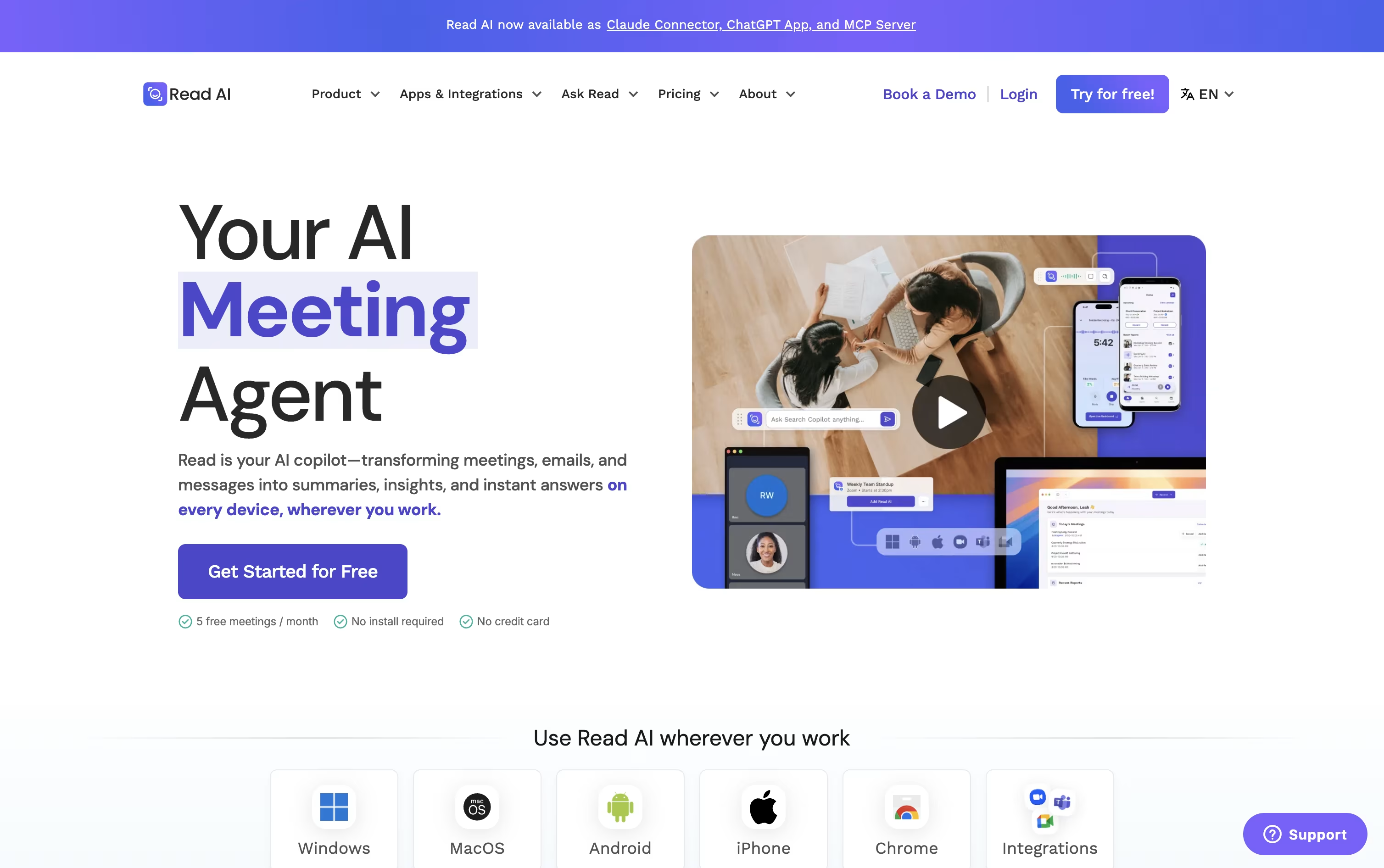
After a meeting you get a summary, a full transcript, action items, and key questions, plus audio and video playback and highlight clips on higher plans.
A built in speaker coach tracks talk time, pacing, and filler words, and the Ask Read search tool finds answers across meetings, email, and chat with sources attached.
Read AI also has Ada, a digital twin you can email to schedule meetings and draft replies on your behalf.
Pricing starts with a free plan covering 5 meeting reports a month. Pro costs $19.75 per user a month, or $15 when billed annually, and unlocks unlimited transcripts plus premium integrations.
Enterprise costs $29.75 per user a month and adds playback and video highlights, while Enterprise+ at $39.75 per user a month adds HIPAA compliance and SSO for larger teams needing 5 or more seats.

Supernormal quietly captures your meetings from your computer's audio, without a visible bot joining the call. Once the meeting ends, you get a speaker-labeled transcript, a short summary, and a clear list of action items.
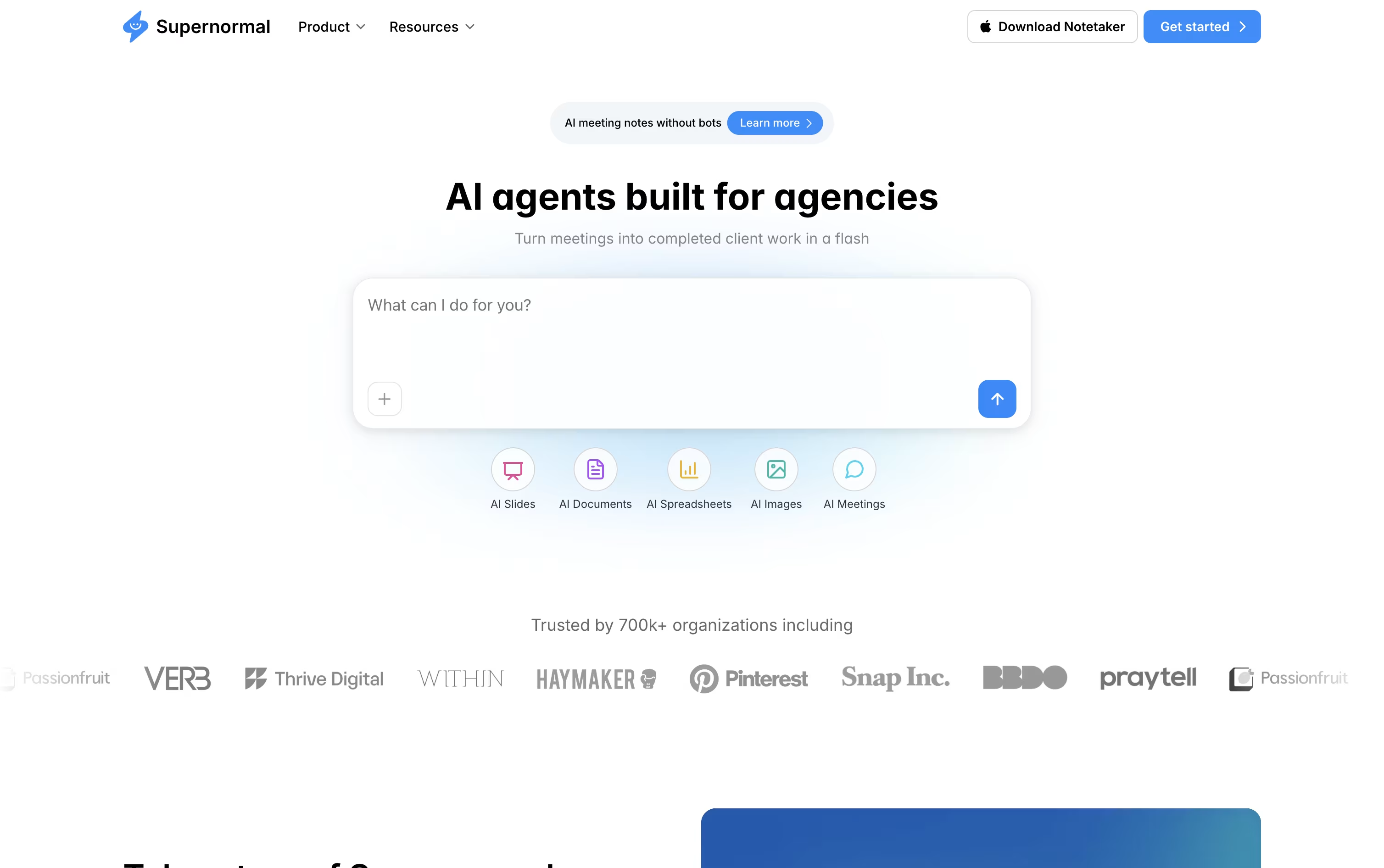
The bigger idea behind the product is that AI agents finish the work that usually comes after a call. A discovery call can turn into a proposal, a brainstorm can turn into a pitch deck, and a status update can turn into a follow-up email.
Related meetings can be grouped into Projects, so the AI answers from a client's full history rather than a single call. Supernormal also connects to Claude, Cursor, and ChatGPT through MCP, letting other AI tools read your meeting context directly.
The Free plan gives 15 monthly credits and 5 daily credits with unlimited projects. Team costs $20 a month, or $18 a month billed annually, and removes daily limits while adding unlimited seats. Business costs $40 a month, or $36 a month billed annually, and adds SSO, audit logs, and admin controls for larger teams.

HappyScribe turns audio and video into text using AI. You can upload a file or connect Zoom, Google Meet, or Microsoft Teams, and it creates a transcript with speaker labels, timestamps, and support for 150+ languages.
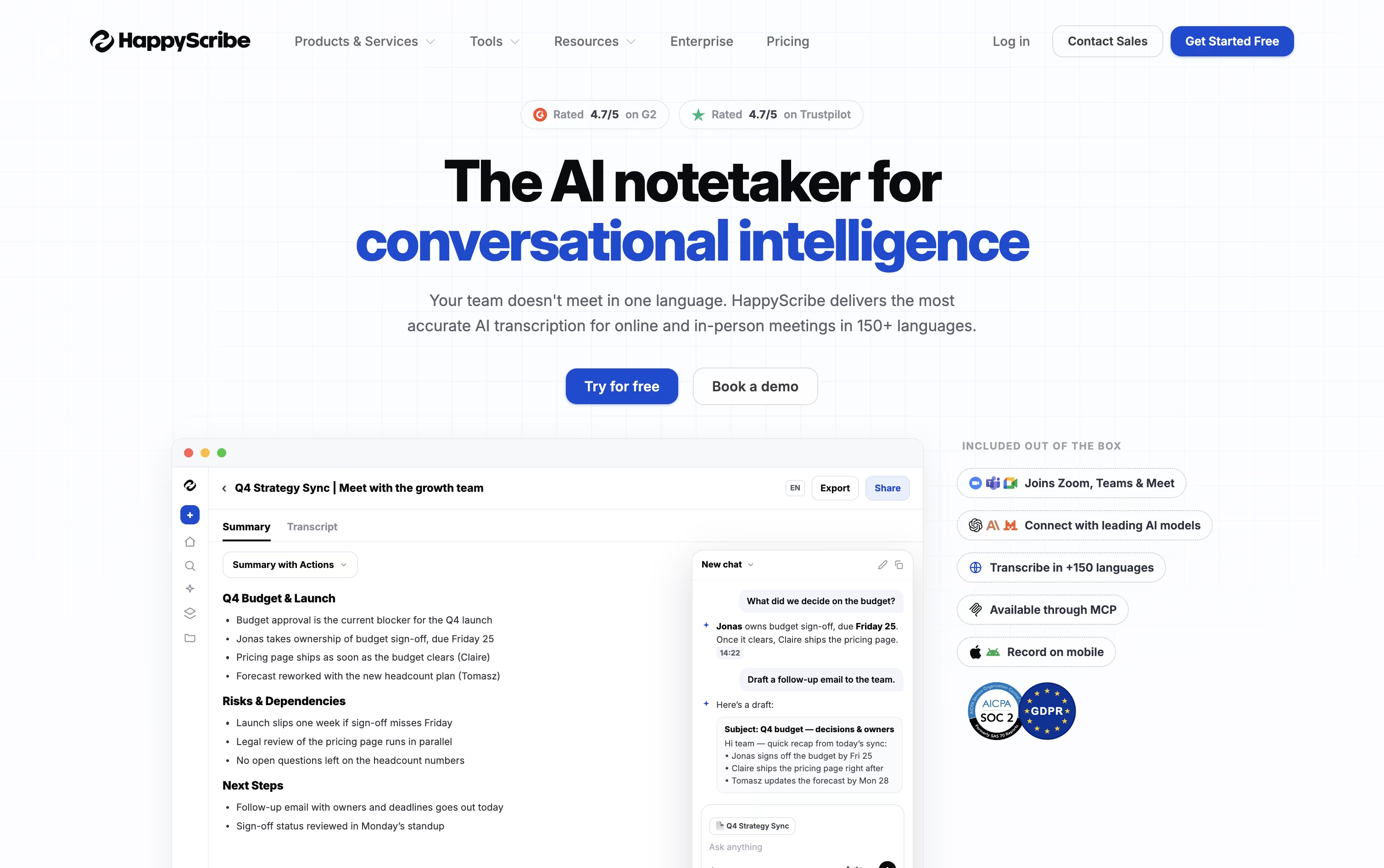
Beyond simple transcripts, it also works as an AI Notetaker. It can auto-join your meetings, write summaries and action items, and send notes to everyone who attended, so nothing gets missed.
Once a file is ready, you can edit it in the browser, translate it into other languages, add subtitles, and export in many formats like DOCX, SRT, PDF, and more. An AI Chat tool lets you ask questions about a file or your whole library of recordings.
The Free plan lets you try things out with a 10 minute AI trial and 45 minute recordings. Basic costs $17 a month for individuals, Pro costs $29 a month for small teams with unlimited AI Chat, and Business costs $89 a month for larger teams with unlimited style guides and glossaries.
All paid plans can be billed yearly for a lower monthly rate, and larger organizations can contact sales for an Enterprise plan with extra support and SSO. You can also add professional human proofreading starting at $1.90 to $2.00 a minute for near perfect accuracy.




