

AppFlowy vs Notion: Features, Pricing and User Reviews 2026

AppFlowy
Open-Source Workspace for Notes, Tasks & Projects

Notion
All-in-One Workspace for Teams & Projects
AppFlowy
Open-Source Workspace for Notes, Tasks & Projects
Notion
All-in-One Workspace for Teams & Projects
What are AppFlowy and Notion?
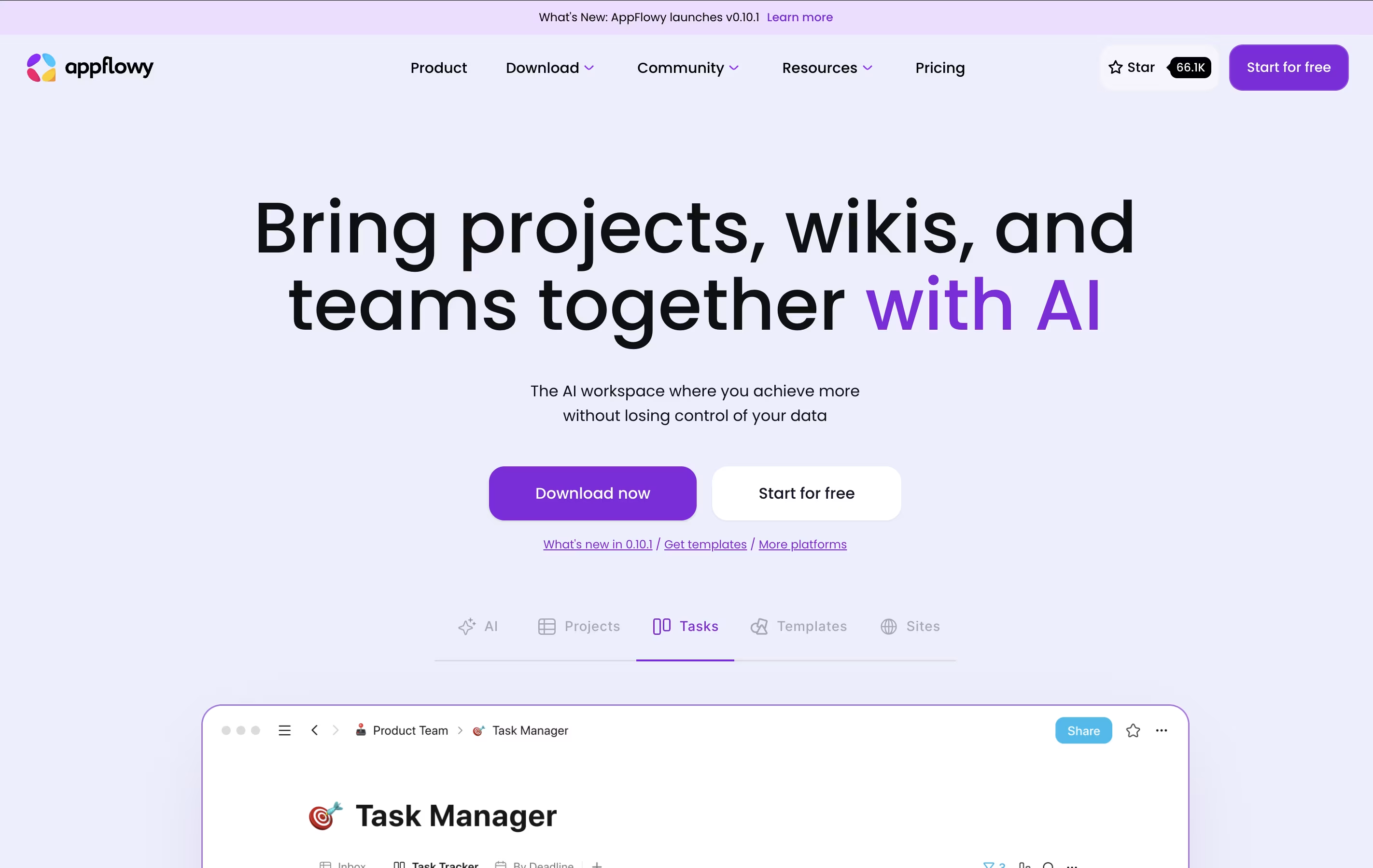
AppFlowy is a workspace application that brings together your notes, tasks, wikis, and projects. Unlike cloud-only tools, you can run AppFlowy entirely on your own computer or host it yourself for complete data control.
The tool uses AI to help you write, organize information, and find what you need quickly. You can create databases, calendars, task boards, and rich documents all in one place. Everything syncs across your devices when you want it to.
AppFlowy is open-source, which means anyone can see how it works and customize it. You get features like tables, boards, calendars, and a rich text editor. It works on Windows, Mac, Linux, and mobile devices, giving you flexibility in how and where you work.
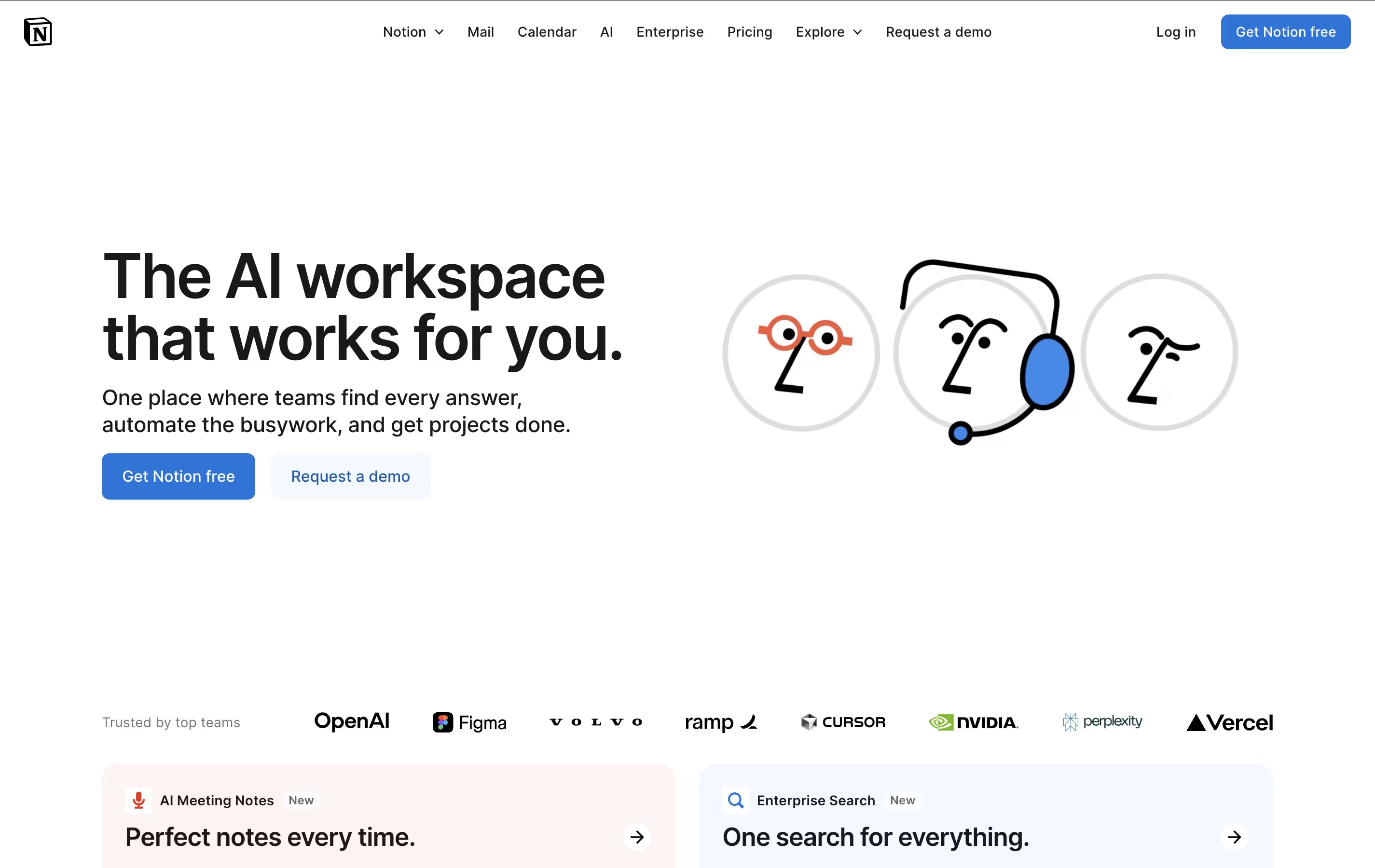
Notion is a versatile all-in-one workspace that functions like a set of digital building blocks. Think of it as a combination of Google Docs, Trello, Airtable, and Evernote all rolled into one seamless platform. Every page in Notion is built using 'blocks' - individual pieces of content like text, images, databases, or embedded files that you can arrange however you want.
What sets Notion apart is its flexibility. You can create simple notes, complex project management systems, company wikis, or personal journals using the same tool. The platform supports real-time collaboration, allowing teams to work together on documents, databases, and projects simultaneously. With templates for common use cases and the ability to create custom workflows, Notion scales from personal use to enterprise-level operations while maintaining simplicity and elegance.
Features of AppFlowy and Notion
Multiple database views (grid, board, calendar, list)
Built-in AI assistant with local or cloud options
Rich text editor with markdown support
Real-time team collaboration
Offline mode with local storage
Self-hosting capabilities
Cross-platform support (desktop and mobile)
End-to-end encryption available
Custom templates and themes
Open-source and community-driven
All-in-one workspace combining notes, docs, wikis, and databases
Block-based editor with drag-and-drop functionality
Real-time collaboration and team sharing
Multiple database views and advanced filtering
Template gallery for quick setup
Notion AI for content generation (Business+)
Cross-platform sync (web, desktop, mobile)
Integration with popular work tools
Unlimited pages and customizable workflows
Use Cases of AppFlowy and Notion
Pricing of AppFlowy and Notion
AppFlowy offers flexible pricing to fit different needs. The free plan includes one workspace for up to two members, unlimited pages and blocks, 5 GB storage, and 10 AI responses monthly. This is perfect for individuals or small groups getting started.
The Pro plan costs $10 per month when billed yearly or $12.50 monthly. This plan includes unlimited storage, up to 50 workspace members, 100 guest editors, unlimited AI responses, 50 AI images per month, and unlimited file uploads. You also get a custom namespace for your workspace.
For those who want complete control, AppFlowy can be self-hosted for free. This means you can install it on your own server and avoid any subscription costs while keeping full ownership of your data and privacy.
Notion offers flexible pricing to suit individual users and growing teams. The Free plan is perfect for personal use, providing unlimited pages and blocks for individuals, plus collaboration with up to 10 guests. However, it limits file uploads to 5MB and includes basic features only.
The Plus plan at $10 per user monthly (annual billing) targets small teams, offering unlimited file uploads, 30-day page history, and collaboration with up to 100 guests.
The Business plan at $20 per user monthly includes everything in Plus plus Notion AI features, advanced page analytics, and priority support - making it ideal for growing companies.
Enterprise plans feature custom pricing and deliver advanced security with SAML SSO, user provisioning, audit logs, and dedicated customer success management. Students and educators receive Plus plan benefits free with school email verification.
FAQs: AppFlowy vs Notion
Reviews: AppFlowy vs Notion
Based on 0 reviews
Based on 0 reviews
Compare AppFlowy With Other Tools
Compare Notion With Other Tools

Obsidian
Free Note-Taking App That Connects Your Ideas

Logseq
Free Open-Source Note-Taking & Knowledge Base

Craft
Beautiful Document Editor with AI for Notes, Tasks & Collaboration

Bear
Beautiful Markdown Note-Taking App for Mac, iPhone & iPad

Joplin
Free Open-Source Note-Taking App with Encryption

AFFiNE
Open-Source Workspace for Docs, Whiteboards & Databases

Capacities
Object-Based Note-Taking App for Your Second Brain

RemNote
Smart Note-Taking with Flashcards and Spaced Repetition

Anytype
Secure Private Workspace for Notes and Projects


